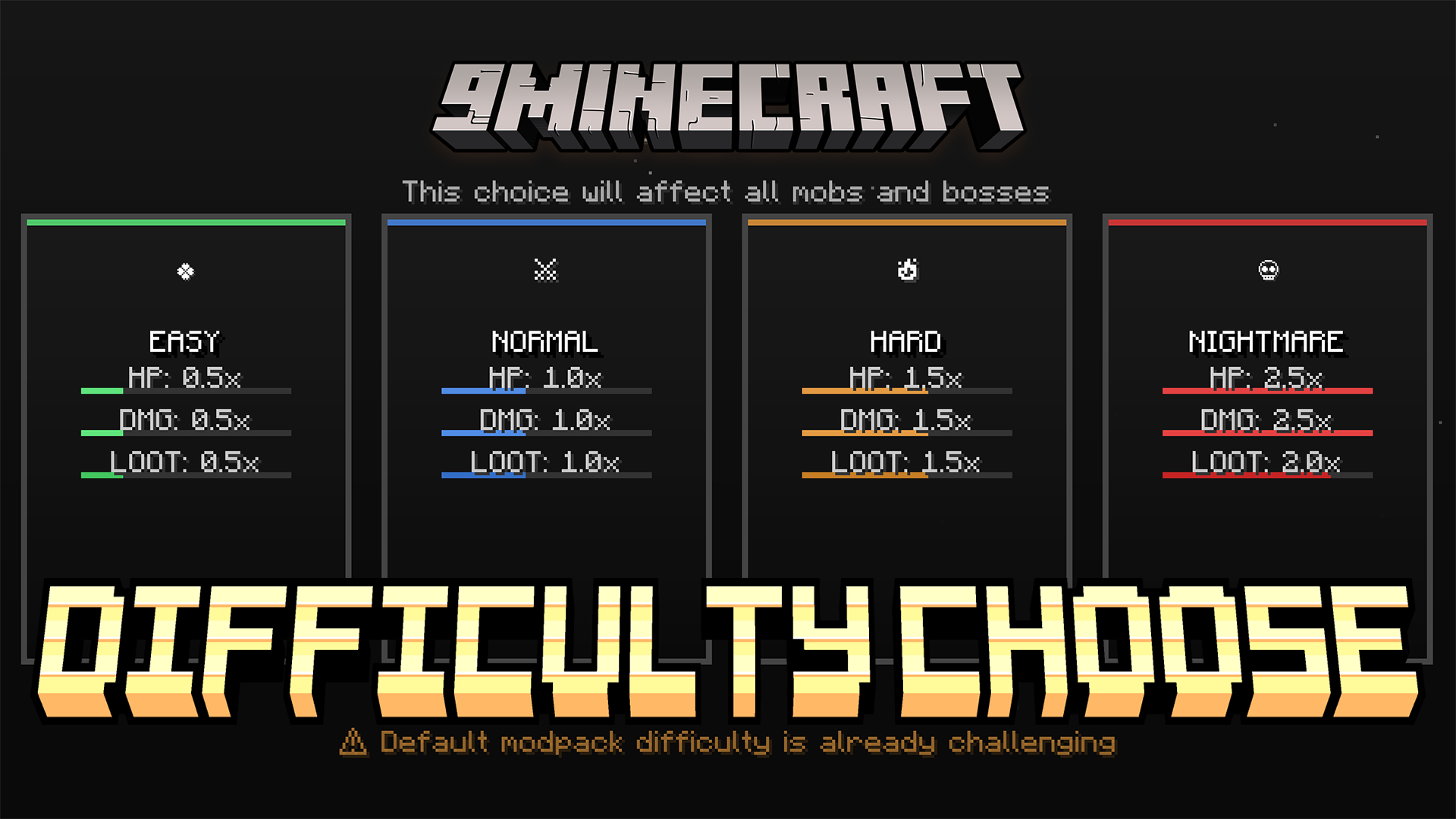
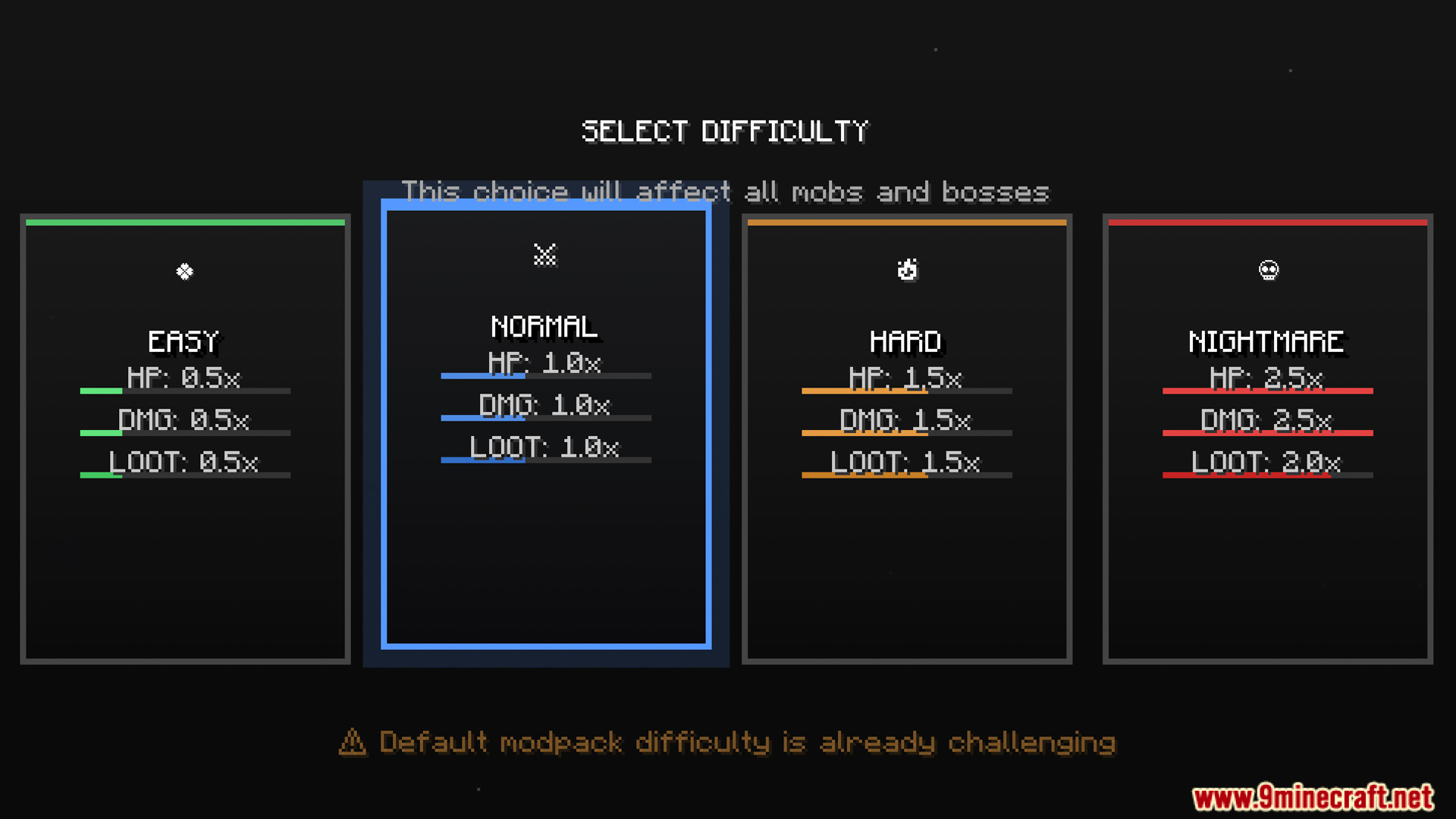
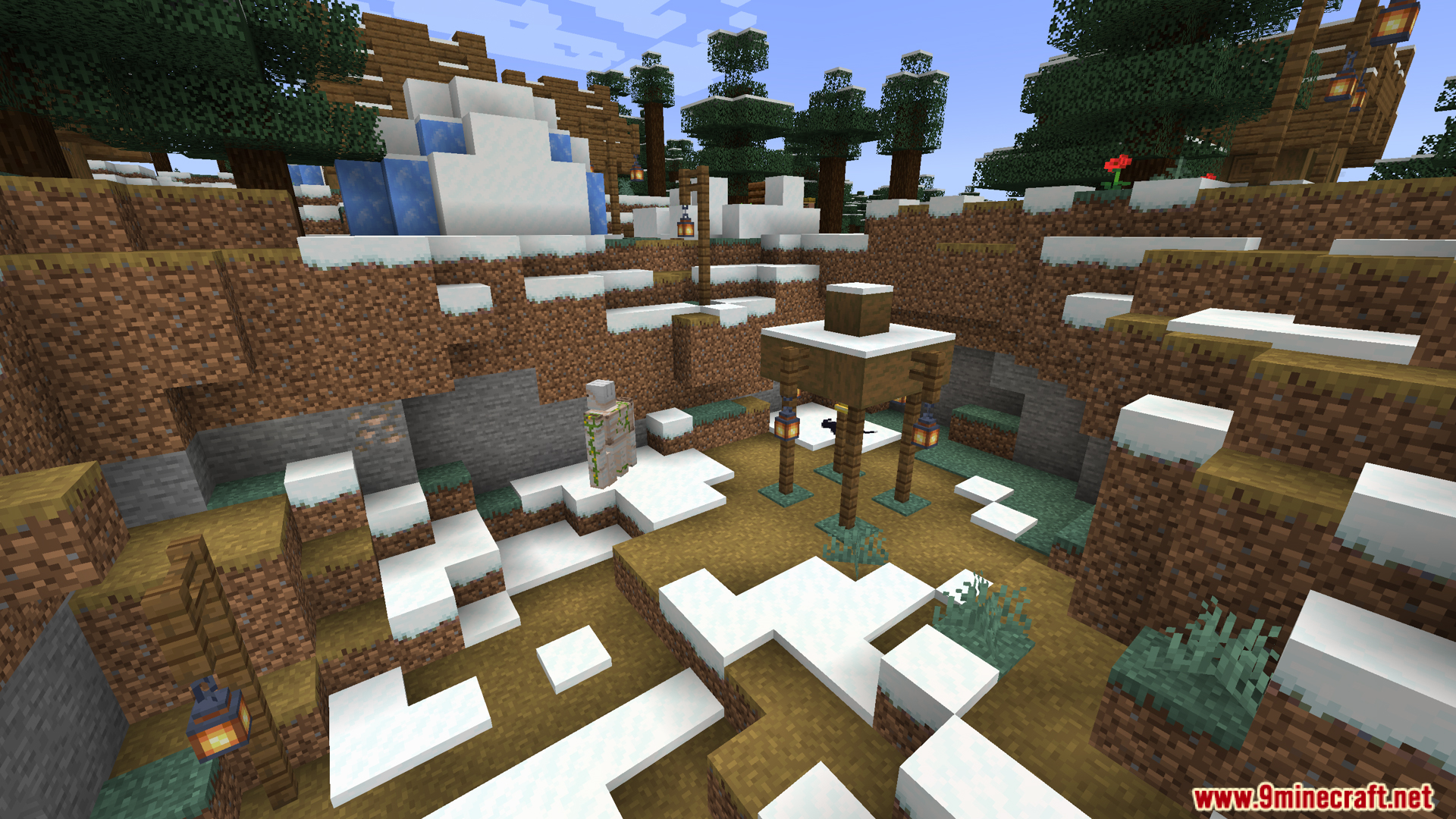
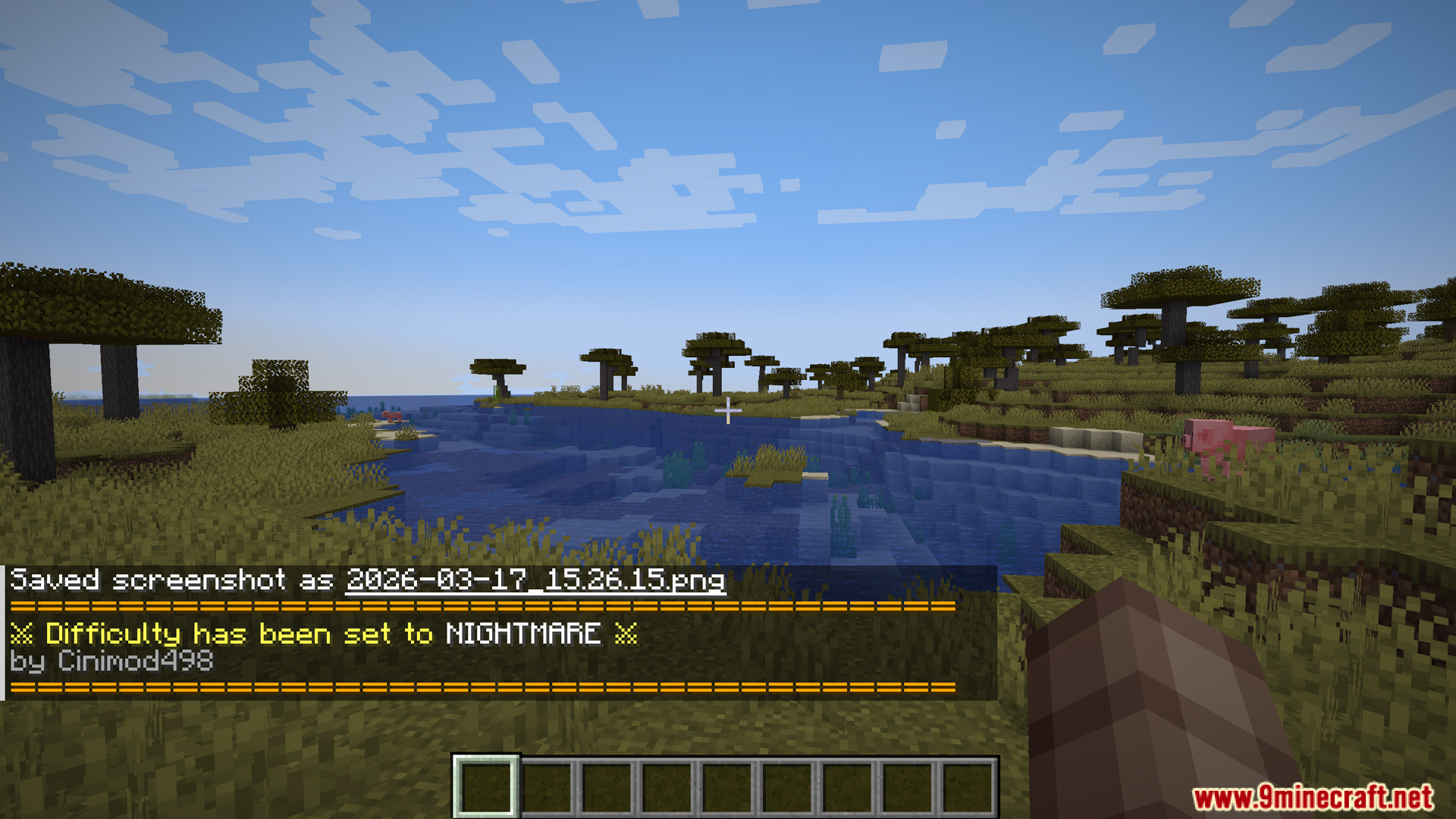
Difficulty Choose Mod is a small mod originally made for the Ascendra Modpack that lets you choose your difficulty when creating a new world. You can pick between four difficulty levels: Easy, Normal, Hard, and Nightmare. Each difficulty changes how the game plays by adjusting mob health, damage, and behavior.
Features:
- Four difficulty options when creating a world: Easy, Normal, Hard, and Nightmare
- Each difficulty has custom features and changes
- Adjusts mob health based on difficulty (more health on harder difficulties)
- Changes mob damage (increased or decreased based on difficulty)
- Modifies mob behavior to be more or less aggressive
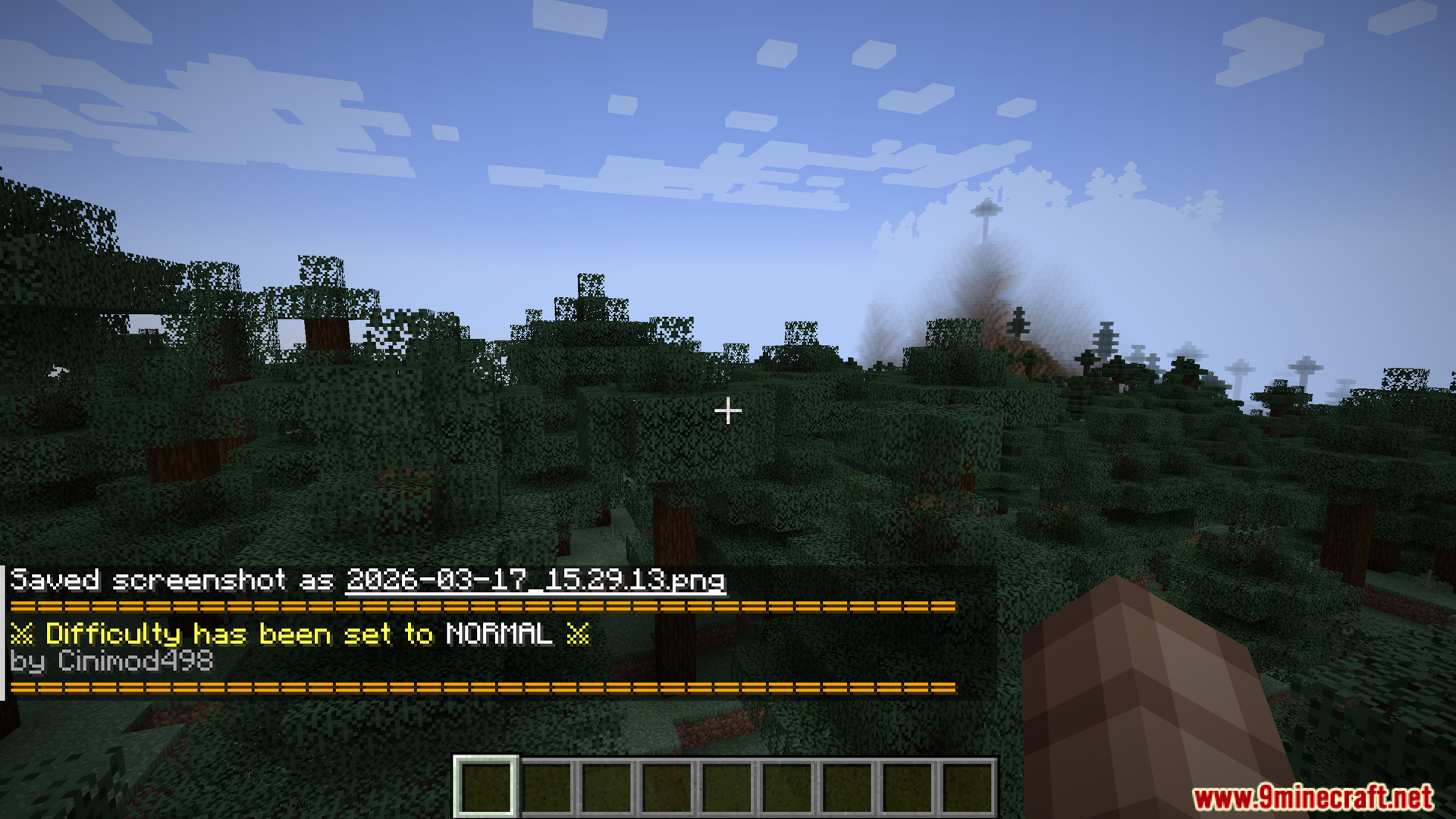
- Change difficulty after world creation using
/difficultyuicommand - No need to restart your world to change difficulty
- Originally made for Ascendra Modpack
- Currently has no config file (specifically made for Ascendra)
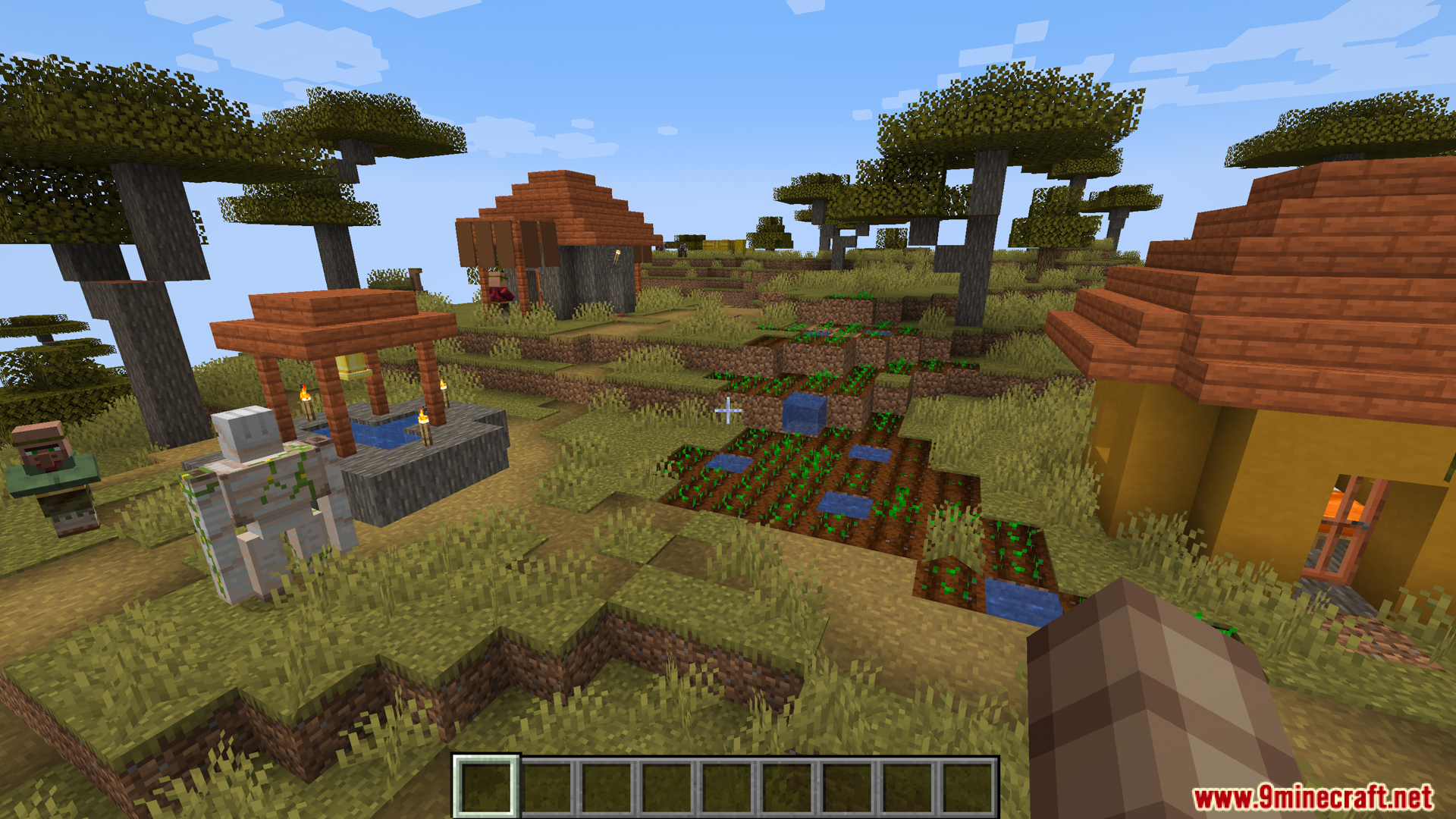
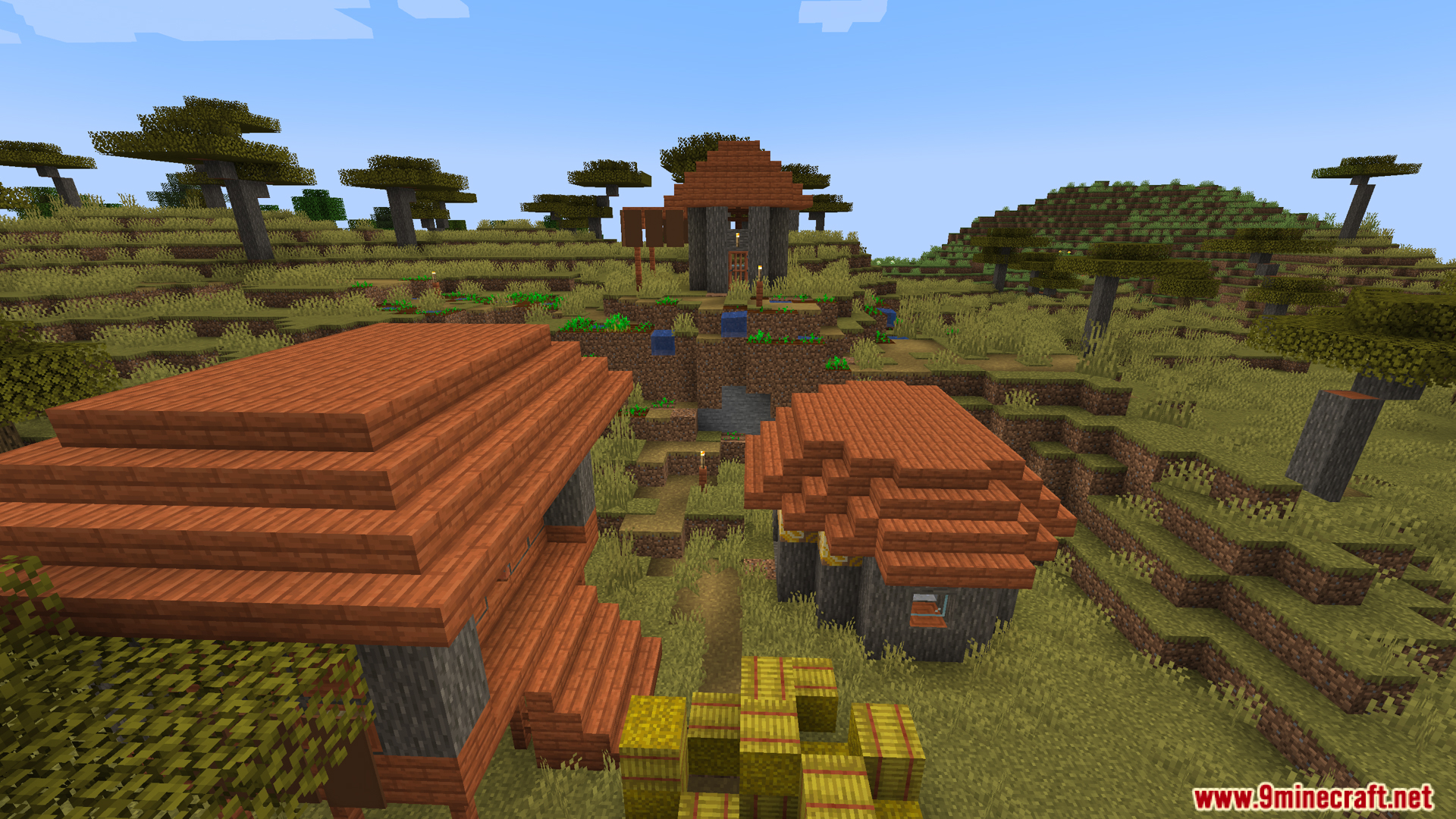
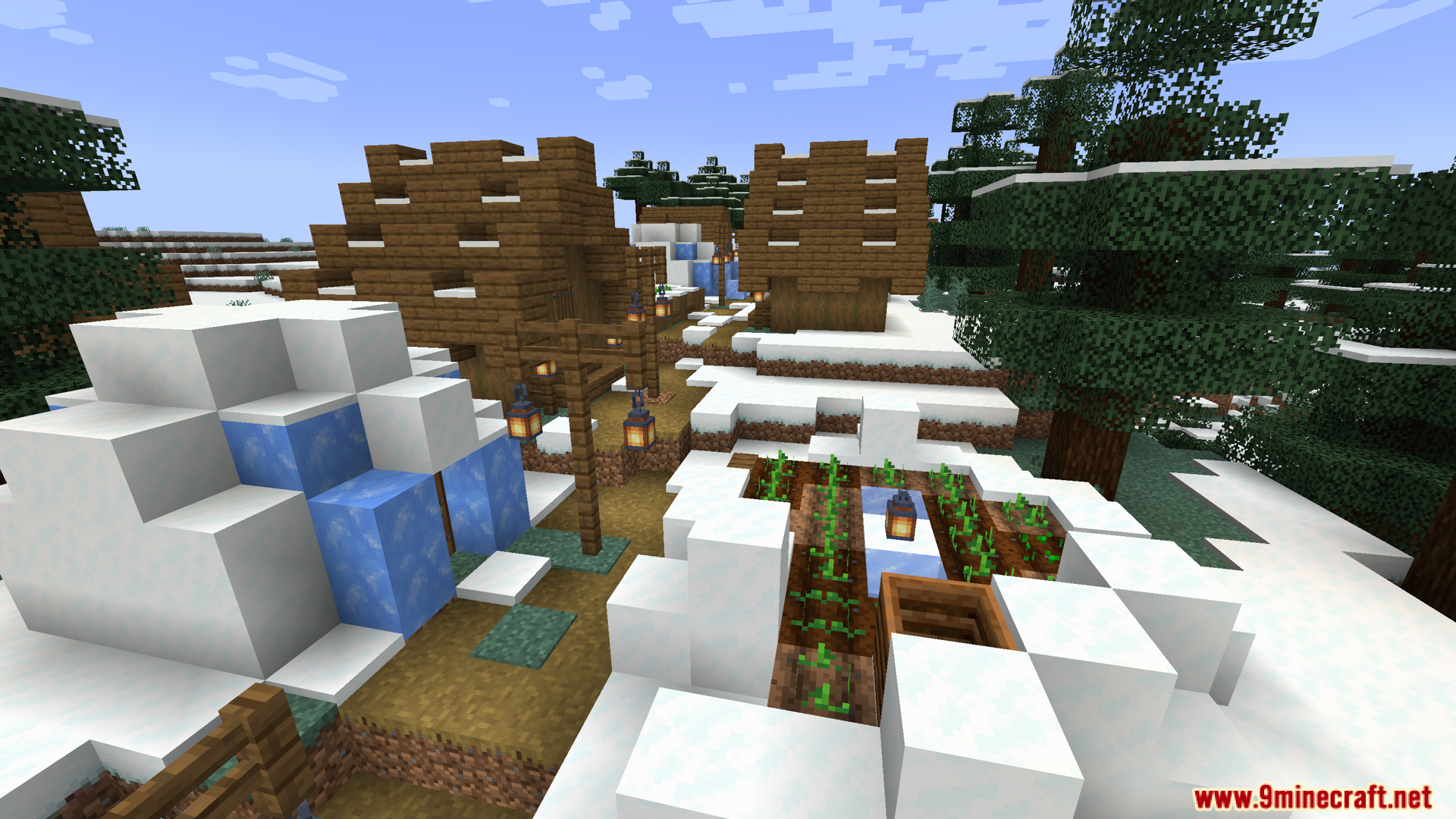
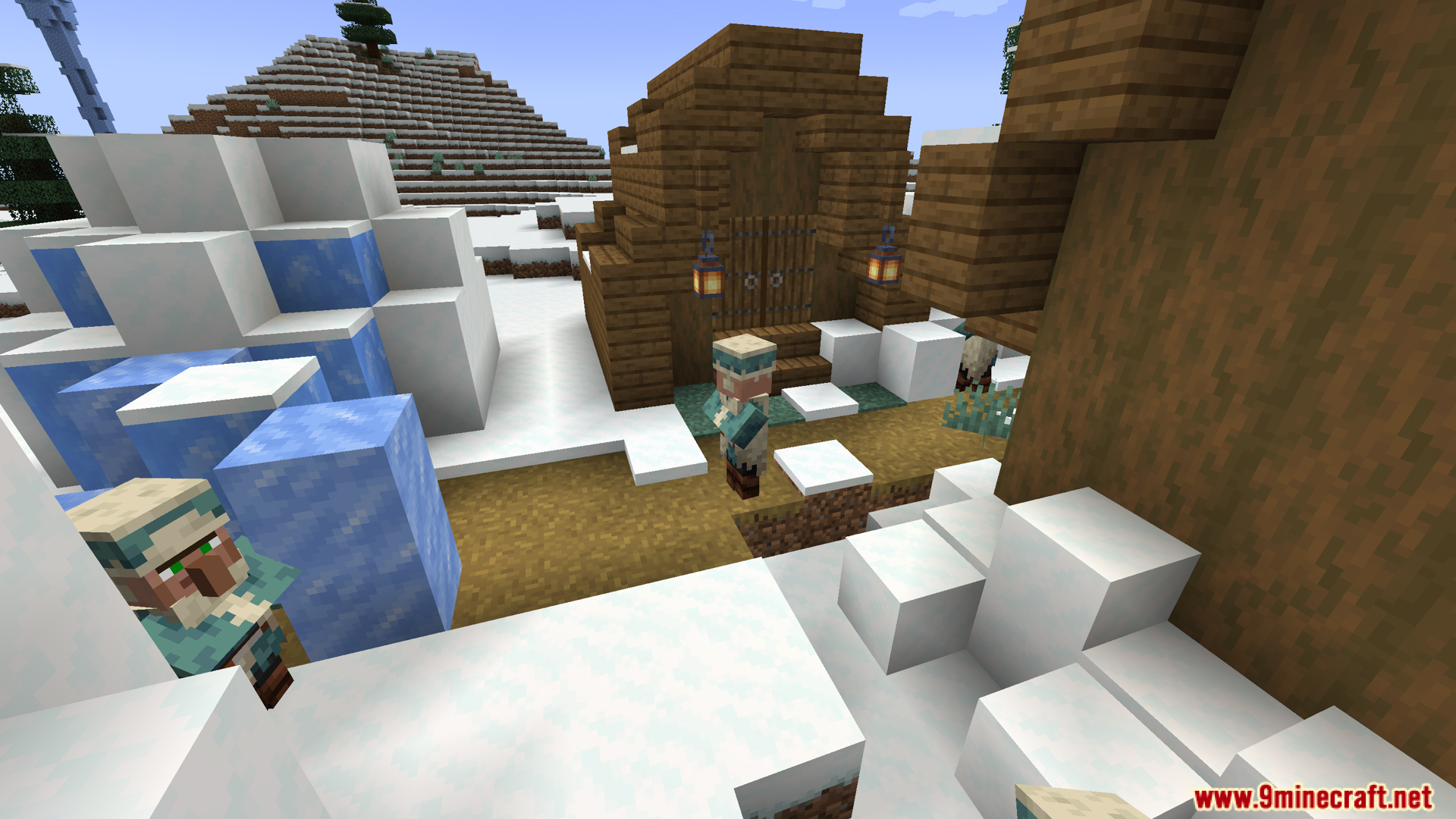
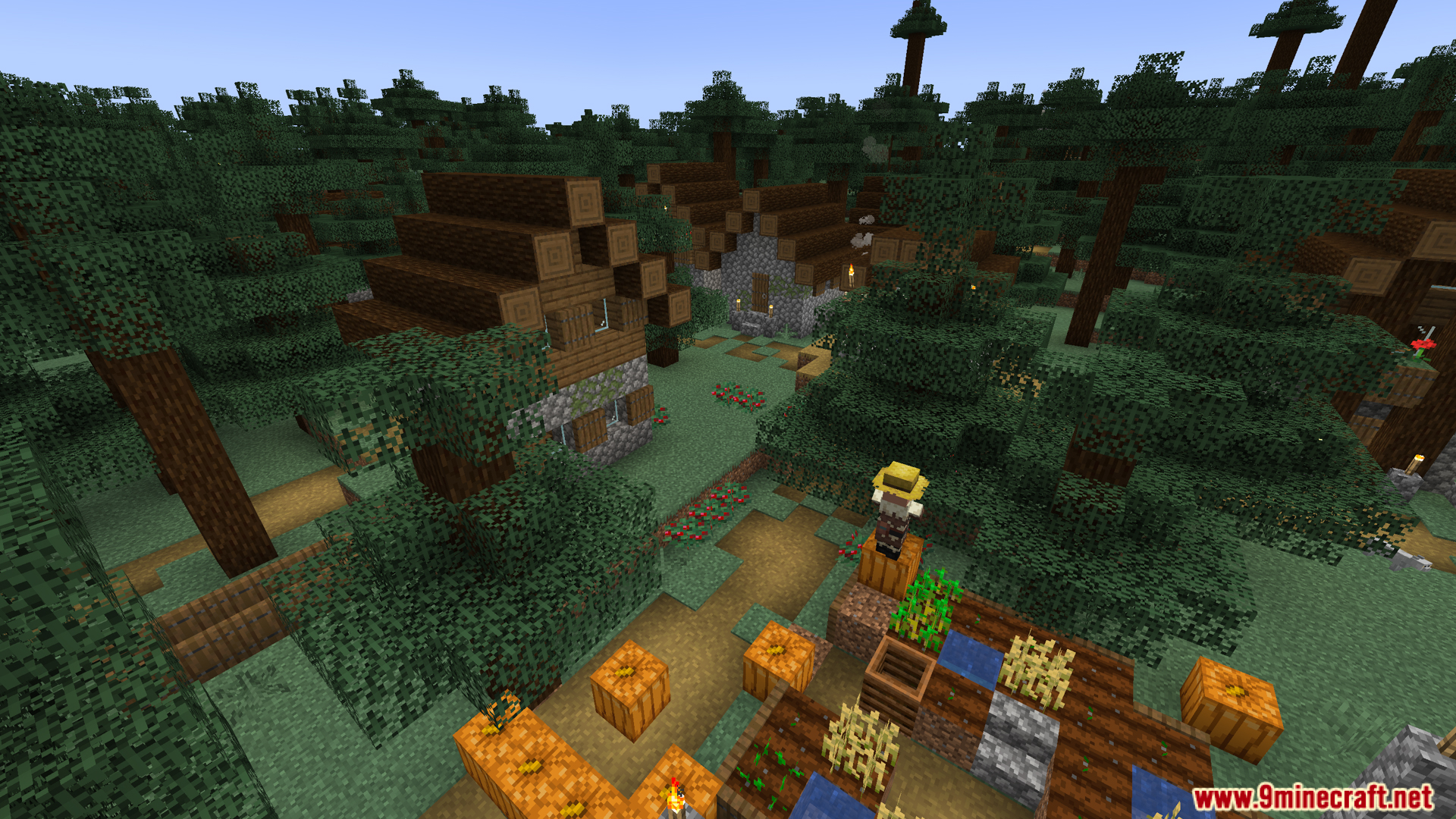
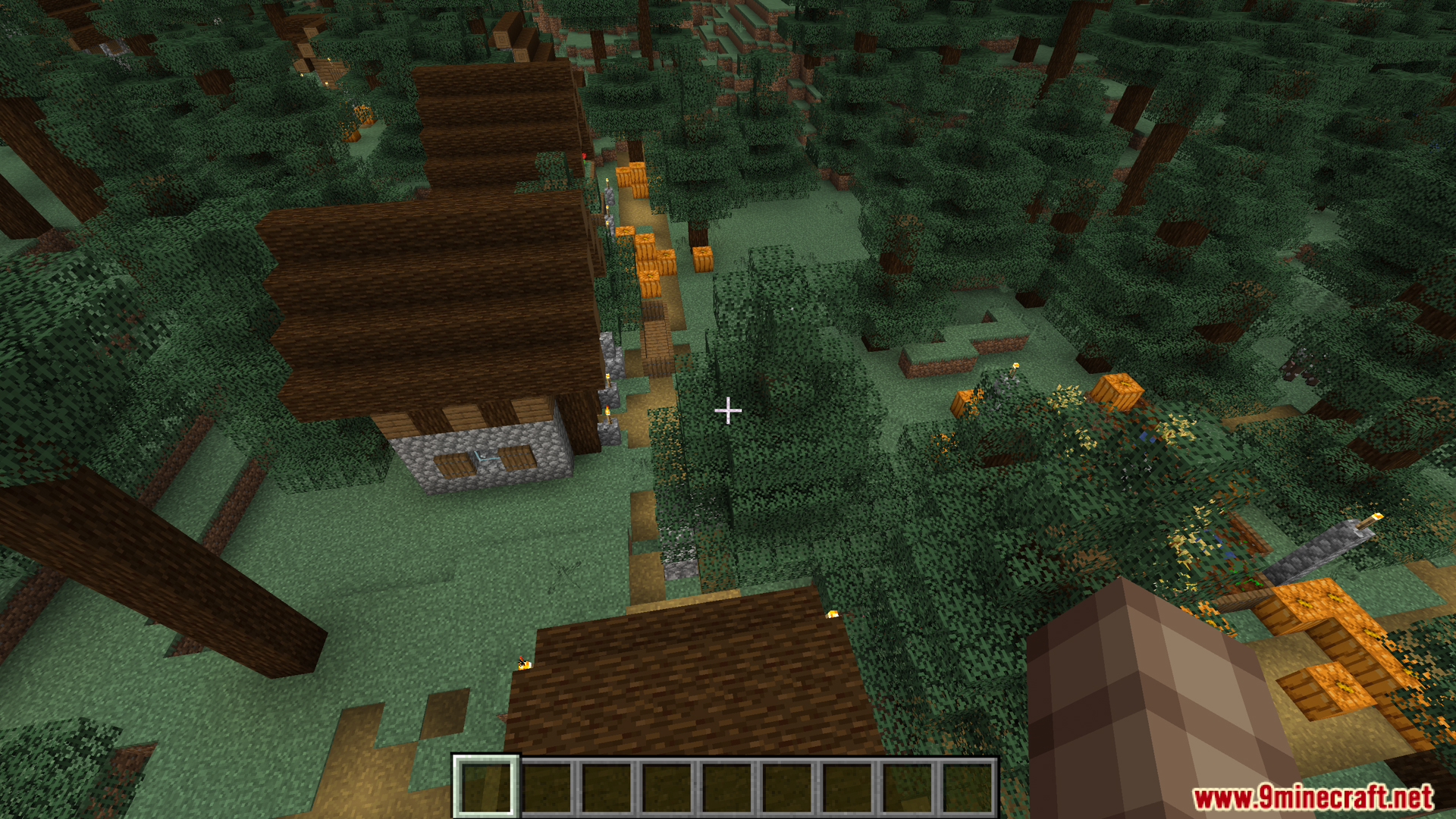
Screenshots:
Difficulty Choose Mod Download Links
For Minecraft 1.20.1, 1.20
Forge version: Download from Server 1 – Download from Server 2
Quick facts
- Edition: Minecraft Java
- File type: .jar
- Minecraft versions listed: 1.20.1, 1.20
- How to install: Install the matching mod loader (Forge, Fabric or NeoForge) for your Minecraft version. → Download the .jar. → Put it in the .minecraft/mods folder and launch that loader profile.
- Where to get it: In MC Java Mods, or directly above on this page.
Install steps are the general flow for this file type — see the MC Java Mods guides for the full walkthrough.
Verified by MCModsHub
- Downloads as 174895.mcaddon
- Download size: 31 KB
- Download link checked 25 Jul 2026 — working
- Mirrored on our own servers — the download does not depend on the original host
These come from our own check of the pack file, not from the source page.