ModsJava
Horror Elements Mod (26.2, 1.20.1) – Horror-Themed Decorations and Atmosphere
Java mod listed for Minecraft 1.20. File opened and checked on 26 Sep 2026; downloads from the MC Java Mods app on Android.
⬇ Download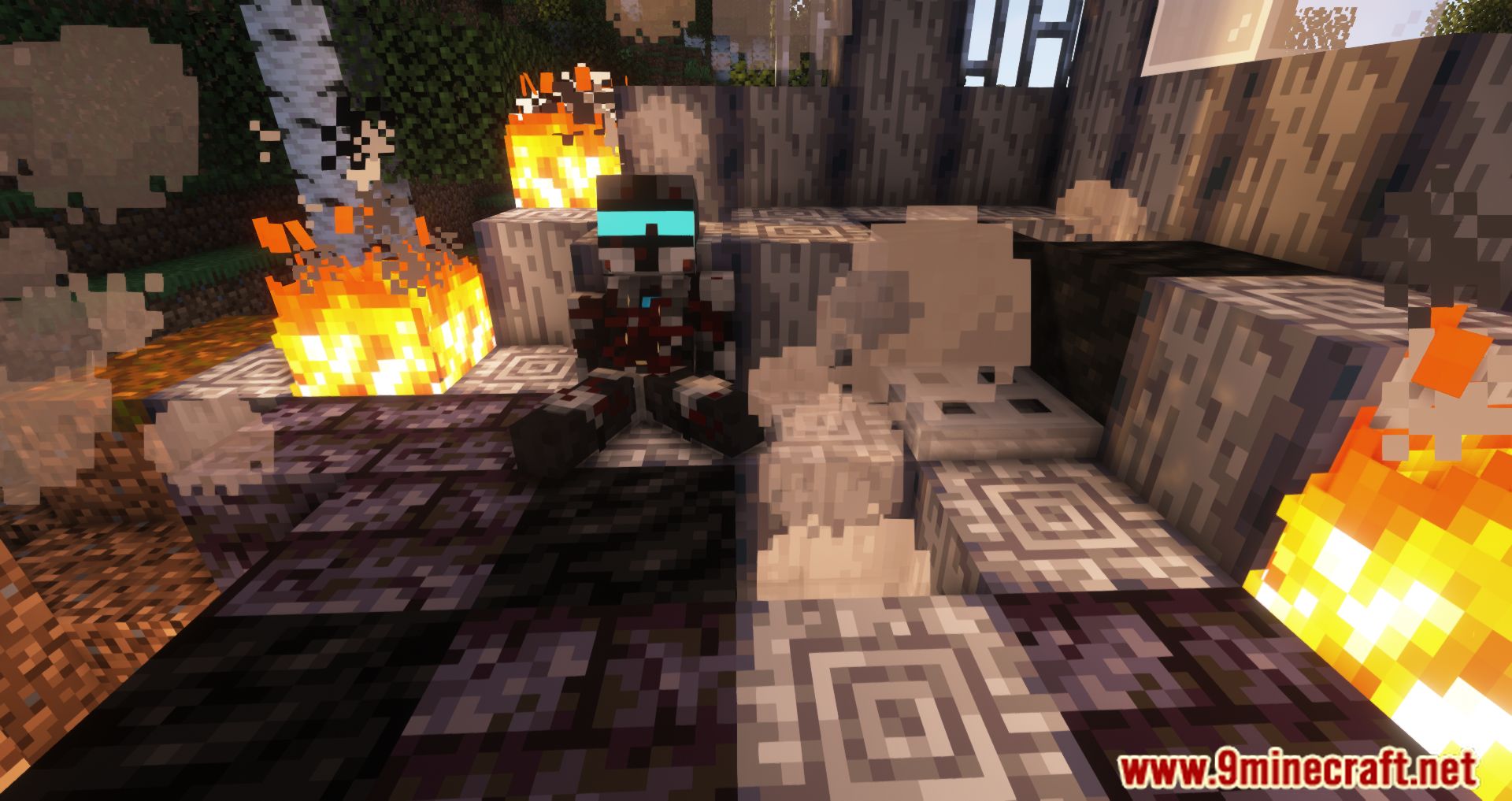
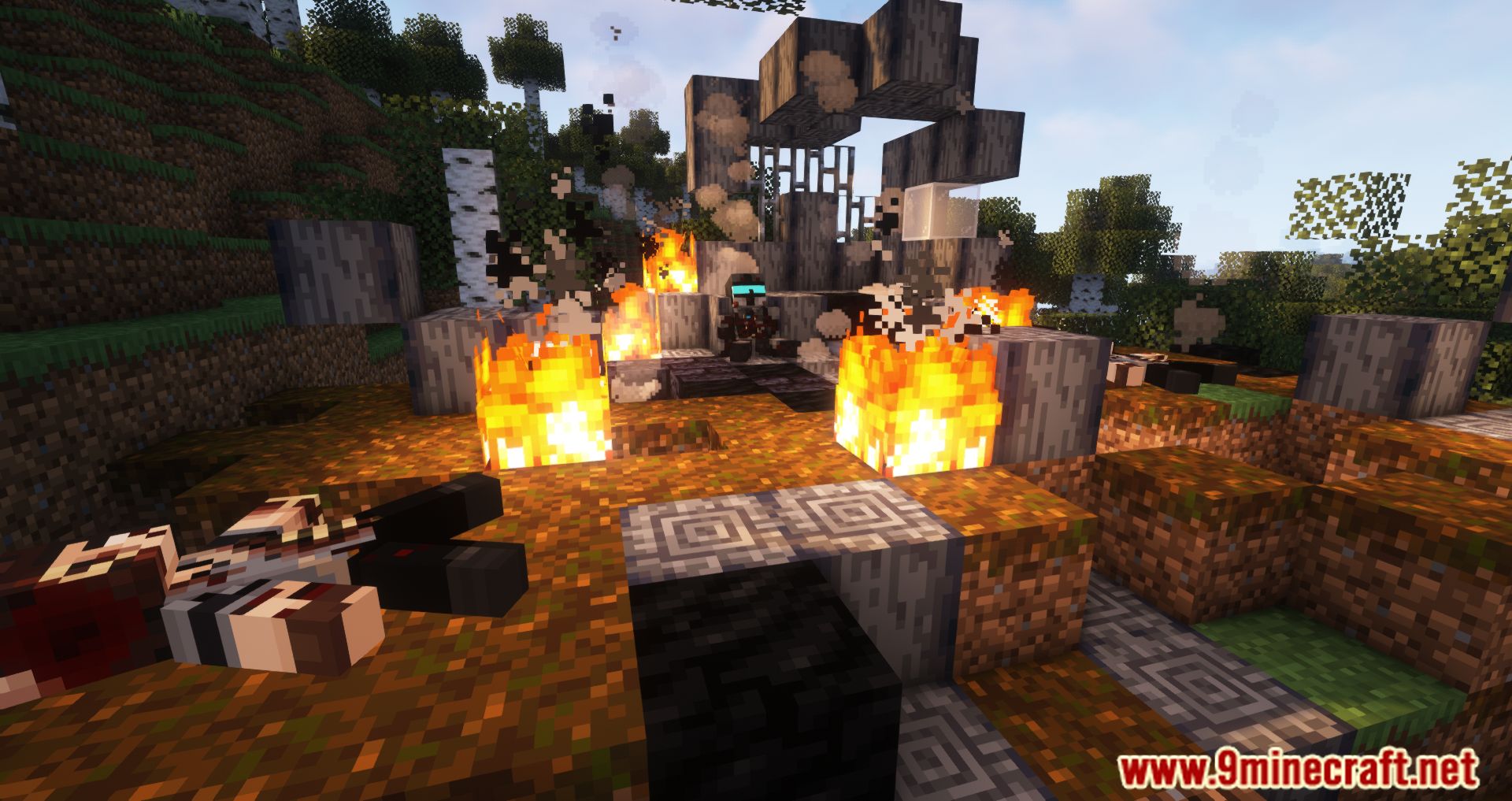
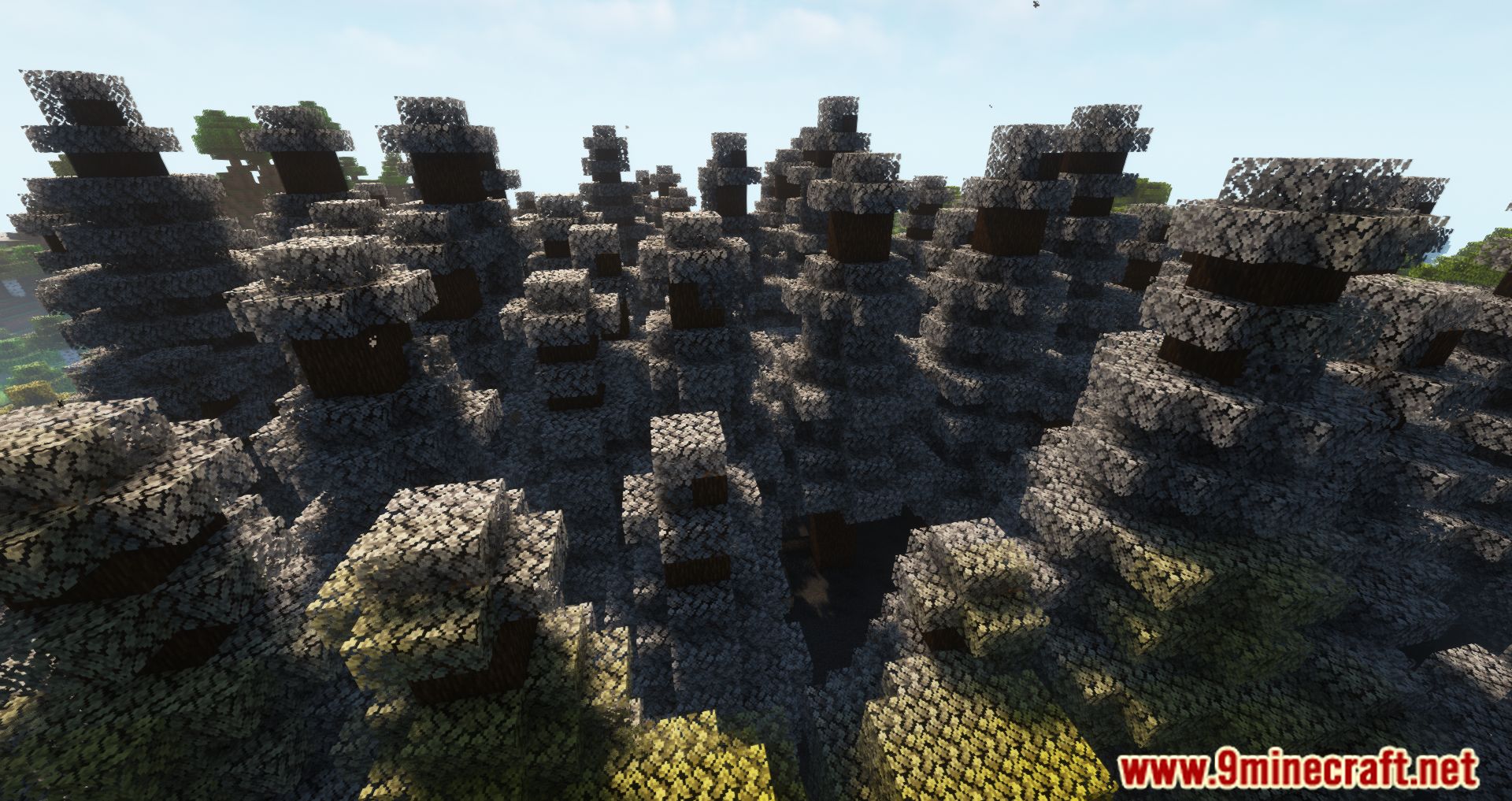
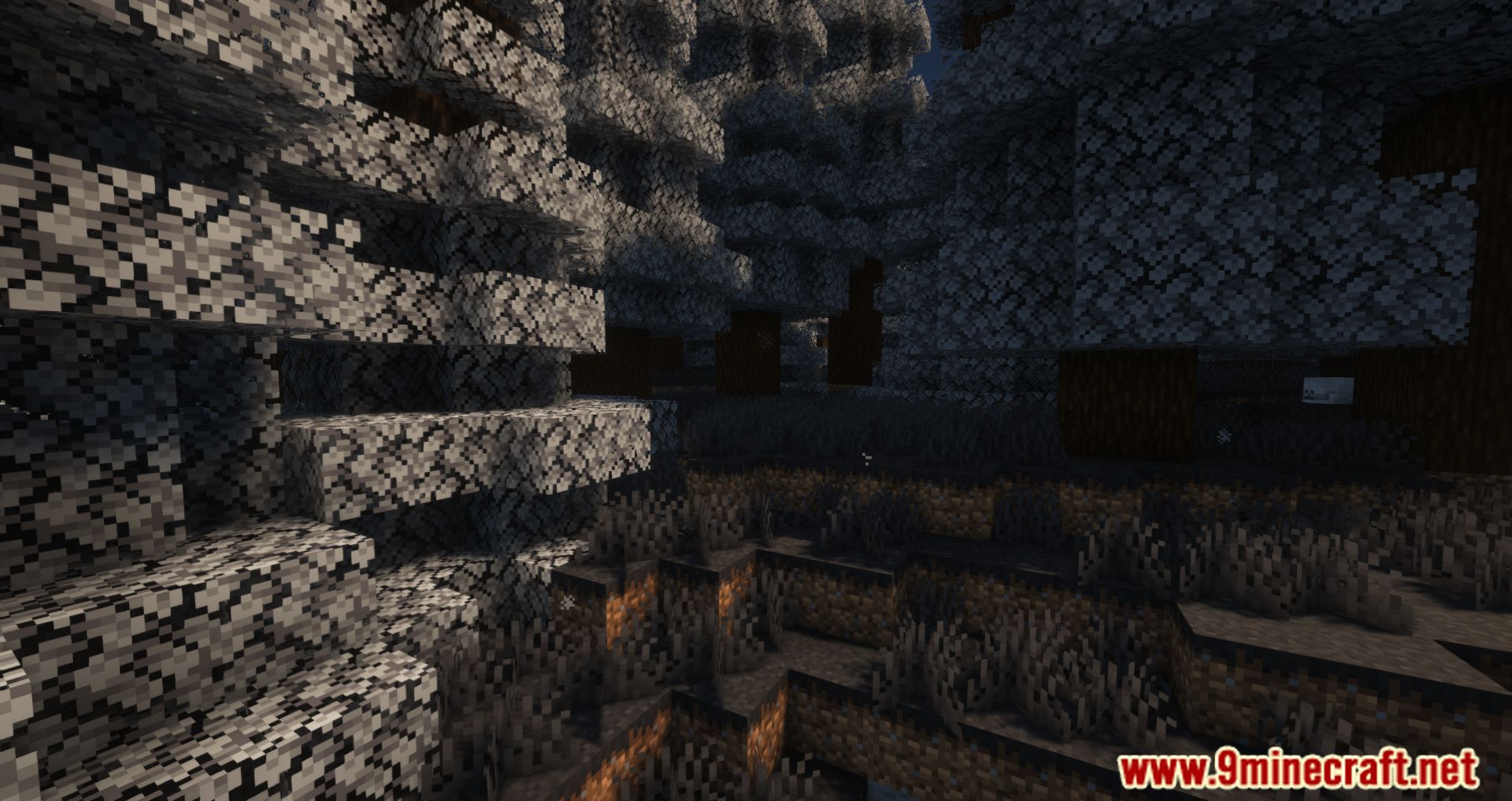
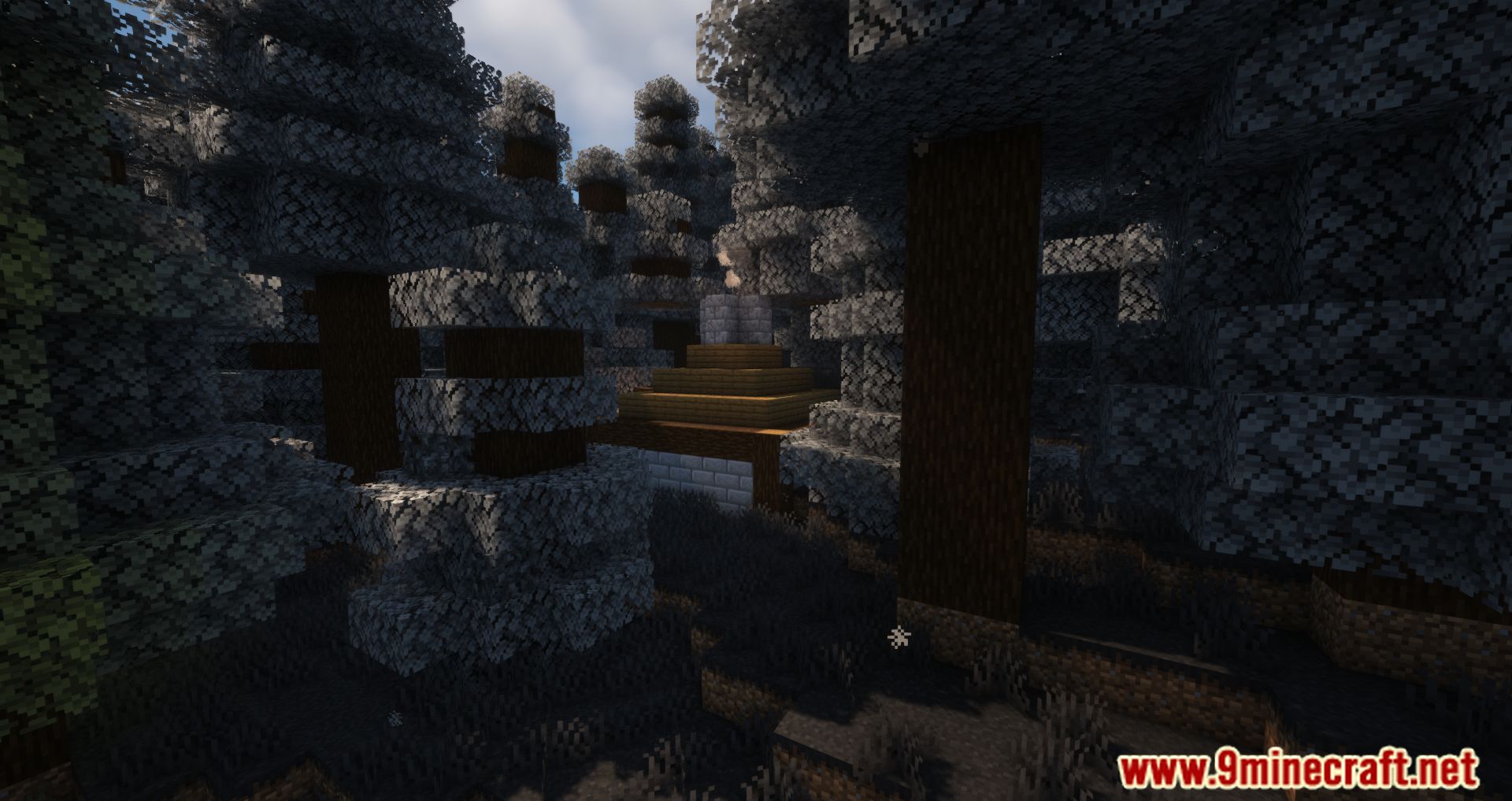
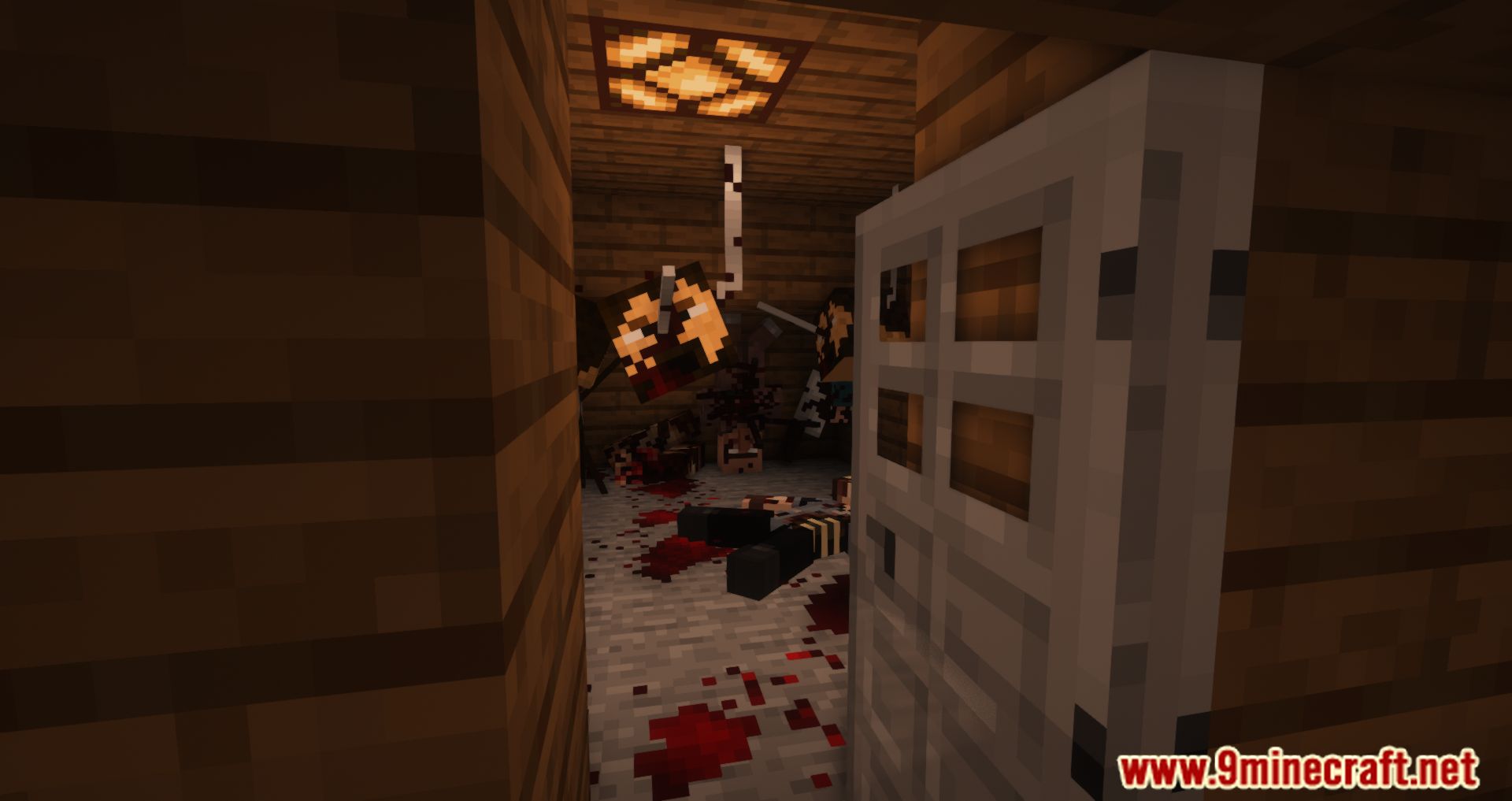
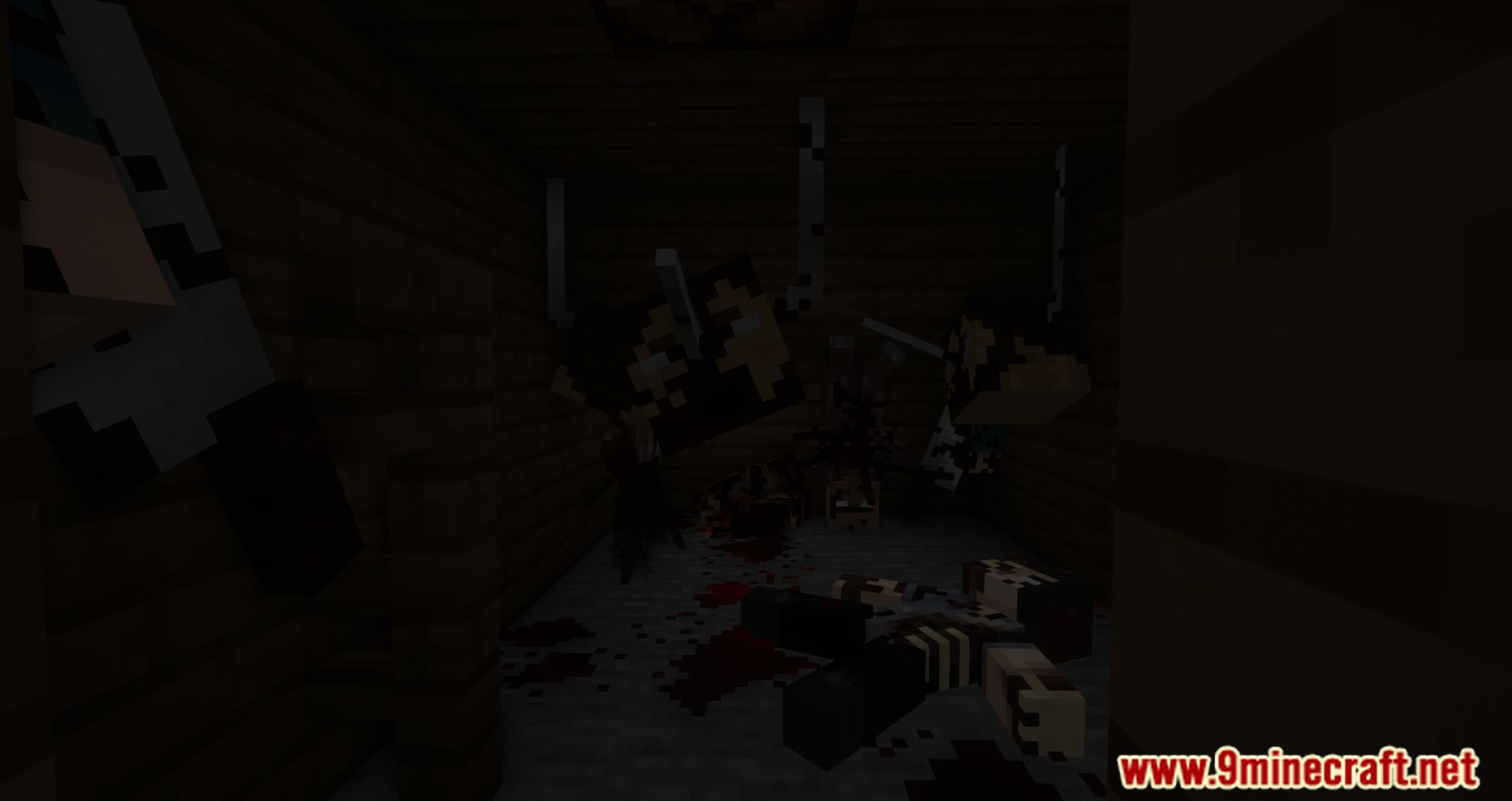
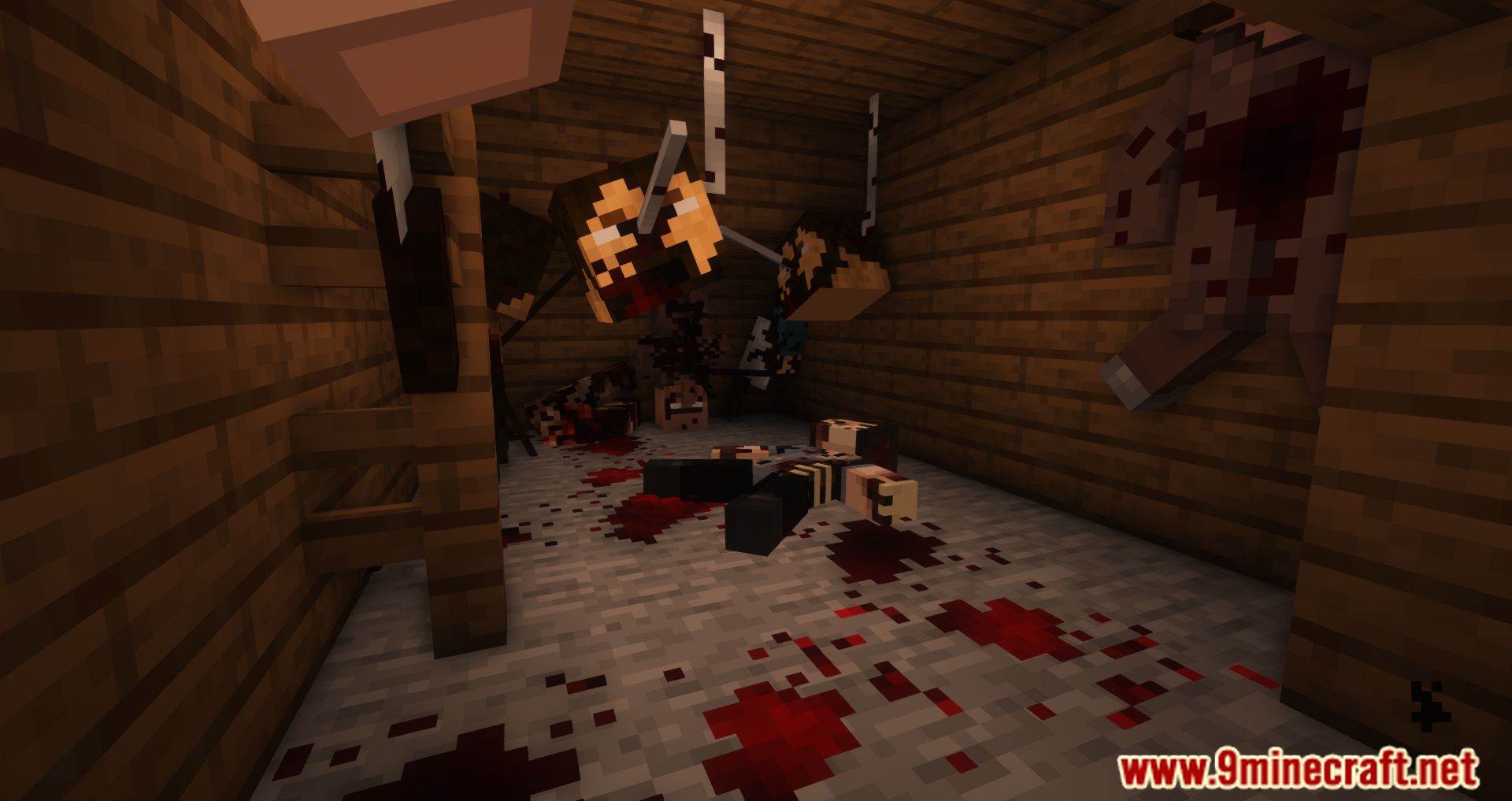
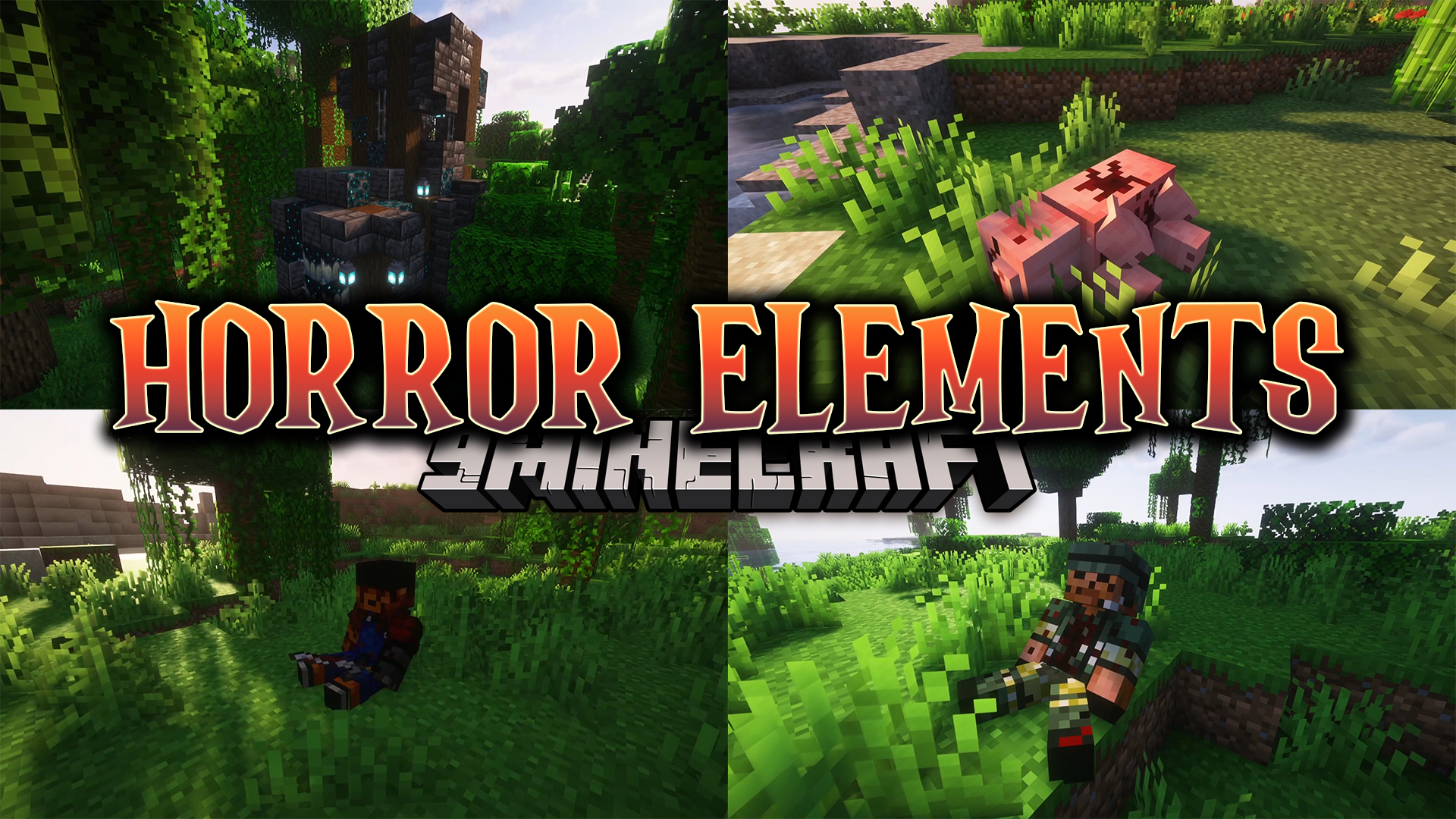
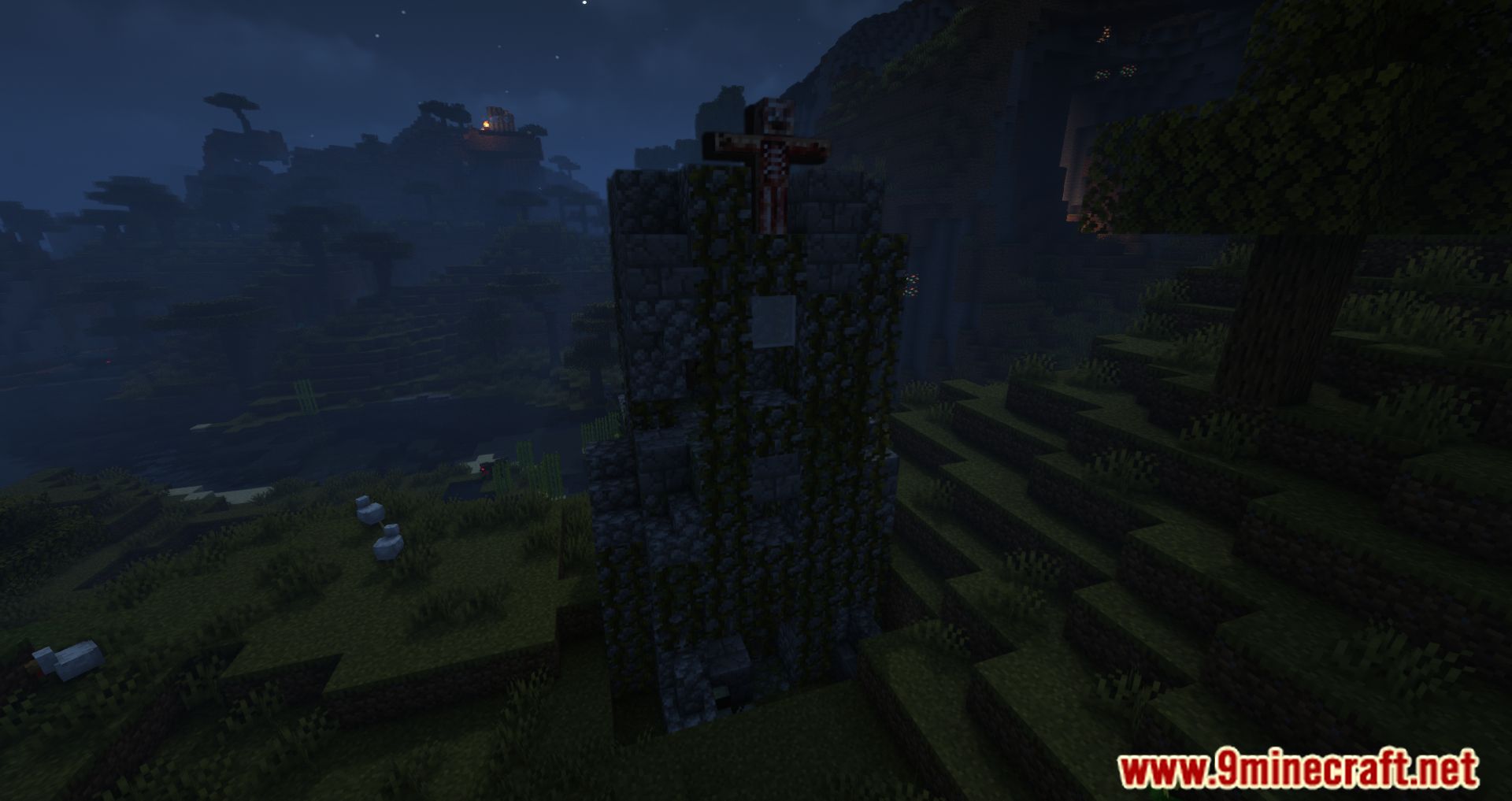
Horror Elements Mod adds dark and horror-themed decorations, structures, and atmosphere effects to Minecraft. The mod is designed for players who want to create creepy environments or explore worlds filled with disturbing details and eerie locations. It can be used in both Creative and Survival mode.
Features:
- More than 60 horror-themed elements that can spawn naturally in the world.
- Over 10 special atmosphere blocks used to enhance horror environments.
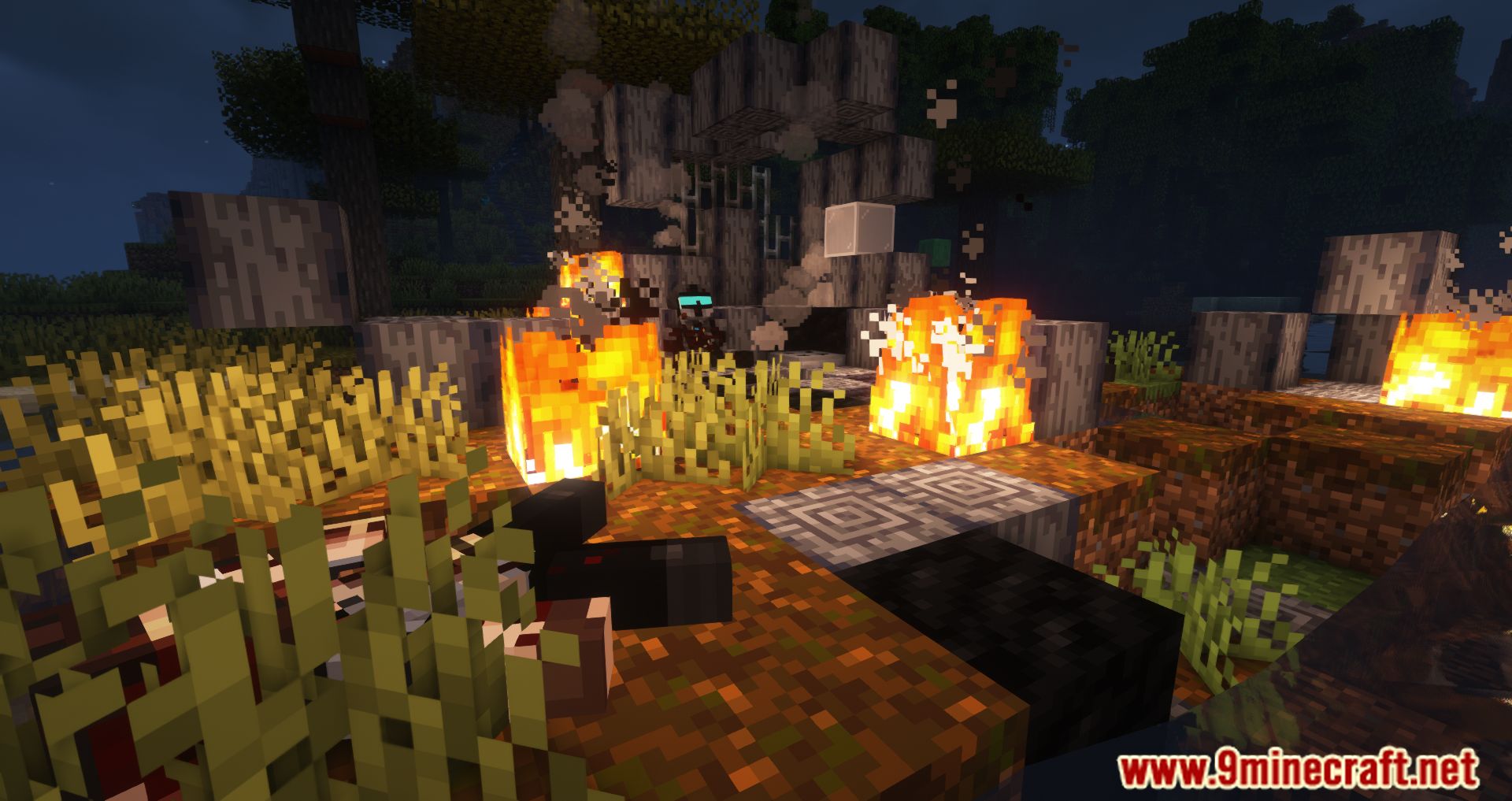
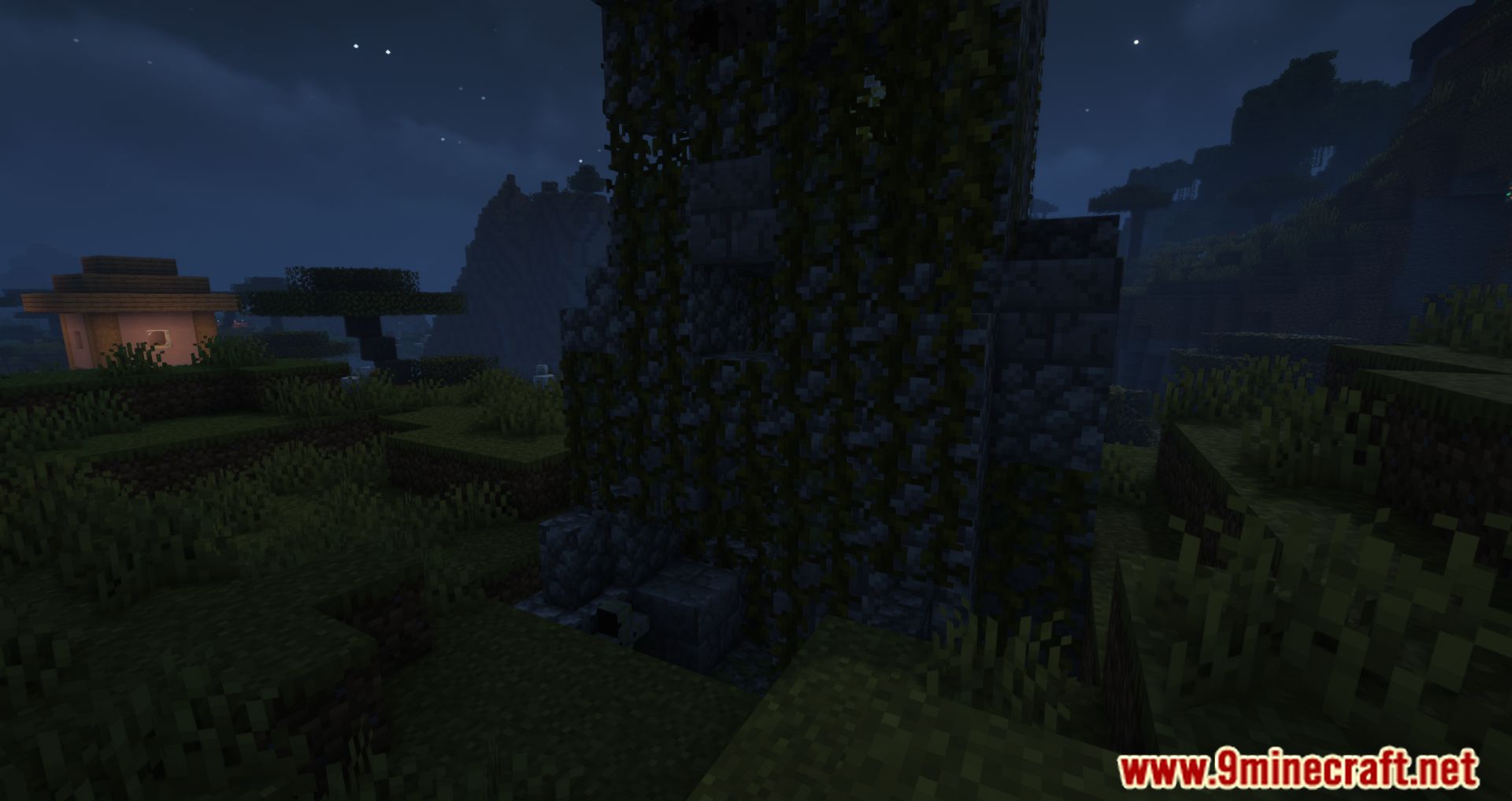
- 7 unique structures that randomly generate in the world.
- Atmosphere and Decoration
- Various blood-like decorative blocks that can be placed on many surfaces.
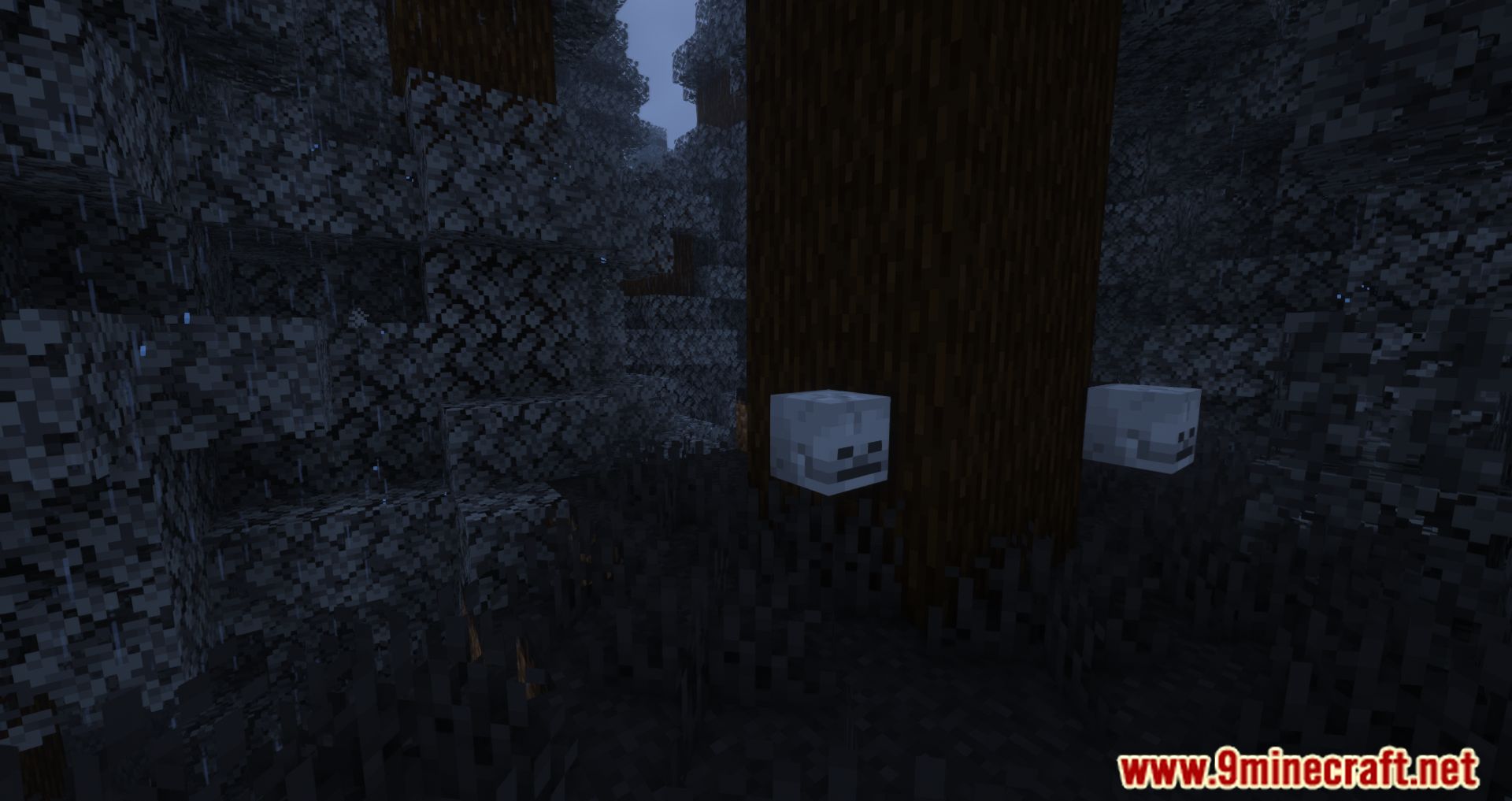
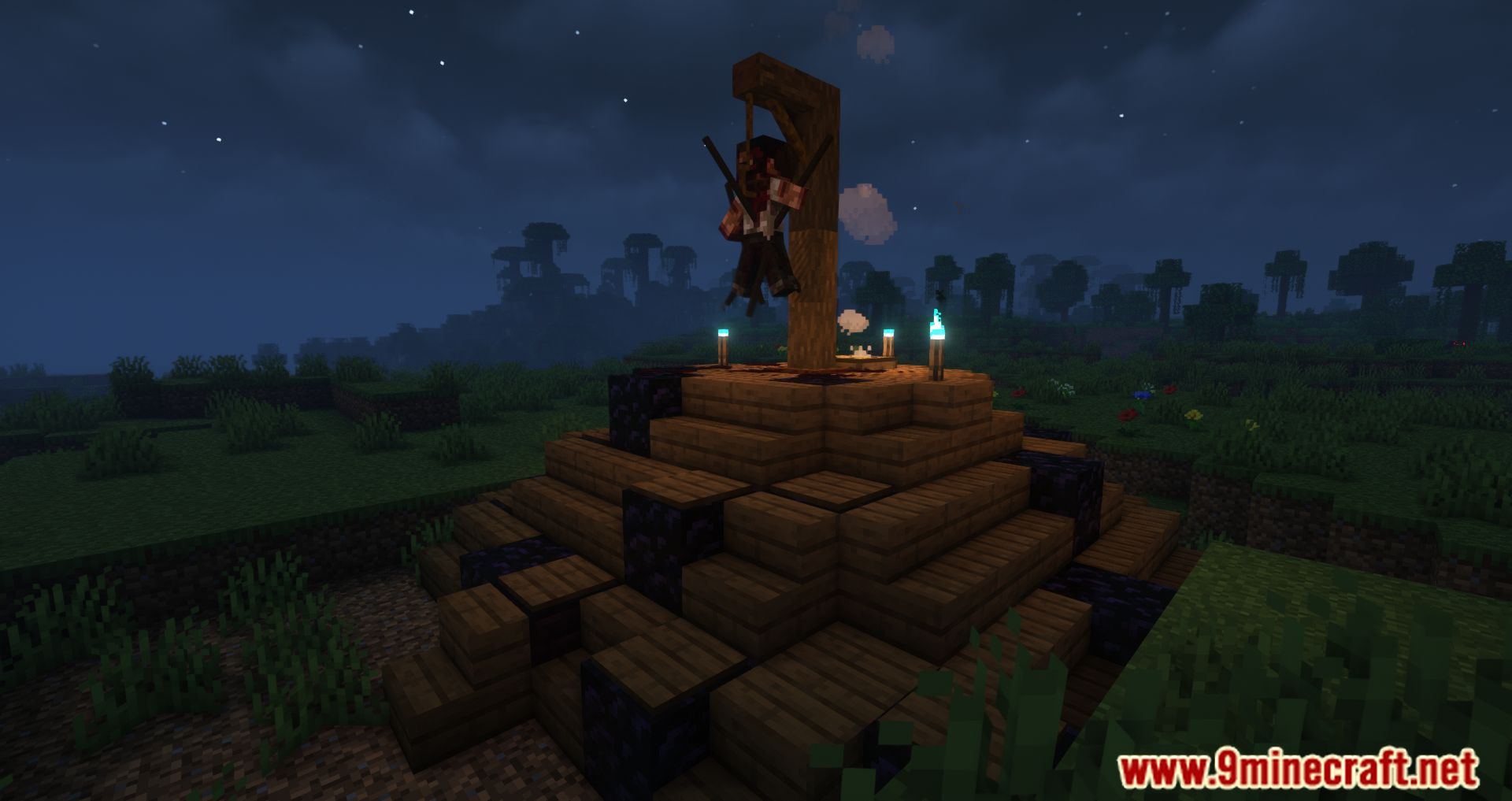
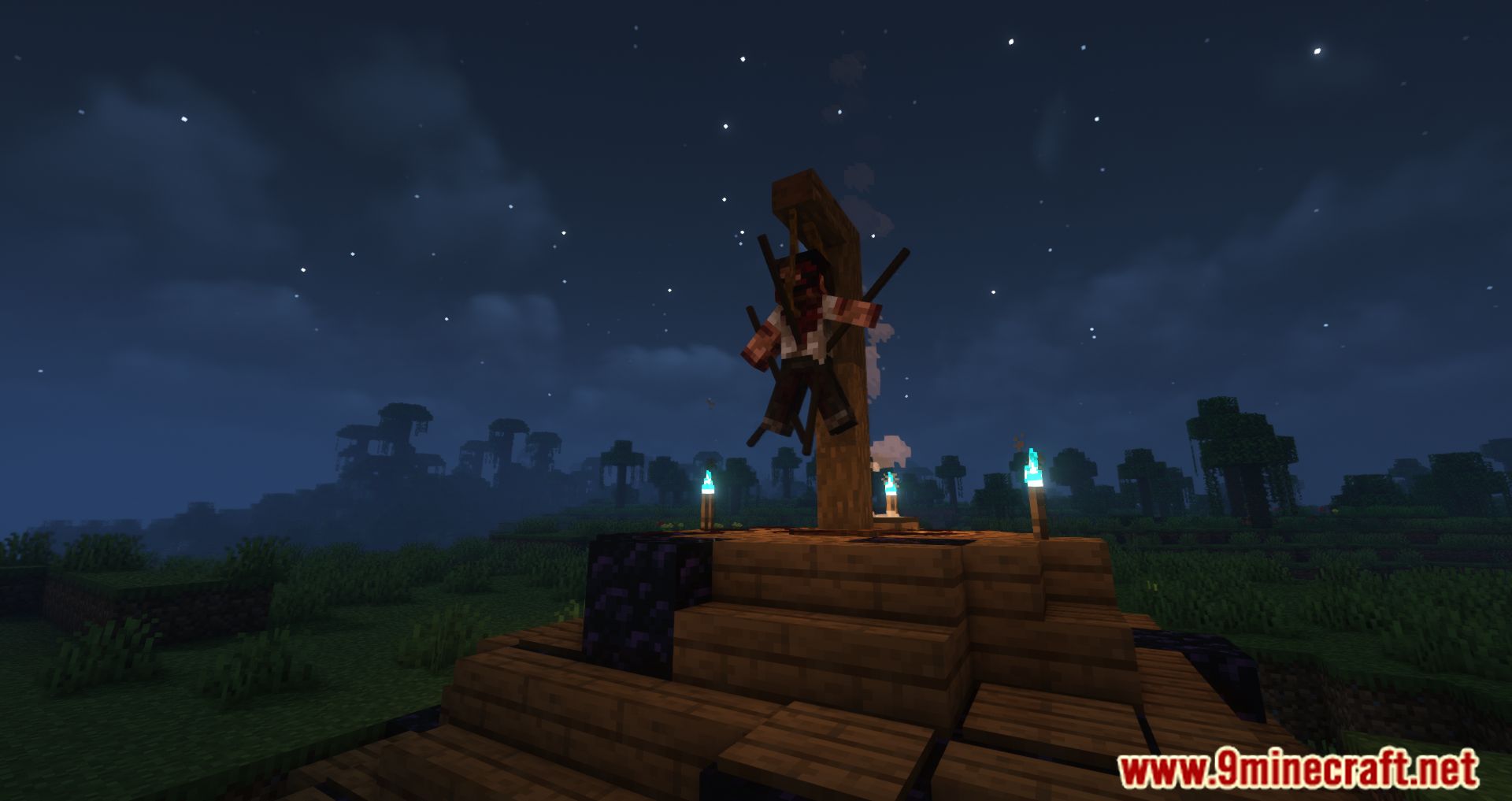
- Creepy decorative objects and corpse props.
- Flickering lights and red lanterns.
- Sound blocks that play eerie ambient effects.
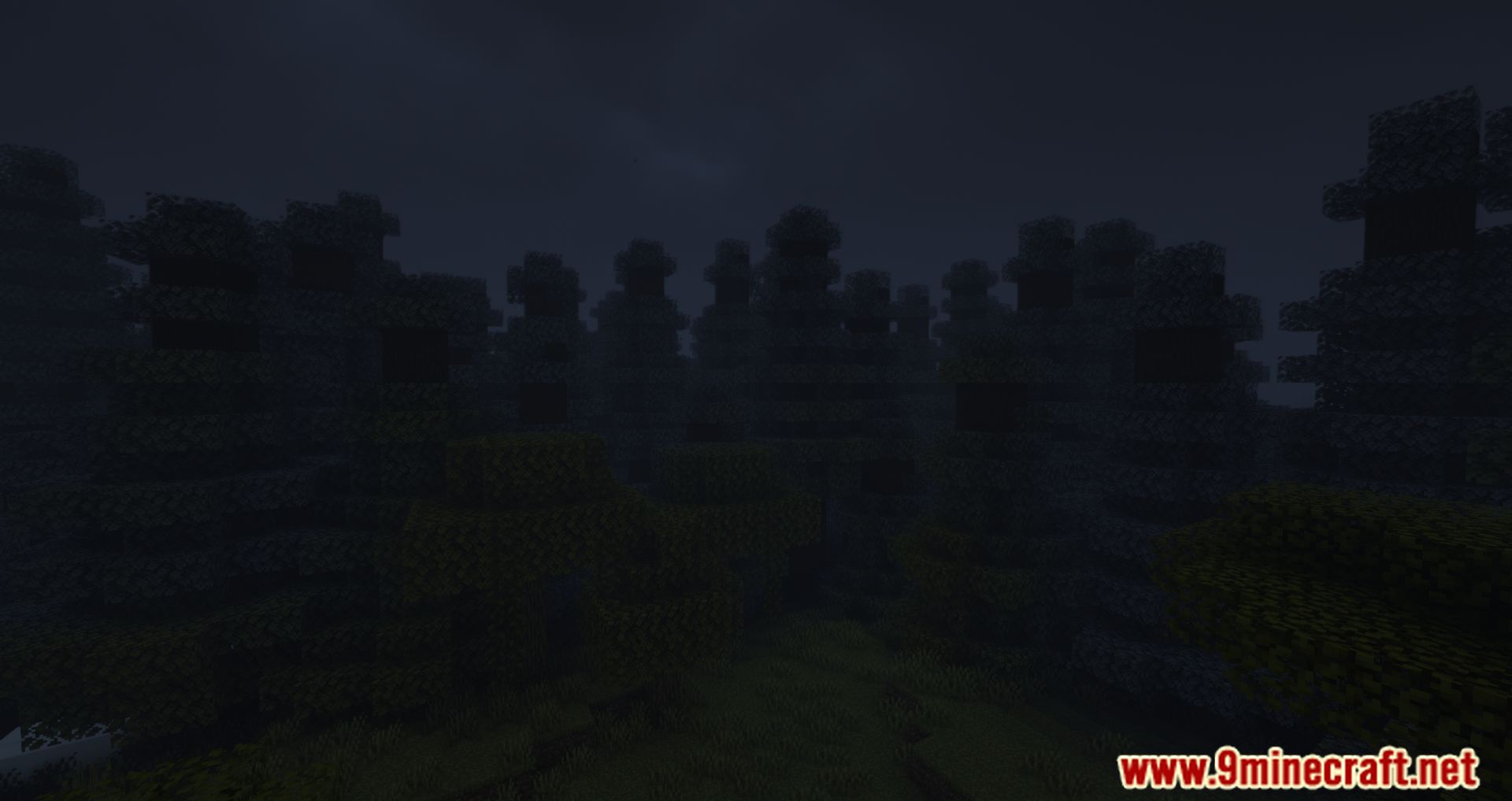
- An atmosphere block that can trigger rain and spooky background sounds.
- Usage
- Suitable for horror-themed maps and adventure worlds.
- Useful for building abandoned locations, haunted structures, or dark environments.
- Can also be included in modpacks.
Commands:
- Disable or enable the atmosphere block effect using:
/HMdayreset trueor/HMdayreset false
Screenshots:
Horror Elements Mod Download Links
Quick facts
- Edition: Minecraft Java
- File type: .jar
- Minecraft version listed: 1.20.1
- How to install: Install the matching mod loader (Forge, Fabric or NeoForge) for your Minecraft version. → Download the .jar. → Put it in the .minecraft/mods folder and launch that loader profile.
- Where to get it: In MC Java Mods, or directly above on this page.
Install steps are the general flow for this file type — How to install Minecraft Java mods & modpacks walks through it step by step.
Horror Elements Mod (26.2, 1.20.1) – Horror-Themed Decorations and Atmosphere is a free Minecraft Java mod. Compatible with Minecraft 1.20.1. Download it and open it directly in the game.