Home›Java›Mods›Cobblemon Battle Extras Mod (1.21.1, 1.21) – Tracking, Tooltips And Trainer Battle Improvements
ModsJava
Cobblemon Battle Extras Mod (1.21.1, 1.21) – Tracking, Tooltips And Trainer Battle Improvements
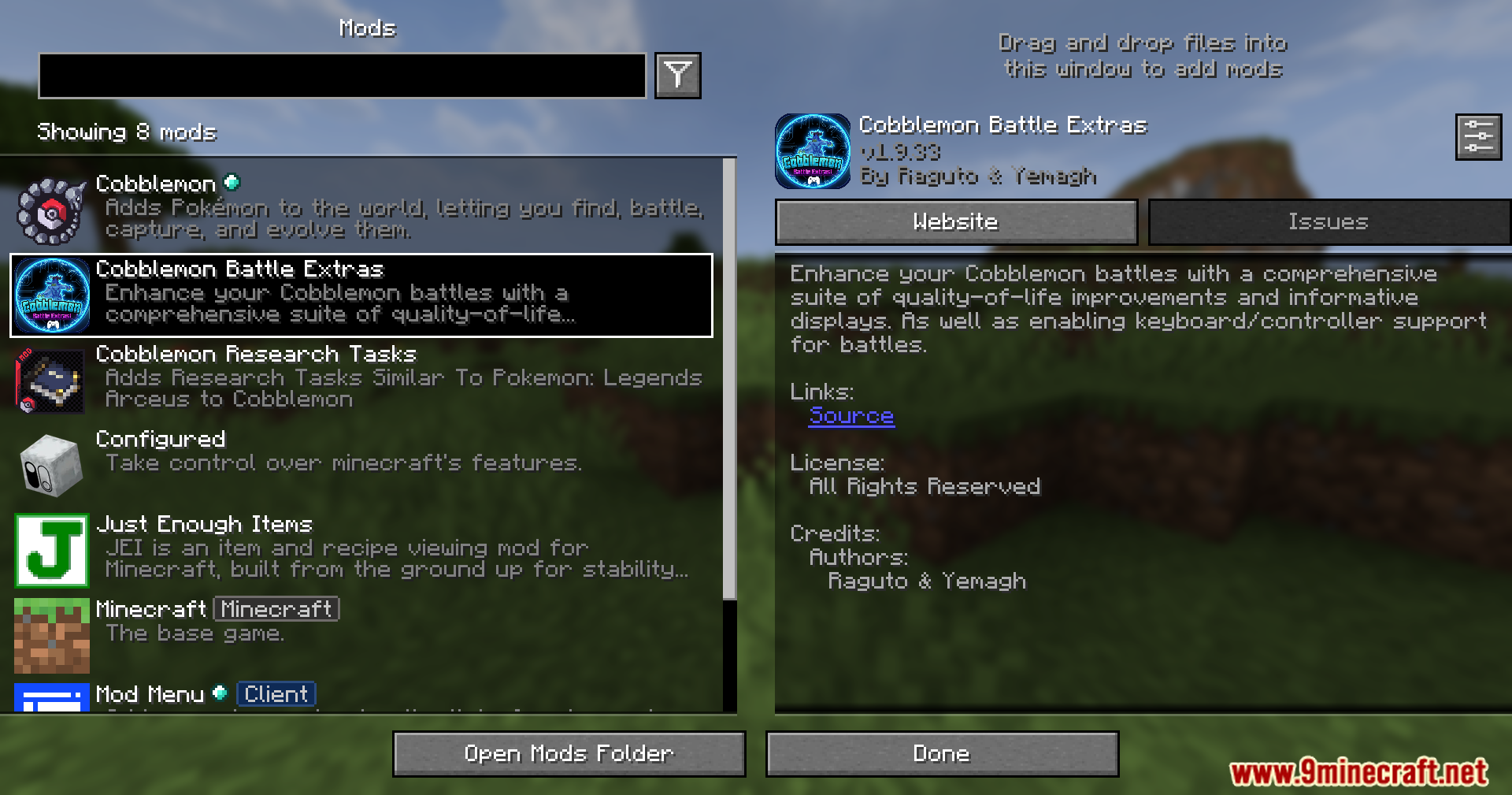
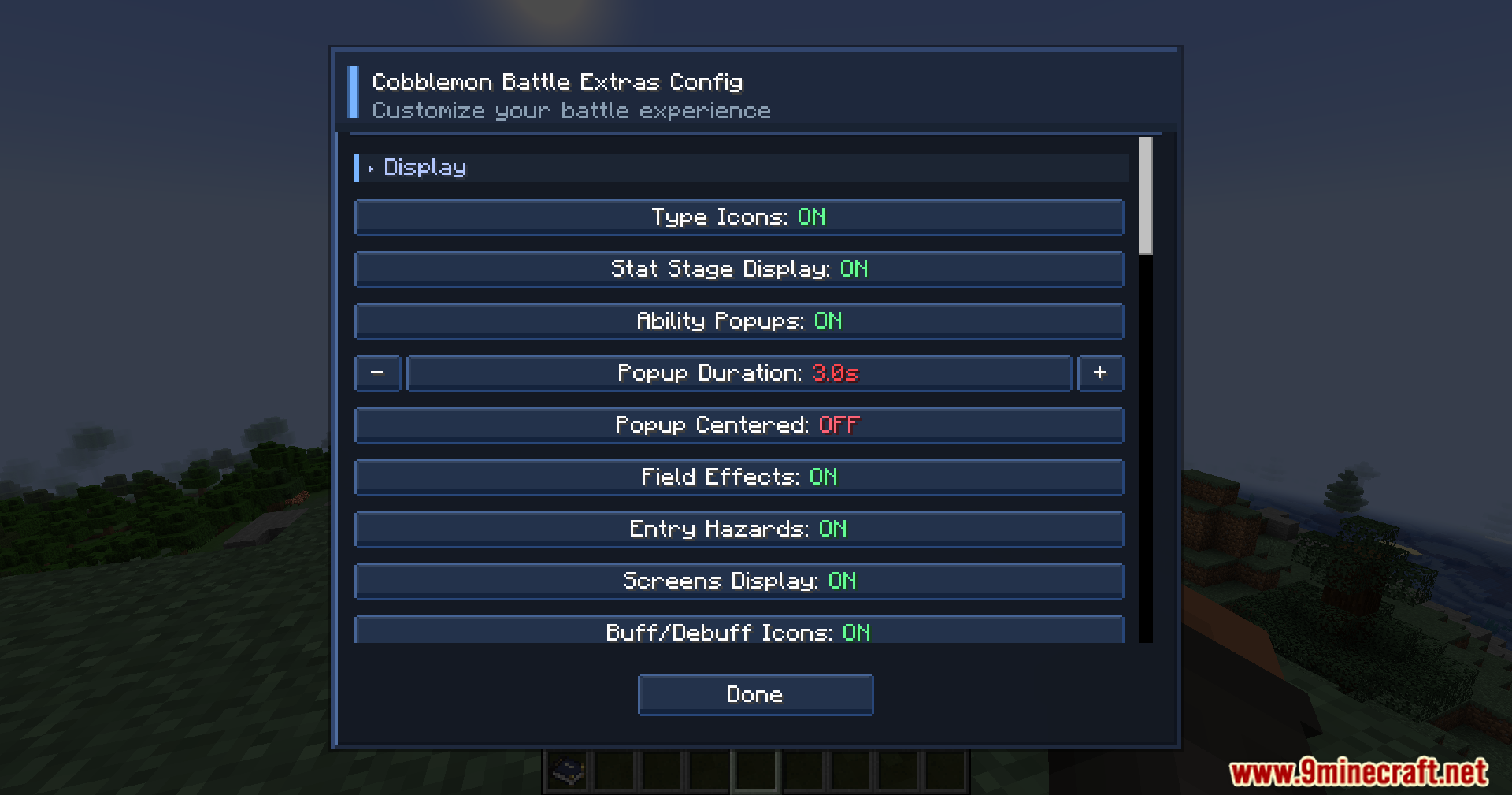
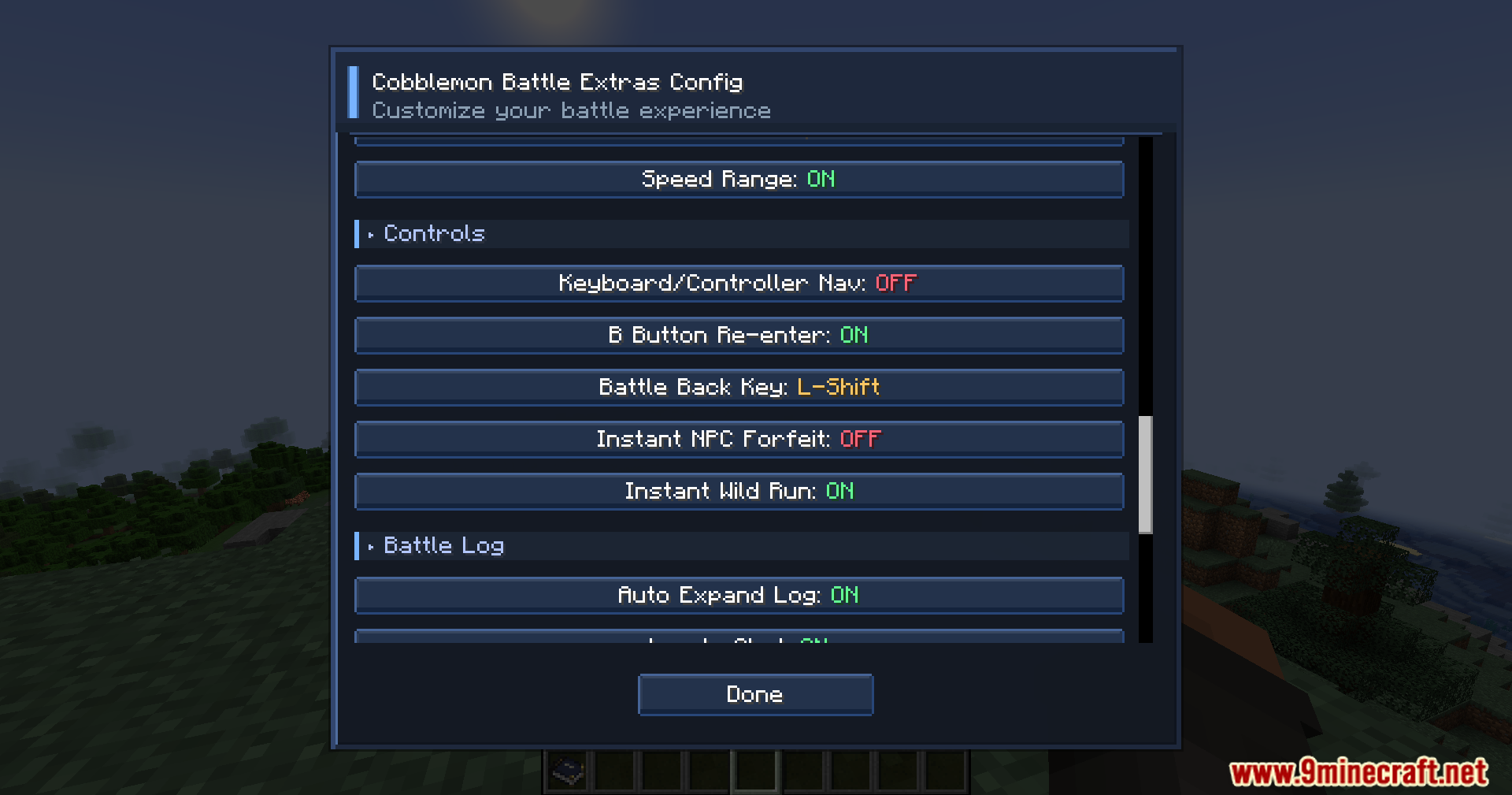
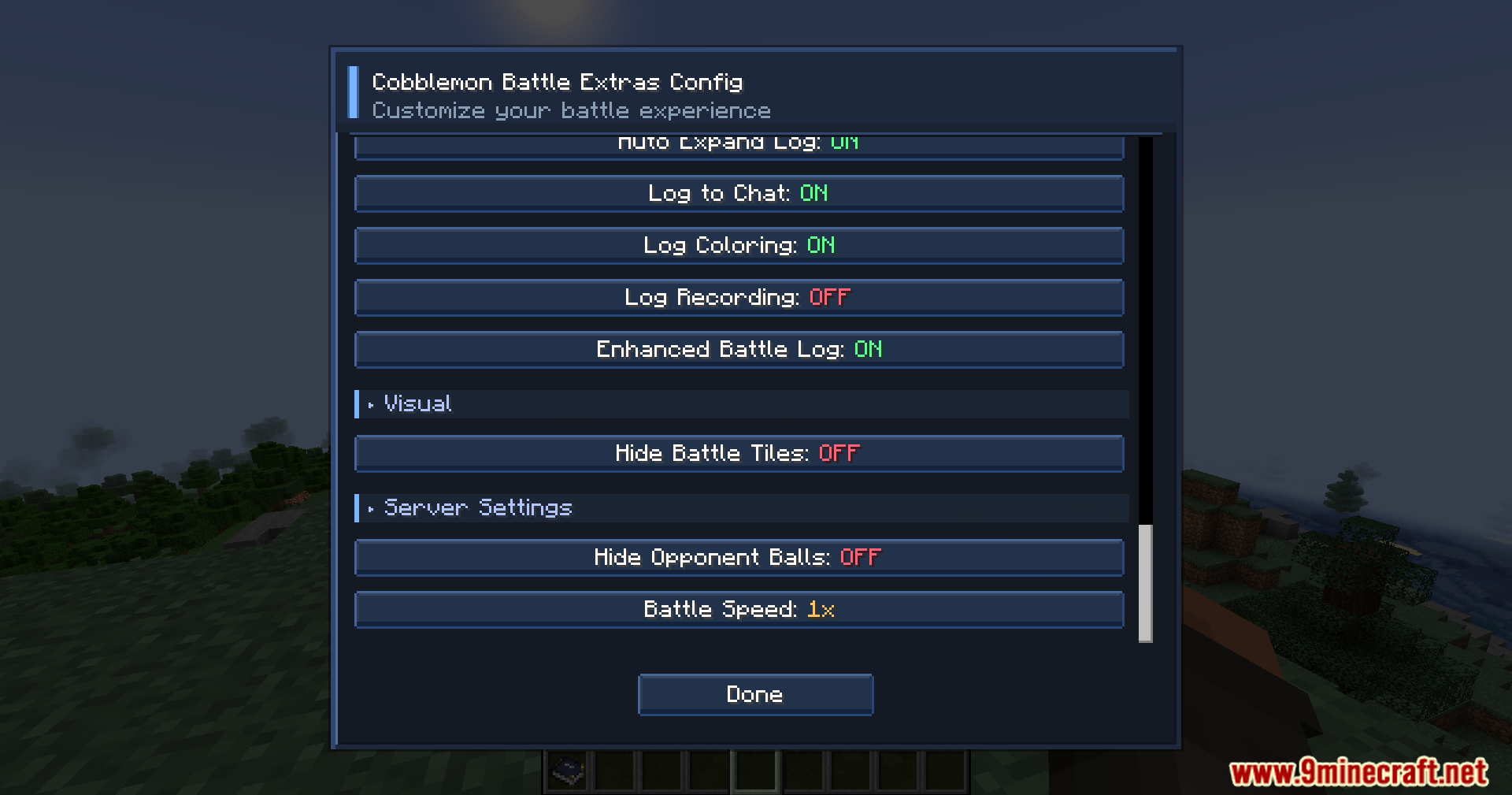
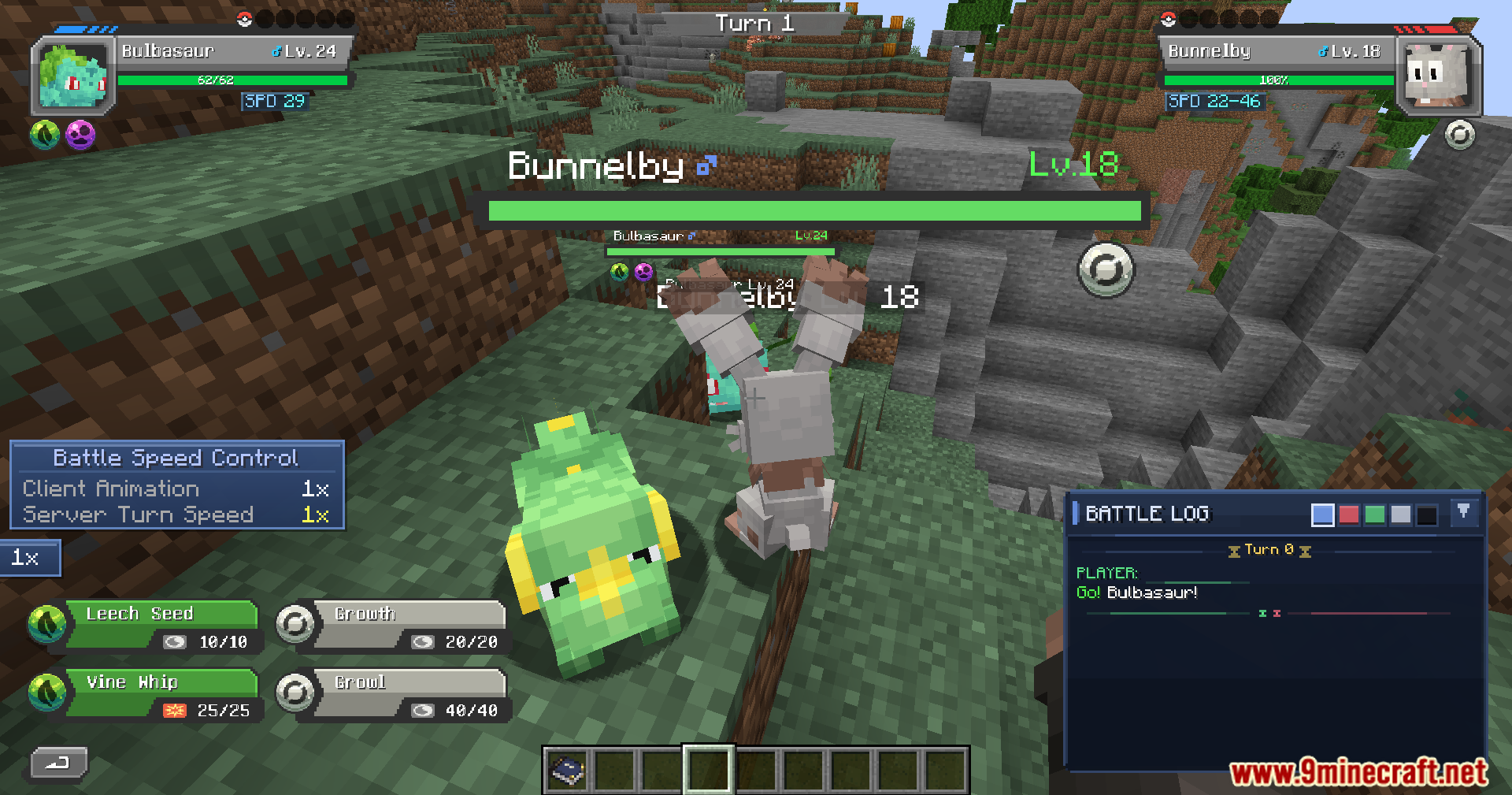
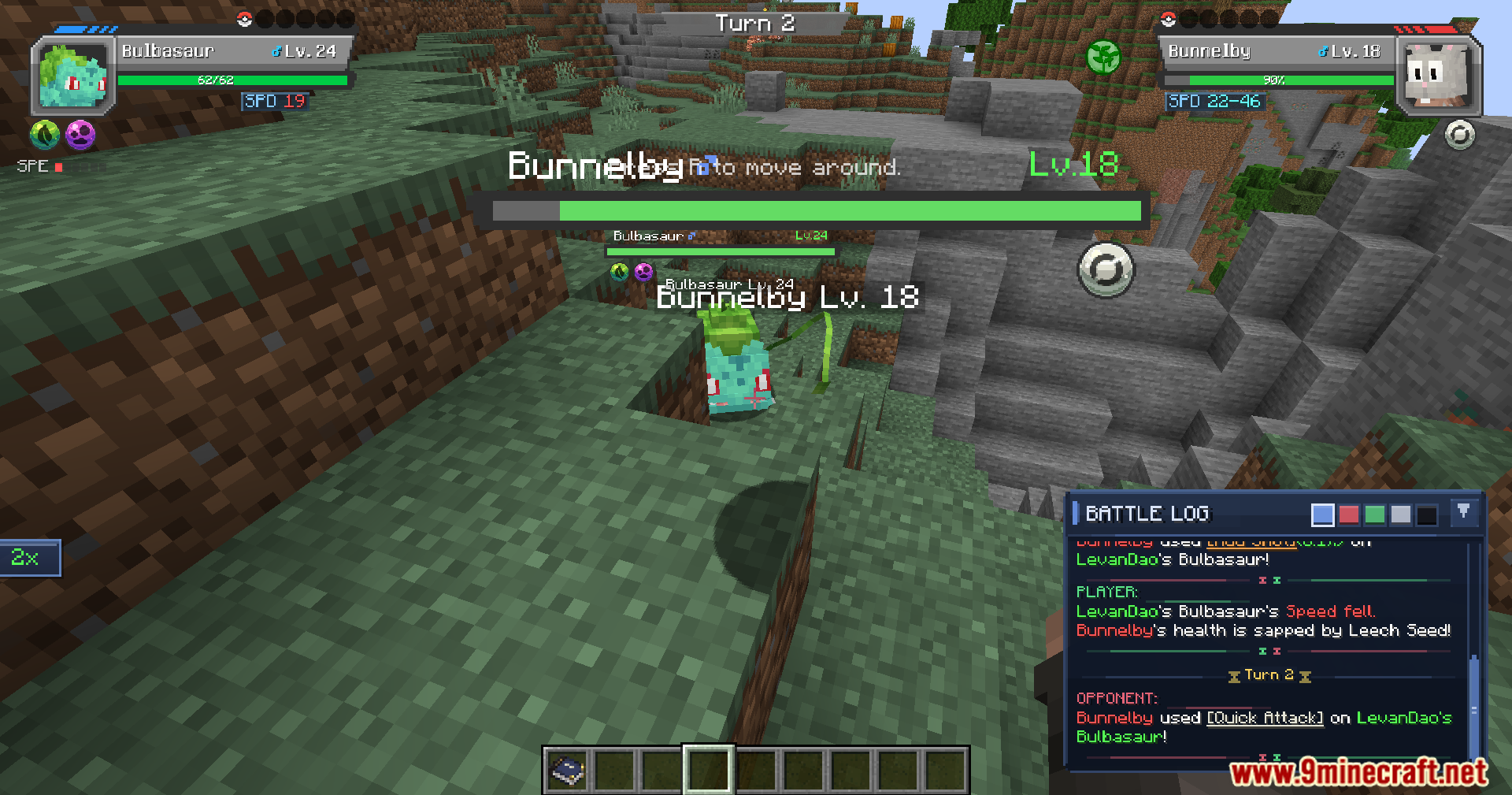
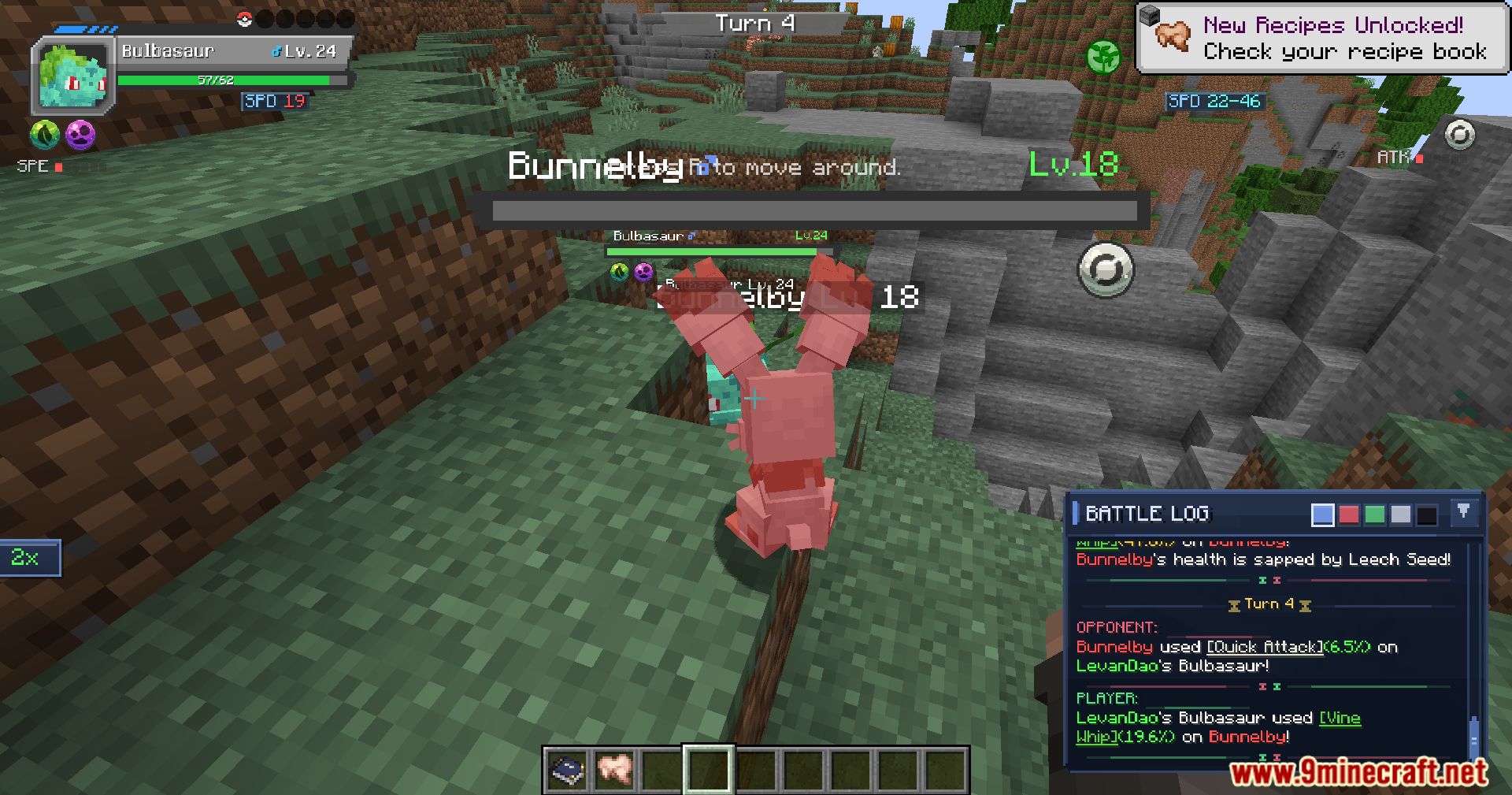
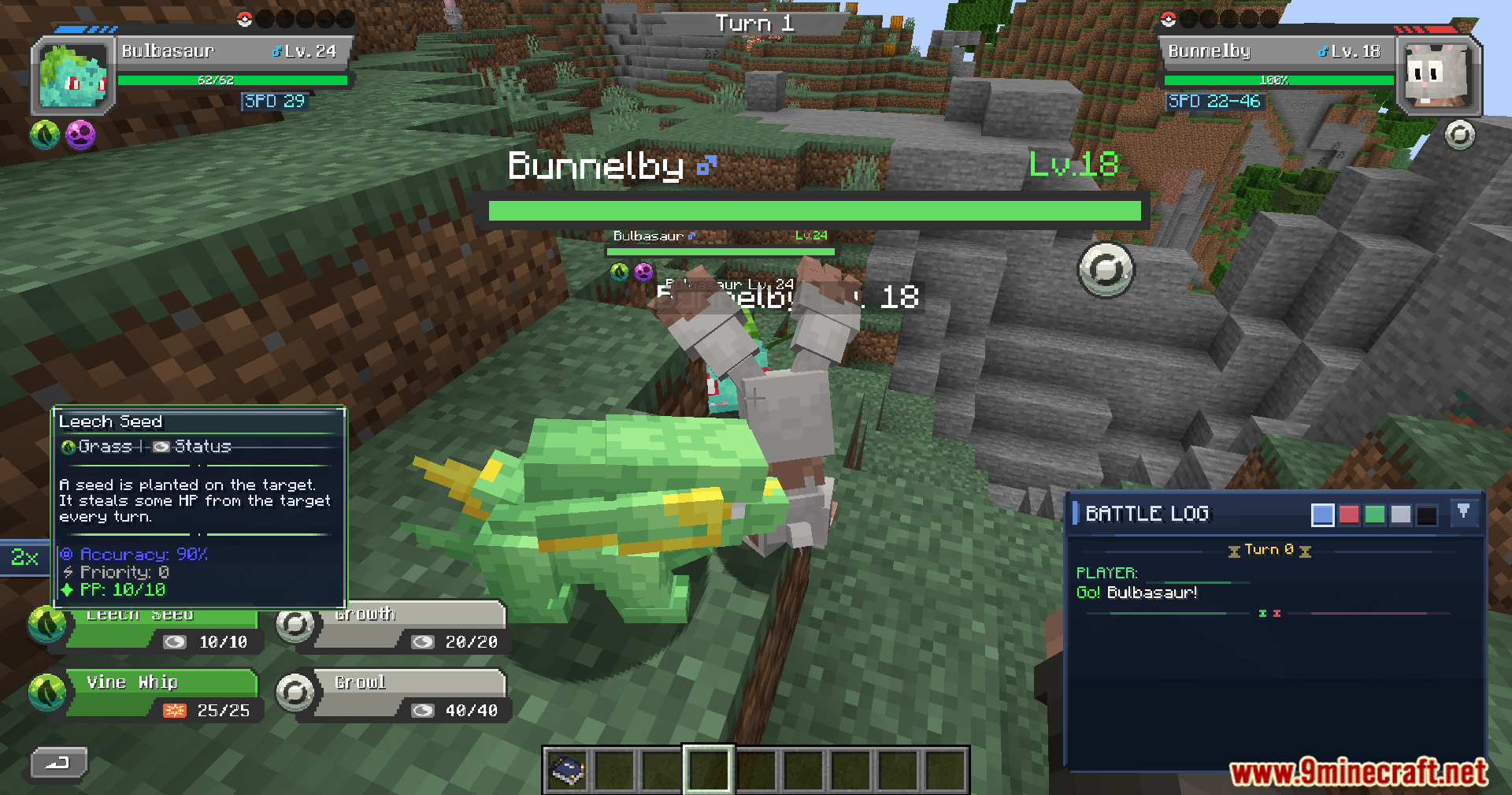
Cobblemon Battle Extras Mod adds a set of battle-focused UI and usability improvements for Cobblemon. The listed features focus on surfacing more battle information such as revealed abilities, held items and a full weakness strip while improving tooltips for weaknesses and resistances.
Features:
- Tracks revealed abilities
- Tracks revealed held items
- Shows a full weakness strip with all types visible at once
- Improves weakness and resistance tooltips
- Improves support for trainer battles
- Improves support for Battle Tower battles
- Improves support for co-op battles
- Enhanced battle log
- Color-coded battle log for readability
- Groups entries properly by player and opponent sides
- Adds move links with hover/click tooltips
- Shows damage percent on damaging move lines
- Supports a battle log viewer
- Records battle logs for PvP battles
- Records battle logs for NPC battles
- Includes multiple built-in color themes
- Default battle log viewer keybind is B
- Controls and accessibility improvements
- Adds keyboard support for battles
- Adds controller-friendly battle navigation
- Compatible with MidnightControls
- Compatible with Controllify
- Compatible with Controllable
Screenshots:
Cobblemon Battle Extras Mod Download Links
For Minecraft 1.21.1, 1.21
Fabric version: Download from Server 1 – Download from Server 2
NeoForge version: Download from Server 1 – Download from Server 2
Quick facts
- Edition: Minecraft Java
- File type: .jar
- Minecraft versions listed: 1.21.1, 1.21
- How to install: Install the matching mod loader (Forge, Fabric or NeoForge) for your Minecraft version. → Download the .jar. → Put it in the .minecraft/mods folder and launch that loader profile.
- Where to get it: In MC Java Mods, or directly above on this page.
Install steps are the general flow for this file type — How to install Minecraft Java mods & modpacks walks through it step by step.
Verified by MCModsHub
- Downloads as 174977.mcaddon
- Download size: 1.1 MB
- Download link checked 25 Jul 2026 — working
- Mirrored on our own servers — the download does not depend on the original host
These come from our own check of the pack file, not from the source page.