ModsJava
Aaron Mod (1.21.1, 1.20.1) – Code Library
Aaron Mod is a library mod created by the developer Aaron that provides shared code for many of their other mods. This mod reduces duplicated code across…
⬇ DownloadOpen in MCModsHubGet it on Google Play →Aaron Mod is a library mod created by the developer Aaron that provides shared code for many of their other mods. This mod reduces duplicated code across multiple projects by including common utilities and helpers in one place. Aaron is not a standalone mod – it’s a required dependency that other mods use to function properly.
Features:
- Schedulers for timing and task management
- Packet helpers for network communication
- Screen and menu utilities for creating interfaces
- Better fake players for automated systems
- Many handy utility functions for developers
- Extra codecs for data handling
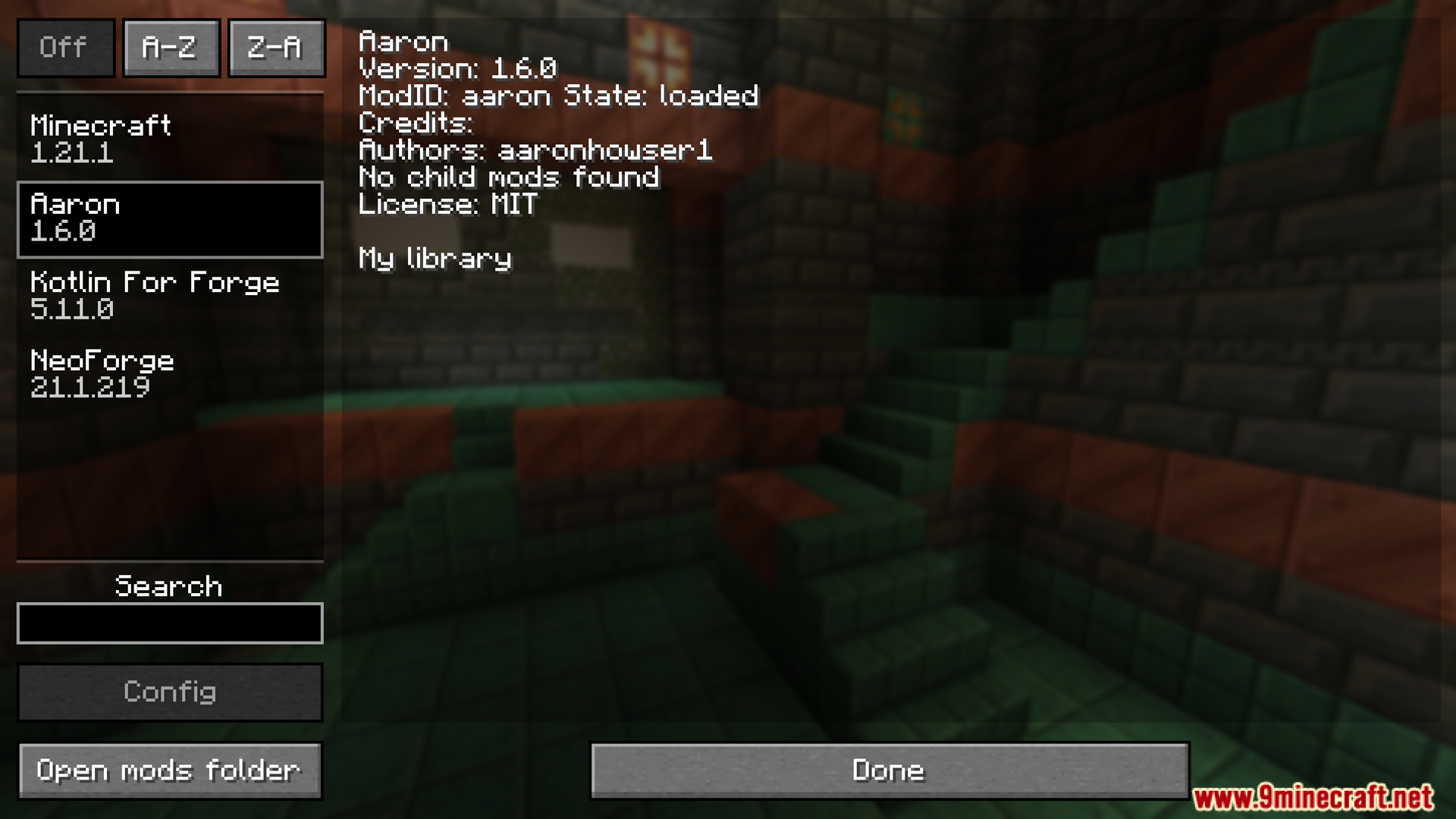
Screenshots:

Aaron Mod Download Links
For Minecraft 1.21.1, 1.21
NeoForge version: Download from Server 1 – Download from Server 2
For Minecraft 1.20.1, 1.20
Forge version: Download from Server 1 – Download from Server 2
Verified by MCModsHub
- Download size: 231 KB
- Download link checked 25 Jul 2026 — working
- Mirrored on our own servers — the download does not depend on the original host
These come from our own check of the pack file, not from the source page.
Explore more