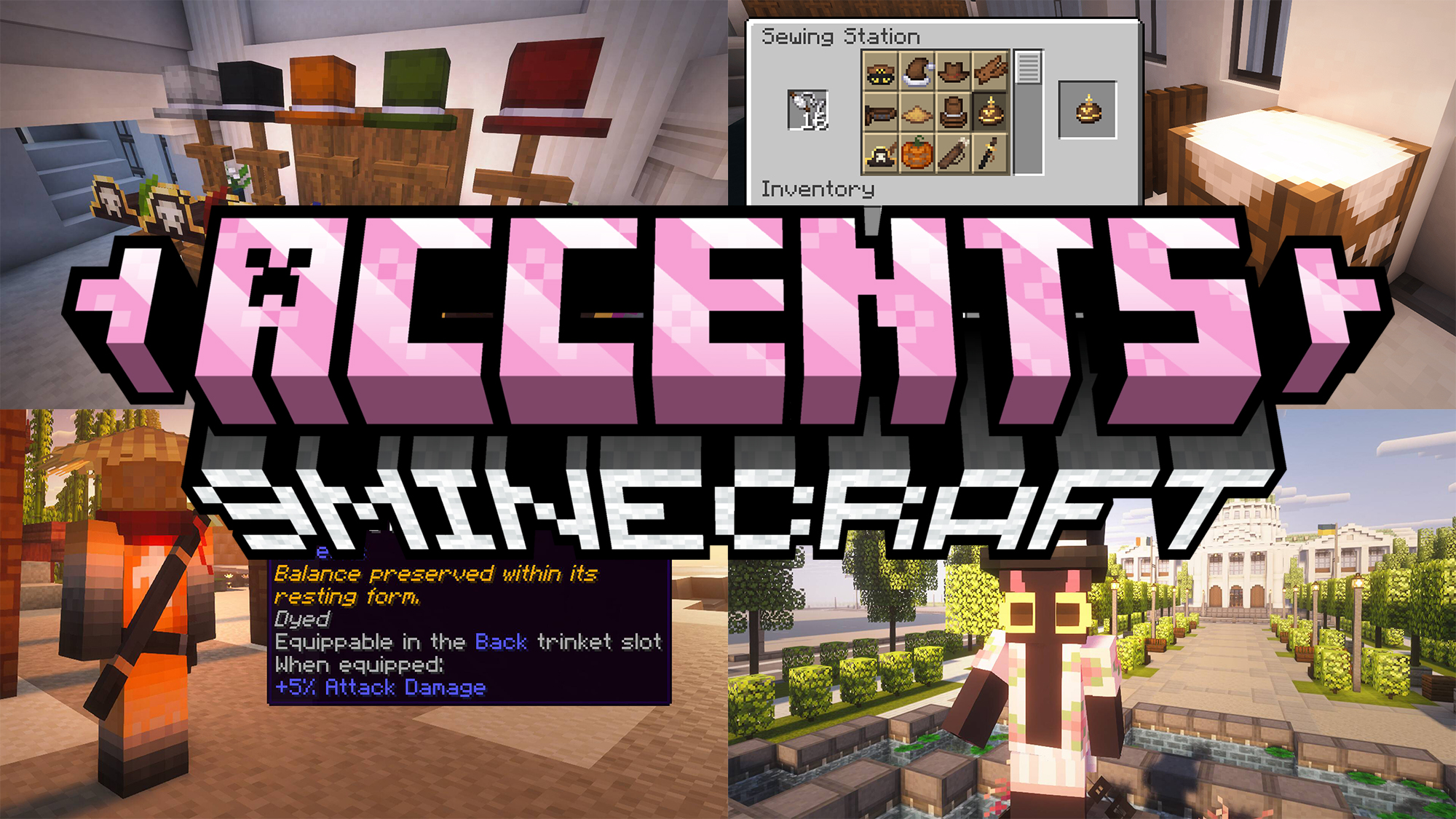
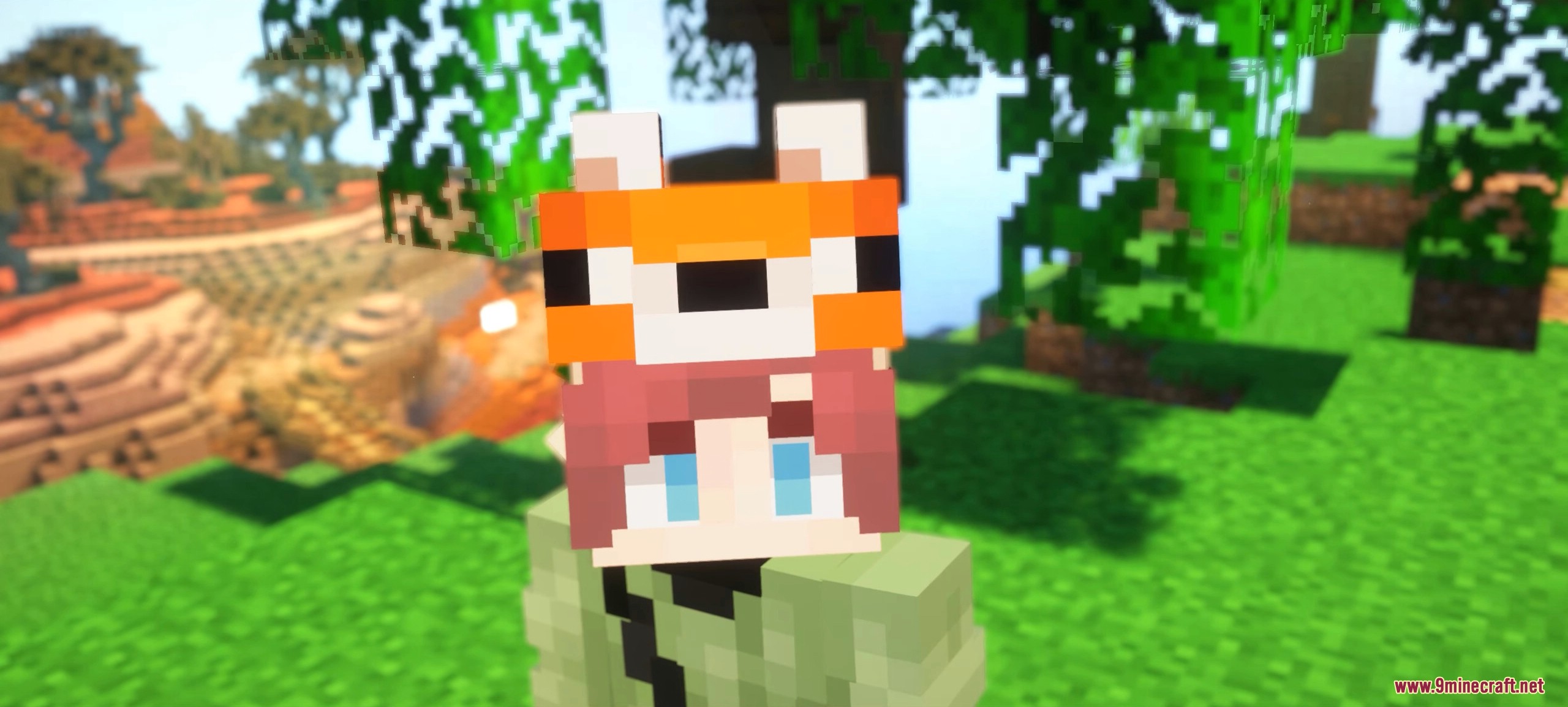
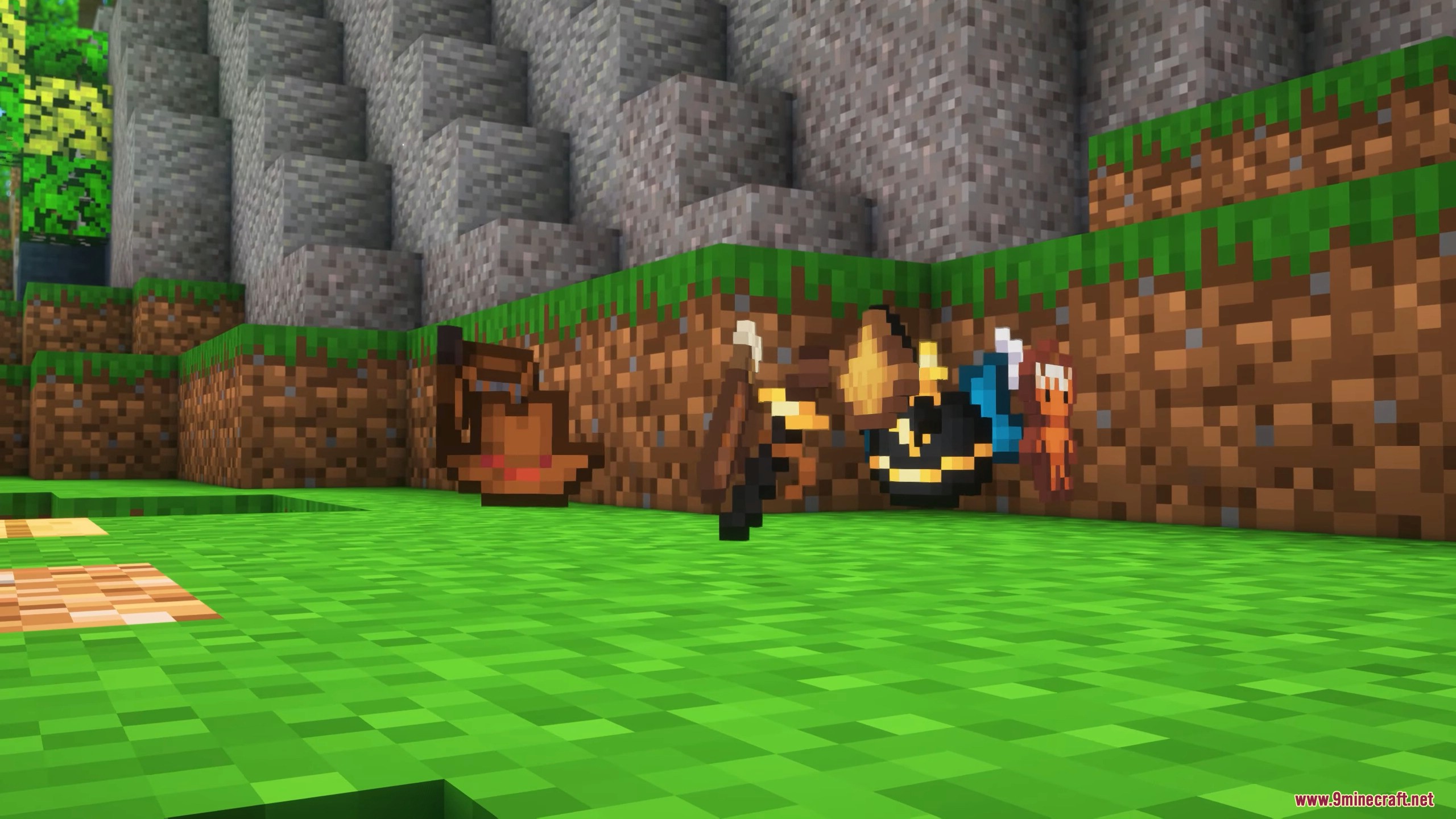
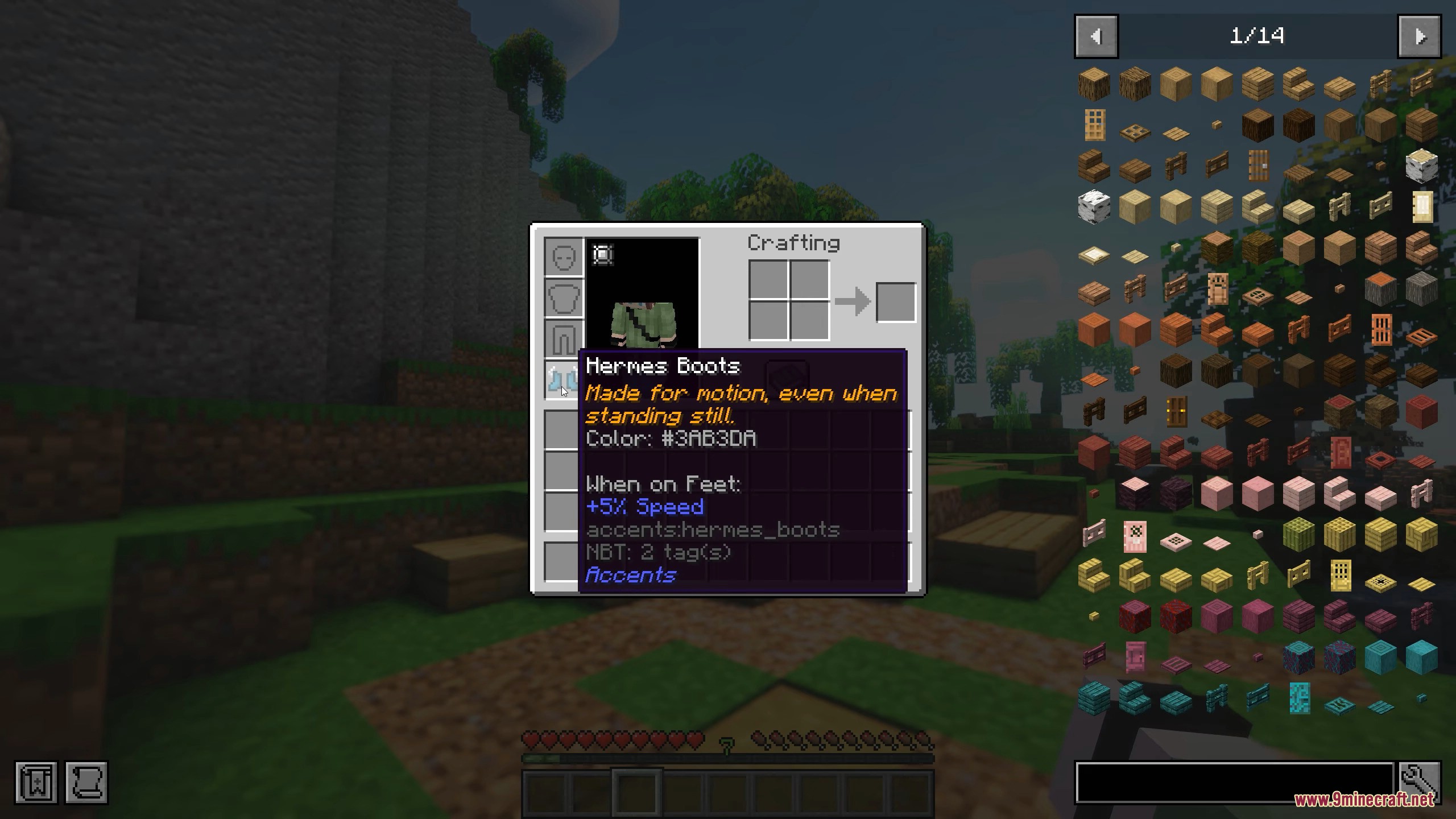
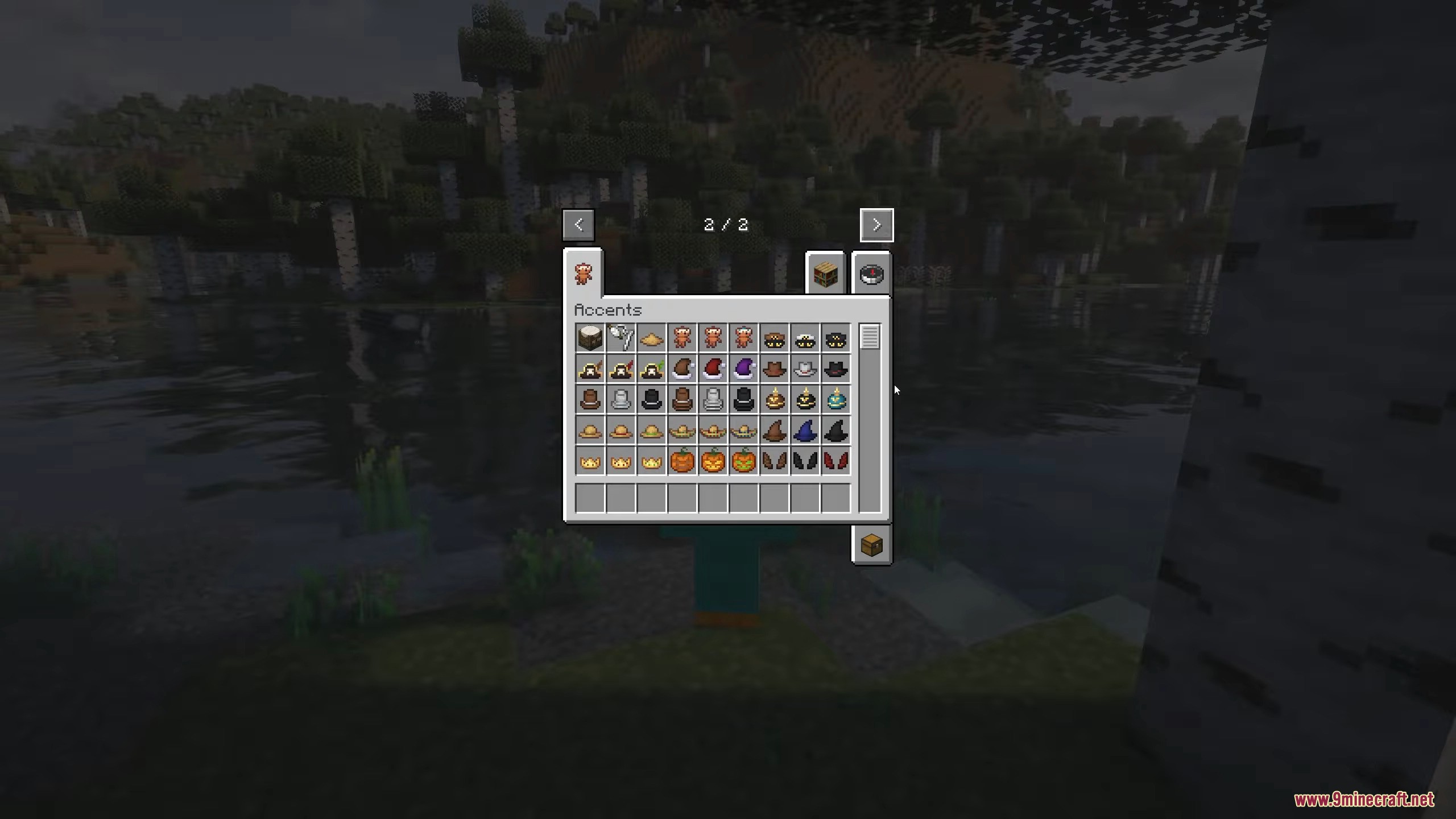
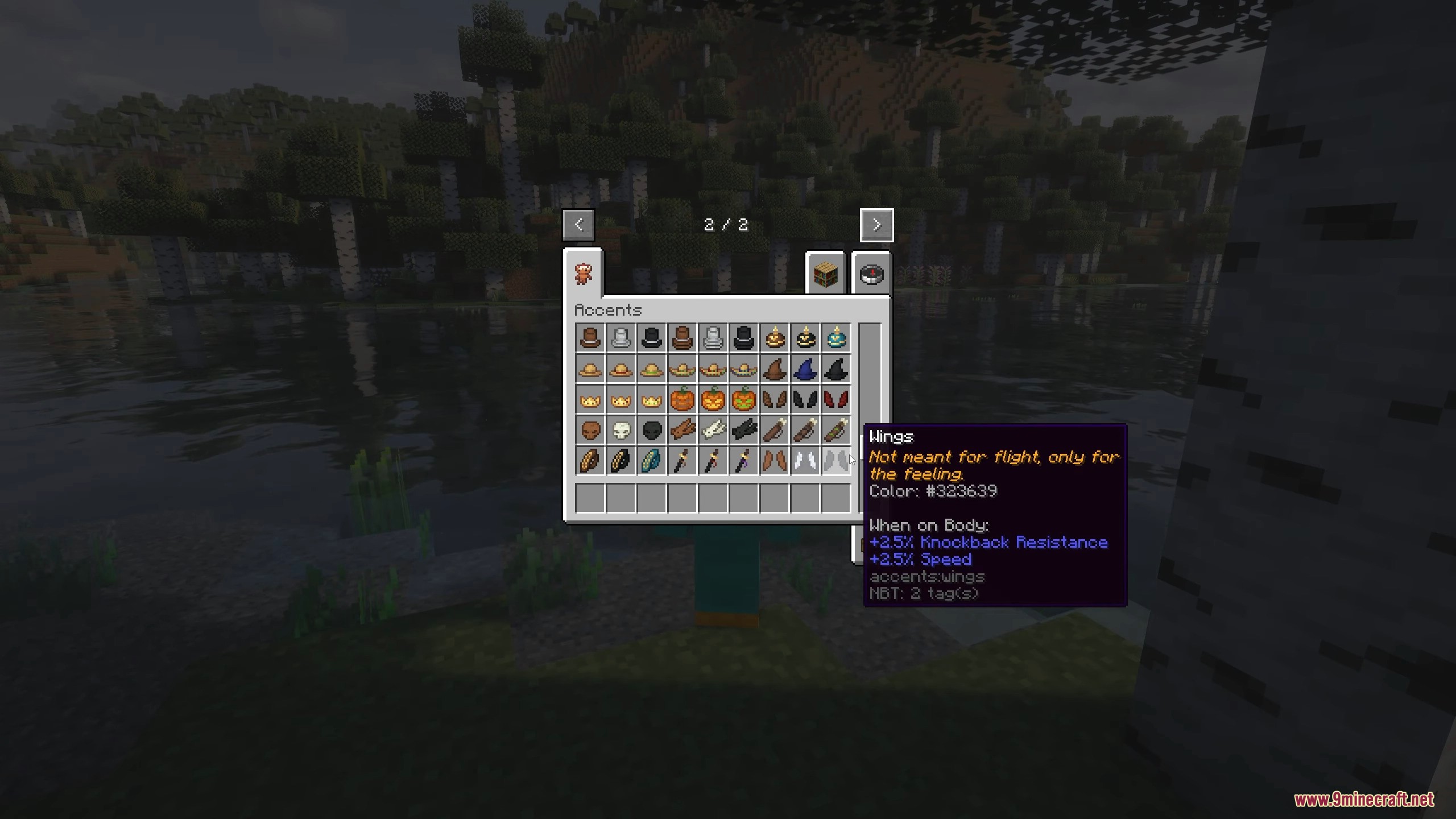
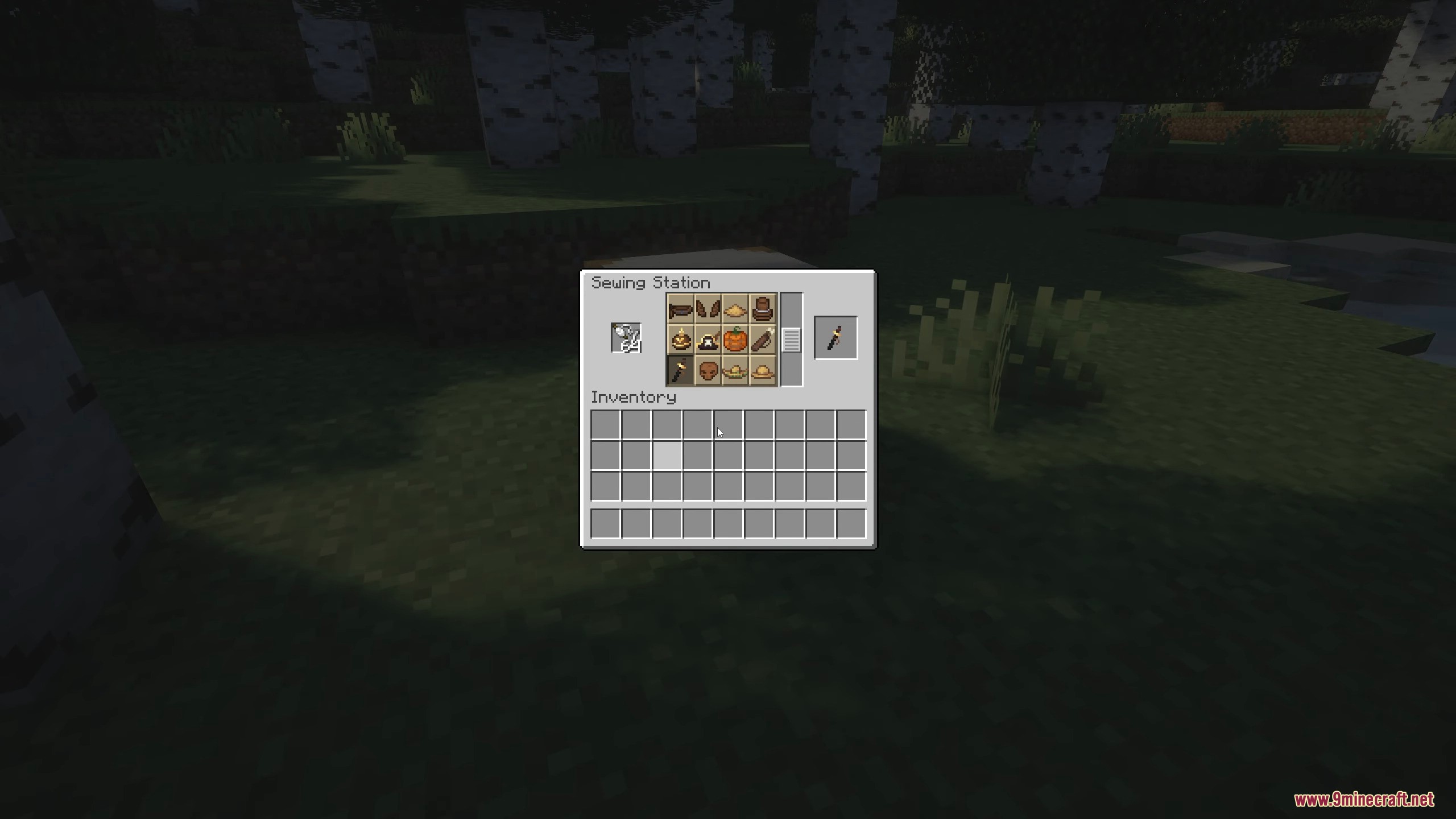
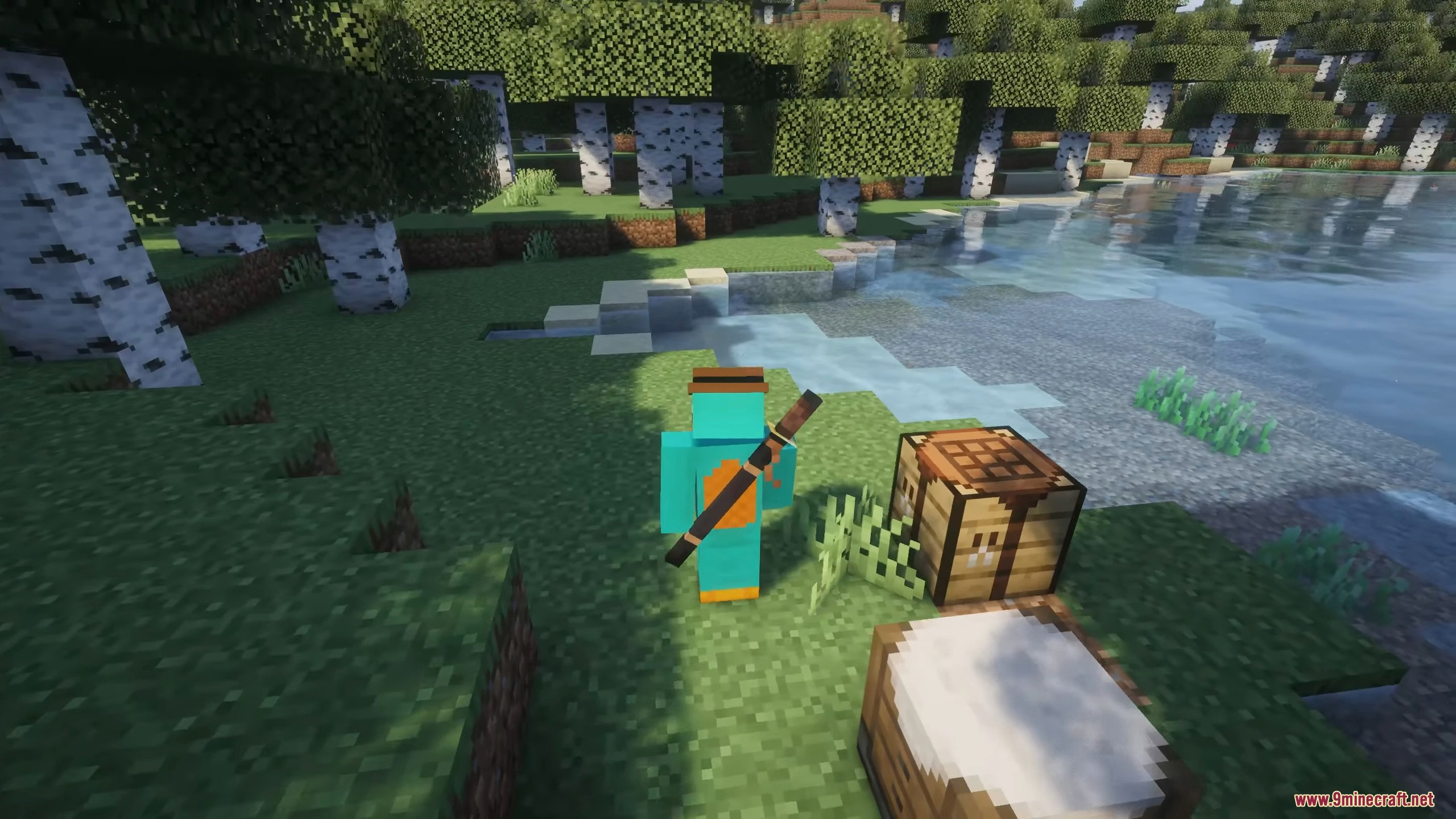
Accents Mod adds cosmetic accessories that enhance your character’s appearance while providing small gameplay bonuses. These items are designed to improve visual customization without replacing armor or becoming mandatory equipment.
Features:
- Cosmetic Accessories
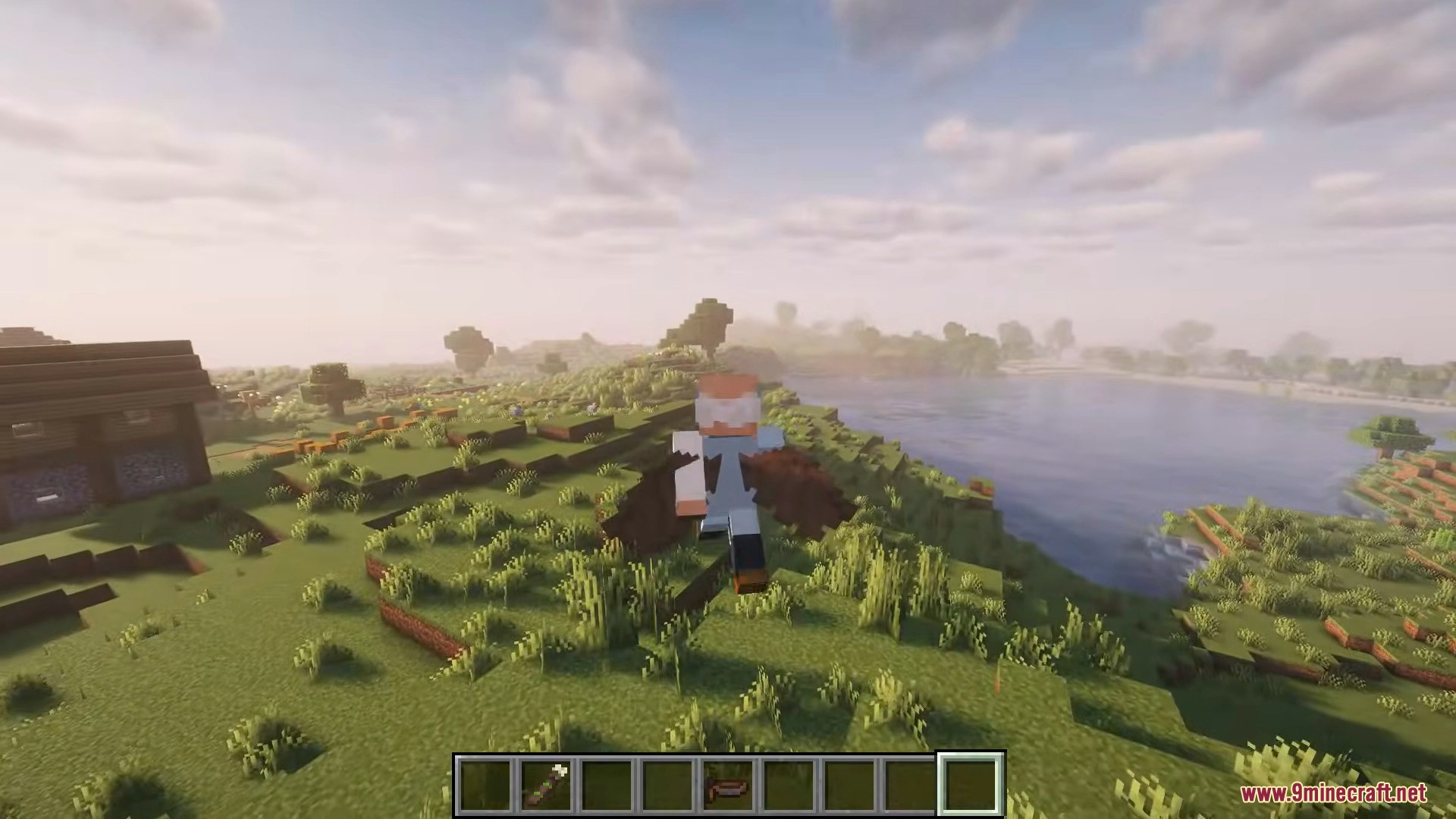
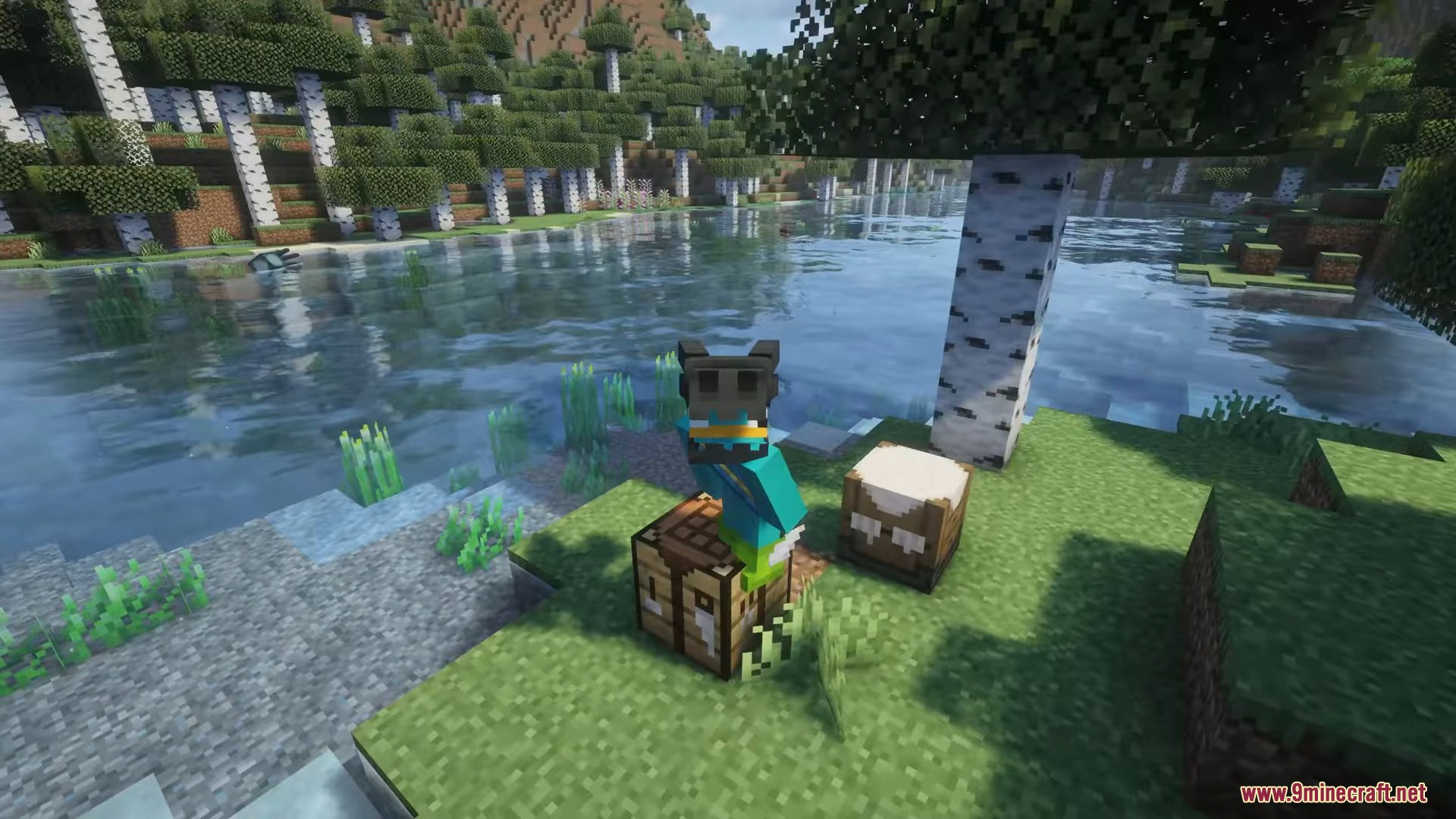
- Adds hats, back accessories, and other visual items.
- Designed to complement your character’s style without occupying armor slots.
- Helps personalize your character while keeping normal gear progression intact.
- Custom Dye System
- Most accents can be dyed for visual customization.
- Each item defines which parts can change color.
- Example:
- Top Hat – entire item can be recolored.
- Pirate Hat – only the feather can be recolored.
- Small Gameplay Bonuses
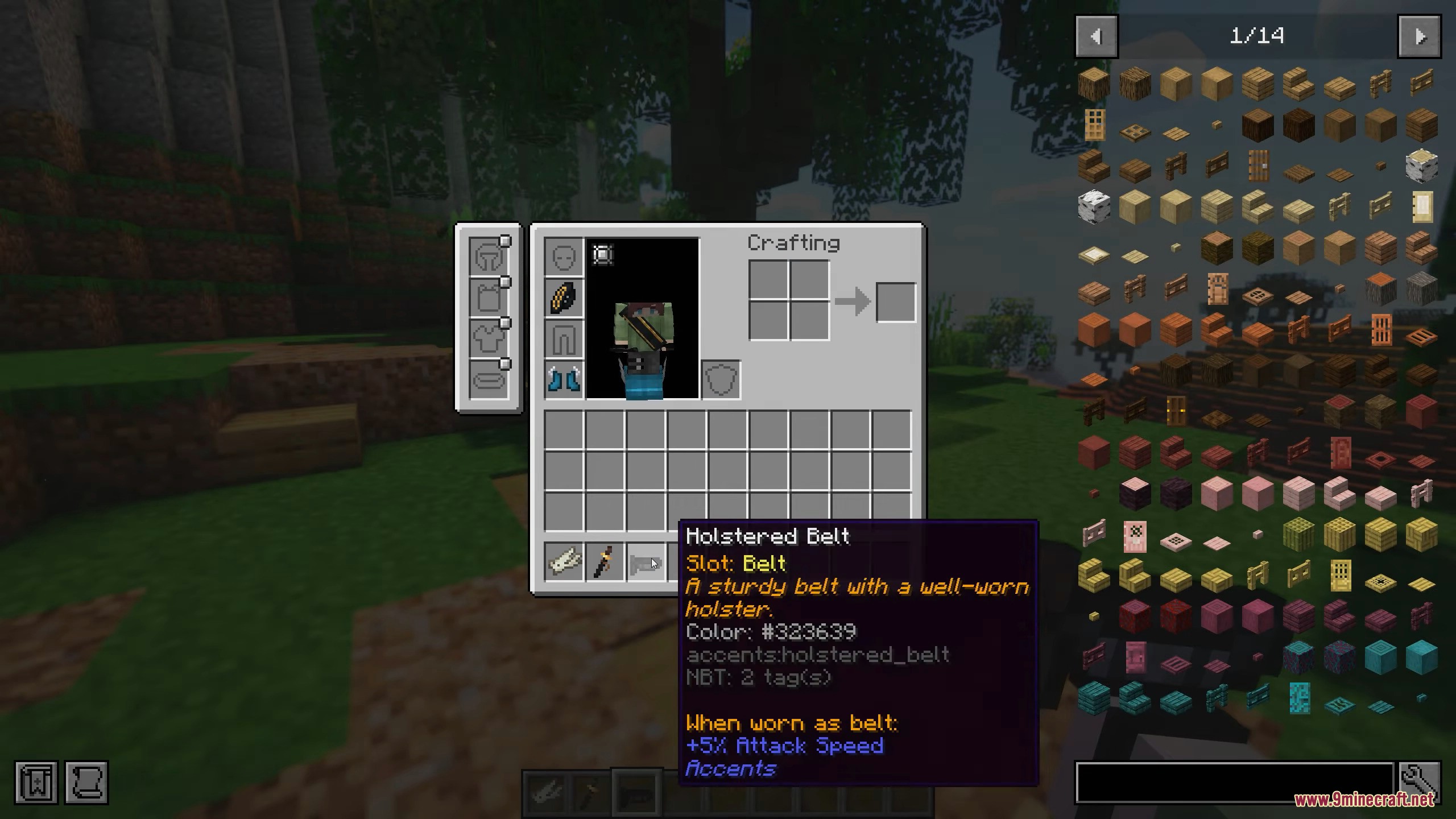
- Accents provide minor situational buffs while worn.
- These bonuses are intentionally small so cosmetics remain optional.
- Example: Sheathed Katana gives about
+5% damagewhen equipped on the back.
- Optional Trinket Support
- Compatible with Curios API and Trinkets API.
- When installed, some accents become wearable in dedicated trinket slots.
- Without these mods, all items still work normally.
Configuration:
- In-game config menu available when using Forge Config Screens or Configured.
- Configurable Stats
- All bonuses can be modified or disabled in the config file.
- Main configuration file:
config/obscuria/accents-common.toml. - Useful for balancing modpacks or adjusting gameplay effects.
Compatibility With Cosmetic Mods:
- Works well with appearance-only armor mods. Example: Cosmetic Armor Reworked.
- Allows separate styling for armor while still using accents for visuals and bonuses.
Screenshots:
Accents Mod Download Links
For Minecraft 1.21.11
NeoForge version: Download from Server 1 – Download from Server 2
Fabric version: Download from Server 1 – Download from Server 2
For Minecraft 1.21.1, 1.21
NeoForge version: Download from Server 1 – Download from Server 2
Fabric version: Download from Server 1 – Download from Server 2
For Minecraft 1.20.1, 1.20
Forge version: Download from Server 1 – Download from Server 2
Fabric version: Download from Server 1 – Download from Server 2
- Edition: Minecraft Java
- File type: .jar
- Minecraft versions listed: 1.21.11, 1.20.1
- How to install: Install the matching mod loader (Forge, Fabric or NeoForge) for your Minecraft version. → Download the .jar. → Put it in the .minecraft/mods folder and launch that loader profile.
- Where to get it: In MC Java Mods, or directly above on this page.
Install steps are the general flow for this file type — How to install Minecraft Java mods & modpacks walks through it step by step.
- Downloads as 175010.mcaddon
- Download size: 675 KB
- Download link checked 25 Jul 2026 — working
- Mirrored on our own servers — the download does not depend on the original host
These come from our own check of the pack file, not from the source page.