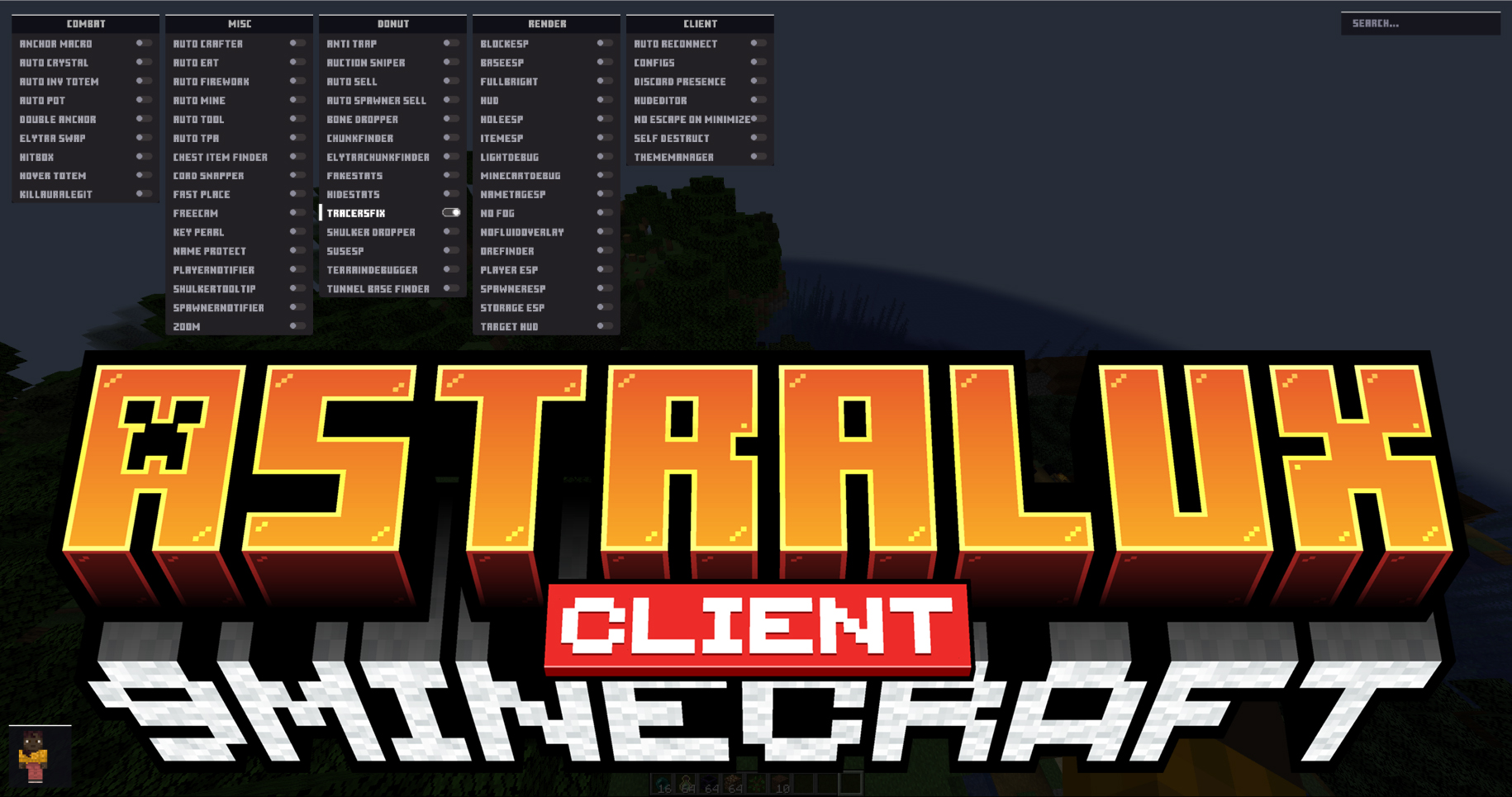
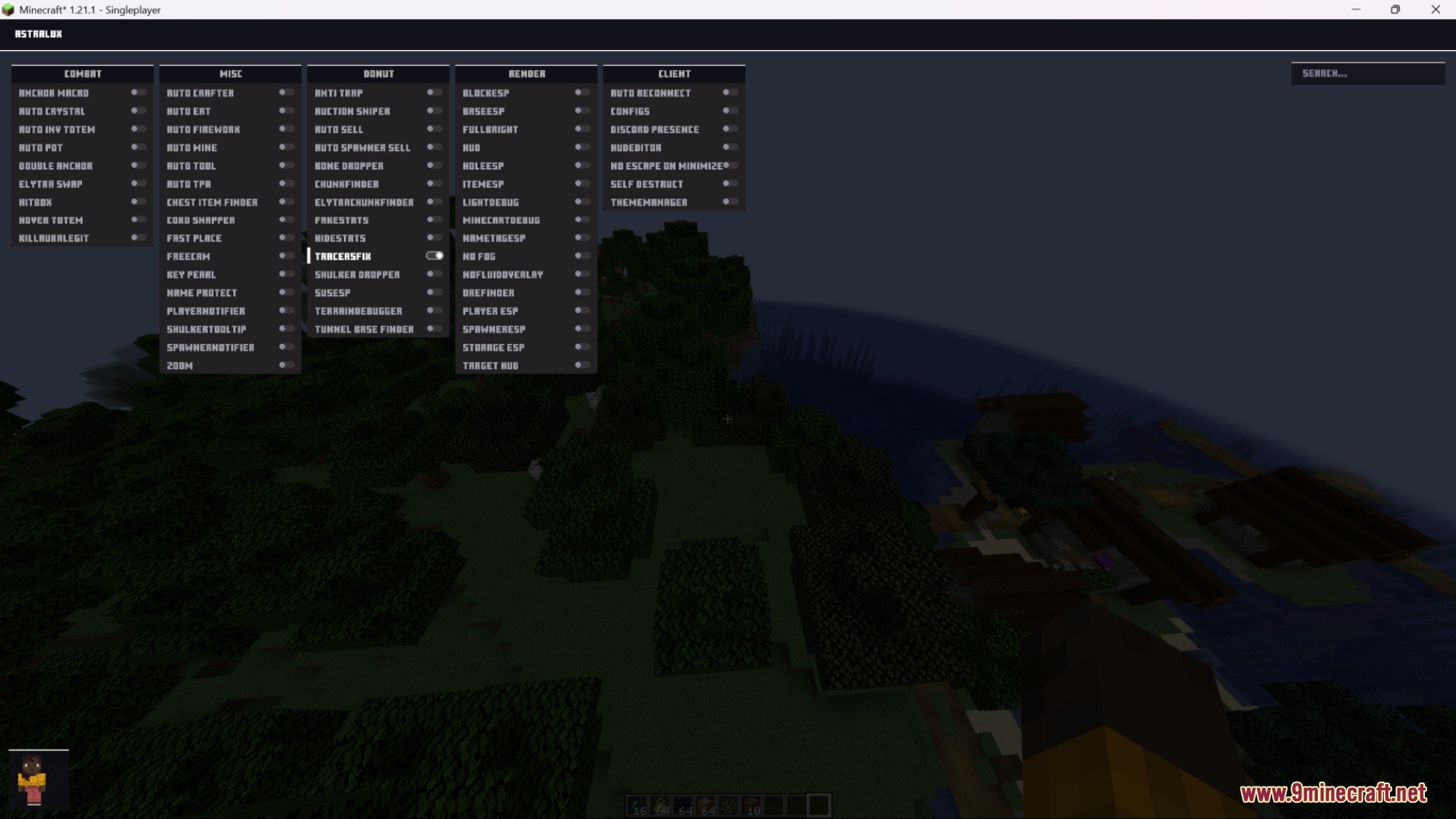
Astralux Client Mod is a utility-focused Minecraft client designed for Minecraft. It adds advanced tools that help players with combat, automation, visual awareness, and quality-of-life improvements.
Features:
- Combat Assistance
- Automates complex combat actions such as crystal usage, totem swapping, and potion handling.
- Improves PvP efficiency with safer targeting and timing support.
- Includes tools commonly used in End Crystal and Anchor combat.
- Gameplay Automation & Utilities
- Automatically manages actions like eating, mining, crafting, and tool switching.
- Provides exploration helpers such as
Freecamand coordinate tools. - Reduces repetitive tasks and simplifies inventory management.
- Economy & World Interaction Tools
- Helps locate valuable areas such as chunks, tunnels, and player-built bases.
- Supports automated selling and item handling on servers with economies.
- Useful for large worlds where manual searching is inefficient.
- Visual Enhancements (ESP & Rendering)
- Highlights important elements like players, containers, spawners, and specific blocks.
- Improves visibility using features like
Fullbright, fog removal, and name tags. - Helps players better understand their surroundings and potential threats.
- Client Management & Customization
- Allows full control over the interface with a HUD editor and theme manager.
- Includes safety features such as
Self Destructto quickly disable the client. - Supports auto reconnect and optional Discord status display.
Screenshots:
How to use:
- Press
Right Shiftto open or close the client configuration menu (GUI)
Astralux Client Mod Download Links
For Minecraft 1.21.1, 1.21
v1 Fabric version: Download from Server 1 – Download from Server 2
v2 Fabric version: Download from Server 1 – Download from Server 2
Quick facts
- Edition: Minecraft Java
- File type: .jar
- Minecraft version listed: 1.21.1
- How to install: Install the matching mod loader (Forge, Fabric or NeoForge) for your Minecraft version. → Download the .jar. → Put it in the .minecraft/mods folder and launch that loader profile.
- Where to get it: In MC Java Mods, or directly above on this page.
Install steps are the general flow for this file type — How to install Minecraft Java mods & modpacks walks through it step by step.
Verified by MCModsHub
- Downloads as 175041.mcaddon
- Download size: 3.1 MB
- Download link checked 25 Jul 2026 — working
- Mirrored on our own servers — the download does not depend on the original host
These come from our own check of the pack file, not from the source page.