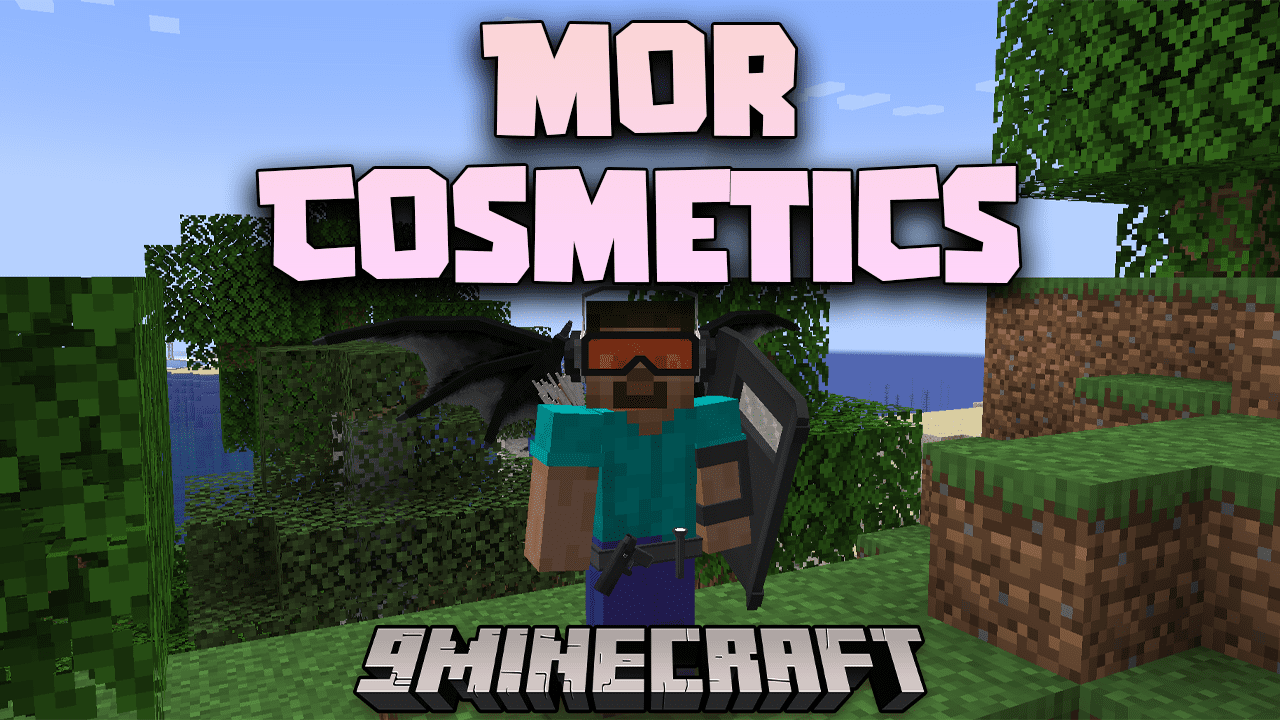
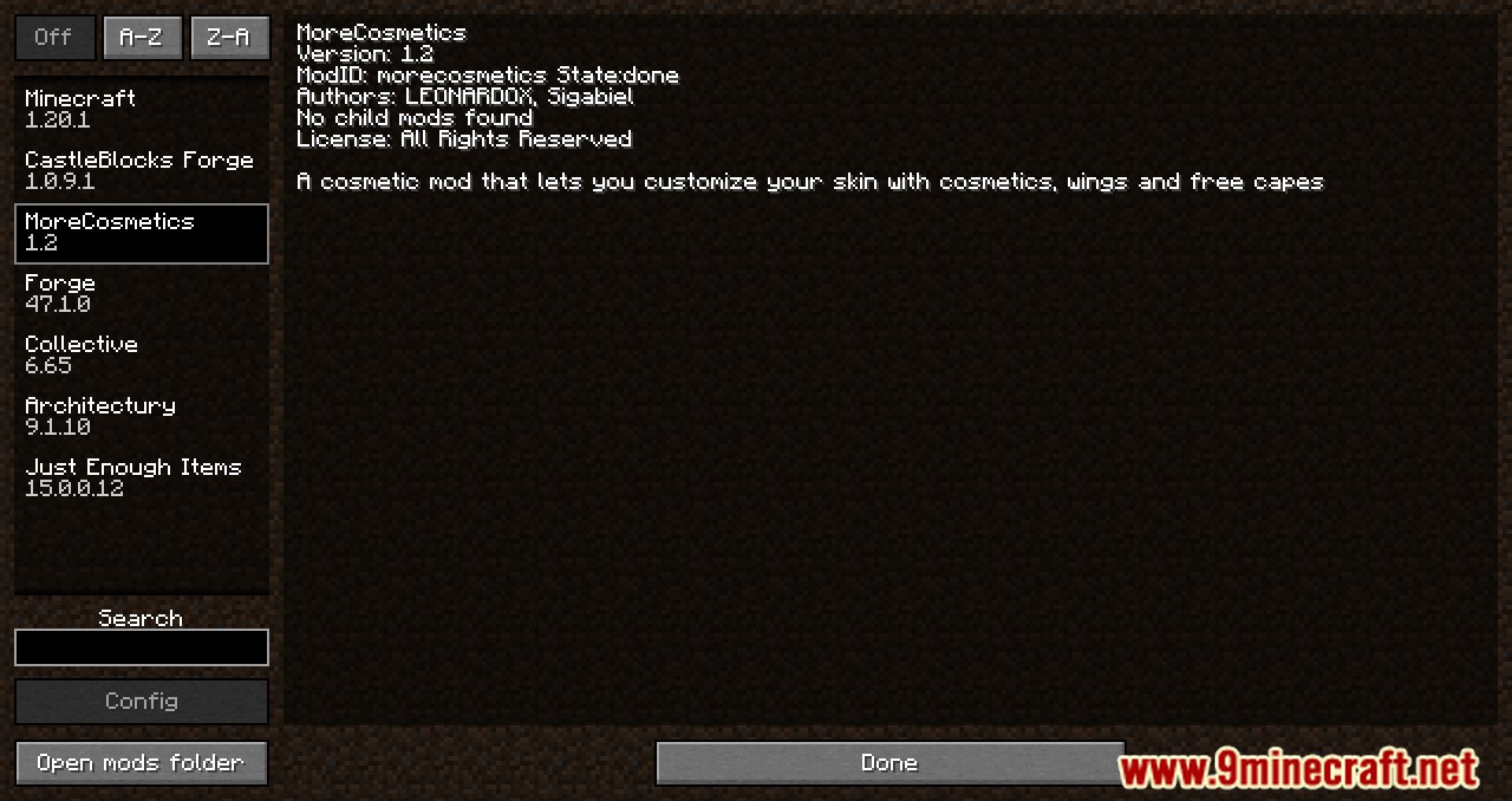
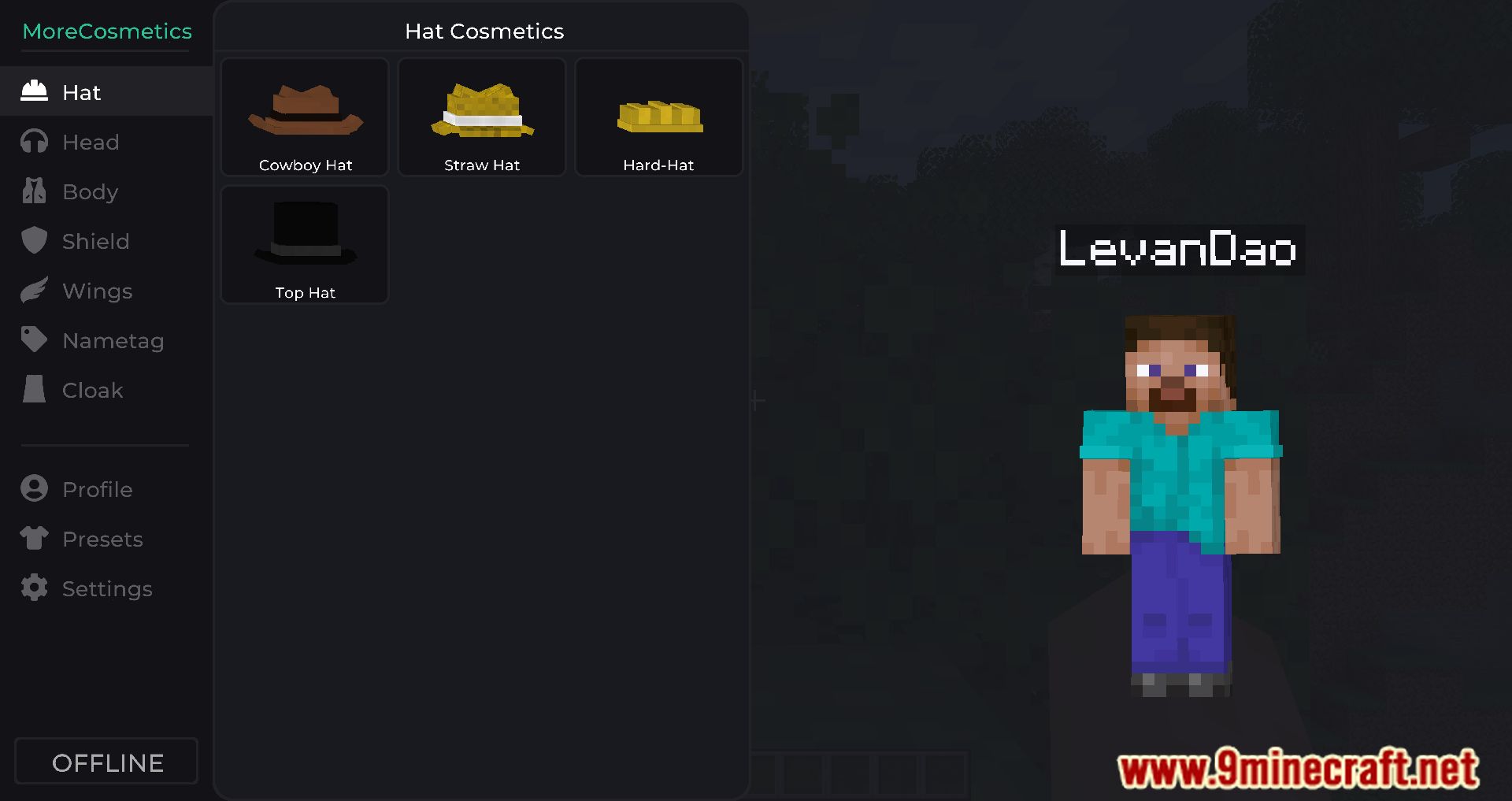
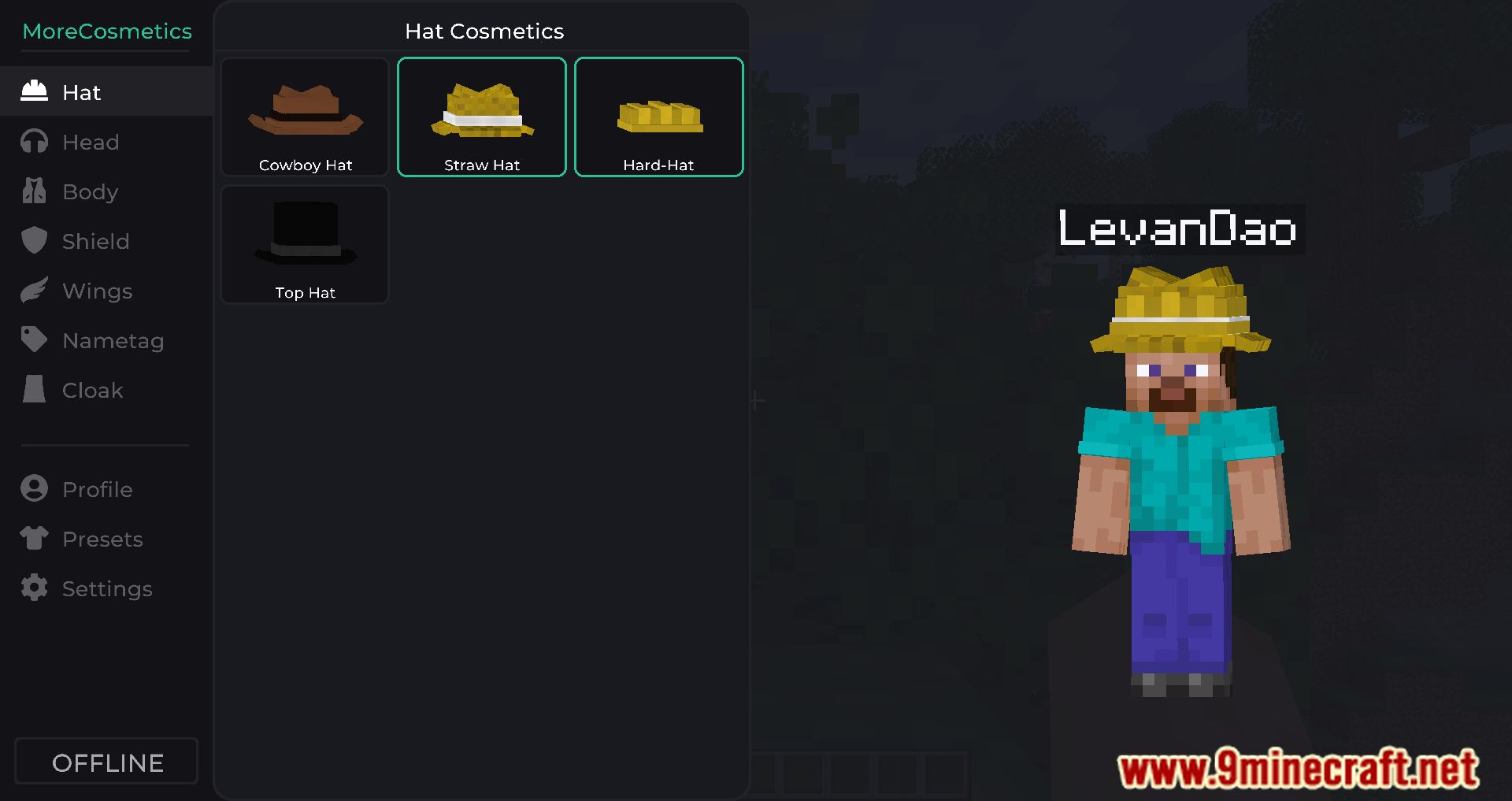
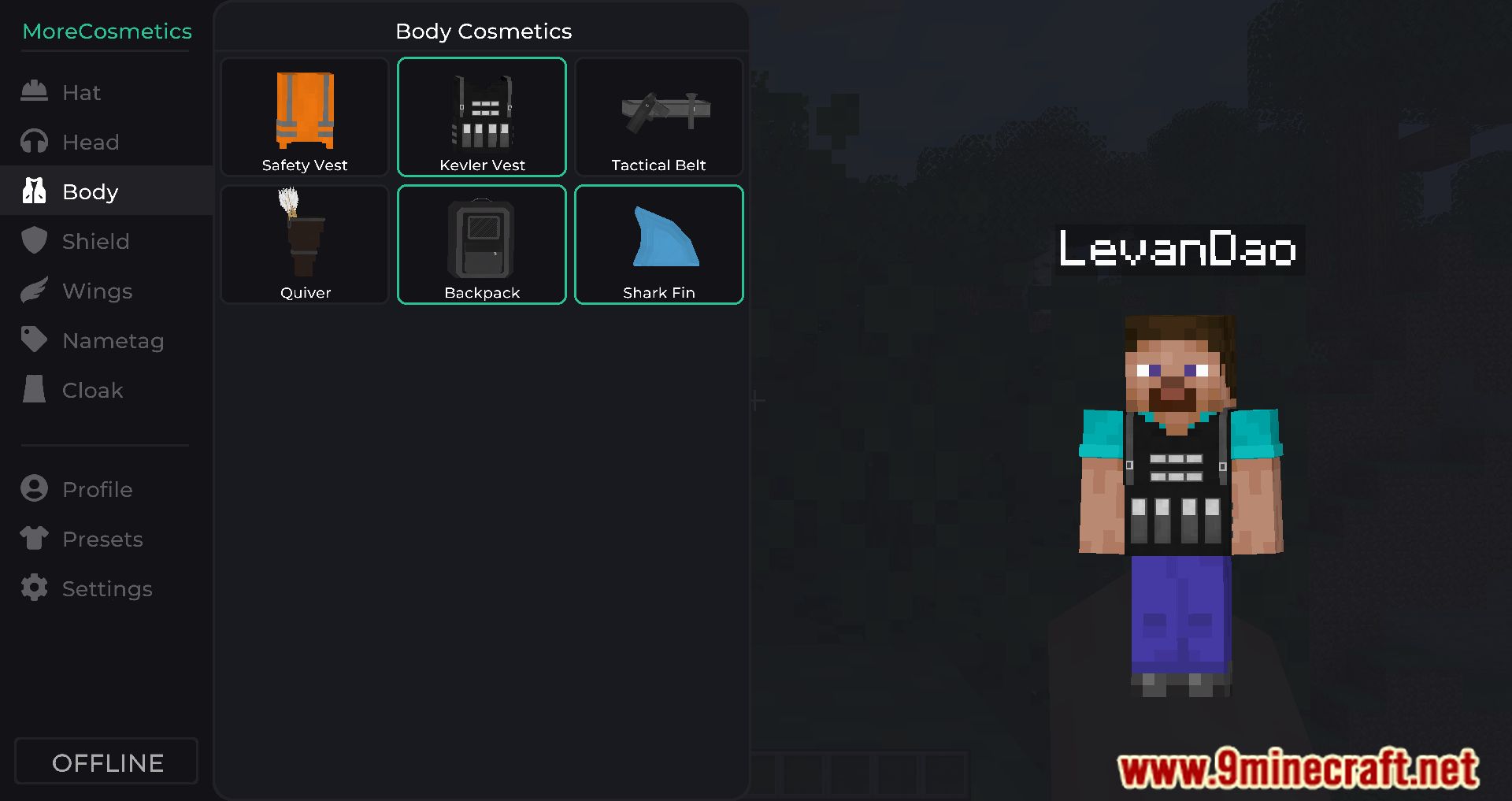
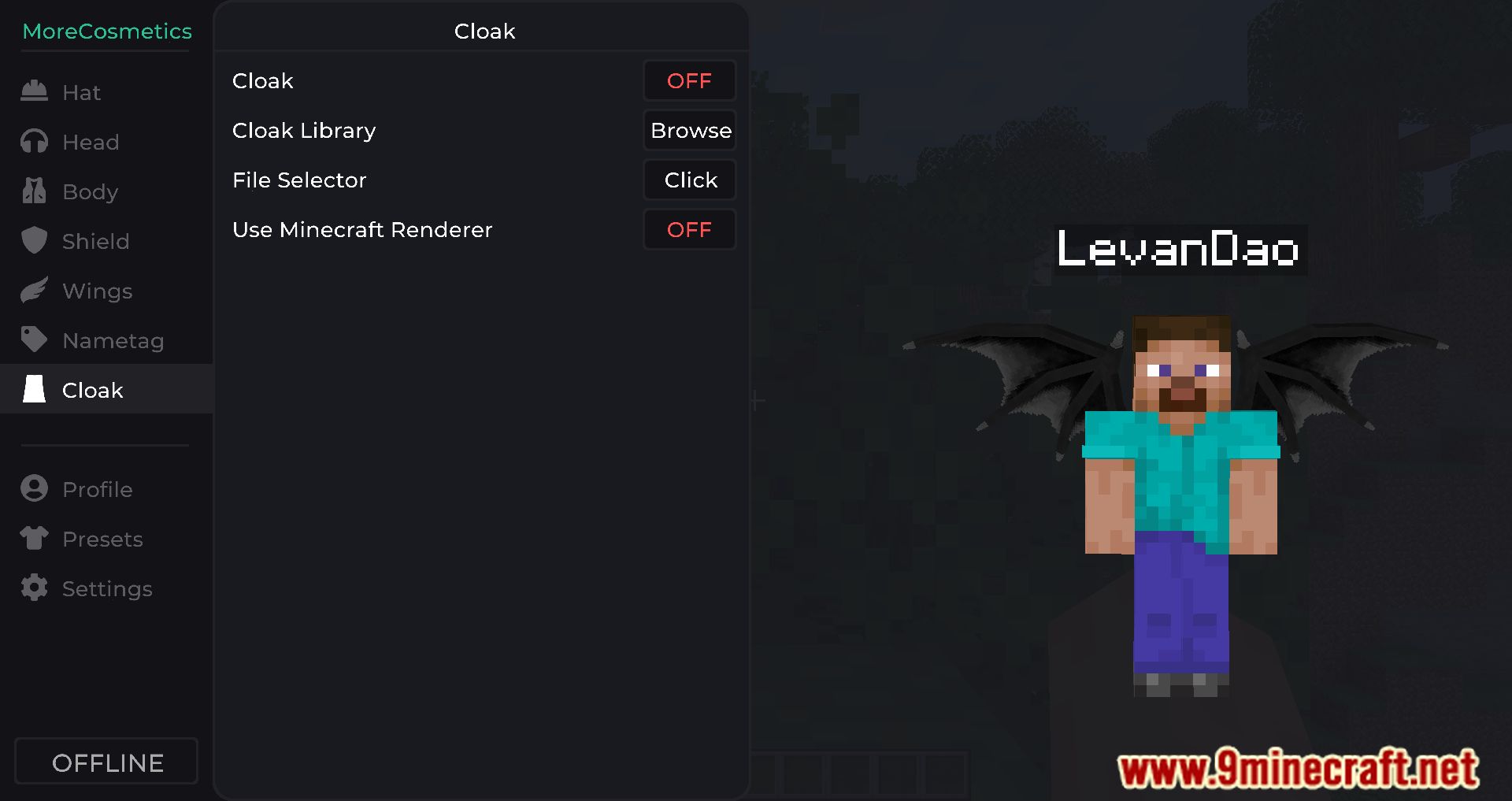
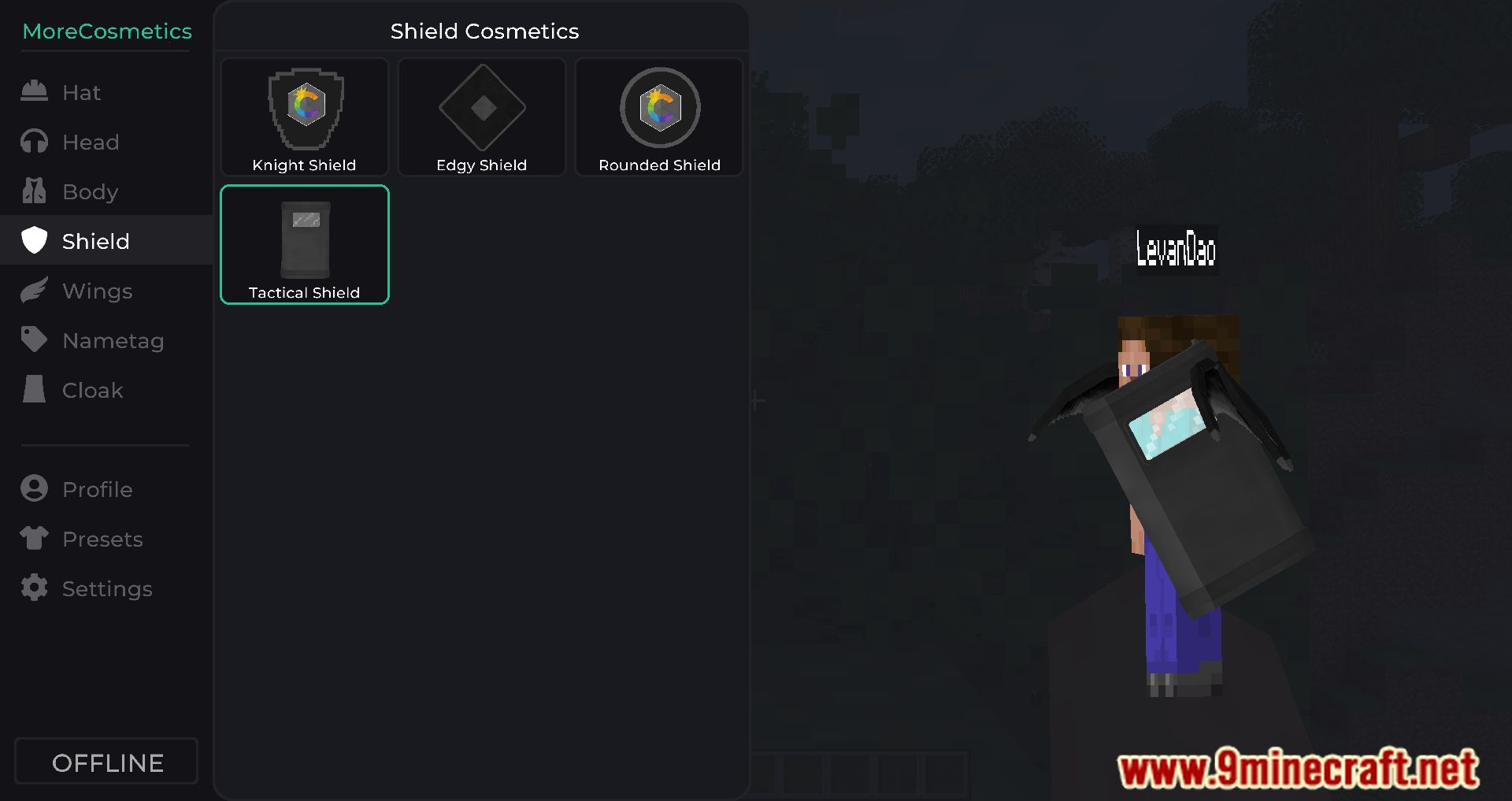
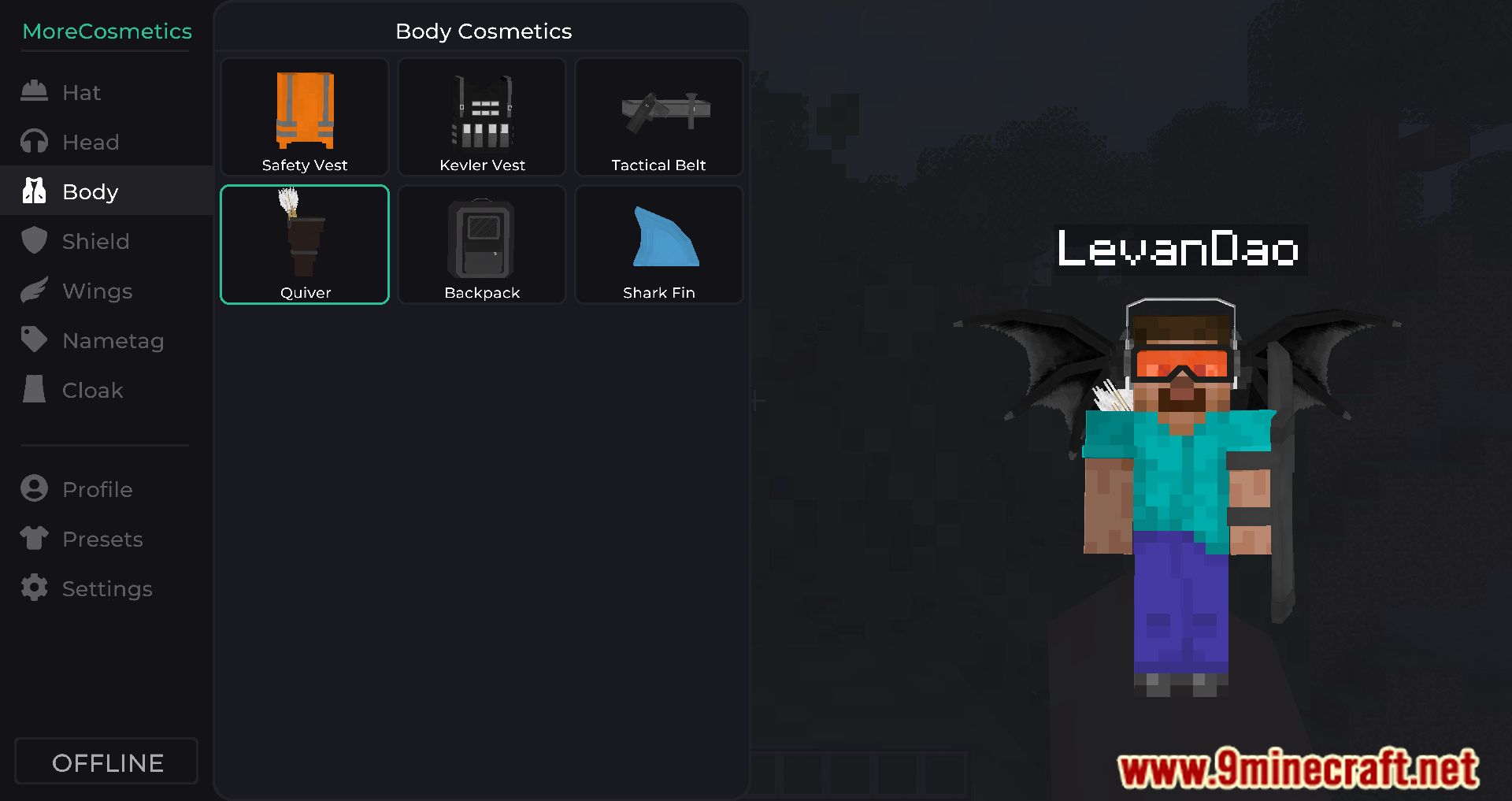
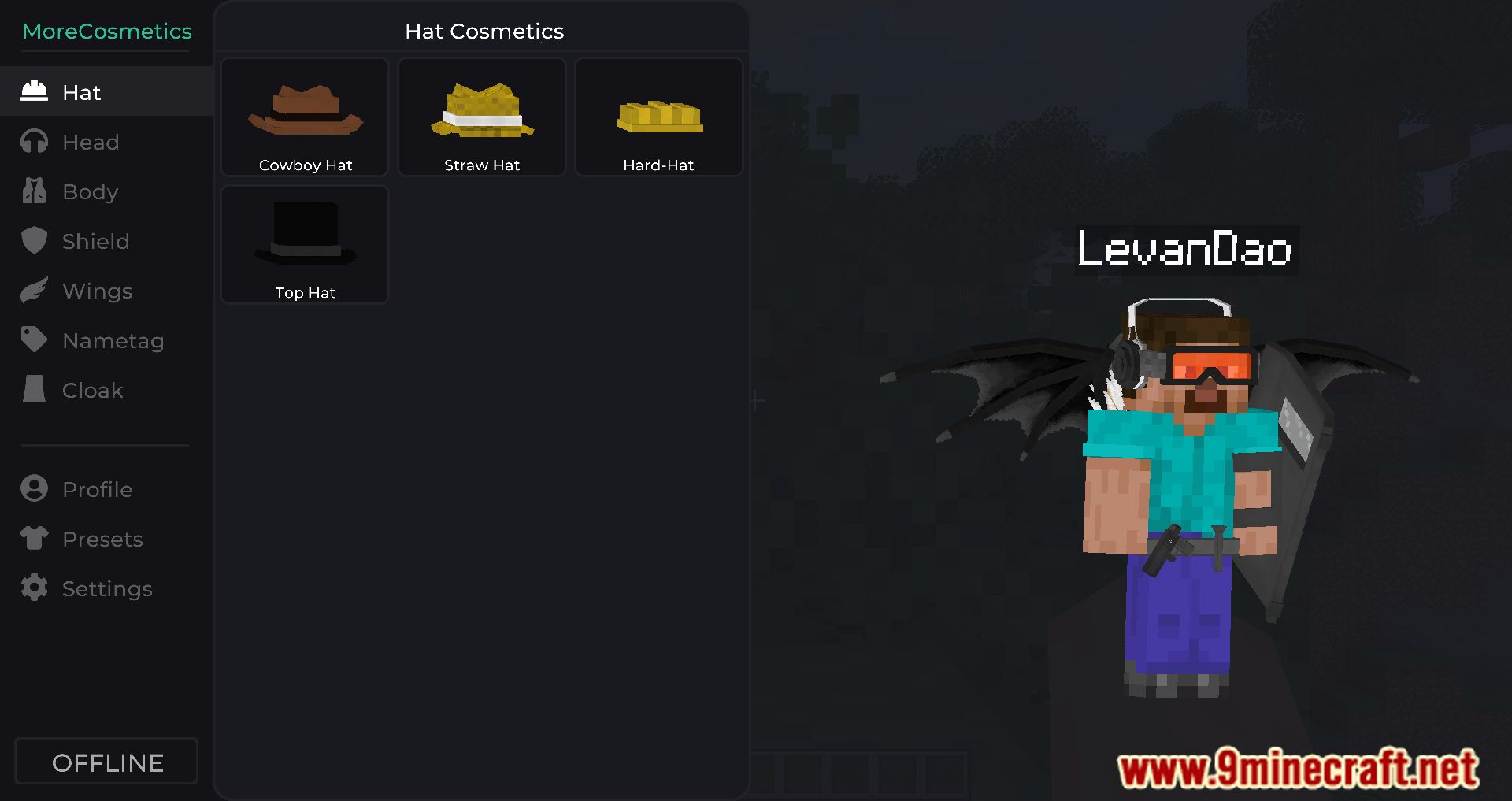
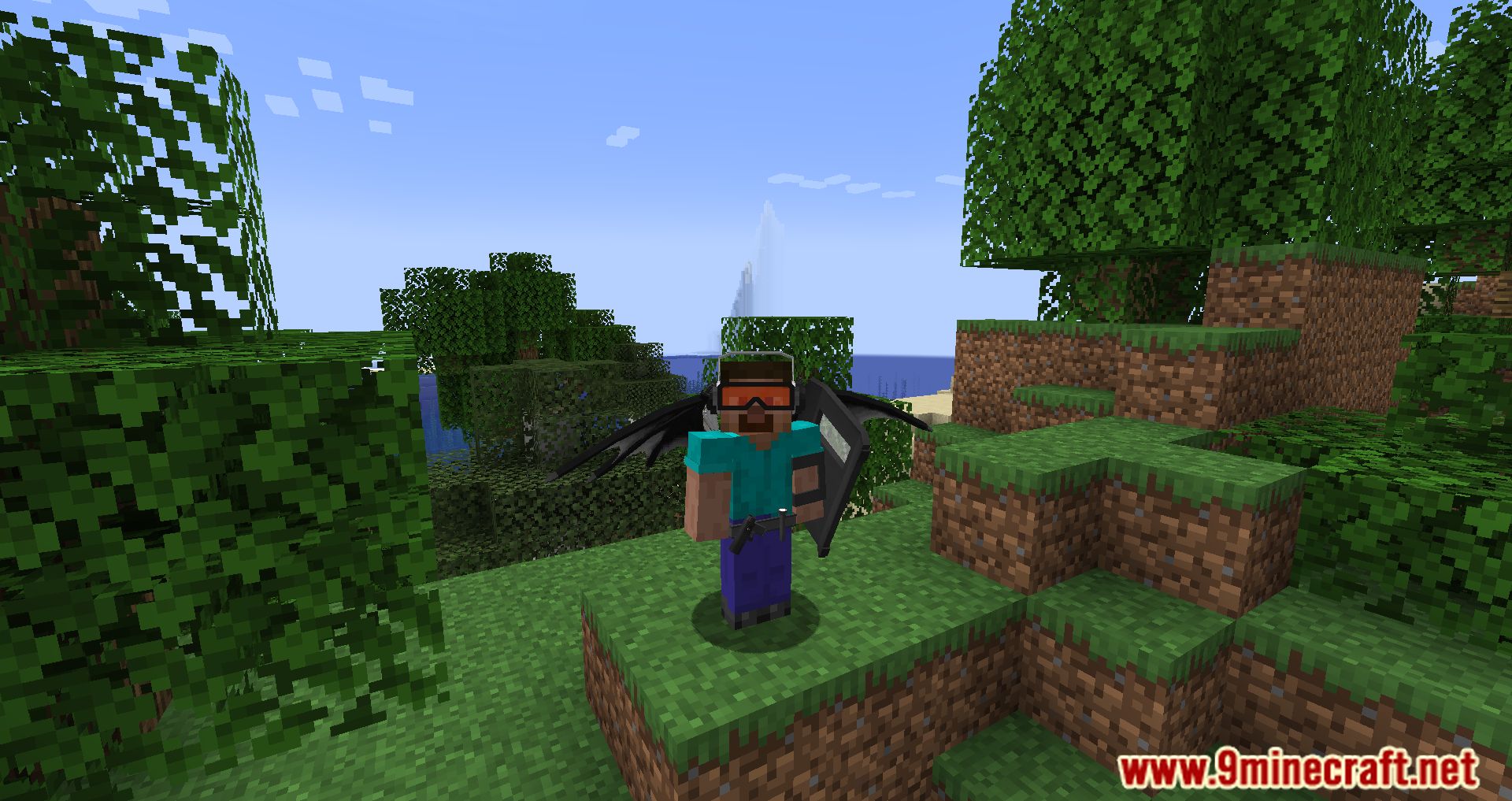
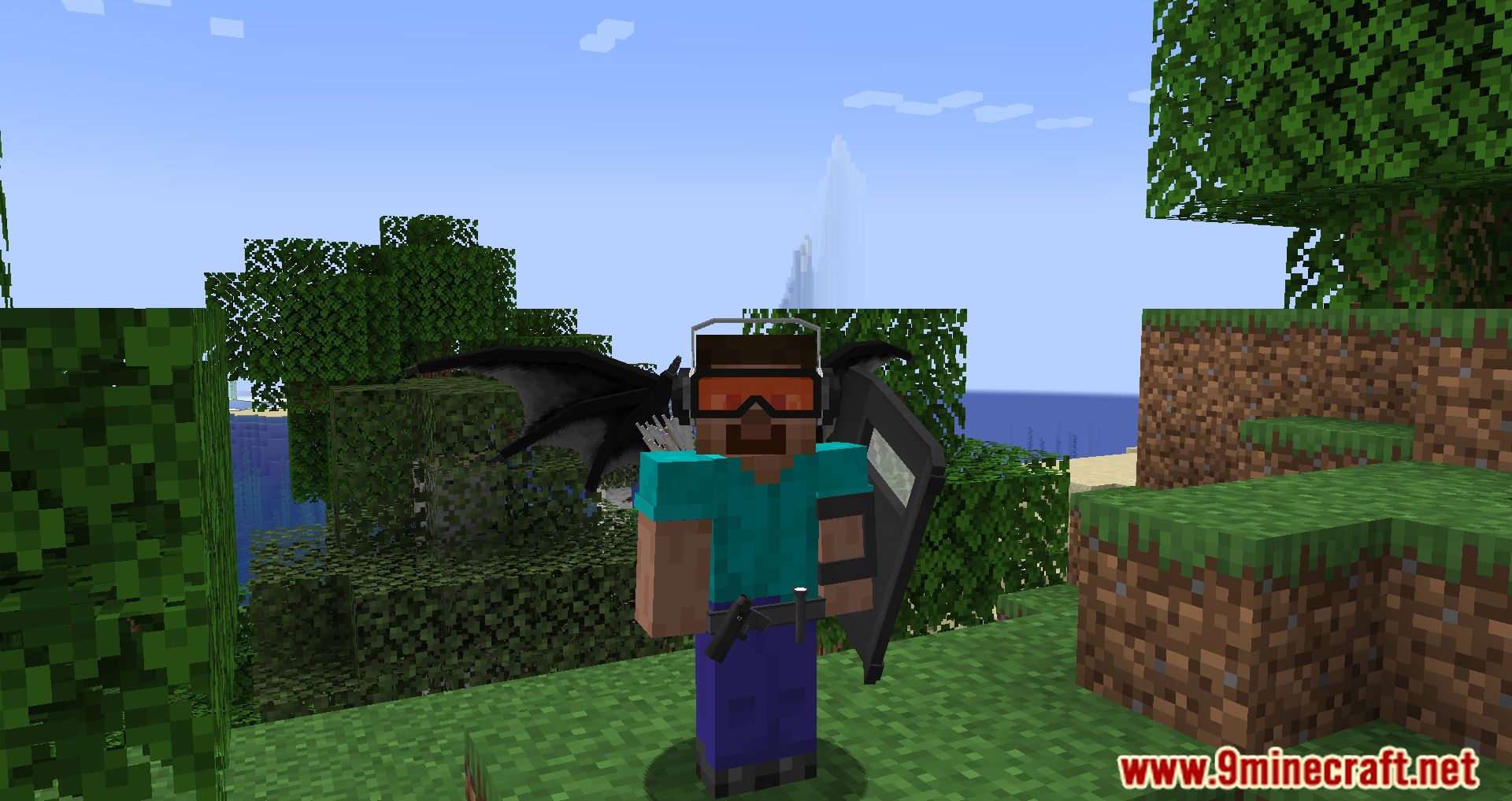
Tired of your standard skin? With More Cosmetics Mod, you can dress your character in hats, cloaks, vests, and more. This is a client-side mod, so for other players to see your cosmetics, they will need to install this mod as well. To open the item interface, press the English ‘M’ key.
Features:
- Adds hats, wings, shields, cloaks, and more to your character.
- Fully customizable cosmetics, including color settings and textures.
- Upload your own textures visible to other users of the mod.
- Try out all cosmetics in offline mode before using them online.
- Access over 1,000 designs directly within the mod.
- Open the customization menu with the “M” key (default) for easy access.
Screenshots:
More Cosmetics Mod Download Links
Quick facts
- Edition: Minecraft Java
- File type: .jar
- Minecraft version listed: 1.20.1
- How to install: Install the matching mod loader (Forge, Fabric or NeoForge) for your Minecraft version. → Download the .jar. → Put it in the .minecraft/mods folder and launch that loader profile.
- Where to get it: In MC Java Mods, or directly above on this page.
Install steps are the general flow for this file type — How to install Minecraft Java mods & modpacks walks through it step by step.
Verified by MCModsHub
- Downloads as 175058.mcaddon
- Download size: 1.5 MB
- Download link checked 23 Sept 2026 — working
- Mirrored on our own servers — the download does not depend on the original host
These come from our own check of the pack file, not from the source page.