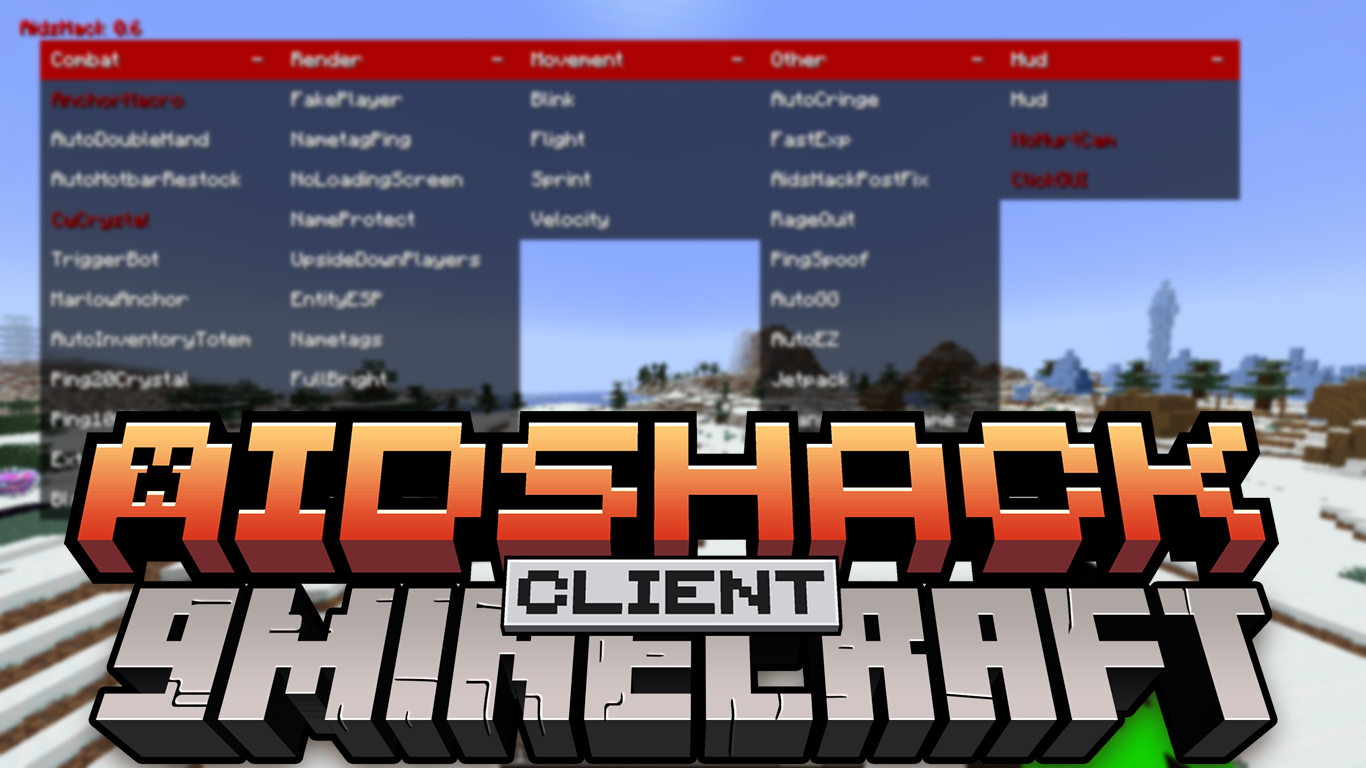
AidsHack Client Mod is a Minecraft PvP client made mainly for Crystal PvP and Anchor PvP. It adds helpful features like automatic crystal fighting, auto totem, and combat assists to make battles easier. This client is strong and simple to use, especially for players who want better performance in PvP.
Features:
Combat
- Focused on Crystal PvP and Anchor PvP
- Crystal and Anchor automation:
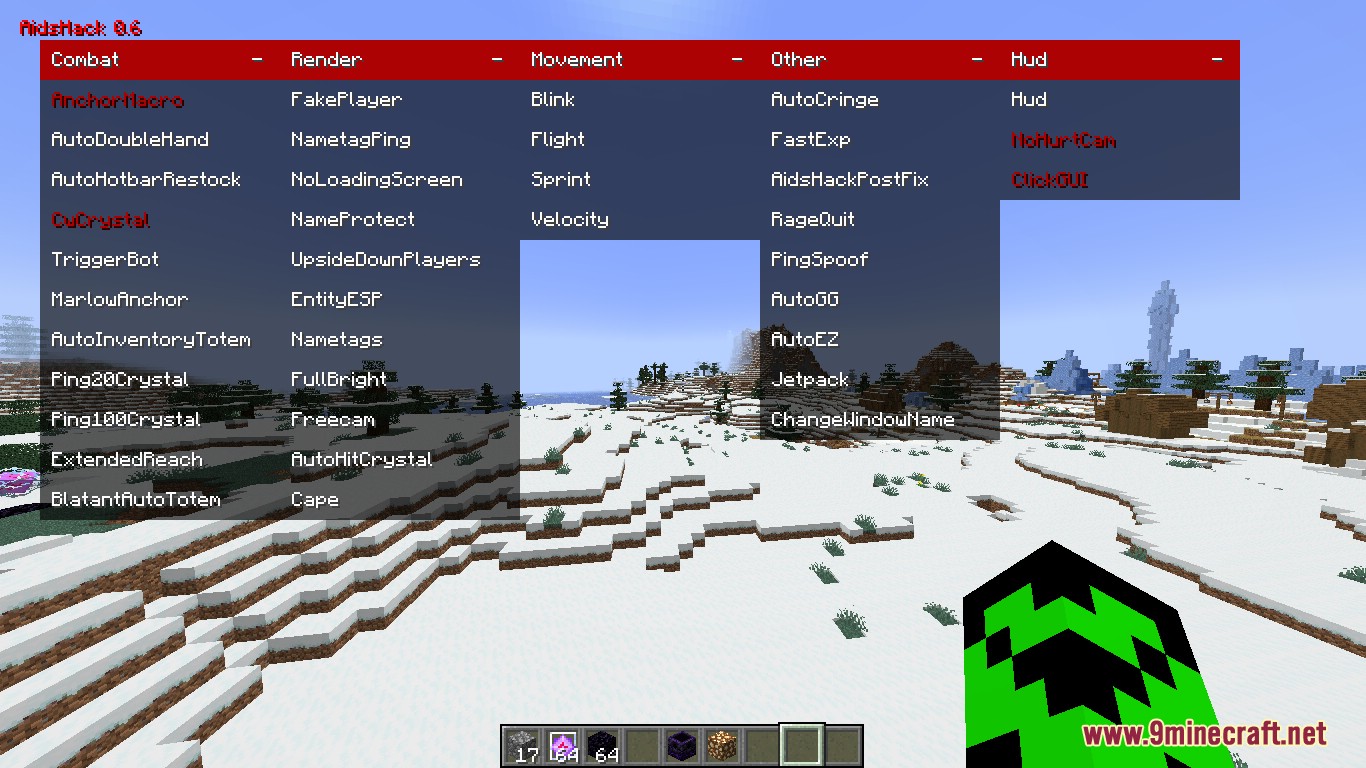
CwCrystal– Automatic crystal combatPing20Crystal– Crystal optimized for low pingPing100Crystal– Crystal optimized for higher pingAnchorMacro– Automatic anchor usageMarlowAnchor– Advanced anchor combat
- Survival and inventory:
AutoInventoryTotem– Keeps Totems readyBlatantAutoTotem– Faster but less hidden AutoTotemAutoHotbarRestock– Refills hotbar itemsAutoDoubleHand– Manages both hands automatically
- Combat assistance:
TriggerBot– Attacks automaticallyExtendedReach– Increased attack range
Render
- Visual advantages:
EntityESP– Shows entities through wallsNametags– Better name displayNametagPing– Shows player pingFullBright– Maximum brightness
- Utility visuals:
Freecam– Move camera freelyFakePlayer– Spawn a fake playerNameProtect– Hides your nameNoLoadingScreen– Removes loading screensCape– Custom cape
Movement
Sprint– Automatic sprintingVelocity– Reduces knockbackBlink– Delays movement packetsFlight– Allows flying
Other
- Automation:
AutoGG– Sends GG automaticallyAutoEZ– Sends EZ automaticallyFastExp– Faster experience usage
- Utility:
PingSpoof– Fake network pingRageQuit– Disconnects in dangerChangeWindowName– Changes window titleJetpack– Vertical movement
HUD
Hud– On-screen informationNoHurtCam– Removes damage shakingClickGUI– Opens the menu
Screenshots:
How to use:
- Press Right Ctrl to open or close the client menu and access all available features.
AidsHack Client Mod Download Links
For Minecraft 1.19.2
Fabric version: Download from Server 1 – Download from Server 2
Quick facts
- Edition: Minecraft Java
- File type: .jar
- Minecraft version listed: 1.19.2
- How to install: Install the matching mod loader (Forge, Fabric or NeoForge) for your Minecraft version. → Download the .jar. → Put it in the .minecraft/mods folder and launch that loader profile.
- Where to get it: In MC Java Mods, or directly above on this page.
Install steps are the general flow for this file type — How to install Minecraft Java mods & modpacks walks through it step by step.
Verified by MCModsHub
- Downloads as 175072.mcaddon
- Download size: 515 KB
- Download link checked 25 Jul 2026 — working
- Mirrored on our own servers — the download does not depend on the original host
These come from our own check of the pack file, not from the source page.