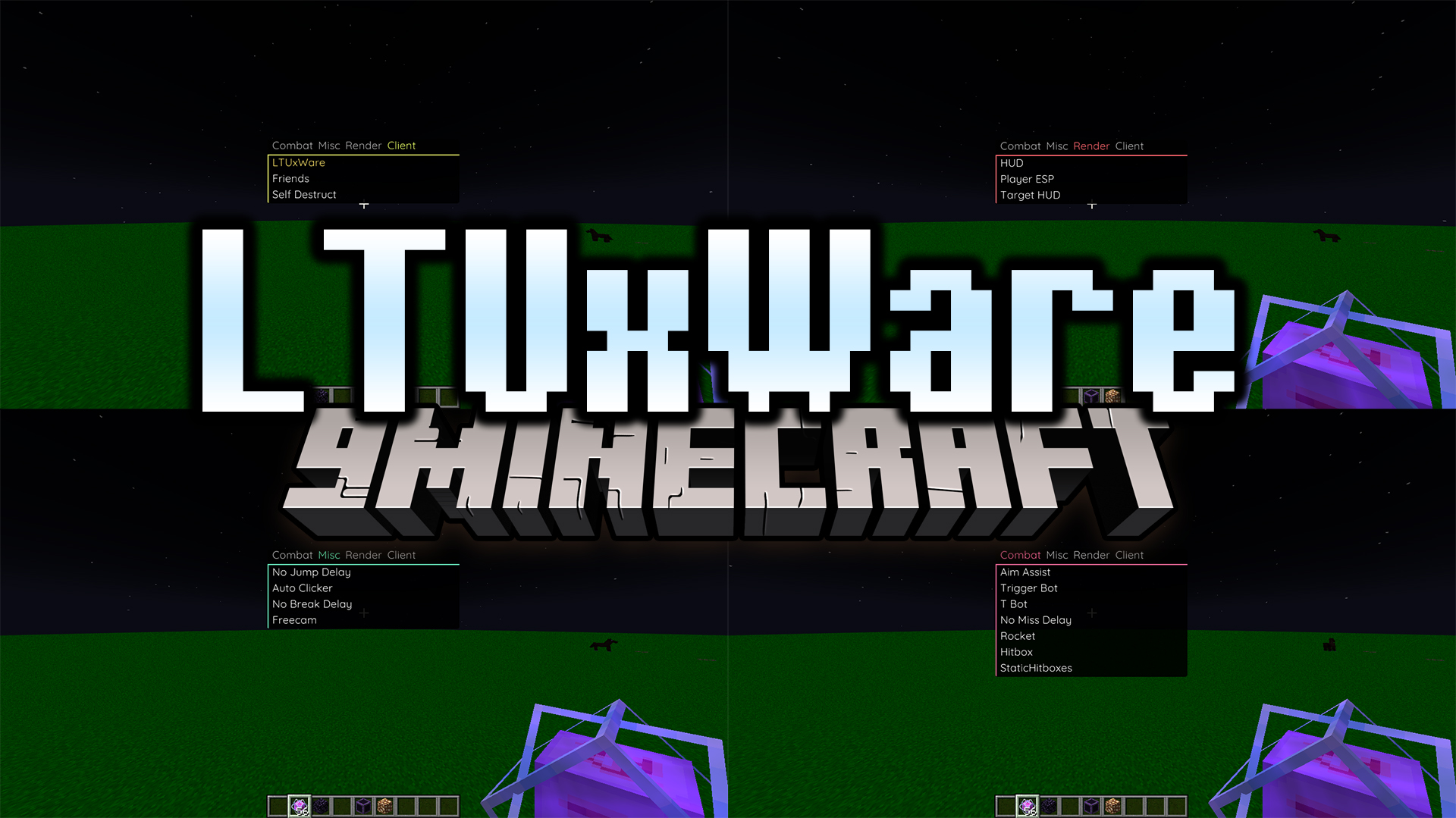
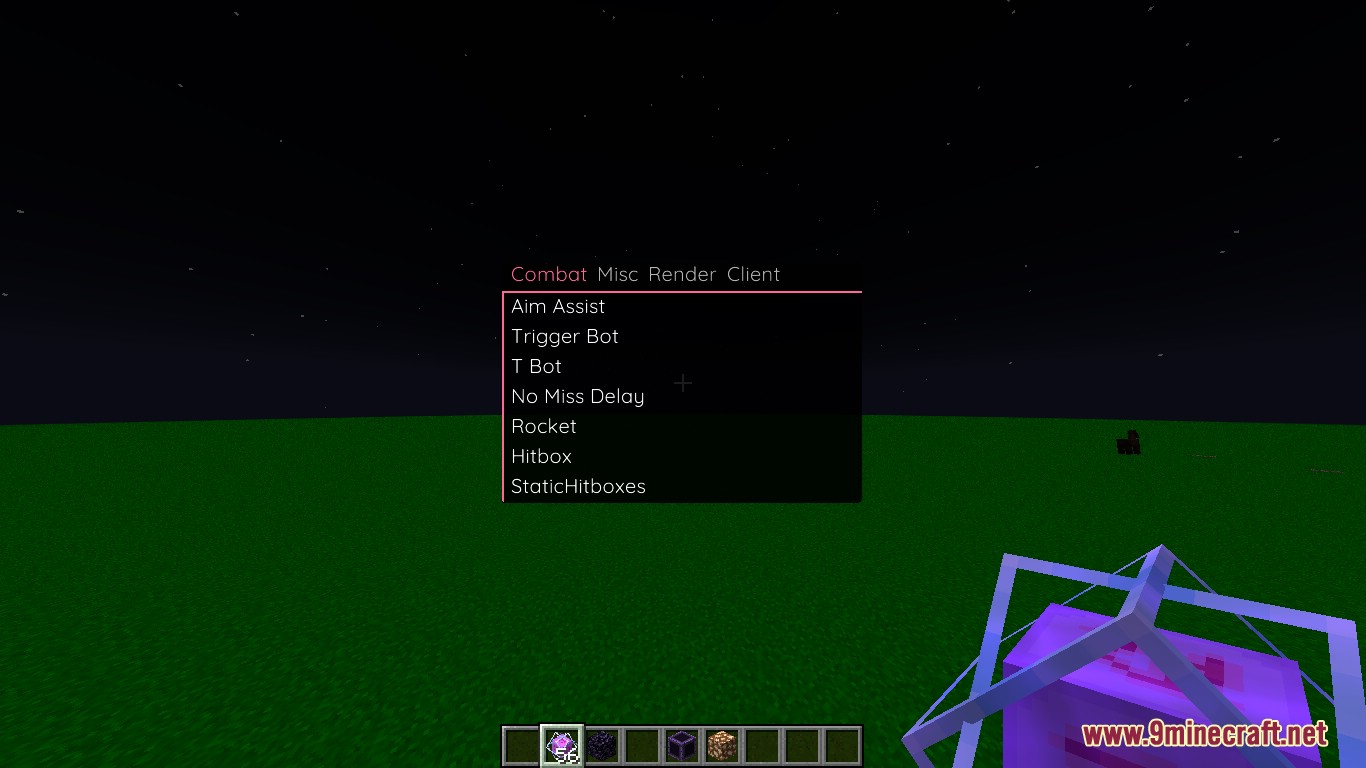
LTUxWare Client Mod is a lightweight PvP client for Minecraft. It focuses on simple combat assistance and ghost-style features to improve PvP performance.
Features:
Combat
- Aim Assist
- Lightly adjusts aim toward targets
- Helps improve melee accuracy
- Suitable for legit-style PvP
- TriggerBot
- Automatically attacks when crosshair touches a player
- Fast and stable response
- Designed for smooth PvP
- Target Support
- T Bot helps select targets automatically
- Attack Optimization
- No Miss Delay
- Removes delay after missed hits
- Improves reaction speed
- Rocket
- Optional combat boost depending on settings
- Hitbox Settings
- Adjustable target hitboxes
- Static Hitboxes for easier tracking
- No Miss Delay
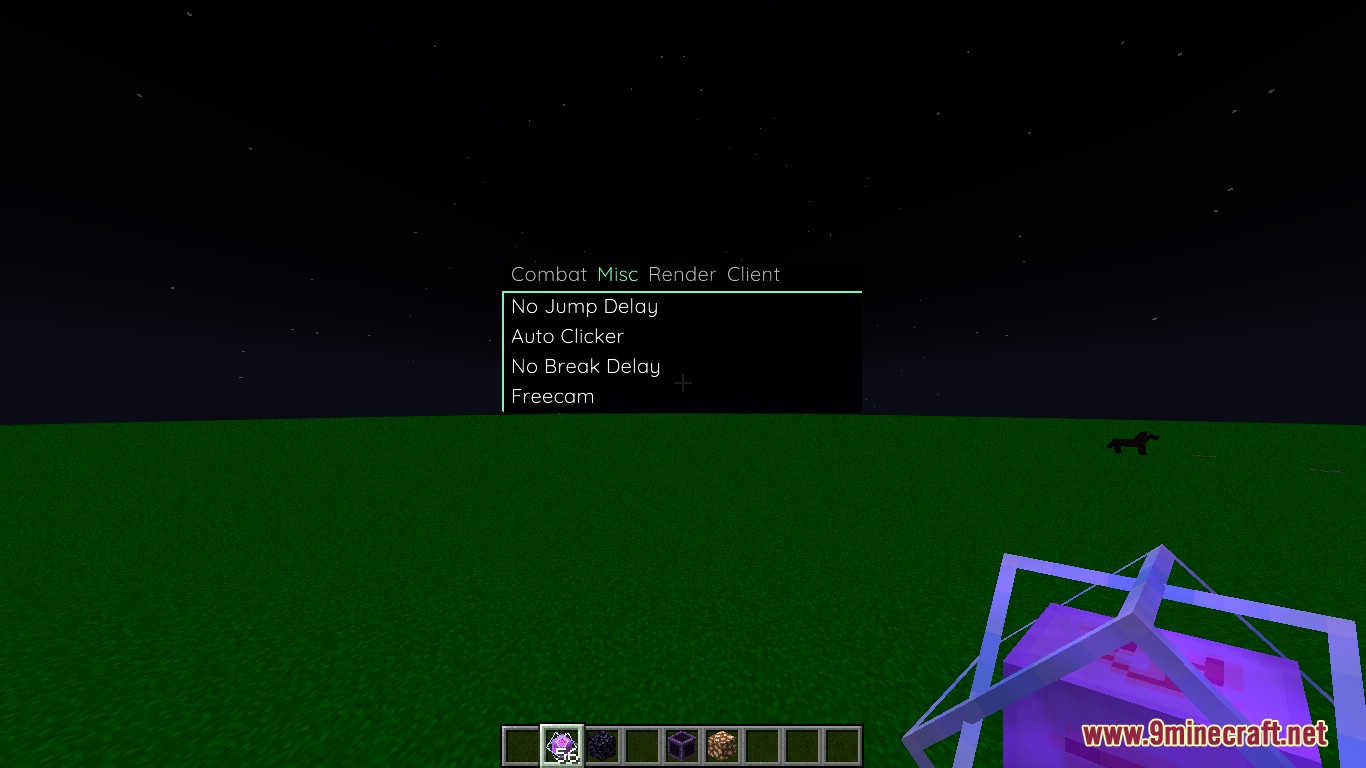
Utility
- Auto Clicker
- Automatically performs mouse clicks
- Speed may be adjustable
- Delay Removal
- No Jump Delay removes jump cooldown
- No Break Delay removes block break delay
- Freecam
- Move camera freely
- Does not change player position
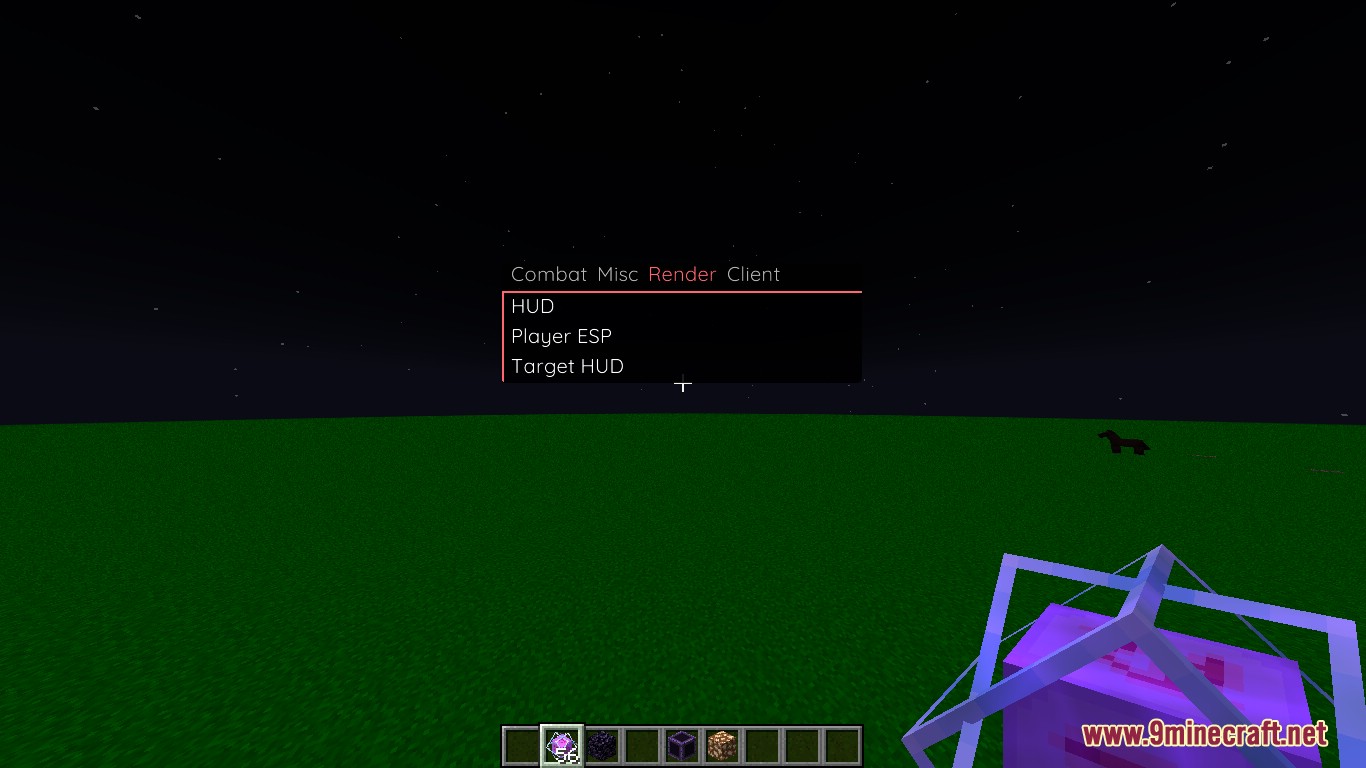
Visual
- HUD
- Shows enabled modules
- Player ESP
- Shows players through walls
- Target HUD
- Displays information about the current target
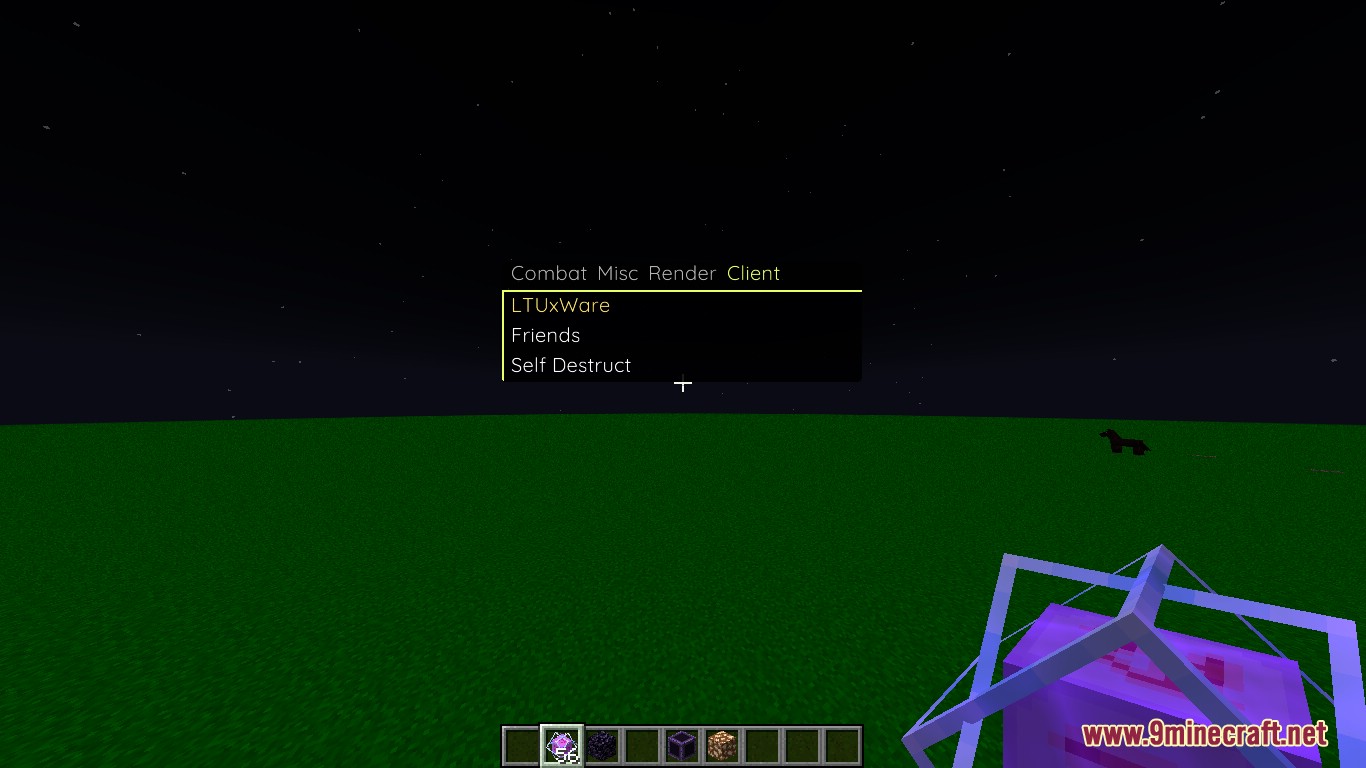
Client Tools
- Friends System
- Add players to a friend list
- Prevents targeting friends
- Self Destruct
- Disables all modules
- Removes client traces
Screenshots:
How to use:
- Press Right Shift to open or close the client menu and access all available features.
LTUxWare Client Mod Download Links
For Minecraft 1.21.1, 1.21
Fabric version: Download from Server 1 – Download from Server 2
Quick facts
- Edition: Minecraft Java
- File type: .jar
- Minecraft version listed: 1.21.1
- How to install: Install the matching mod loader (Forge, Fabric or NeoForge) for your Minecraft version. → Download the .jar. → Put it in the .minecraft/mods folder and launch that loader profile.
- Where to get it: In MC Java Mods, or directly above on this page.
Install steps are the general flow for this file type — How to install Minecraft Java mods & modpacks walks through it step by step.
Verified by MCModsHub
- Downloads as 175073.mcaddon
- Download size: 286 KB
- Download link checked 25 Jul 2026 — working
- Mirrored on our own servers — the download does not depend on the original host
These come from our own check of the pack file, not from the source page.