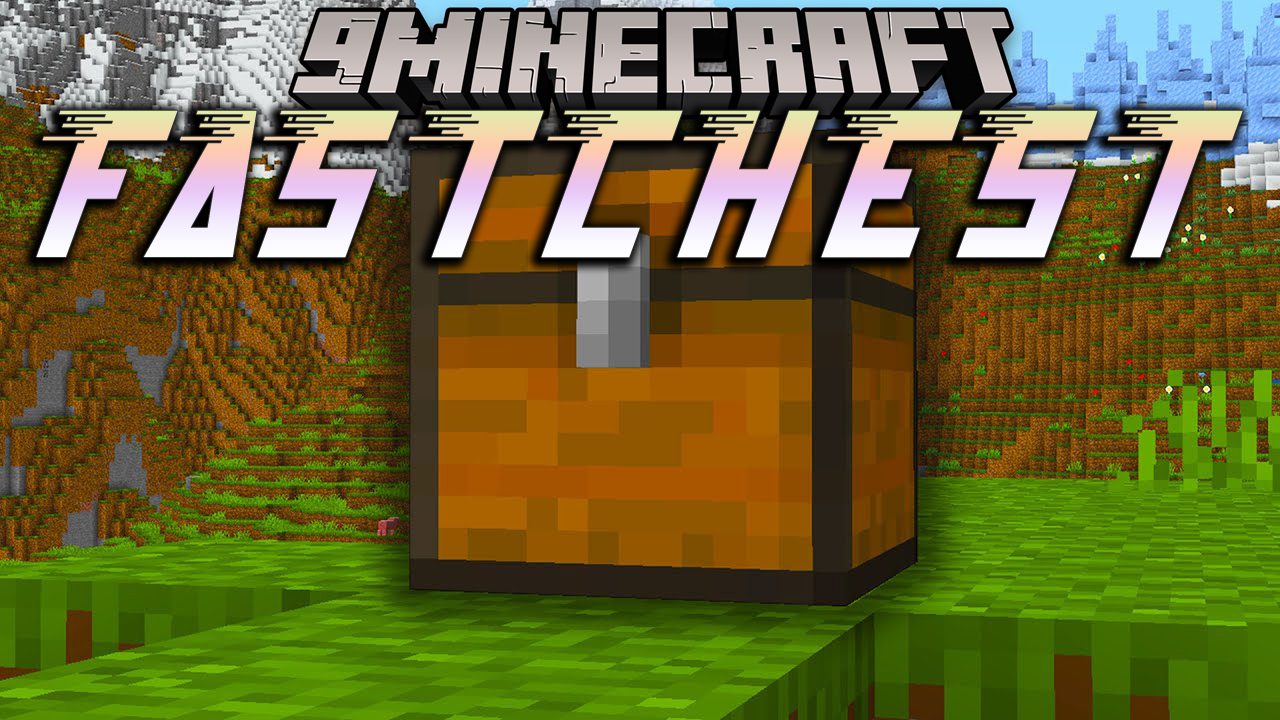
If your storage room contains a lot of chests, you have probably noticed how bad Minecraft is at rendering them. The more chests are placed, the lower your FPS go. FastChest Mod helps by removing their dynamic models (aka BlockEntityRenderer) and making them render as static chunk geometry, like most normal blocks. (This means they will lose their lid opening animation! Check out Enhanced Block Entities if you care about that.) Depending on how many chests you have around, you’ll see varying effectiveness. In large storage rooms this mod can easily double your FPS, but keep in mind that chests aren’t the only thing responsible for bad performance. FastChest works with Sodium and Optifine and should be compatible with all other mods and resource packs that leave chests alone. For example, the Vanilla Tweaks Proper Break Particles resource pack doesn’t. It overwrites the chest blockstate definitions and is not compatible out of the box. You can however delete chest.json, ender_chest.json and trapped_chest.json from the /assets/minecraft/blockstates directory of your resource pack to make it work with the mod.
FastChest Mod Download Links
For Minecraft 1.15.2
Fabric version: Download from Server 1
For Minecraft 1.16.5
Fabric version: Download from Server 1 – Download from Server 2
For Minecraft 1.17.1
Fabric version: Download from Server 1
For Minecraft 1.18.2, 1.18.1
Fabric version: Download from Server 1 – Download from Server 2
For Minecraft 1.19.2, 1.19.1, 1.19
Fabric version: Download from Server 1 – Download from Server 2
For Minecraft 1.19.4, 1.19.3
Fabric version: Download from Server 1 – Download from Server 2
For Minecraft 1.20.1, 1.20
Forge version: Download from Server 1 – Download from Server 2
Fabric version: Download from Server 1 – Download from Server 2
For Minecraft 1.20.2
Forge version: Download from Server 1 – Download from Server 2
Fabric version: Download from Server 1 – Download from Server 2
For All Versions From Minecraft 1.20.2 to Minecraft 1.21.1, 1.21
Fabric version: Download from Server 1 – Download from Server 2
For All Versions From Minecraft 1.20.2 to Minecraft 1.21.3
Fabric version: Download from Server 1 – Download from Server 2
For All Versions From Minecraft 1.20.2 to Minecraft 1.21.4
Fabric version: Download from Server 1 – Download from Server 2
For All Versions From Minecraft 1.20.2 to Minecraft 1.21.5
Fabric version: Download from Server 1 – Download from Server 2
For All Versions From Minecraft 1.20.2 to Minecraft 1.21.8, 1.21.7, 1.21.6
Fabric version: Download from Server 1 – Download from Server 2
For All Versions From Minecraft 1.20.2 to Minecraft 1.21.10, 1.21.9
Fabric version: Download from Server 1 – Download from Server 2
For All Versions From Minecraft 1.20.2 to Minecraft 1.21.11
Fabric version: Download from Server 1 – Download from Server 2
For All Versions From Minecraft 1.20.2 to Minecraft 26.1
Fabric version: Download from Server 1 – Download from Server 2
- Edition: Minecraft Java
- File type: .jar
- Minecraft version listed: 1.20.1
- How to install: Install the matching mod loader (Forge, Fabric or NeoForge) for your Minecraft version. → Download the .jar. → Put it in the .minecraft/mods folder and launch that loader profile.
- Where to get it: In MC Java Mods, or directly above on this page.
Install steps are the general flow for this file type — How to install Minecraft Java mods & modpacks walks through it step by step.
- Downloads as 175079.mcaddon
- Download size: 26 KB
- Download link checked 25 Jul 2026 — working
- Mirrored on our own servers — the download does not depend on the original host
These come from our own check of the pack file, not from the source page.