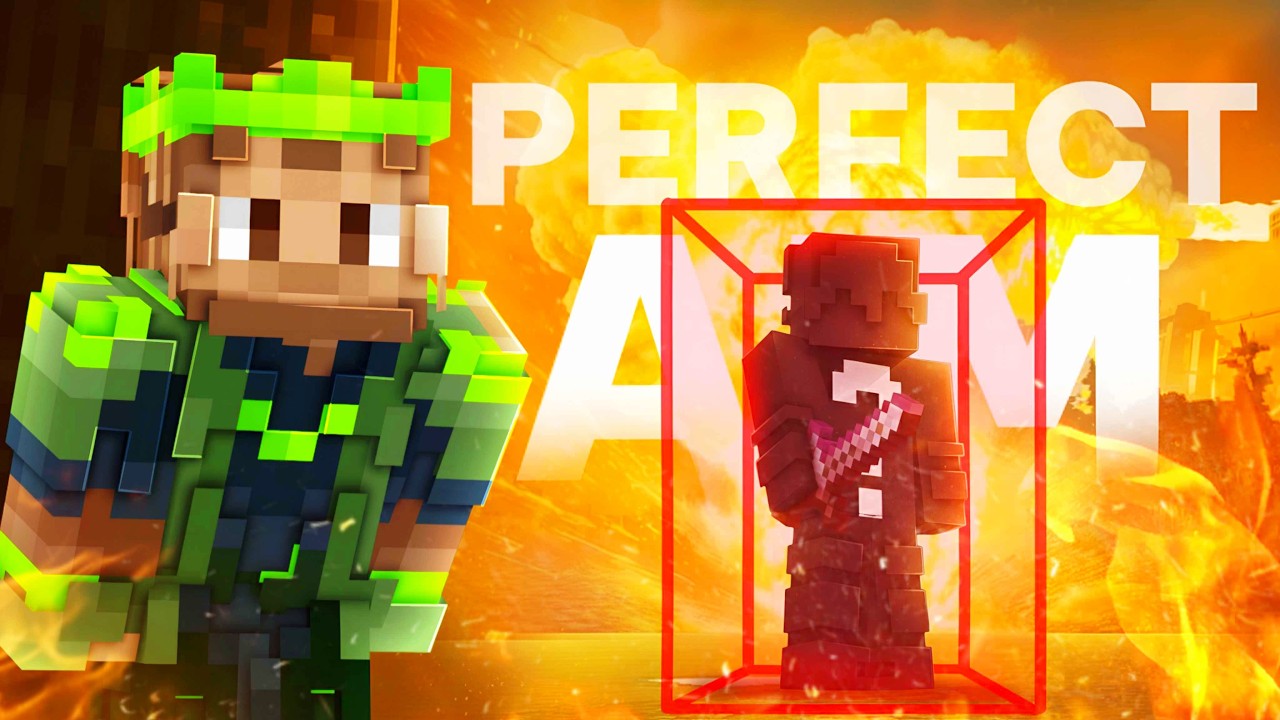
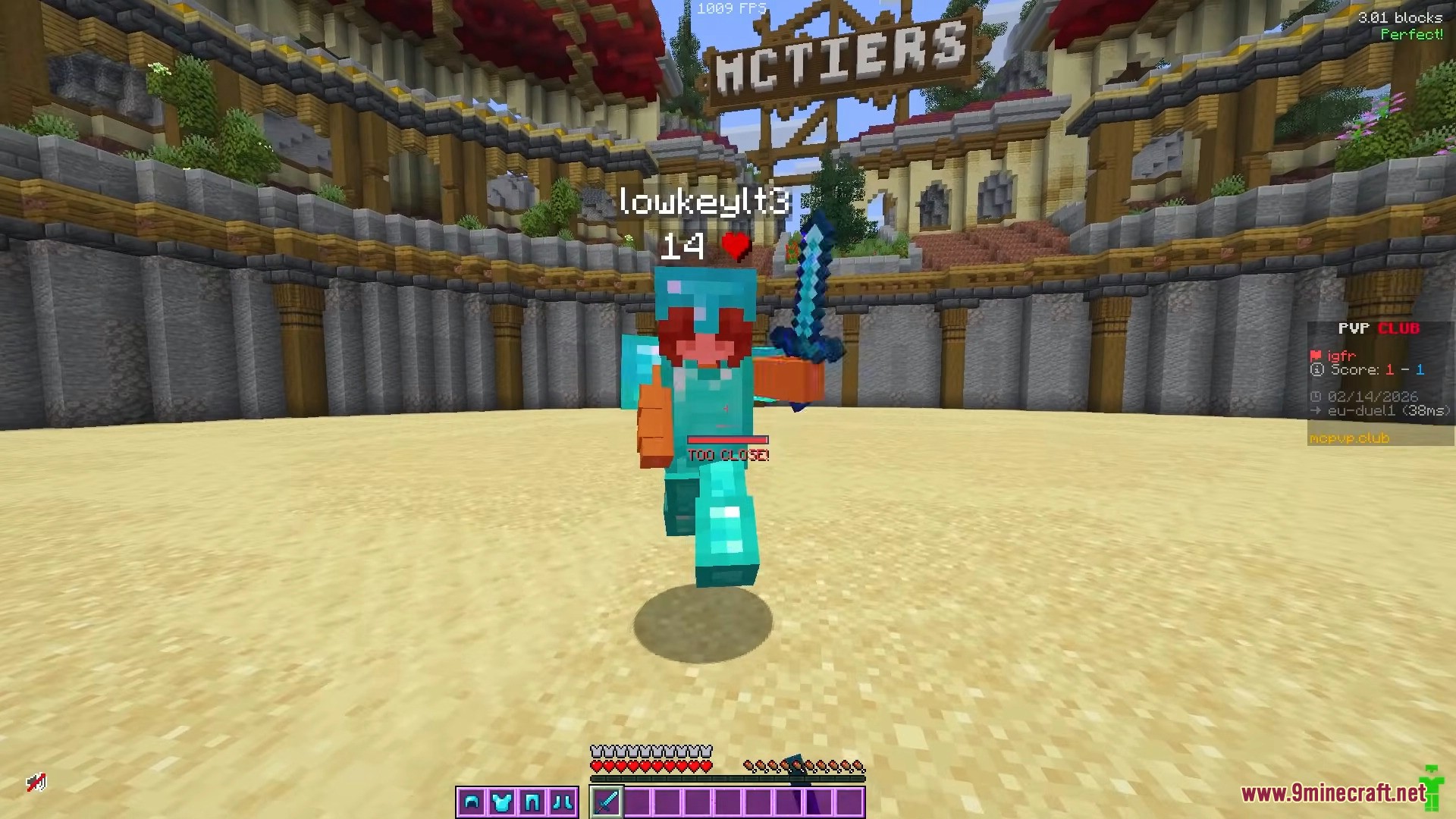
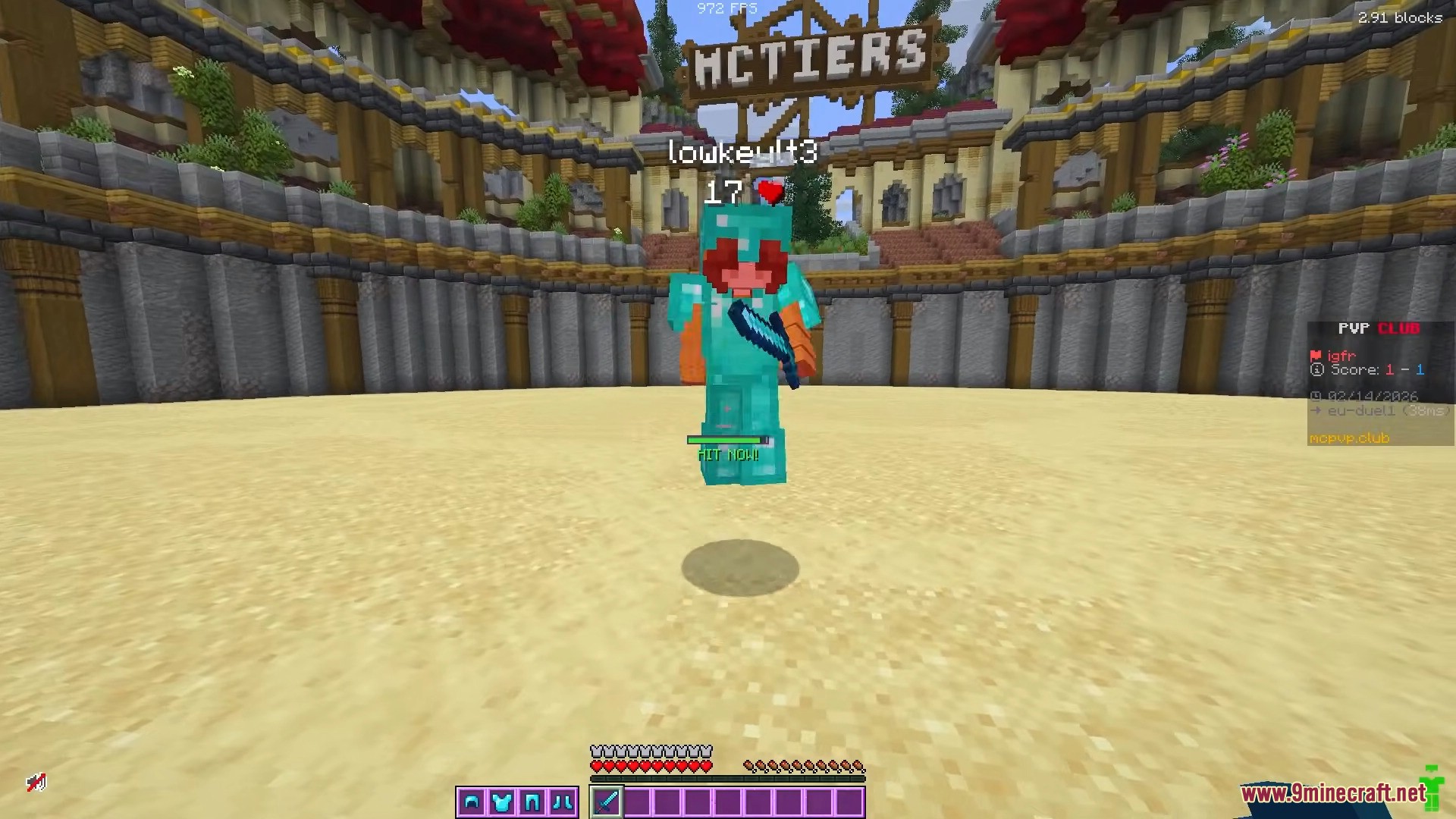
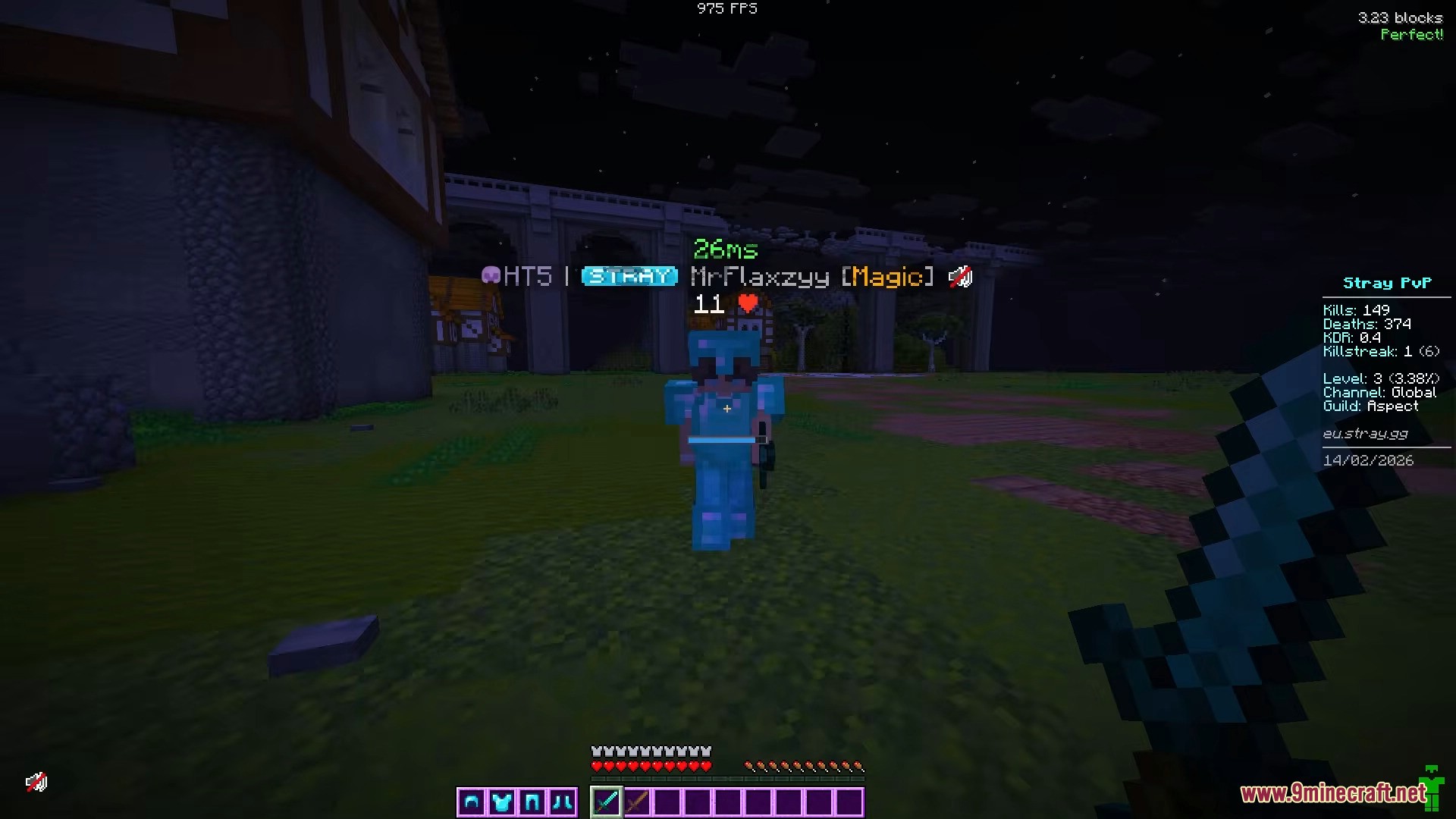
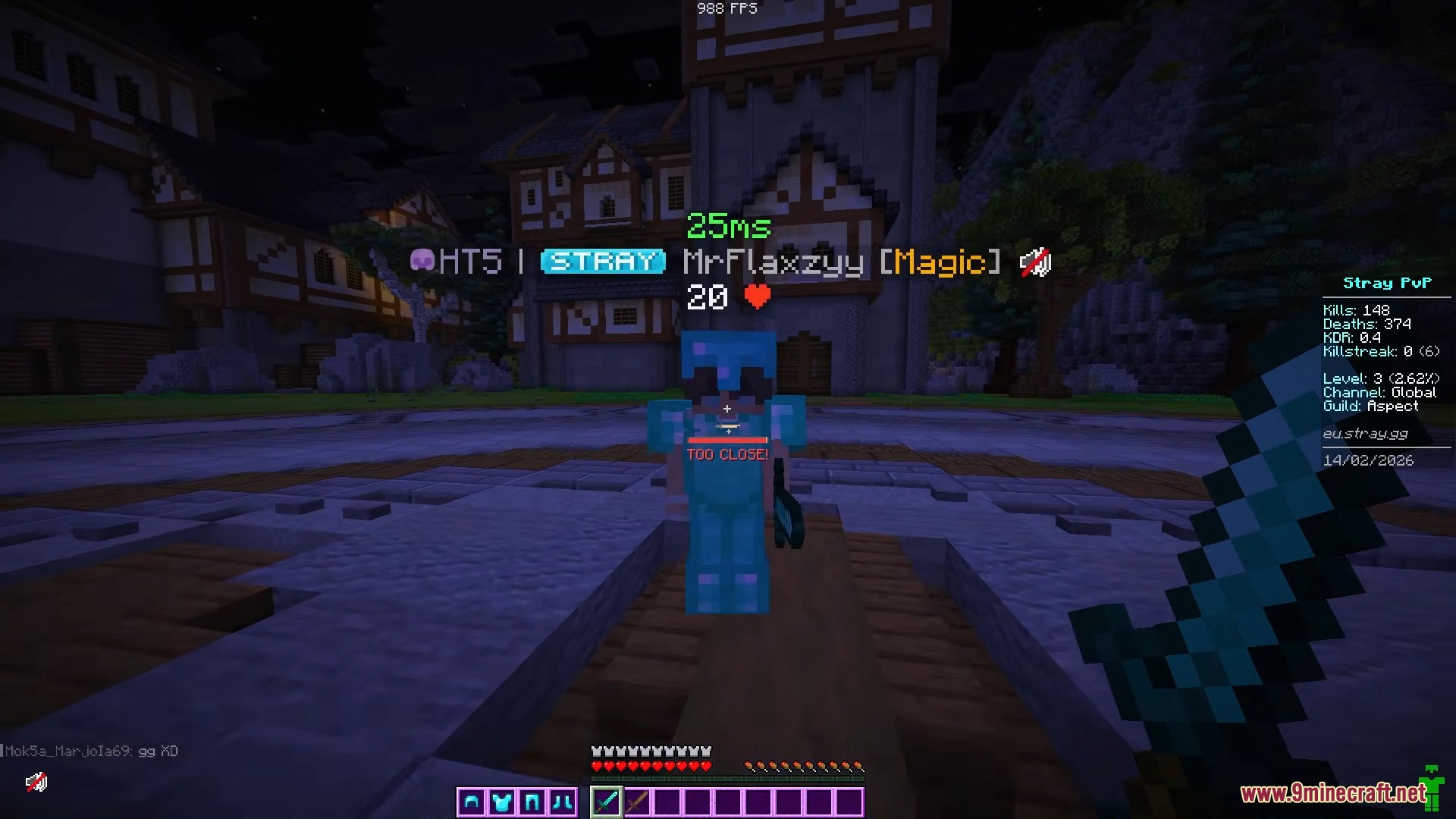
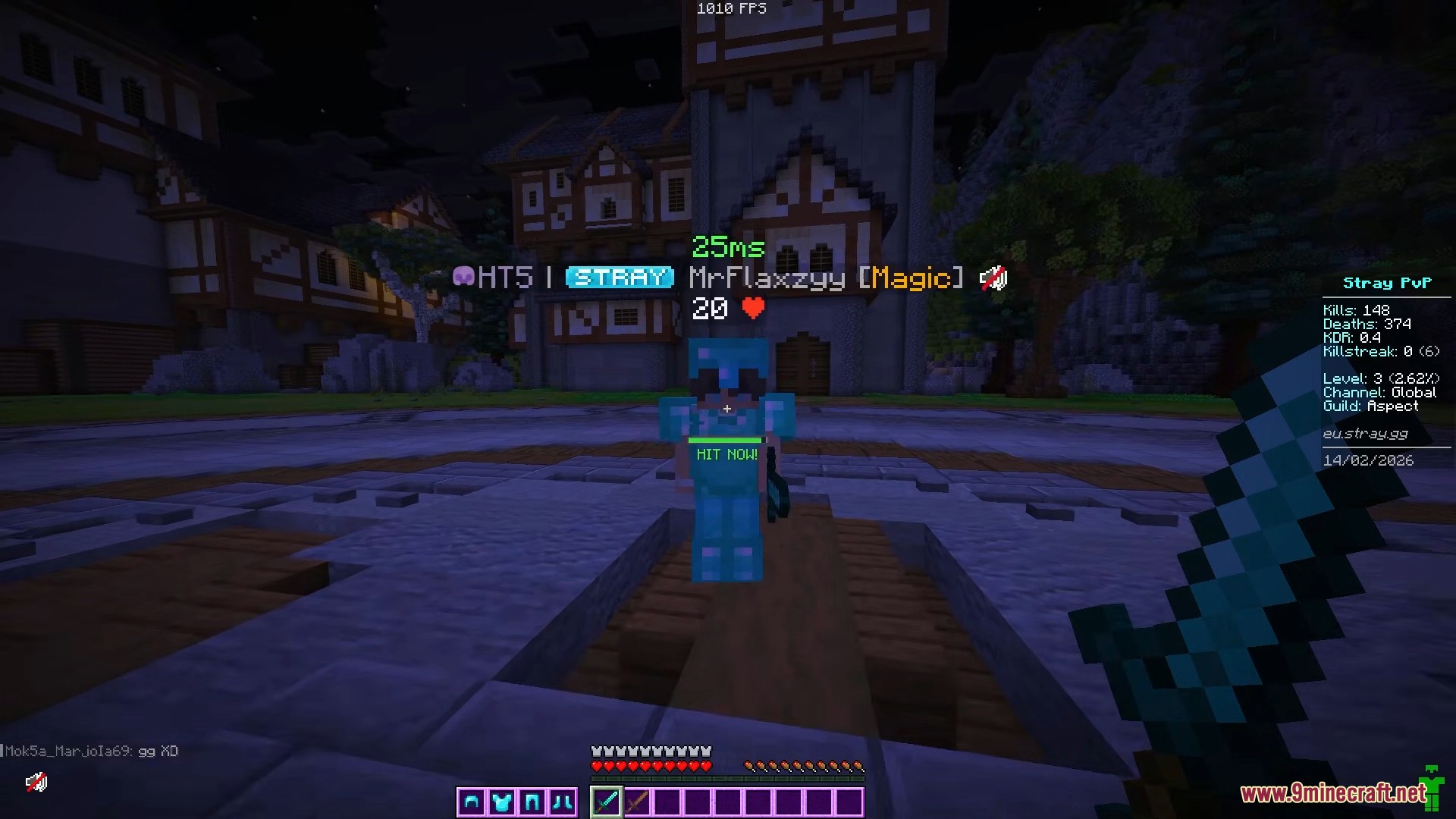
Perfect Reach Mod is a PvP-focused Minecraft mod. It helps players land consistent maximum reach hits (~3 blocks) by predicting the best time to attack. This mod is especially useful for PvP modes such as Crystal PvP where precise timing and spacing matter.
Features:
- Perfect Hit Timing
- Calculates the best moment to attack based on your movement.
- Shows
Hit nowwhen you should attack. - Shows
Perfect!when you land a maximum reach hit. - Helps achieve consistent ~3 block hits.
- Dynamic Reach Detection
- Adjusts timing depending on your situation:
- Neutral movement
- Approaching the opponent
- Retreating from the opponent
- Uses movement momentum to determine the best hit timing.
- Shows
Too close!if you are too near to the target.
- Adjusts timing depending on your situation:
- Visual and Sound Indicators
- On-screen indicator shows hit timing.
- Adjustable indicator size.
- Optional sound notification when a perfect hit is achieved.
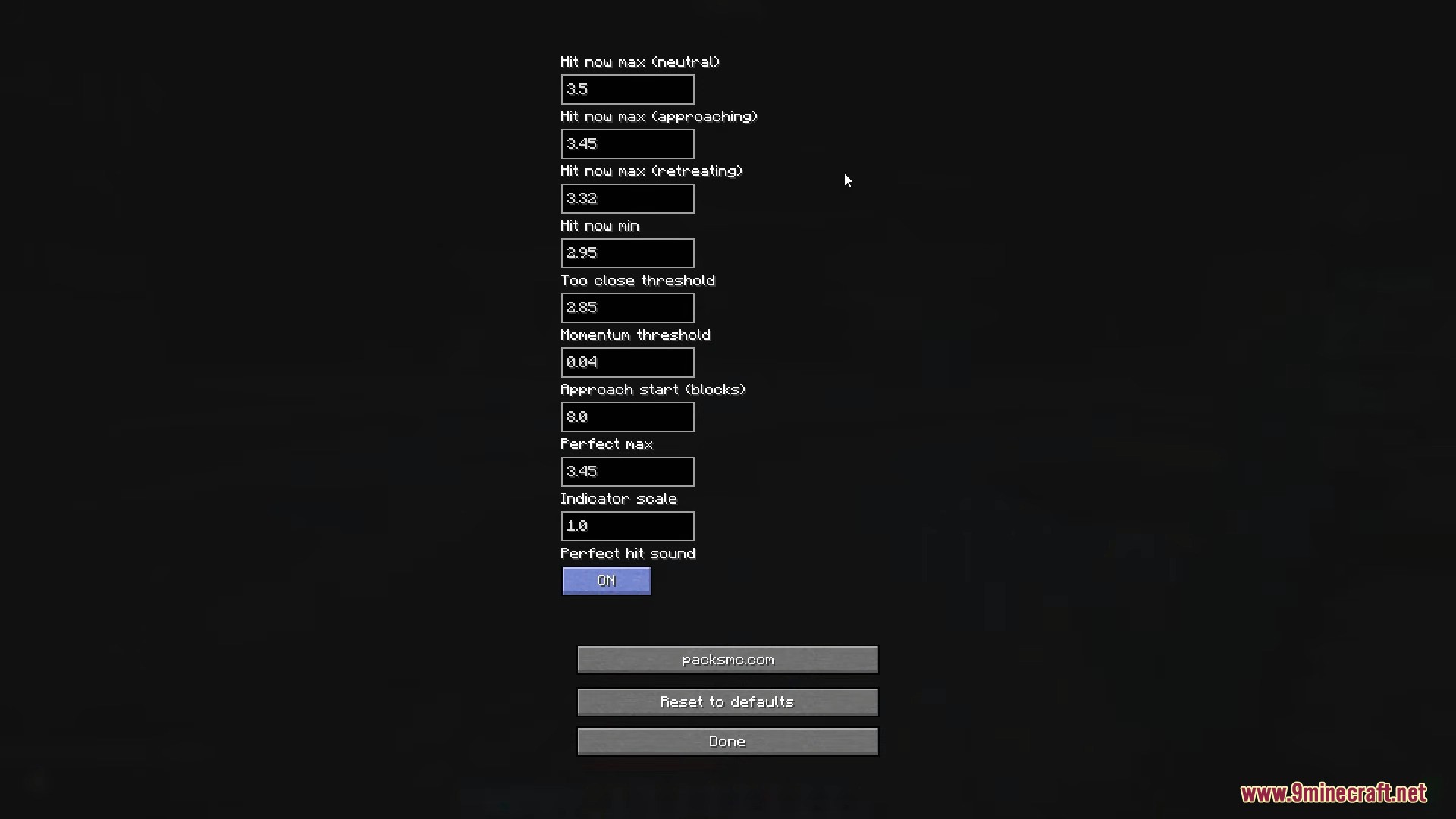
- Configurable Settings
- Requires
ModMenuto access settings. - Allows fine tuning of reach values and timing.
- Requires
Screenshots:
Configs:
| Setting | Default Value | Description |
|---|---|---|
| Hit now max (neutral) | 3.5 | Maximum reach when moving normally |
| Hit now max (approaching) | 3.45 | Maximum reach when moving toward the target |
| Hit now max (retreating) | 3.32 | Maximum reach when moving away from the target |
| Hit now min | 2.95 | Minimum reach required to trigger hit timing |
| Too close threshold | 2.85 | Distance that triggers the “Too close!” warning |
| Momentum threshold | 0.84 | Movement momentum required for timing calculation |
| Approach start (blocks) | 8.0 | Distance where approach detection begins |
| Perfect max | 3.95 | Maximum reach counted as a perfect hit |
| Indicator scale | 1.0 | Size of the on-screen indicator |
| Perfect hit sound | ON | Enable or disable the perfect hit sound |
Download Links
For Minecraft 1.21.11
Fabric version: Download from Server 1 – Download from Server 2
For Minecraft 1.21.8, 1.21.7, 1.21.6
Fabric version: Download from Server 1 – Download from Server 2
For Minecraft 1.21.4
Fabric version: Download from Server 1 – Download from Server 2
For Minecraft 1.21.1, 1.21
Fabric version: Download from Server 1 – Download from Server 2
Quick facts
- Edition: Minecraft Java
- File type: .jar
- Minecraft versions listed: 1.21.11, 1.21.1
- How to install: Install the matching mod loader (Forge, Fabric or NeoForge) for your Minecraft version. → Download the .jar. → Put it in the .minecraft/mods folder and launch that loader profile.
- Where to get it: In MC Java Mods, or directly above on this page.
Install steps are the general flow for this file type — How to install Minecraft Java mods & modpacks walks through it step by step.
Verified by MCModsHub
- Downloads as 175091.mcaddon
- Download size: 29 KB
- Download link checked 25 Jul 2026 — working
- Mirrored on our own servers — the download does not depend on the original host
These come from our own check of the pack file, not from the source page.