
O-Peepo Health Indicator Mod (26.1, 1.21.1) – Player Health Display
Java mod listed for Minecraft 1.21. Downloads from the MC Java Mods app on Android.
⬇ Download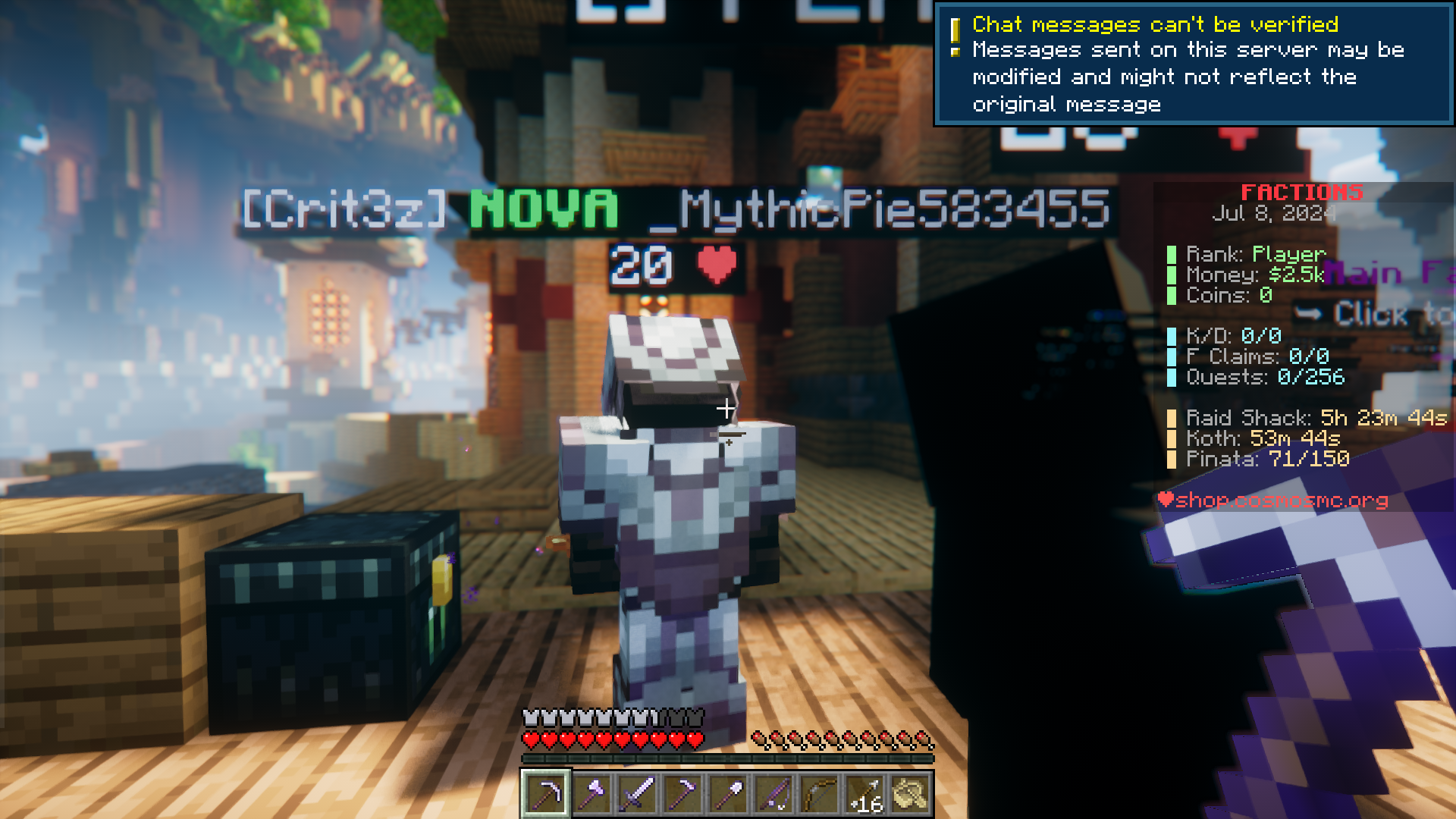
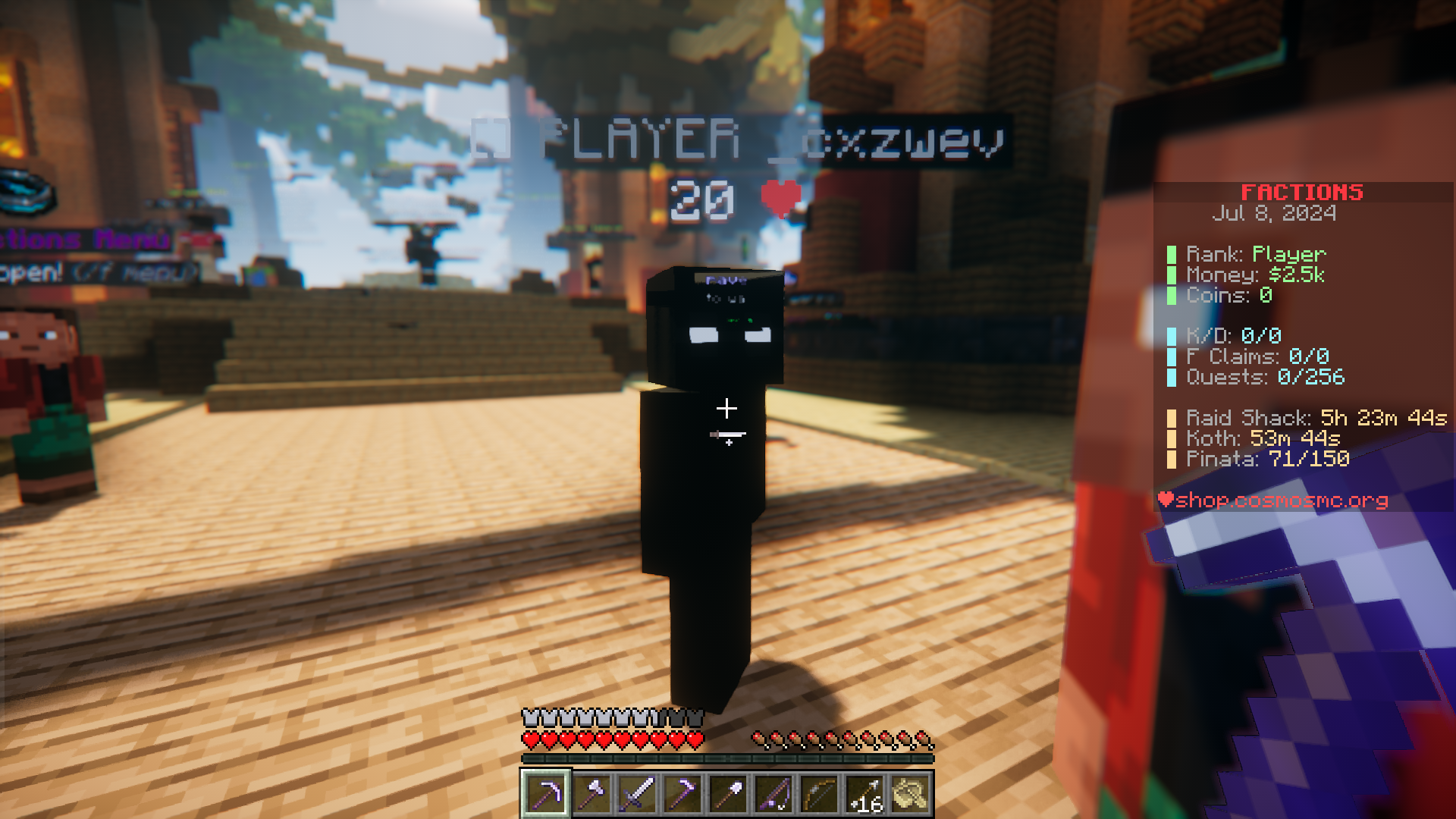
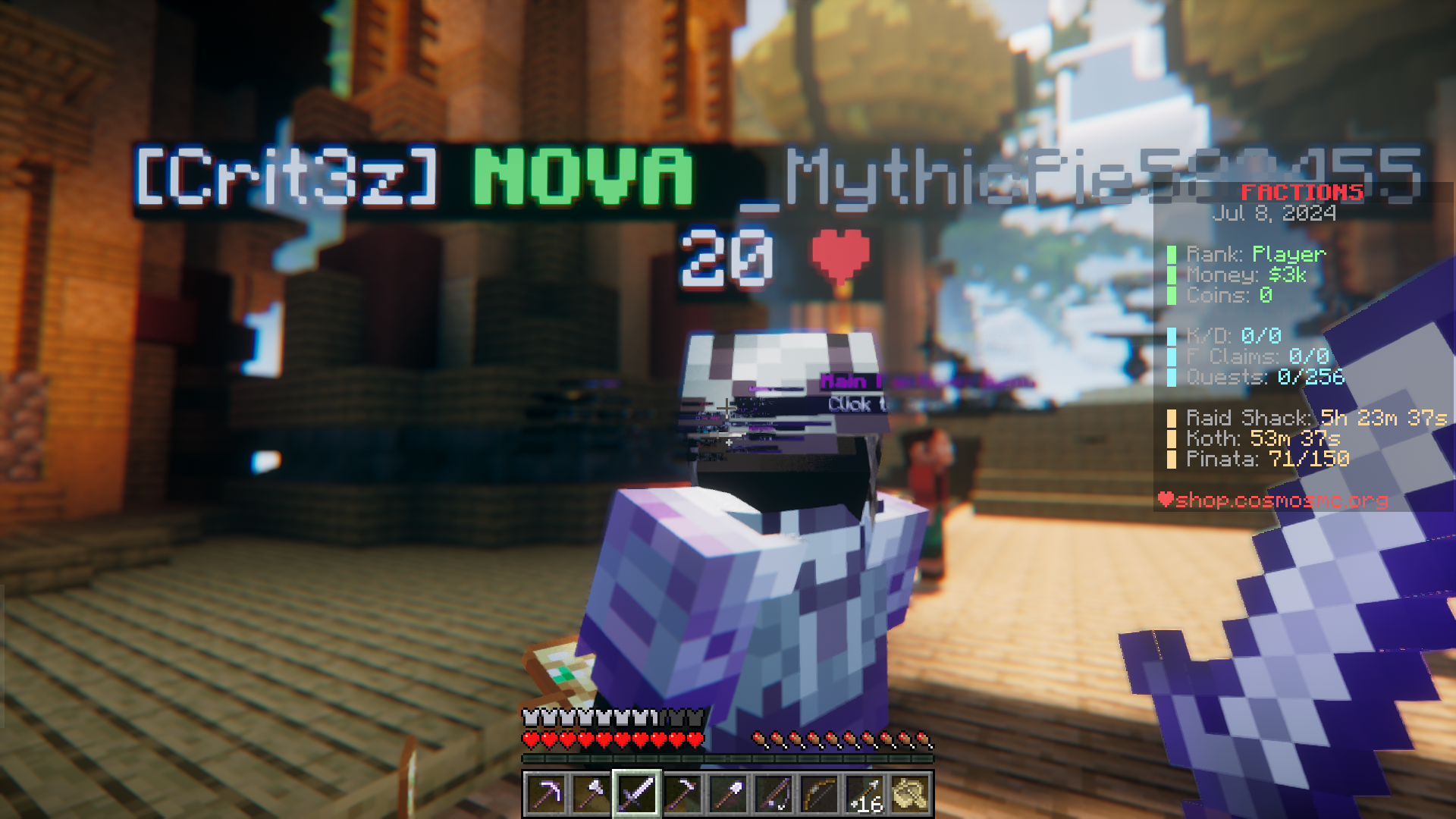
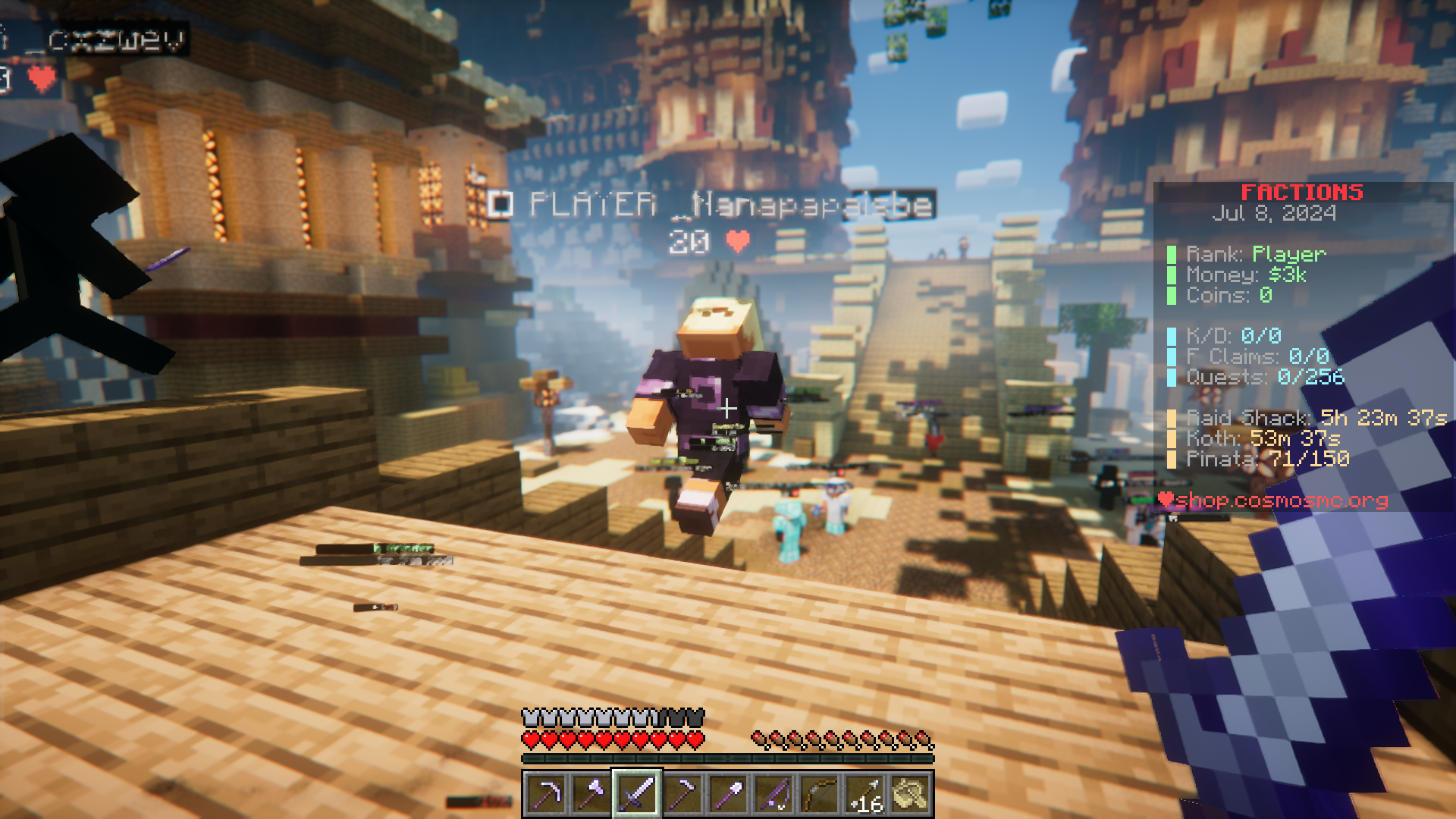
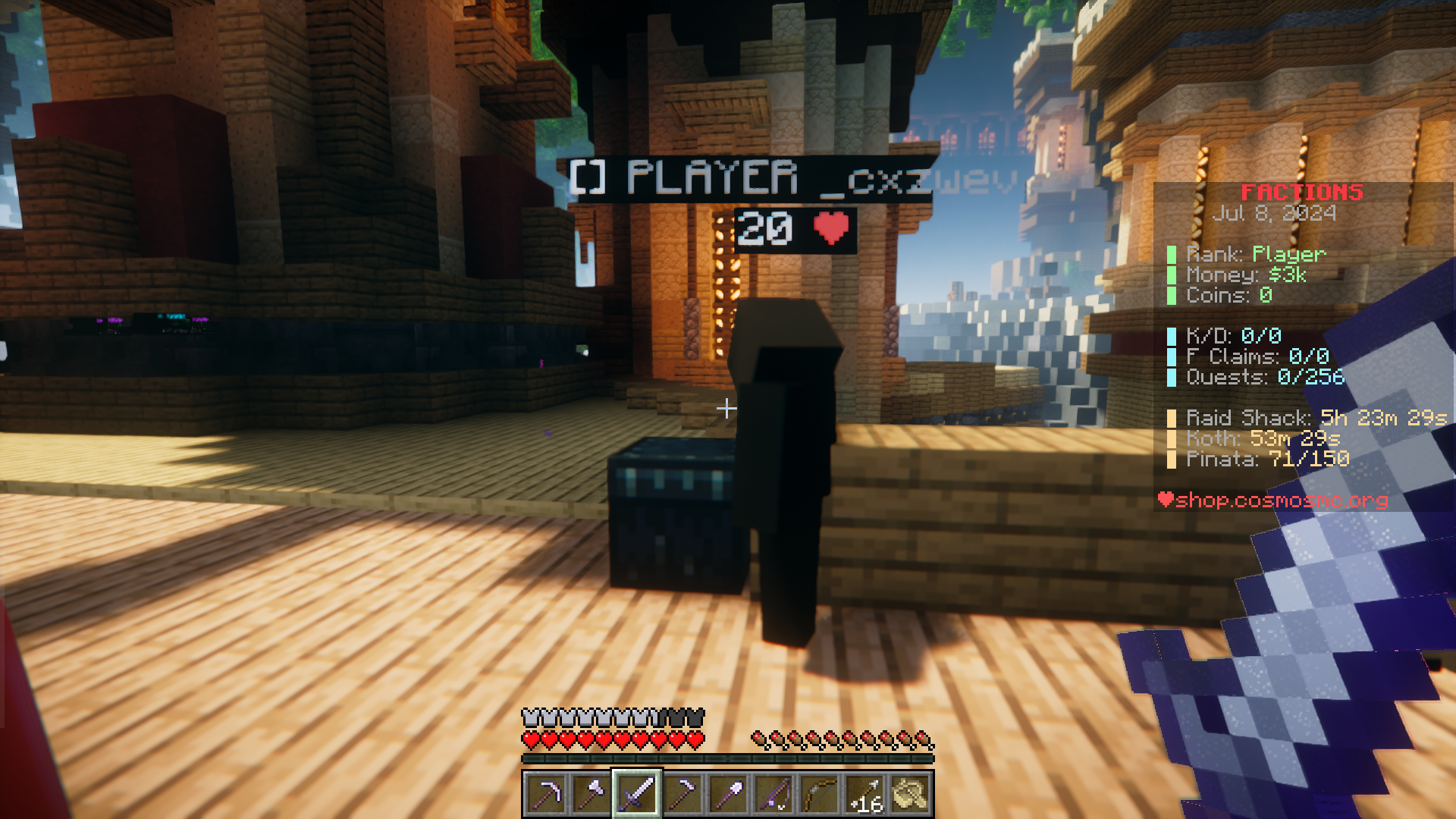
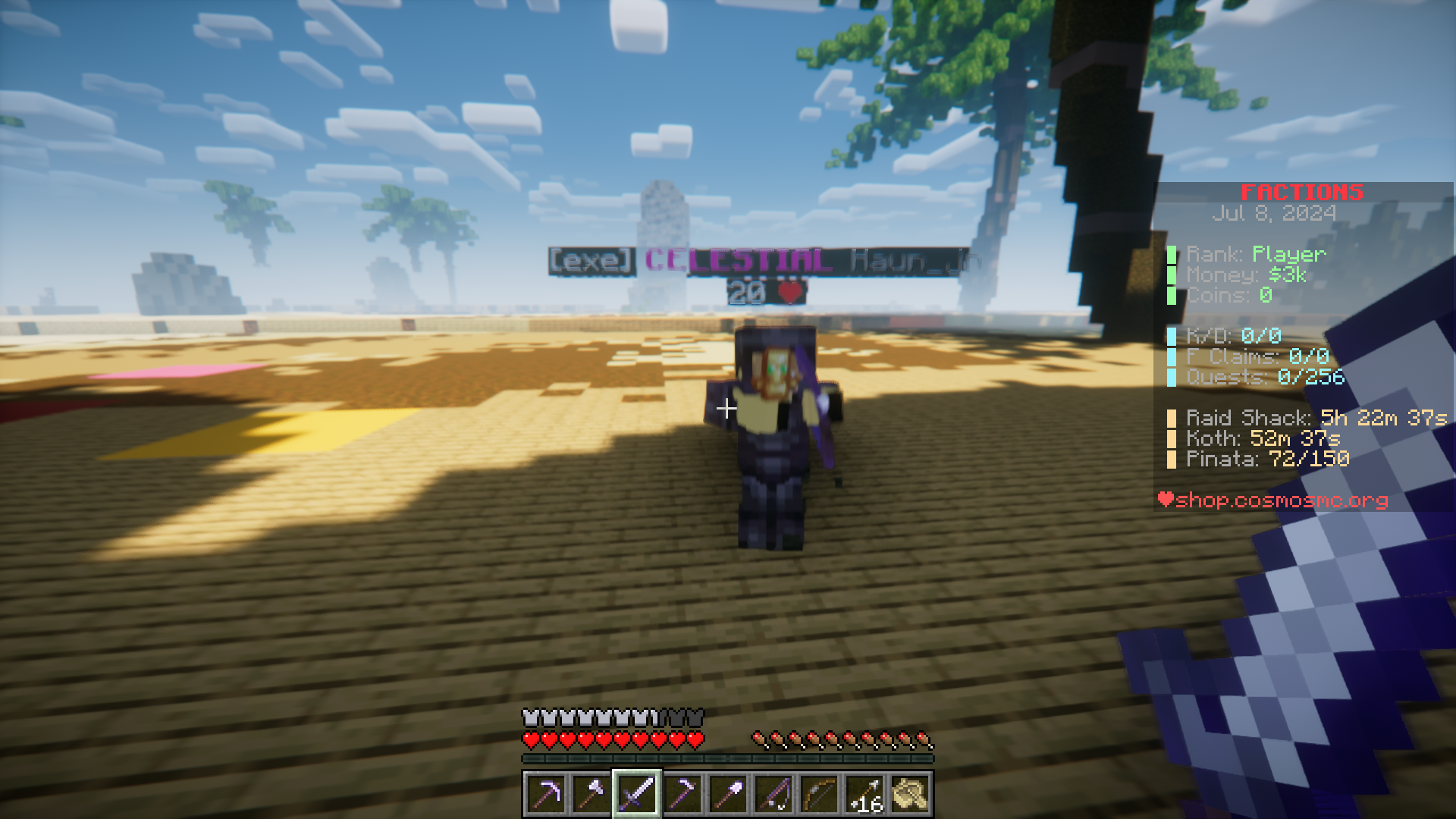
Ever been in a PvP battle and wondered how much health your opponent has left? Do you want a way to know the remaining health of another player? The solution to these issues is O-Peepo Health Indicator Mod. As the name suggests, this mod adds an indicator for you to know the remaining health of a player. The health appears below the player’s name and is counted as health points. In Minecraft, you have ten hearts by default. Each heart constitutes two health points. The indicator added by this mod uses the health point system and the maximum health that a player will have by default is 20. This health display system will specially be useful on multiplayer servers.
Features:
- Adds a health indicator that appears below the player username.
- Calculated using health the “health point” system.
- One Minecraft heart constitutes two health points.
Screenshots:
O-Peepo Health Indicator Mod Download Links
For Minecraft 26.1.2, 26.1.1, 26.1
Forge/Fabric/Quilt/NeoForge version: Download from Server 1 – Download from Server 2
For Minecraft 1.21.11
Forge/Fabric/Quilt/NeoForge version: Download from Server 1 – Download from Server 2
For Minecraft 1.21.10, 1.21.9
Forge/Fabric/Quilt/NeoForge version: Download from Server 1 – Download from Server 2
For Minecraft 1.21.8, 1.21.7, 1.21.6
Forge/Fabric/Quilt/NeoForge version: Download from Server 1 – Download from Server 2
For Minecraft 1.21.5, 1.21.4, 1.21.3
Forge/Fabric/Quilt/NeoForge version: Download from Server 1 – Download from Server 2
For Minecraft 1.21.1, 1.21
Forge/Fabric/Quilt version: Download from Server 1 – Download from Server 2
For Minecraft 1.20.6
Forge/Fabric/Quilt version: Download from Server 1 – Download from Server 2
- Edition: Minecraft Java
- File type: .jar
- Minecraft version listed: 1.21.1
- How to install: Install the matching mod loader (Forge, Fabric or NeoForge) for your Minecraft version. → Download the .jar. → Put it in the .minecraft/mods folder and launch that loader profile.
- Where to get it: In MC Java Mods, or directly above on this page.
Install steps are the general flow for this file type — How to install Minecraft Java mods & modpacks walks through it step by step.
- Downloads as 175107.mcaddon
- Download size: 4 KB
- Download link checked 25 Jul 2026 — working
- Mirrored on our own servers — the download does not depend on the original host
These come from our own check of the pack file, not from the source page.