Text Formatting Everywhere Mod (26.1, 1.21.1) – Add Creative Text Formatting Across Minecraft
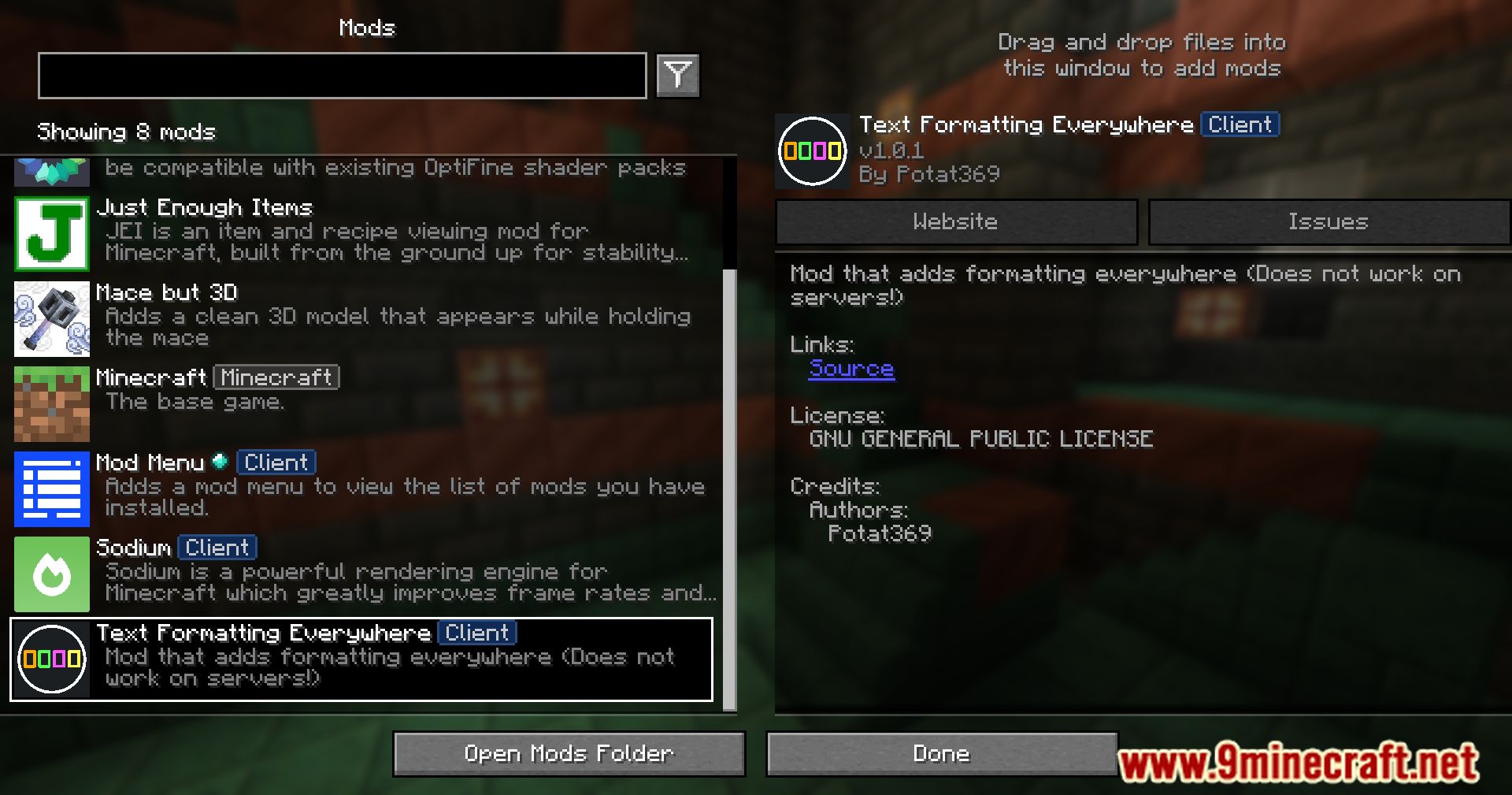
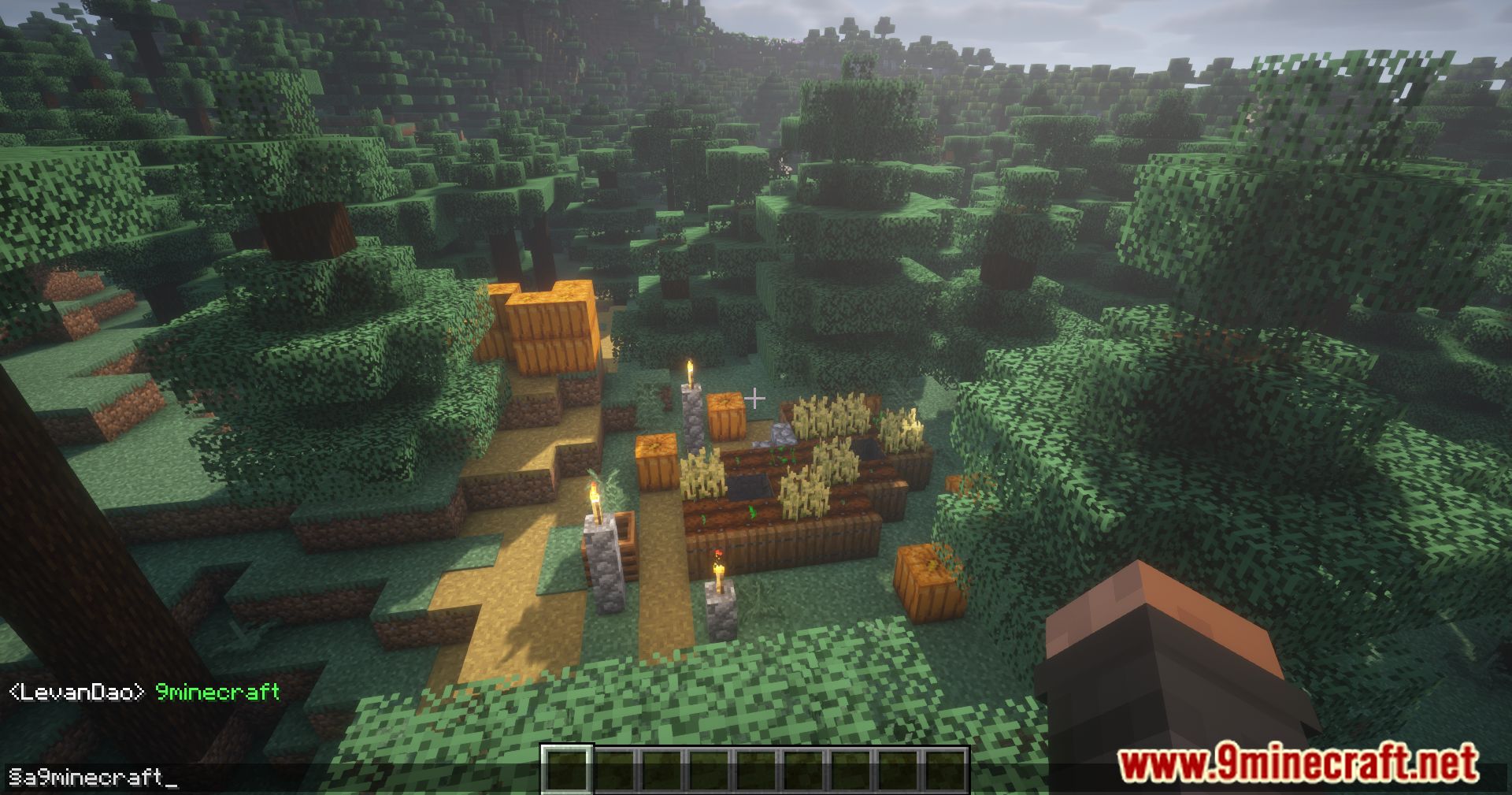
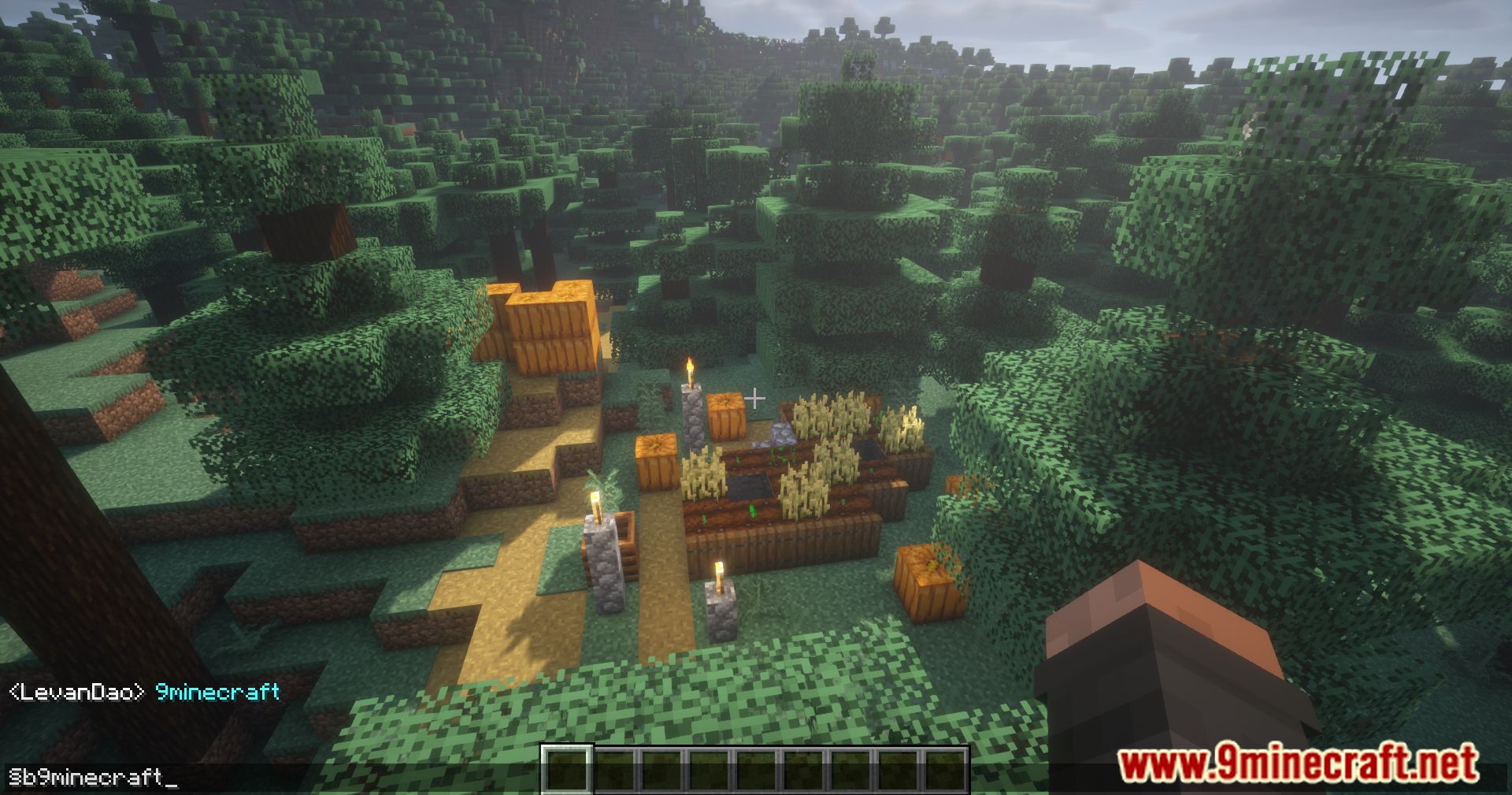
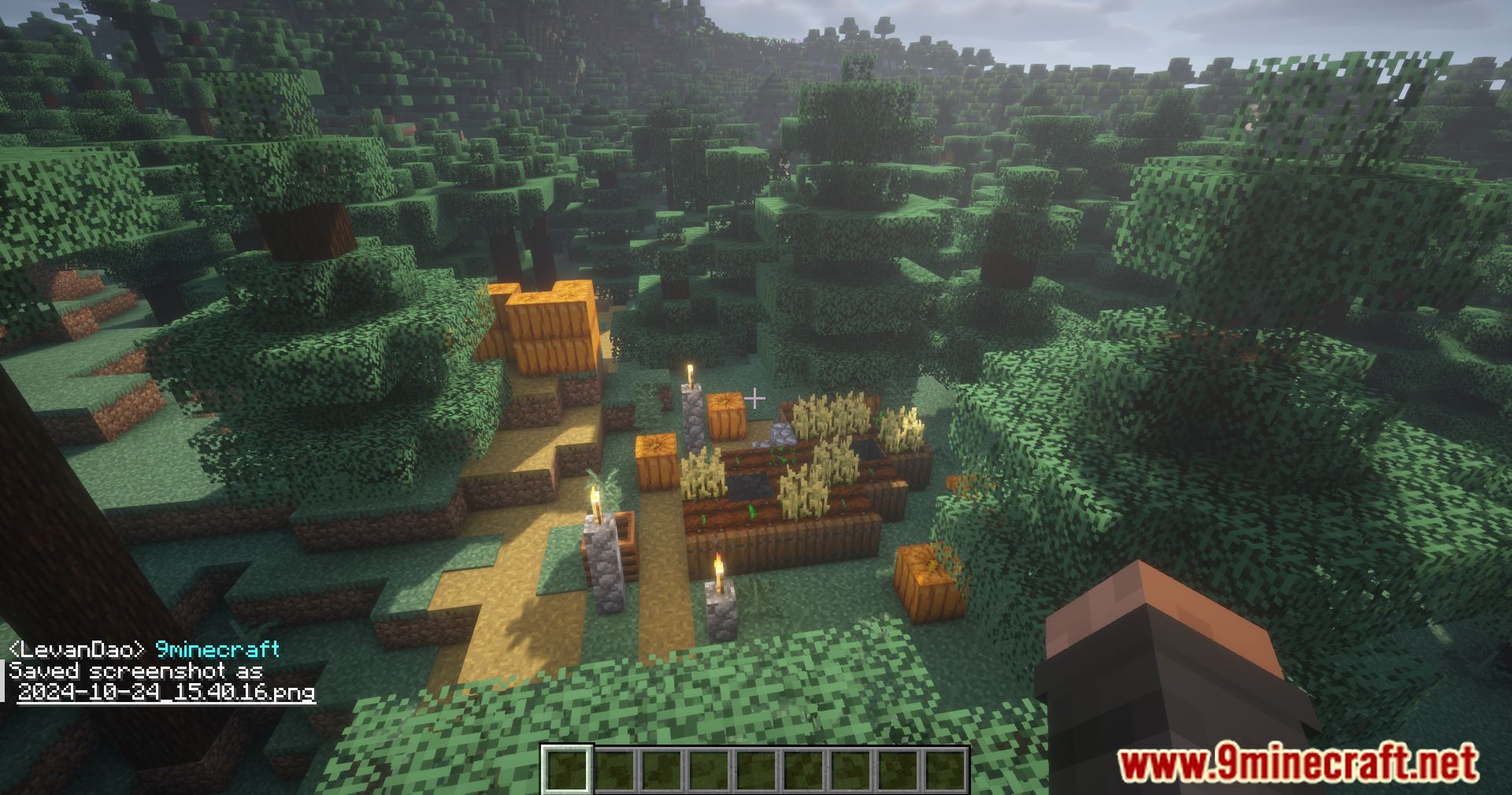
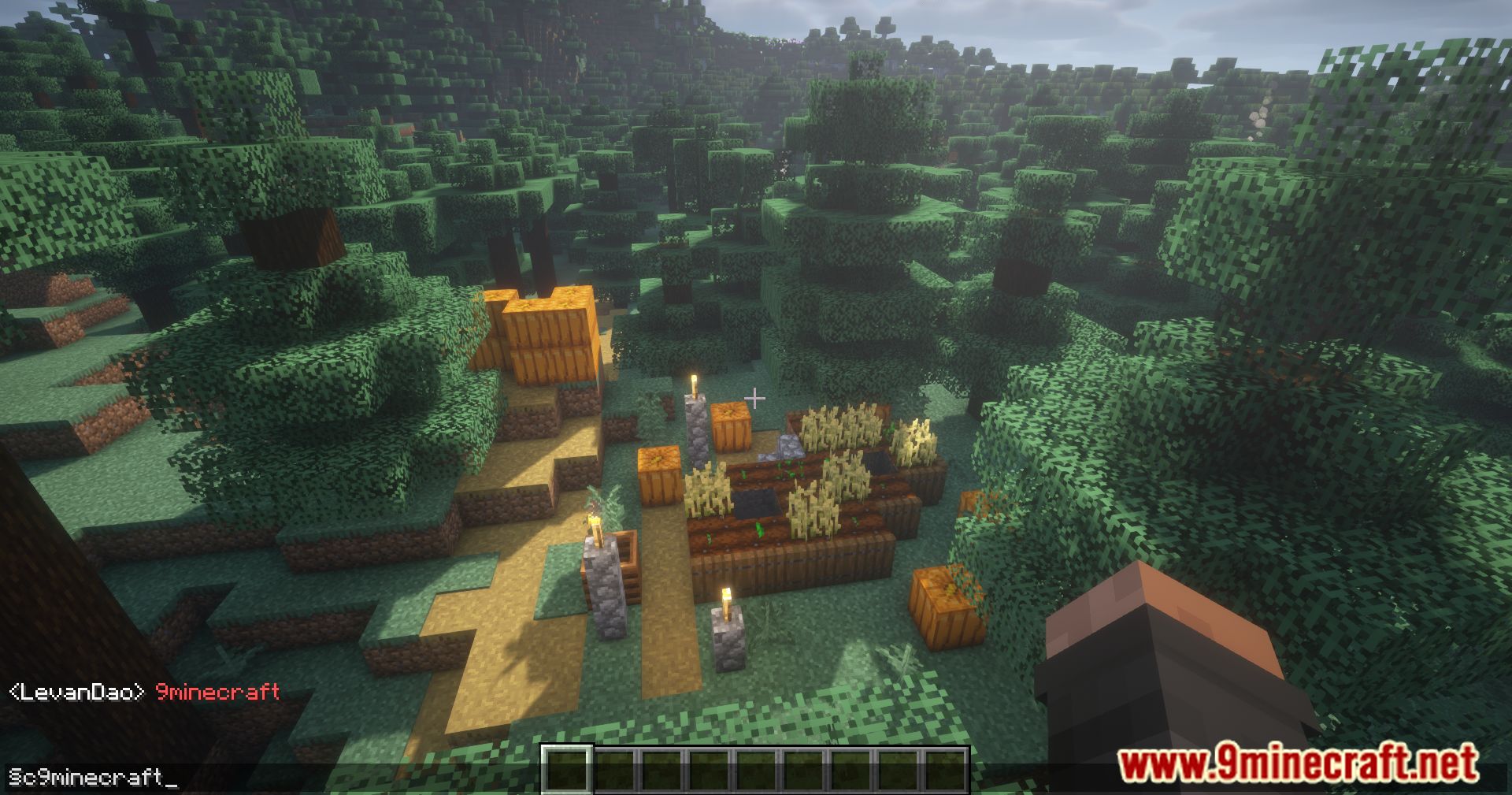
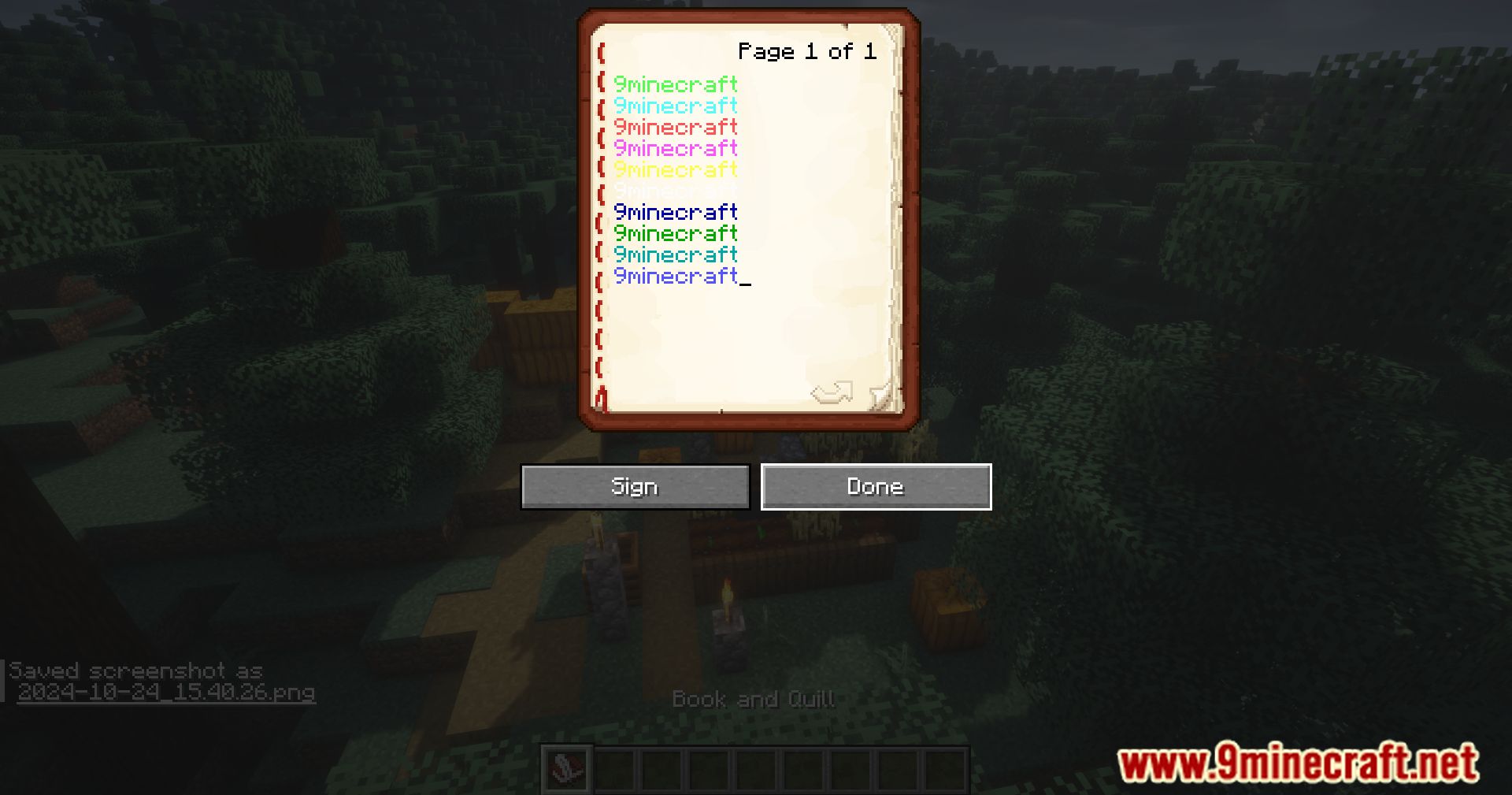
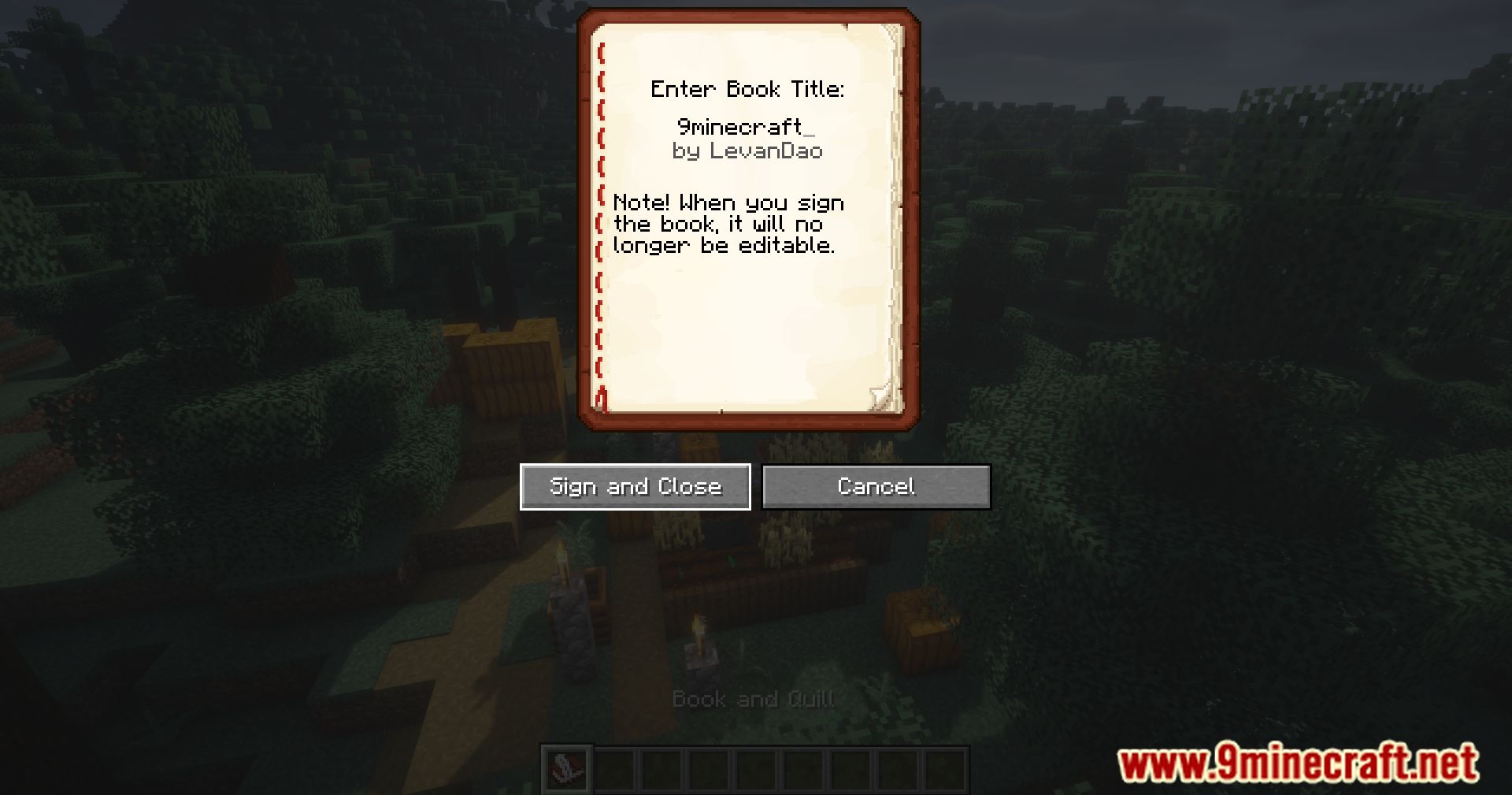
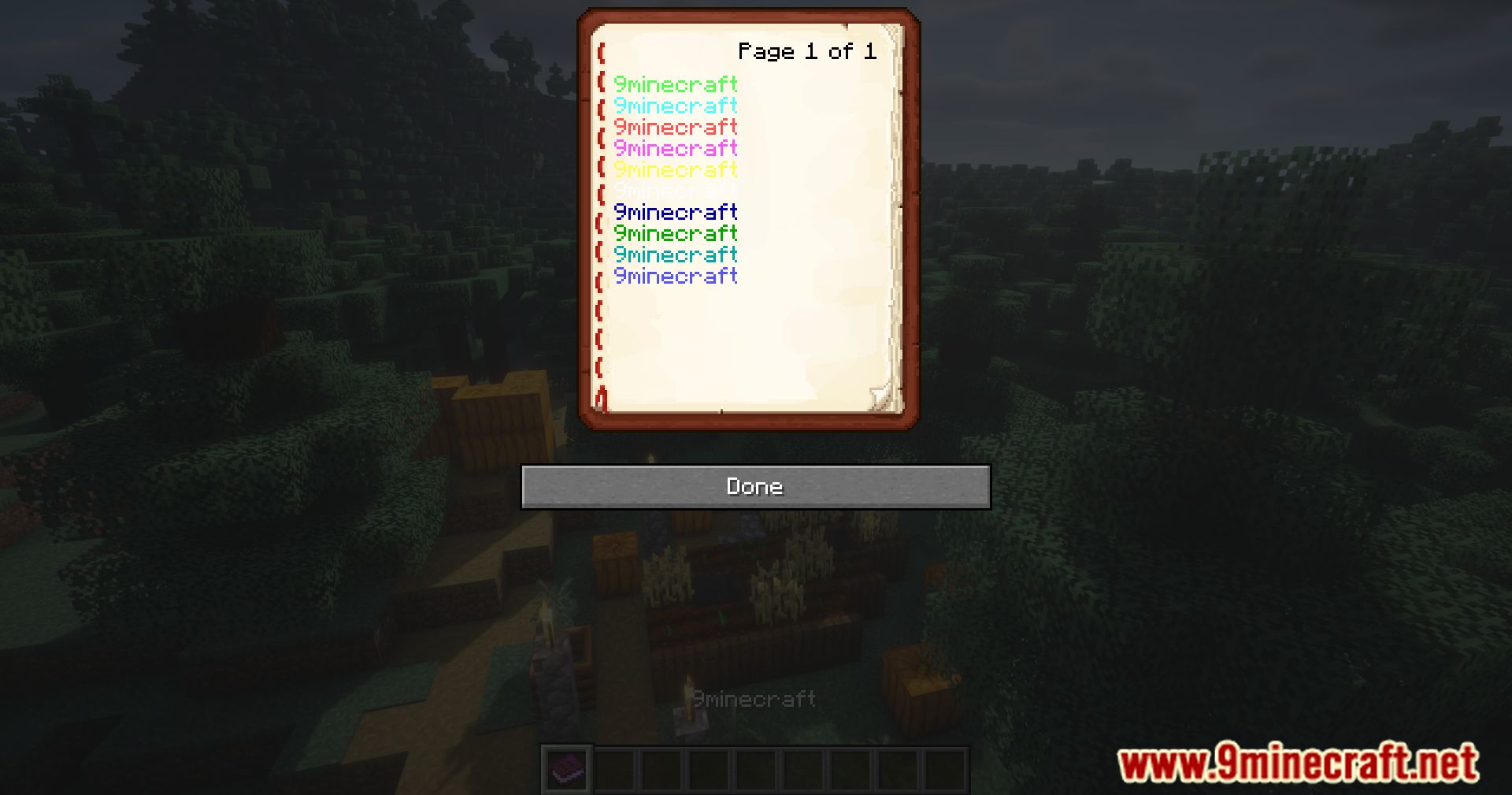
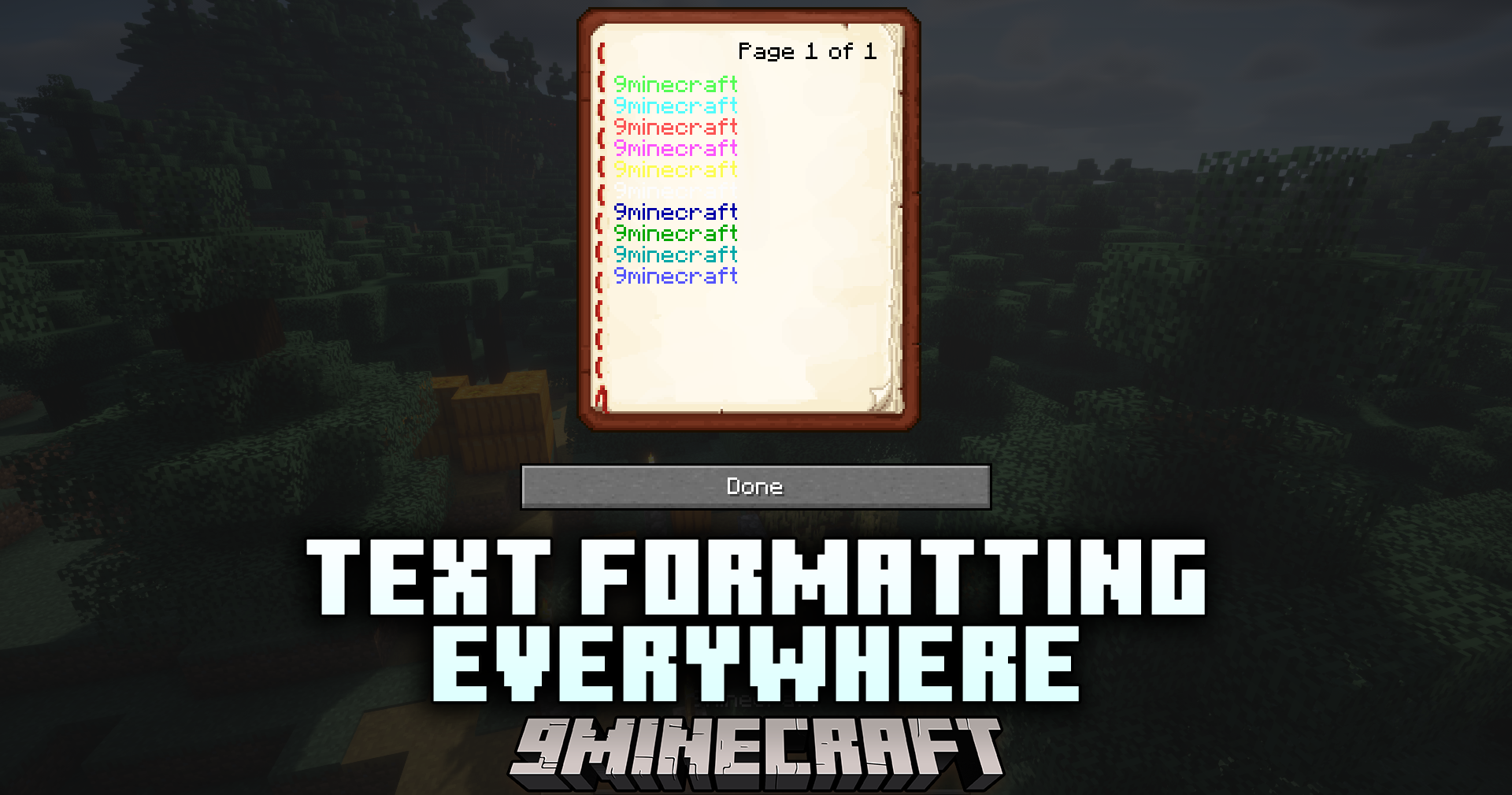
Text Formatting Everywhere Mod allows formatting codes to be used universally. With this mod, players can apply text formatting using the section sign (§) and the appropriate formatting codes anywhere in the game, making it easier to customize text styles across signs, books, chat, and other in-game text elements.
Features:
- Enables universal text formatting using the section sign (§)
- Allows custom text styles in various parts of the game (signs, chat, books, etc.)
- Simple and easy-to-use mod for more text customization
Screenshots:
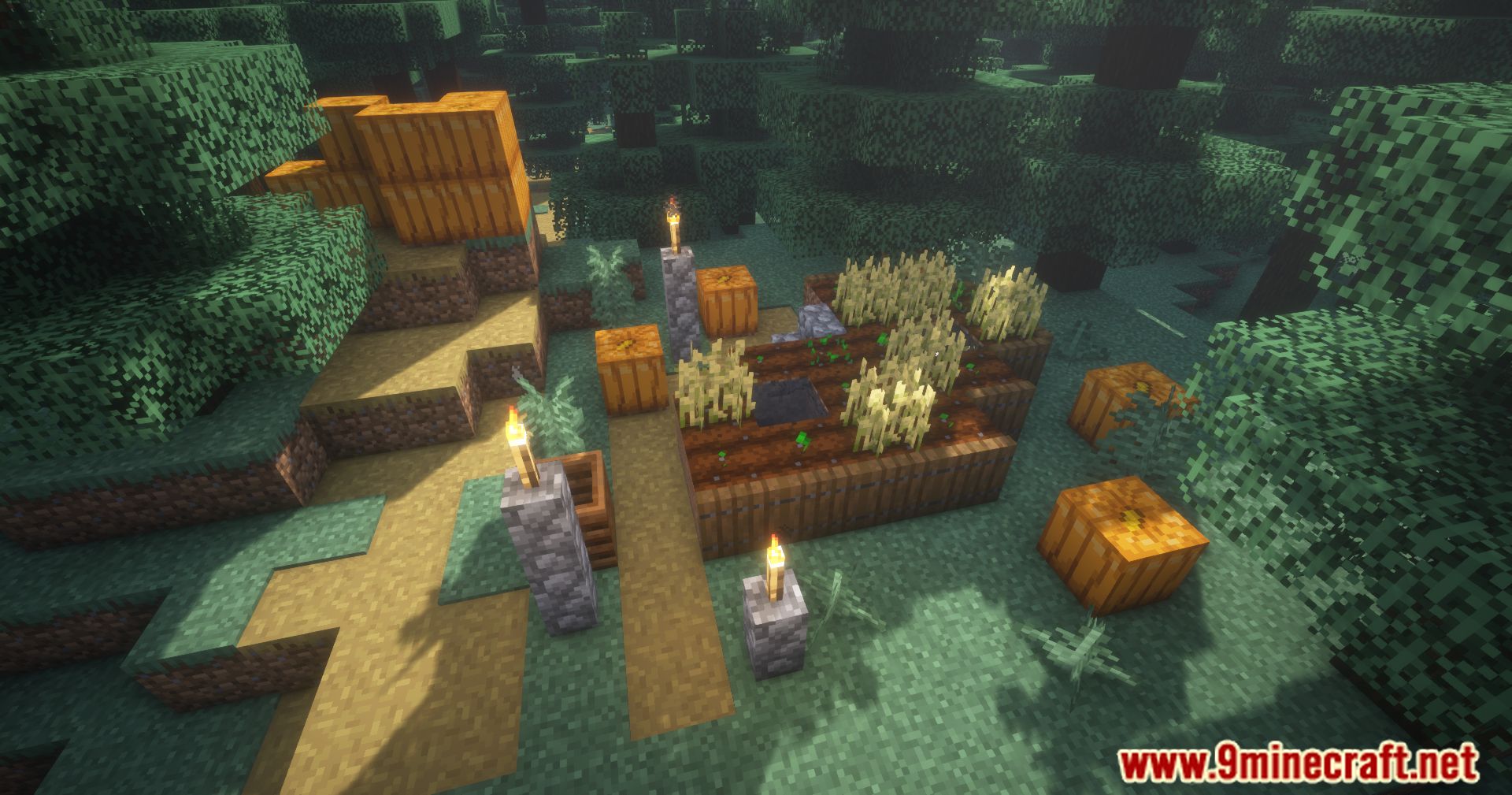
Text Formatting Everywhere Mod Download Links
For All Versions from Minecraft 1.20.6 to Minecraft 1.21.1
Fabric version: Download from Server 1 – Download from Server 2
For All Versions from Minecraft 1.20.6 to Minecraft 1.21.3
Fabric version: Download from Server 1 – Download from Server 2
For All Versions from Minecraft 1.20.6 to Minecraft 1.21.5
Fabric version: Download from Server 1 – Download from Server 2
For All Versions from Minecraft 1.20.6 to Minecraft 1.21.8, 1.21.7, 1.21.6
Forge version: Download from Server 1 – Download from Server 2
NeoForge version: Download from Server 1 – Download from Server 2
Fabric/Quilt version: Download from Server 1 – Download from Server 2
For All Versions from Minecraft 1.20.6 to Minecraft 1.21.10, 1.21.9
Forge version: Download from Server 1 – Download from Server 2
NeoForge version: Download from Server 1 – Download from Server 2
Fabric/Quilt version: Download from Server 1 – Download from Server 2
For All Versions from Minecraft 1.20.6 to Minecraft 1.21.11
Forge version: Download from Server 1 – Download from Server 2
NeoForge version: Download from Server 1 – Download from Server 2
Fabric/Quilt version: Download from Server 1 – Download from Server 2
For All Versions from Minecraft 1.20.6 to Minecraft 26.1
Forge version: Download from Server 1 – Download from Server 2
NeoForge version: Download from Server 1 – Download from Server 2
Fabric/Quilt version: Download from Server 1 – Download from Server 2
- Edition: Minecraft Java
- File type: .jar
- Minecraft version listed: 1.21.1
- How to install: Install the matching mod loader (Forge, Fabric or NeoForge) for your Minecraft version. → Download the .jar. → Put it in the .minecraft/mods folder and launch that loader profile.
- Where to get it: In MC Java Mods, or directly above on this page.
Install steps are the general flow for this file type — How to install Minecraft Java mods & modpacks walks through it step by step.
- Downloads as 175129.mcaddon
- Download size: 20 KB
- Download link checked 25 Jul 2026 — working
- Mirrored on our own servers — the download does not depend on the original host
These come from our own check of the pack file, not from the source page.