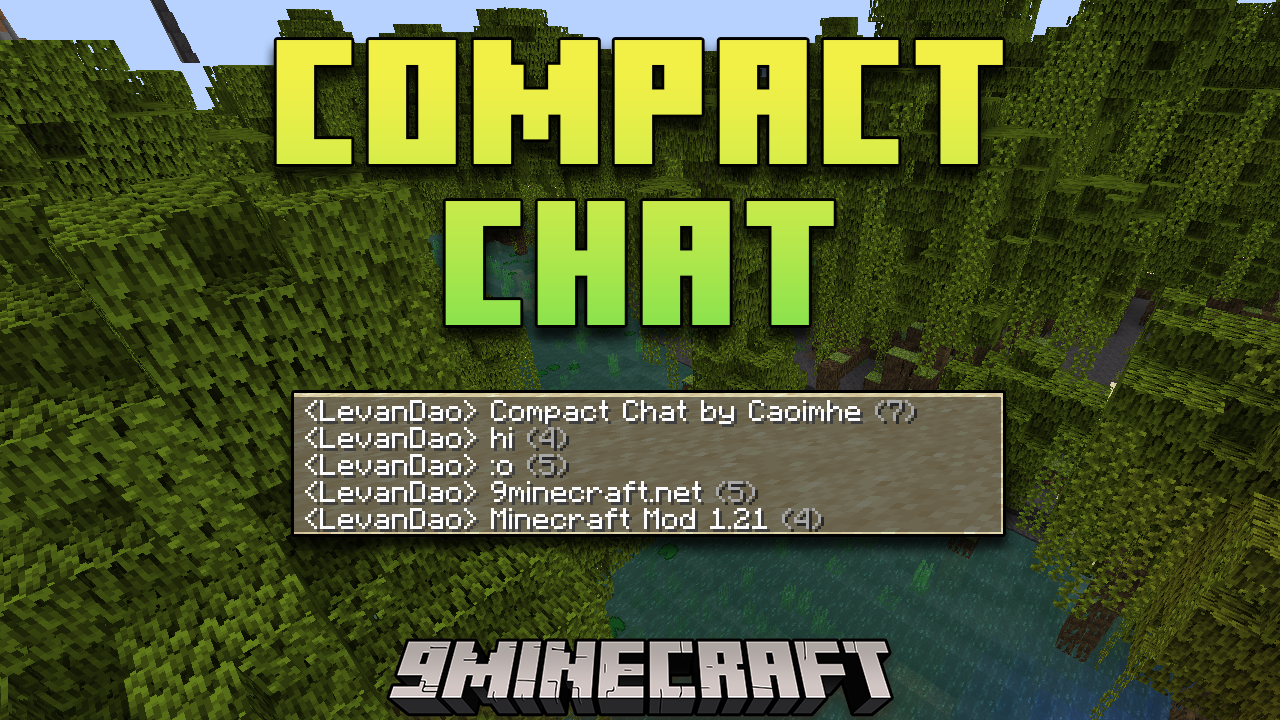
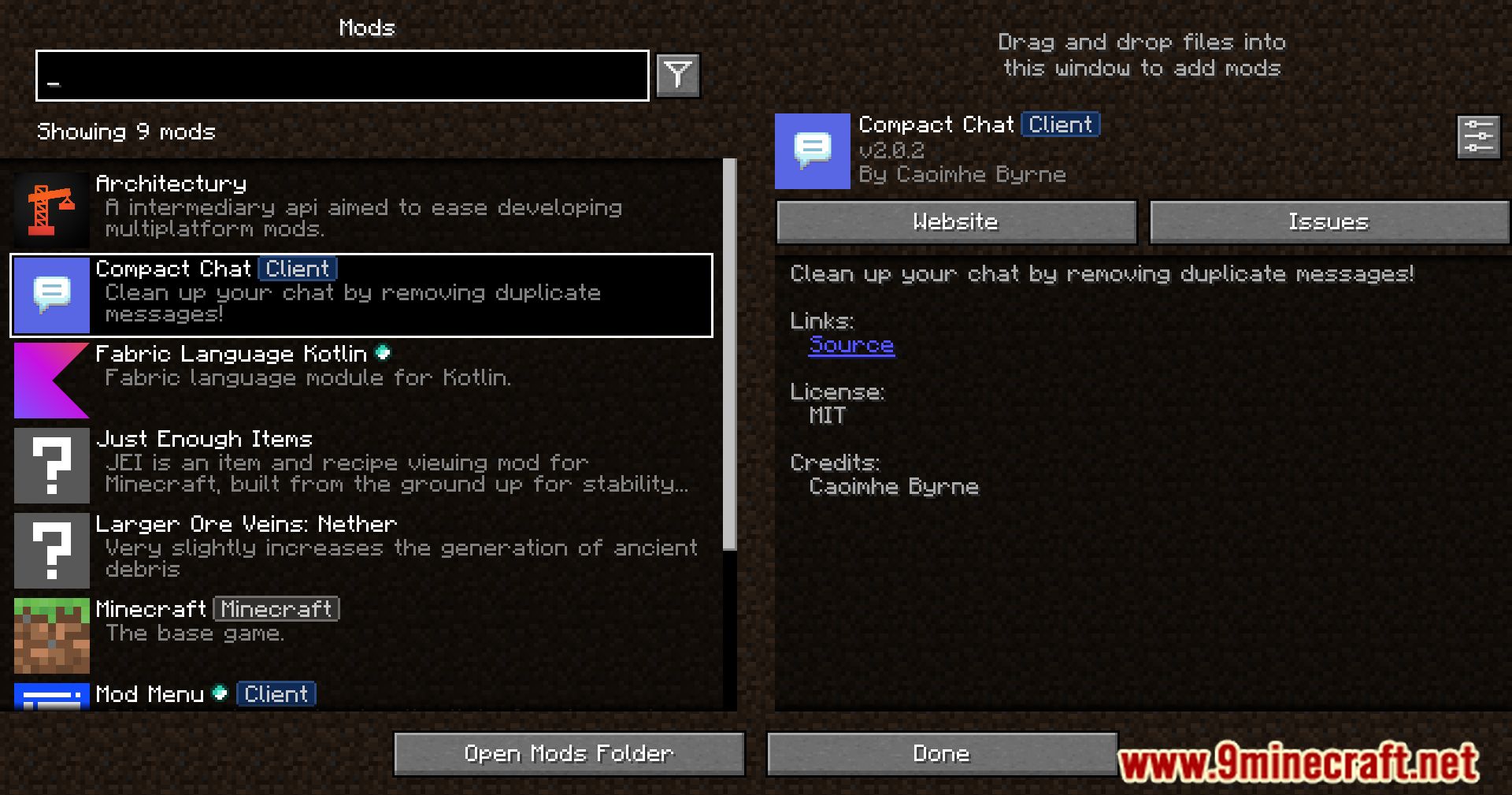
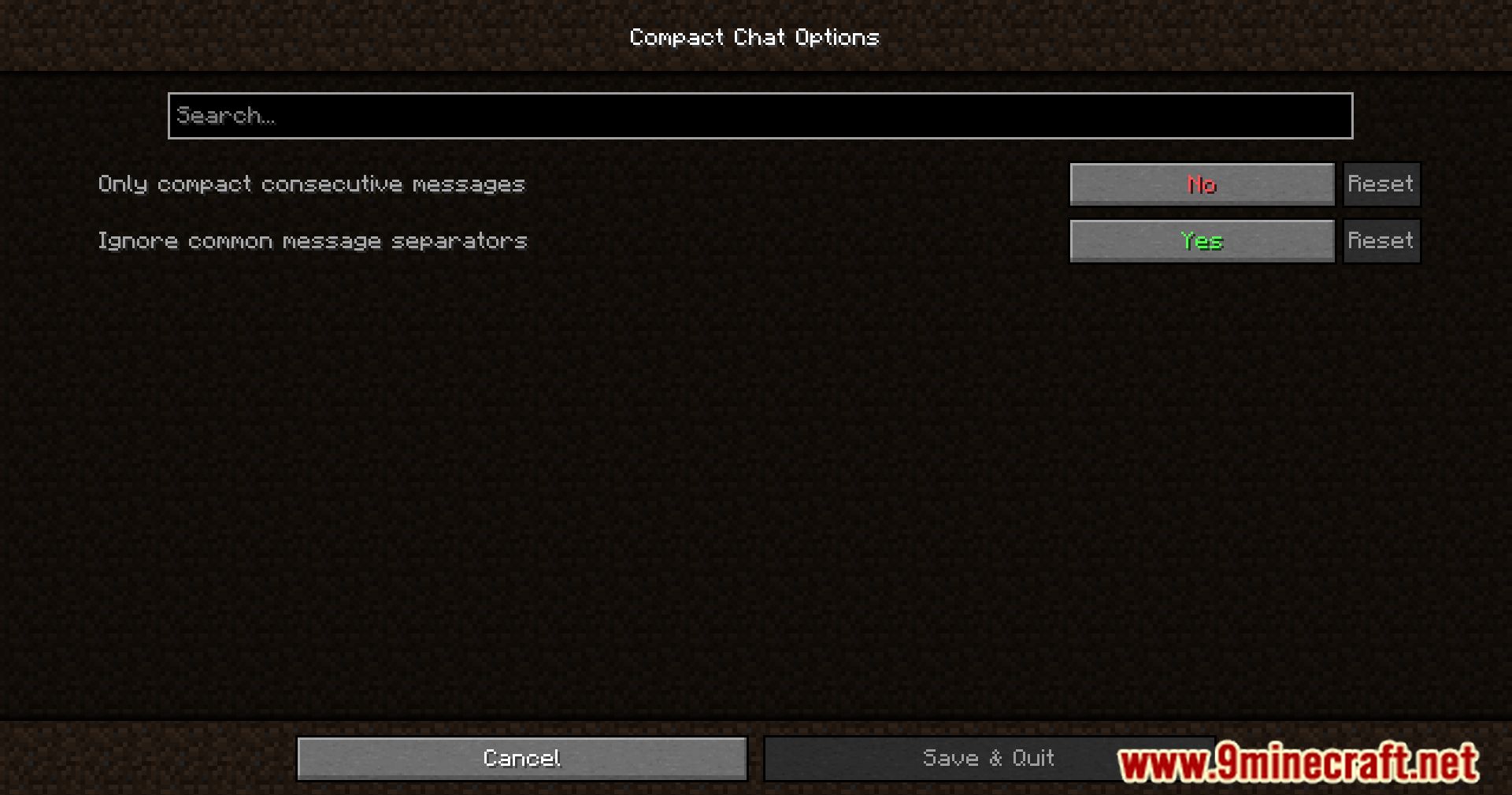
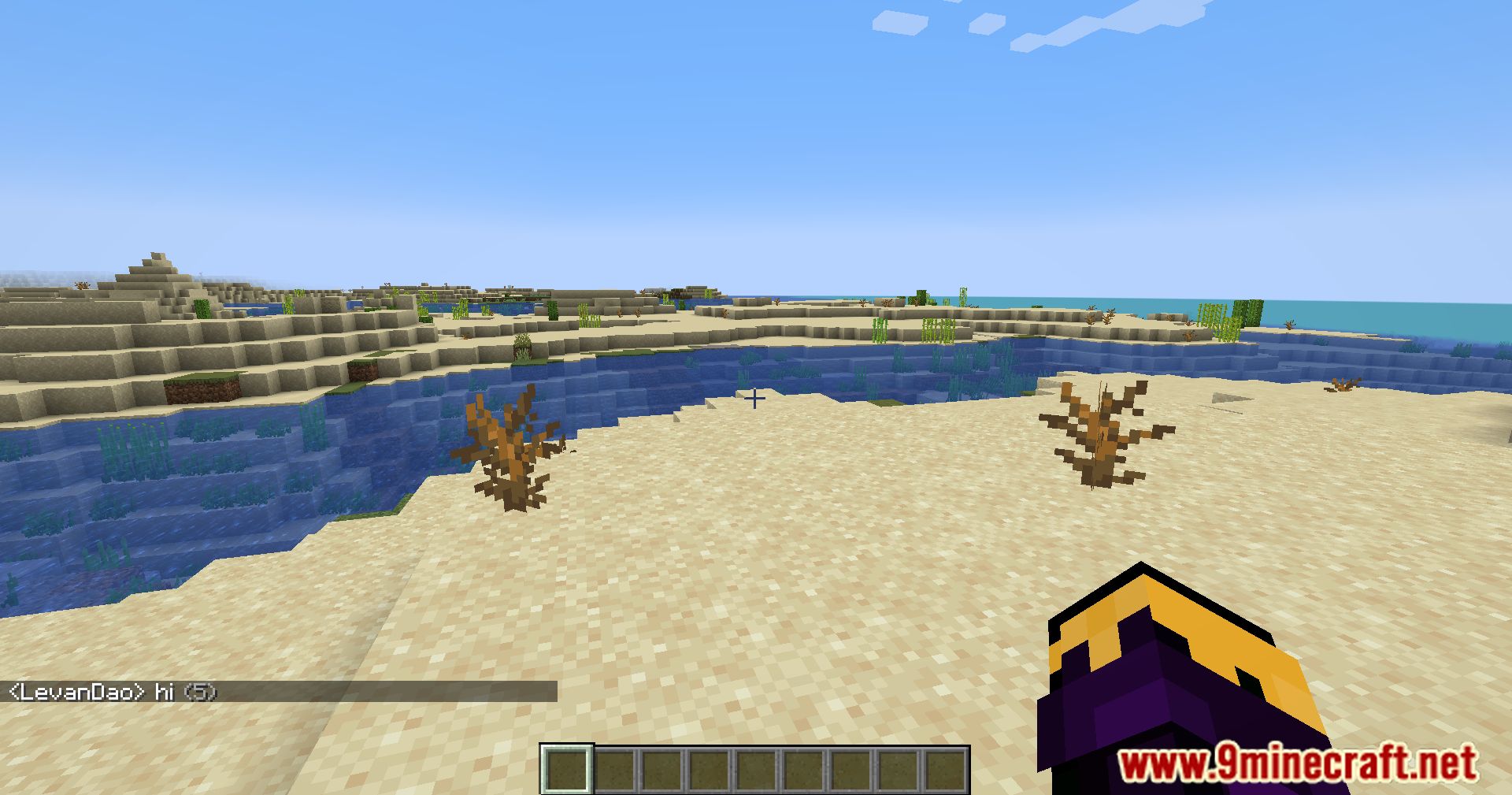
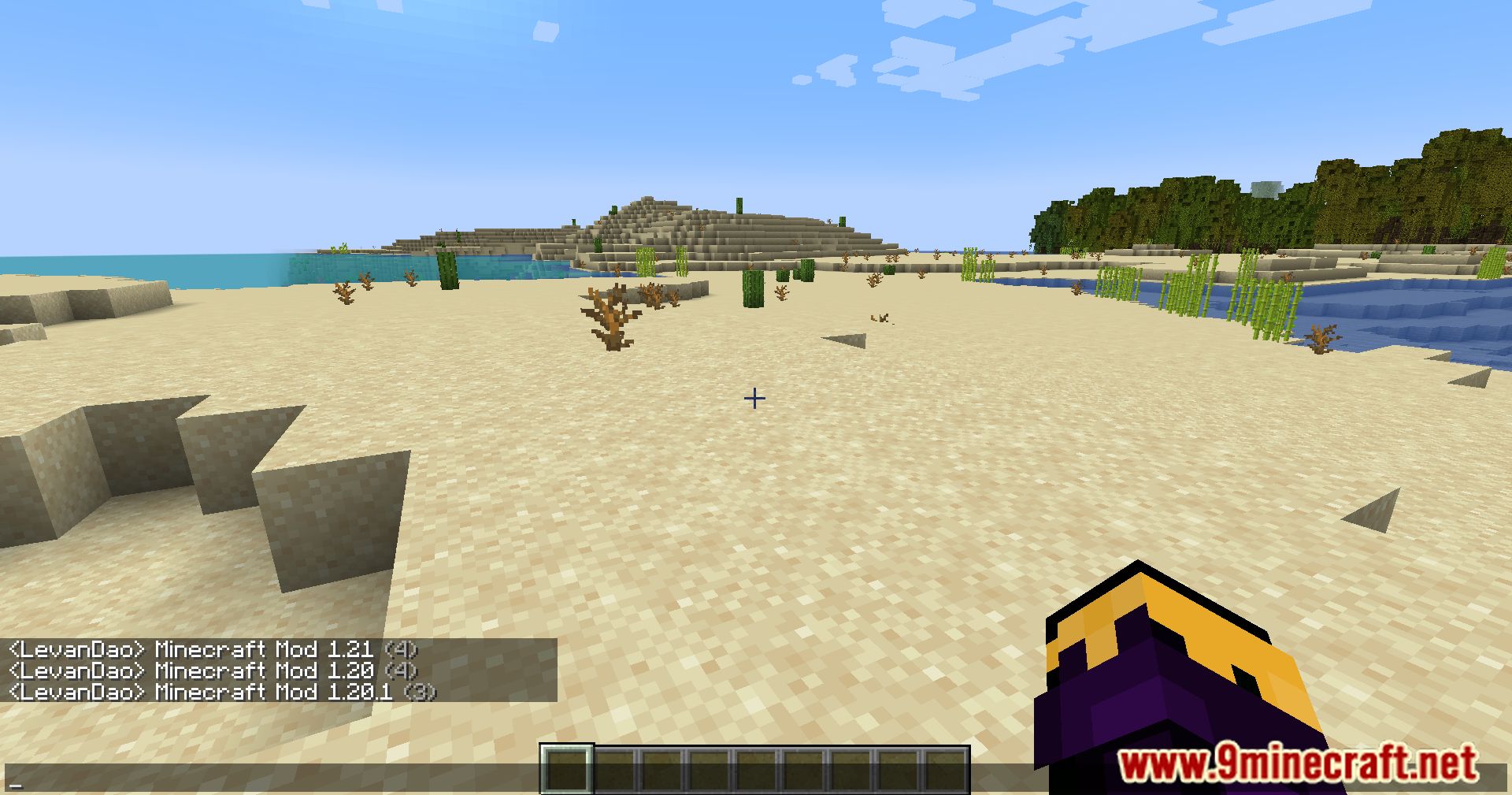
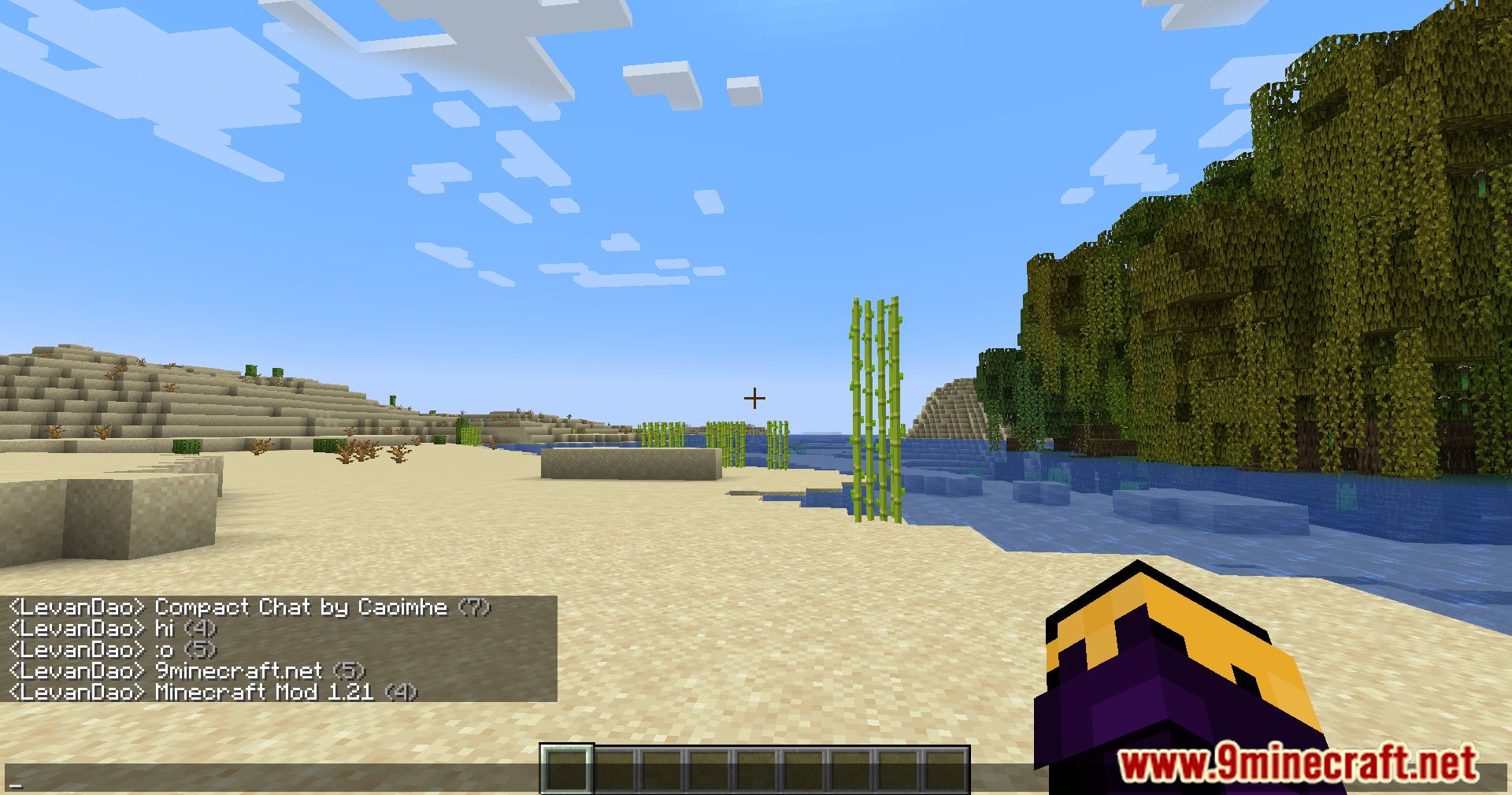
Compact Chat Mod adds a small but informative touch by appending the number of times a message has been repeated to the latest instance. For example, if a message is sent three times, the latest message will have a “(3x)” appended to it. This allows players to understand the frequency of certain messages without cluttering the chat.
Features:
- Automatically removes previous instances of duplicate messages.
- Appends the number of occurrences to the latest duplicate message.
- Provides a cleaner chat interface, making it easier to follow conversations.
- Works smoothly within the existing chat system of Minecraft.
Screenshots:
Compact Chat Mod Download Links
For All Versions from Minecraft 1.20.6 to Minecraft 26.1
Fabric version: Download from Server 1 – Download from Server 2
For All Versions from Minecraft 1.20.6 to Minecraft 1.21.11
Fabric version: Download from Server 1 – Download from Server 2
For All Versions from Minecraft 1.20.6 to Minecraft 1.21.10, 1.21.9
Fabric version: Download from Server 1 – Download from Server 2
For All Versions from Minecraft 1.20.6 to Minecraft 1.21.8, 1.21.7, 1.21.6
Fabric version: Download from Server 1 – Download from Server 2
For All Versions from Minecraft 1.20.6 to Minecraft 1.21.5
Fabric version: Download from Server 1 – Download from Server 2
For All Versions from Minecraft 1.20.6 to Minecraft 1.21.1, 1.21
Fabric version: Download from Server 1 – Download from Server 2
For Minecraft 1.20.4
Fabric version: Download from Server 1 – Download from Server 2
For Minecraft 1.20.1, 1.20
Fabric version: Download from Server 1 – Download from Server 2
For Minecraft 1.19.3, 1.19.2, 1.19.1
Fabric version: Download from Server 1 – Download from Server 2
For Minecraft 1.18.2, 1.18.1
Fabric version: Download from Server 1 – Download from Server 2
For Minecraft 1.17.1
Fabric version: Download from Server 1 – Download from Server 2
- Edition: Minecraft Java
- File type: .jar
- Minecraft version listed: 1.20.1
- How to install: Install the matching mod loader (Forge, Fabric or NeoForge) for your Minecraft version. → Download the .jar. → Put it in the .minecraft/mods folder and launch that loader profile.
- Where to get it: In MC Java Mods, or directly above on this page.
Install steps are the general flow for this file type — How to install Minecraft Java mods & modpacks walks through it step by step.
Compact Chat Mod (26.1, 1.20.1) – Cleaner Chat Windows is a free Minecraft Java mod. Compatible with Minecraft 1.20.1. Download it and open it directly in the game.