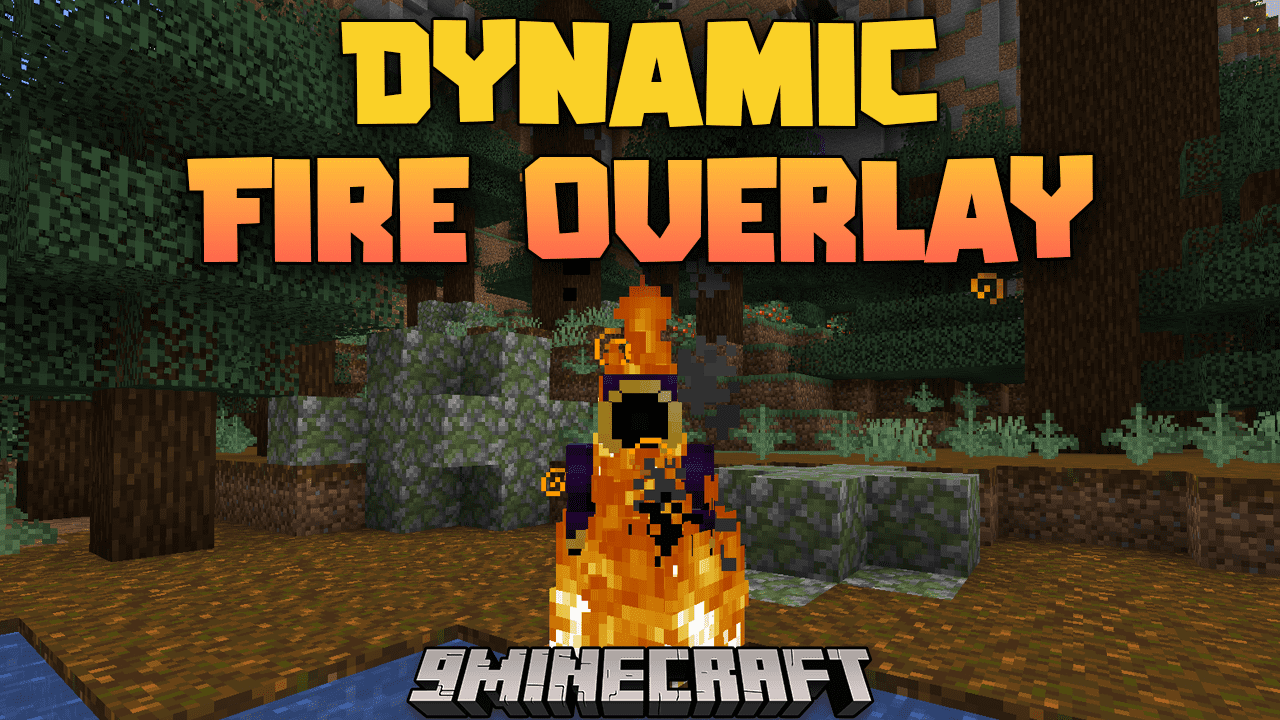
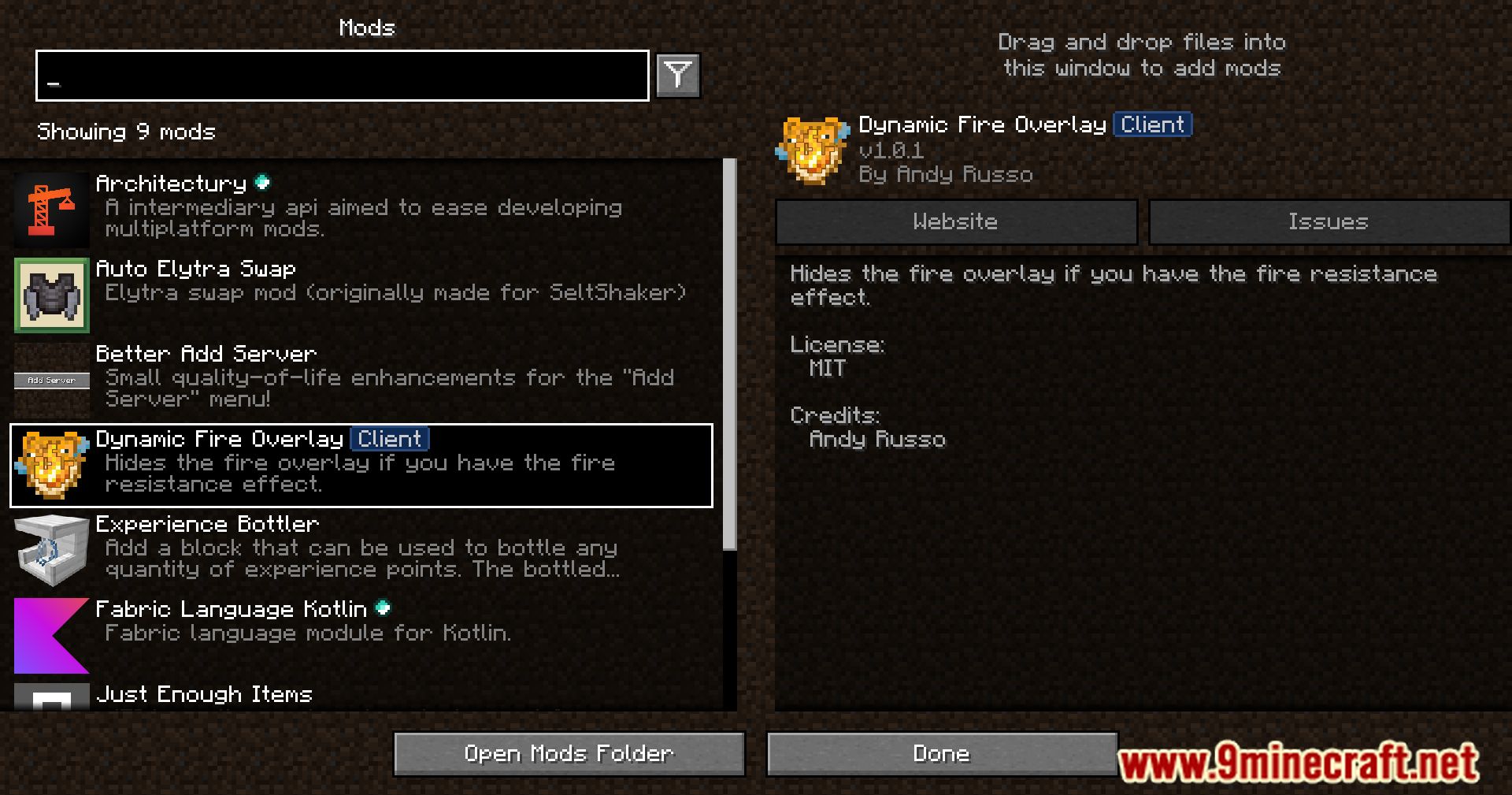
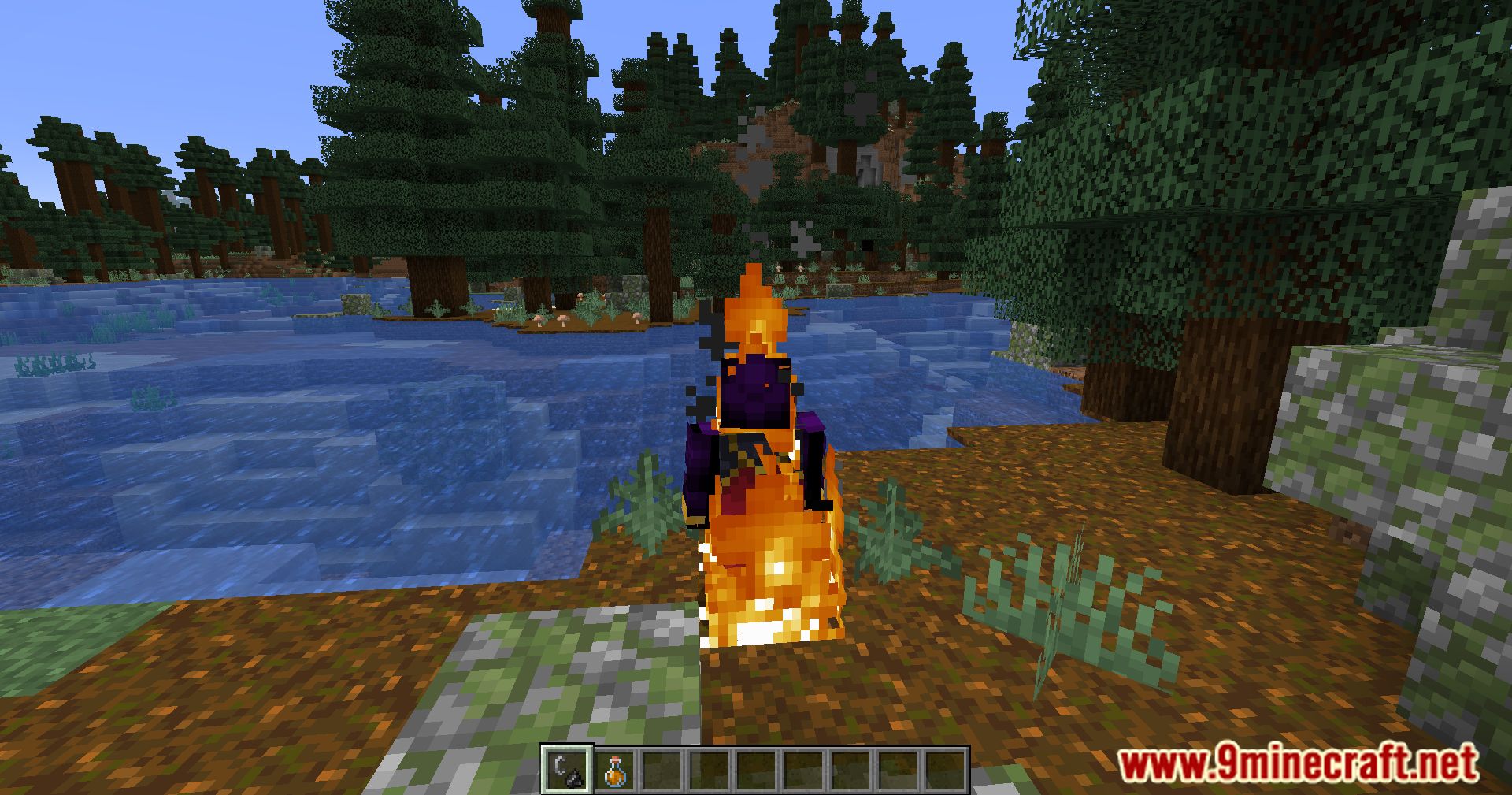
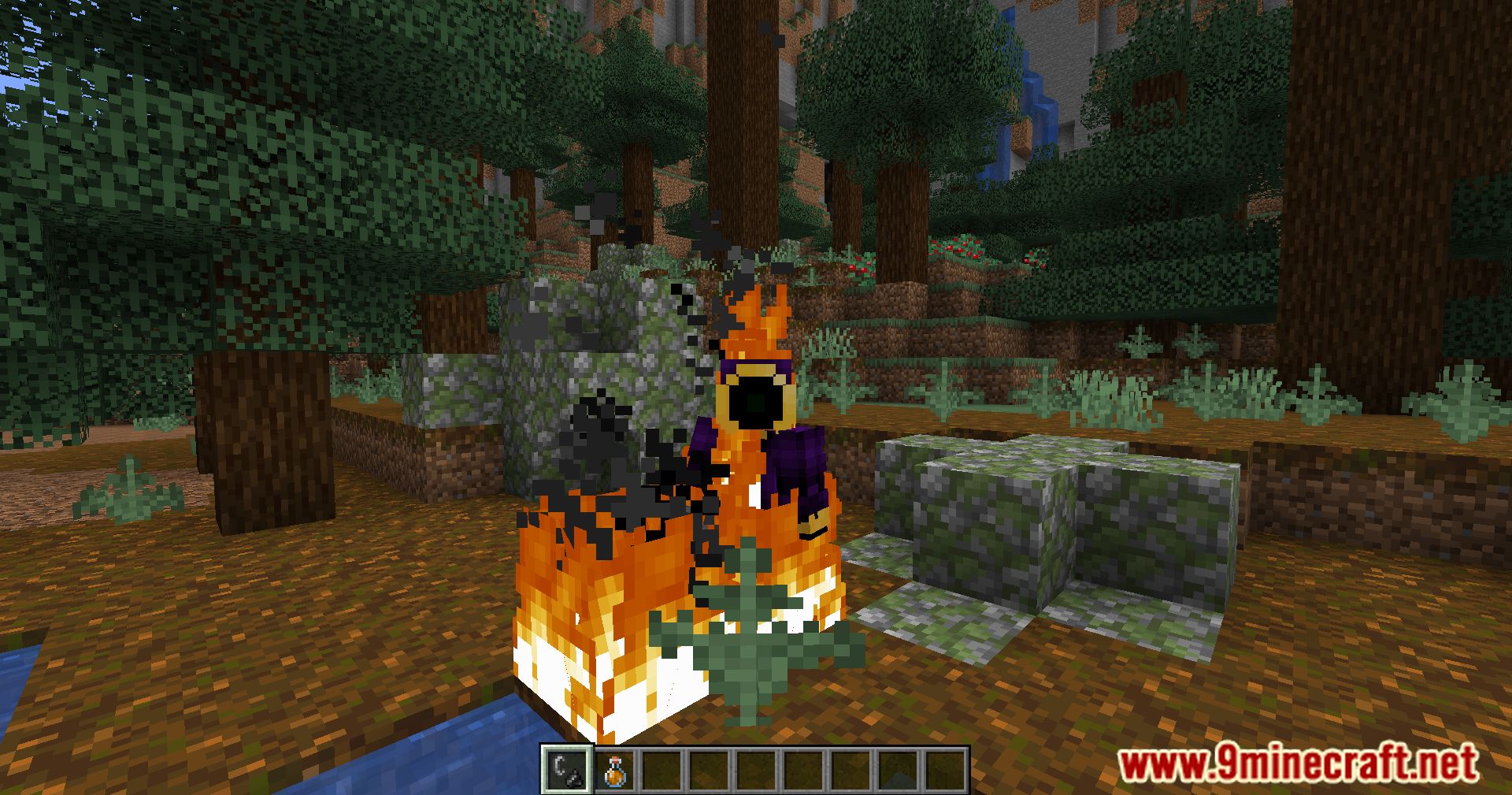
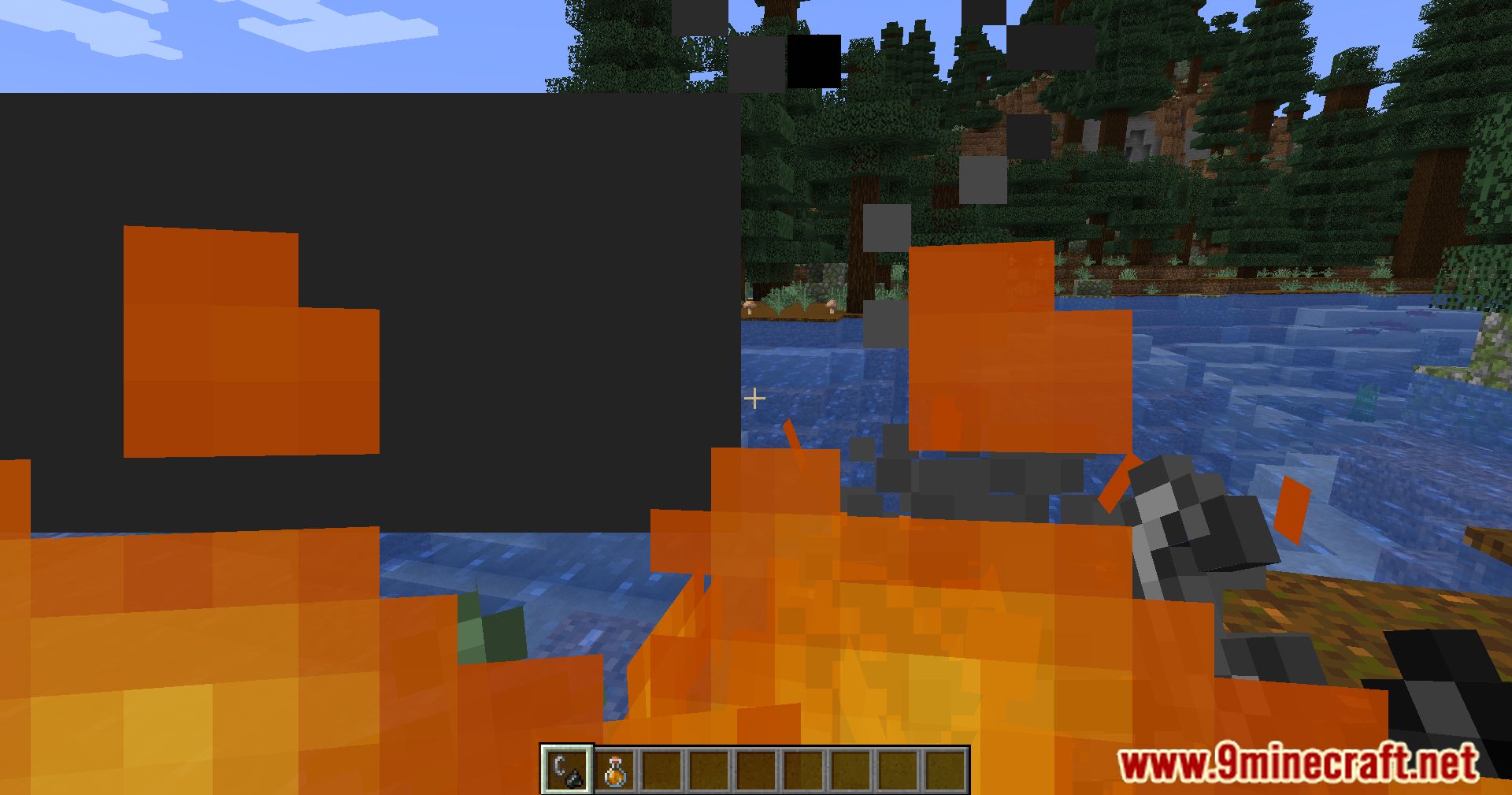
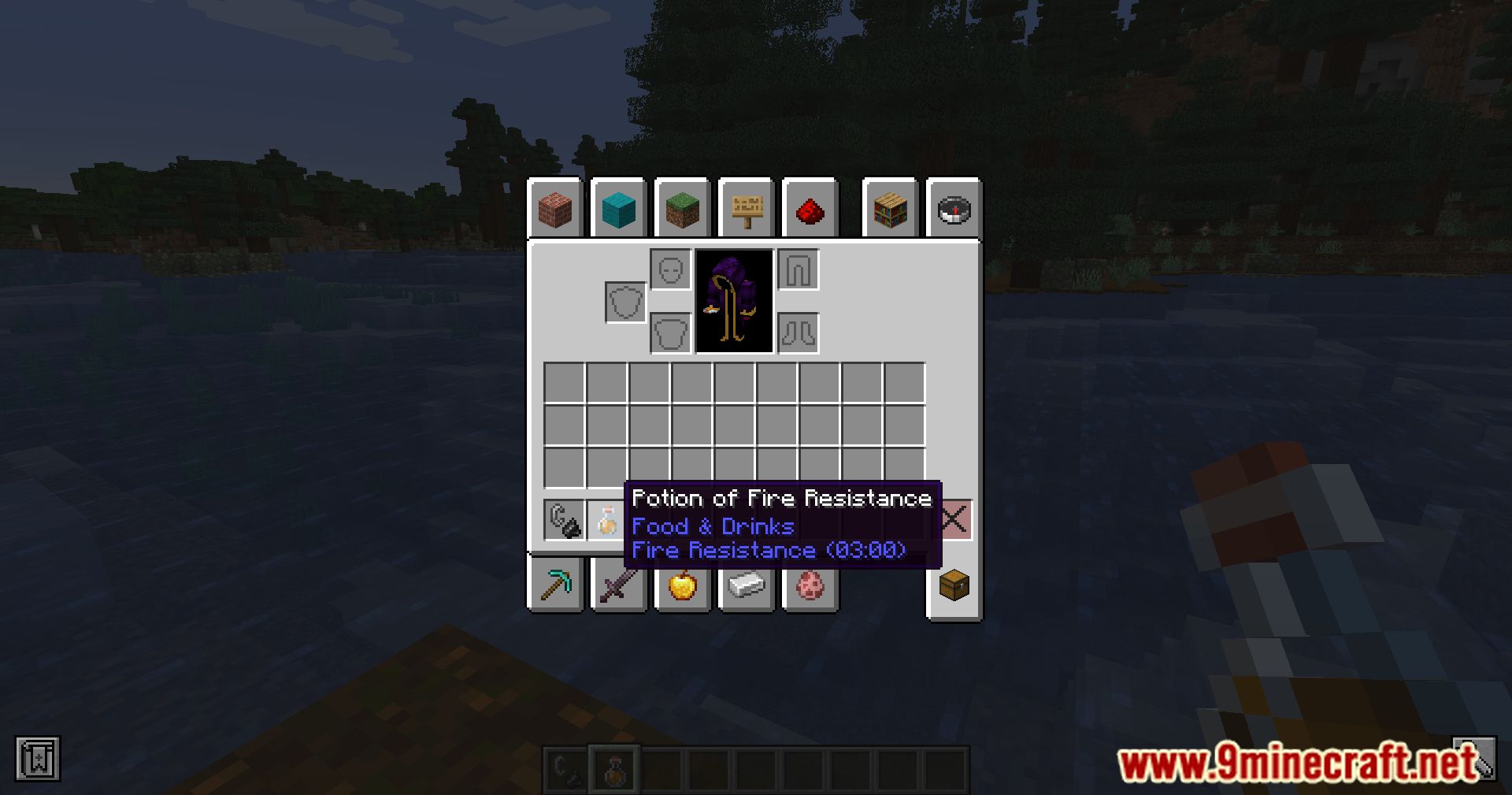
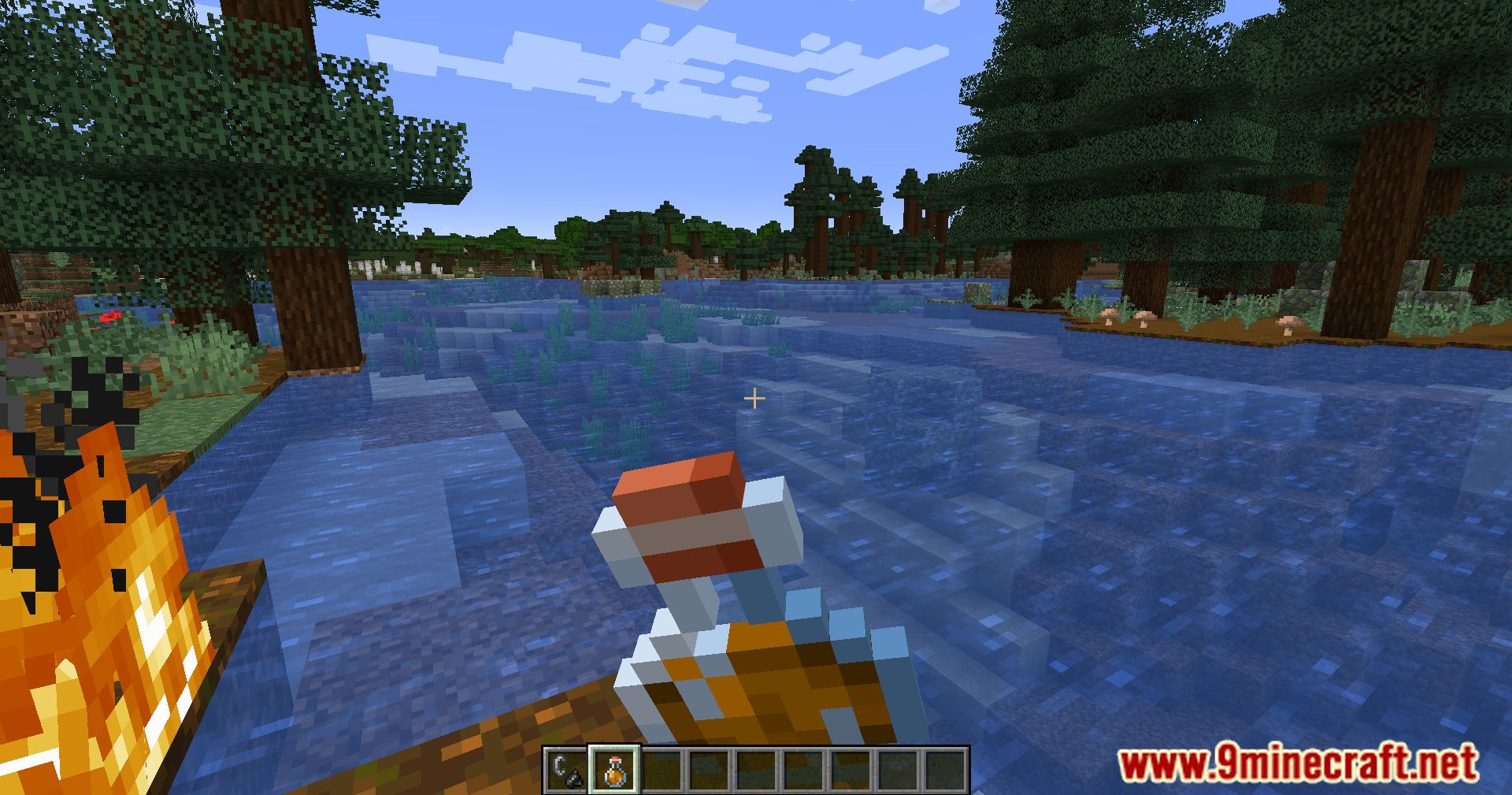
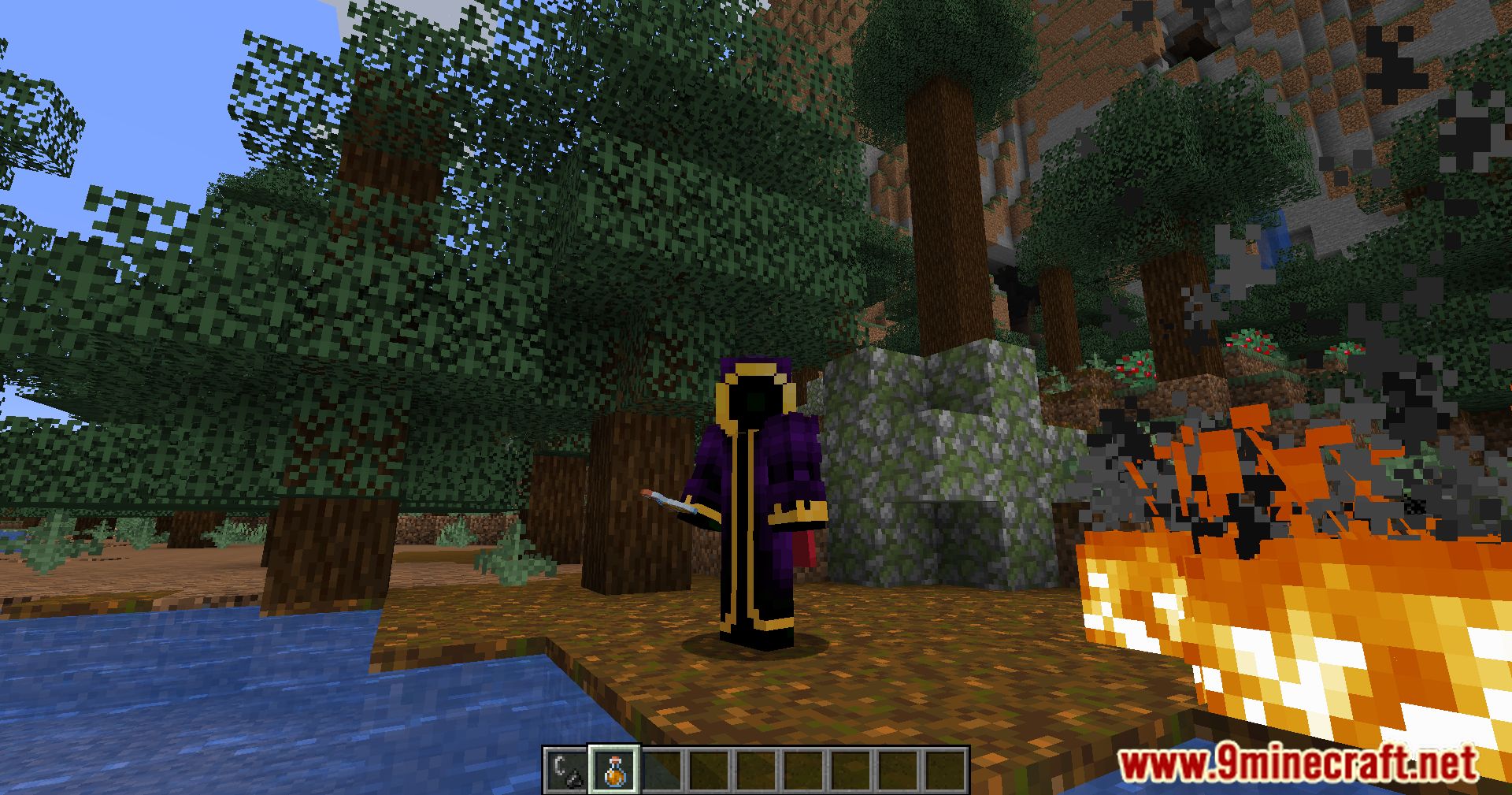
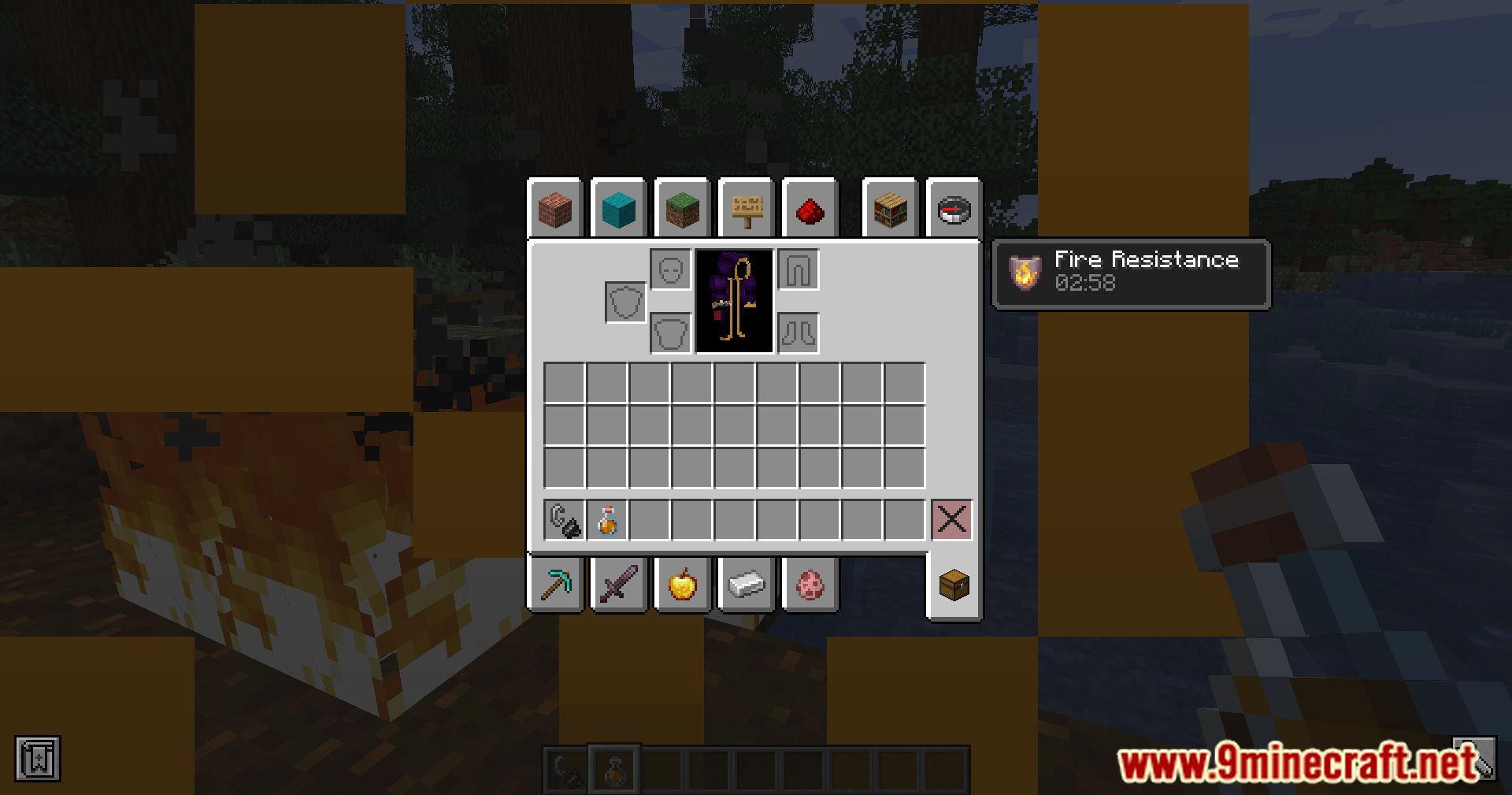
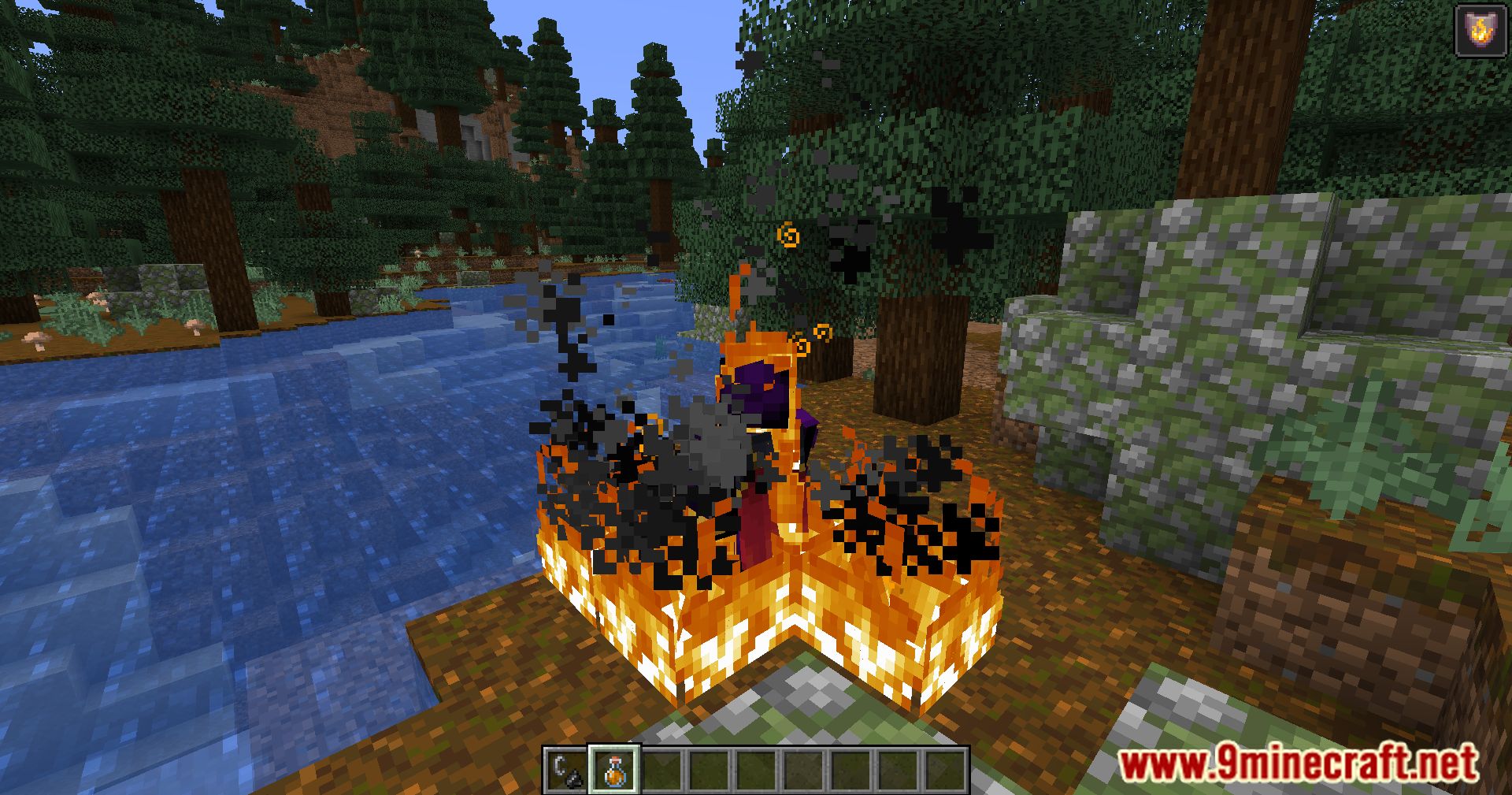
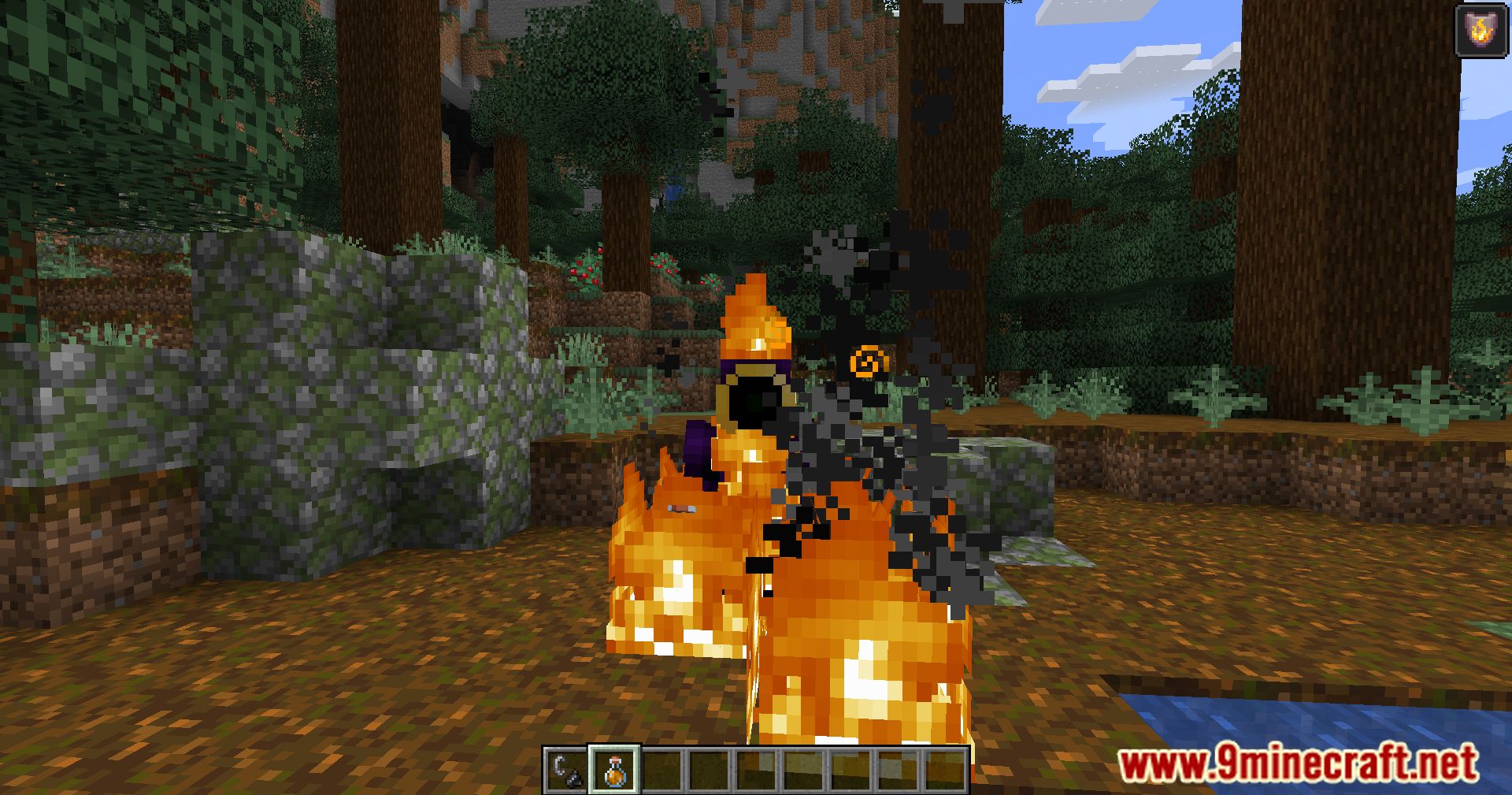
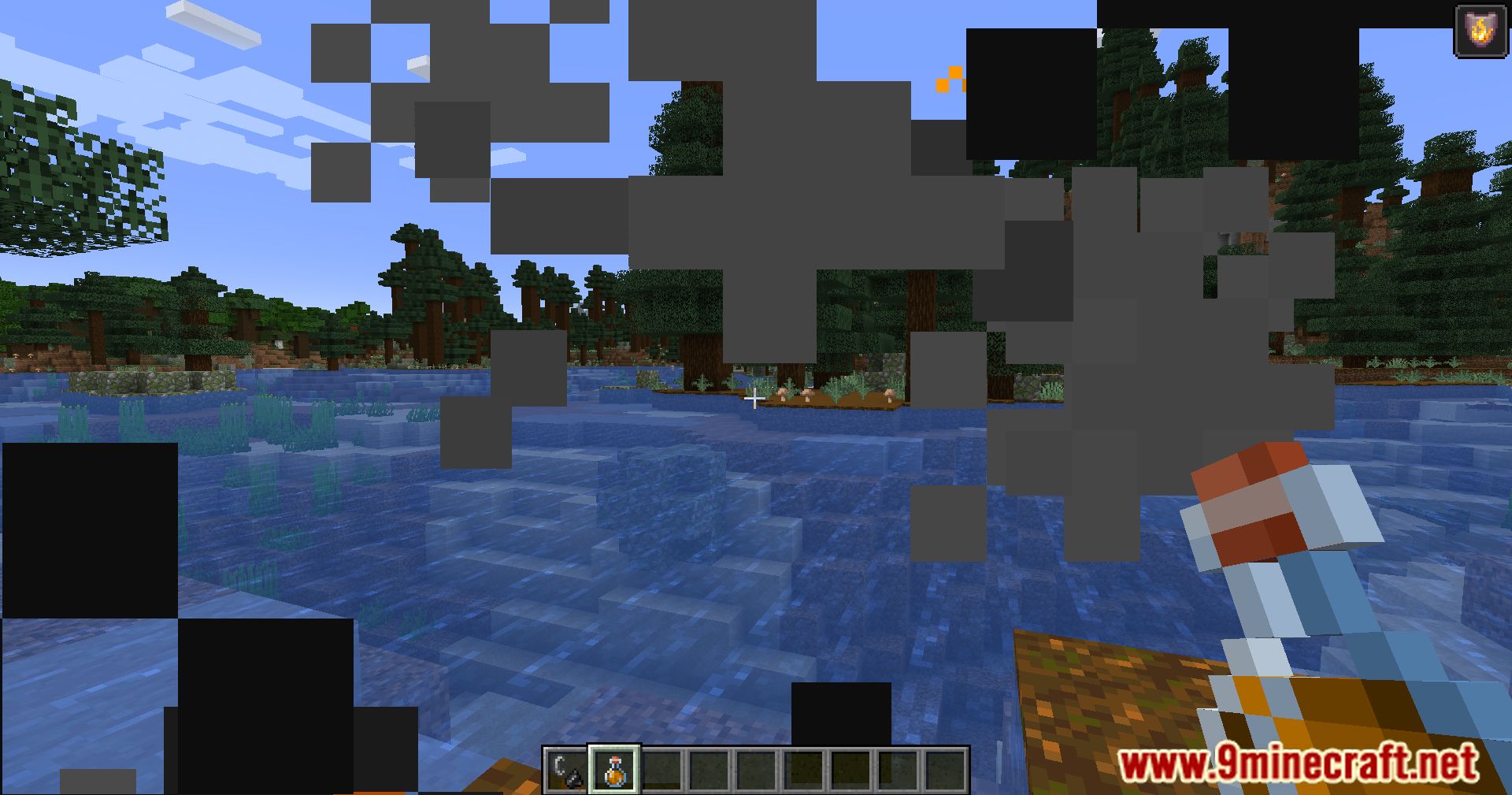
Dynamic Fire Overlay Mod focuses on a single, yet impactful, functionality. When you have the Fire Resistance status effect active, it automatically removes the fire overlay from your screen. This means no more blurry vision caused by flames, allowing you to see your surroundings with enhanced clarity. With the fire overlay removed, you’ll have a clearer view when fighting Blazes, exploring the Nether, or venturing into any fiery environment. This mod provides a subtle but welcome improvement to your Minecraft gameplay, especially for players who frequently encounter fire.
Features:
- Automatically hides the fire overlay for players with the fire resistance effect.
- Enhances visibility and clarity during gameplay.
- Streamlines the Minecraft experience by reducing visual clutter.
- Improves immersion by dynamically adjusting overlay effects based on player status.
Screenshots:
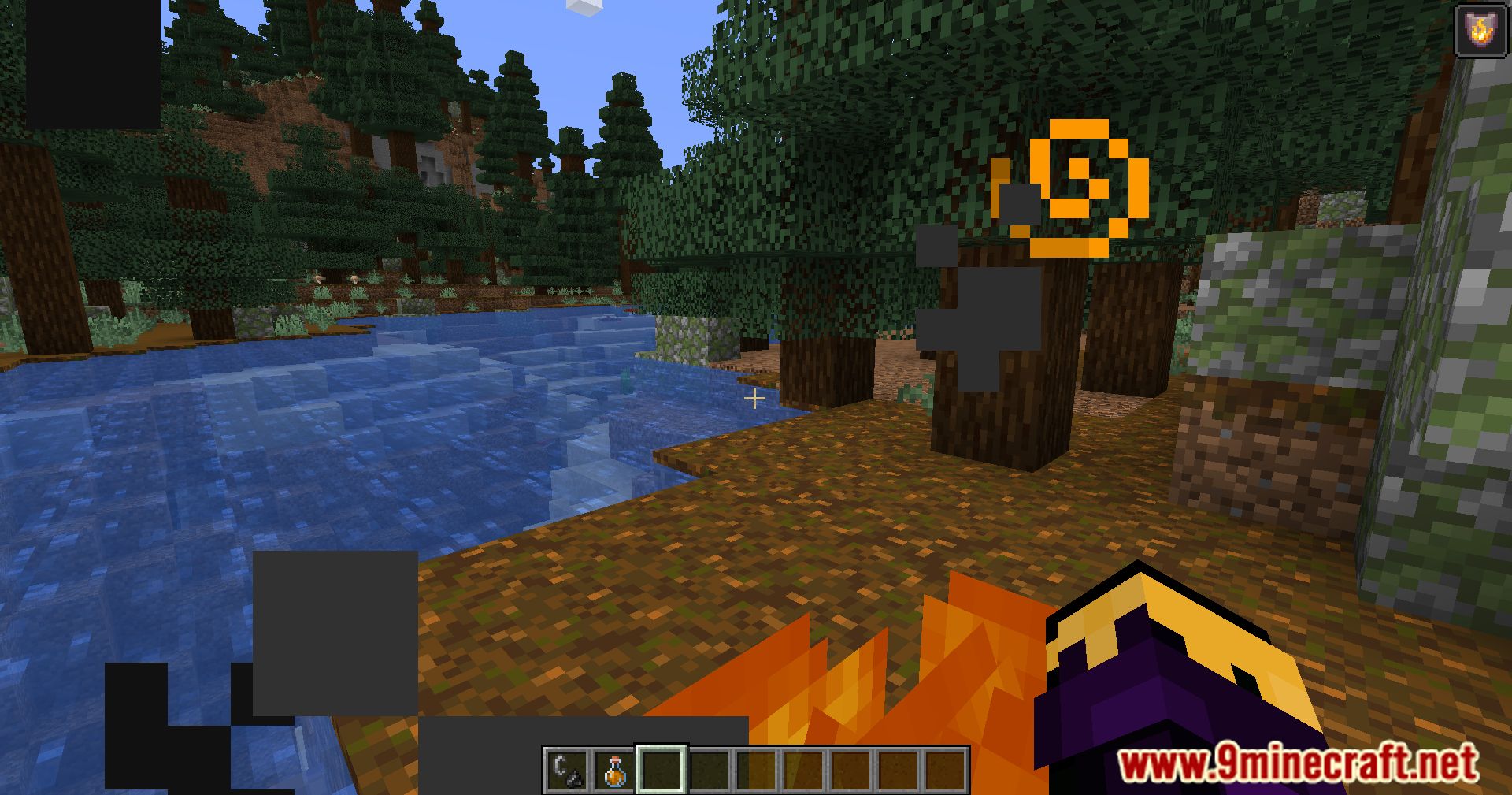
Dynamic Fire Overlay Mod Download Links
For Minecraft 26.1.2, 26.1.1, 26.1
Fabric/Quilt version: Download from Server 1 – Download from Server 2
For Minecraft 1.21.11
Fabric/Quilt version: Download from Server 1 – Download from Server 2
For Minecraft 1.21.10, 1.21.9
Fabric/Quilt version: Download from Server 1 – Download from Server 2
For Minecraft 1.21.8, 1.21.7, 1.21.6
Fabric/Quilt version: Download from Server 1 – Download from Server 2
For Minecraft 1.21.5, 1.21.4, 1.21.3
Fabric/Quilt version: Download from Server 1 – Download from Server 2
For Minecraft 1.21.1, 1.21
Fabric/Quilt version: Download from Server 1 – Download from Server 2
For Minecraft 1.20.6, 1.20.5
Fabric version: Download from Server 1 – Download from Server 2
For All Versions from Minecraft 1.18.1 to Minecraft 1.20.4
Fabric/Quilt version: Download from Server 1 – Download from Server 2
- Edition: Minecraft Java
- File type: .jar
- Minecraft version listed: 1.20.1
- How to install: Install the matching mod loader (Forge, Fabric or NeoForge) for your Minecraft version. → Download the .jar. → Put it in the .minecraft/mods folder and launch that loader profile.
- Where to get it: In MC Java Mods, or directly above on this page.
Install steps are the general flow for this file type — How to install Minecraft Java mods & modpacks walks through it step by step.
- Downloads as 175155.mcaddon
- Download size: 7 KB
- Download link checked 25 Jul 2026 — working
- Mirrored on our own servers — the download does not depend on the original host
These come from our own check of the pack file, not from the source page.