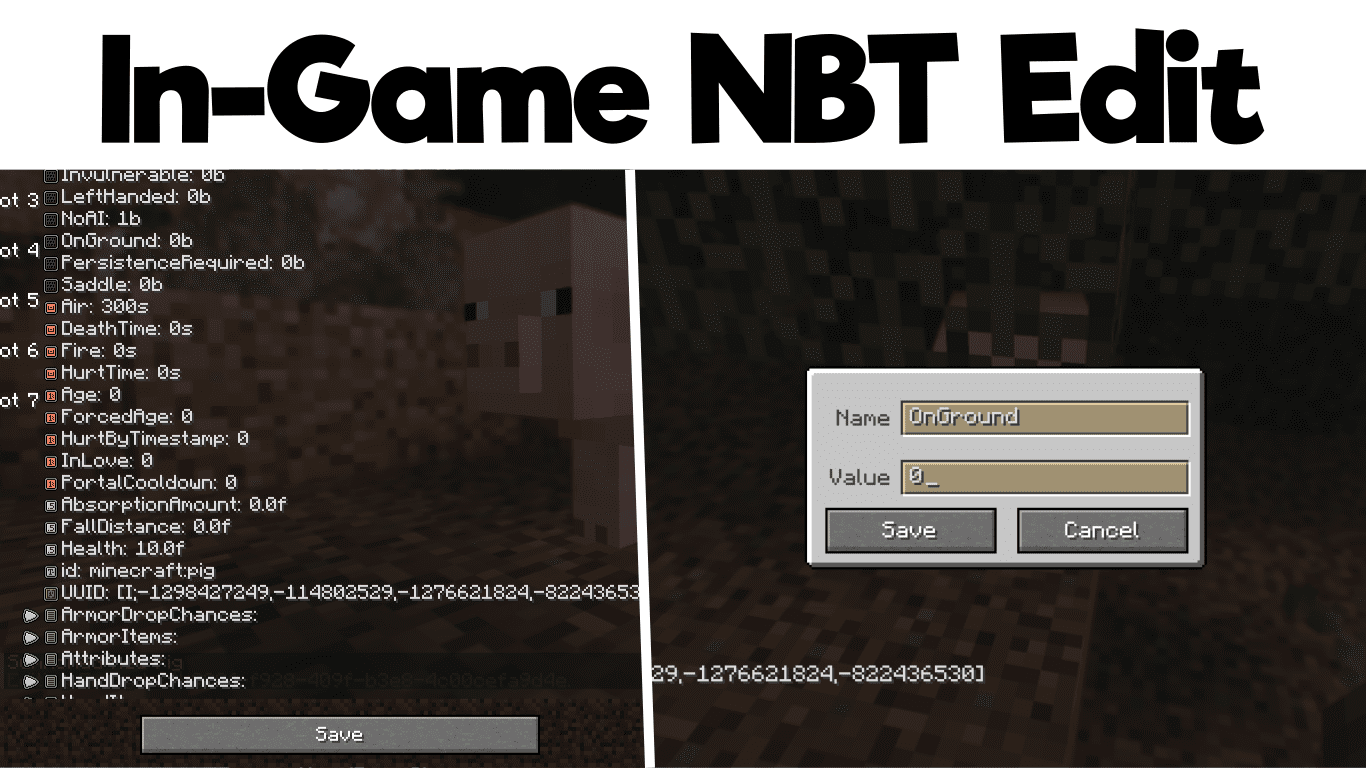
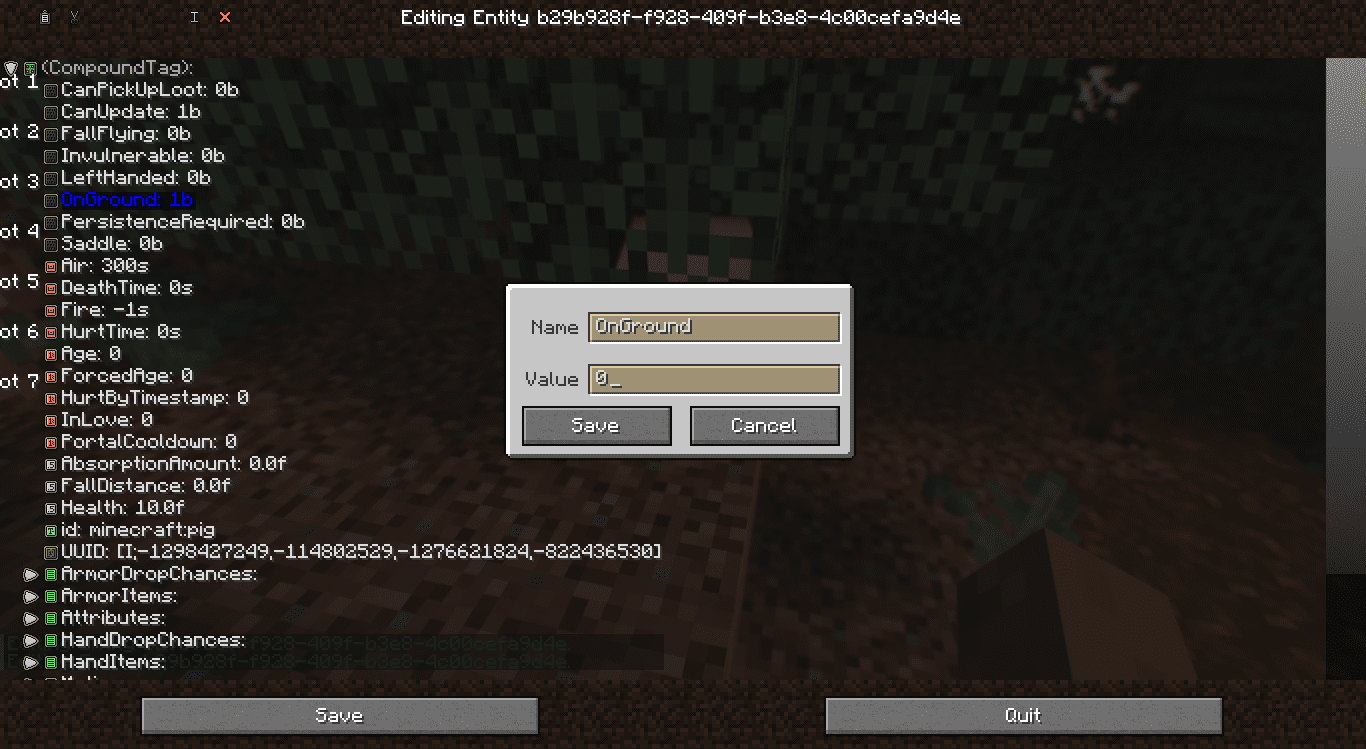
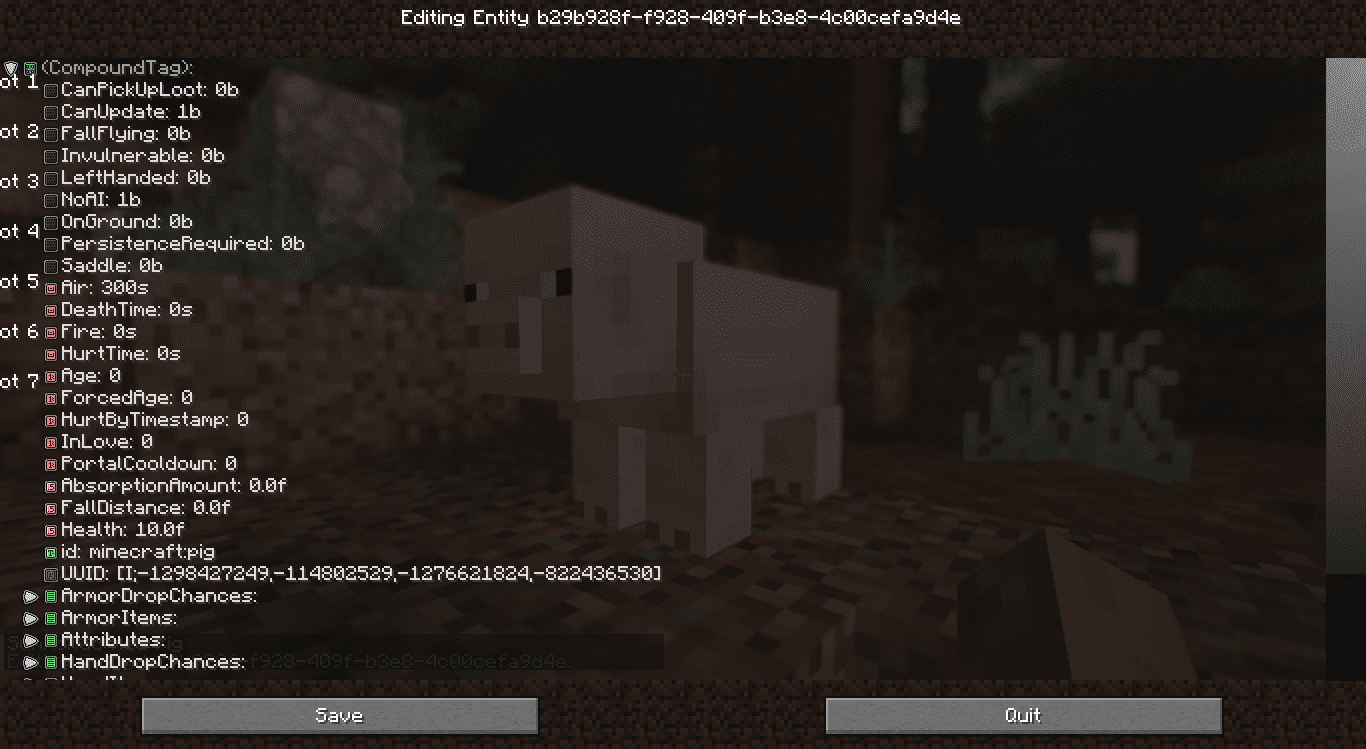
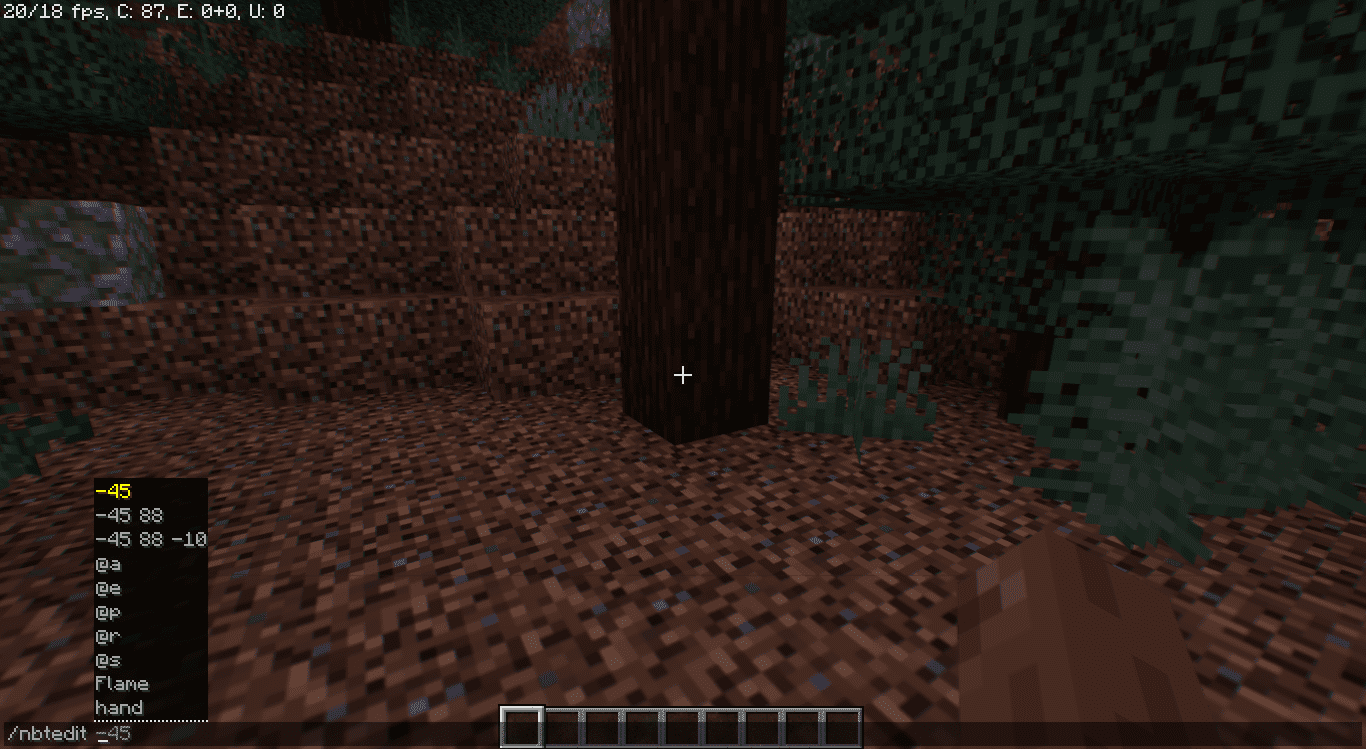
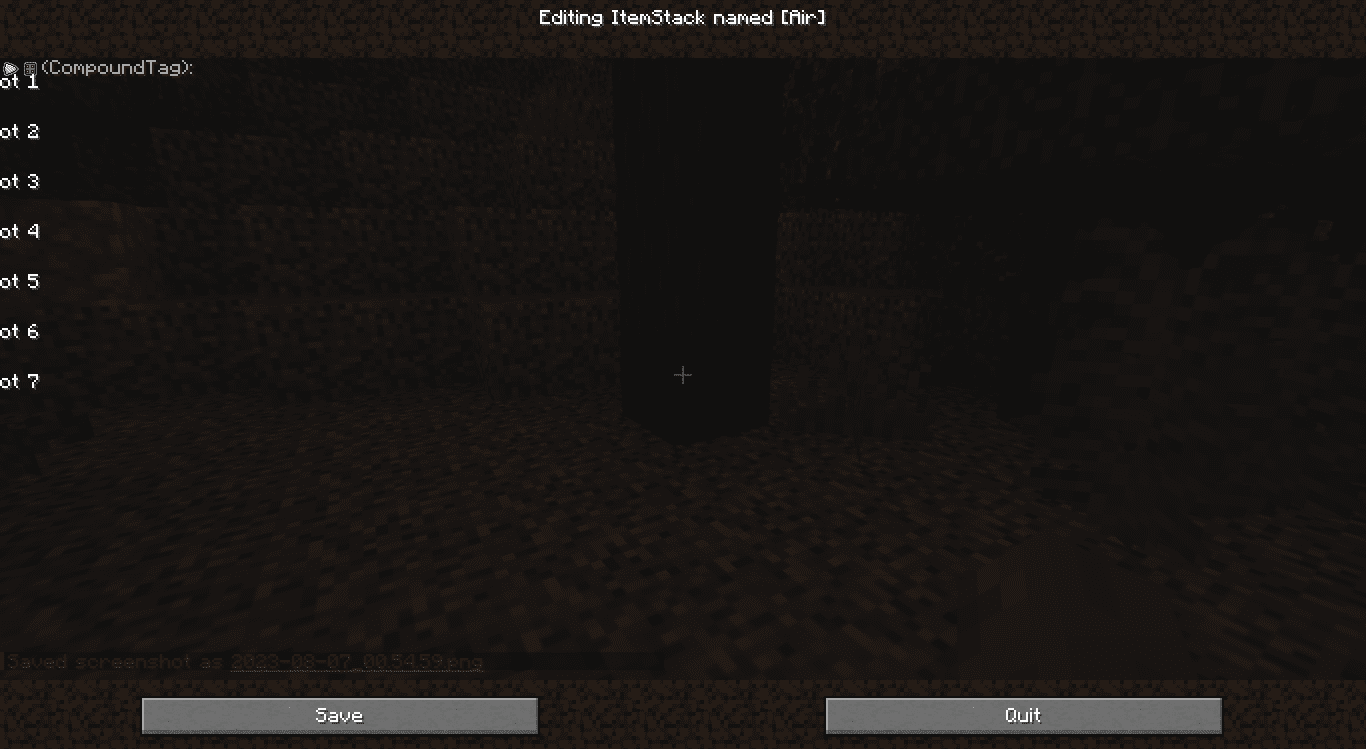
Do you want to create custom items, debug mods, or delve into the intricate details of your game content? If so, then In-Game NBTEdit Reborn Mod is about to become your new best friend. This ingenious Minecraft mod brings the power of NBT (Named Binary Tag) editing right to your fingertips, allowing you to modify various aspects of the game content with ease, all while you’re in the midst of your game. In this article, we’ll take a closer look at what In-Game NBTEdit has to offer and how you can leverage its features to enhance your Minecraft gameplay.
Features:
With a user-friendly GUI, this mod lets you manipulate NBT data related to TileEntities, Entities, and more. Whether you’re a map creator aiming to craft unique items or a mod developer in need of efficient debugging tools, In-Game NBTEdit has got you covered.
In-Game NBTEdit understands the importance of efficiency. By pressing the ‘N’ key while looking at a tile entity or an entity, you can instantly access the editing interface. The mod intelligently selects your target BlockEntity, Entity, or ItemStack for editing, minimizing the need for manual input.
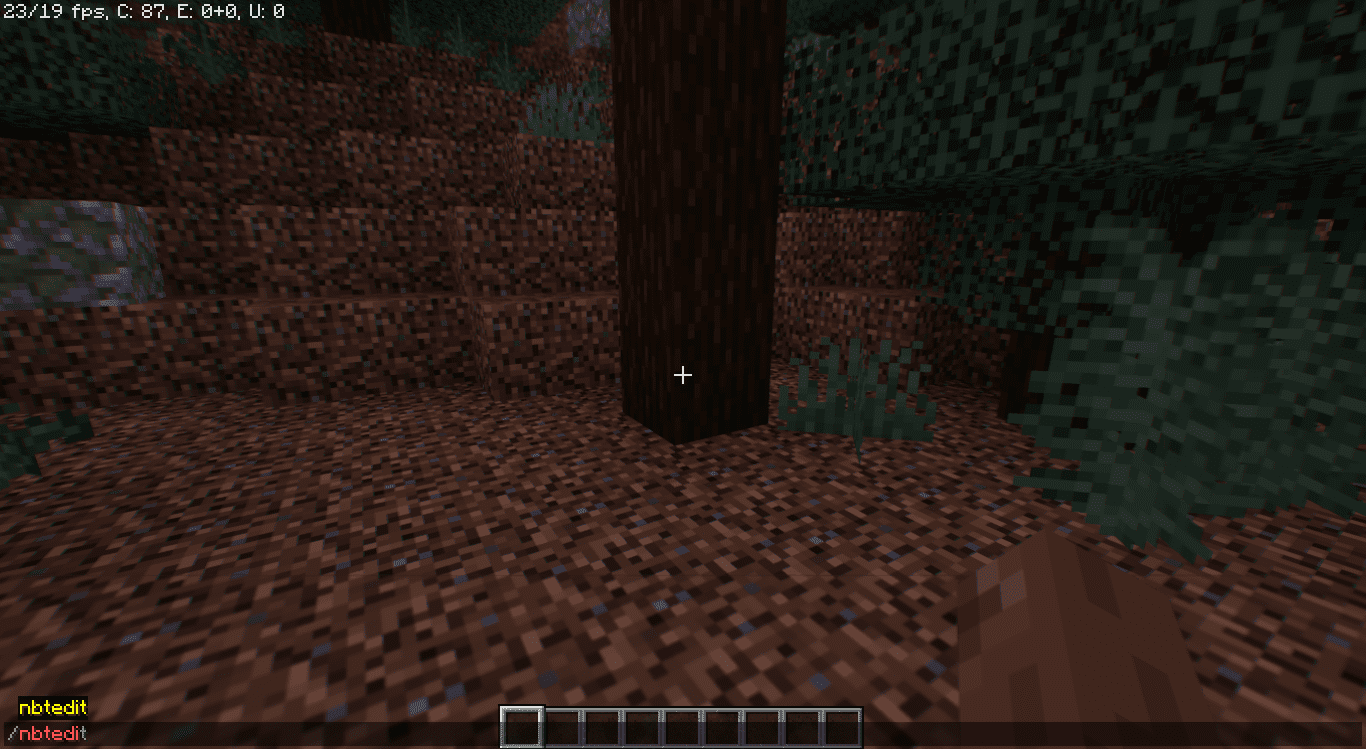
In-Game NBTEdit provides several commands to cater to various editing needs:
- /nbtedit me: Edit your own player data.
- /nbtedit hand: Edit the ItemStack in your main hand.
- /nbtedit x y z: Edit the BlockEntity located at coordinates x, y, z.
- /nbtedit entitySelector: Edit Entities using an entity selector.
In-Game NBTEdit Reborn Mod Download Links
For Minecraft 1.19.2
Forge version: Download from Server 1 – Download from Server 2
Fabric version: Download from Server 1 – Download from Server 2
For Minecraft 1.19.4
Forge version: Download from Server 1 – Download from Server 2
Fabric version: Download from Server 1 – Download from Server 2
For Minecraft 1.20.1
Forge version: Download from Server 1 – Download from Server 2
Fabric version: Download from Server 1 – Download from Server 2
For Minecraft 1.20.4
NeoForge version: Download from Server 1 – Download from Server 2
Fabric version: Download from Server 1 – Download from Server 2
For Minecraft 1.20.6
NeoForge version: Download from Server 1 – Download from Server 2
Fabric version: Download from Server 1 – Download from Server 2
For Minecraft 1.21.1, 1.21
Forge version: Download from Server 1 – Download from Server 2
NeoForge version: Download from Server 1 – Download from Server 2
Fabric version: Download from Server 1 – Download from Server 2
For Minecraft 1.21.3, 1.21.2
NeoForge version: Download from Server 1 – Download from Server 2
Fabric version: Download from Server 1 – Download from Server 2
For Minecraft 1.21.4
NeoForge version: Download from Server 1 – Download from Server 2
Fabric version: Download from Server 1 – Download from Server 2
For Minecraft 1.21.5
Forge version: Download from Server 1
NeoForge version: Download from Server 1
Fabric version: Download from Server 1
For Minecraft 1.21.8, 1.21.7, 1.21.6
Forge version: Download from Server 1
NeoForge version: Download from Server 1
Fabric version: Download from Server 1
For Minecraft 1.21.10, 1.21.9
Forge version: Download from Server 1 – Download from Server 2
NeoForge version: Download from Server 1 – Download from Server 2
Fabric version: Download from Server 1 – Download from Server 2
For Minecraft 1.21.11
Forge version: Download from Server 1 – Download from Server 2
NeoForge version: Download from Server 1 – Download from Server 2
Fabric version: Download from Server 1 – Download from Server 2
- Edition: Minecraft Java
- File type: .jar
- Minecraft versions listed: 1.21.11, 1.20.1
- How to install: Install the matching mod loader (Forge, Fabric or NeoForge) for your Minecraft version. → Download the .jar. → Put it in the .minecraft/mods folder and launch that loader profile.
- Where to get it: In MC Java Mods, or directly above on this page.
Install steps are the general flow for this file type — How to install Minecraft Java mods & modpacks walks through it step by step.
- Downloads as 175183.mcaddon
- Download size: 585 KB
- Download link checked 25 Jul 2026 — working
- Mirrored on our own servers — the download does not depend on the original host
These come from our own check of the pack file, not from the source page.