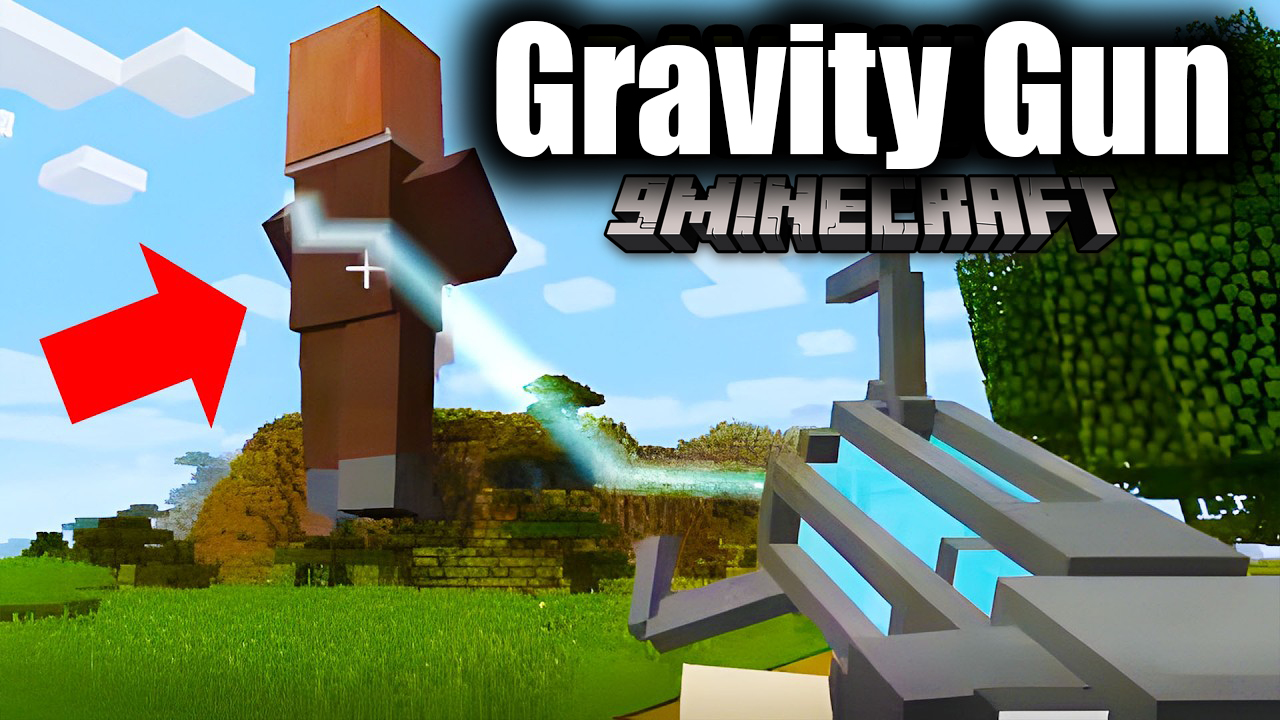
Cloro's Gravity Gun Mod (1.20.1, 1.19.2) – Physics Weapons in Minecraft
Java mod listed for Minecraft 1.19–1.20. File opened and checked on 7 Oct 2026; downloads from the MC Java Mods app on Android.
Cloro's Gravity Gun Mod adds advanced sci-fi weapons to Minecraft that let you move, push, modify, or teleport entities in the world. Features: Adds a…
⬇ Download
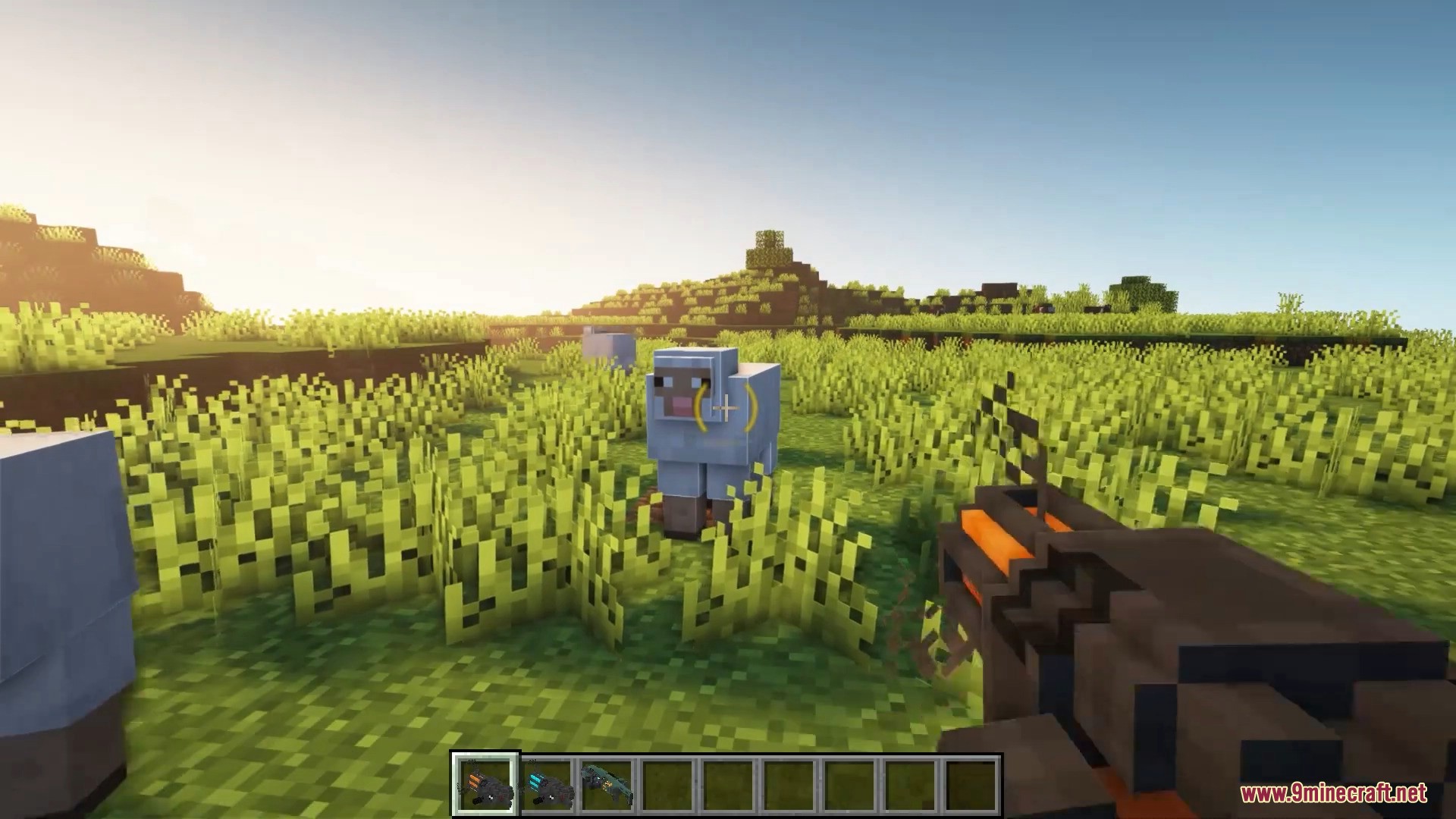
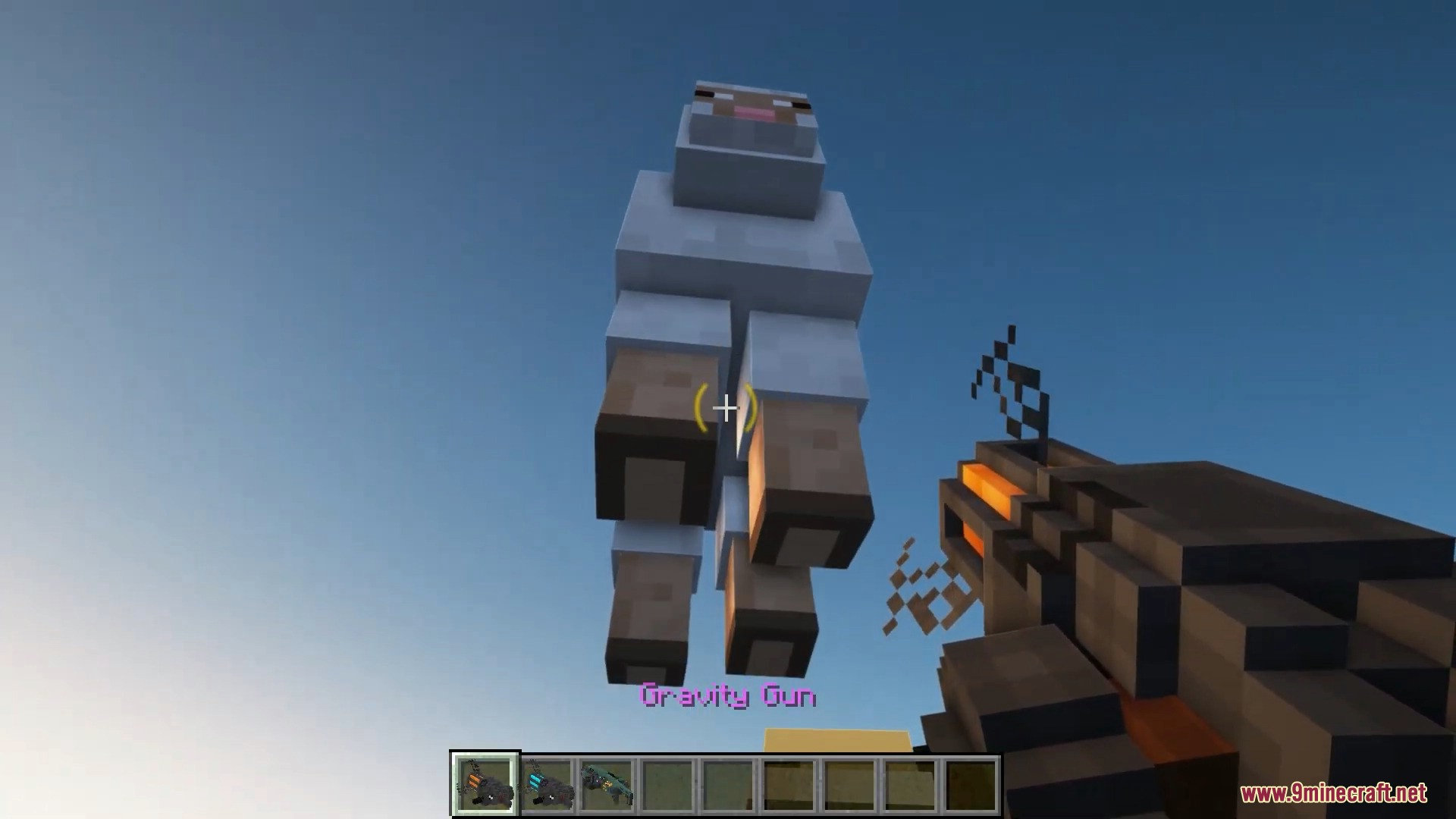
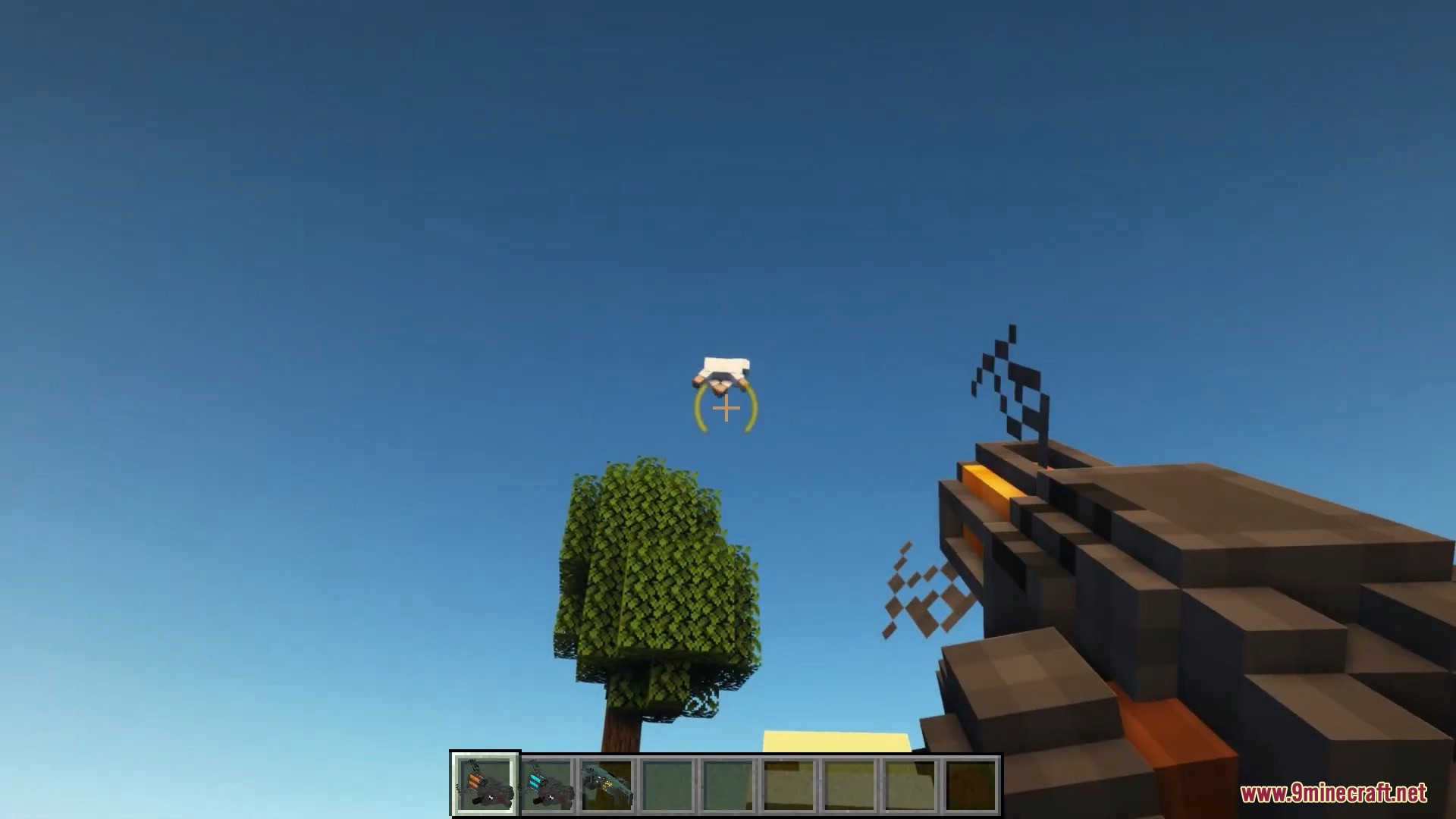
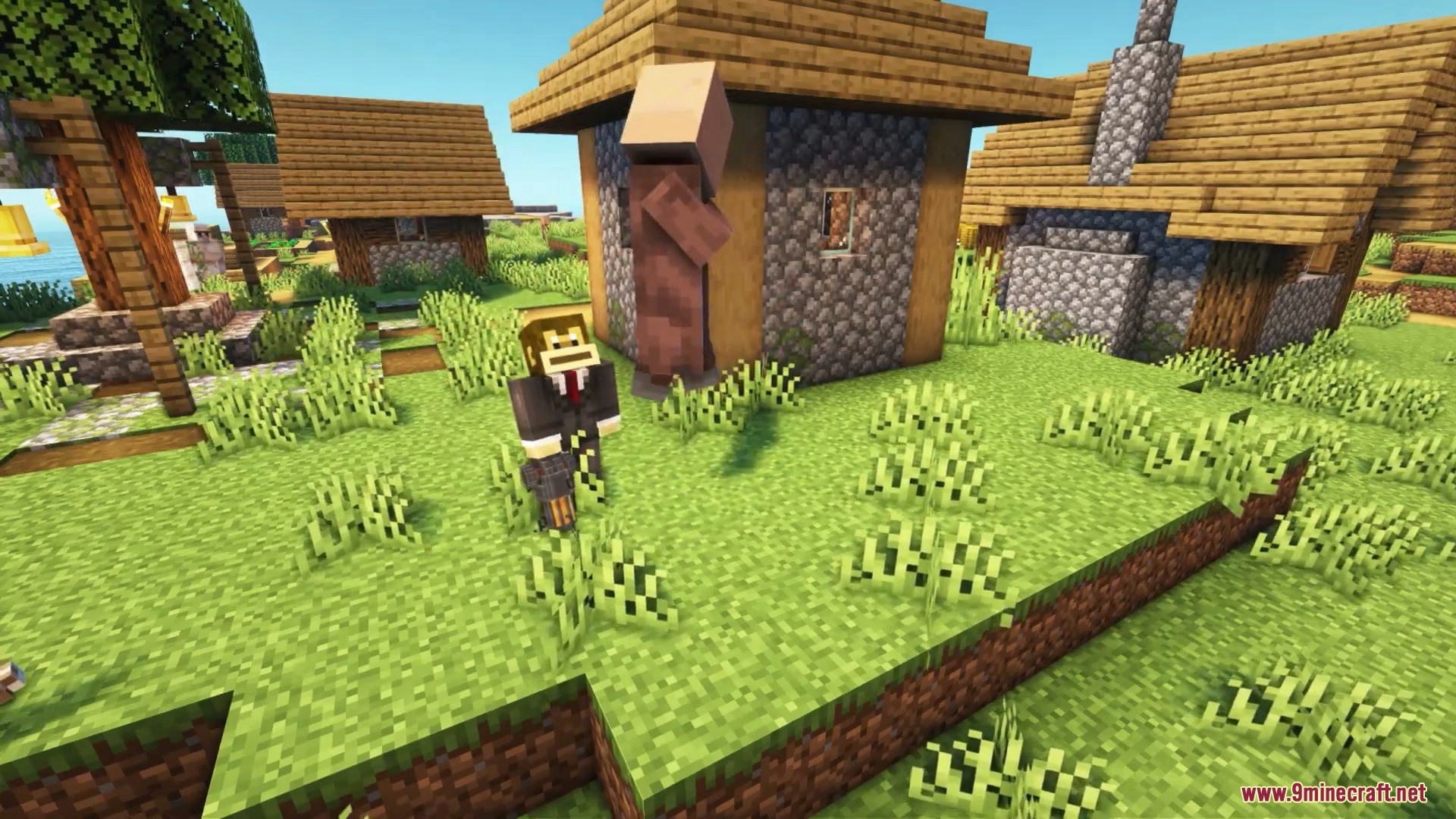
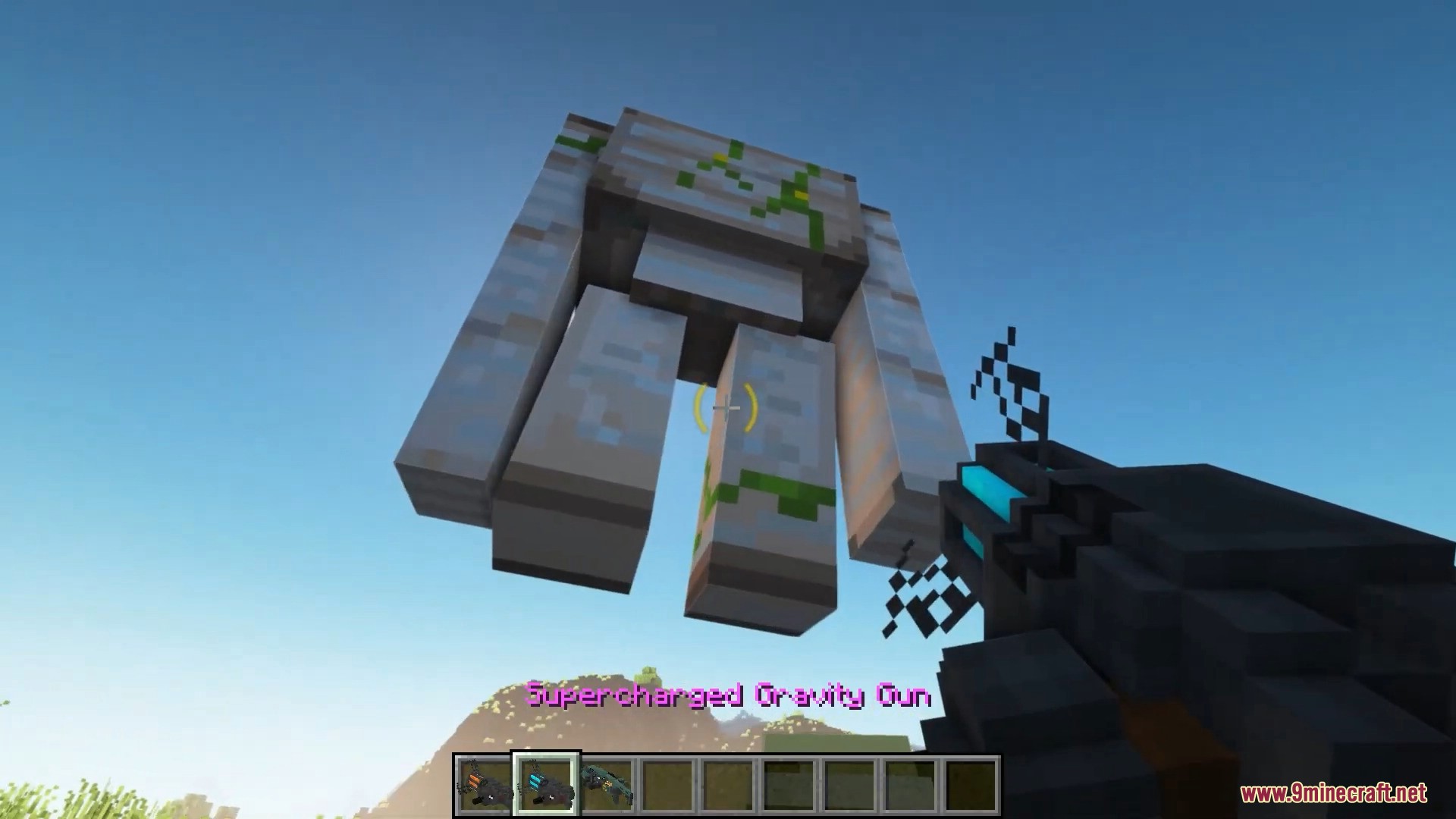
Cloro’s Gravity Gun Mod adds advanced sci-fi weapons to Minecraft that let you move, push, modify, or teleport entities in the world.
Features:
- Adds a Gravity Gun that can grab and launch mobs.
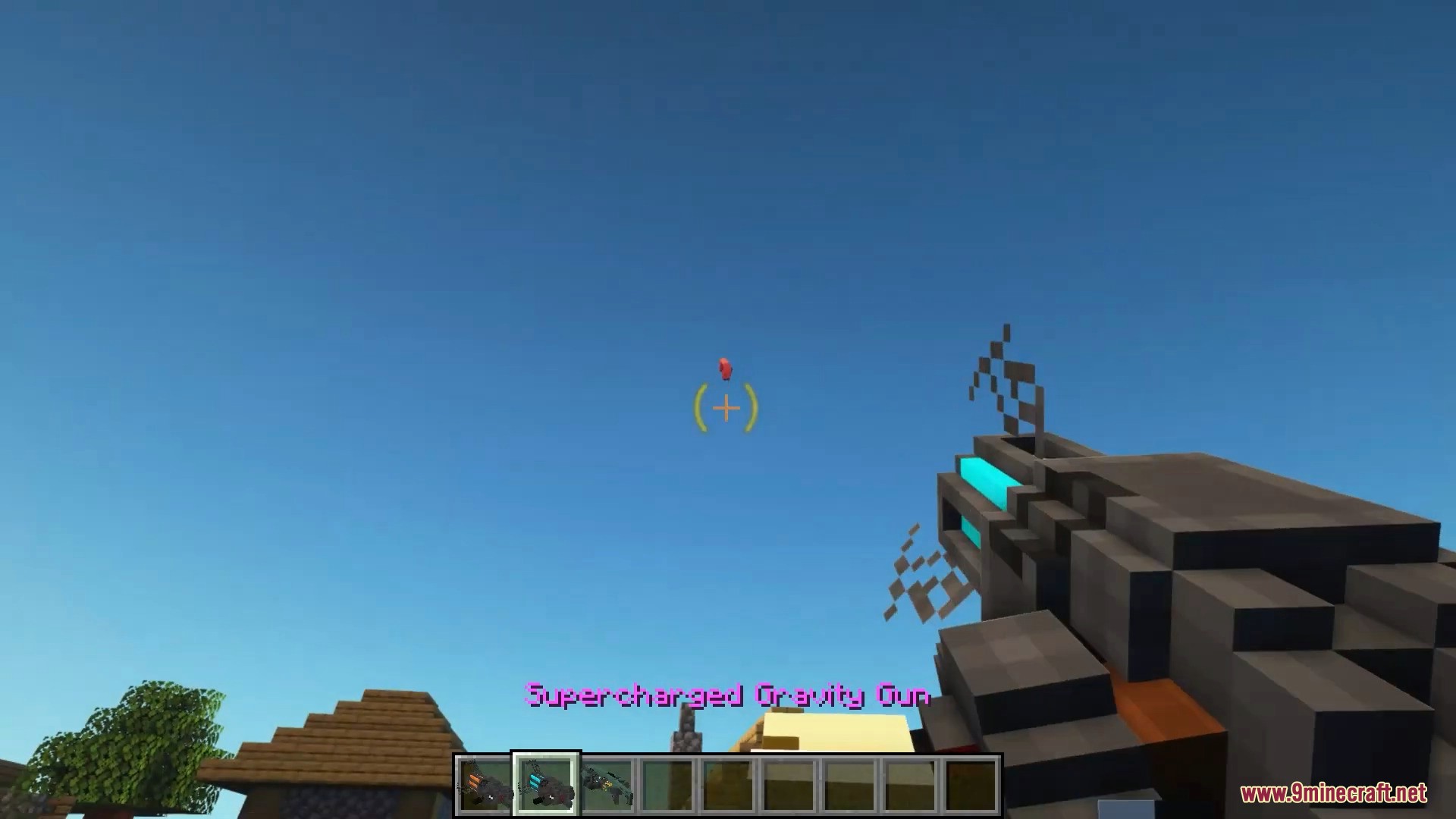
- Includes a Supercharged variant with stronger launch power and impact explosions.
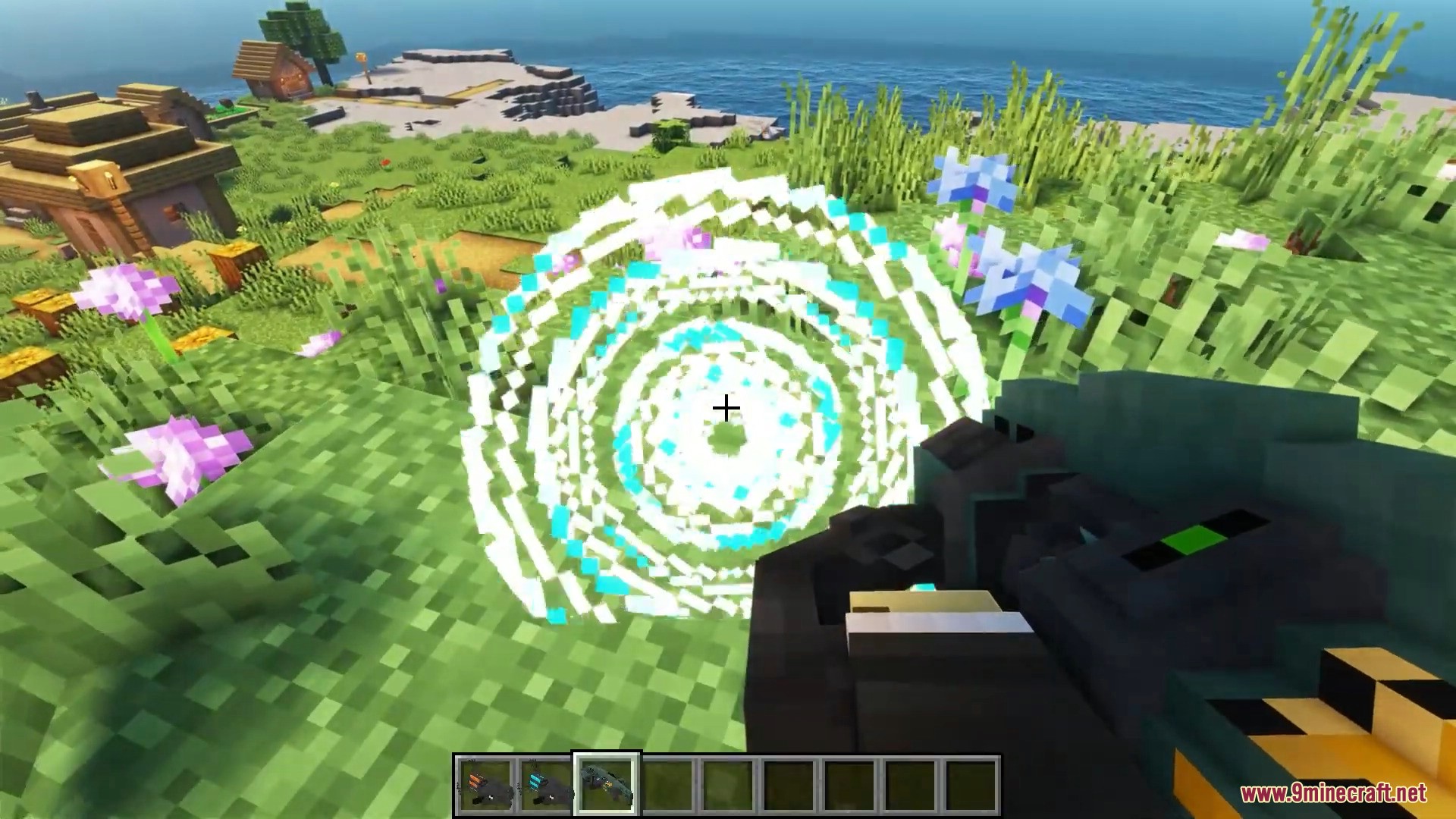
- Adds a Displacer Cannon for creating teleport portals.
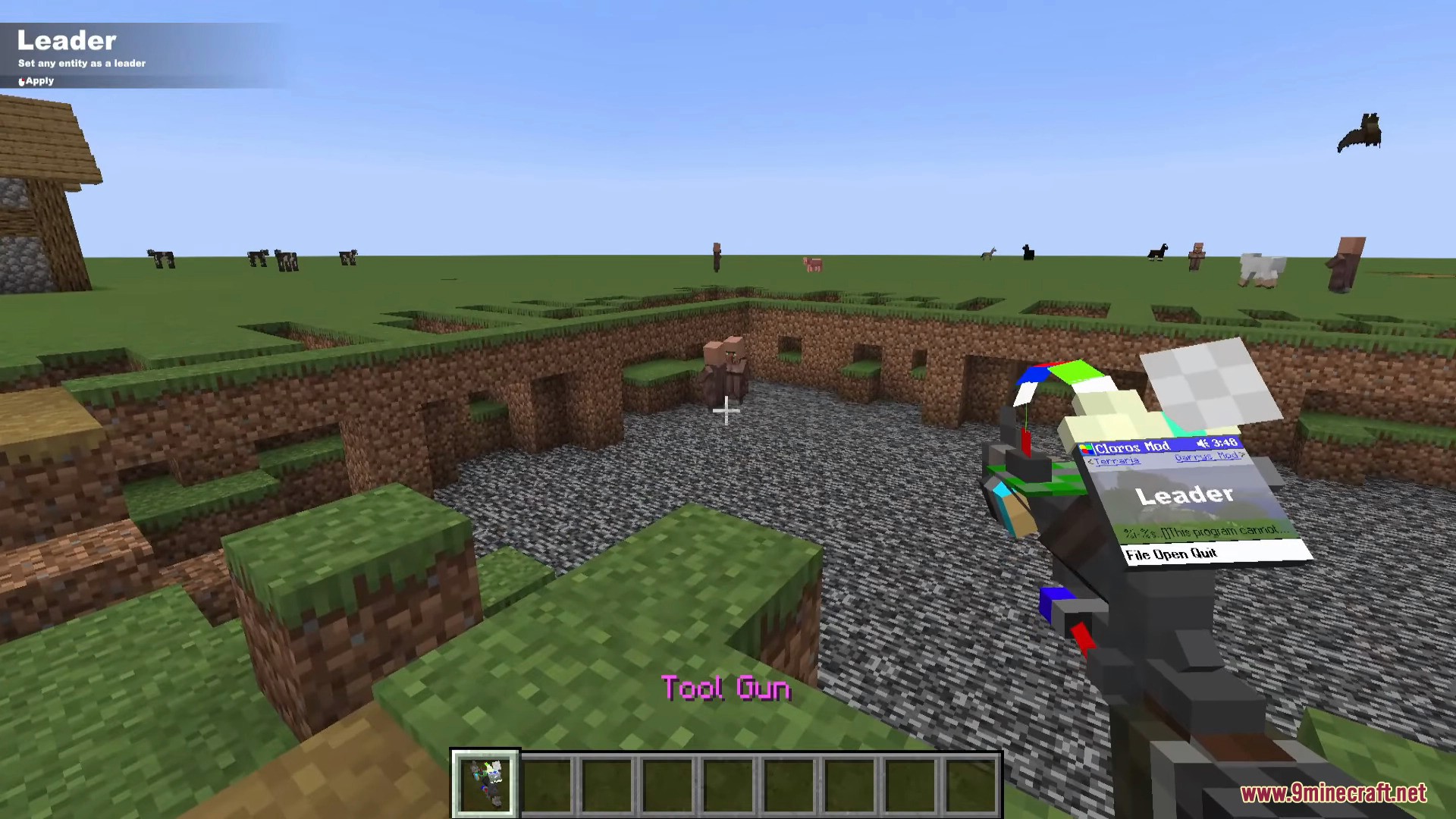
- Adds a multi-mode Tool Gun for entity and block control.
- Animated models and custom sounds.
Gravity Gun
- Right click a mob to pull and hold it.
- Attack while holding to launch it away.
- Works on most entities.
- Does not support most blocks, boats, and most minecarts.
- May be unstable in multiplayer.
Displacer Cannon
- Create linked portals for teleportation.
- Works for players and other entities.
- Right click to place portal A.
- Right click again to place portal B.
- Right click again to remove portals.
- Maximum of two portals per dimension.
Tool Gun
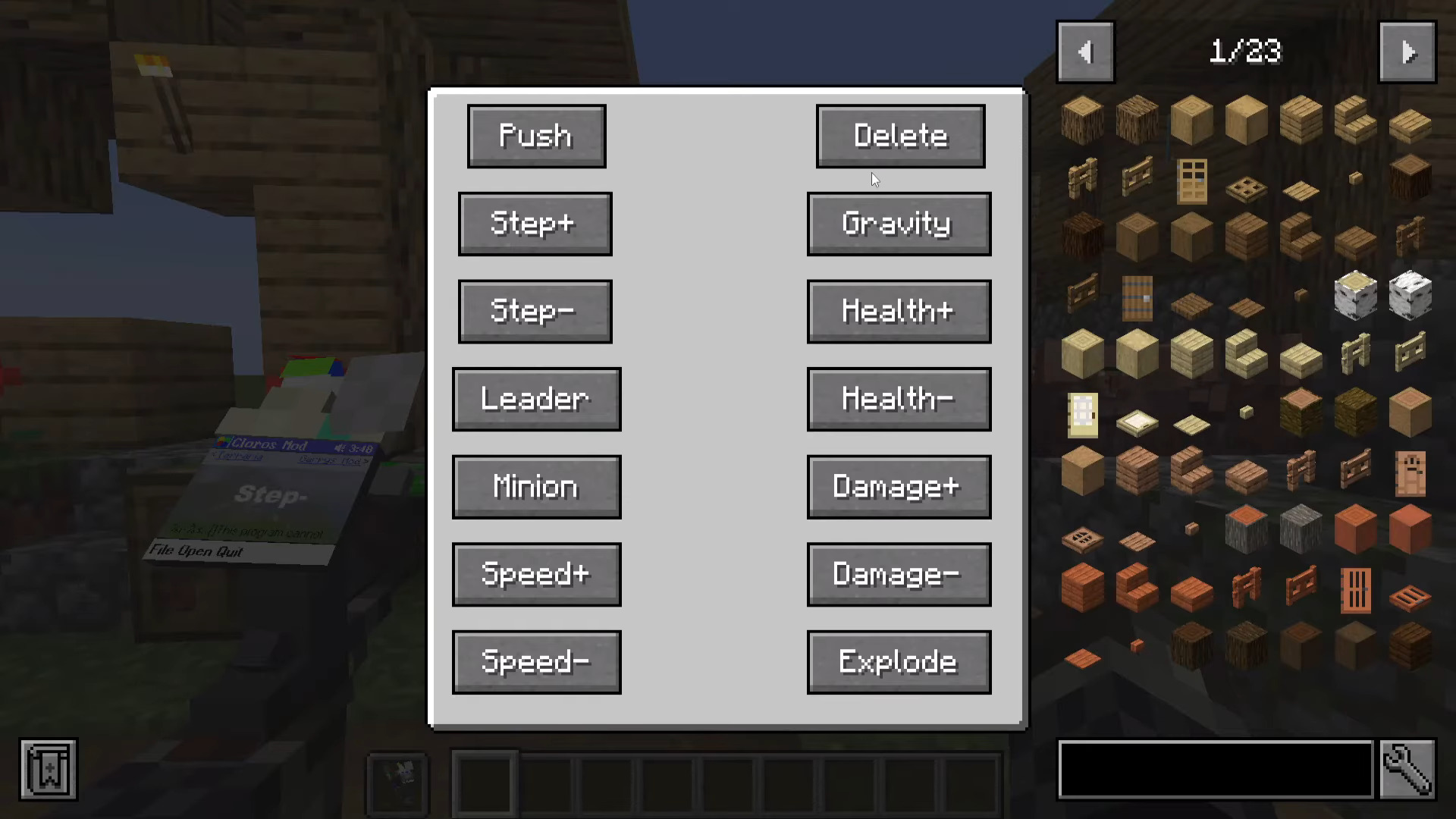
- Press
Fto switch modes. - Available modes include:
- Gravity Mode – toggle gravity on entity or block.
- Push Mode – push mobs forward.
- Leader Mode – assign a leader entity.
- Minion Mode – make entities follow a leader.
- Delete Mode – remove entity or block.
- Speed +/- – change movement speed.
- Health +/- – change max health.
- Damage +/- – change attack damage.
- Step +/- – change step height.
- Explode Mode – create an explosion at target.
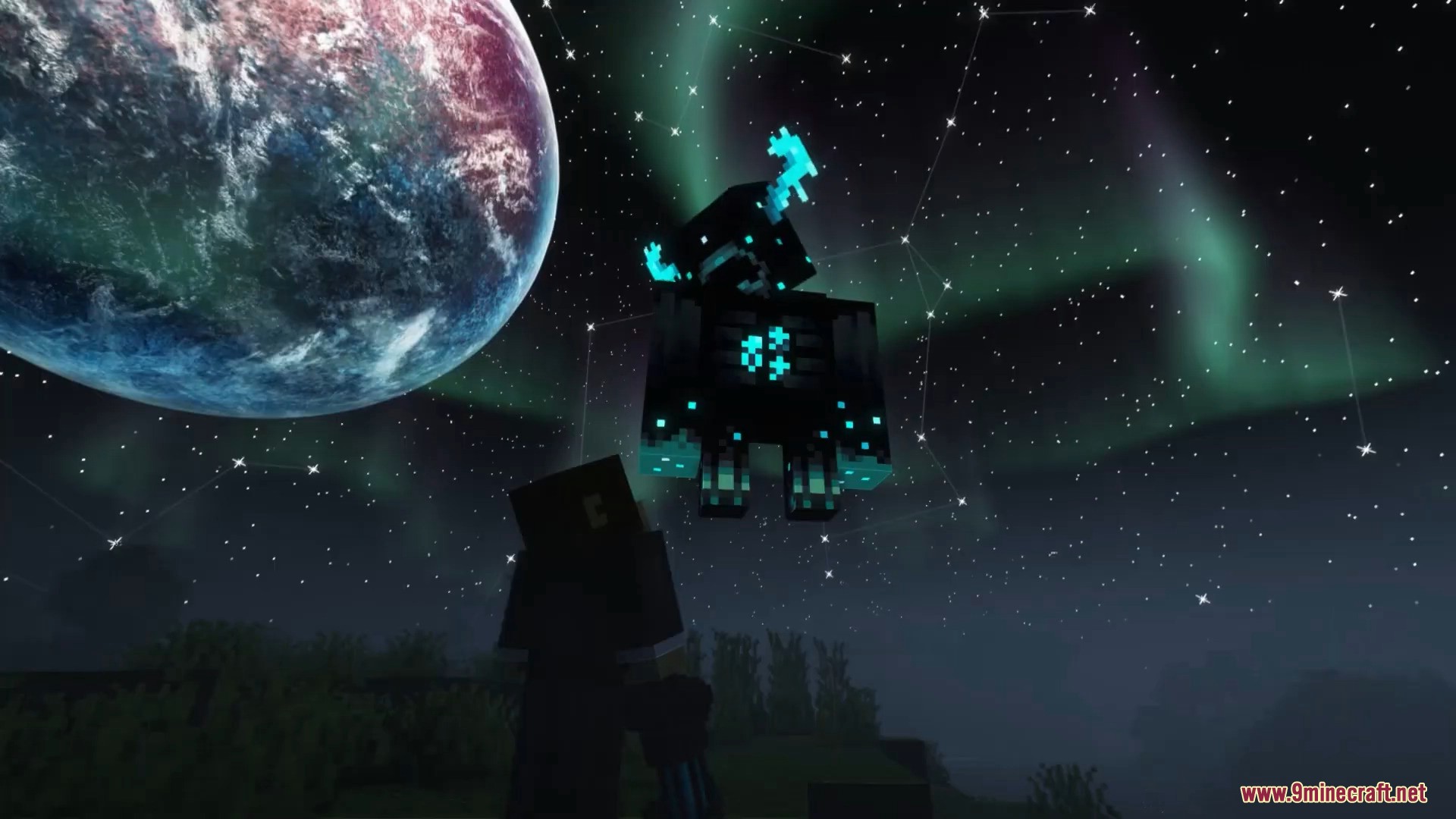
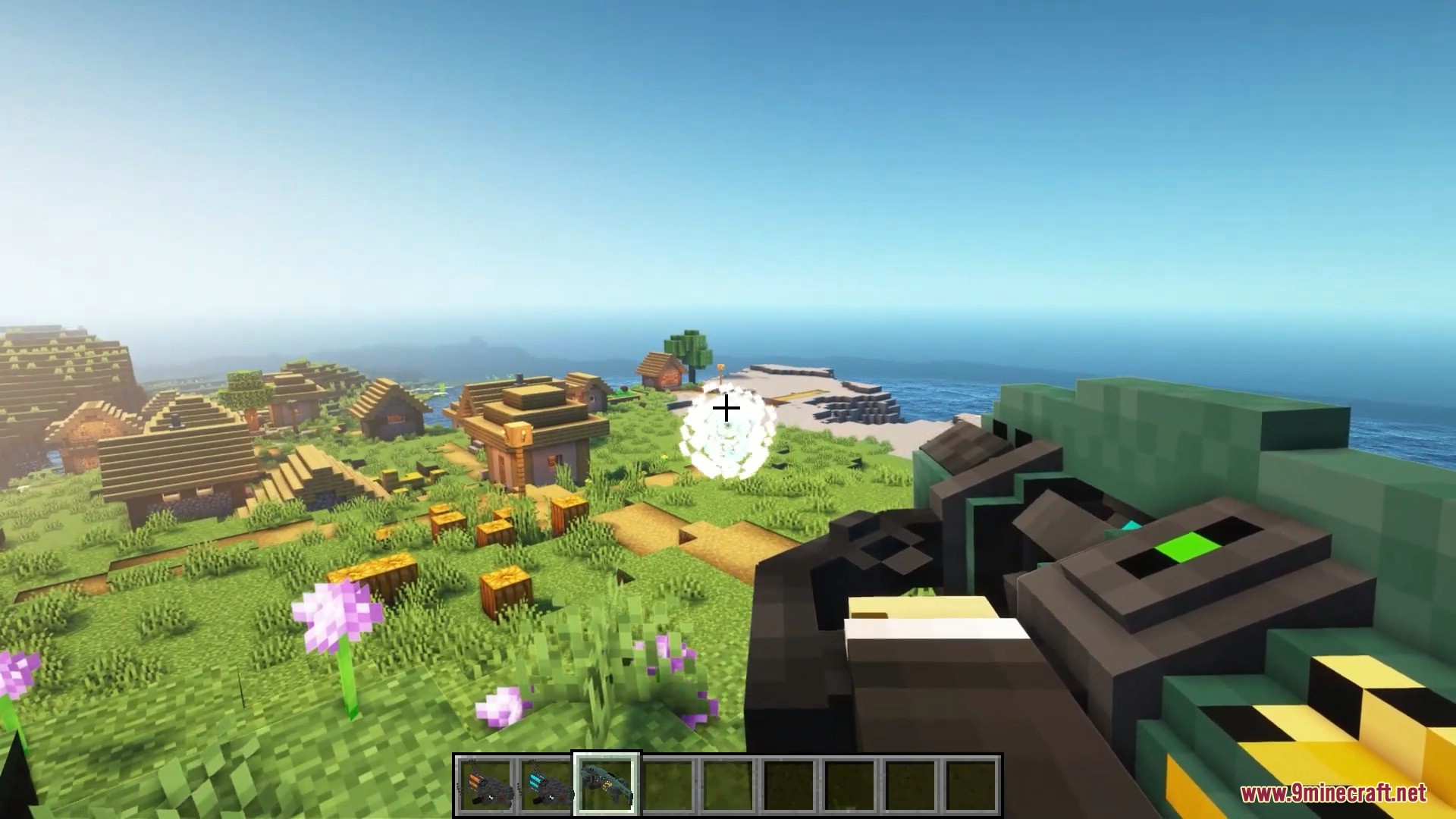
Screenshots:
Cloro’s Gravity Gun Mod Download Links
For Minecraft 1.20.1, 1.20
Forge version: Download from Server 1 – Download from Server 2
For Minecraft 1.19.2
Forge version: Download from Server 1 – Download from Server 2
- Edition: Minecraft Java
- File type: .jar
- Minecraft versions listed: 1.20.1, 1.19.2
- How to install: Install the matching mod loader (Forge, Fabric or NeoForge) for your Minecraft version. → Download the .jar. → Put it in the .minecraft/mods folder and launch that loader profile.
- Where to get it: In MC Java Mods, or directly above on this page.
Install steps are the general flow for this file type — How to install Minecraft Java mods & modpacks walks through it step by step.
- Downloads as 175256.mcaddon
- Download size: 4.4 MB
- Download link checked 25 Jul 2026 — working
- Mirrored on our own servers — the download does not depend on the original host
These come from our own check of the pack file, not from the source page.