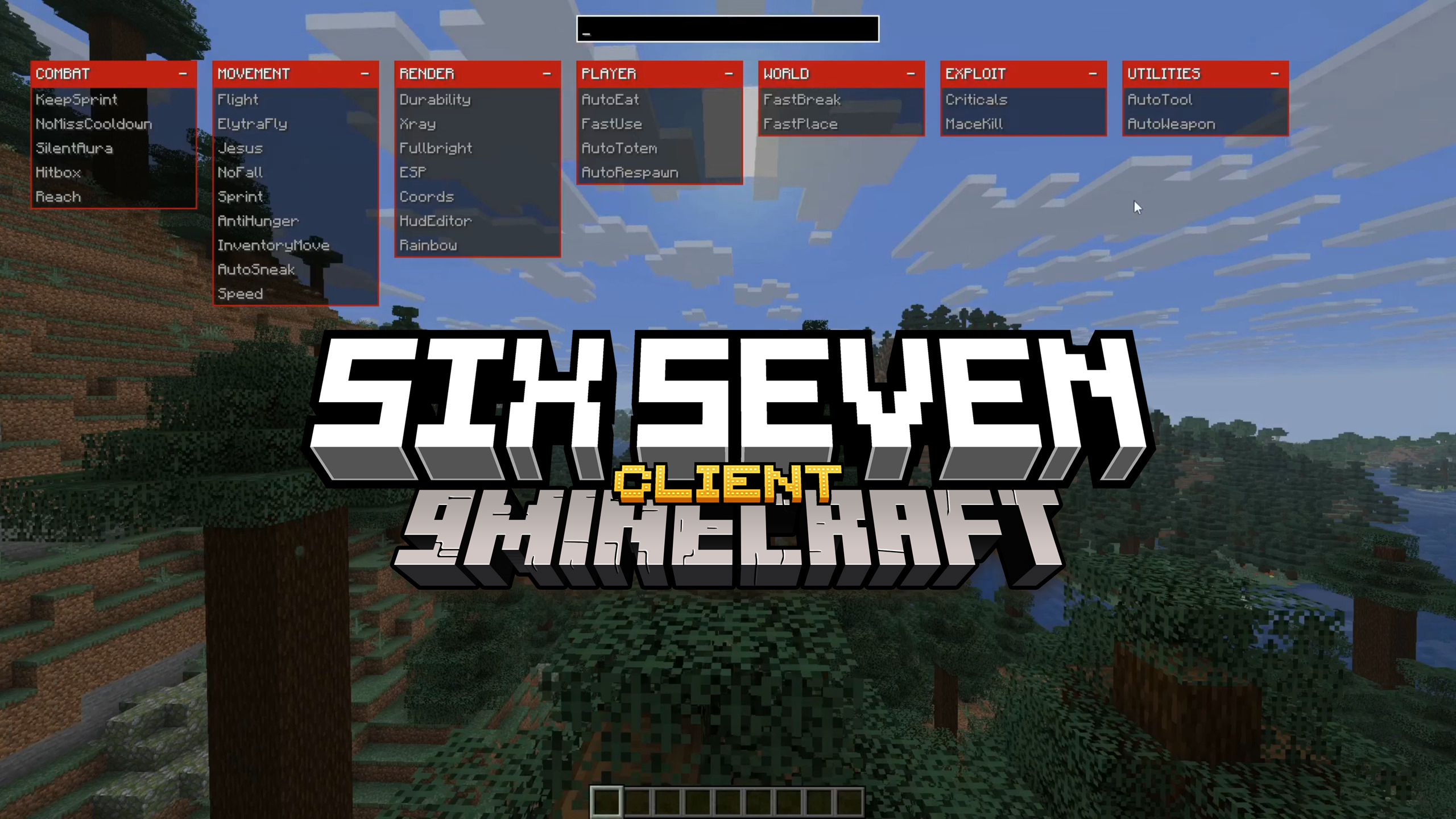
Six Seven Client Mod (1.21.10) – Move Faster, Hit Harder
Java mod listed for Minecraft 1.21. Downloads from the MC Java Mods app on Android.
⬇ Download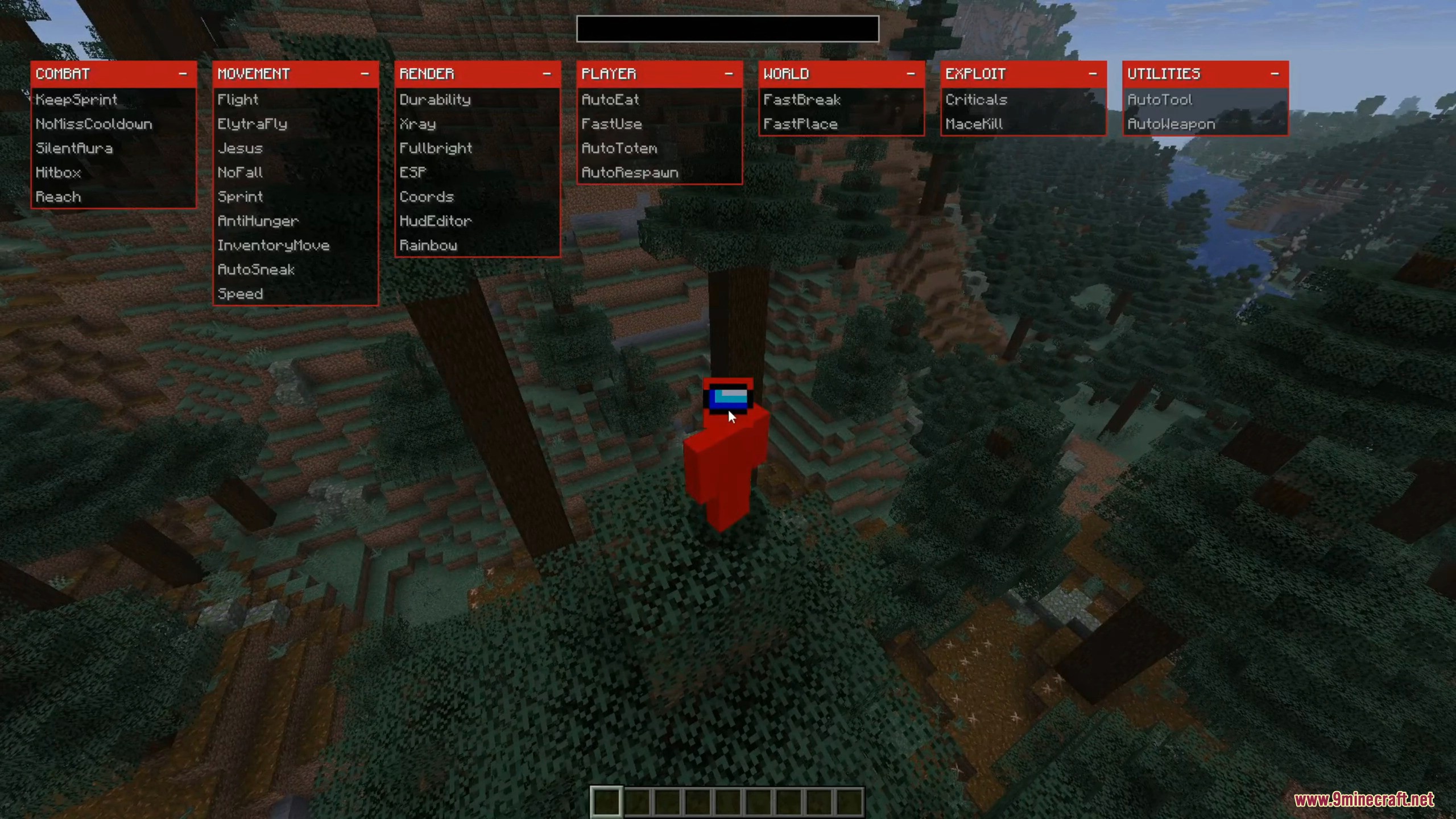
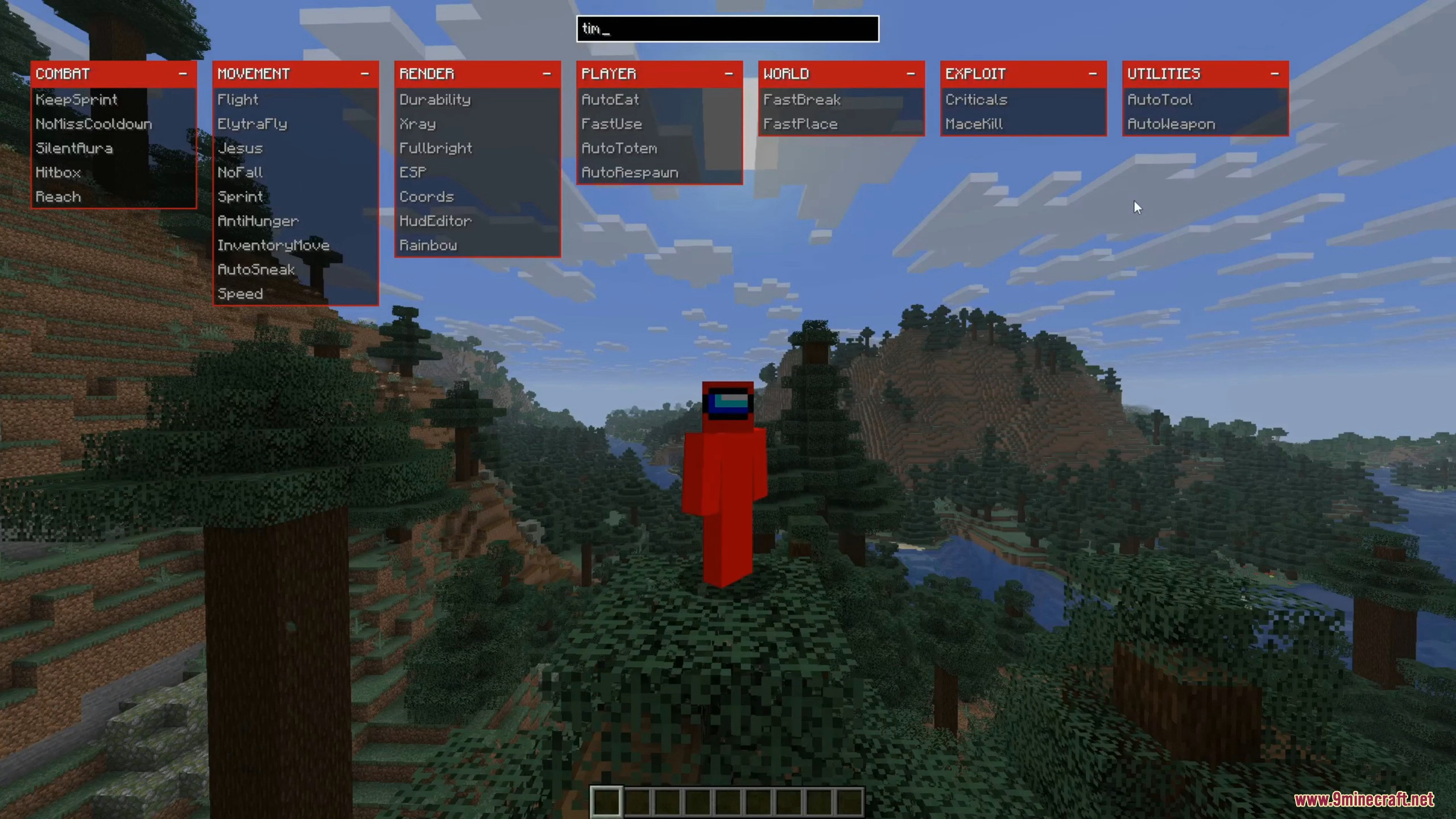
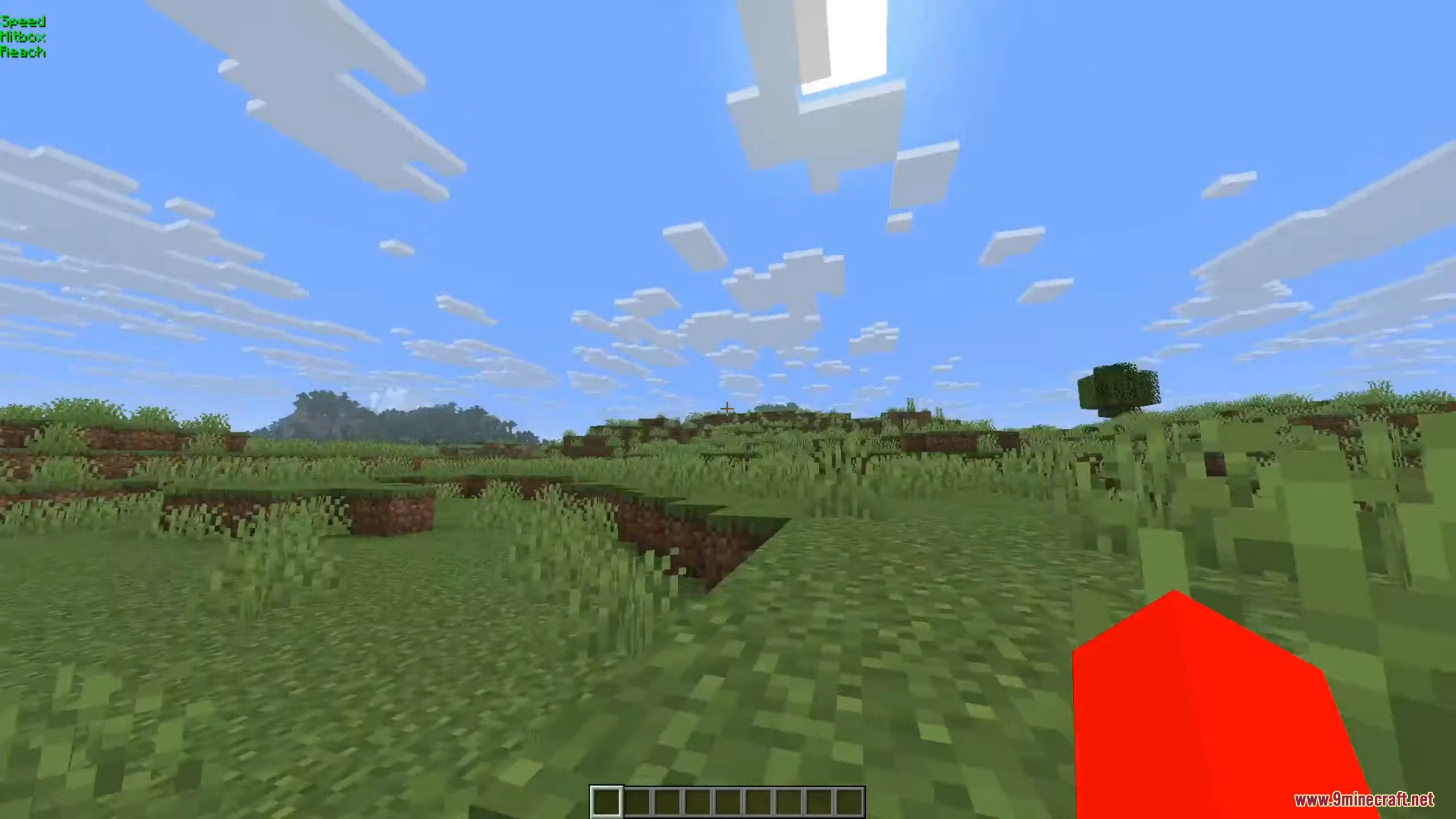
Six Seven Client Mod is a ghost client for Minecraft featuring a modern overlay GUI with tabs for Combat, Movement, Render, Player, World, Exploit, and Utilities. It allows players to toggle cheats like Fly, XRay, KillAura, Speed, and automatic item use. Designed for PvP, anarchy servers, or singleplayer, it supports key binding, custom HUD, and fast module toggling.
Features:
- COMBAT
KeepSprint– keeps sprint active while attacking.NoMissCooldown– removes or reduces hit delay.SilentAura– auto-attack nearby targets without obvious camera movement.Hitbox– enlarges enemy hitboxes.Reach– increases attack distance.
- MOVEMENT
Flight– free flying movement.ElytraFly– enhanced Elytra flight control.Jesus– walk on water or lava.NoFall– prevents fall damage.Speed– increases movement speed.InventoryMove– move while inventory is open.AutoSneak– automatic sneaking in risky positions.AntiHunger– reduces hunger usage while moving.
- RENDER
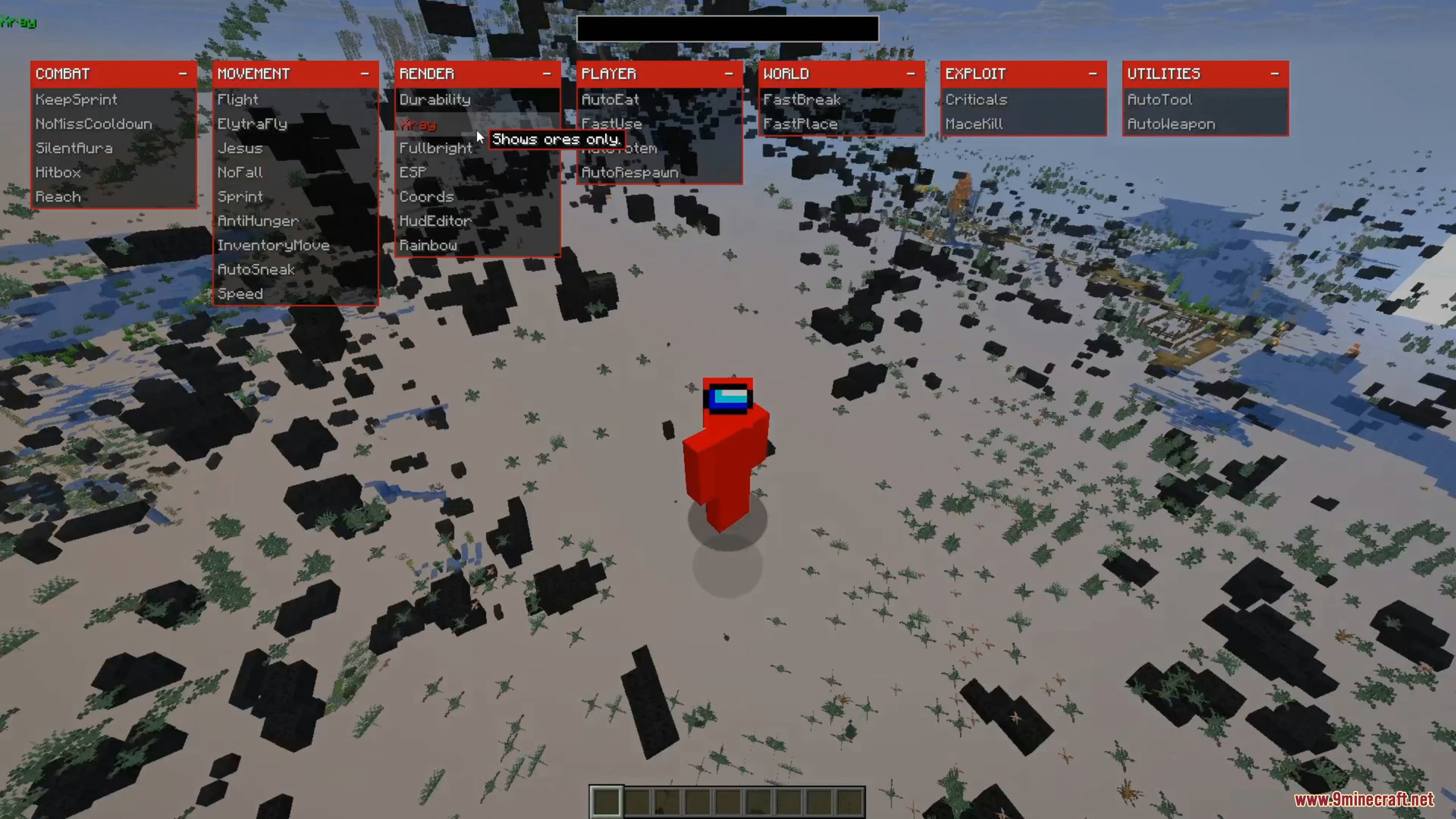
Fullbright– maximum brightness in dark areas.XRay– shows ores through blocks.ESP– highlights entities or valuable blocks.Durability– shows item durability on screen.Coords– displays player coordinates.HUD Editor– customize on-screen info layout.Rainbow– animated color effects on items or HUD.
- PLAYER
AutoEat– automatically eats when health is low.FastUse– speeds up item usage.AutoTotem– auto-equips Totem of Undying.AutoRespawn– instantly respawns after death.
- WORLD
FastBreak– breaks blocks faster.FastPlace– places blocks faster.
- EXPLOIT
Crasher– attempts to overload or disrupt worlds/servers.
- UTILITIES
AutoTool– switches to the best tool automatically.AutoWeapon– switches to the best weapon automatically.
Screenshots:
How to use:
- Click Right Shift (RShift) to open the client menu and manage all modules.
Six Seven Client Mod Download Links
For Minecraft 1.21.10
Fabric version: Download from Server 1 – Download from Server 2
- Edition: Minecraft Java
- File type: .jar
- Minecraft version listed: 1.21.10
- How to install: Install the matching mod loader (Forge, Fabric or NeoForge) for your Minecraft version. → Download the .jar. → Put it in the .minecraft/mods folder and launch that loader profile.
- Where to get it: In MC Java Mods, or directly above on this page.
Install steps are the general flow for this file type — How to install Minecraft Java mods & modpacks walks through it step by step.
Six Seven Client Mod (1.21.10) – Move Faster, Hit Harder is a free Minecraft Java mod. Compatible with Minecraft 1.21.10. Download it and open it directly in the game.