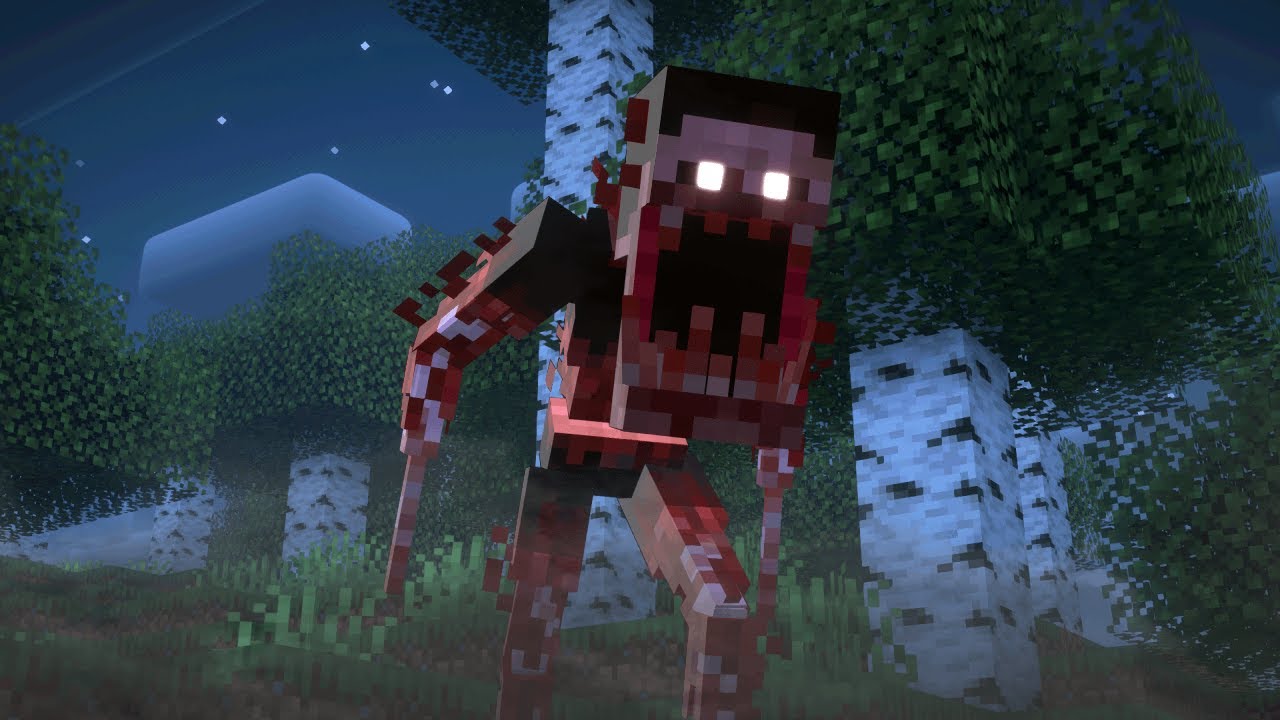
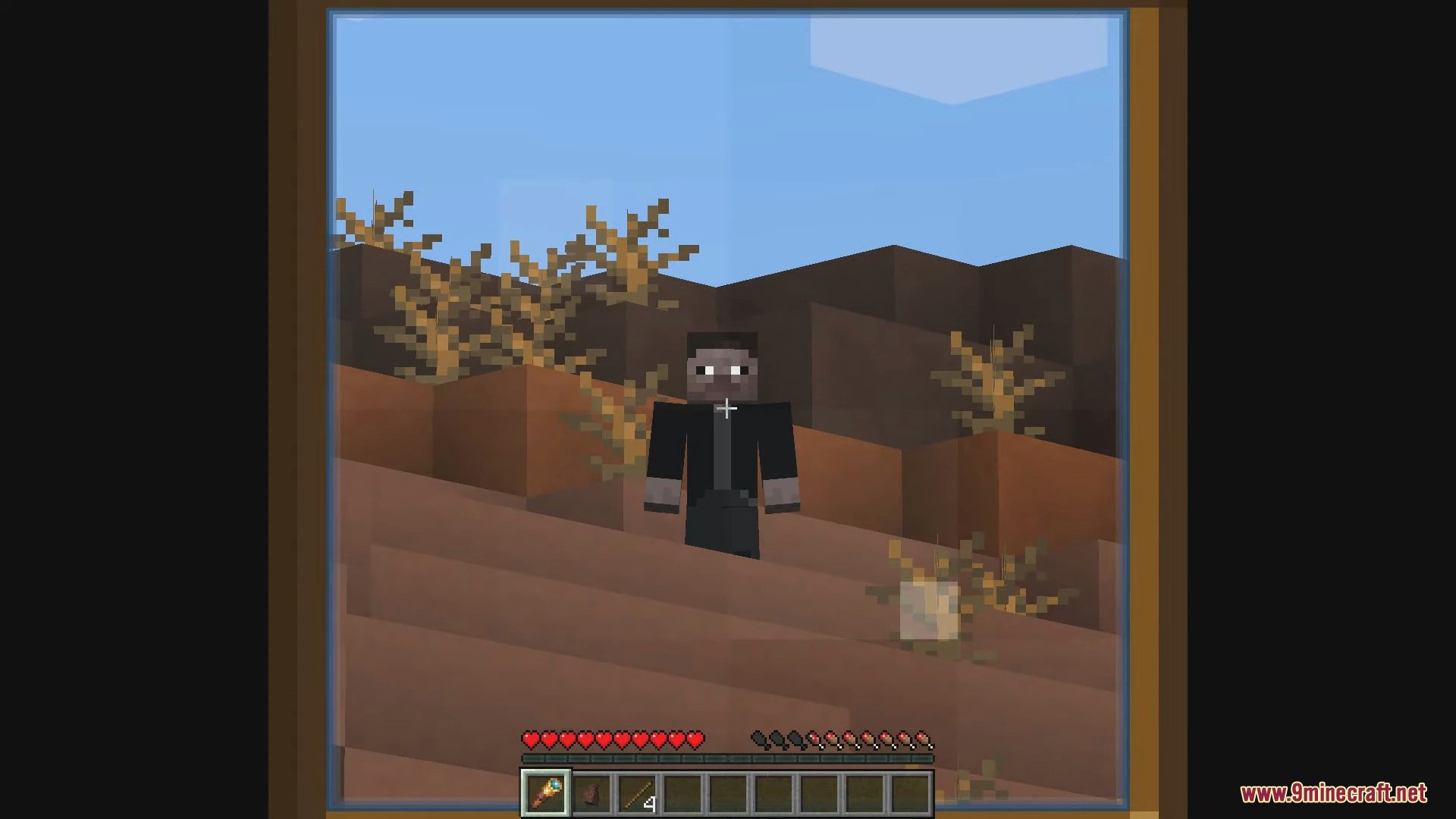
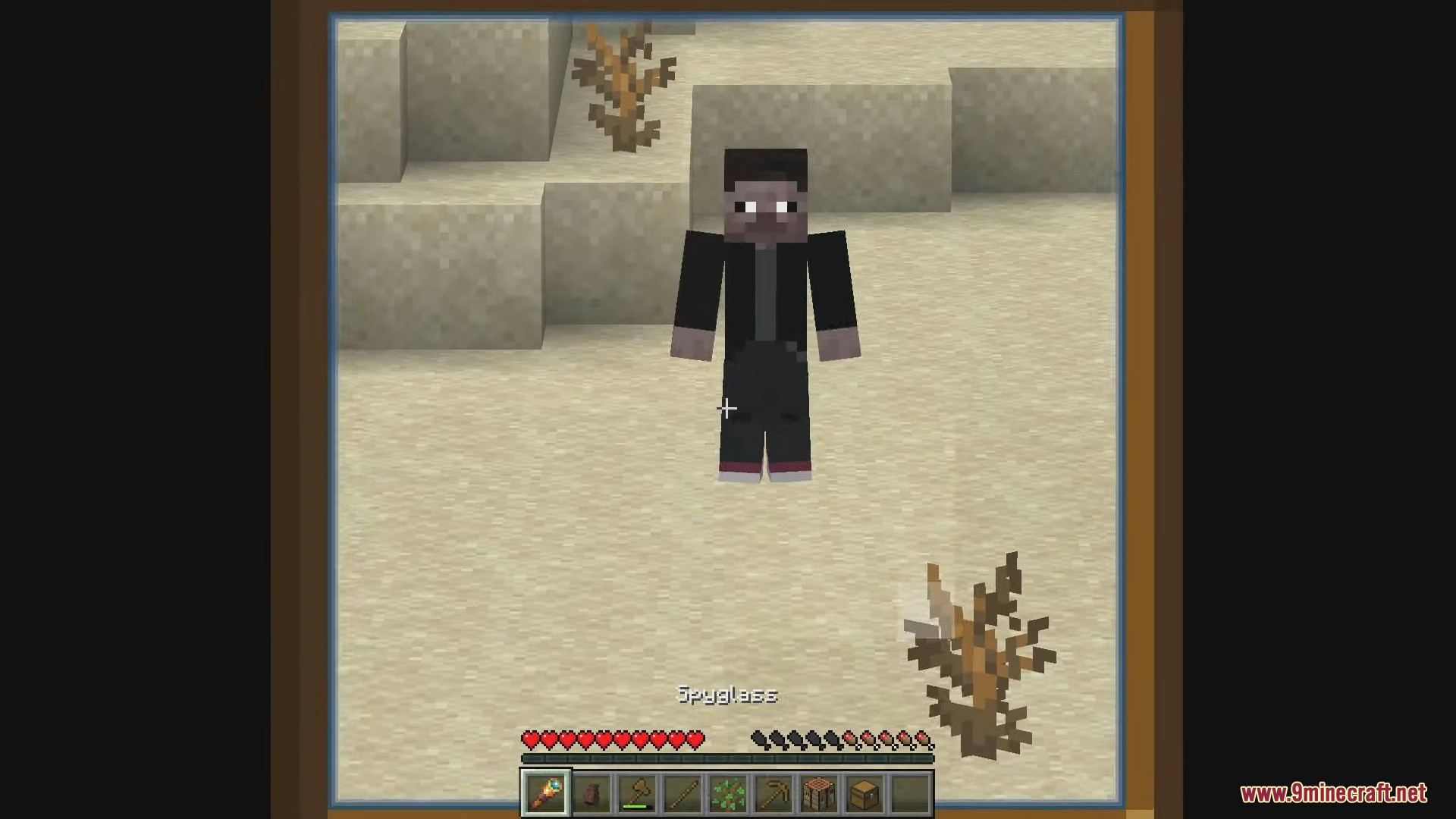
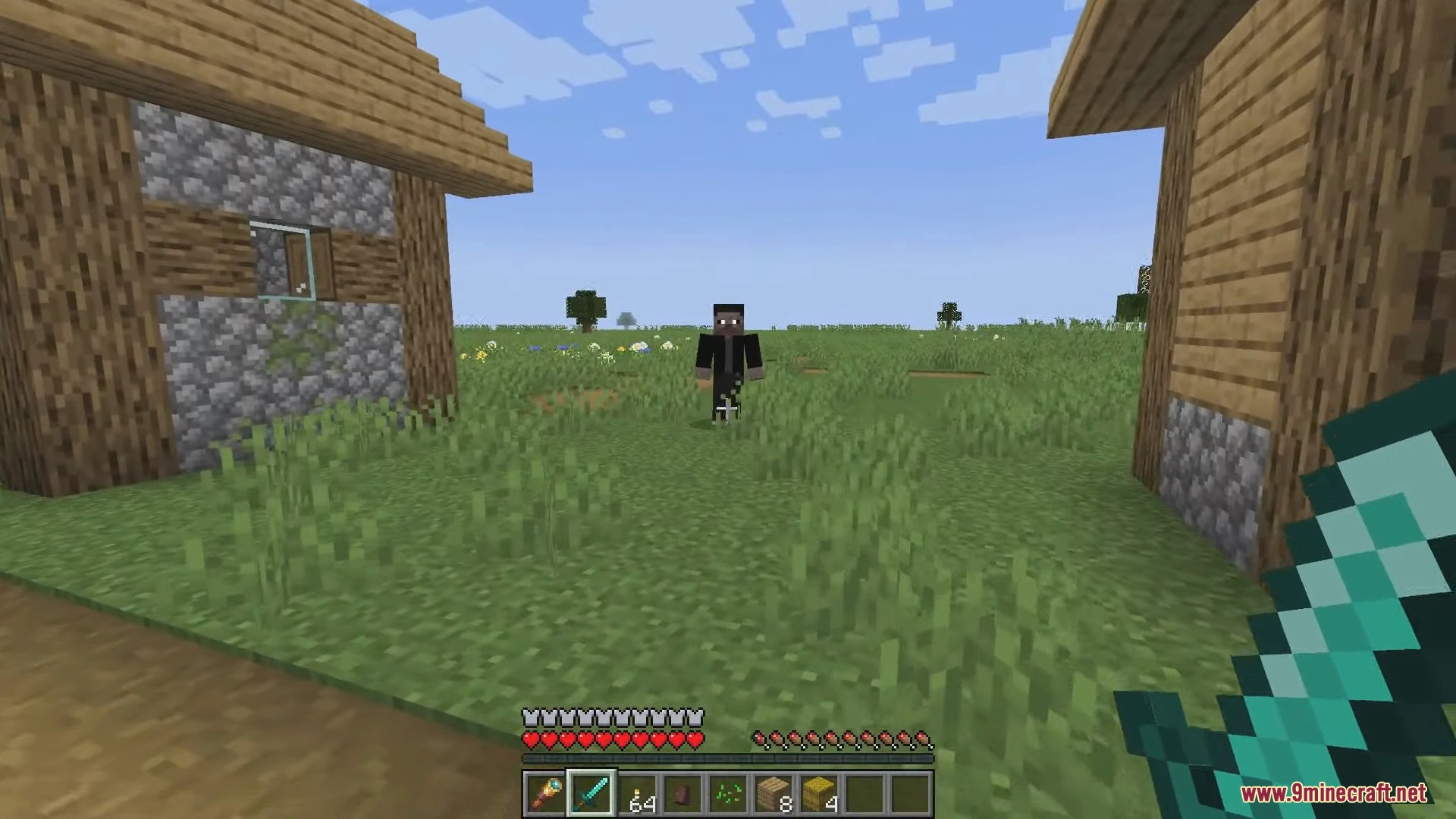
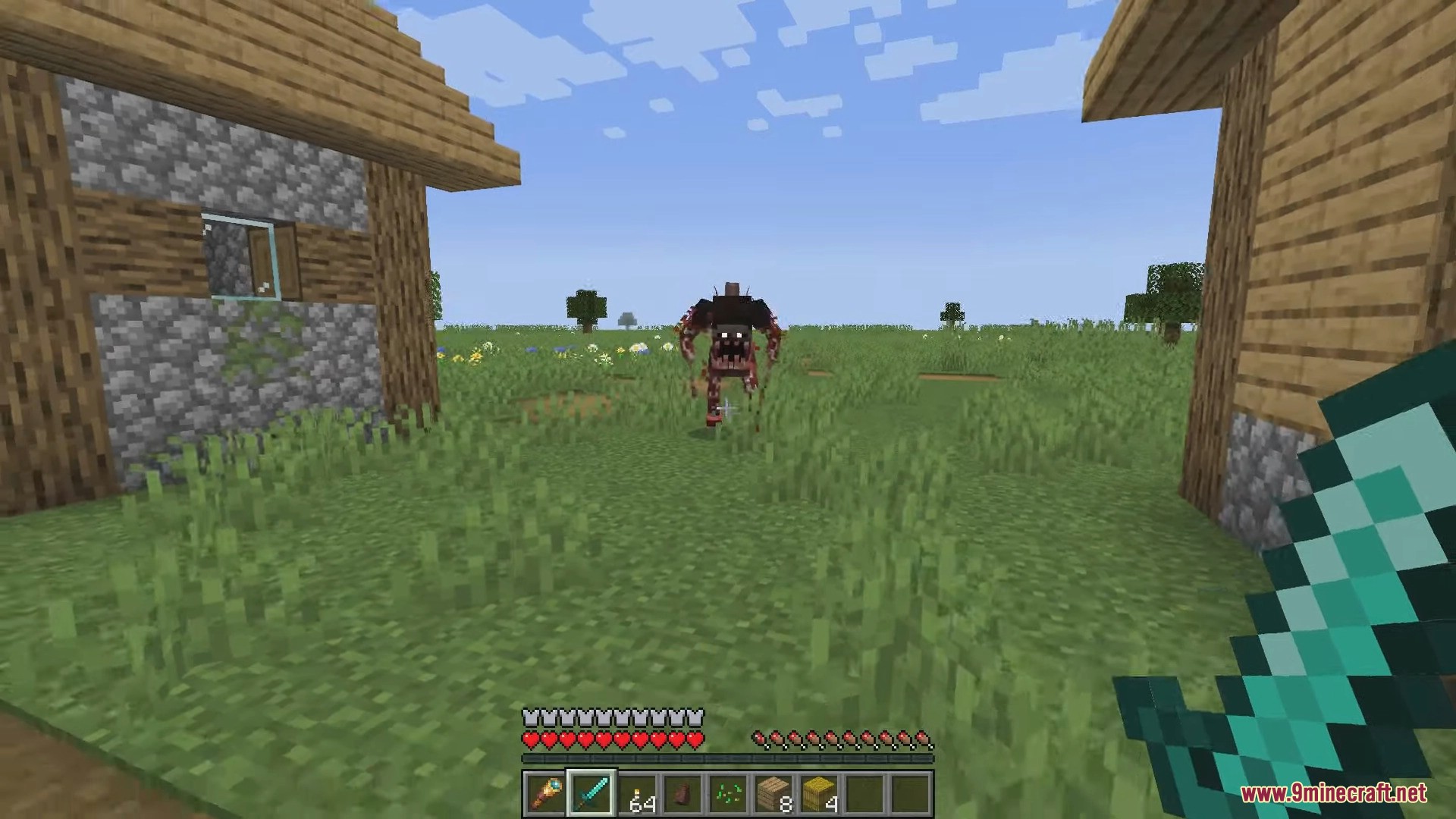
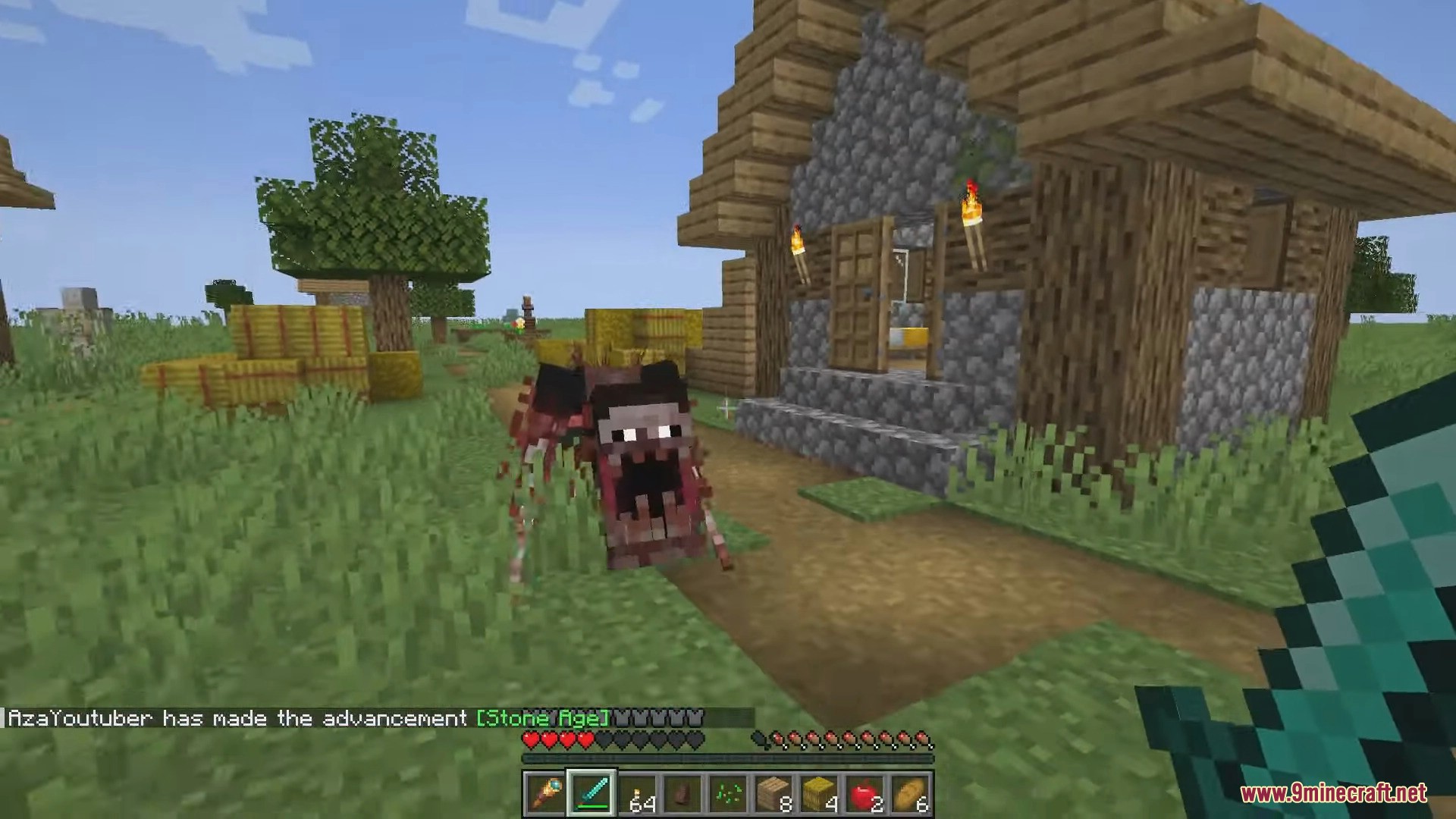
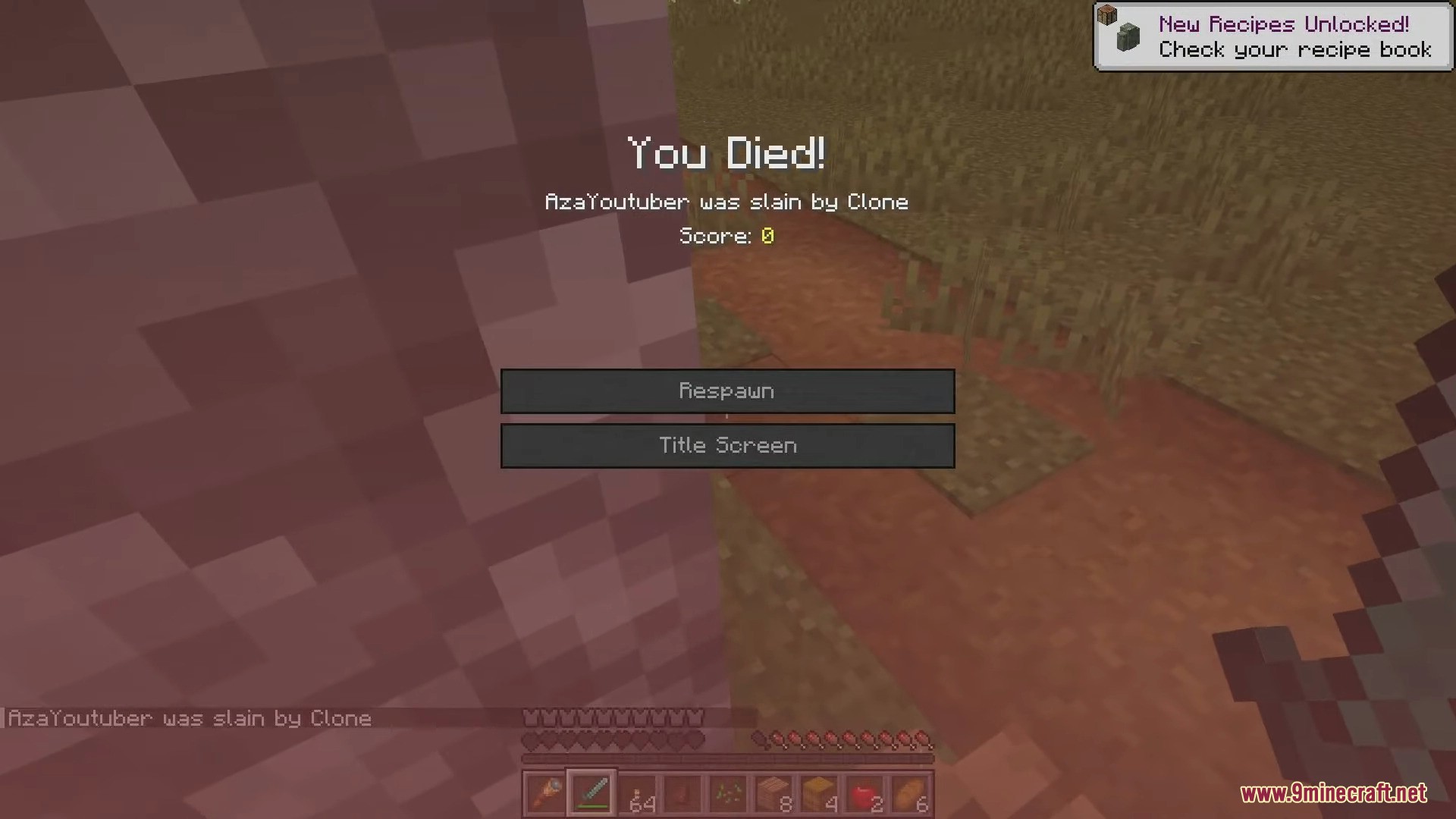
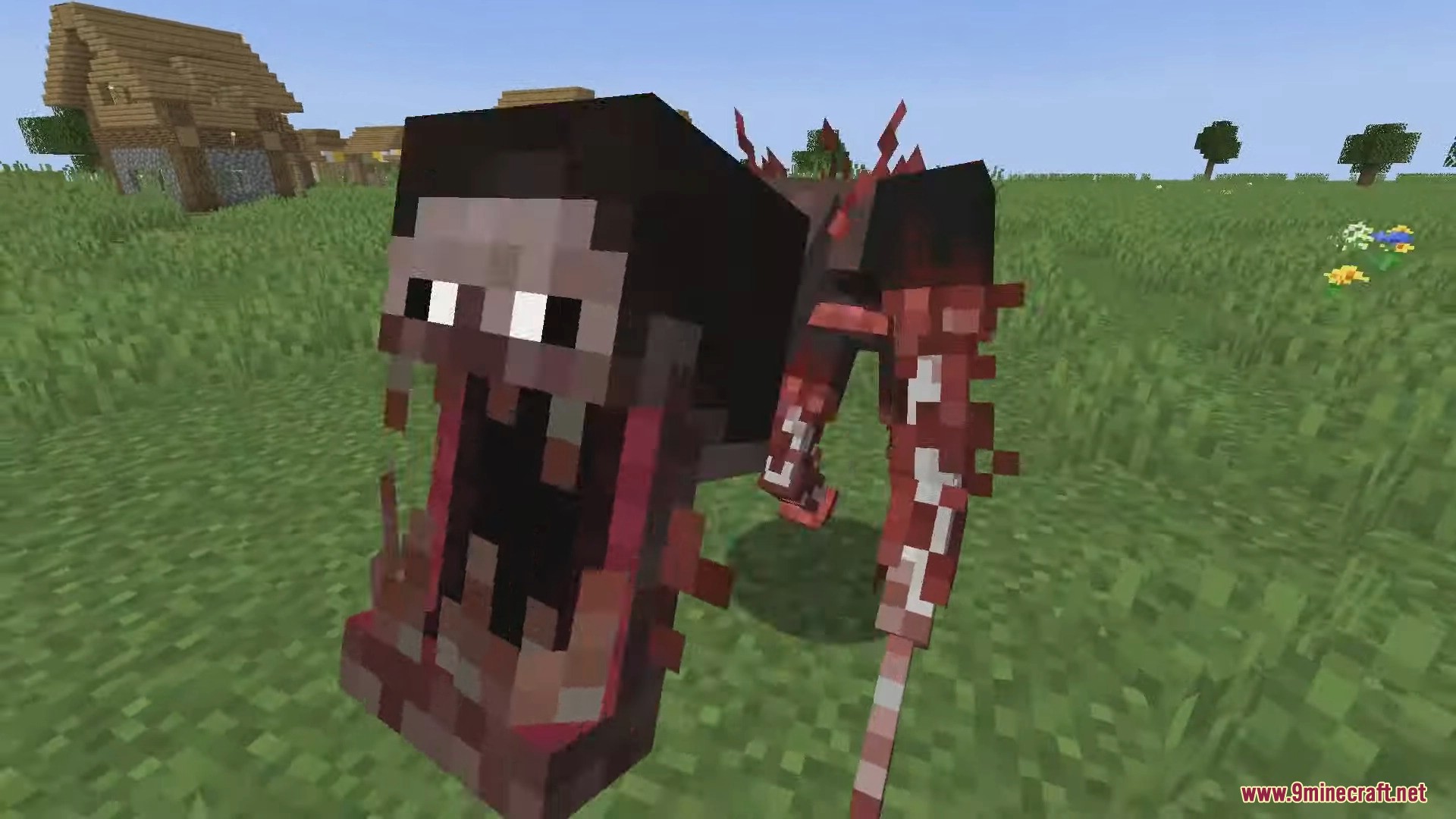
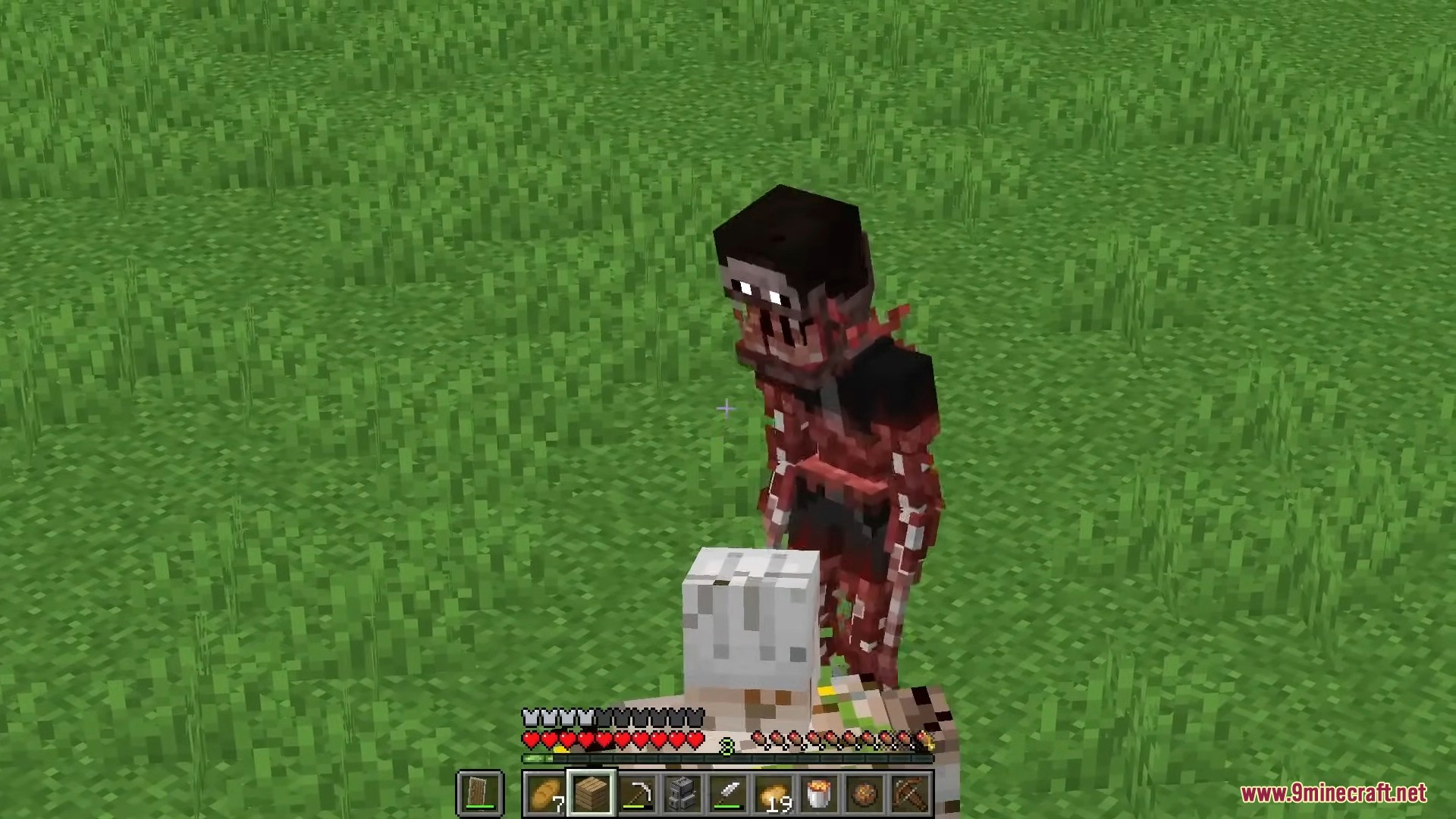
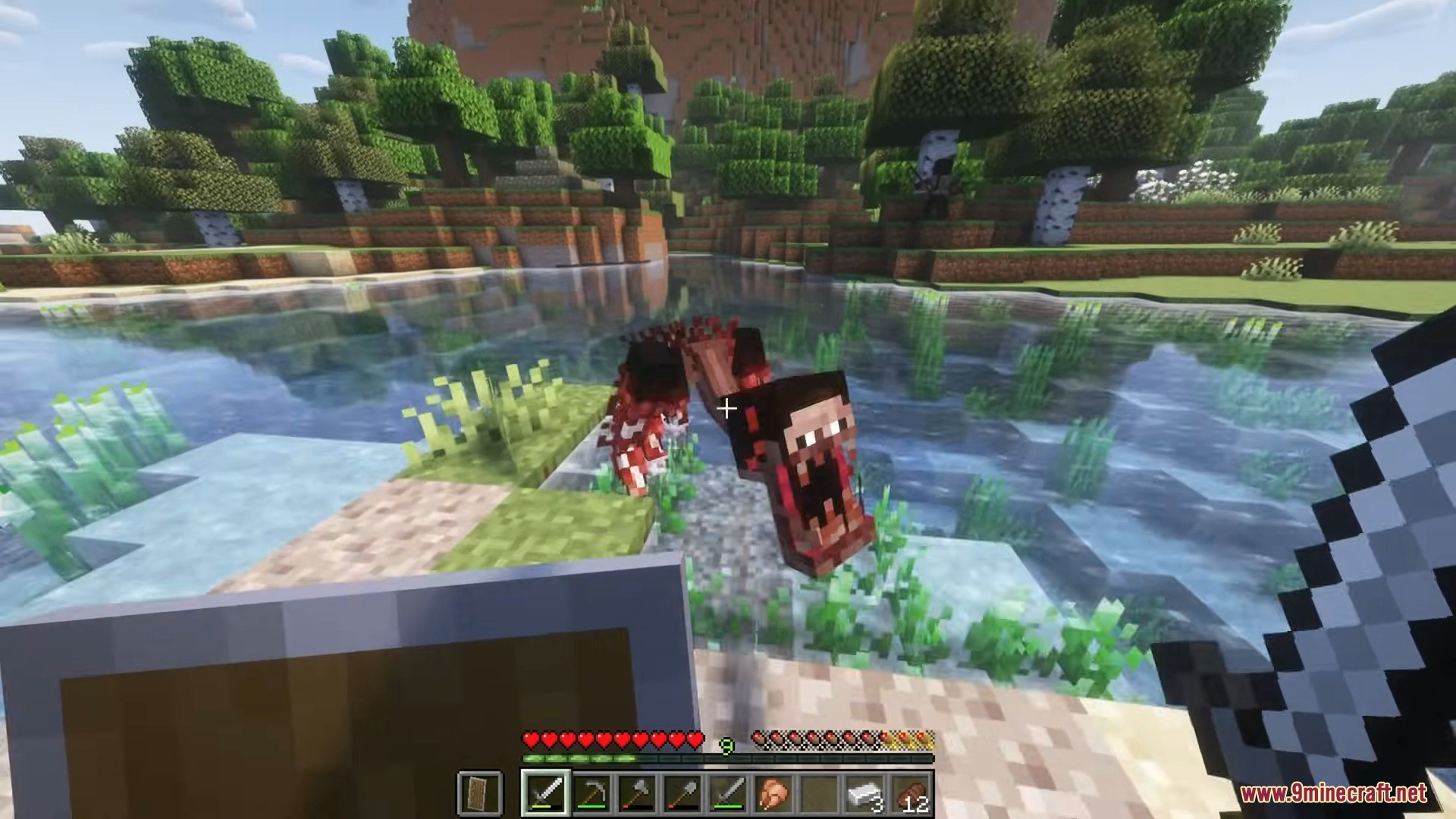
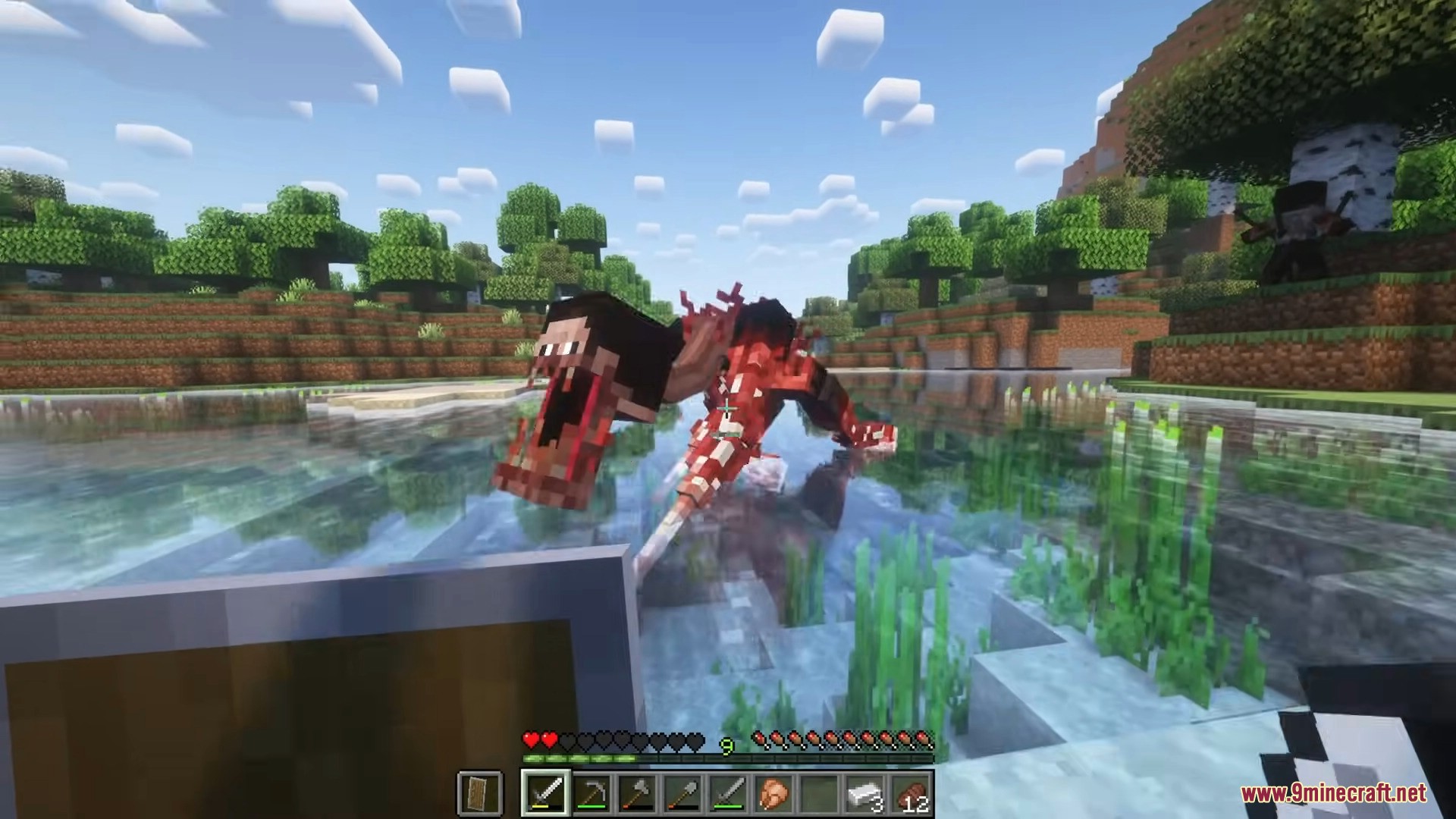
The Clone Mod adds a stalker-type entity that looks like another player in your singleplayer world. It appears nearby, watches from a distance, and reacts when you look at it. What seems harmless can quickly turn into a dangerous encounter.
Features:
- A player-like entity with dark appearance and glowing eyes
- Spawns near the player with a warning sound
- Often watches silently from a distance
- Looking directly at it can trigger different reactions
Behavior
- May vanish when observed
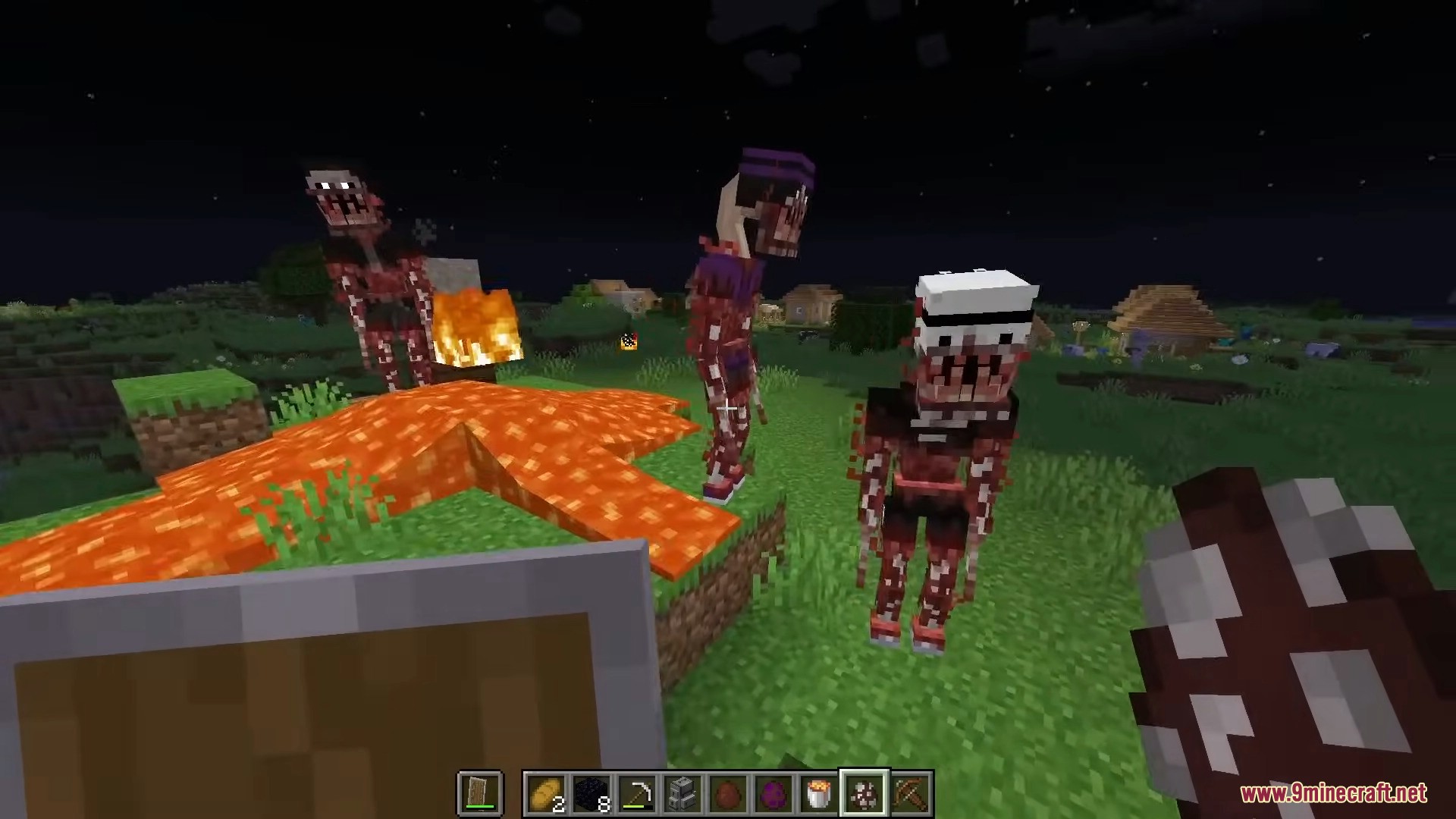
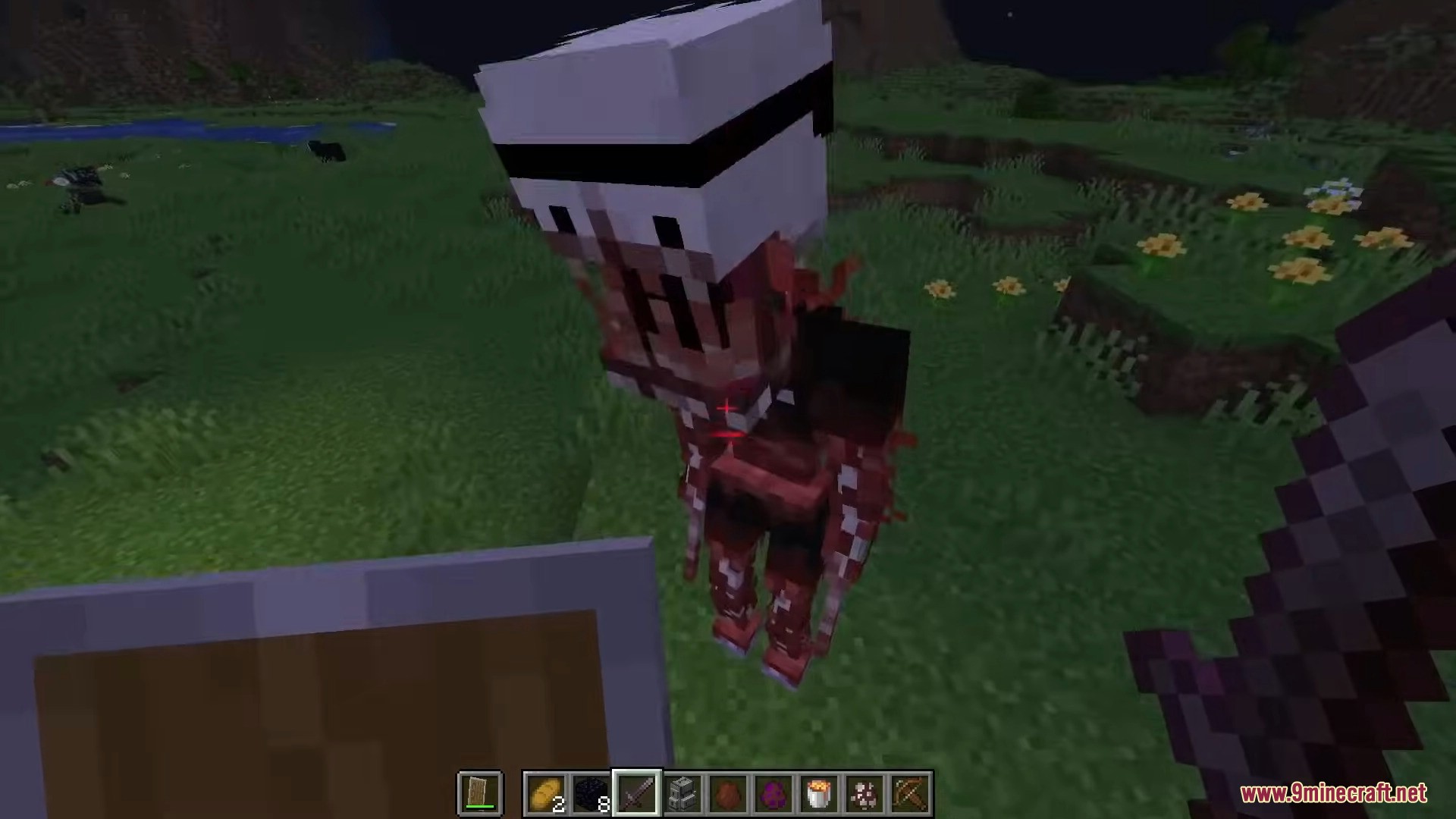
- May transform into a hostile monster form
- Monster form abilities:
- Moves quickly
- Can break some blocks
- Can climb up to several blocks high
- Can break shields
- Can emerge from underground in later phases
Phase System
- The Clone becomes more dangerous as its phase increases
- Phases rise over time or by command
- If The Clone defeats a player, phase resets to
0 - Phase overview:
- Phase 0 – Spawns far away, disappears when looked at
- Phase 1 – Spawns closer, transforms but does not attack
- Phase 2 – Can attack in monster form
- Phase 3 – Spawns very close and can emerge from the ground
Commands & Settings
- Increase phase:
/clone_add_phases - Reset phase:
/clone_reset_phases - Multiple skins toggle: gamerule
EnableMultipleCloneSkinstrue= random skinsfalse= limited default skins
Notes for Players
- If you hear a strange sound nearby, look around carefully
- Do not assume it is another real player
- Watching it too long can make the situation worse
- Be prepared before approaching
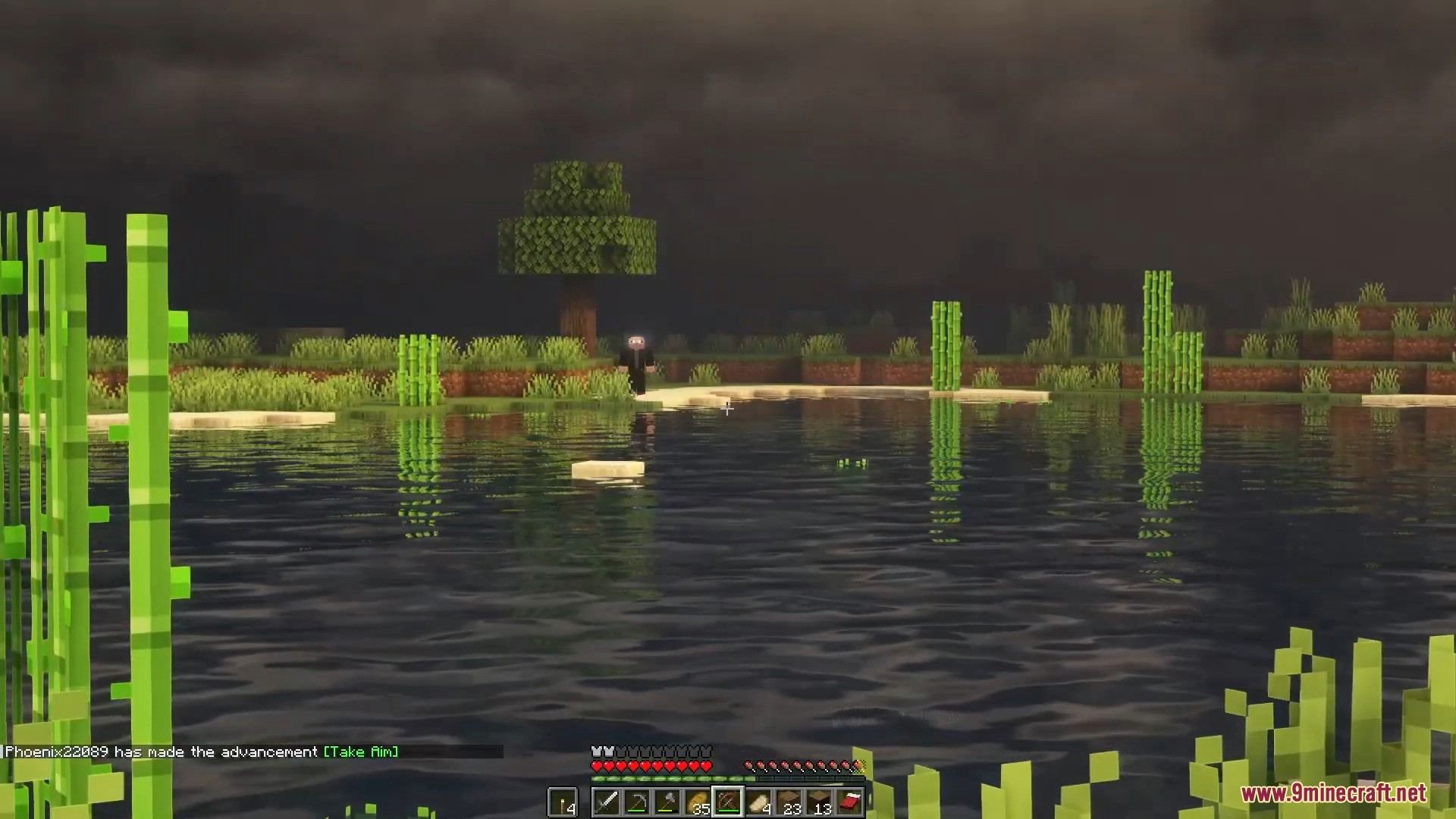
Screenshots:
The Clone Mod Download Links
For Minecraft 1.20.1, 1.20
Forge version: Download from Server 1 – Download from Server 2
For Minecraft 1.19.4
Forge version: Download from Server 1 – Download from Server 2
For Minecraft 1.19.2
Forge version: Download from Server 1 – Download from Server 2
Quick facts
- Edition: Minecraft Java
- File type: .jar
- Minecraft versions listed: 1.20.1, 1.19.2
- How to install: Install the matching mod loader (Forge, Fabric or NeoForge) for your Minecraft version. → Download the .jar. → Put it in the .minecraft/mods folder and launch that loader profile.
- Where to get it: In MC Java Mods, or directly above on this page.
Install steps are the general flow for this file type — How to install Minecraft Java mods & modpacks walks through it step by step.
Verified by MCModsHub
- Downloads as 175323.mcaddon
- Download size: 805 KB
- Download link checked 29 Jul 2026 — working
- Mirrored on our own servers — the download does not depend on the original host
These come from our own check of the pack file, not from the source page.