
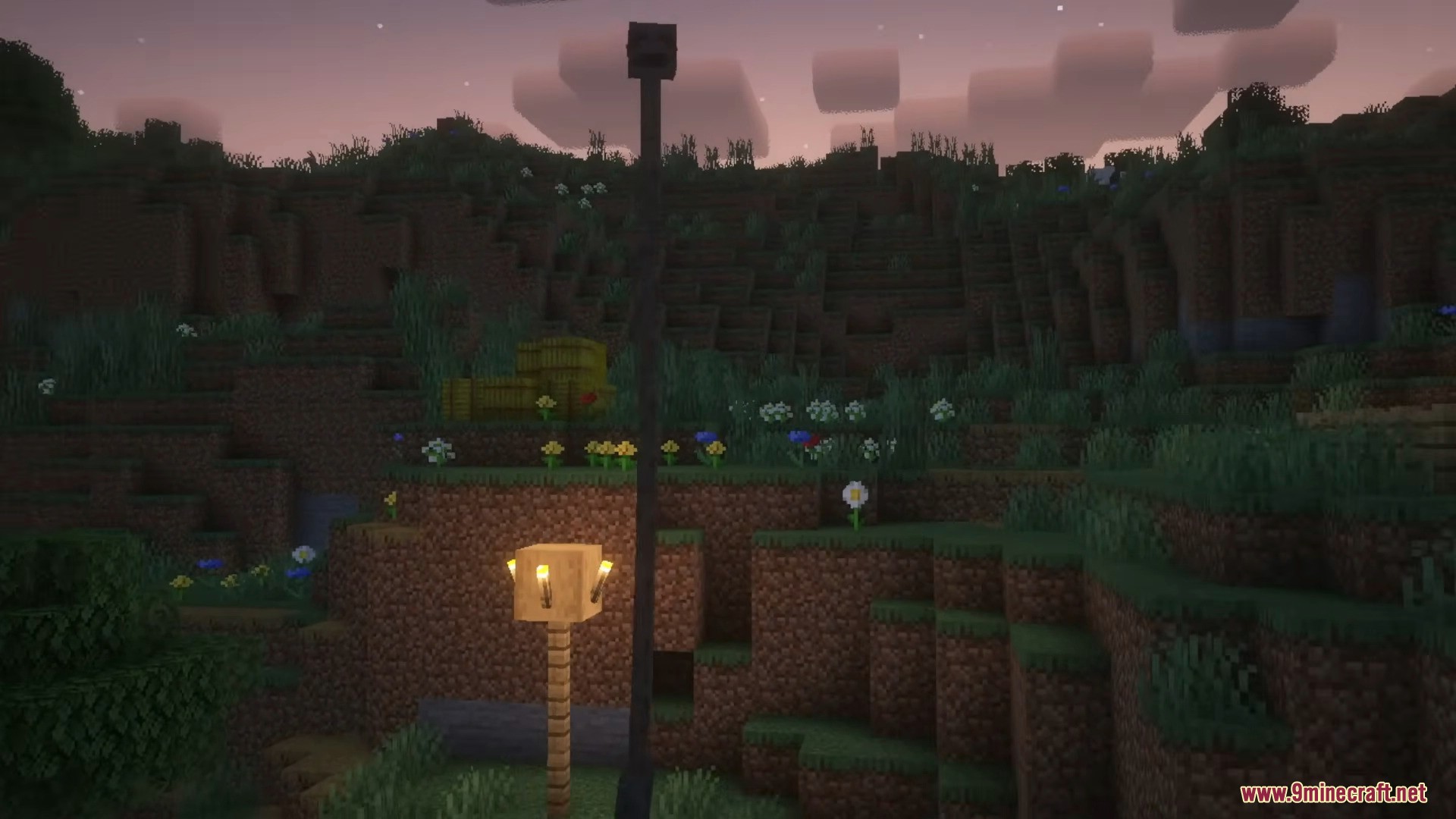
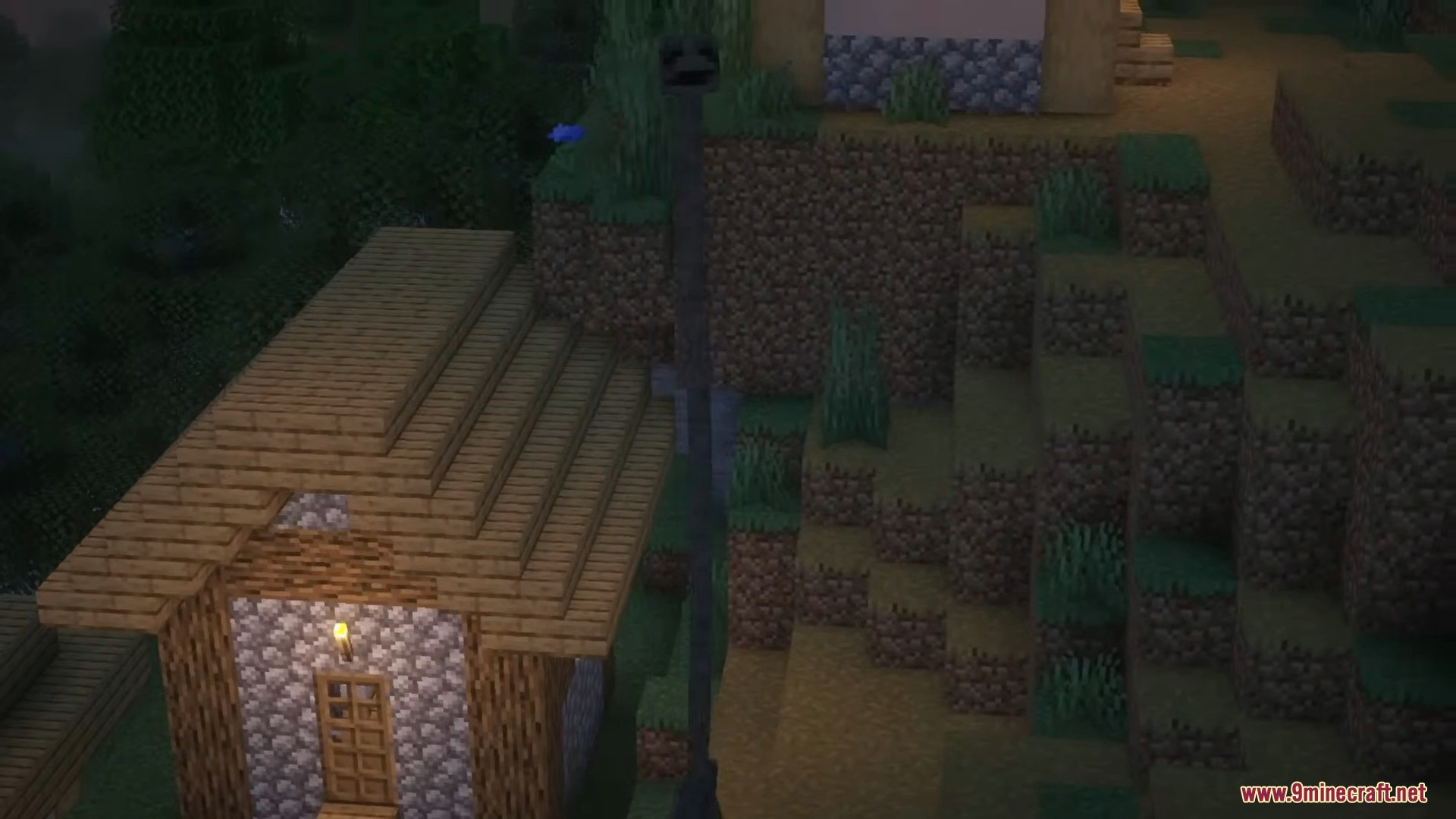
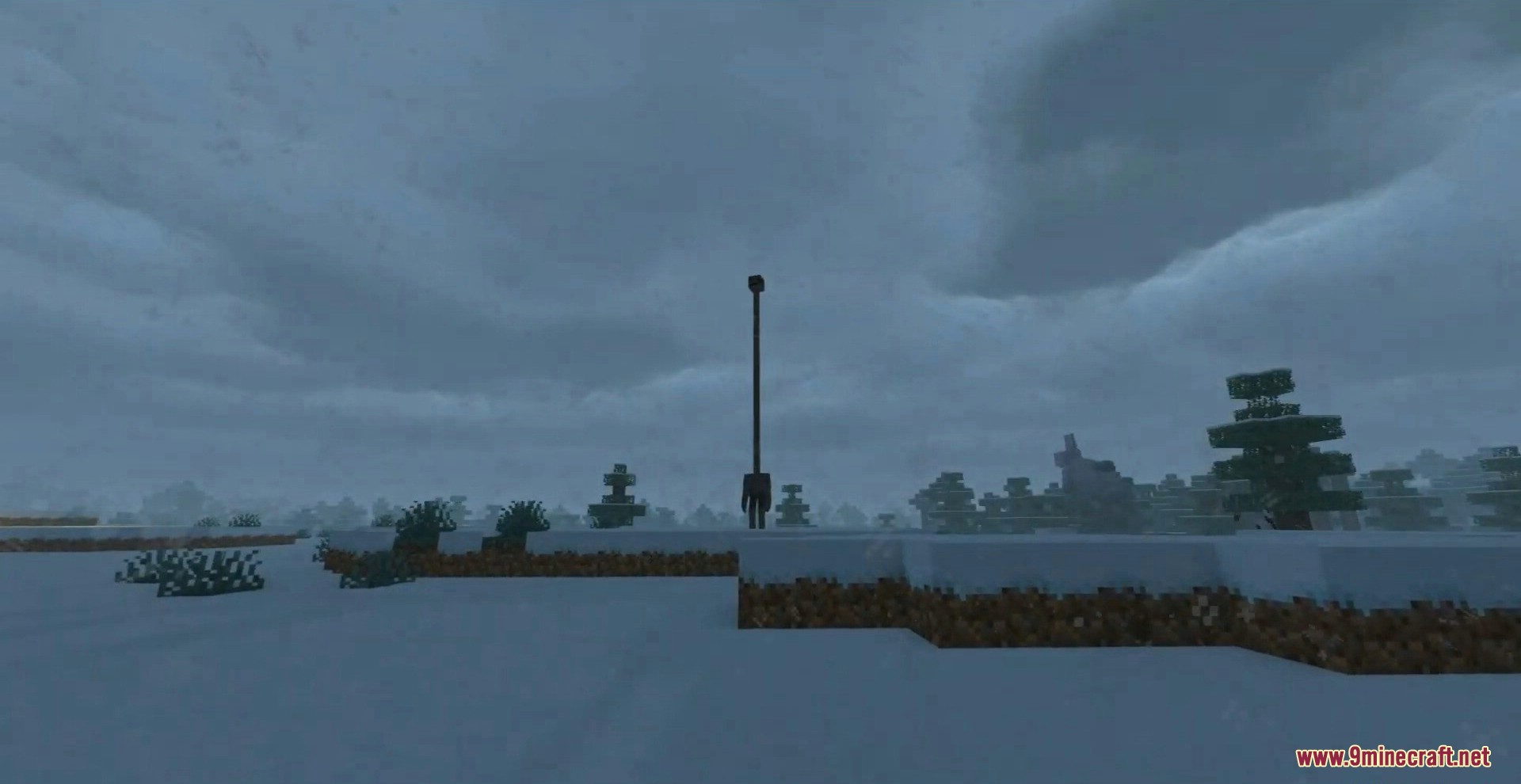
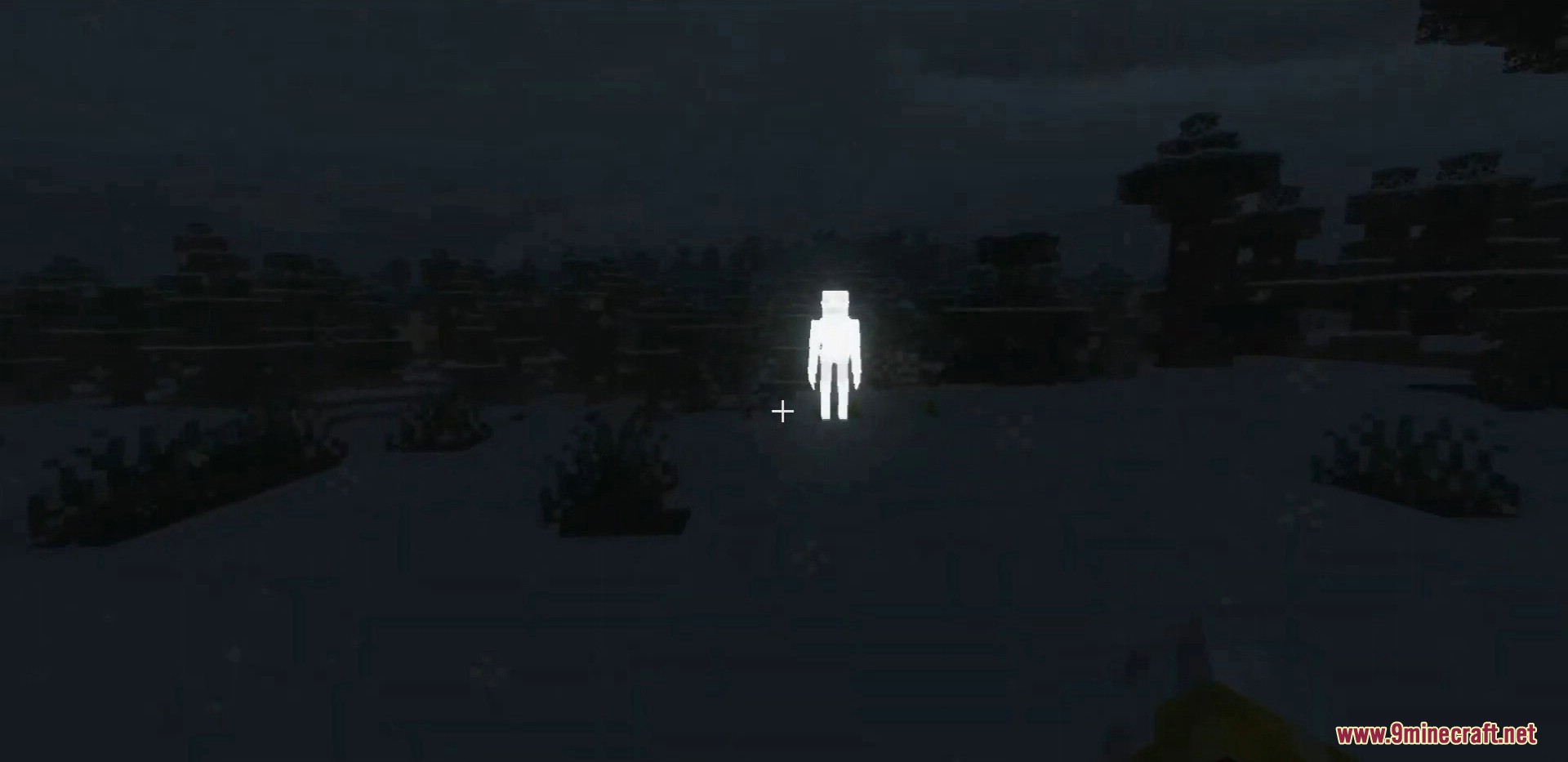

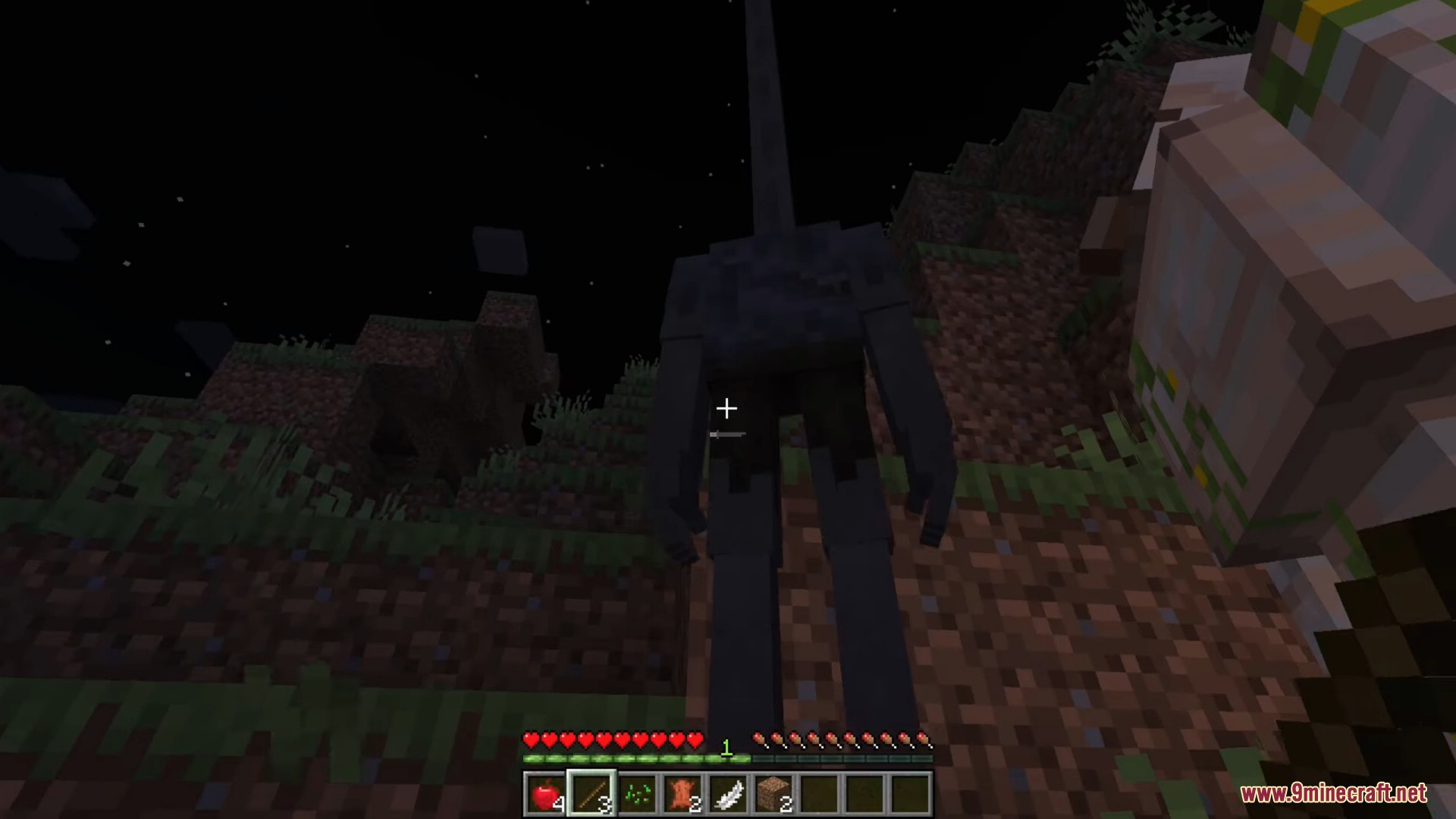
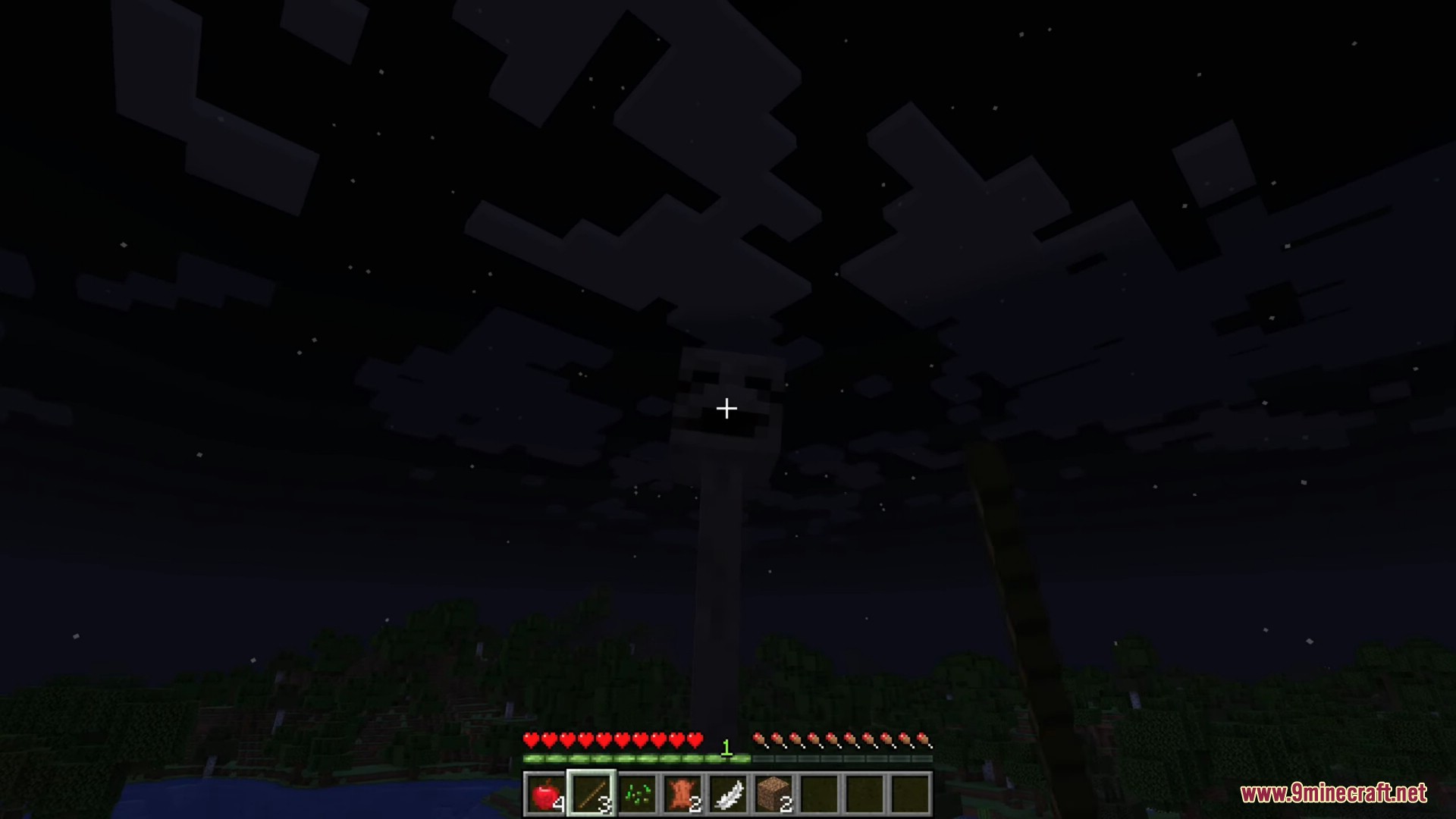
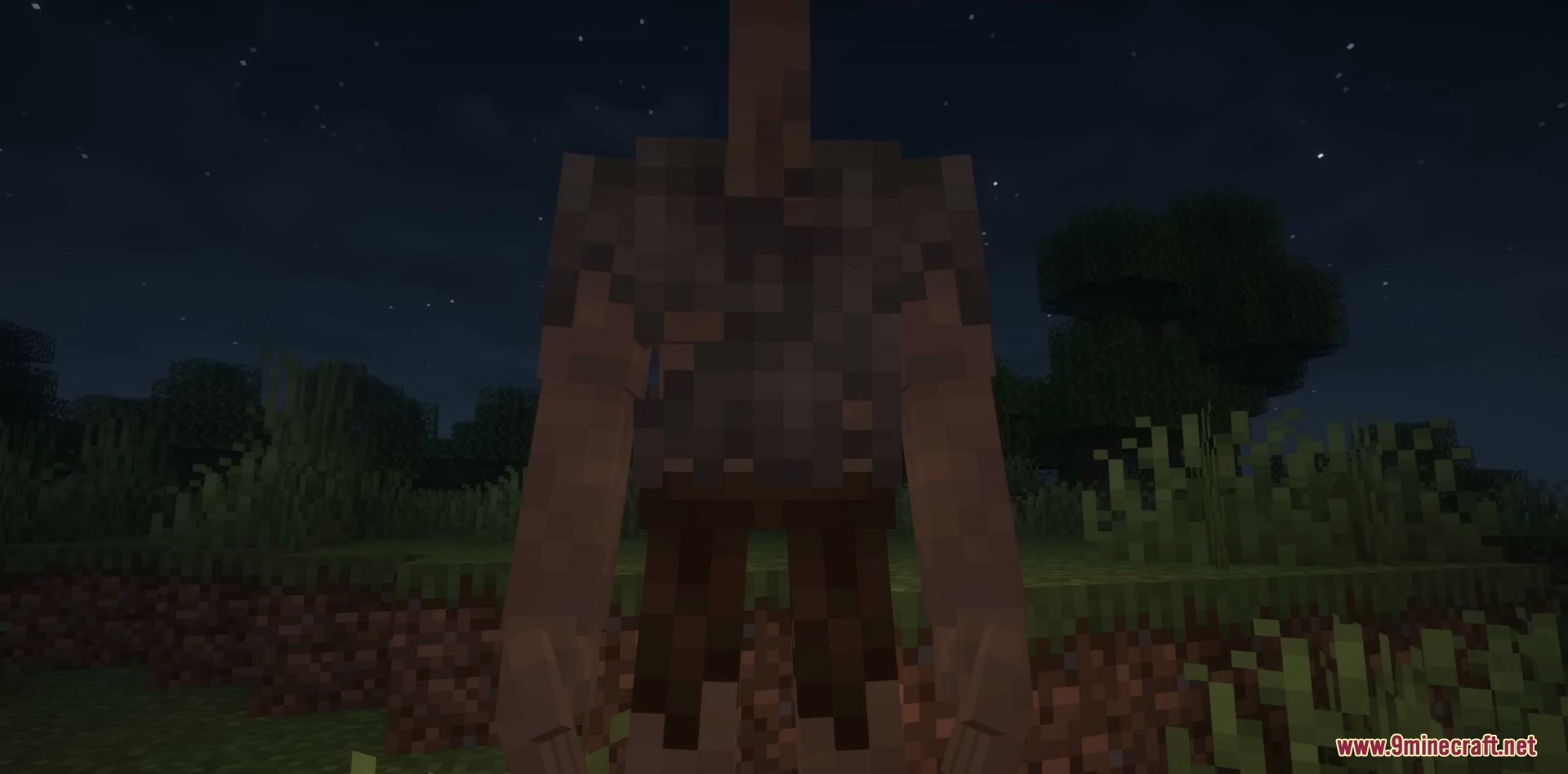
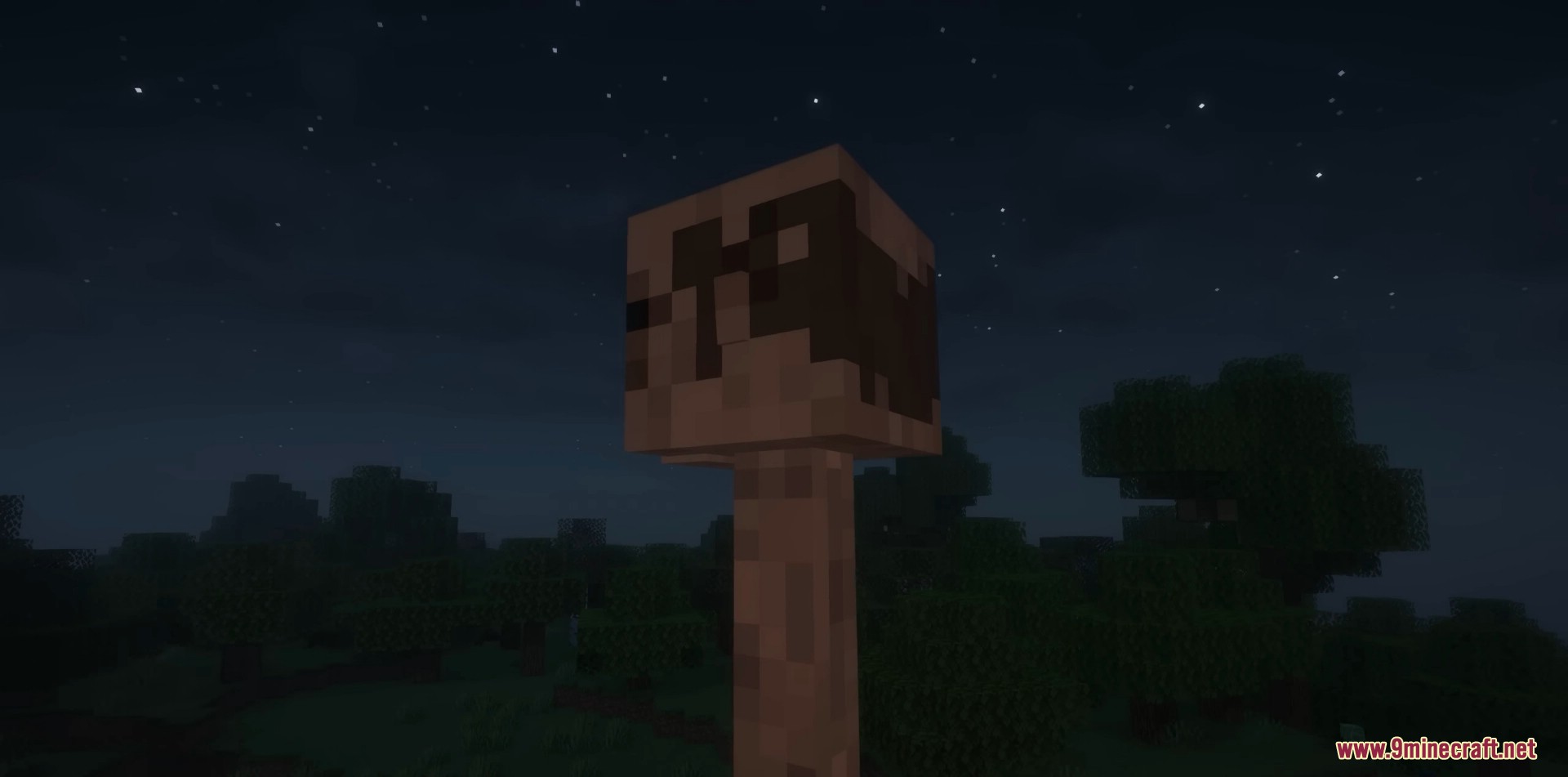
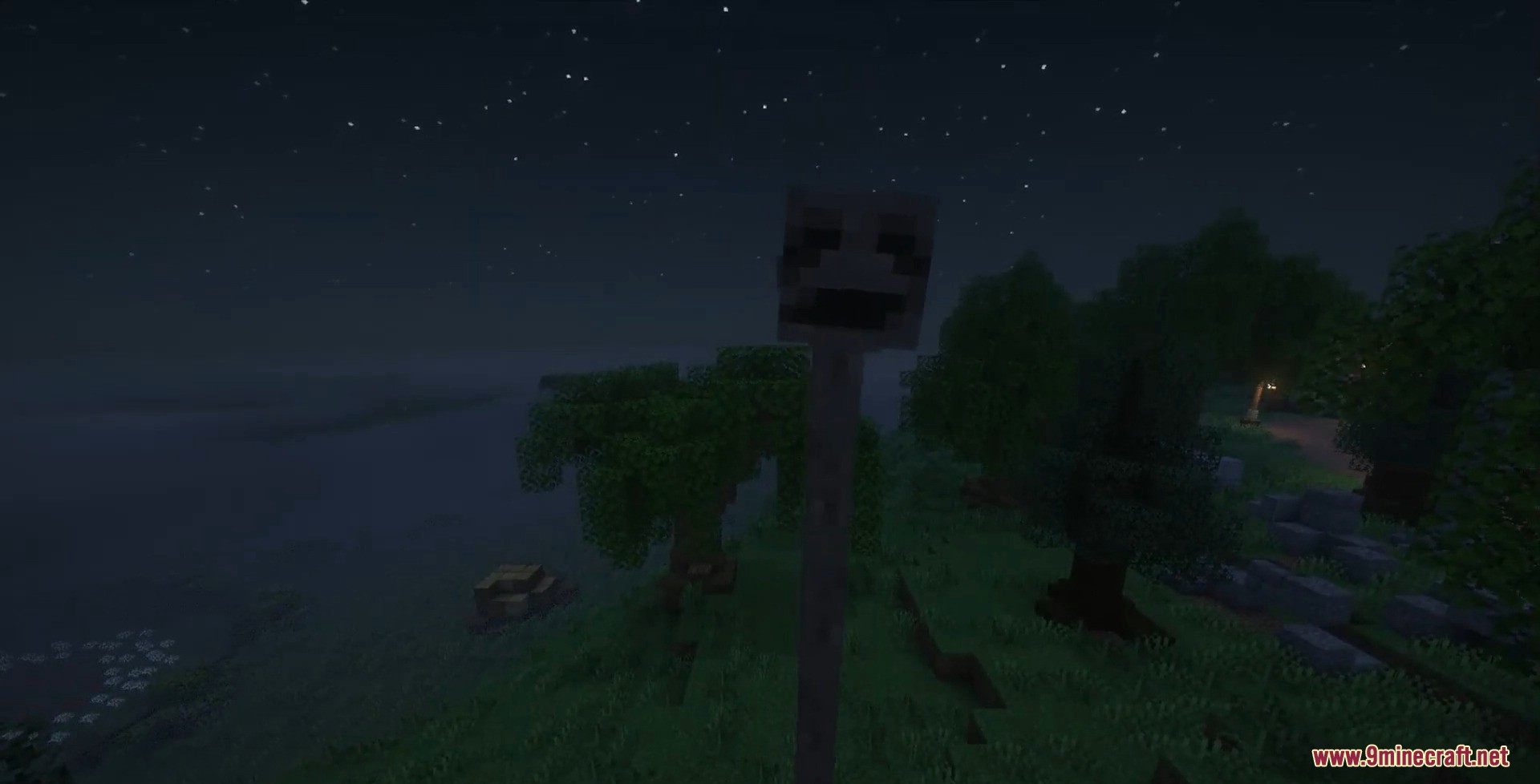
Peeping Tom Mod introduces a terrifying humanoid creature from the Trever Henderson Universe that stalks players during the night.
Features:
- Humanoid creature with a
creepy faceand an unnaturally long neck - Appears only at night and silently observes the player
- Gradually becomes more aggressive over time (through phases)
- By day, Peeping Tom disappears and shows no signs
- Can spawn in forests and abandoned structures
Behavior Phases
- Phase 0: Nothing happens yet
- Phase 1: Unsettling whispers can be heard
- Phase 2: Peeping Tom with a 21-block neck spawns, observing from a distance
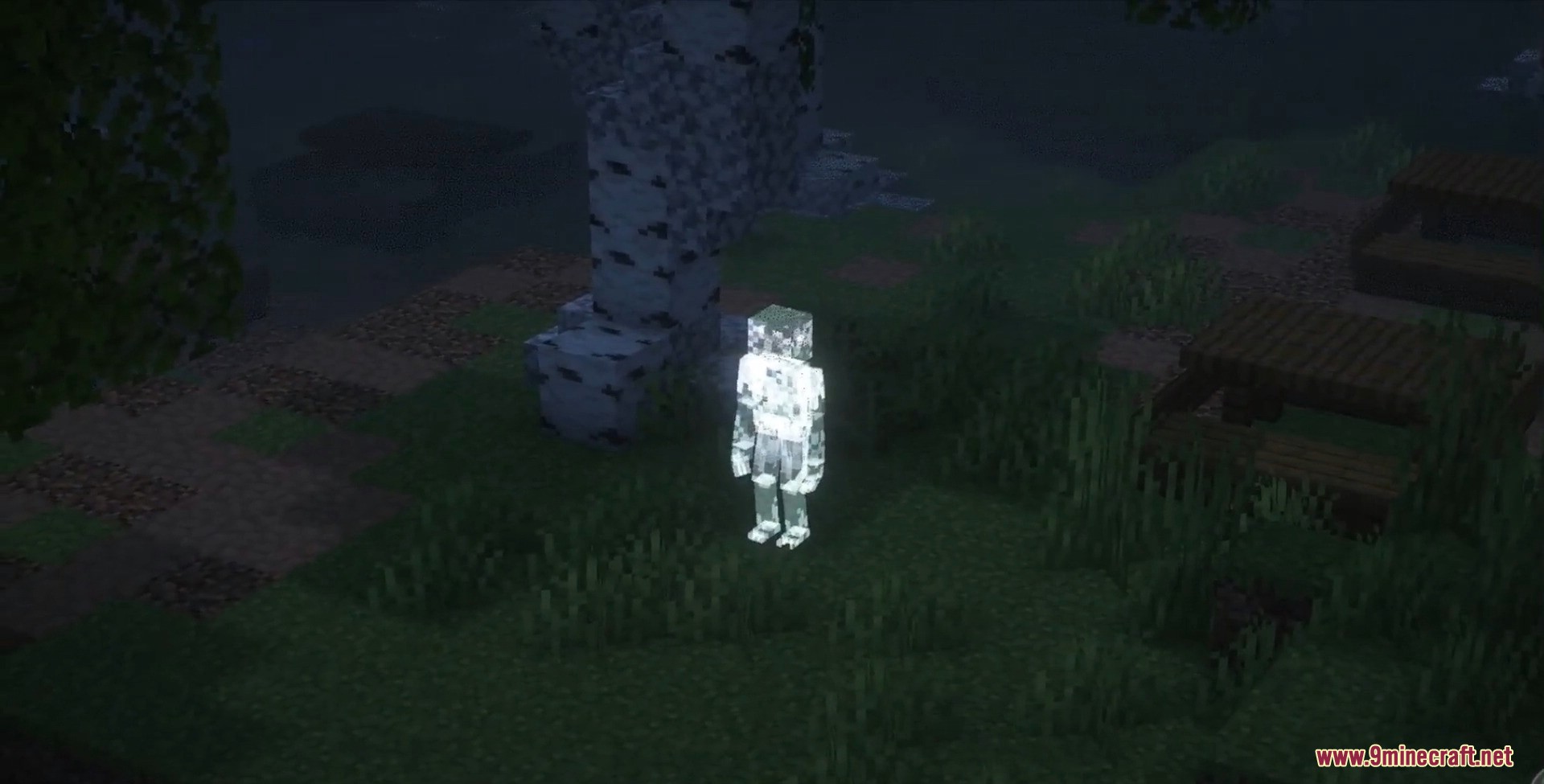
- Phase 3: Smaller 7.5-block neck version spawns, follows but keeps 40-block distance. Ghost form may appear with a 20% chance
- Phase 4: Creature approaches closer (25 blocks). Ghosts can spawn naturally
- Phase 5: Creature comes within 10 blocks, staying very close
- Phase 6: Becomes aggressive when approached, faster movement, can break leaves and shields
Ghosts
Peeping Tom Ghostappears starting Phase 3 when creepy sounds occur- Passive and vanishes when approached
- Jumpscare chance: 20% during Phase 3+
Rules and Interaction
- Peeping Tom is mostly passive unless provoked
- Phases reset to 0 if Peeping Tom kills a player
- Commands available:
peepingtom_phases– increase phase by 1peepingtom_phases_reset– reset phases to 0
- Compatible with Long Horse mod; presence of Long Horse can increase Peeping Tom’s phase as a warning
Gameplay Tips
- Always check surroundings at night
- Keep distance from Peeping Tom to avoid aggression
- Listen for eerie ambient sounds-they indicate Peeping Tom’s activity
Screenshots:
Peeping Tom Mod Download Links
For Minecraft 1.20.1, 1.20
Forge version: Download from Server 1 – Download from Server 2
For Minecraft 1.19.4
Forge version: Download from Server 1 – Download from Server 2
For Minecraft 1.19.2
Forge version: Download from Server 1 – Download from Server 2
Quick facts
- Edition: Minecraft Java
- File type: .jar
- Minecraft versions listed: 1.20.1, 1.19.2
- How to install: Install the matching mod loader (Forge, Fabric or NeoForge) for your Minecraft version. → Download the .jar. → Put it in the .minecraft/mods folder and launch that loader profile.
- Where to get it: In MC Java Mods, or directly above on this page.
Install steps are the general flow for this file type — How to install Minecraft Java mods & modpacks walks through it step by step.
Verified by MCModsHub
- Downloads as 175344.mcaddon
- Download size: 2.1 MB
- Download link checked 25 Jul 2026 — working
- Mirrored on our own servers — the download does not depend on the original host
These come from our own check of the pack file, not from the source page.