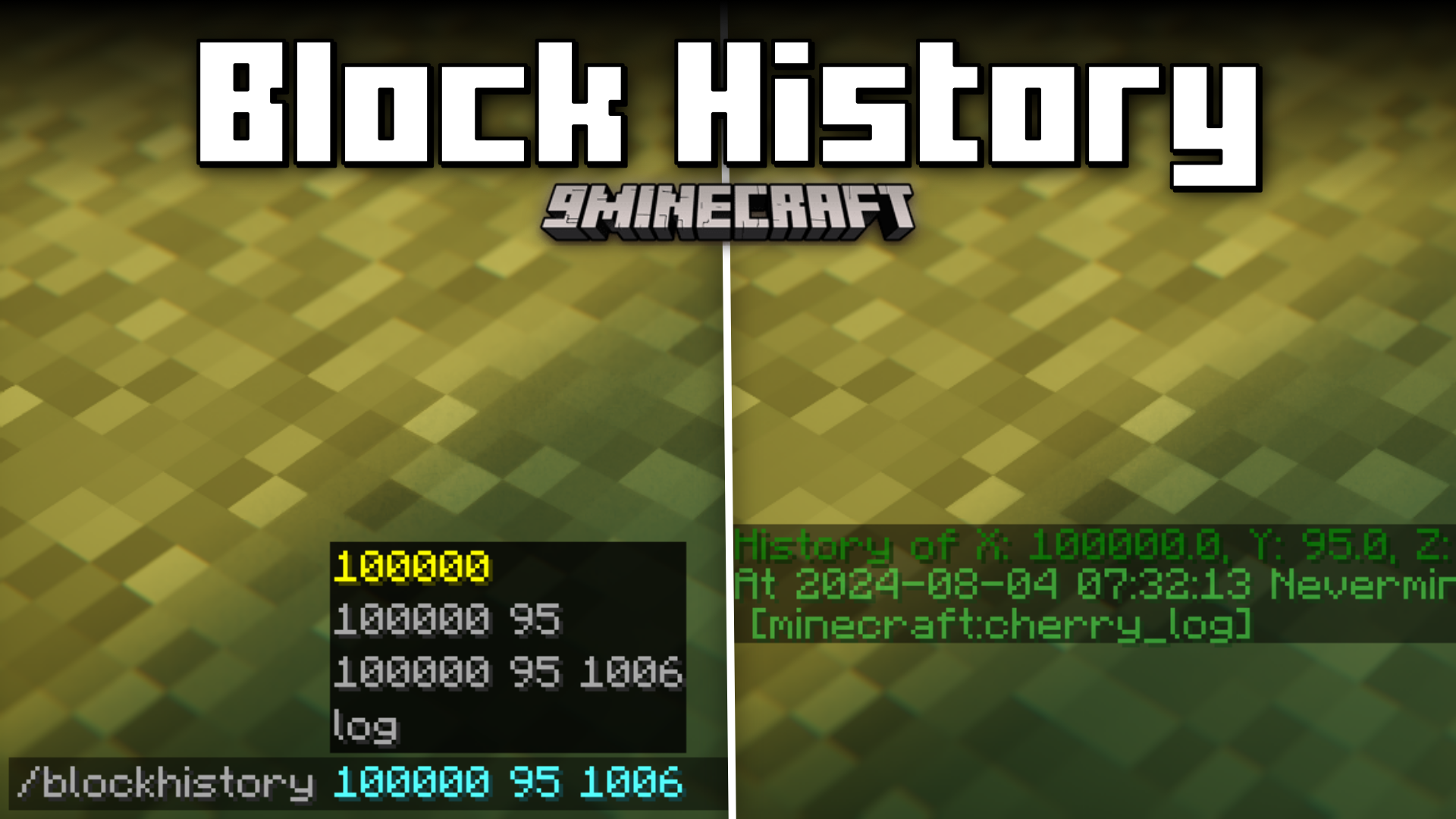
Block History Mod (26.2, 1.20.1) – Track Block Place/Break History
Java mod listed for Minecraft 1.20. Downloads from the MC Java Mods app on Android.
⬇ Download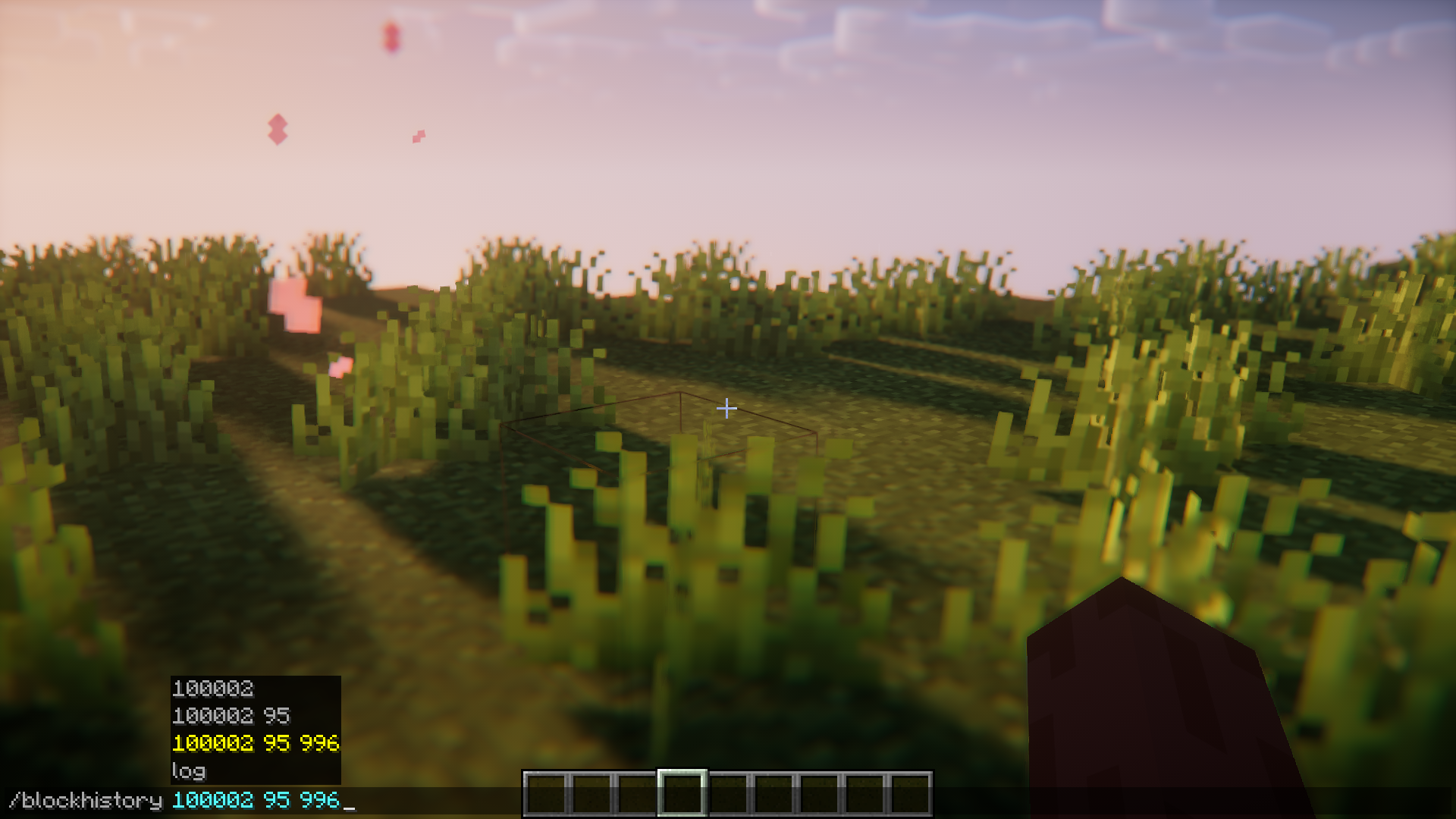
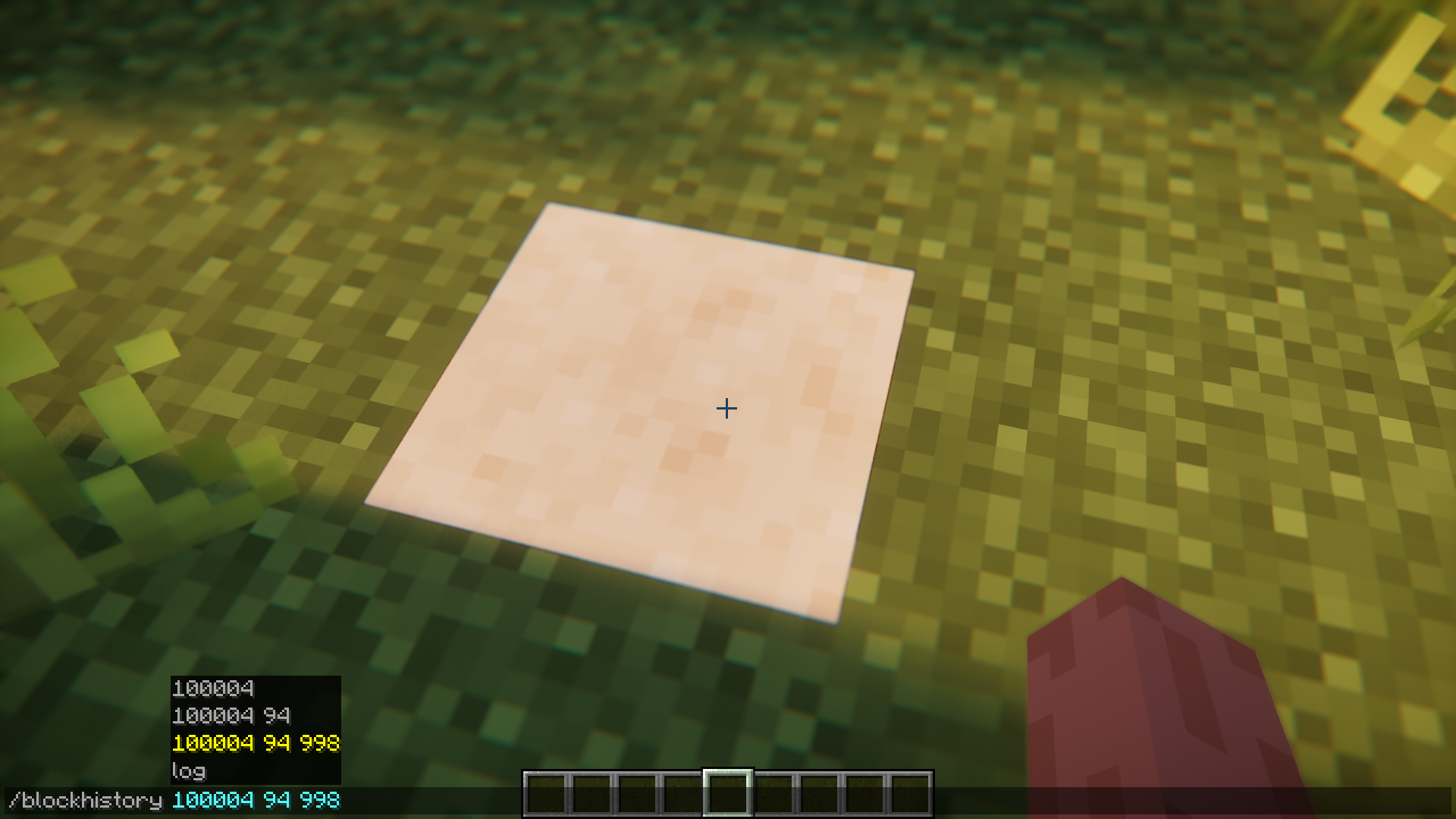
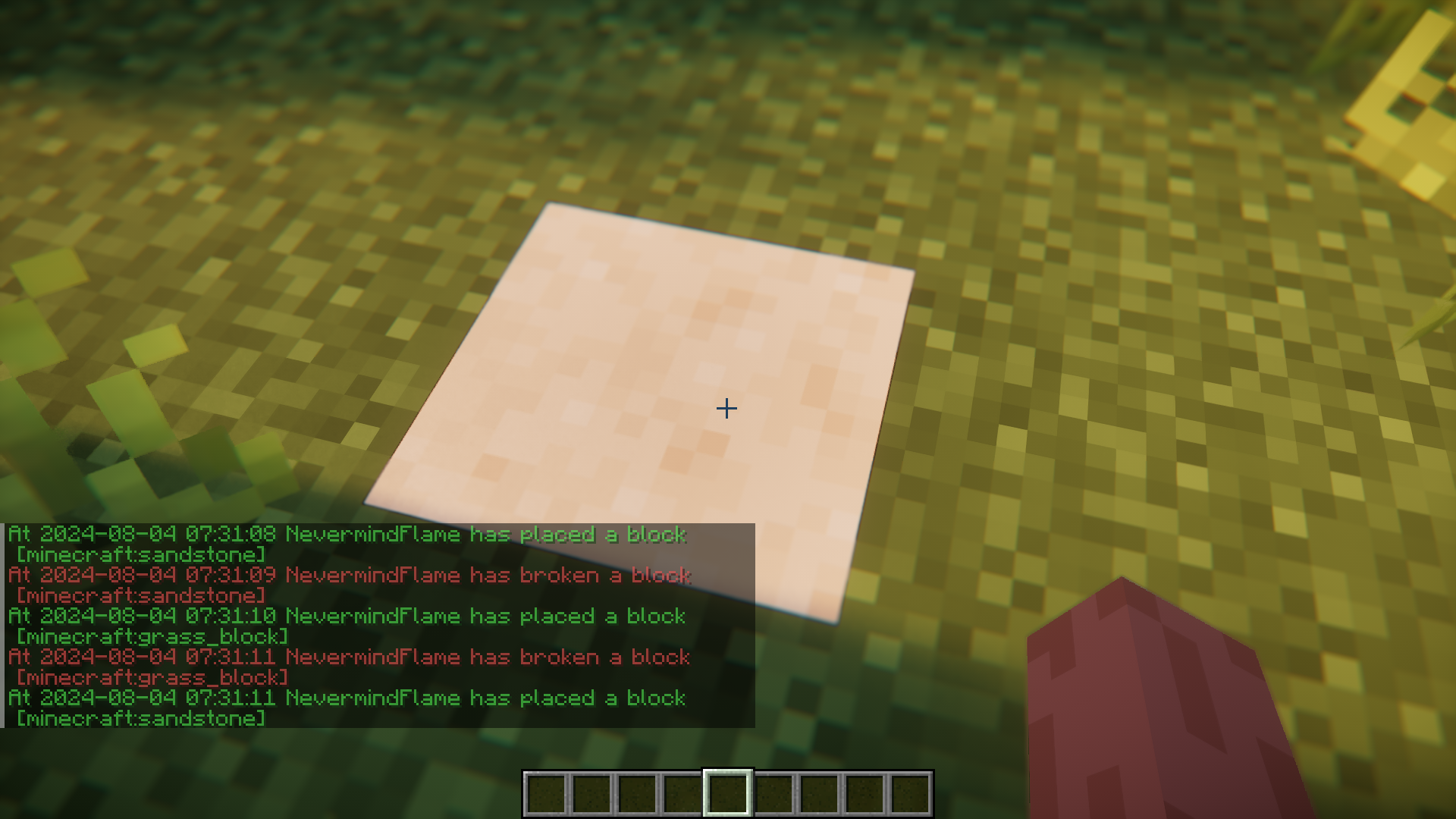
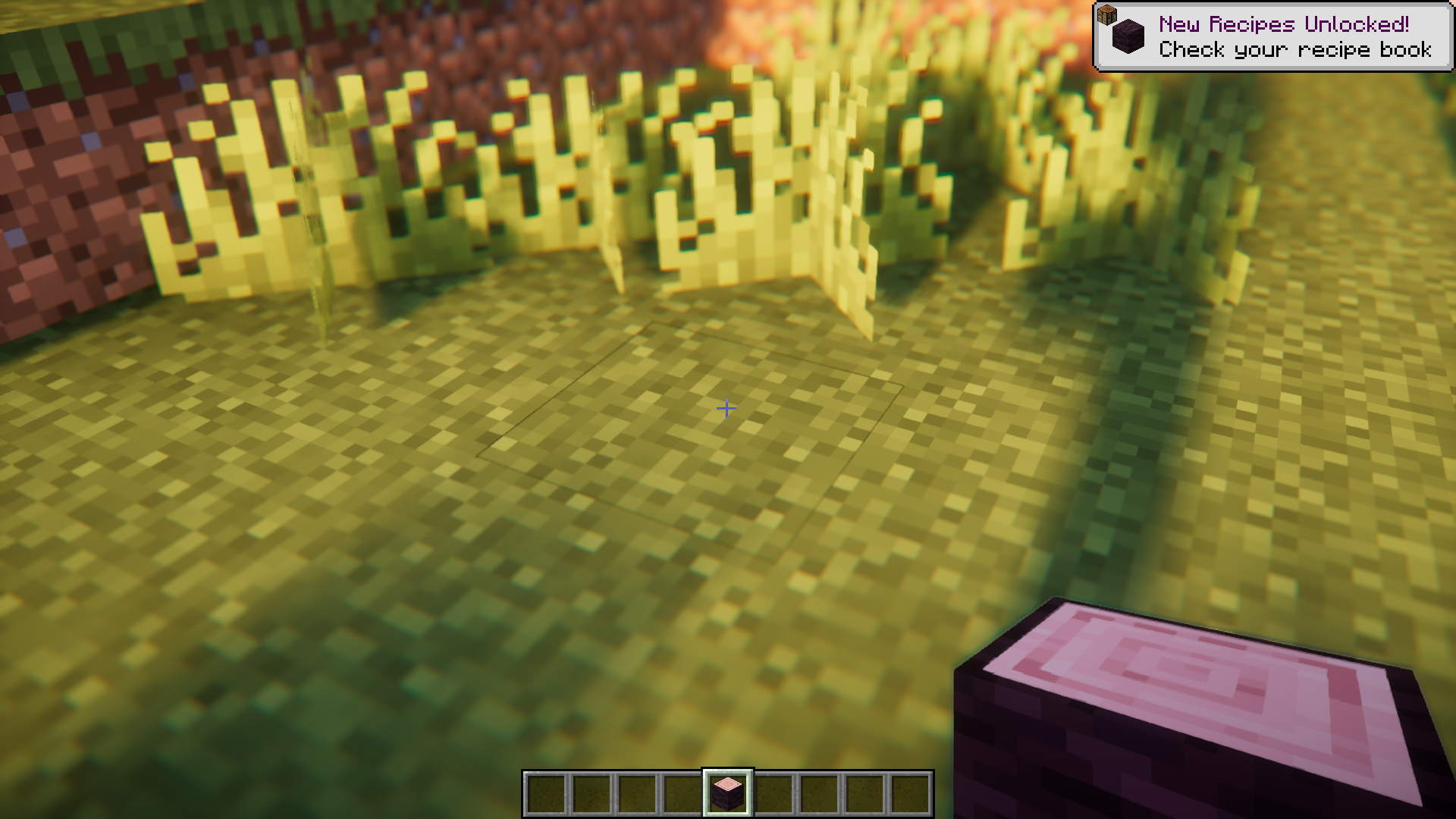
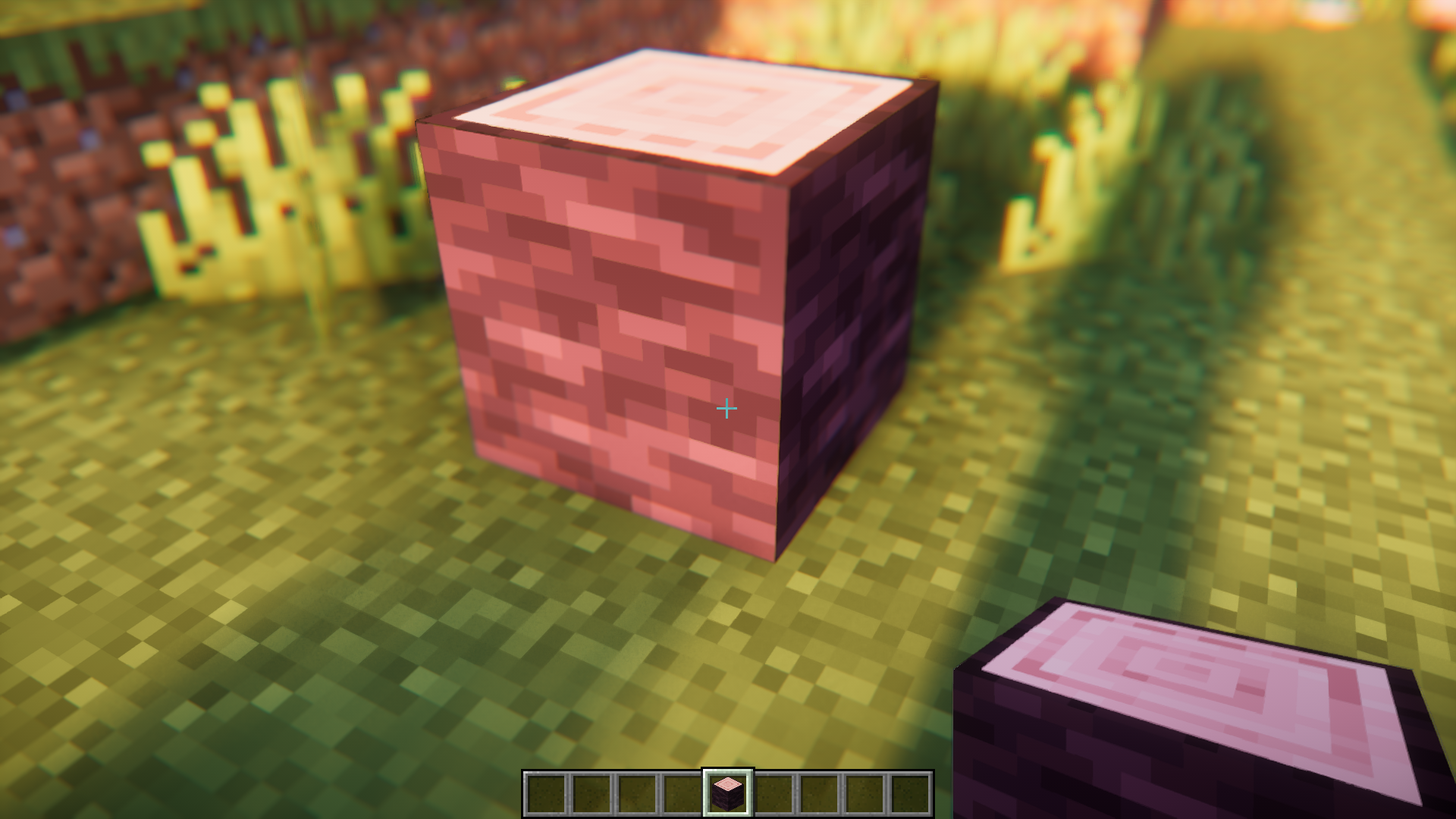
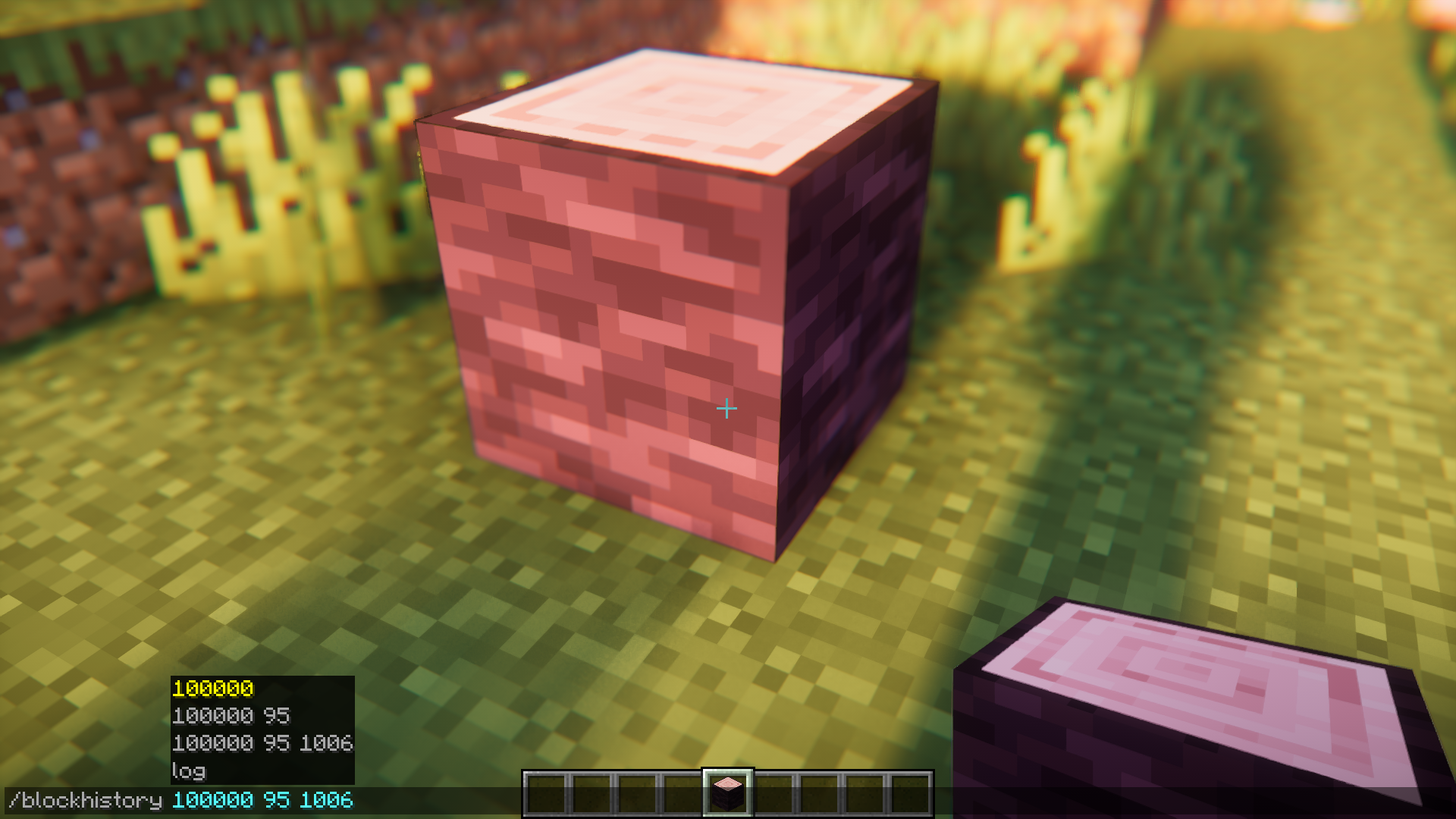
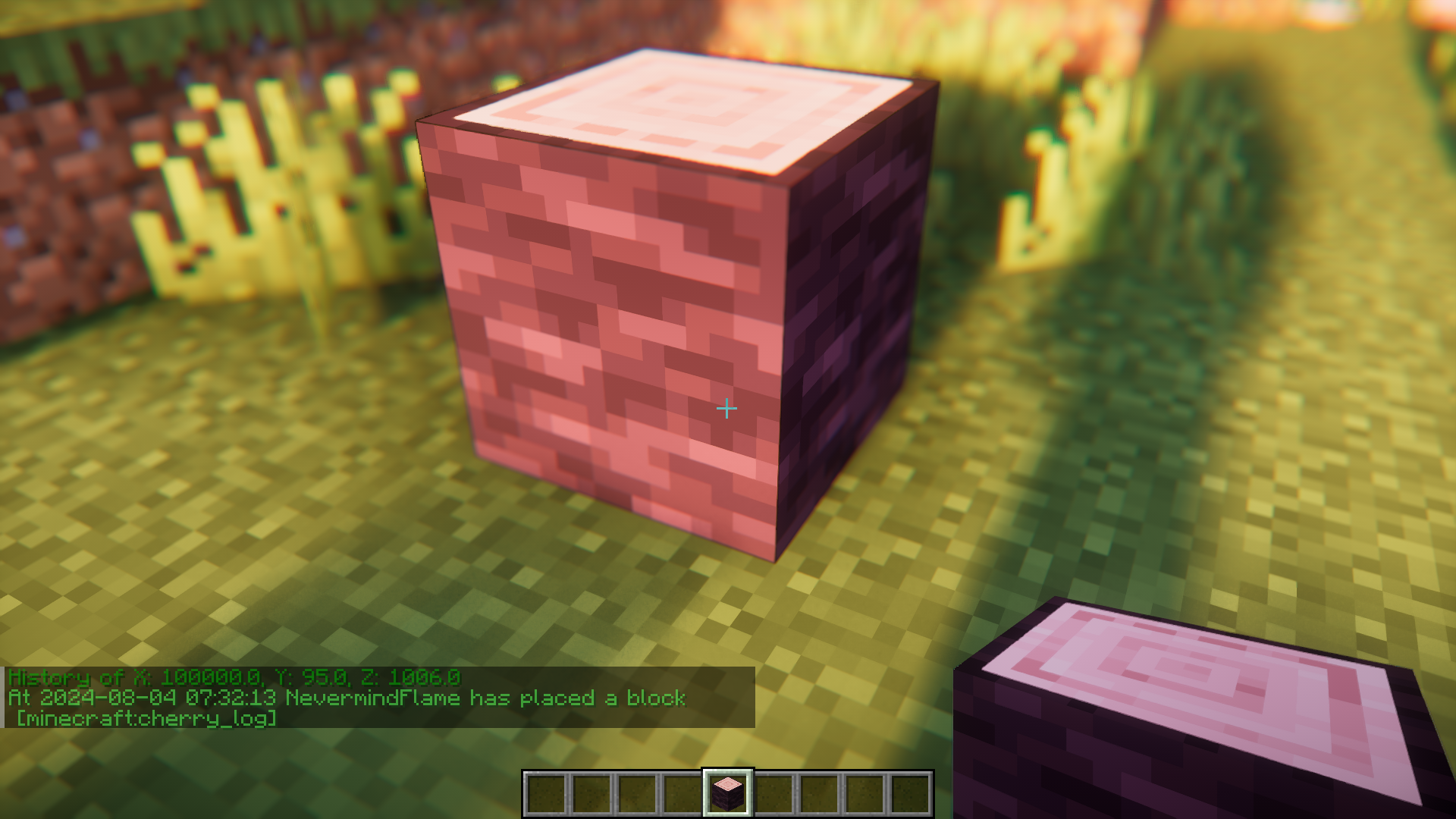
Block History Mod helps you keep track of the history of blocks that were placed and broken in a specific blockspace. By pointing your crosshair at a blockspace and executing the /blockhistory <x> <y> <z> command, you will be able to print out a list that contains the history of that blockspace. The data will be printed out in the chat box and will contain the name of the player who placed the block, the block that was placed, the time of placement, etc.
Features:
- Logs the history of a specific blockspace.
- Use the /blockhistory command.
- Details of the player, time, placed block, etc.
Screenshots:
Block History Mod Download Links
- Edition: Minecraft Java
- File type: .jar
- Minecraft version listed: 1.20.1
- How to install: Install the matching mod loader (Forge, Fabric or NeoForge) for your Minecraft version. → Download the .jar. → Put it in the .minecraft/mods folder and launch that loader profile.
- Where to get it: In MC Java Mods, or directly above on this page.
Install steps are the general flow for this file type — How to install Minecraft Java mods & modpacks walks through it step by step.
Block History Mod (26.2, 1.20.1) – Track Block Place/Break History is a free Minecraft Java mod. Compatible with Minecraft 1.20.1. Download it and open it directly in the game.