Carry On Extend Mod (26.2, 1.20.1) – Place Blocks and Mobs From a Distance
Java mod listed for Minecraft 1.20. Downloads from the MC Java Mods app on Android.
⬇ Download
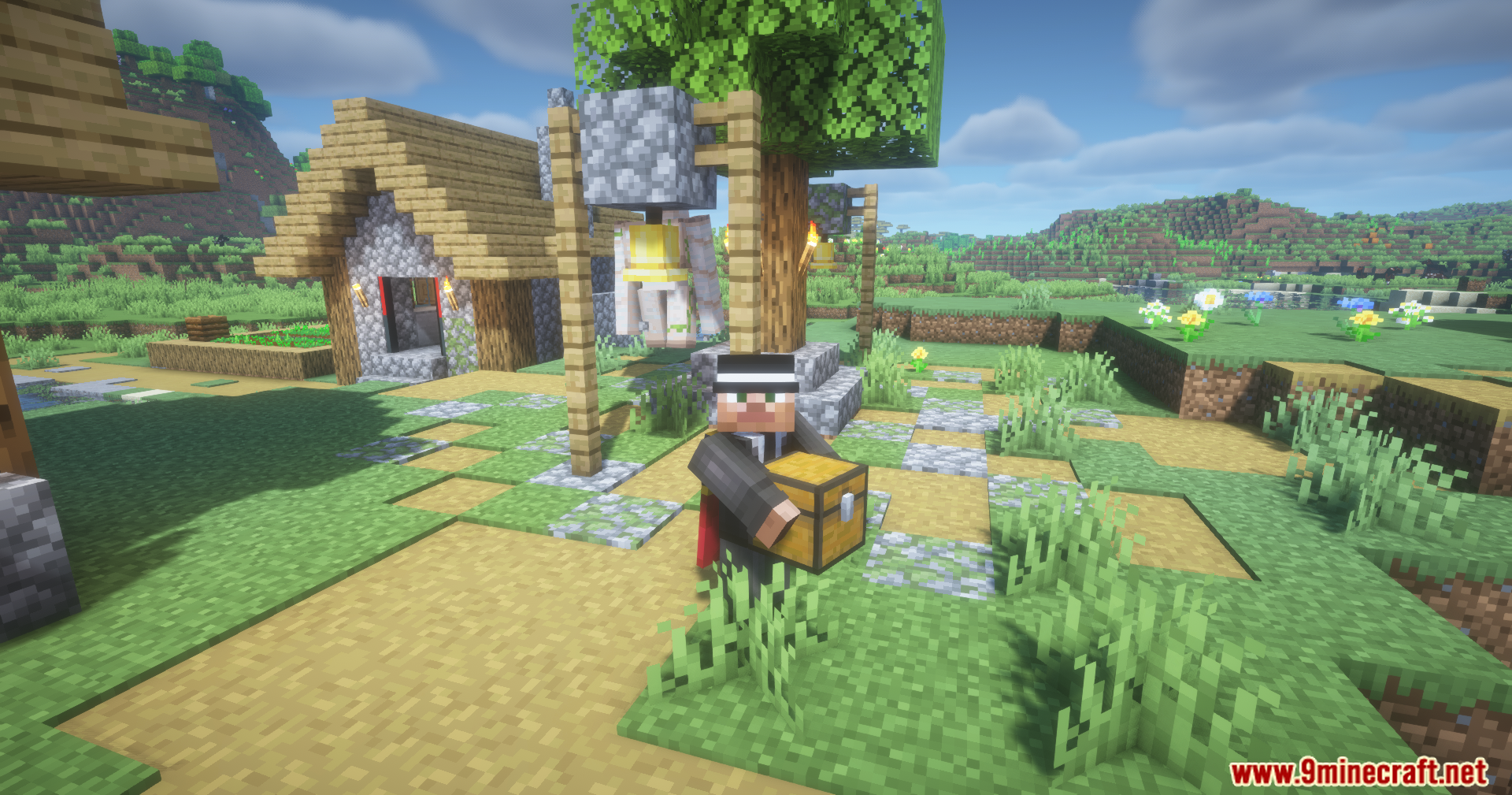
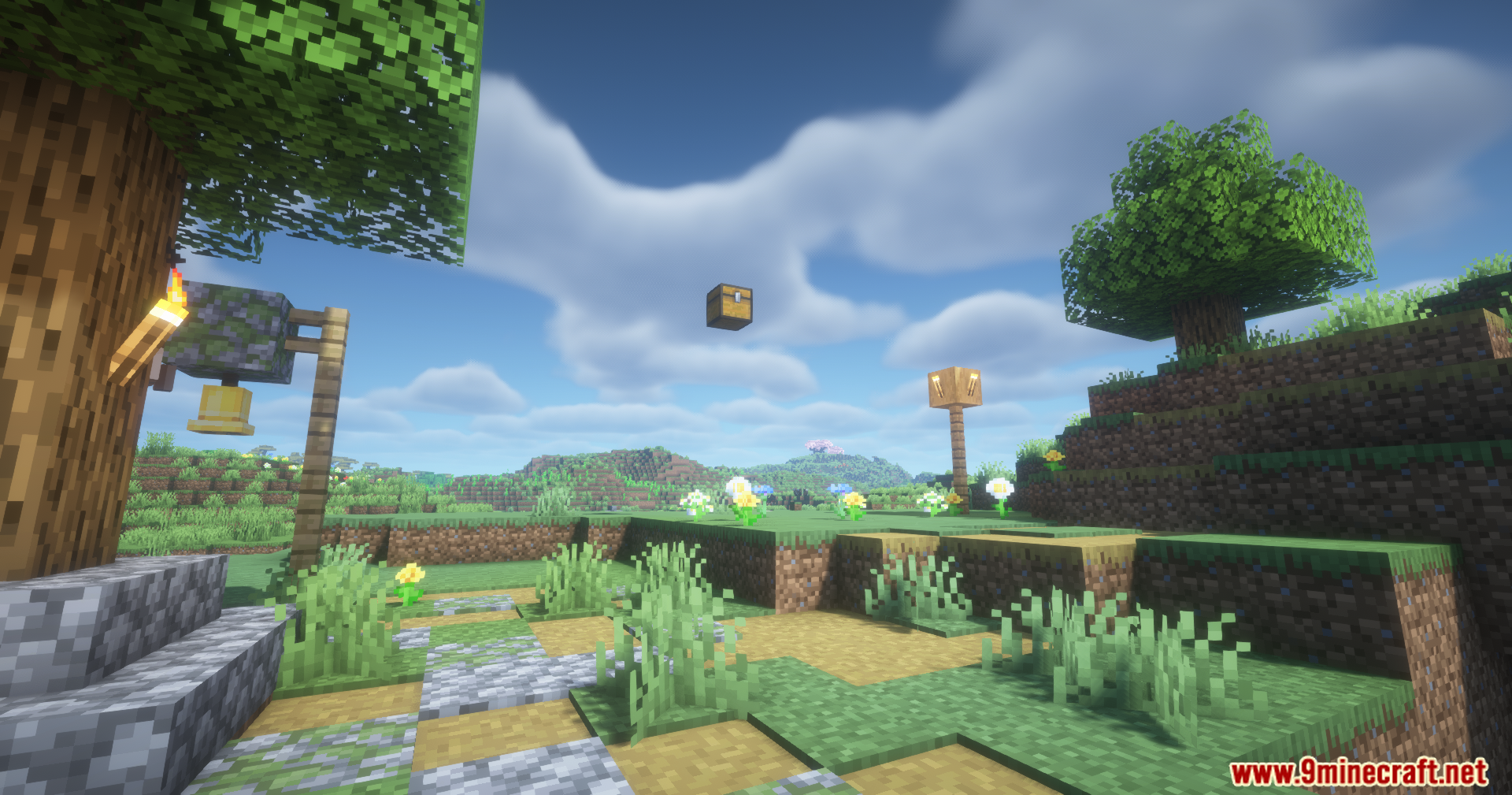
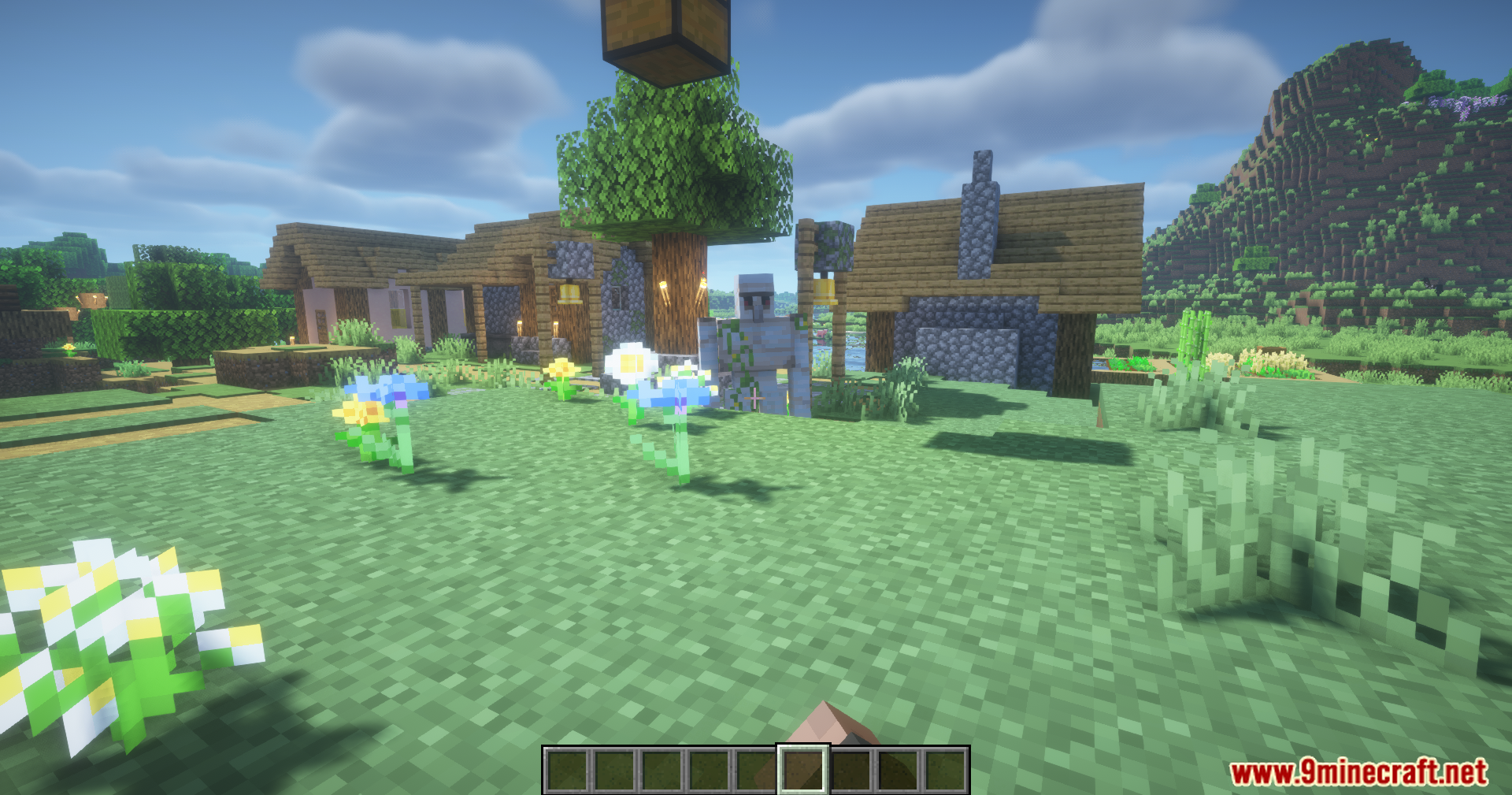
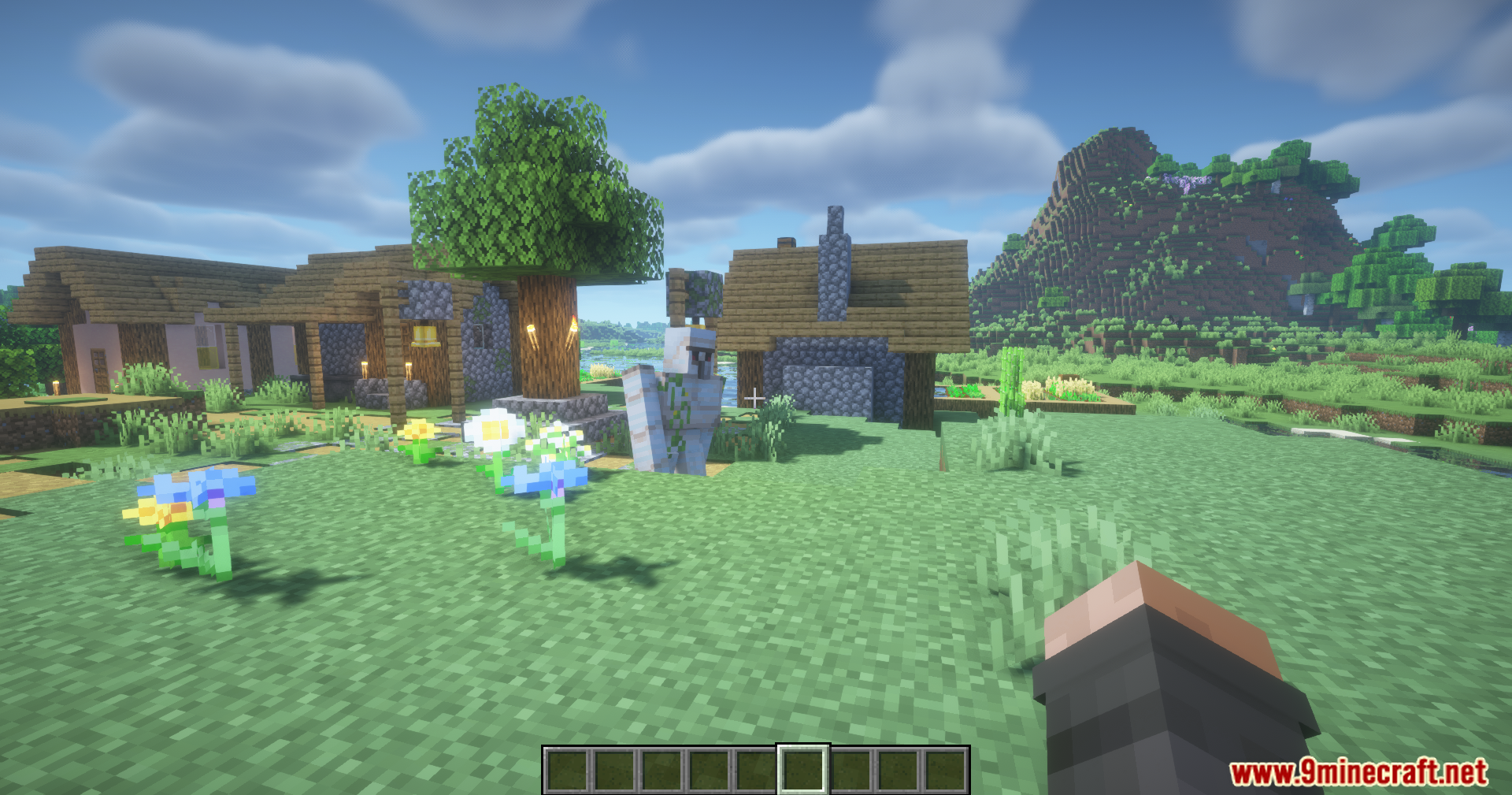
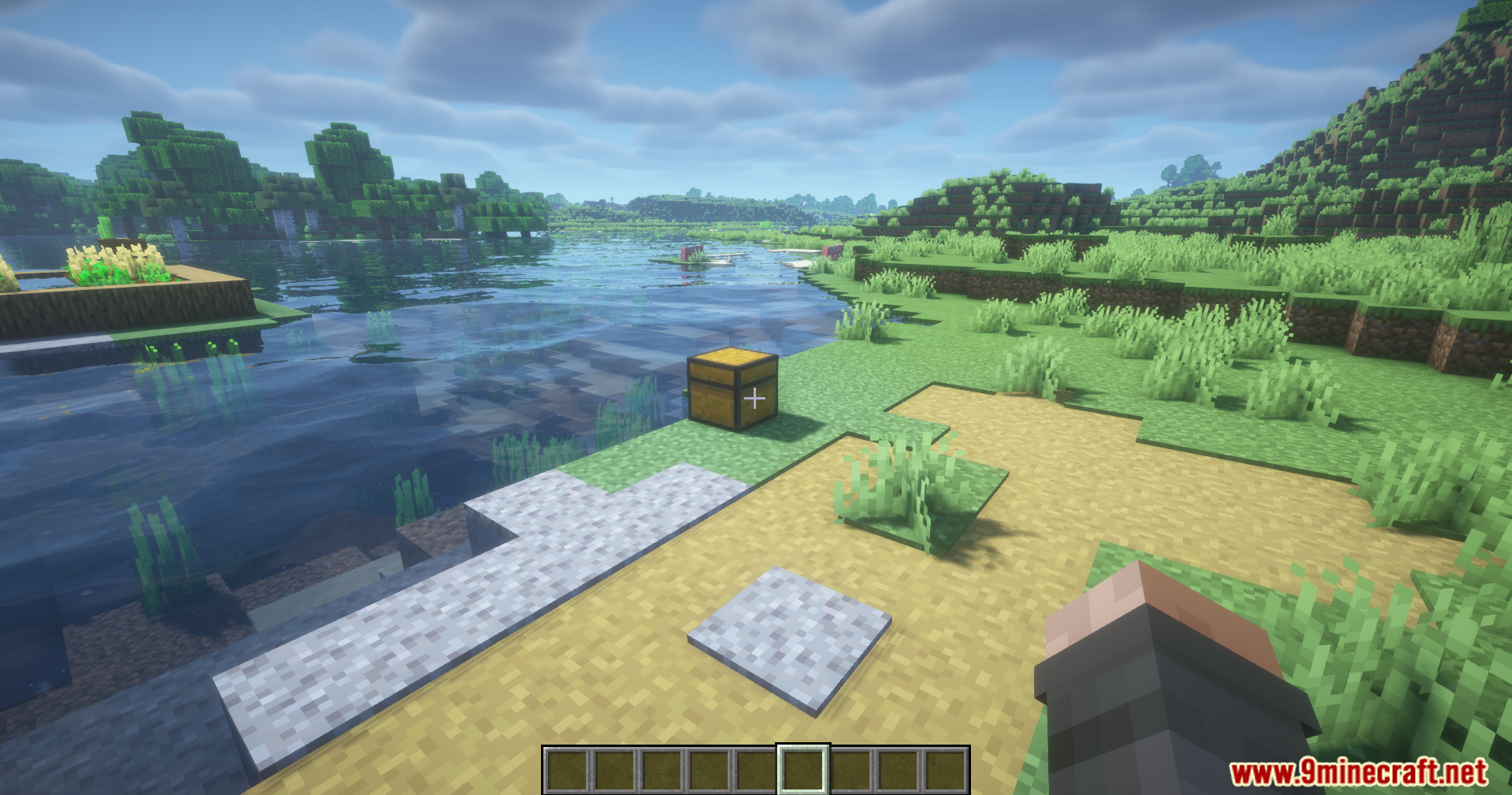
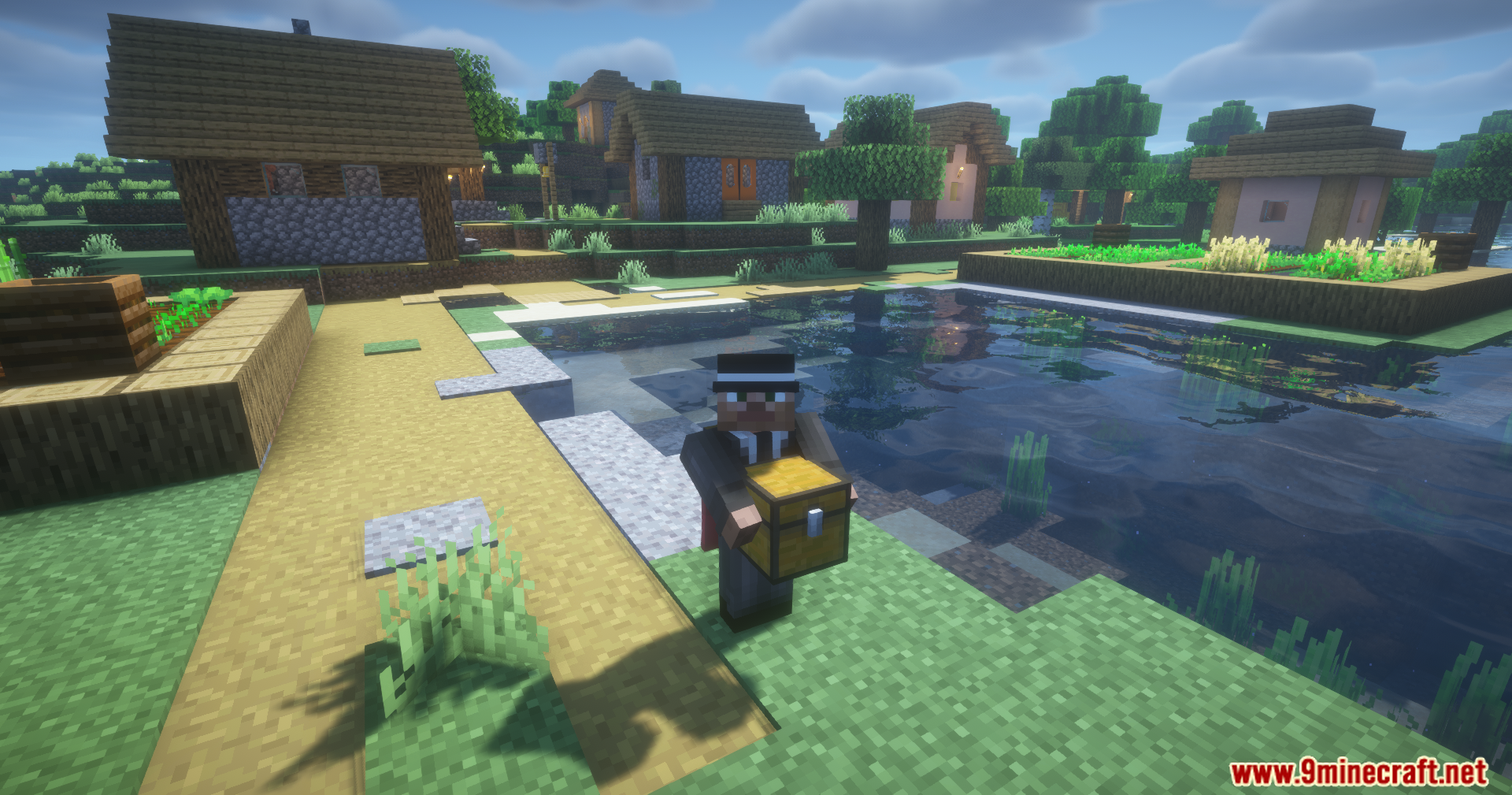
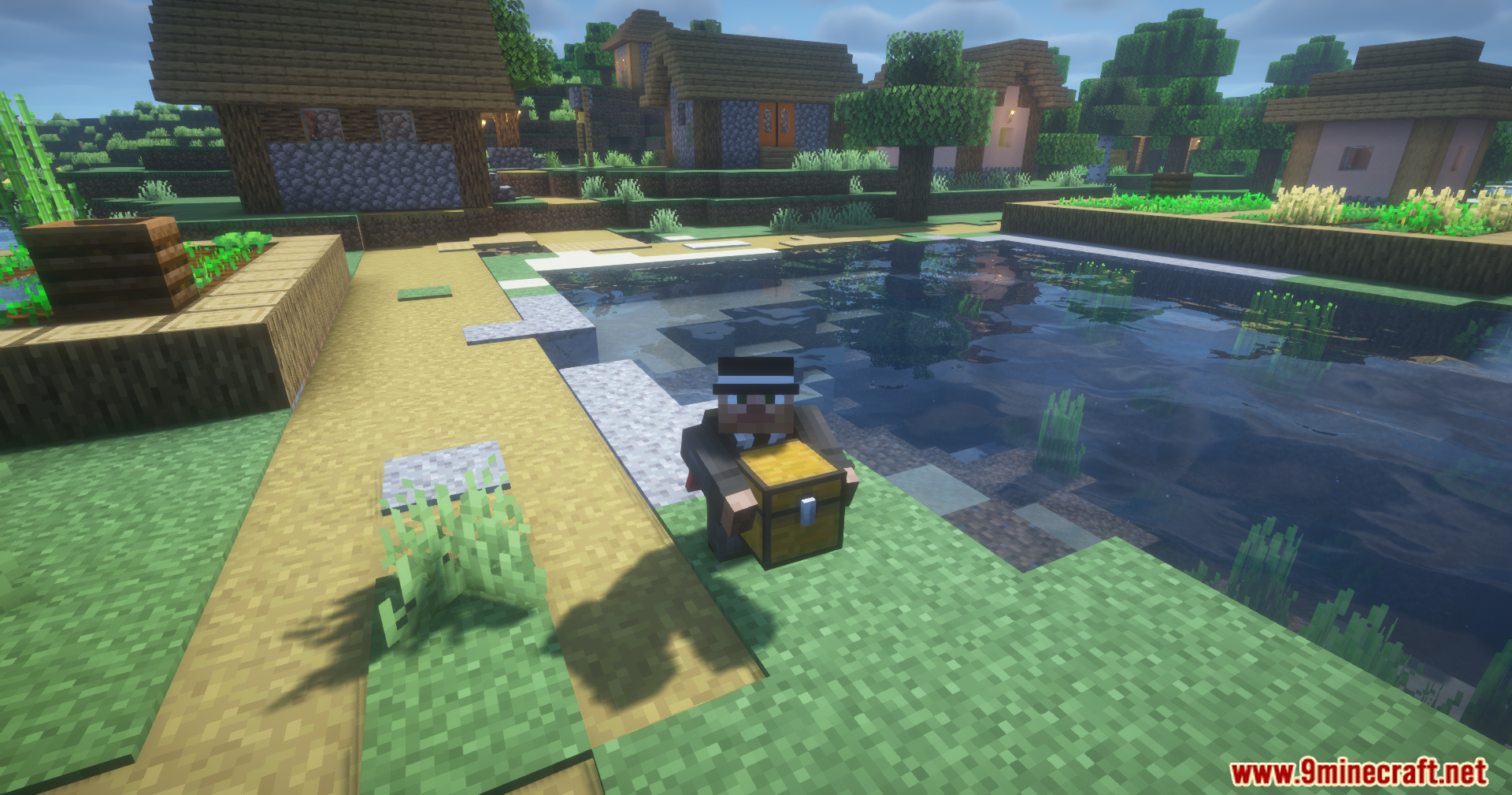
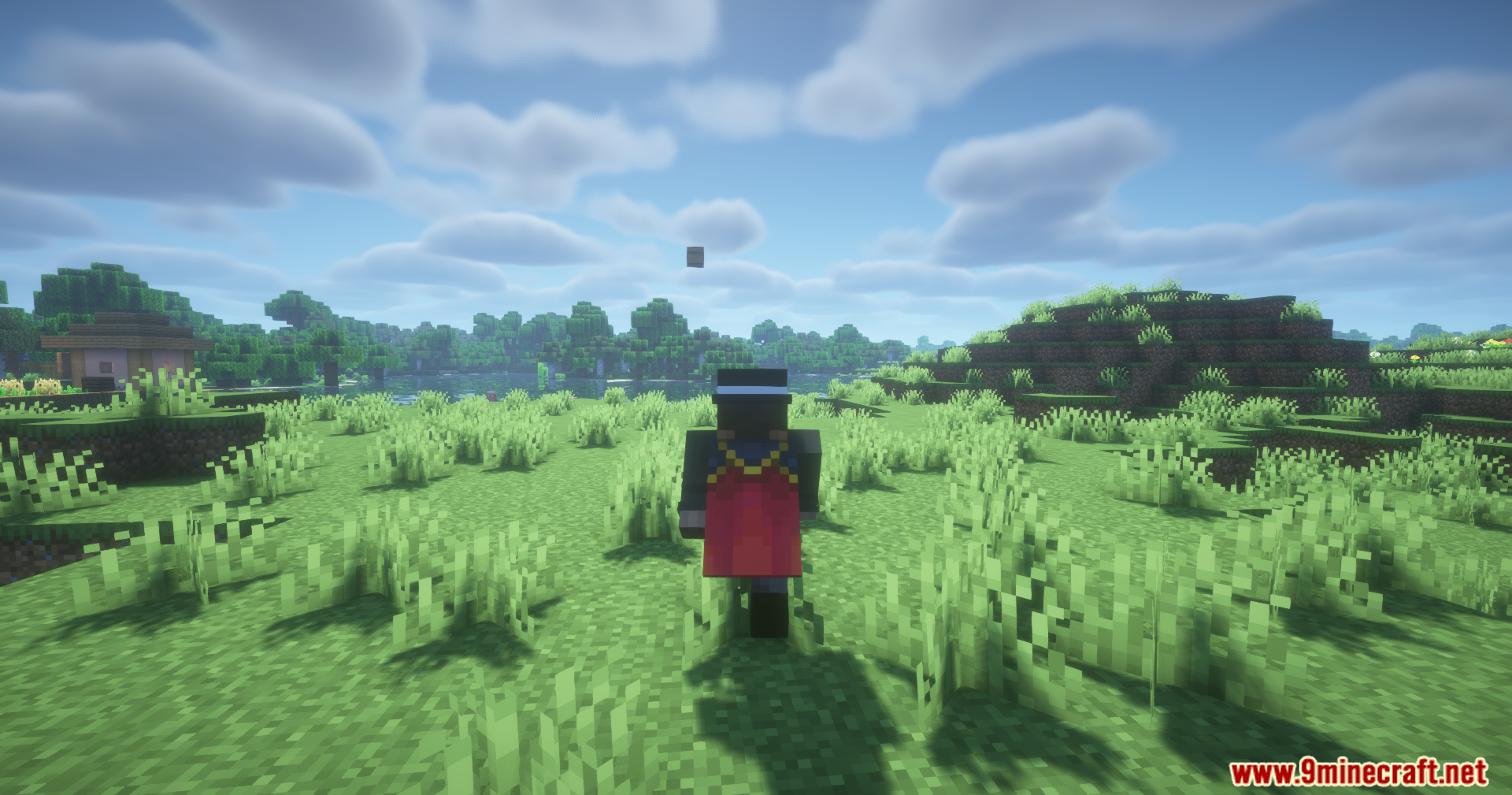
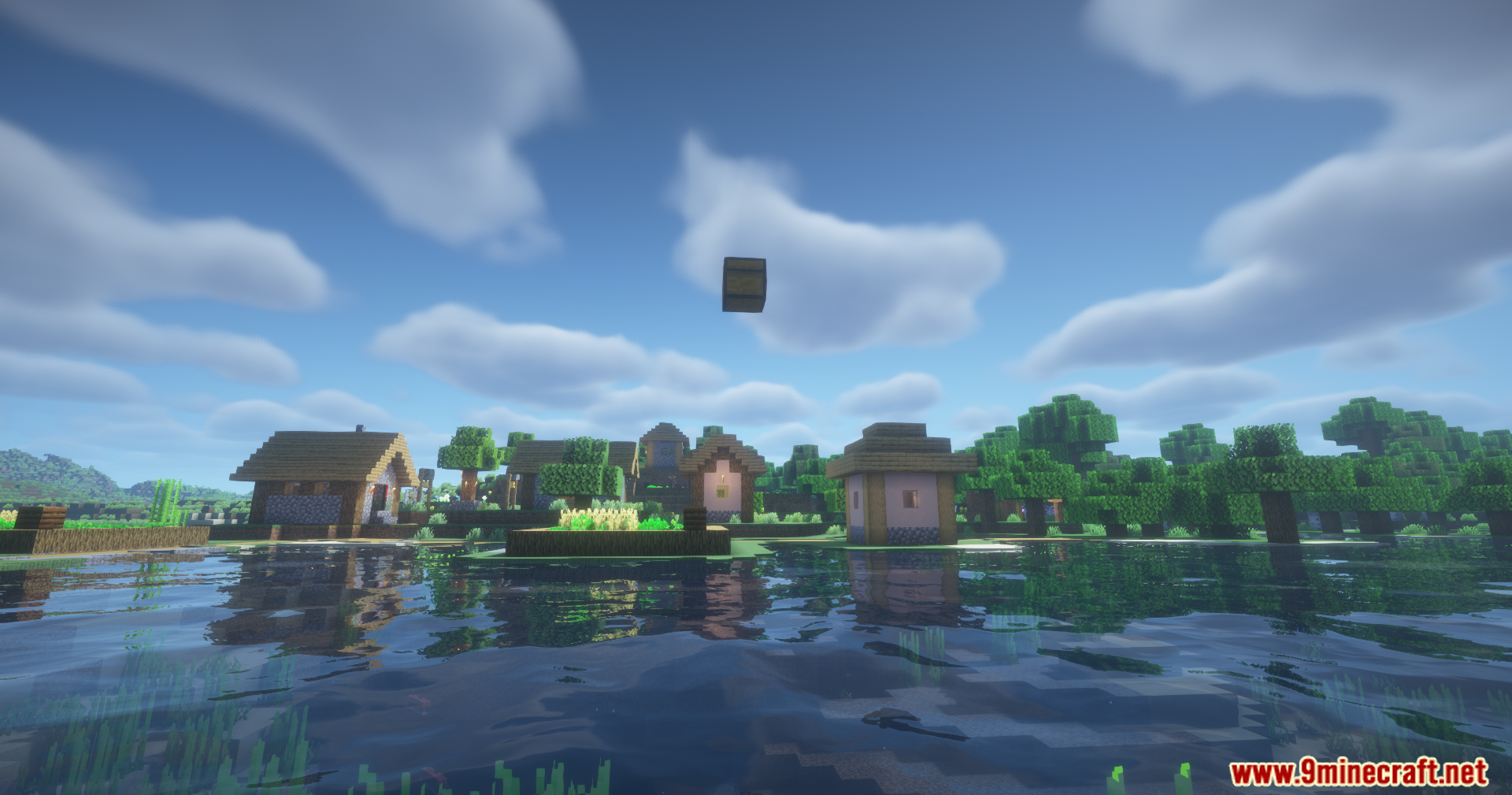
Carry On Extend Mod adds a simple but fun feature to the main Carry On mod. It allows you to throw any block or mob you are currently holding. Instead of carefully placing items down, you can now just toss them a short distance. This is great for quickly moving chests or getting mobs out of your way.
Features:
- Lets you throw blocks and mobs that you are currently holding.
- While carrying an item, press Shift + Q to toss it away from you.
How to Use:
- While you are carrying a block or a mob, press the Shift + Q keys together.
- This will throw the object out of your hands.
Configuration:
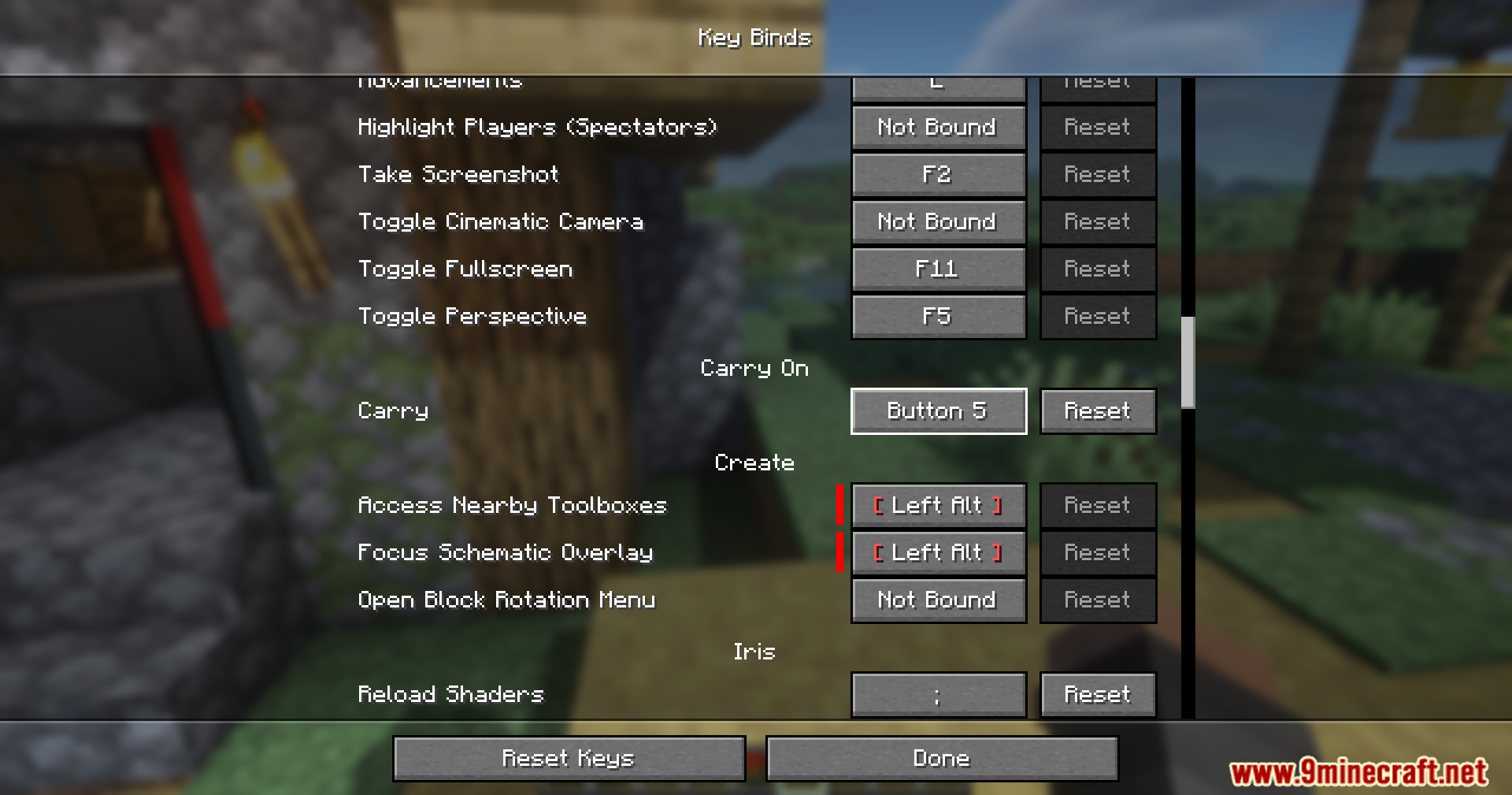
The default key to throw a block or mob is Shift + Q. This can be changed in Minecraft’s key binds menu.
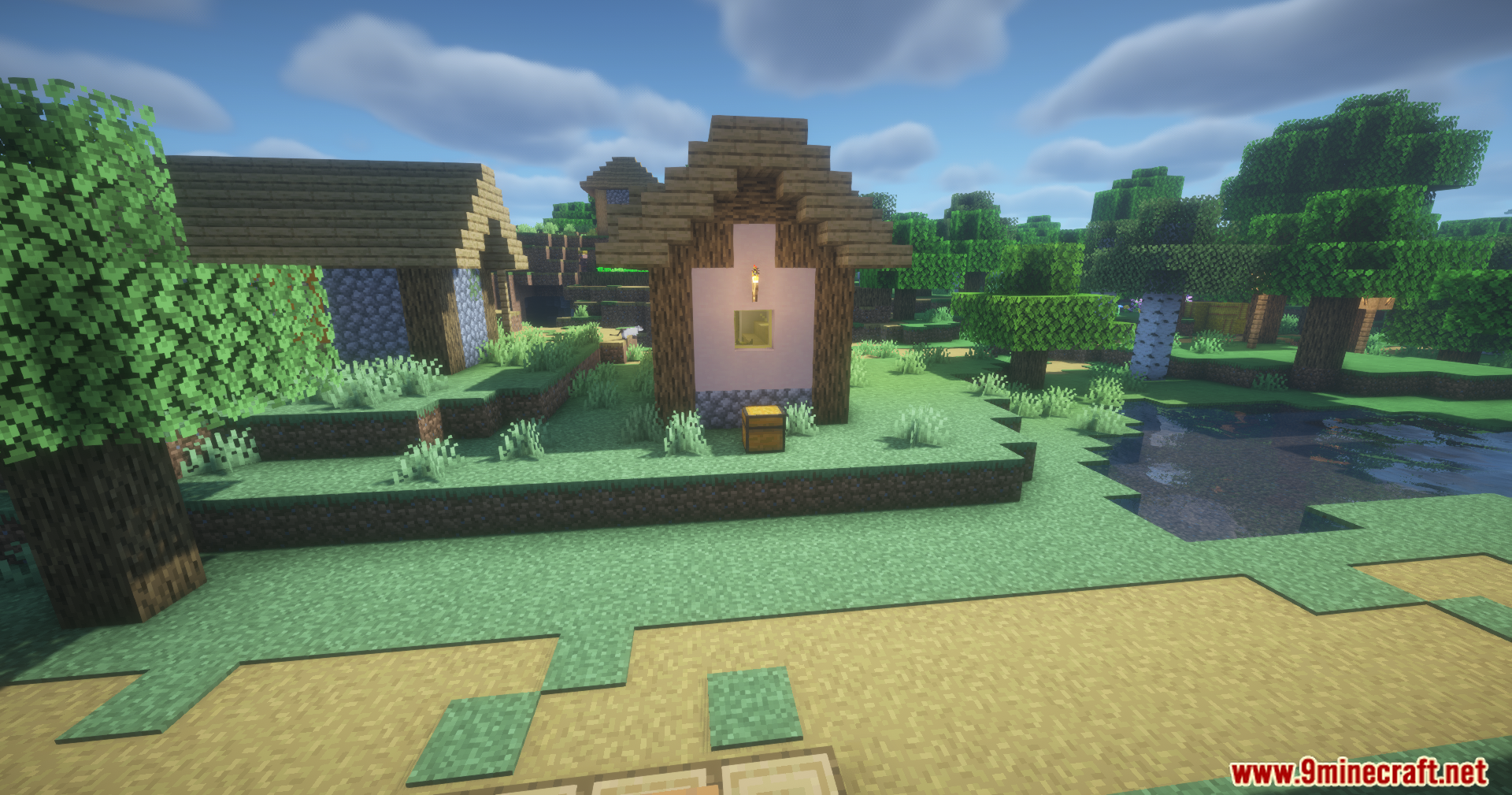
Screenshots:
Carry On Extend Mod Download Links
- Edition: Minecraft Java
- File type: .jar
- Minecraft version listed: 1.20.1
- How to install: Install the matching mod loader (Forge, Fabric or NeoForge) for your Minecraft version. → Download the .jar. → Put it in the .minecraft/mods folder and launch that loader profile.
- Where to get it: In MC Java Mods, or directly above on this page.
Install steps are the general flow for this file type — How to install Minecraft Java mods & modpacks walks through it step by step.
Carry On Extend Mod (26.2, 1.20.1) – Place Blocks and Mobs From a Distance is a free Minecraft Java mod. Compatible with Minecraft 1.20.1. Download it and open it directly in the game.