Notable Bubble Text Mod (1.21.11, 1.20.1) – In-Game Chat Bubbles
Java mod listed for Minecraft 1.20–1.21. Downloads from the MC Java Mods app on Android.
⬇ Download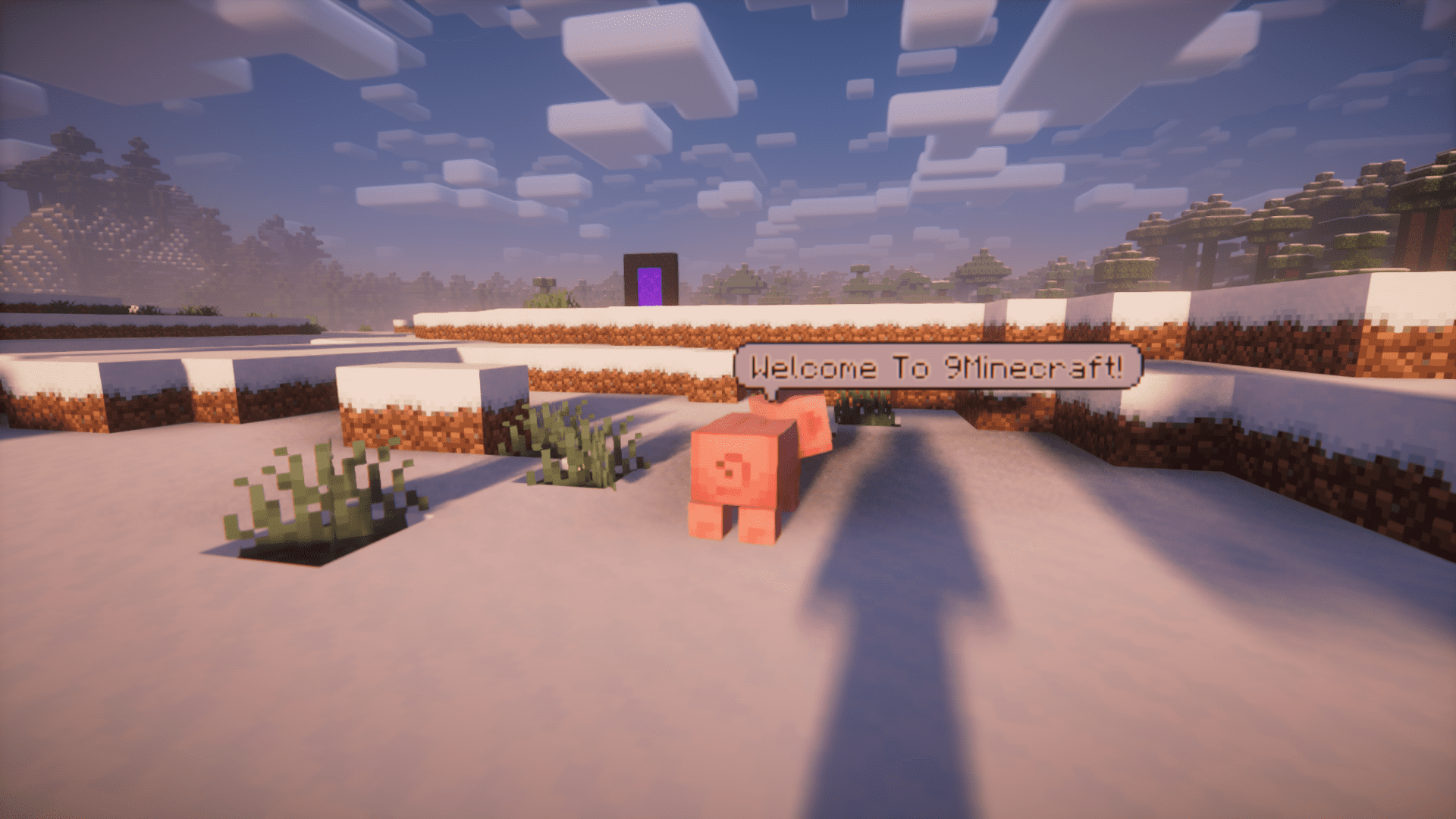
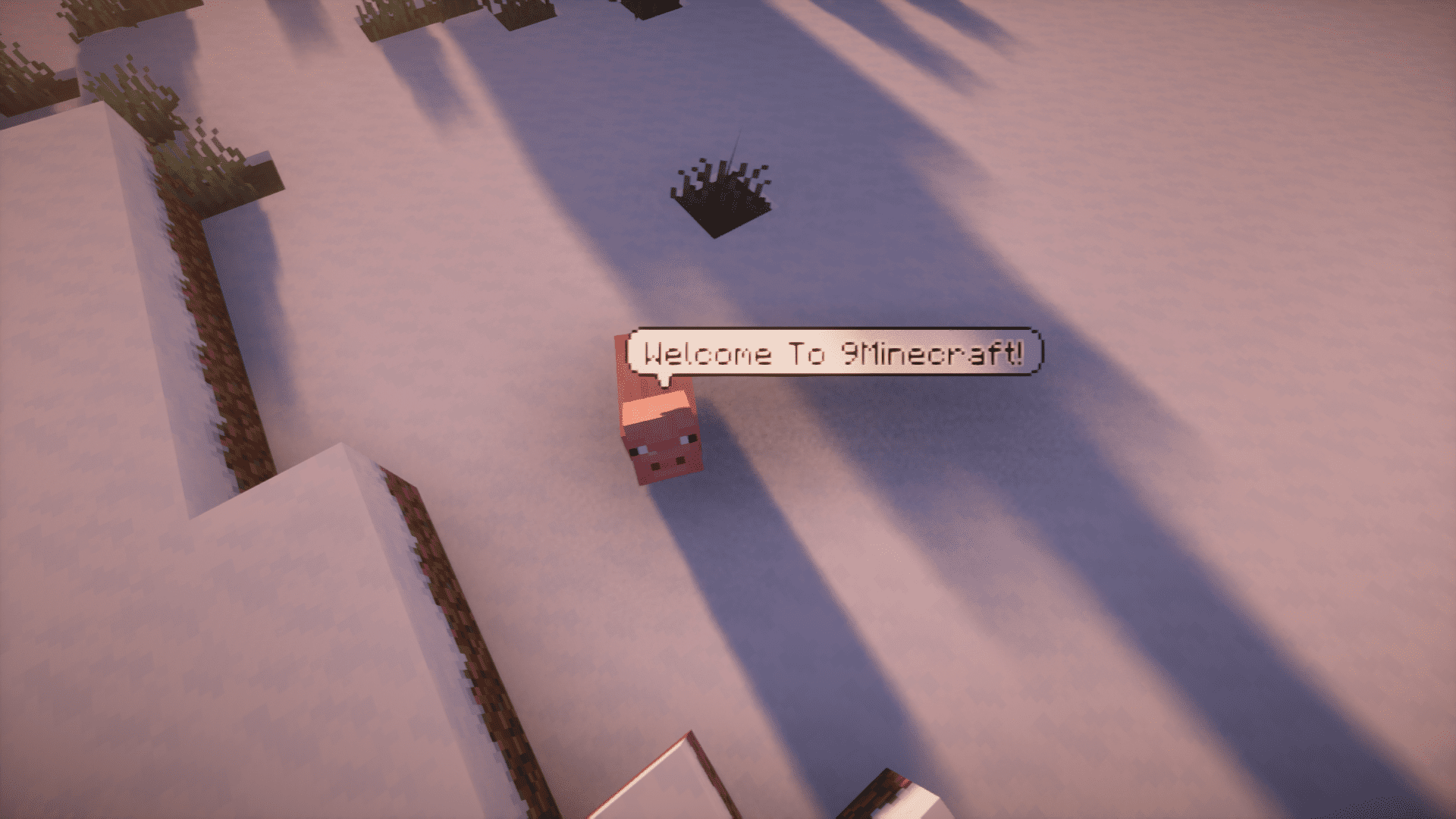
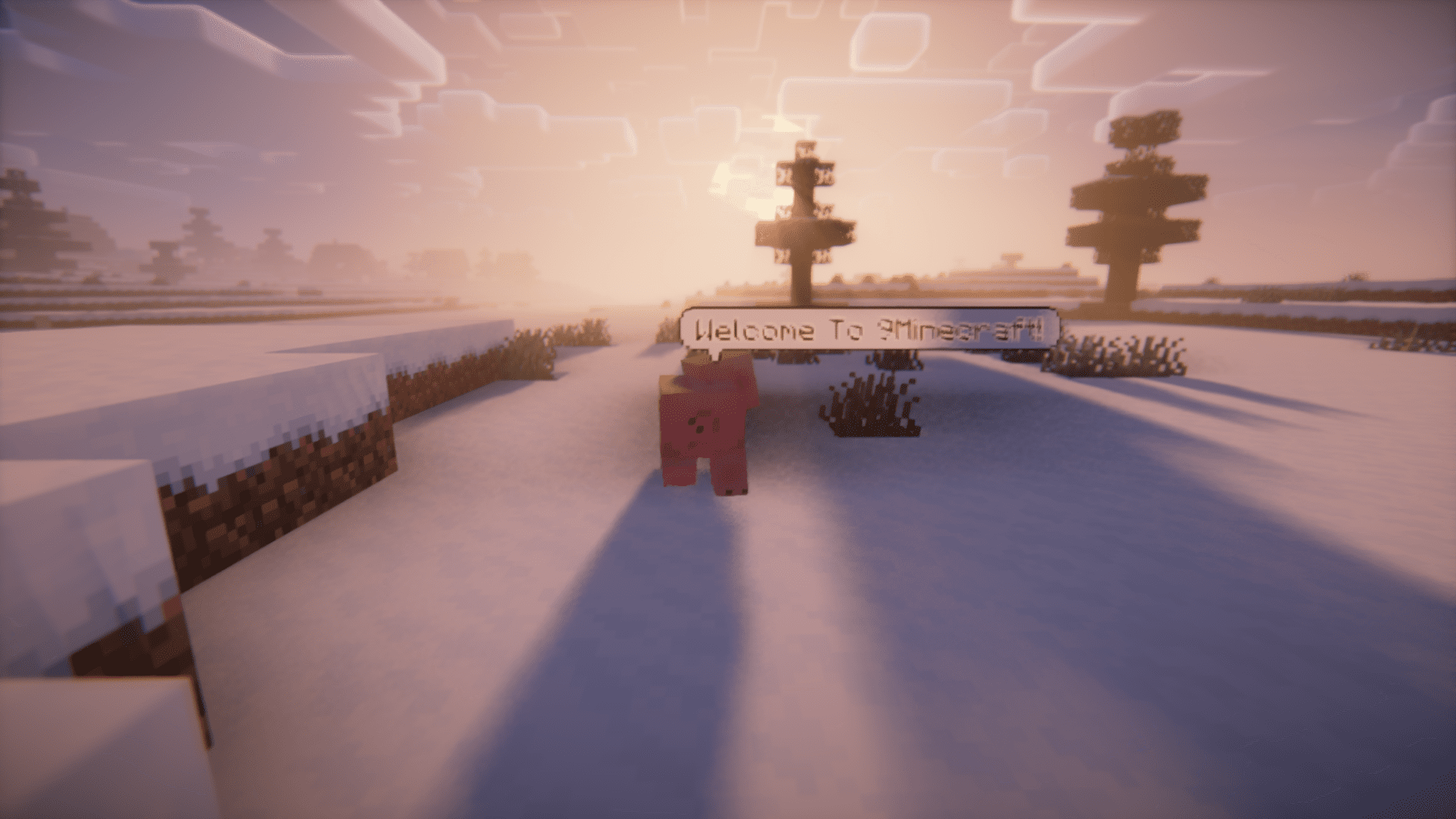
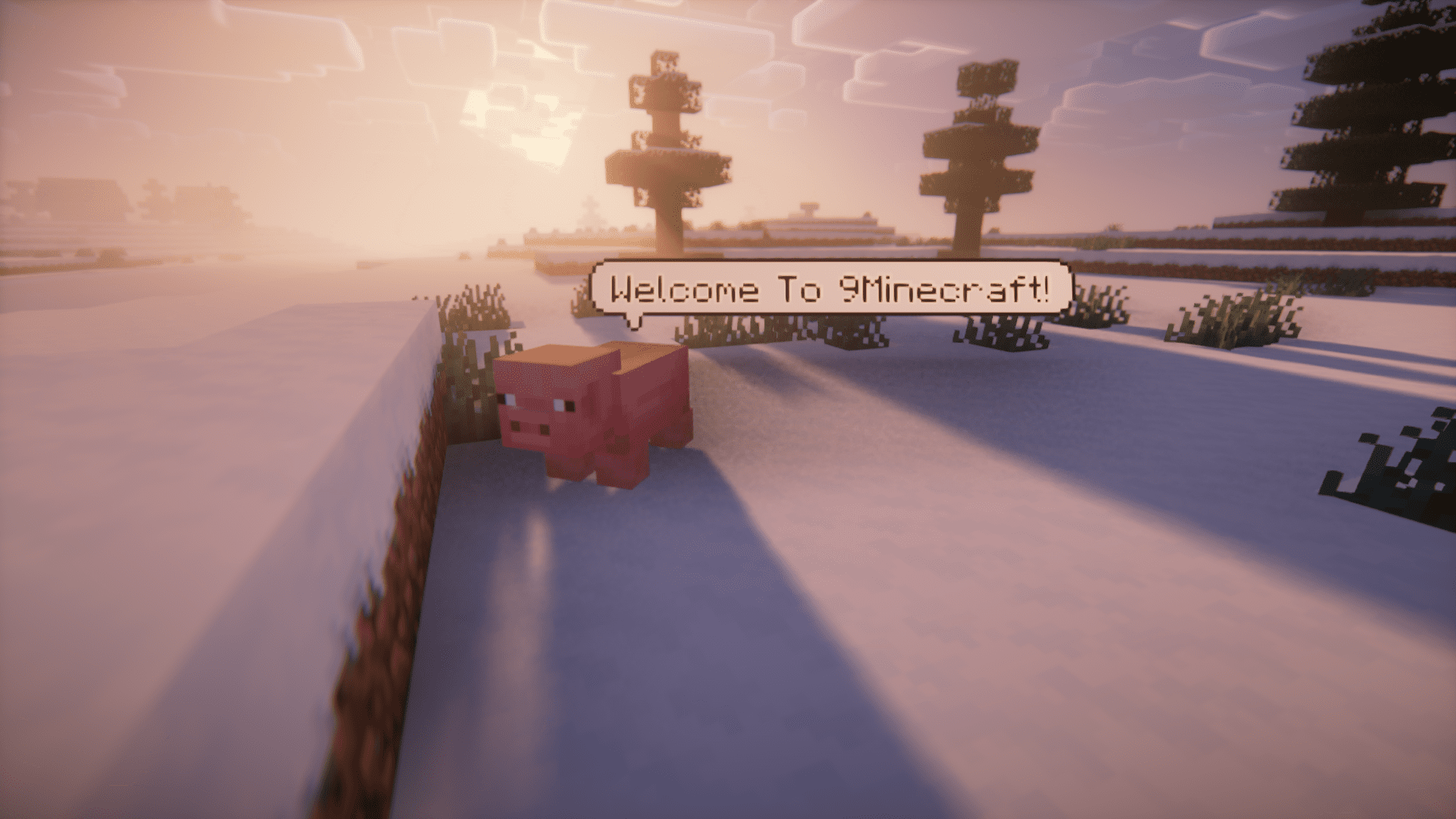
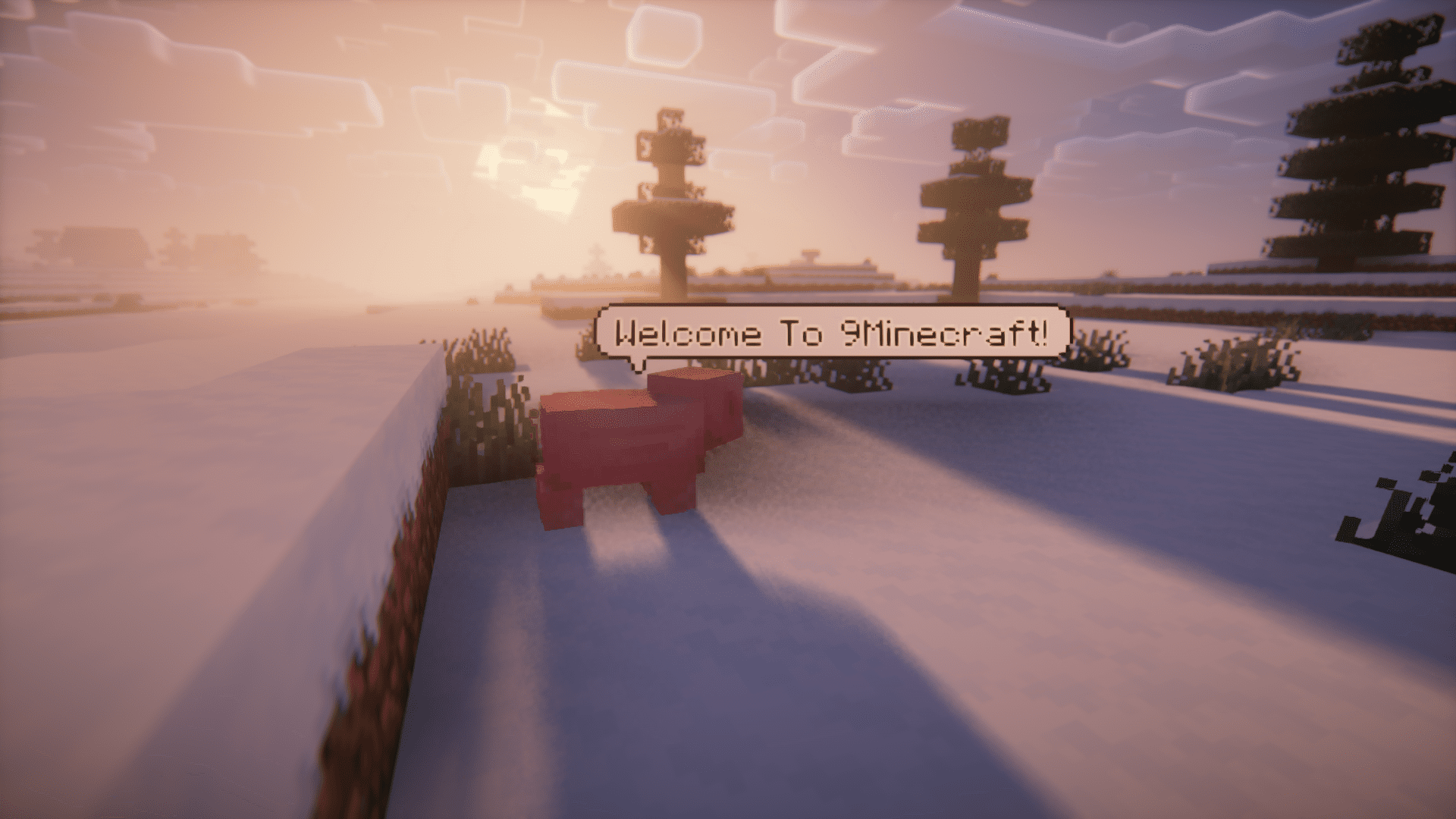
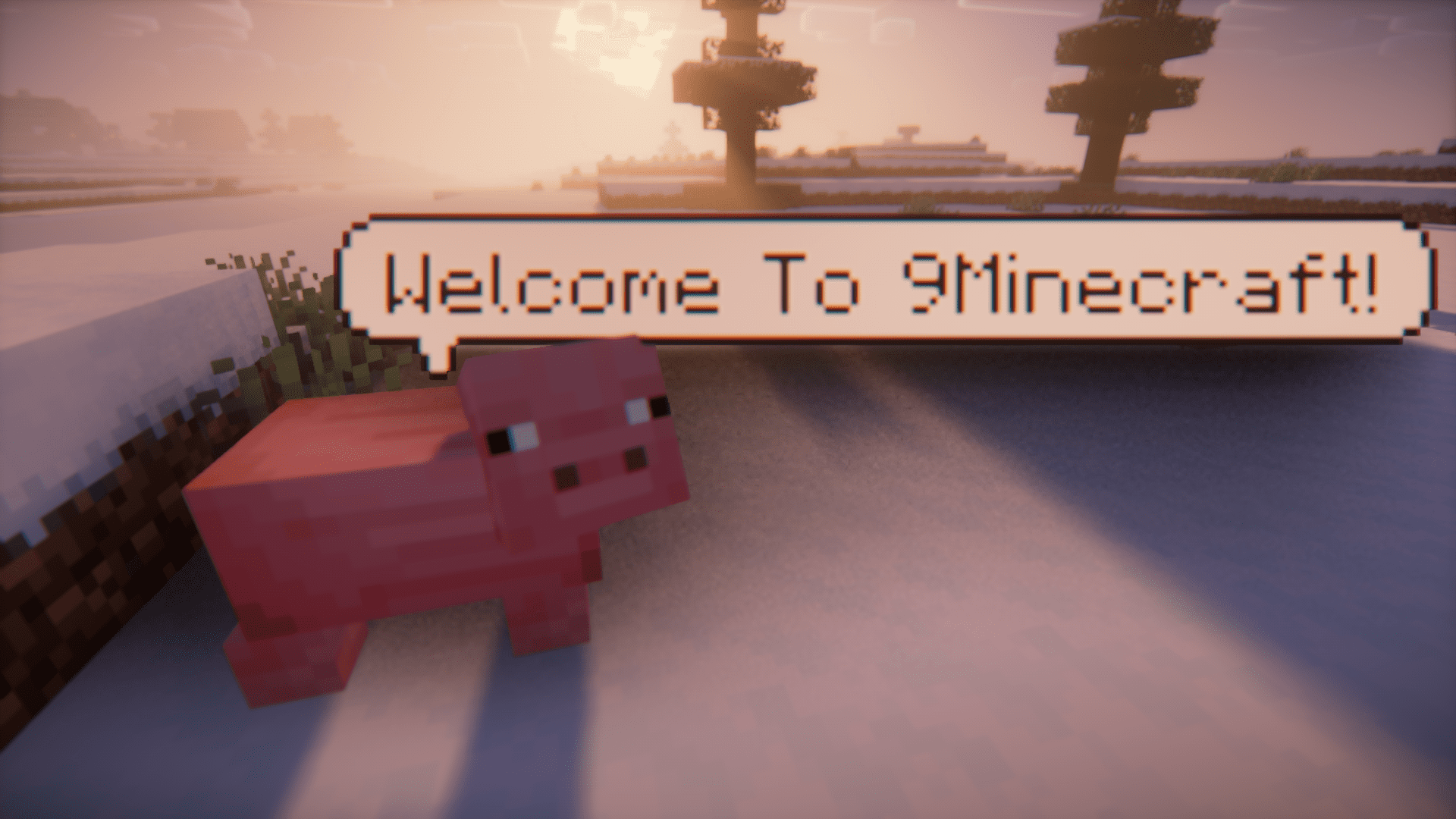
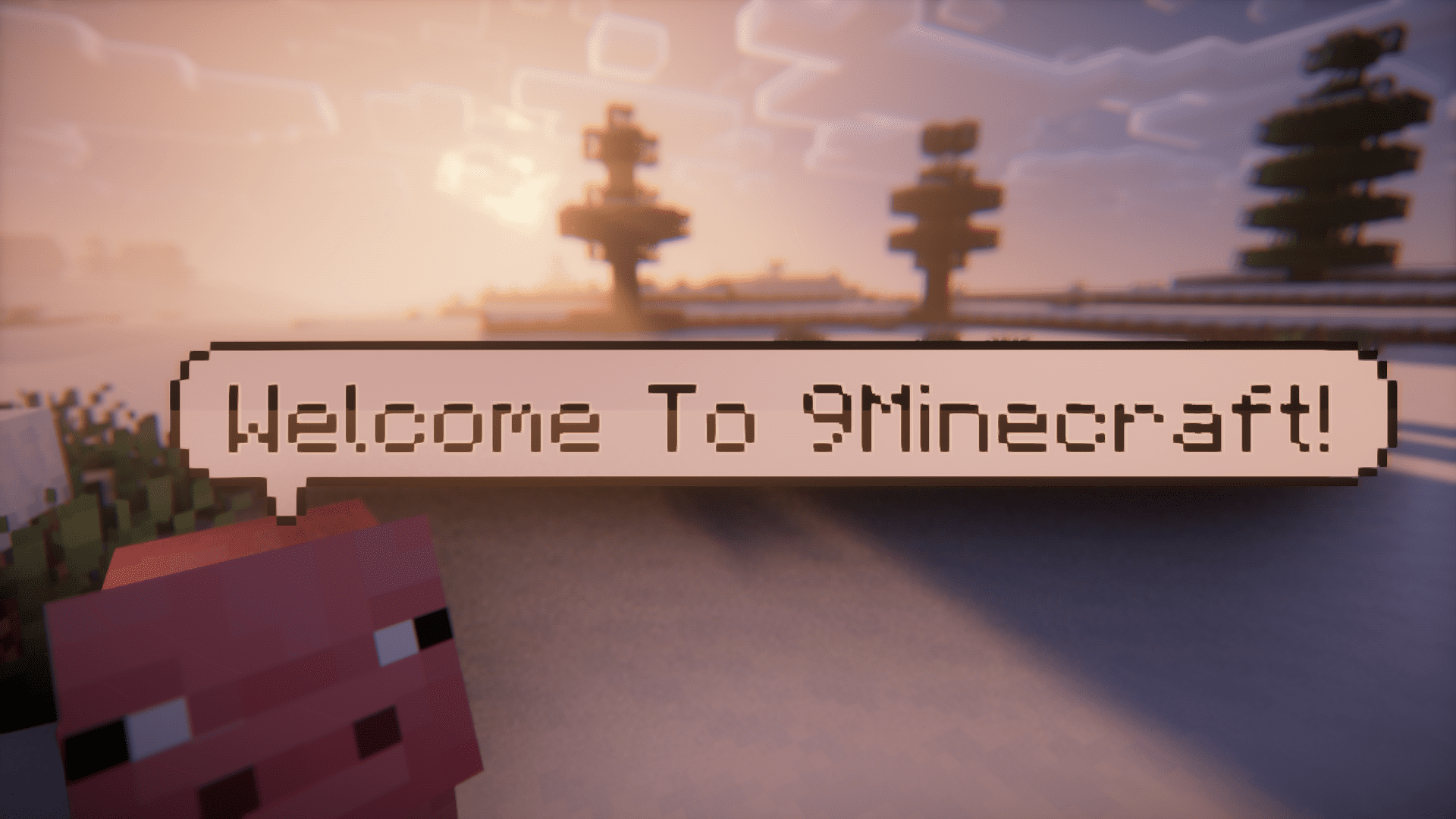
Notable Bubble Text Mod adds in-game chat bubbles into Minecraft. With this mod installed, the messages that a player sends in the game chat will appear as a text bubble over his head. Using the /bubbletext <author> <message> command you can get a text bubble to render above a mob that has a custom nbt string tag with that author as the value. The default nbt key is “BubbleOwner” but can be changed in the config file. An example would be /summon zombie ~ ~2 ~ {ForgeData: {BubbleOwner: “Cranberries”}} and then using /bubbletext Cranberries Zombie, zombie, zombie-ie-ie to make the zombie say “Zombie, zombie, zombie-ie-ie”. In 1.20.2 NeoForge the example is slightly different: /summon zombie ~ ~2 ~ {NeoForgeData: {BubbleOwner: “Cranberries”}}
Features:
- Shows chat messages in text bubbles above the player.
- Use commands to add chat bubbles over mobs.
- Available for Forge and Neoforge.
Screenshots:
Notable Bubble Text Mod Download Links
For Minecraft 1.21.11
NeoForge version: Download from Server 1 – Download from Server 2
For Minecraft 1.21.4
NeoForge version: Download from Server 1 – Download from Server 2
For Minecraft 1.21.1, 1.21
NeoForge version: Download from Server 1 – Download from Server 2
For Minecraft 1.20.6
NeoForge version: Download from Server 1 – Download from Server 2
For Minecraft 1.20.4
NeoForge version: Download from Server 1 – Download from Server 2
For Minecraft 1.20.1
Forge version: Download from Server 1 – Download from Server 2
For Minecraft 1.19.2
Forge version: Download from Server 1 – Download from Server 2
For Minecraft 1.18.2
Forge version: Download from Server 1 – Download from Server 2
- Edition: Minecraft Java
- File type: .jar
- Minecraft versions listed: 1.21.11, 1.20.1
- How to install: Install the matching mod loader (Forge, Fabric or NeoForge) for your Minecraft version. → Download the .jar. → Put it in the .minecraft/mods folder and launch that loader profile.
- Where to get it: In MC Java Mods, or directly above on this page.
Install steps are the general flow for this file type — How to install Minecraft Java mods & modpacks walks through it step by step.
- Downloads as 175393.mcaddon
- Download size: 31 KB
- Download link checked 26 Jul 2026 — working
- Mirrored on our own servers — the download does not depend on the original host
These come from our own check of the pack file, not from the source page.