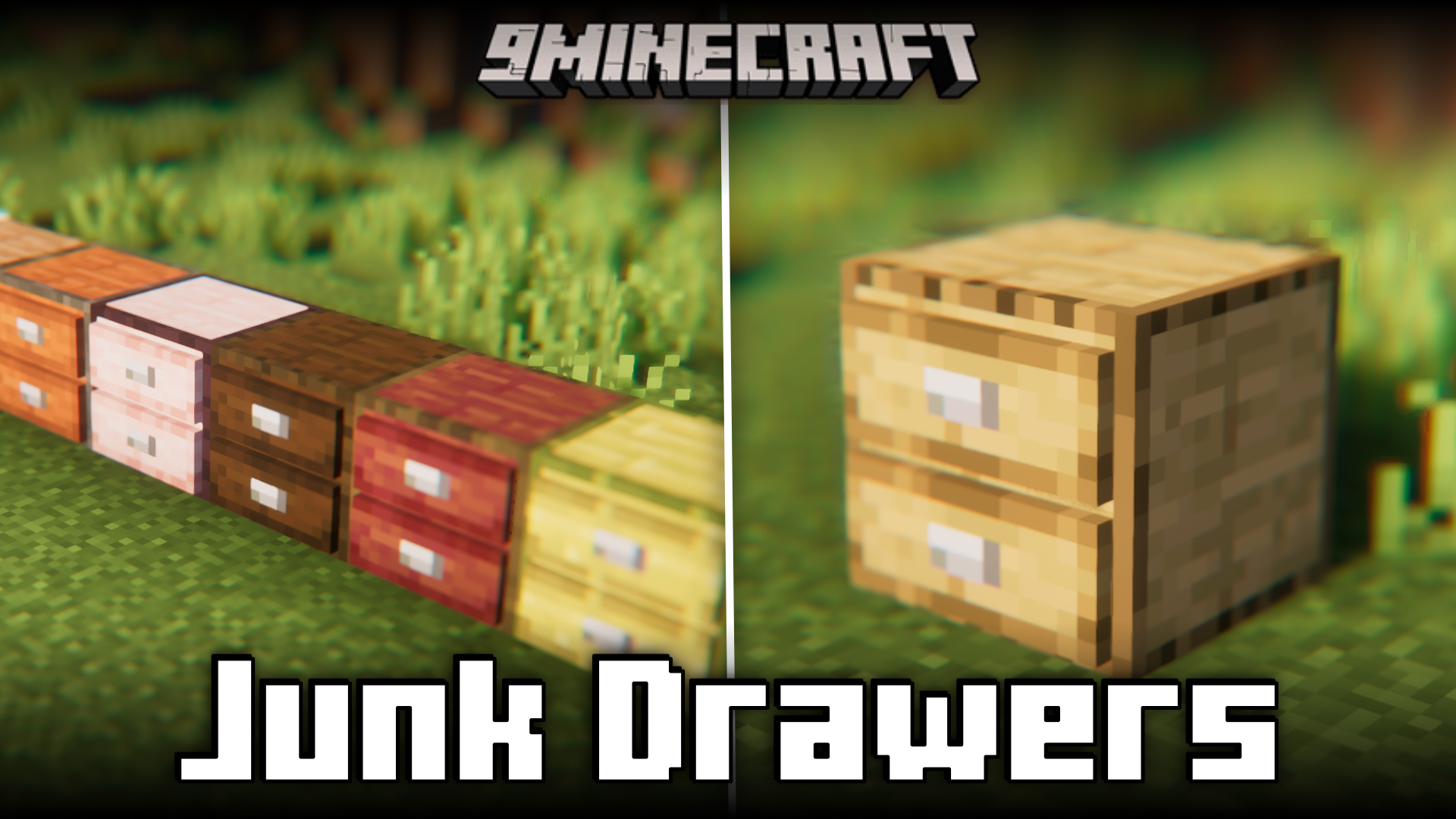
Junk Drawers Mod (1.21.11, 1.20.1) – Infinite Storage With Added Randomness
Java mod listed for Minecraft 1.20–1.21. Downloads from the MC Java Mods app on Android.
⬇ Download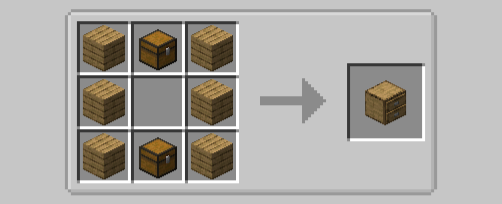
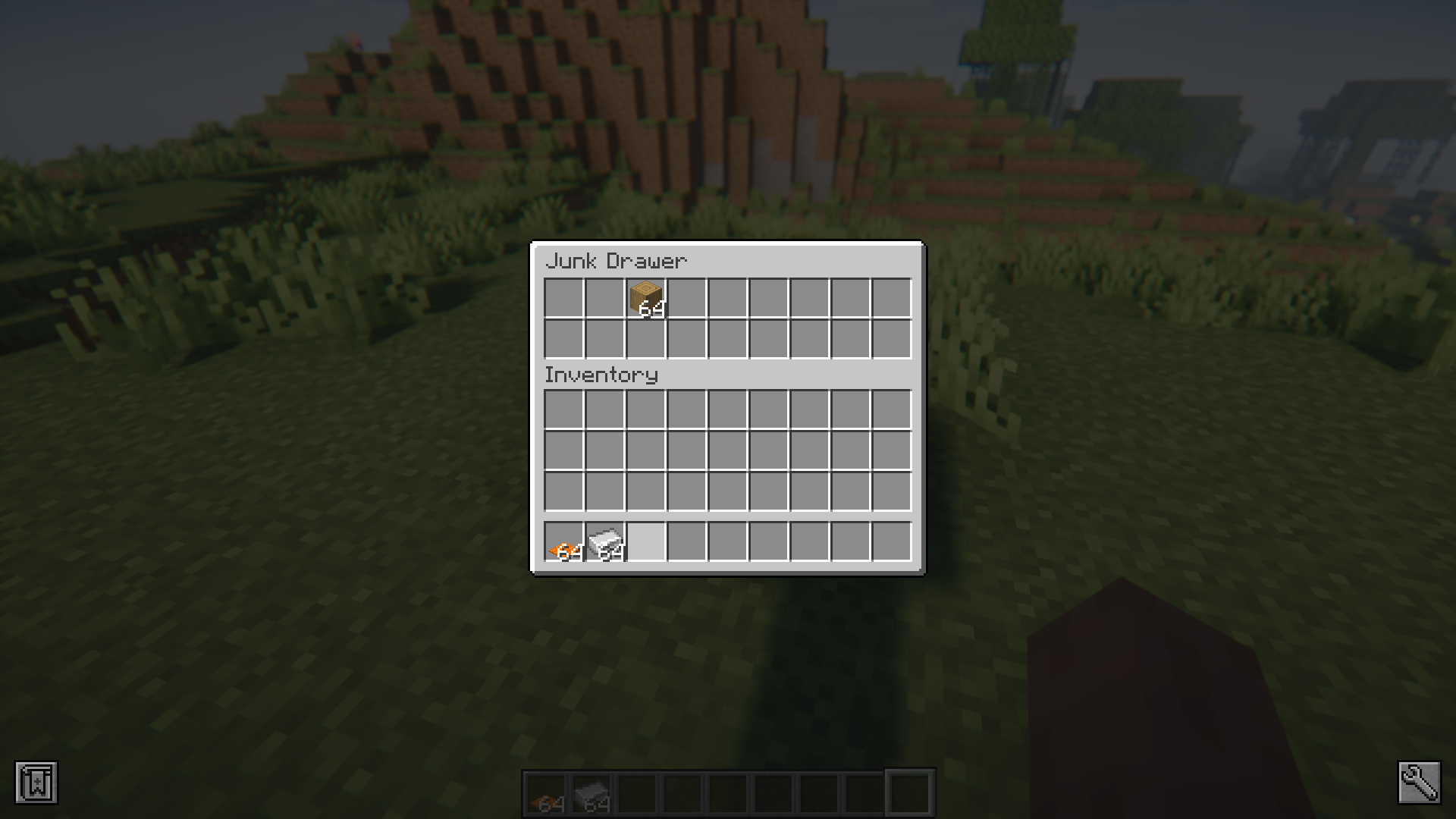
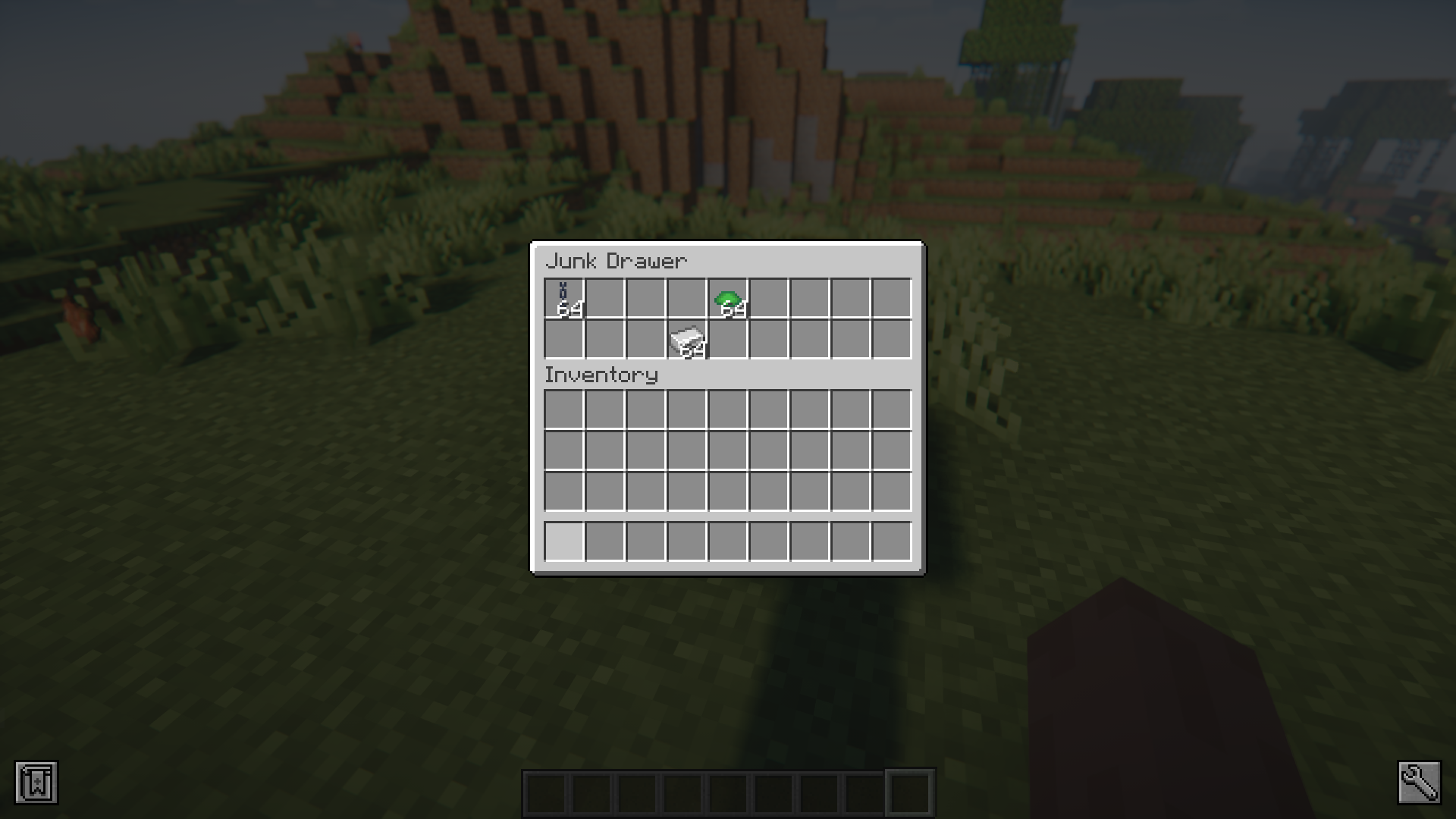
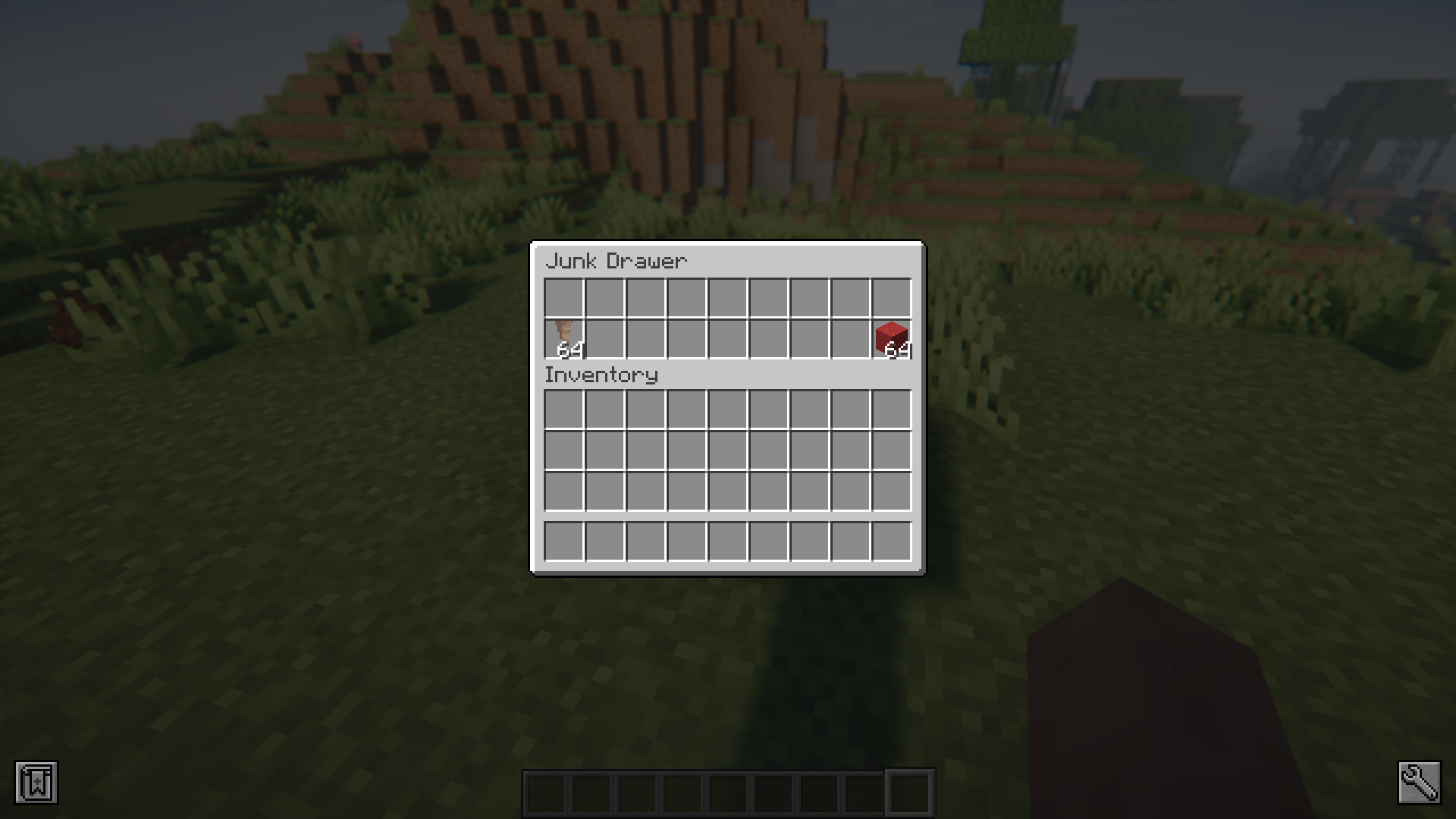
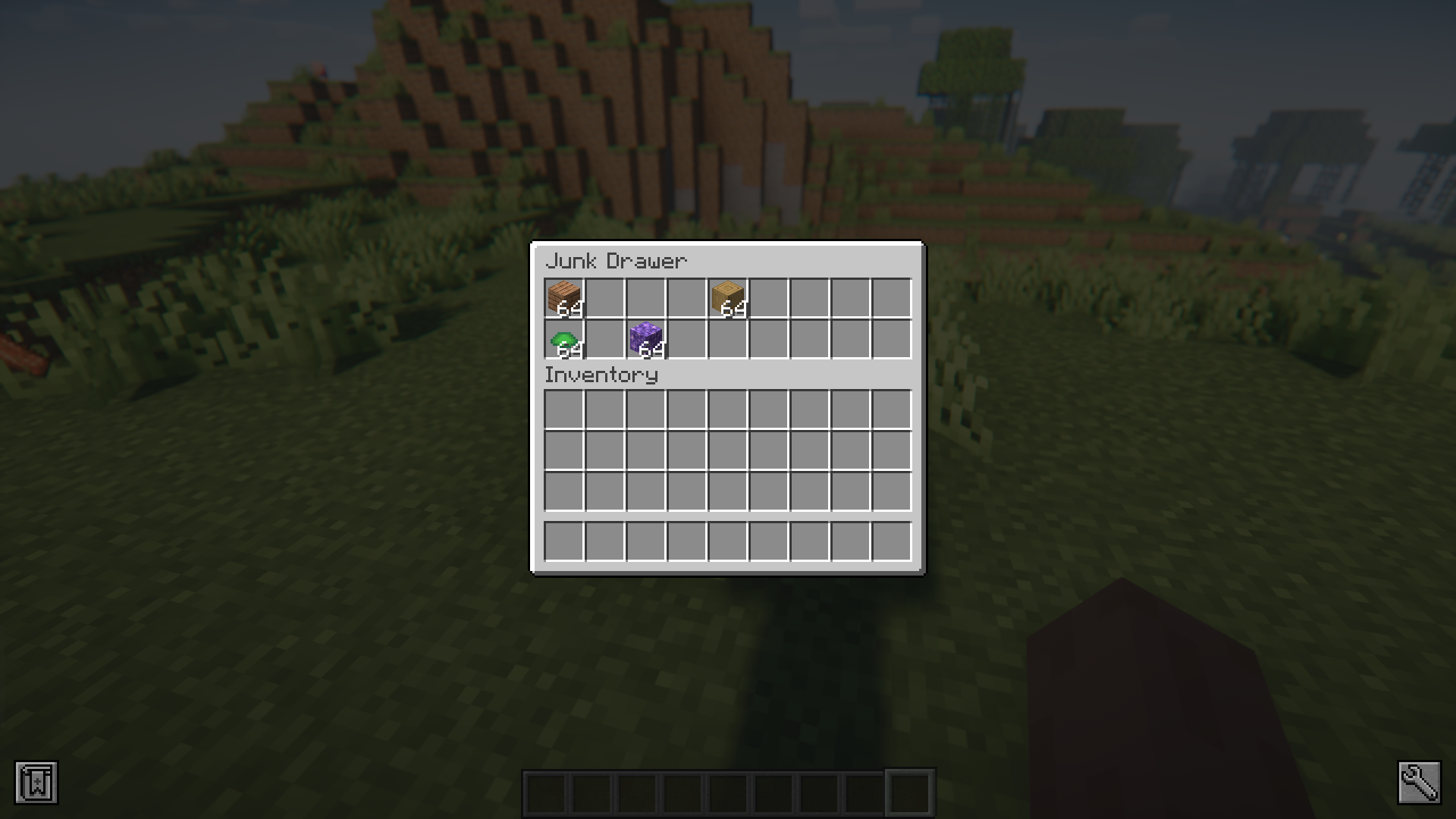
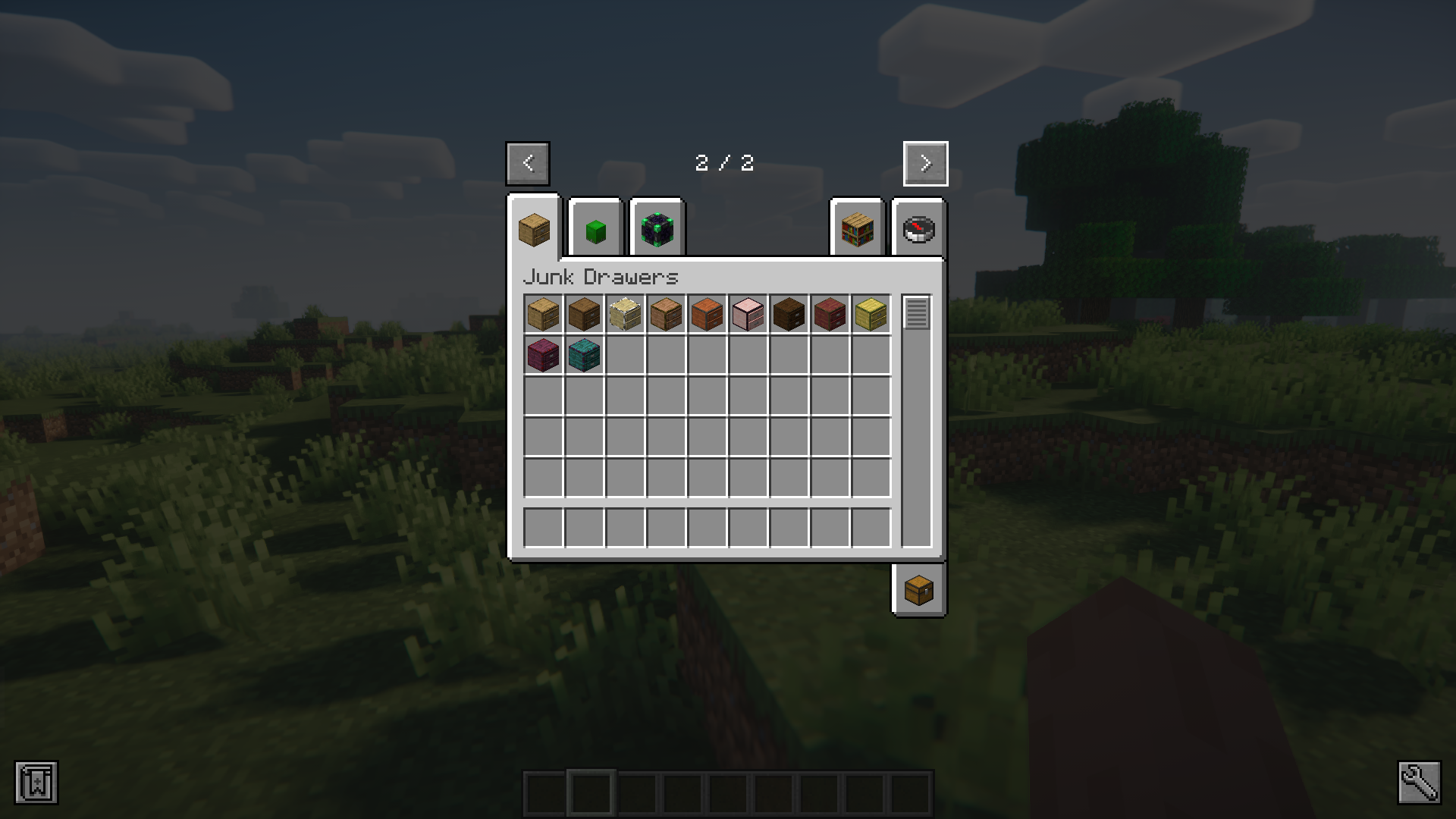
Junk Drawers Mod adds a new type of storage block into the game. These blocks, called “Junk Drawers” are supposed to store all the unwanted items that clog your inventory. And for that reason, it has seemingly infinite storage. But the junk drawer comes with a twist. When you right click on a junk drawer to open its inventory, you will notice that only the top two rows are visible. The storage also comes with an added randomness, where the slots inside the drawer will be randomized everytime you close it. This means, once you have put an item in, you may have to open and close the drawer multiple times before you can grab that item again.
Features:
- Adds junk drawers with infinite storage.
- Shows only two slots at a time.
- Slots get randomized everytime the GUI is opened/closed.
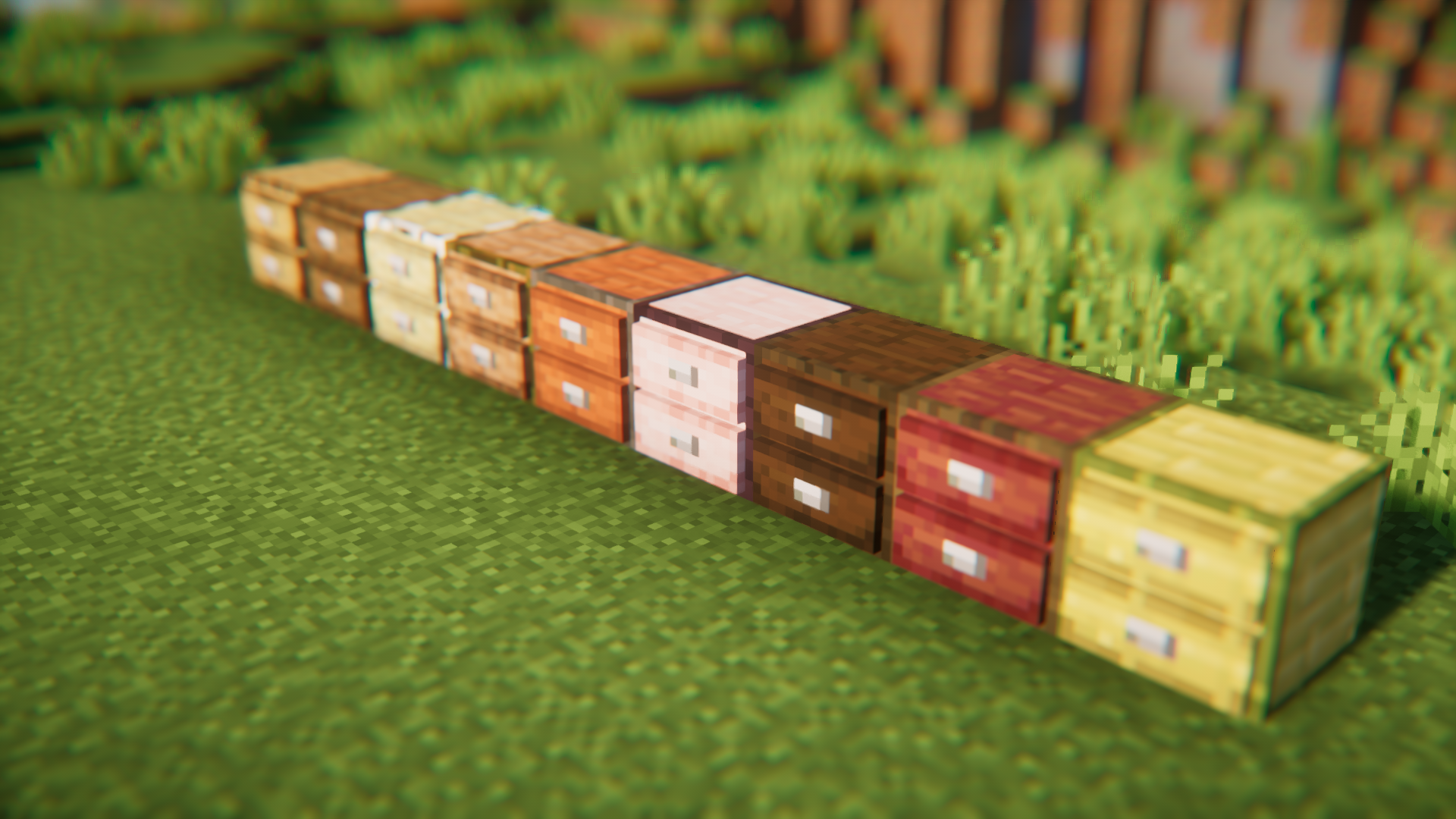
- Comes in all of the different vanilla wood variants.
Crafting Recipes:
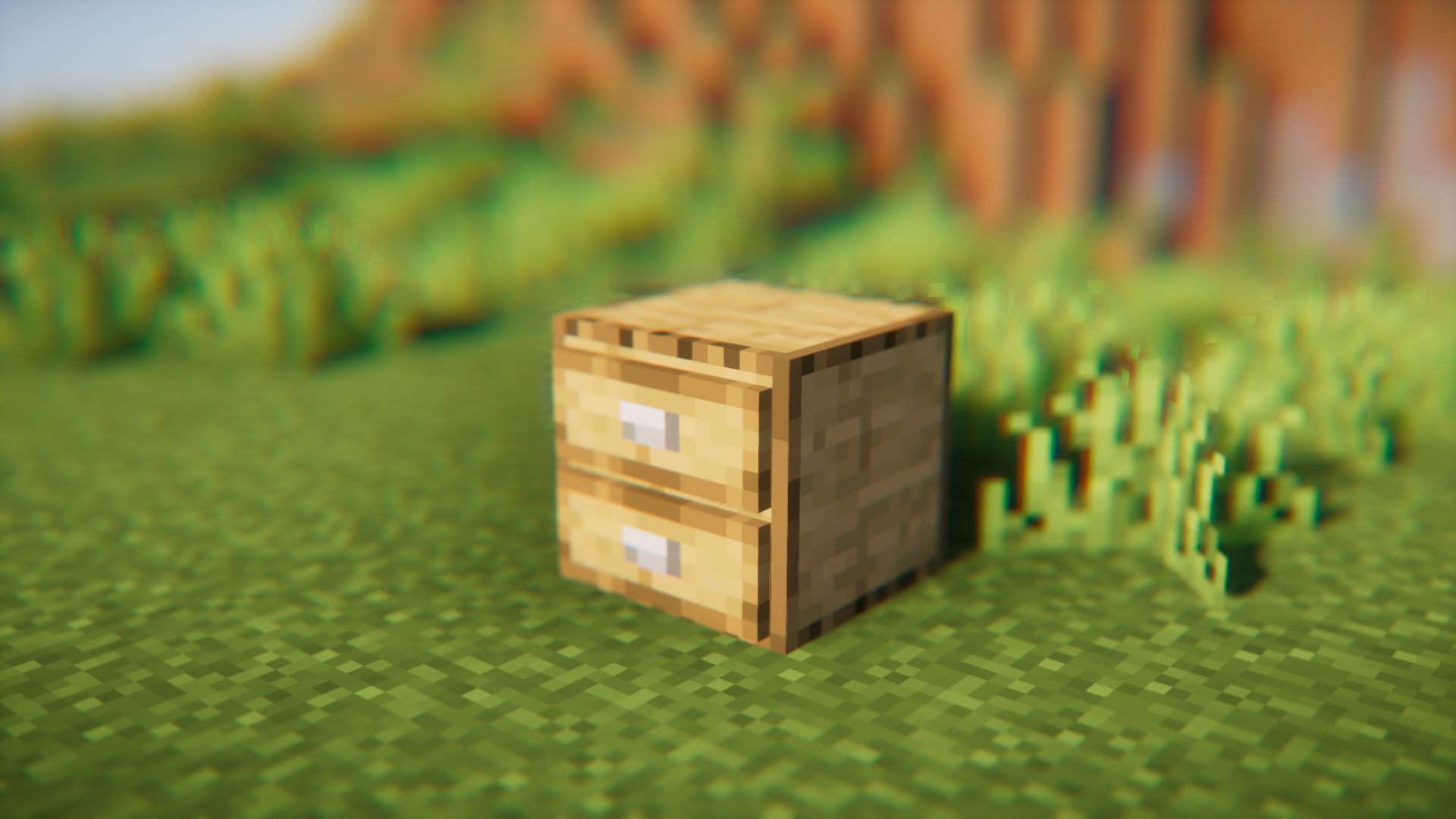
Screenshots:
Junk Drawers Mod Download Links
For Minecraft 1.21.11
NeoForge version: Download from Server 1 – Download from Server 2
For Minecraft 1.21.8, 1.21.7, 1.21.6
NeoForge version: Download from Server 1 – Download from Server 2
For Minecraft 1.21.5
NeoForge version: Download from Server 1 – Download from Server 2
For Minecraft 1.21.4
NeoForge version: Download from Server 1 – Download from Server 2
For Minecraft 1.21.1, 1.21
NeoForge version: Download from Server 1 – Download from Server 2
For Minecraft 1.20.6
NeoForge version: Download from Server 1 – Download from Server 2
For Minecraft 1.20.1
Forge/NeoForge version: Download from Server 1 – Download from Server 2
For Minecraft 1.19.4
Forge version: Download from Server 1 – Download from Server 2
For Minecraft 1.19.2
Forge version: Download from Server 1 – Download from Server 2
For Minecraft 1.18.2
Forge version: Download from Server 1 – Download from Server 2
- Edition: Minecraft Java
- File type: .jar
- Minecraft versions listed: 1.21.11, 1.20.1
- How to install: Install the matching mod loader (Forge, Fabric or NeoForge) for your Minecraft version. → Download the .jar. → Put it in the .minecraft/mods folder and launch that loader profile.
- Where to get it: In MC Java Mods, or directly above on this page.
Install steps are the general flow for this file type — How to install Minecraft Java mods & modpacks walks through it step by step.
- Downloads as 175394.mcaddon
- Download size: 122 KB
- Download link checked 25 Jul 2026 — working
- Mirrored on our own servers — the download does not depend on the original host
These come from our own check of the pack file, not from the source page.