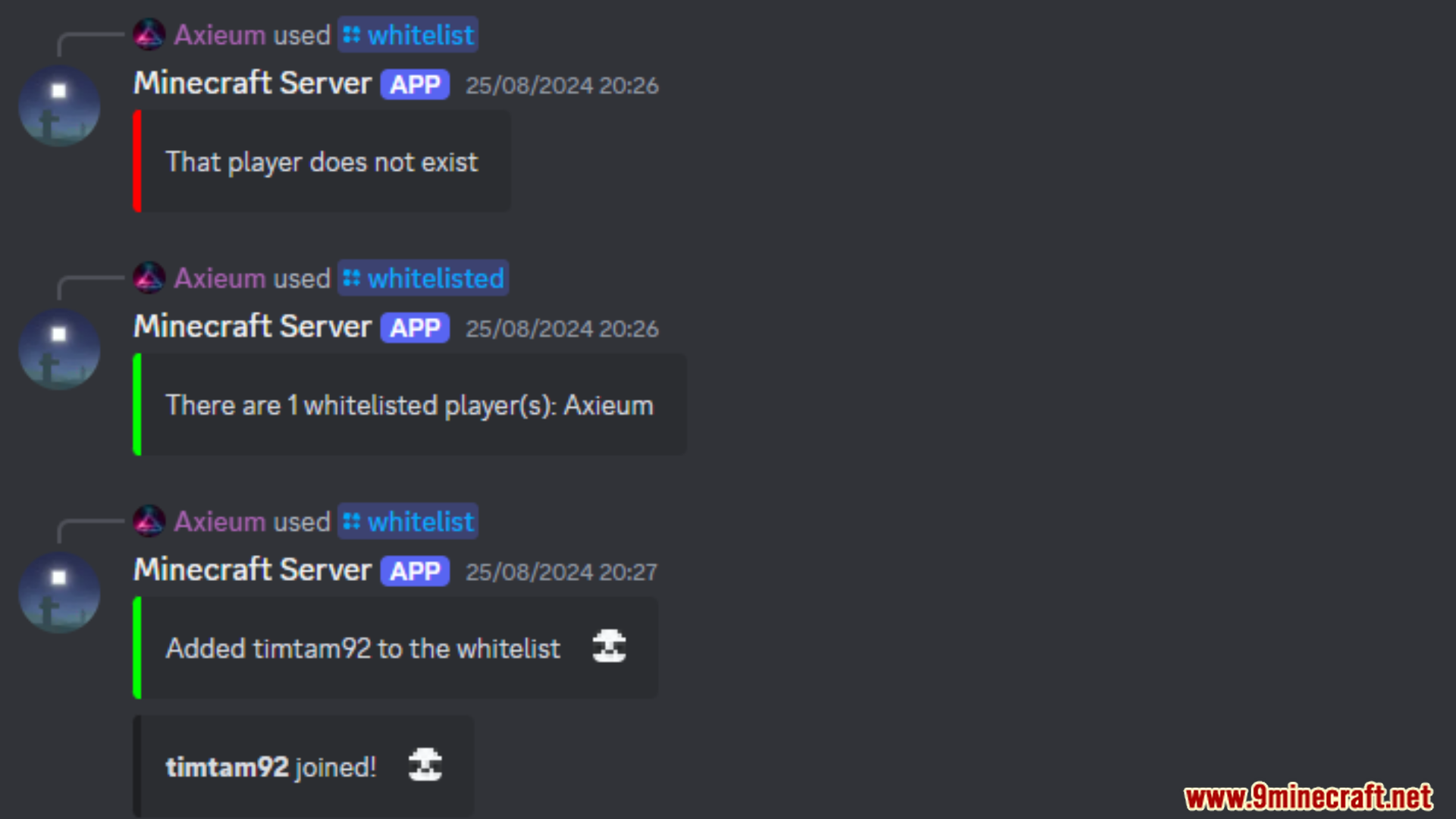
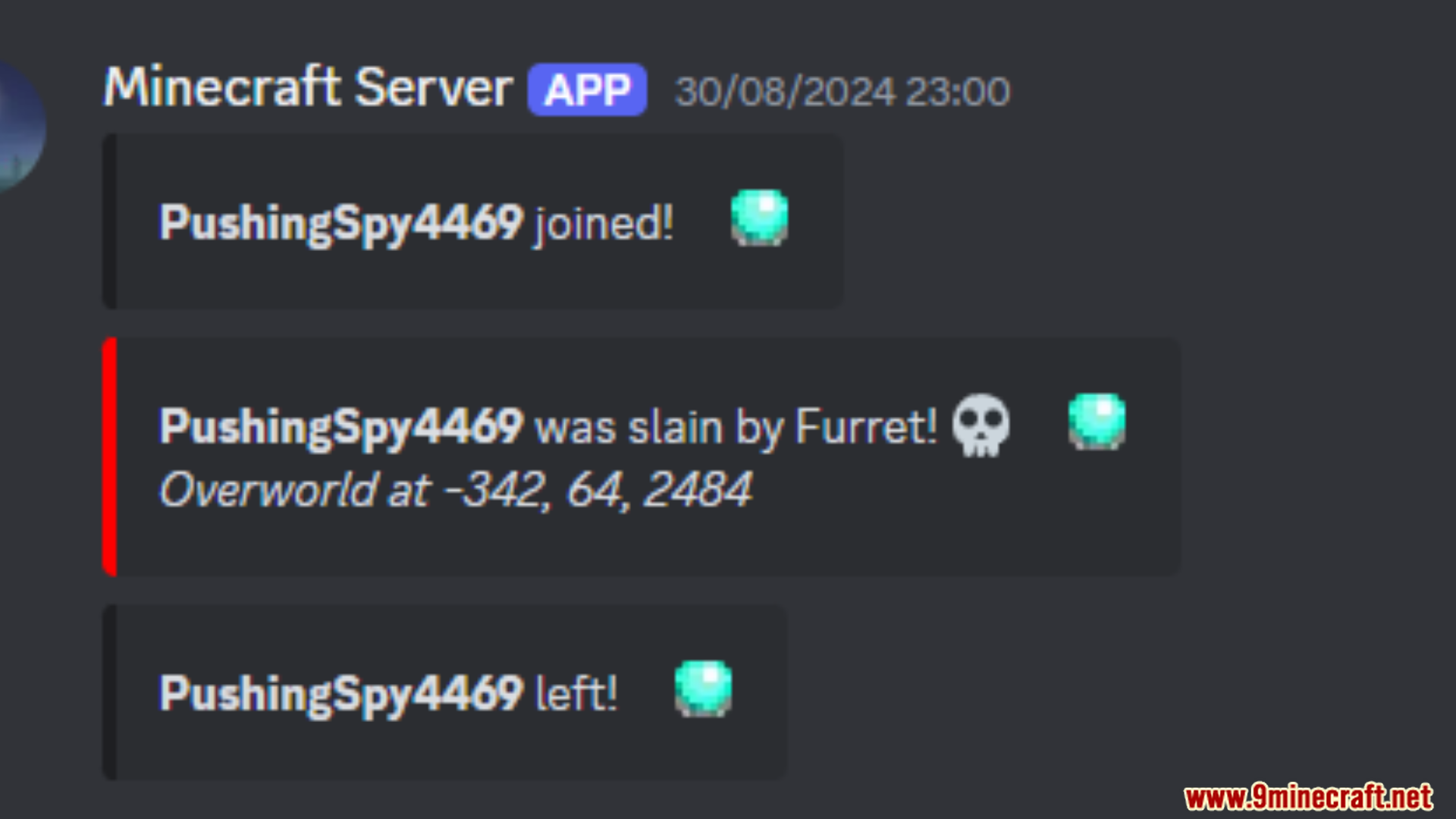
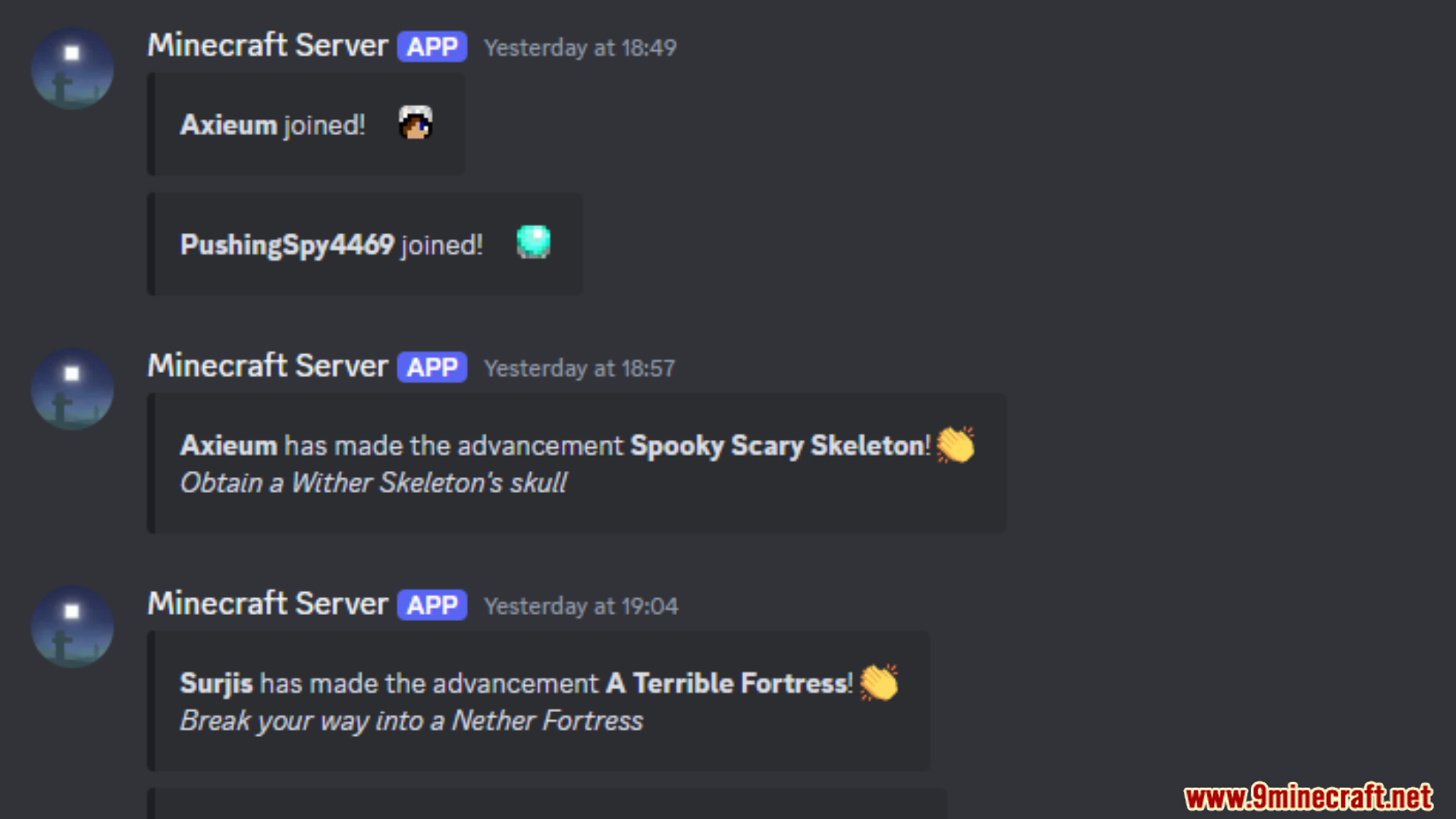
Minecord Mod connects Minecraft with Discord, allowing players to bridge events and chat between both platforms for a more interactive experience. This mod lets Minecraft and Discord users communicate, share player activities, and view server events. It supports multiple Discord channels, filters events by Minecraft dimension, and translates emojis. Players can stay updated on in-game actions like deaths, advancements, and server status changes directly through Discord.
Features:
- Multi-channel support for chat between Minecraft and Discord.
- Filters events by Minecraft dimensions.
- Unicode emoji translation.
- Shows player avatars in relevant Discord embeds.
- Relays Discord messages and reactions to Minecraft.
- Notifies Discord of in-game events, including deaths, achievements, and server status changes.
Screenshots:
Minecord Mod Download Links
For Minecraft 1.21.11
Fabric Version: Download from Server 1 – Download from Server 2
For Minecraft 1.21.10, 1.21.9
Fabric Version: – Download from Server 2
For Minecraft 1.21.8, 1.21.7
Fabric Version: Download from Server 1 – Download from Server 2
For Minecraft 1.21.8, 1.21.7, 1.21.6
Fabric Version: Download from Server 1 – Download from Server 2
For Minecraft 1.21.5
Fabric Version: Download from Server 1 – Download from Server 2
For Minecraft 1.21.4
Fabric Version: Download from Server 1 – Download from Server 2
For Minecraft 1.21.3, 1.21.2
Fabric Version: Download from Server 1 – Download from Server 2
For Minecraft 1.21.1, 1.21
Fabric Version: Download from Server 1 – Download from Server 2
For Minecraft 1.20.6
Fabric Version: Download from Server 1 – Download from Server 2
For Minecraft 1.20.4
Fabric Version: Download from Server 1 – Download from Server 2
For Minecraft 1.20.2
Fabric Version: Download from Server 1 – Download from Server 2
For Minecraft 1.20.1
Fabric Version: Download from Server 1 – Download from Server 2
For Minecraft 1.19.4
Fabric Version: Download from Server 1 – Download from Server 2
- Edition: Minecraft Java
- File type: .jar
- Minecraft versions listed: 1.21.11, 1.20.1
- How to install: Install the matching mod loader (Forge, Fabric or NeoForge) for your Minecraft version. → Download the .jar. → Put it in the .minecraft/mods folder and launch that loader profile.
- Where to get it: In MC Java Mods, or directly above on this page.
Install steps are the general flow for this file type — How to install Minecraft Java mods & modpacks walks through it step by step.
Minecord Mod (1.21.11, 1.20.1) – Multi-Channel Support for Chat is a free Minecraft Java mod. Compatible with Minecraft 1.21.11, 1.20.1. Download it and open it directly in the game.