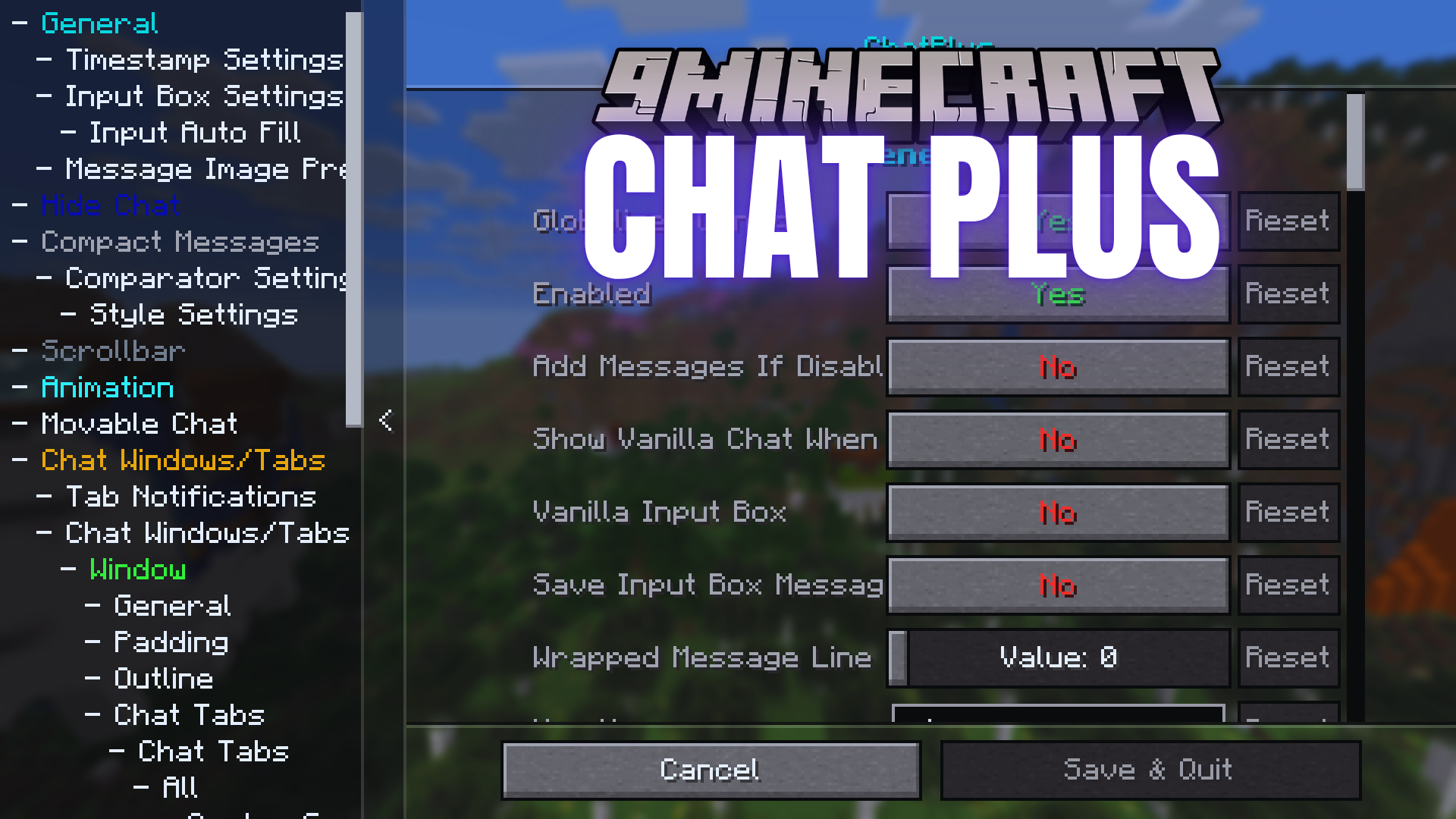
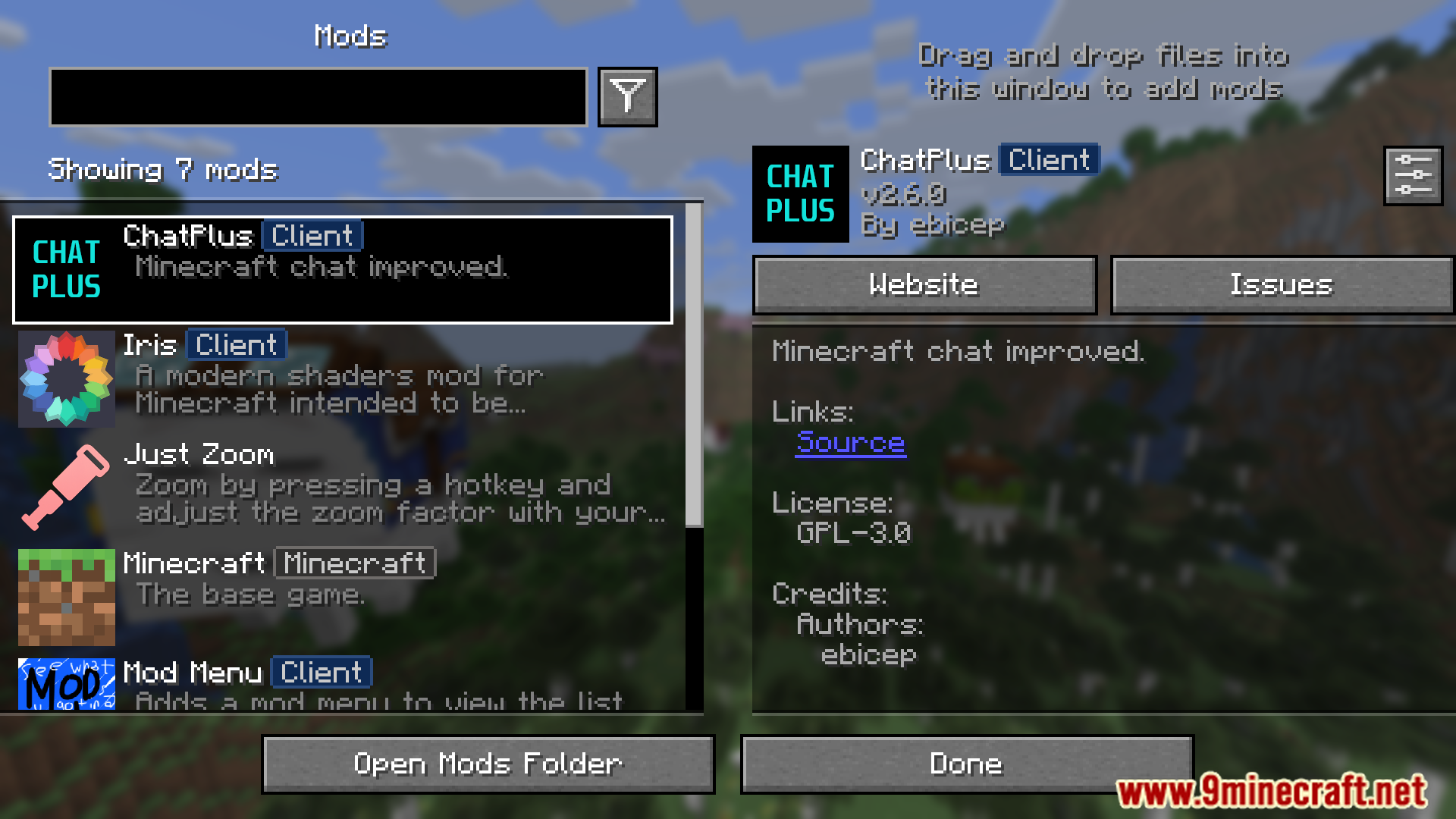
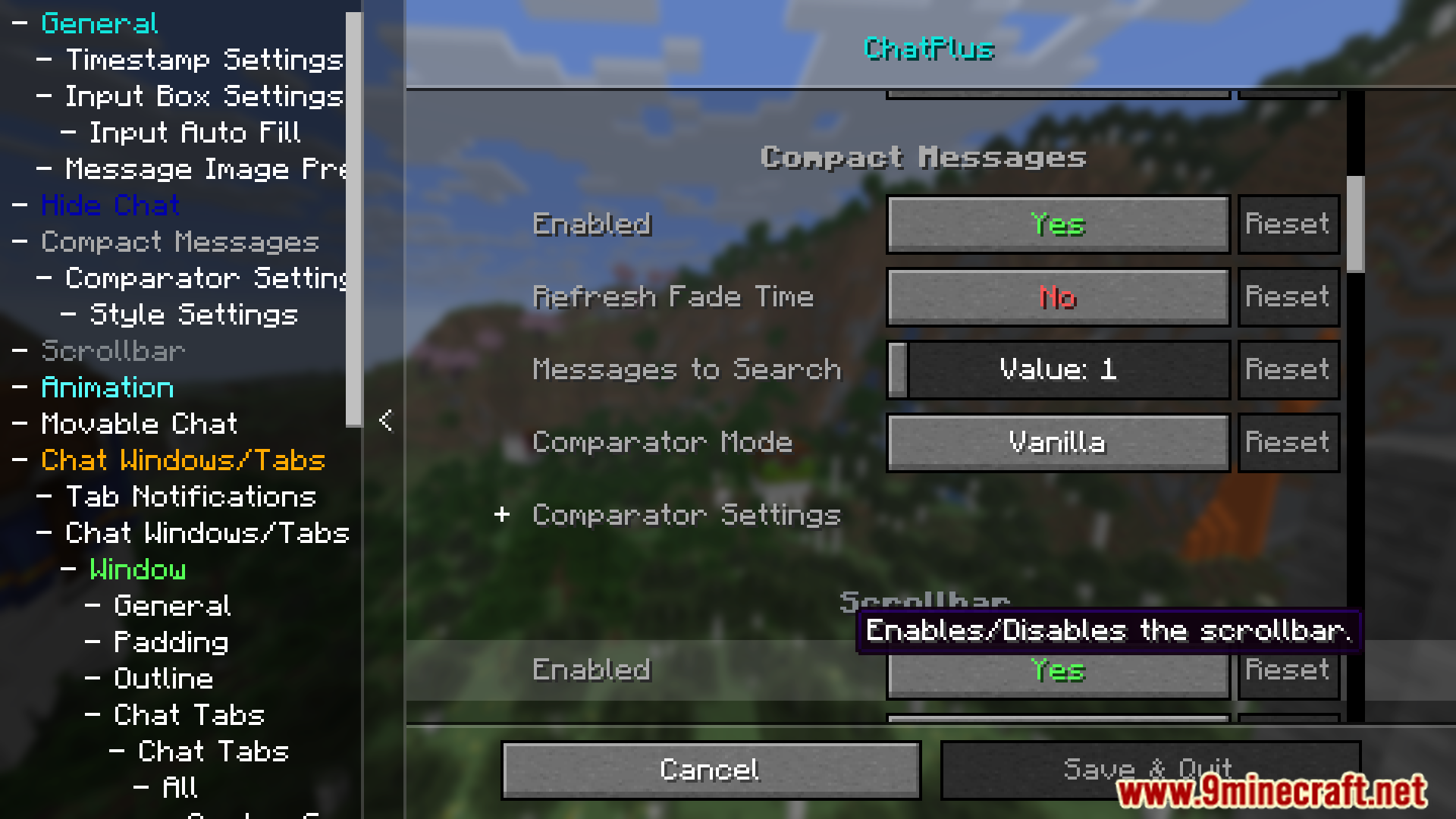
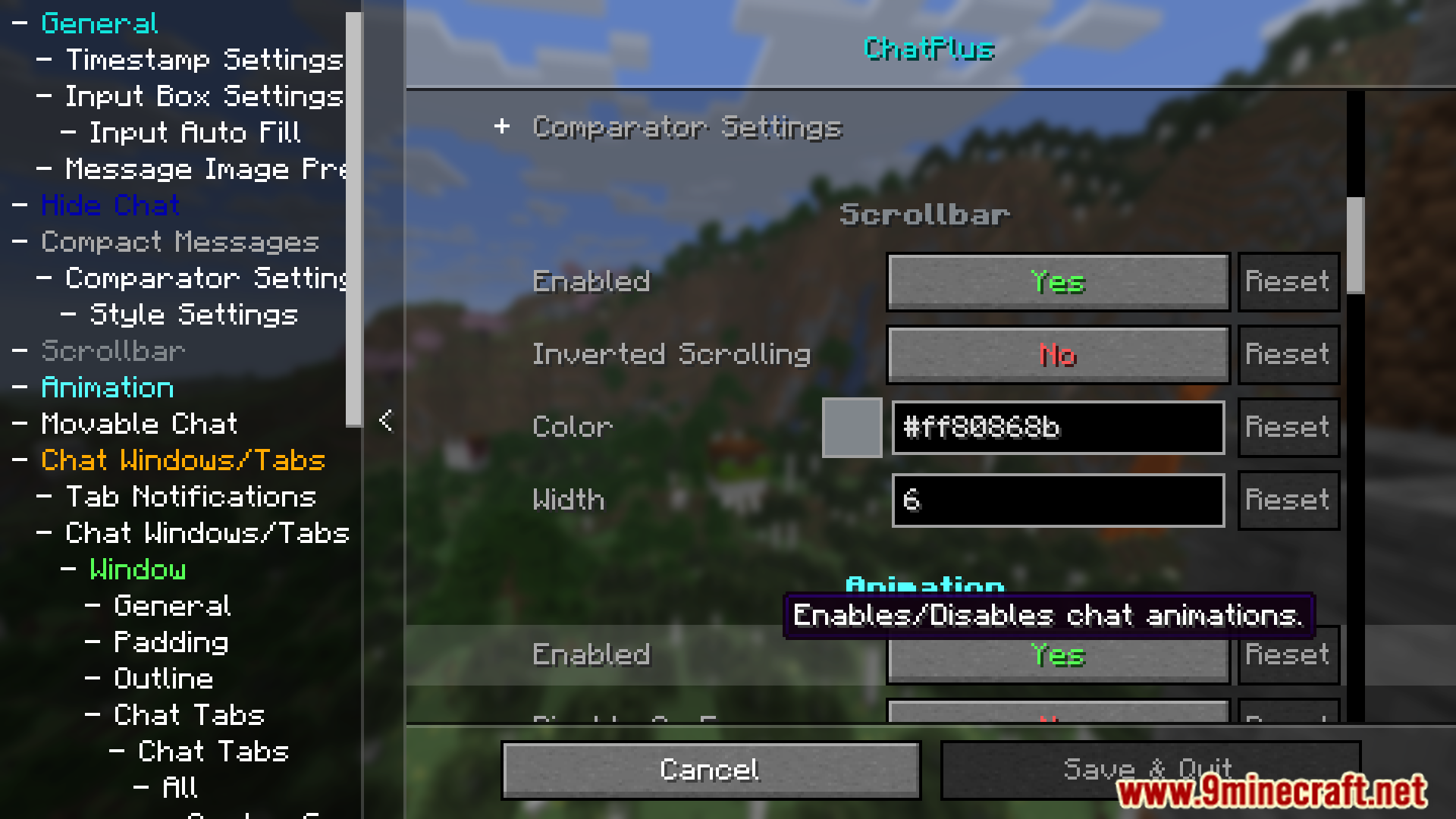
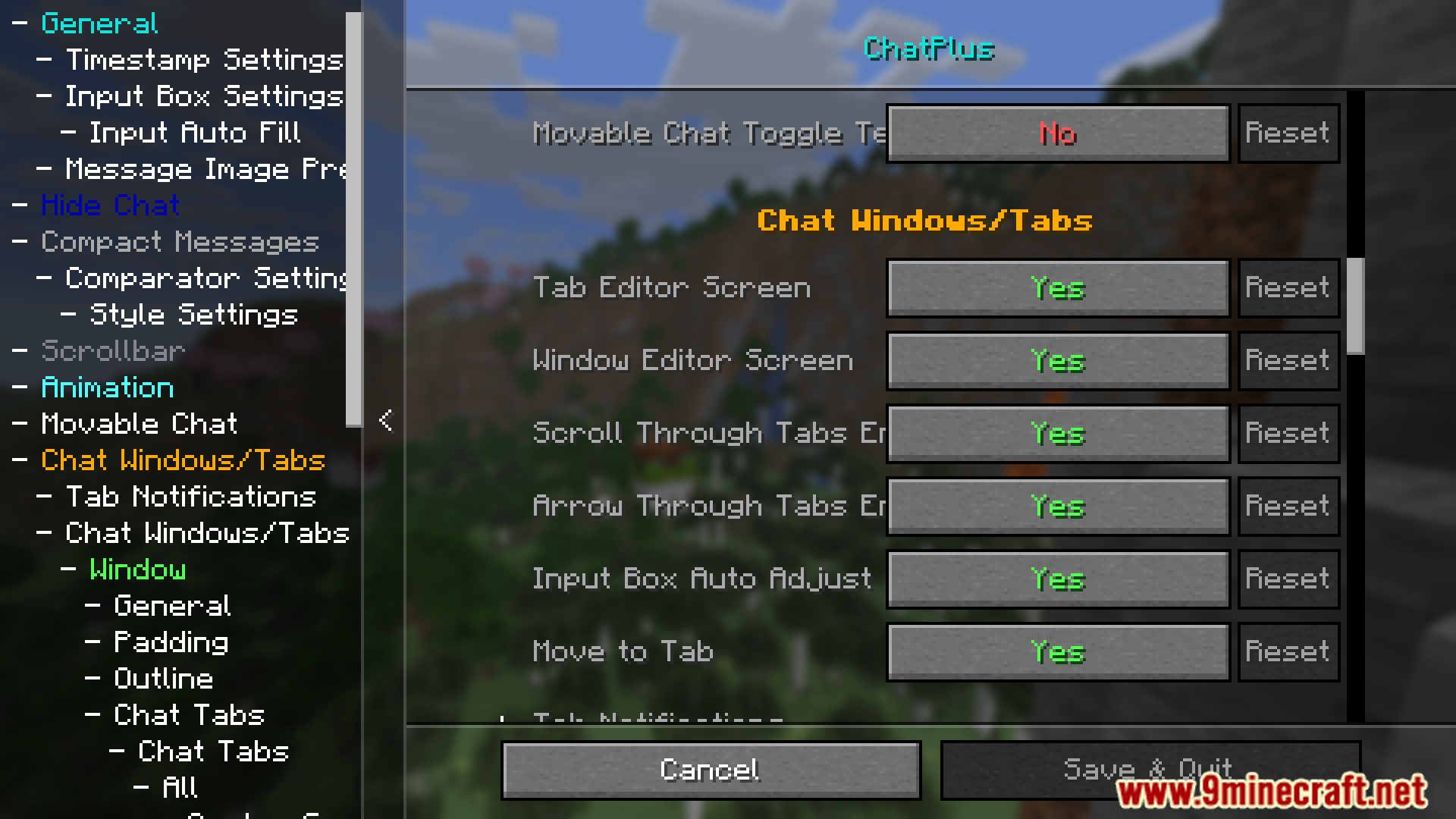
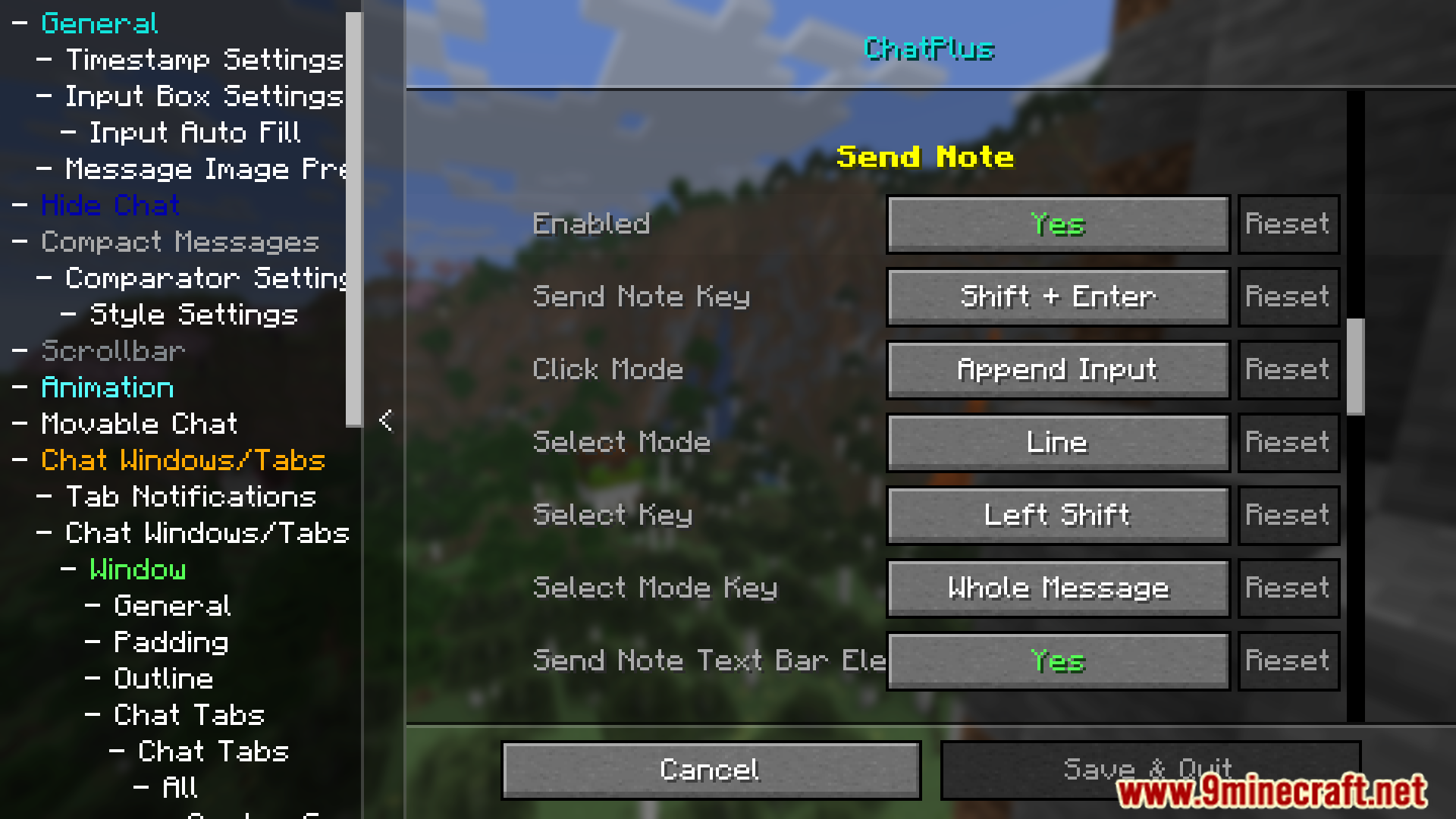
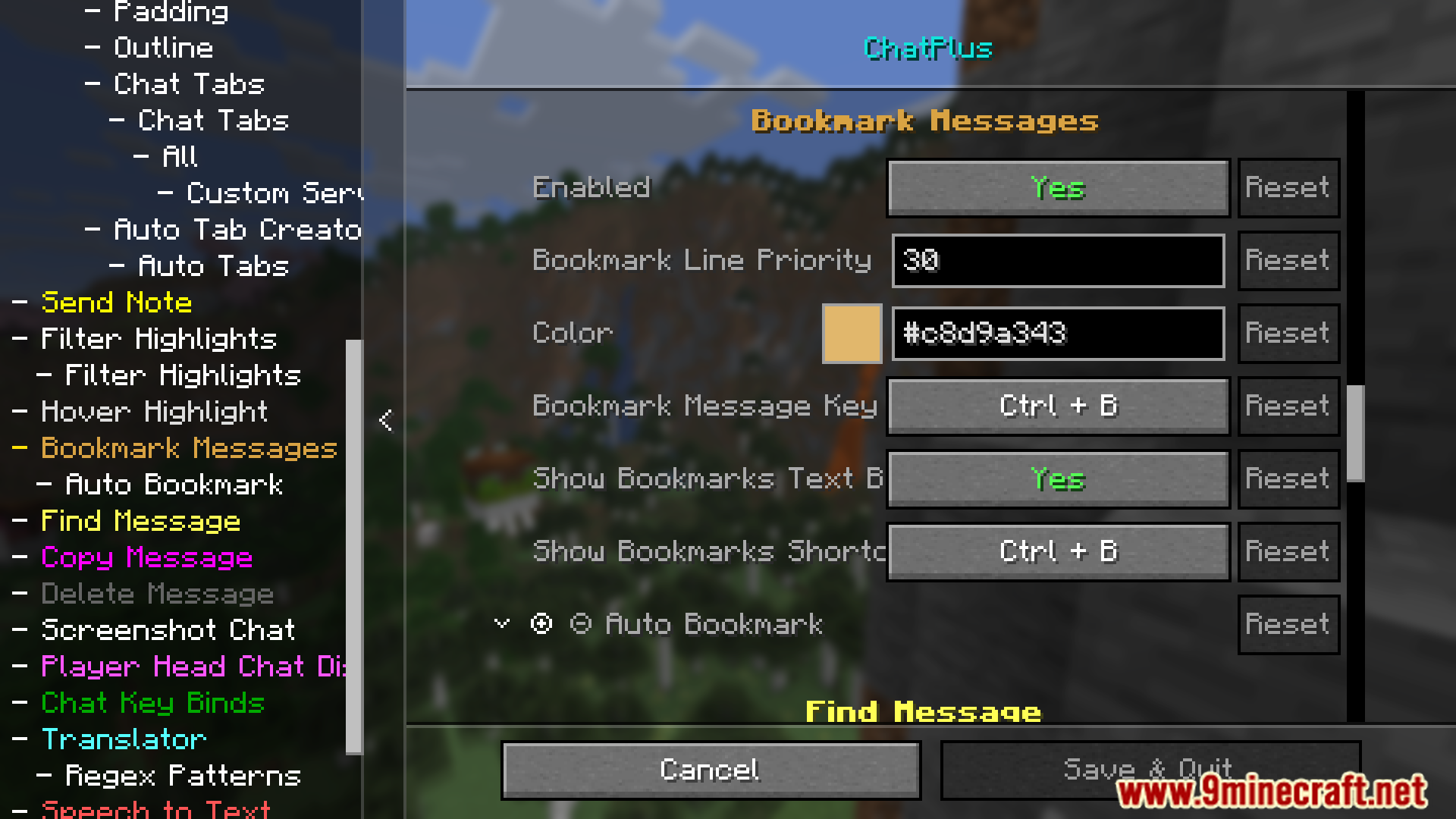
Chat Plus Mod improves the chat system with more ways to customize and useful tools. The default chat becomes easier to use, with added features to sort, manage, and work with messages more smoothly.
Features:
- Increases stored messages and command suggestions.
- Resize and move the chat box.
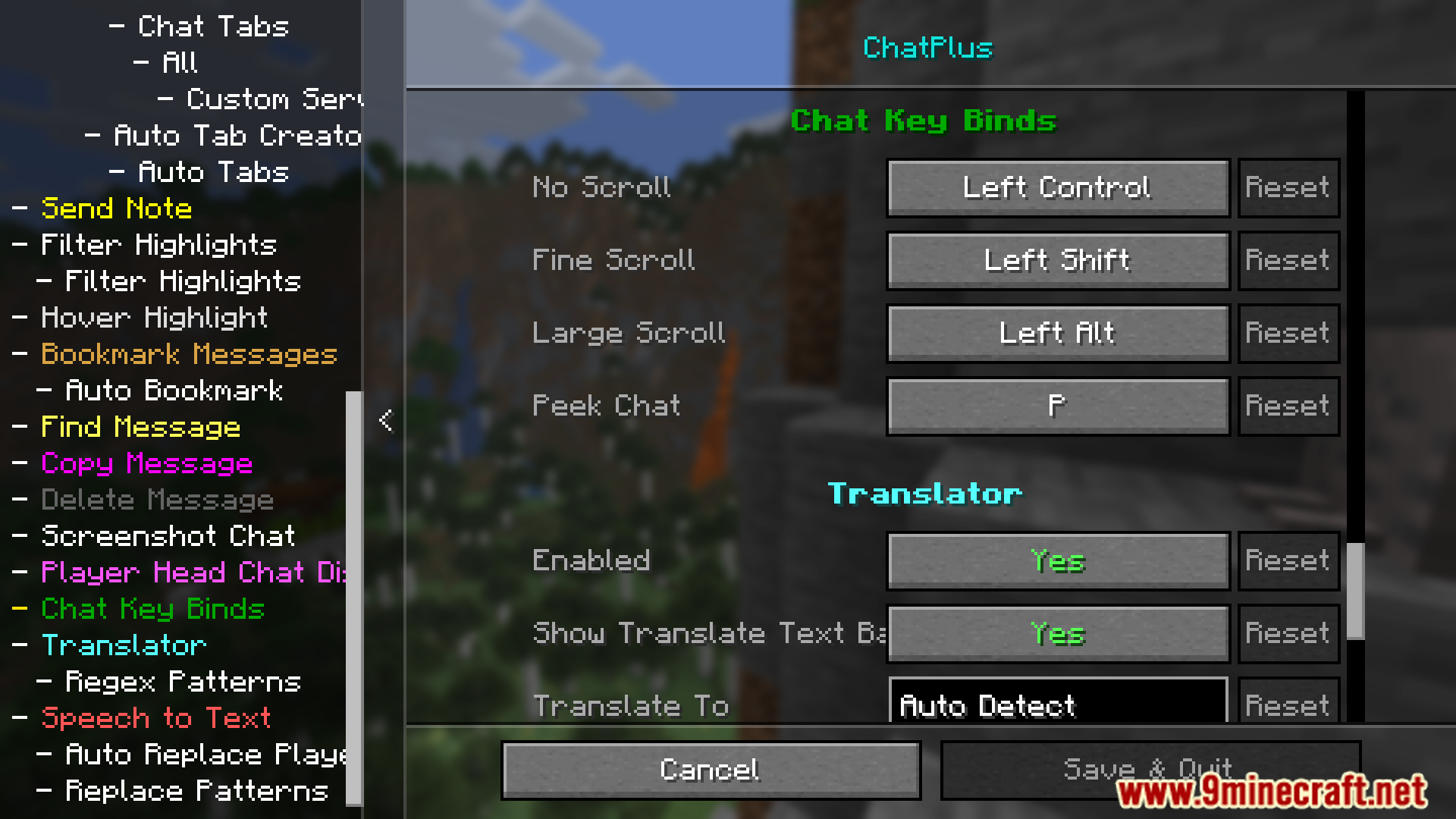
- Faster/slower chat scrolling.
- Improved scrollbar functionality.
- Removes the “Server message. Cannot be reported” text.
- Multiple chat windows with tab support.
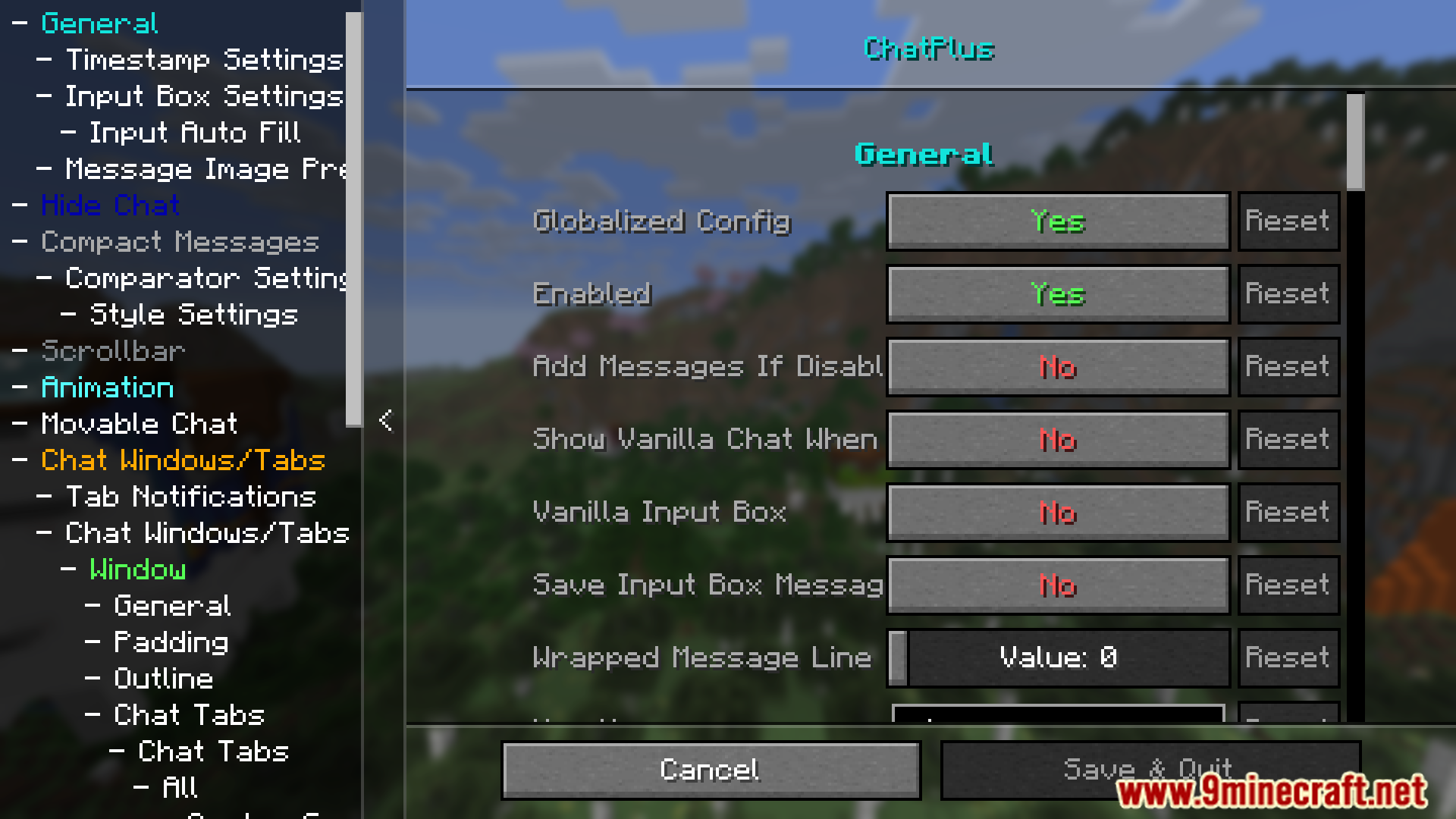
- Full customization: size, position, background, opacity, padding, spacing, and more.
- Adjustable message alignment and direction.
- Auto or manual chat tab creation.
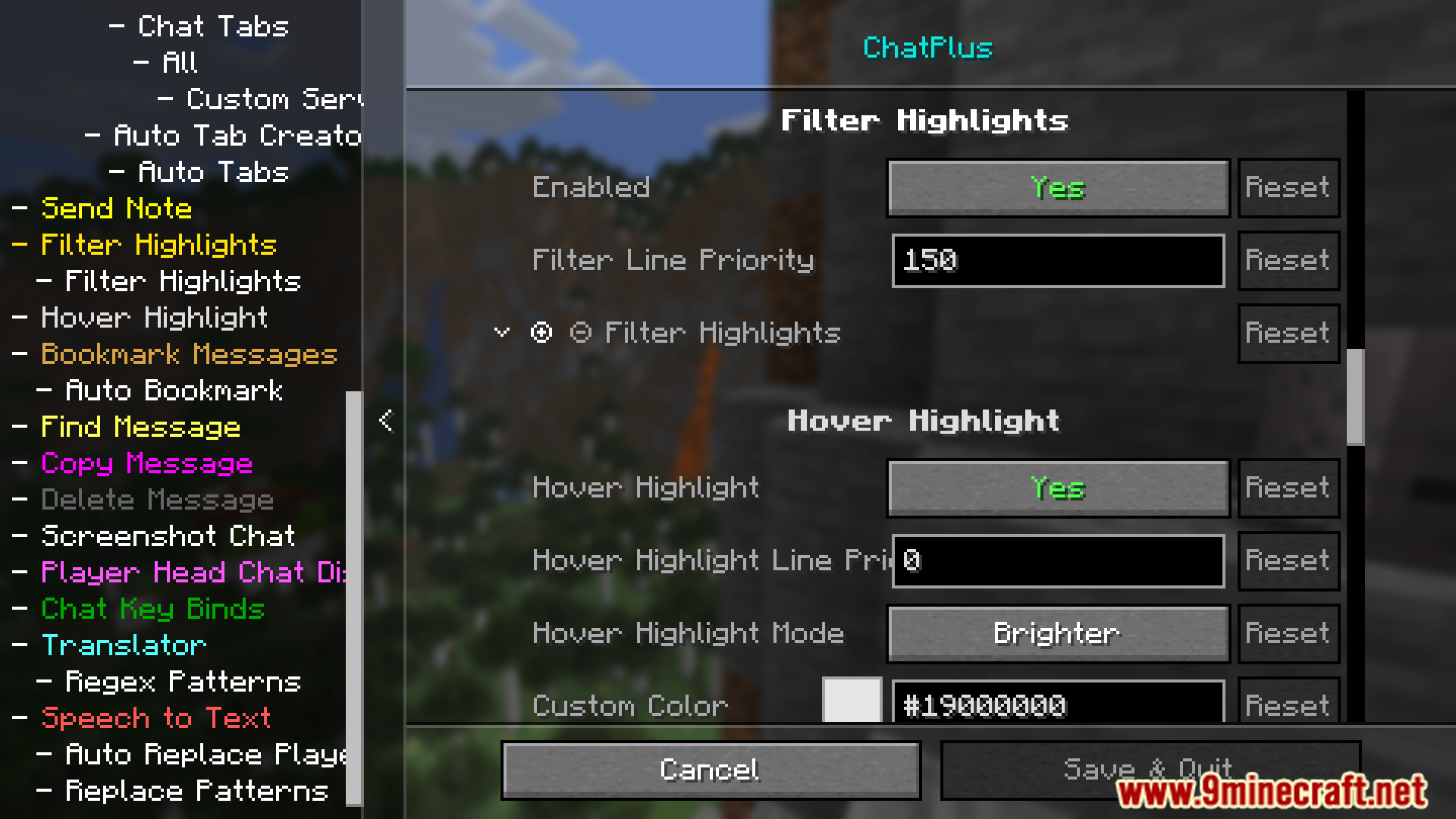
- Automatic line highlights and tab notifications.
- Manual or auto bookmarks with jump support.
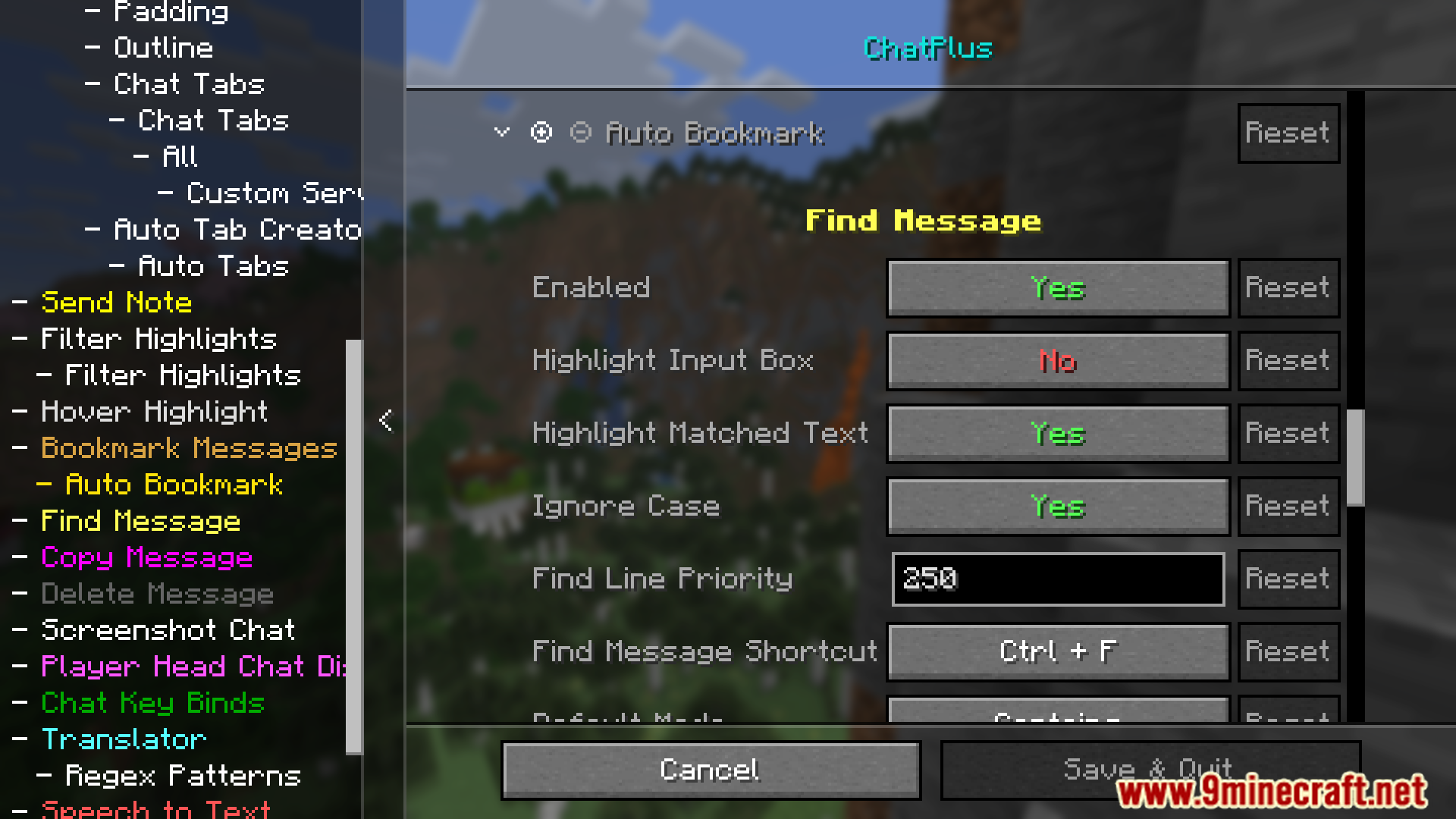
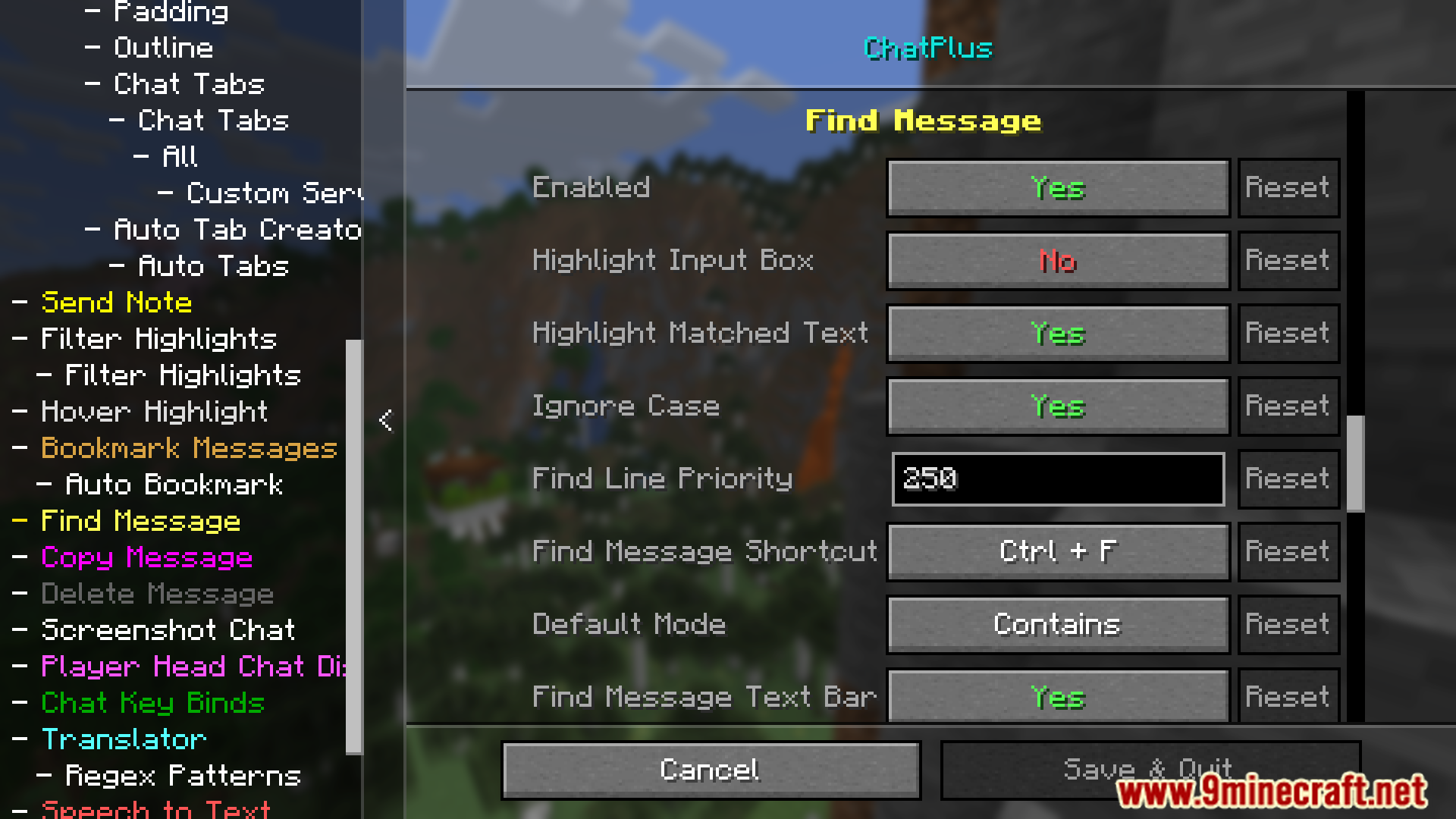
- Find and jump to messages.
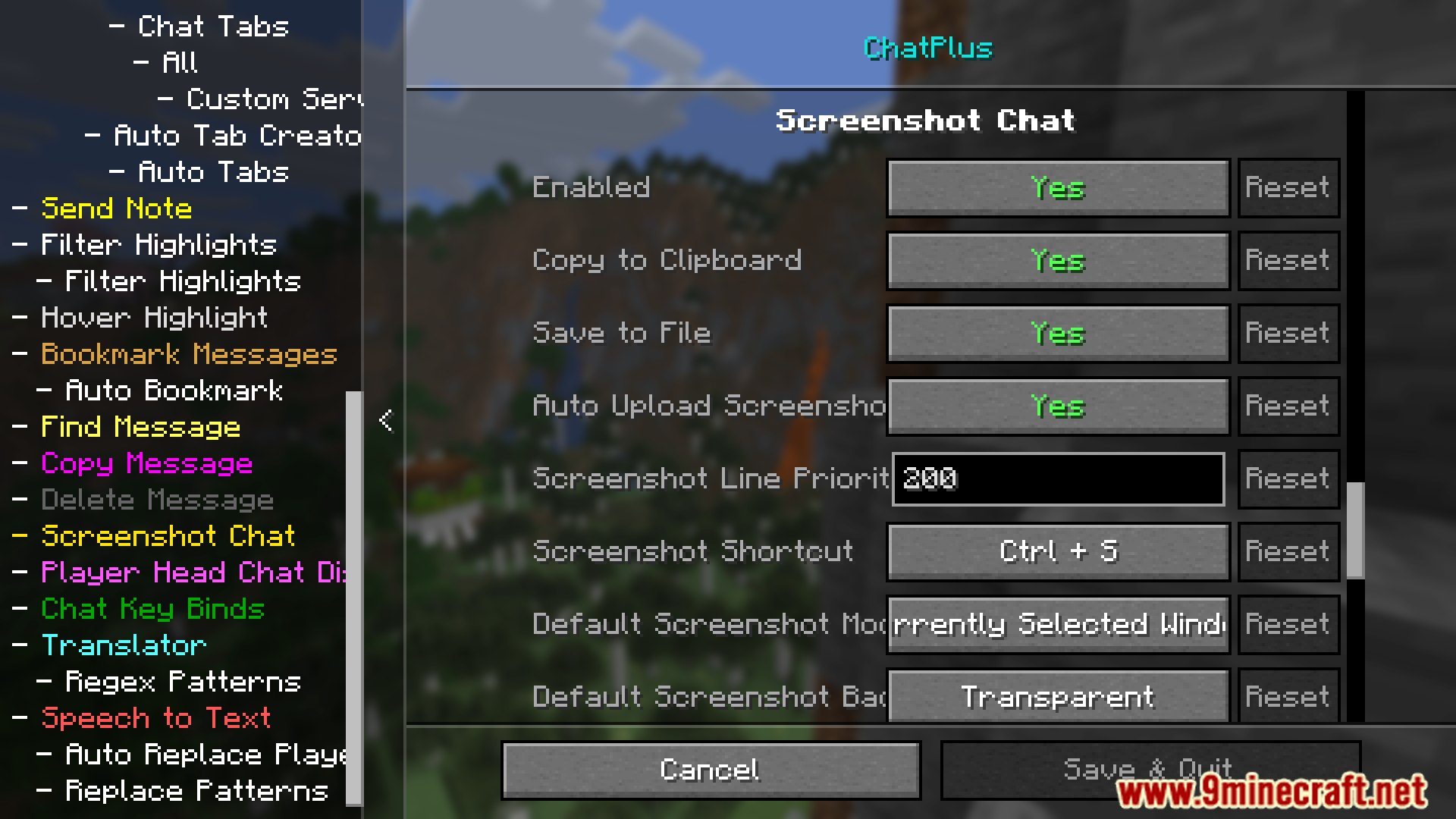
- Take screenshots of chat or messages and upload to Imgur.
- Group message selection for bulk actions (copy, bookmark, screenshot, etc.).
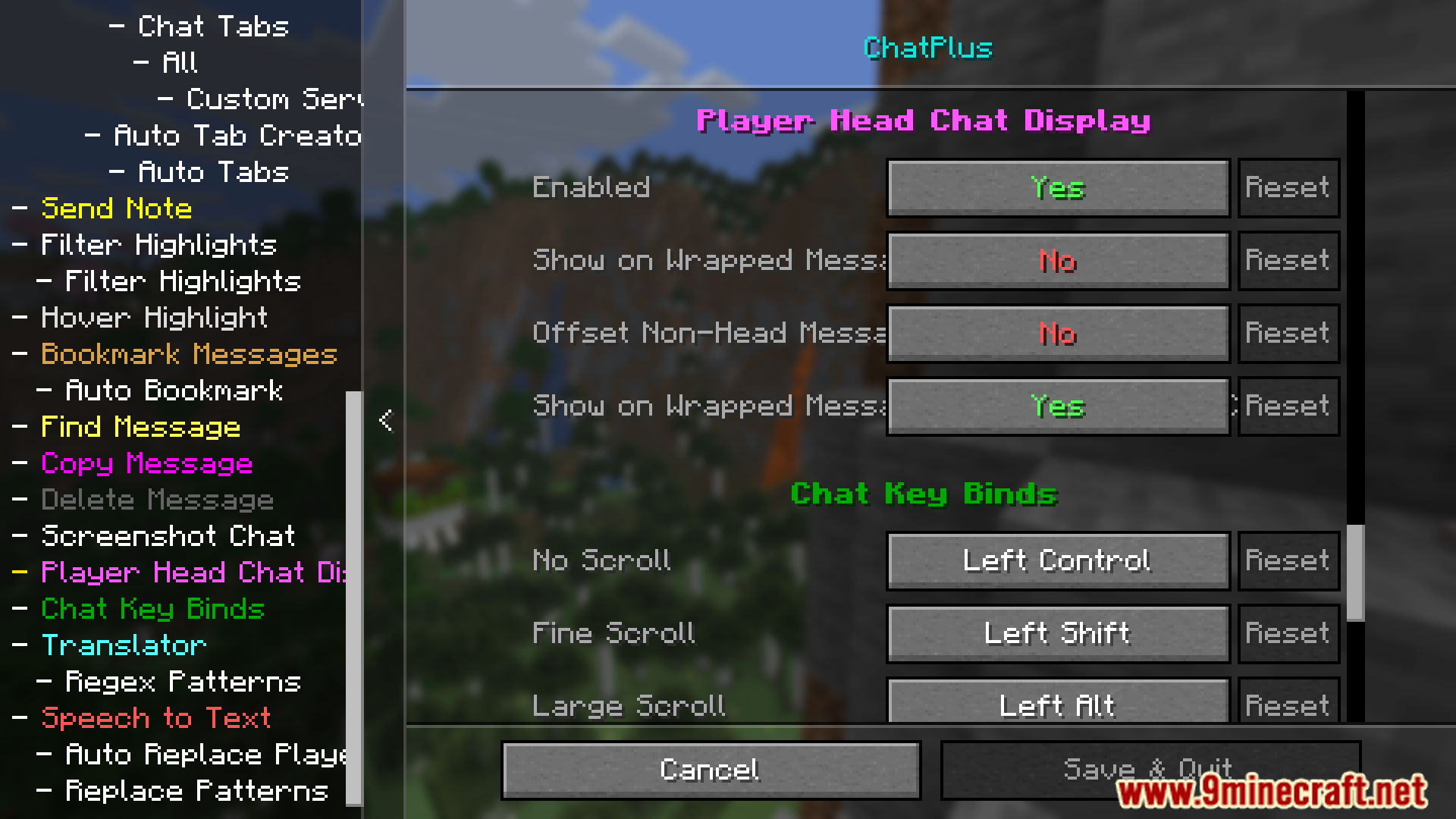
- Adds timestamps and player heads to messages.
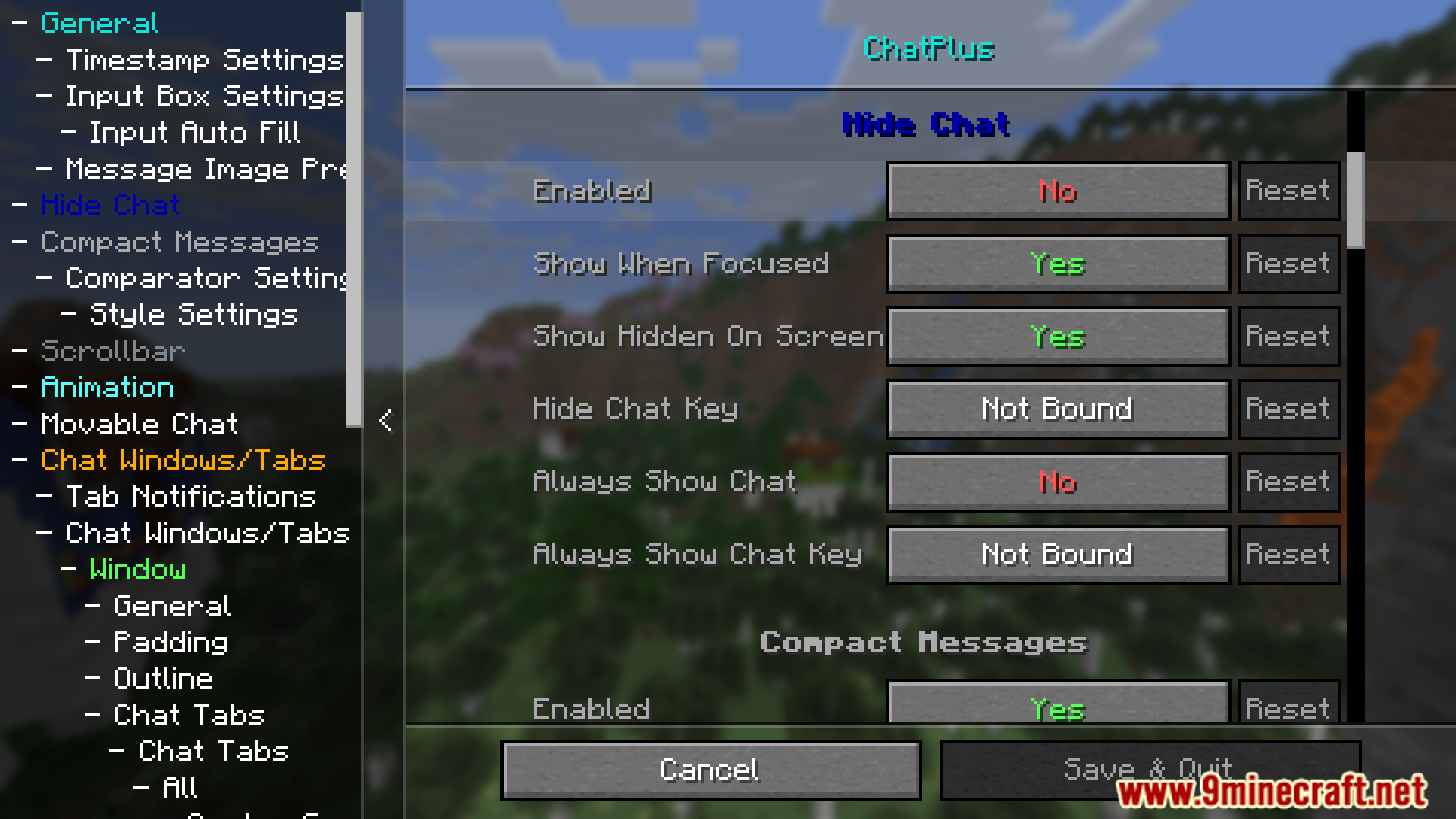
- Peek at hidden chat lines.
- Compact message display for better readability.
Screenshots:
Chat Plus Mod Download Links
Quick facts
- Edition: Minecraft Java
- File type: .jar
- Minecraft version listed: 1.20.1
- How to install: Install the matching mod loader (Forge, Fabric or NeoForge) for your Minecraft version. → Download the .jar. → Put it in the .minecraft/mods folder and launch that loader profile.
- Where to get it: In MC Java Mods, or directly above on this page.
Install steps are the general flow for this file type — How to install Minecraft Java mods & modpacks walks through it step by step.
Chat Plus Mod (26.2, 1.20.1) – Increases Stored Messages and Command Suggestions is a free Minecraft Java mod. Compatible with Minecraft 1.20.1. Download it and open it directly in the game.