Better Hidden Chat Mod (1.21.11, 1.20.1) – Hides Chat While Still Enabling Message Sending
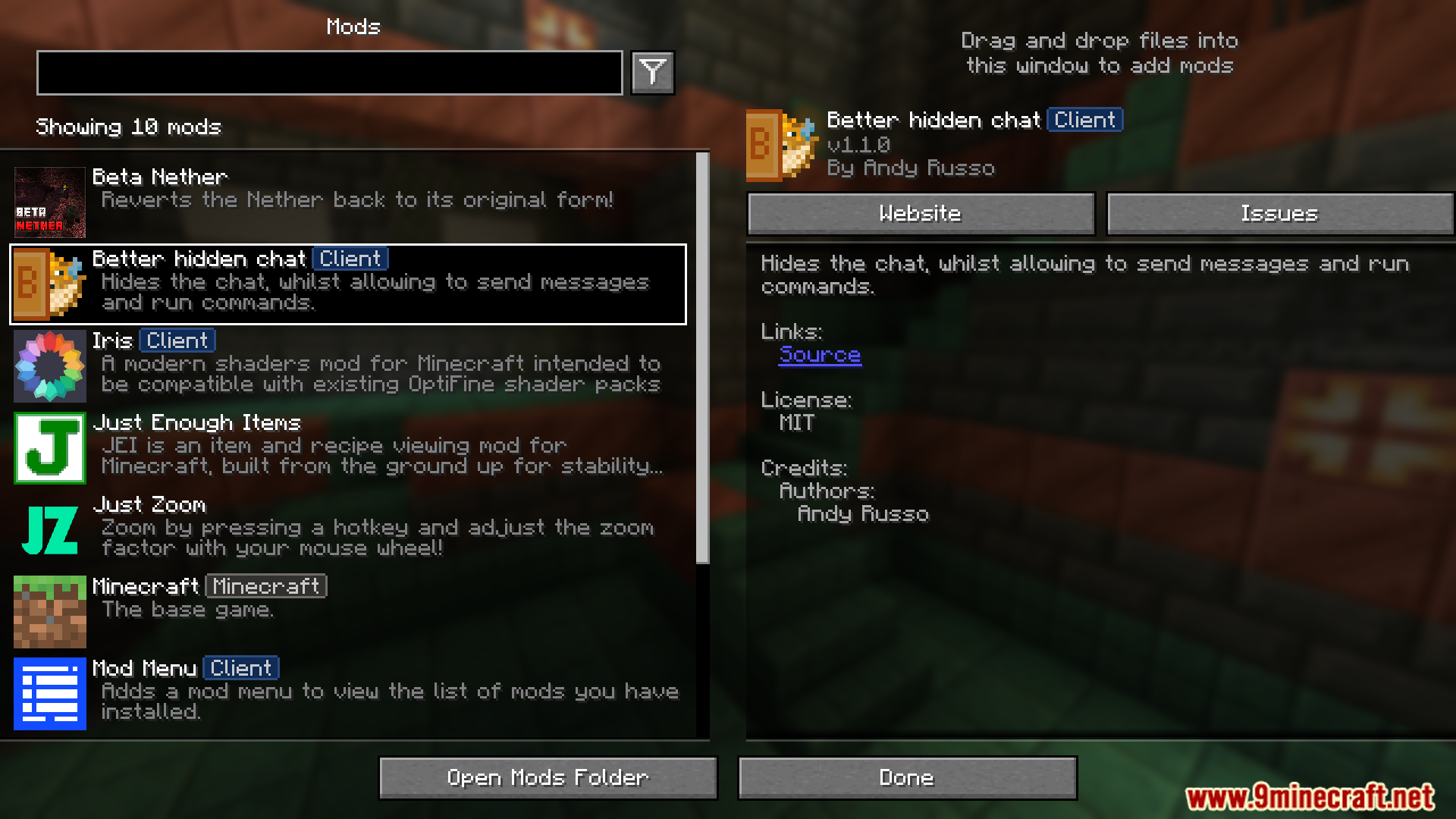
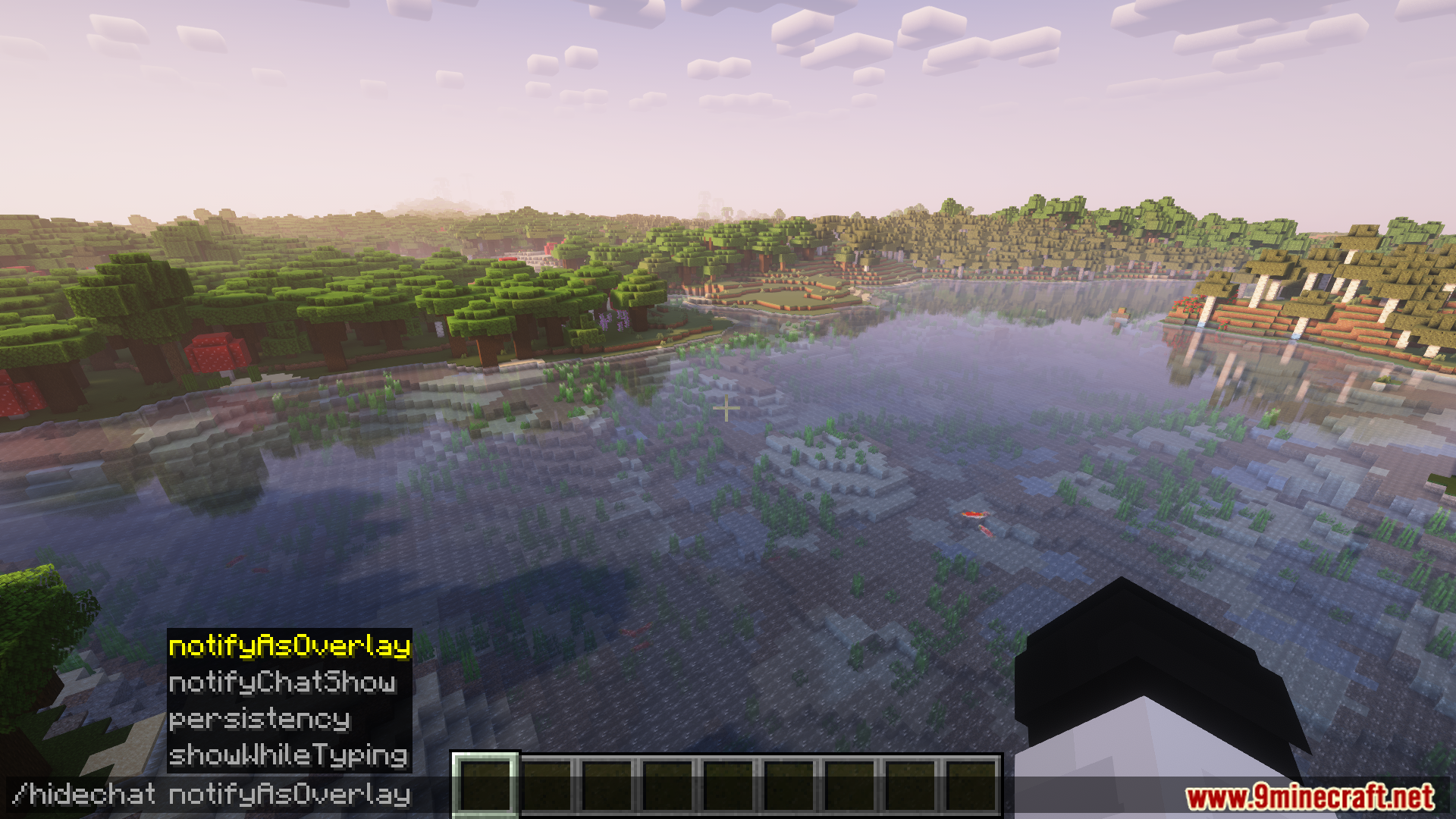
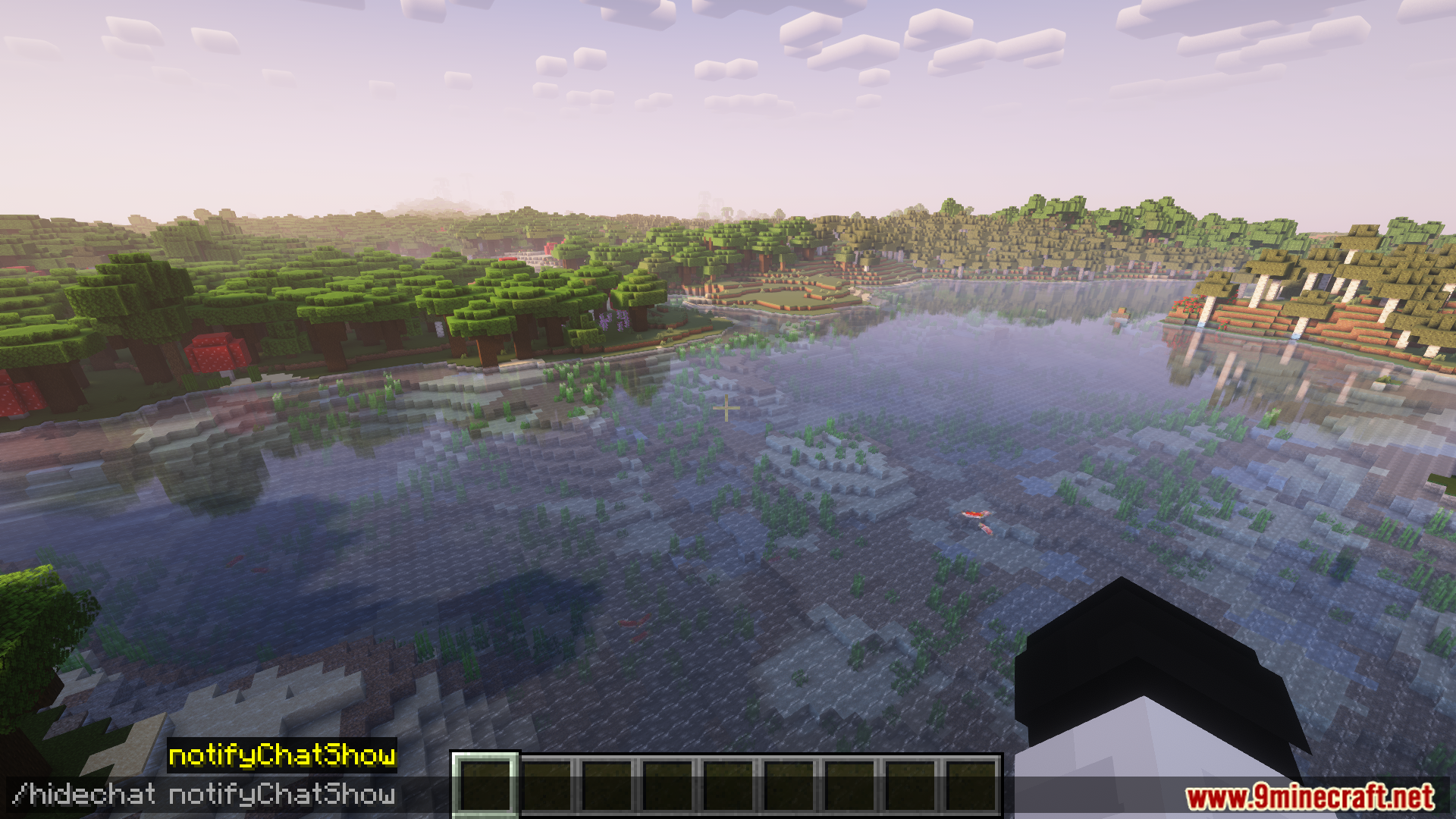
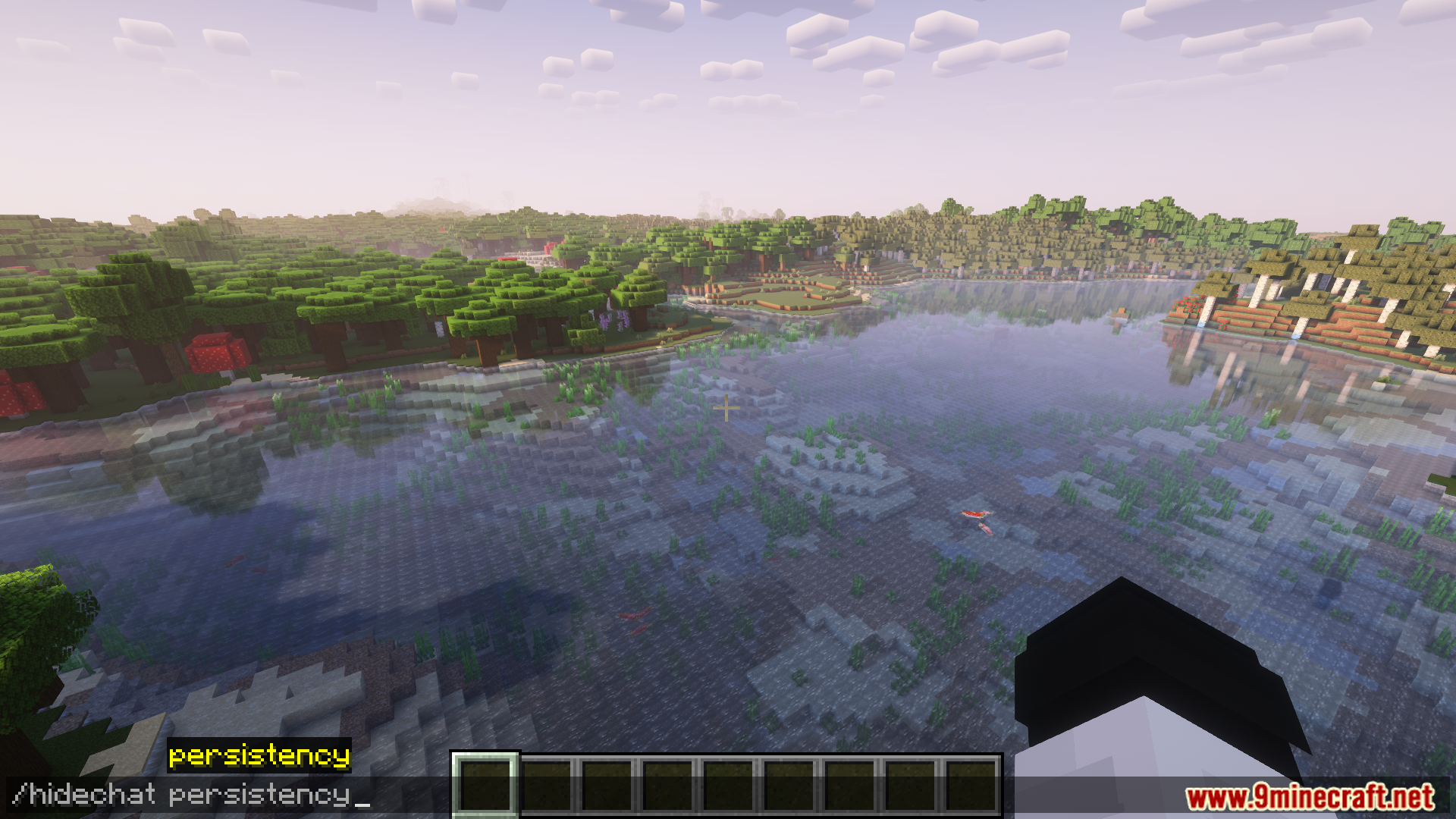
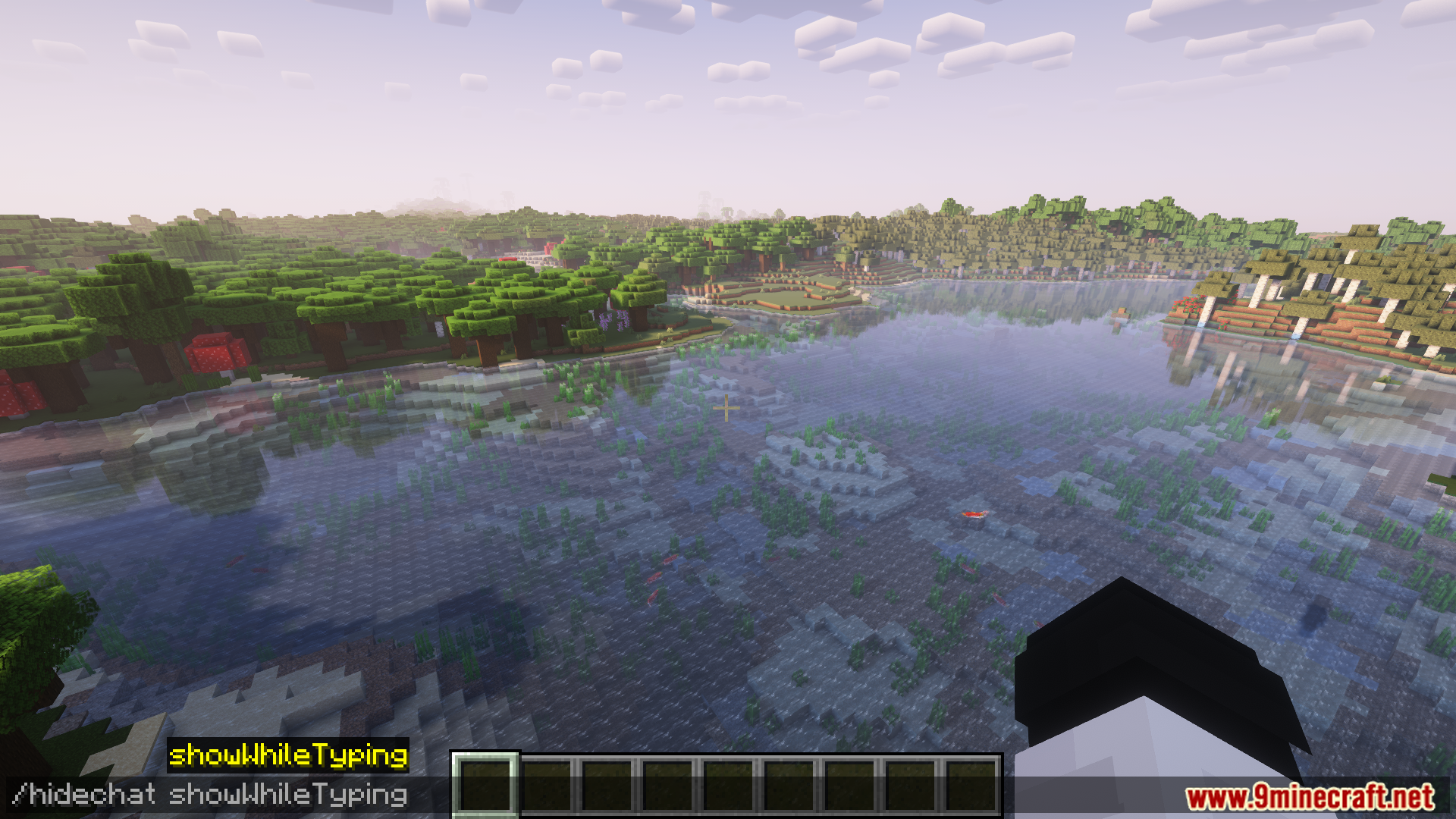
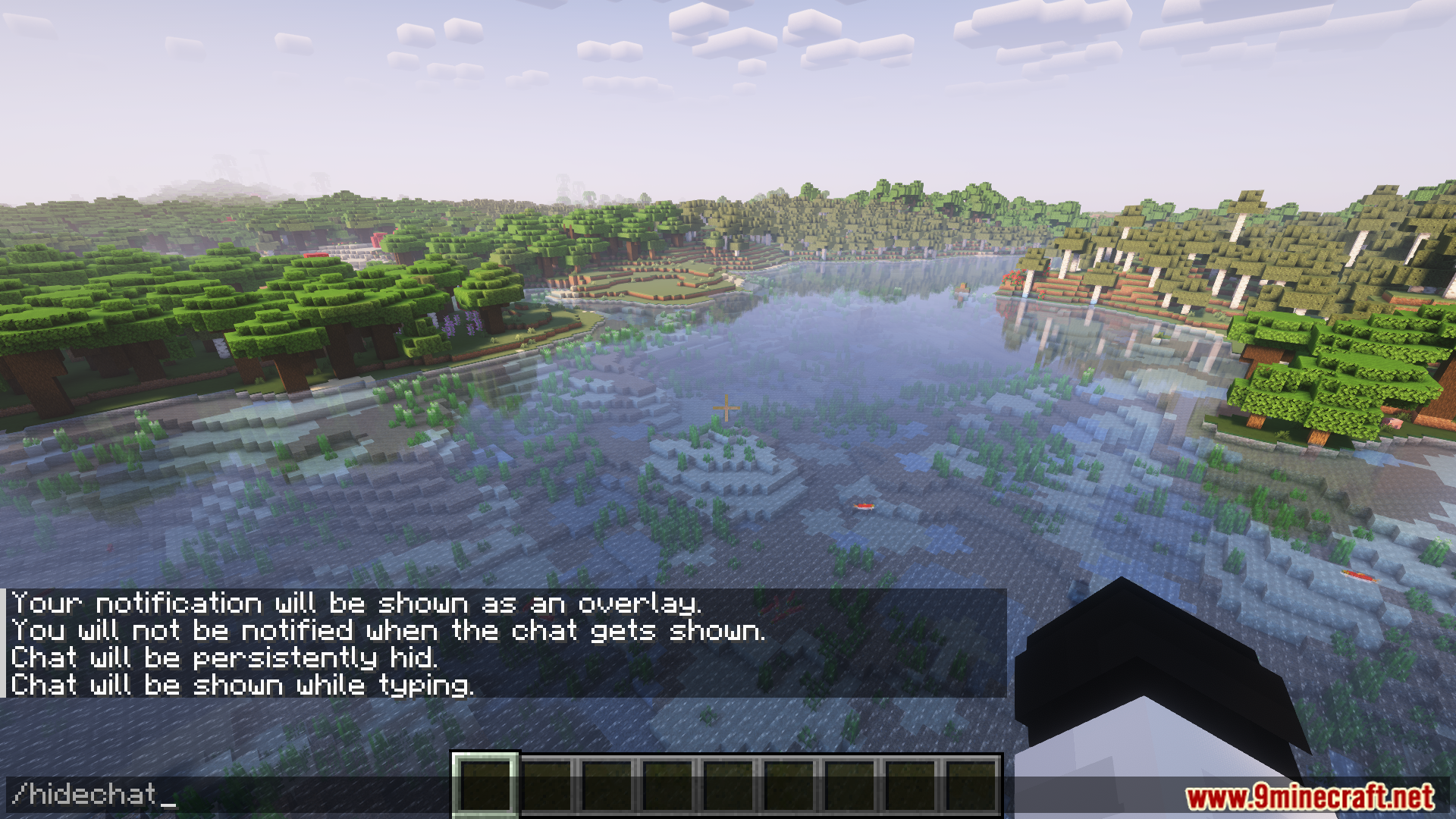
Better Hidden Chat Mod provides the ability to hide the chat while still allowing users to send messages and execute commands. The chat can be hidden using a keybinding or the command /hidechat. Multiple configuration options are available through /hidechat subcommands, allowing customization of behavior such as persistence, notifications, and visibility while typing.
Features:
- Hides chat while still enabling message sending and command execution.
- Can be toggled via a keybinding or the /hidechat command.
- Configuration options via /hidechat subcommands for various settings.
- Persistency option to keep chat hidden across sessions.
- Notification settings for chat visibility and toggling message overlays.
- Option to show chat while typing, even when hidden.
Screenshots:
Better Hidden Chat Mod Download Links
For Minecraft 1.21.11, 1.21.10, 1.21.9
Fabric/Quilt Version: Download from Server 1 – Download from Server 2
For All Versions From Minecraft 1.19.2 to Minecraft 1.21.4
Fabric/Quilt Version: Download from Server 1 – Download from Server 2
- Edition: Minecraft Java
- File type: .jar
- Minecraft versions listed: 1.21.11, 1.20.1
- How to install: Install the matching mod loader (Forge, Fabric or NeoForge) for your Minecraft version. → Download the .jar. → Put it in the .minecraft/mods folder and launch that loader profile.
- Where to get it: In MC Java Mods, or directly above on this page.
Install steps are the general flow for this file type — How to install Minecraft Java mods & modpacks walks through it step by step.
Better Hidden Chat Mod (1.21.11, 1.20.1) – Hides Chat While Still Enabling Message Sending is a free Minecraft Java mod. Compatible with Minecraft 1.21.11, 1.20.1. Download it and open it directly in the game.