
Dark Souls Expansion Mod (1.21.1, 1.20.1) – Lordran Exploration and Combat
Java mod listed for Minecraft 1.20–1.21. Downloads from the MC Java Mods app on Android.
⬇ Download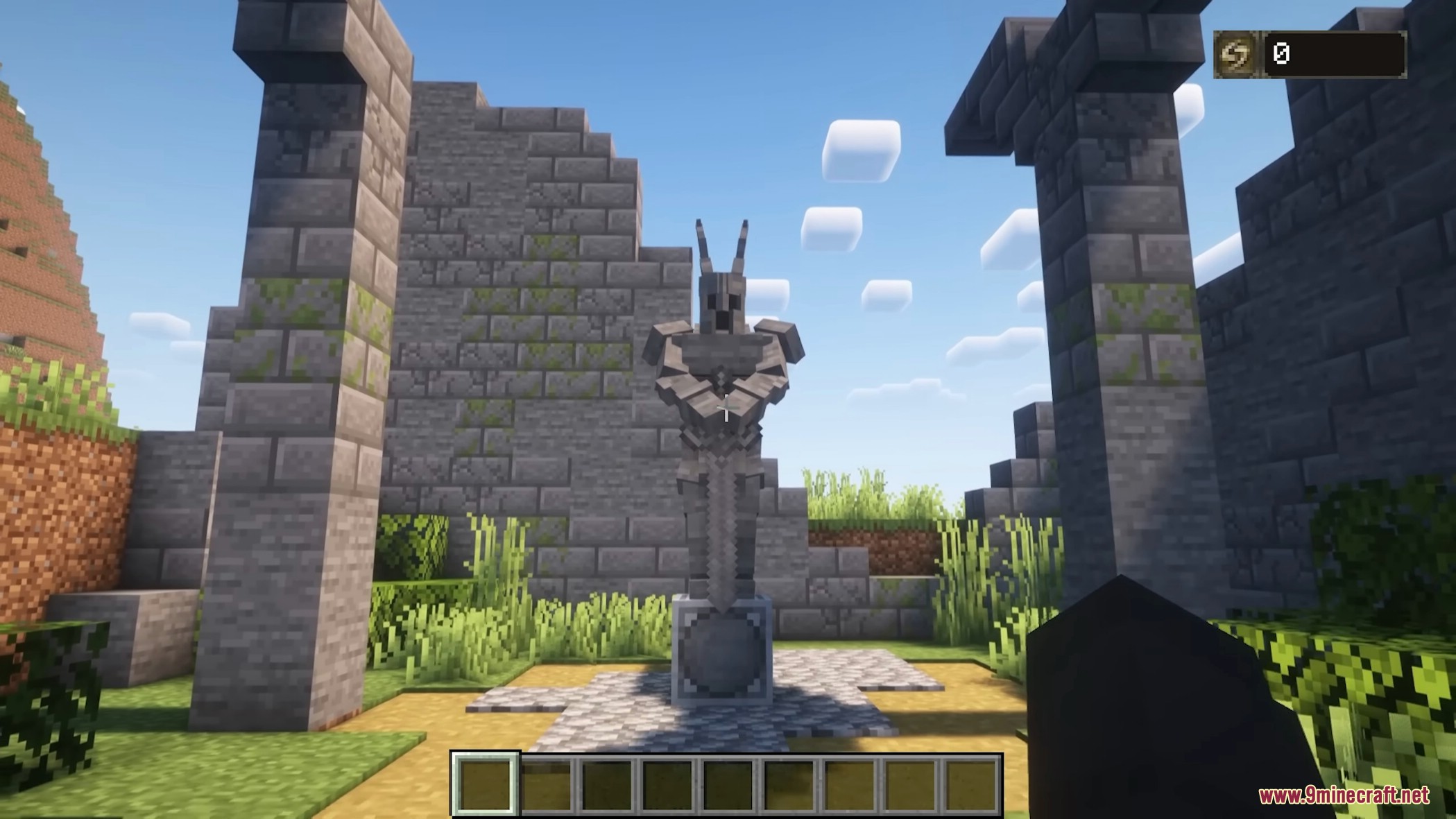

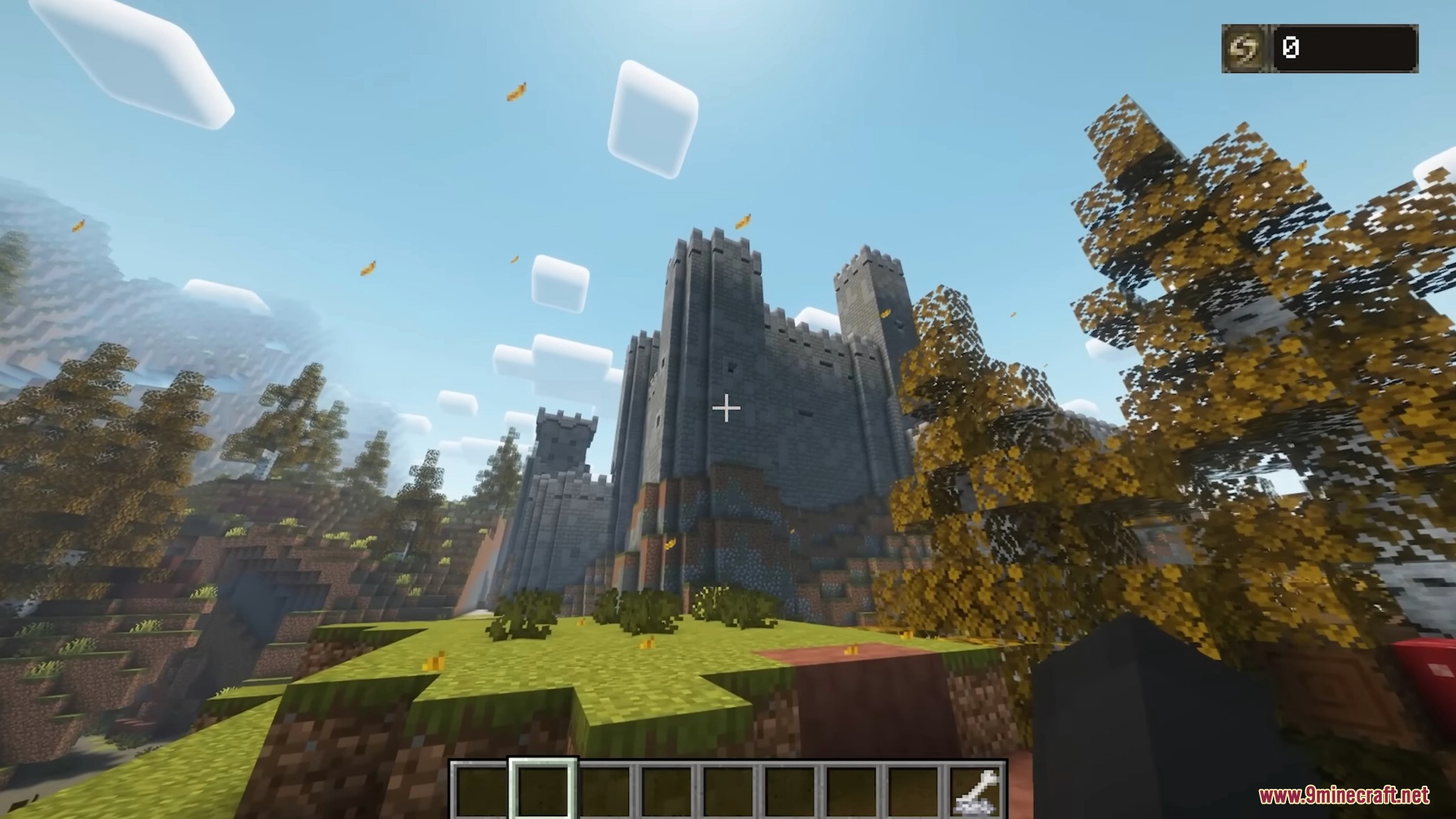
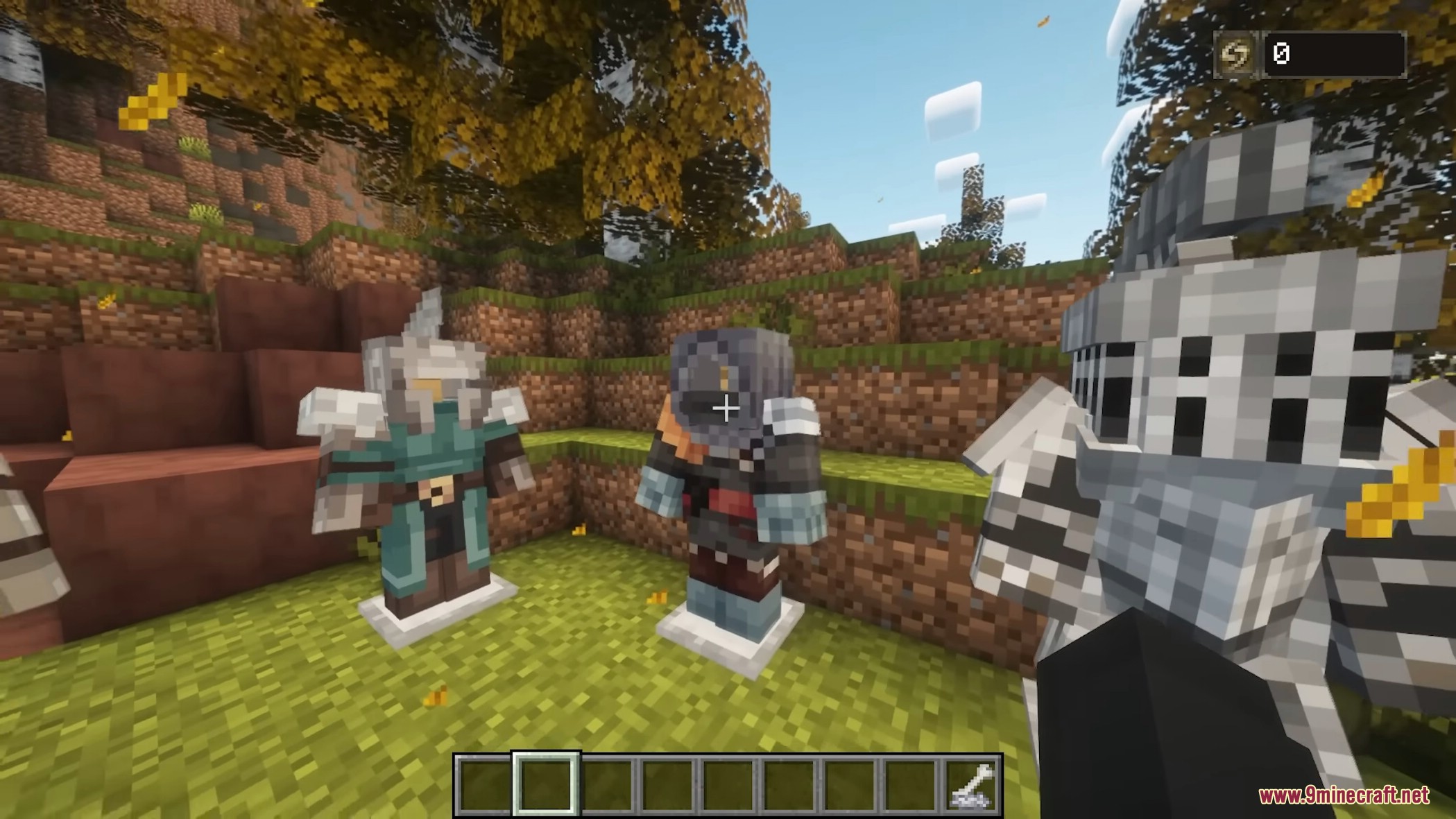
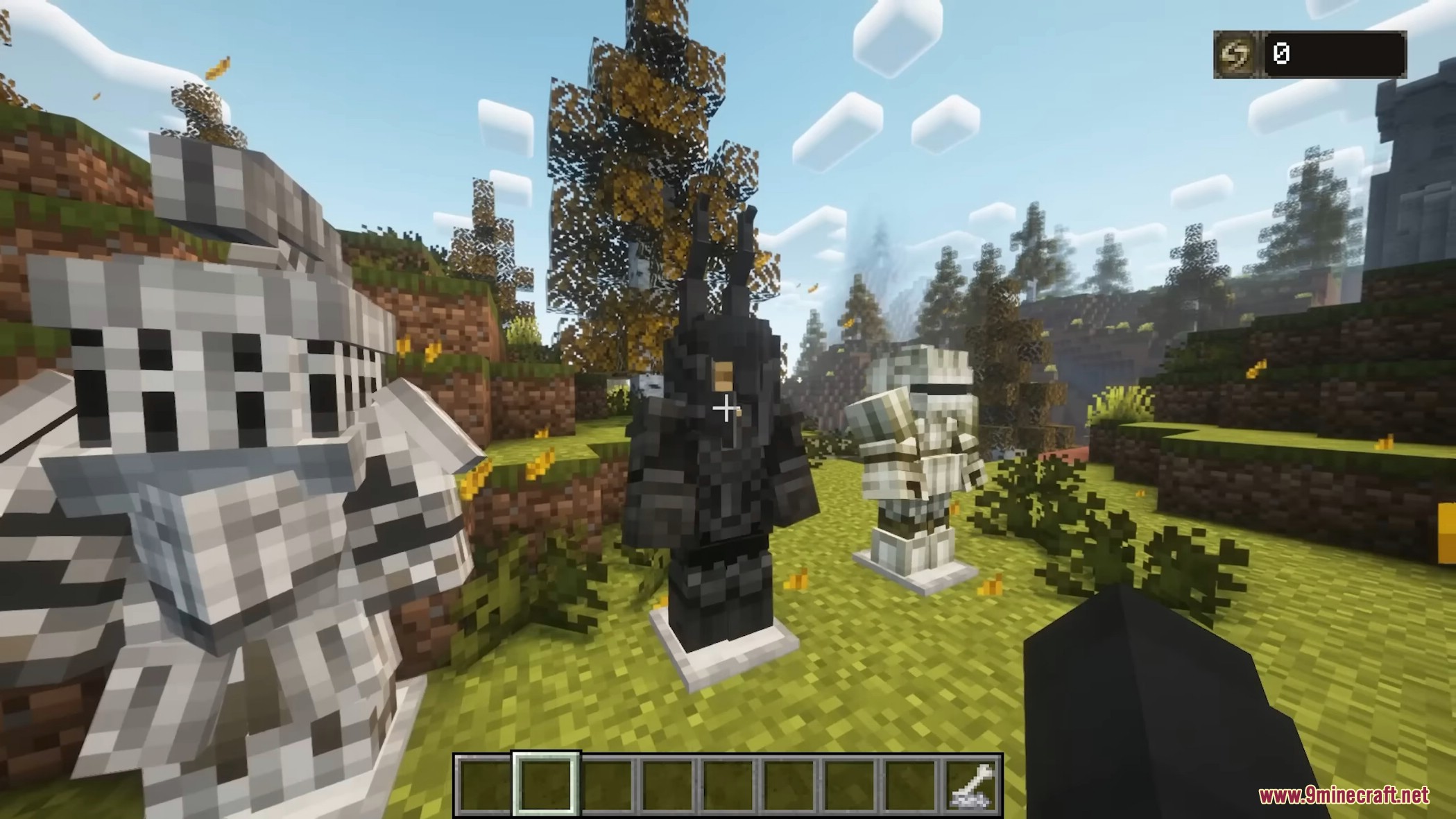
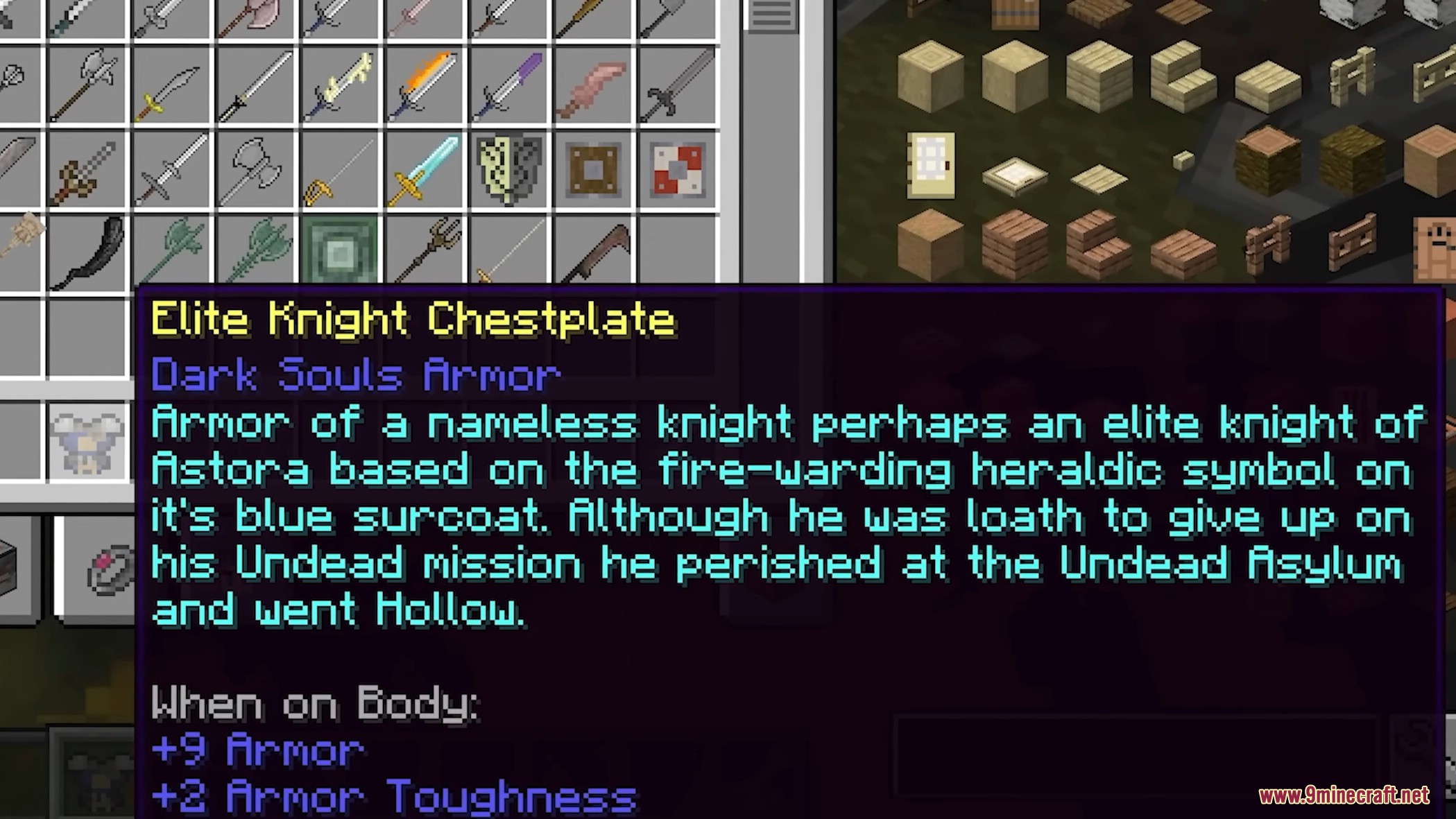
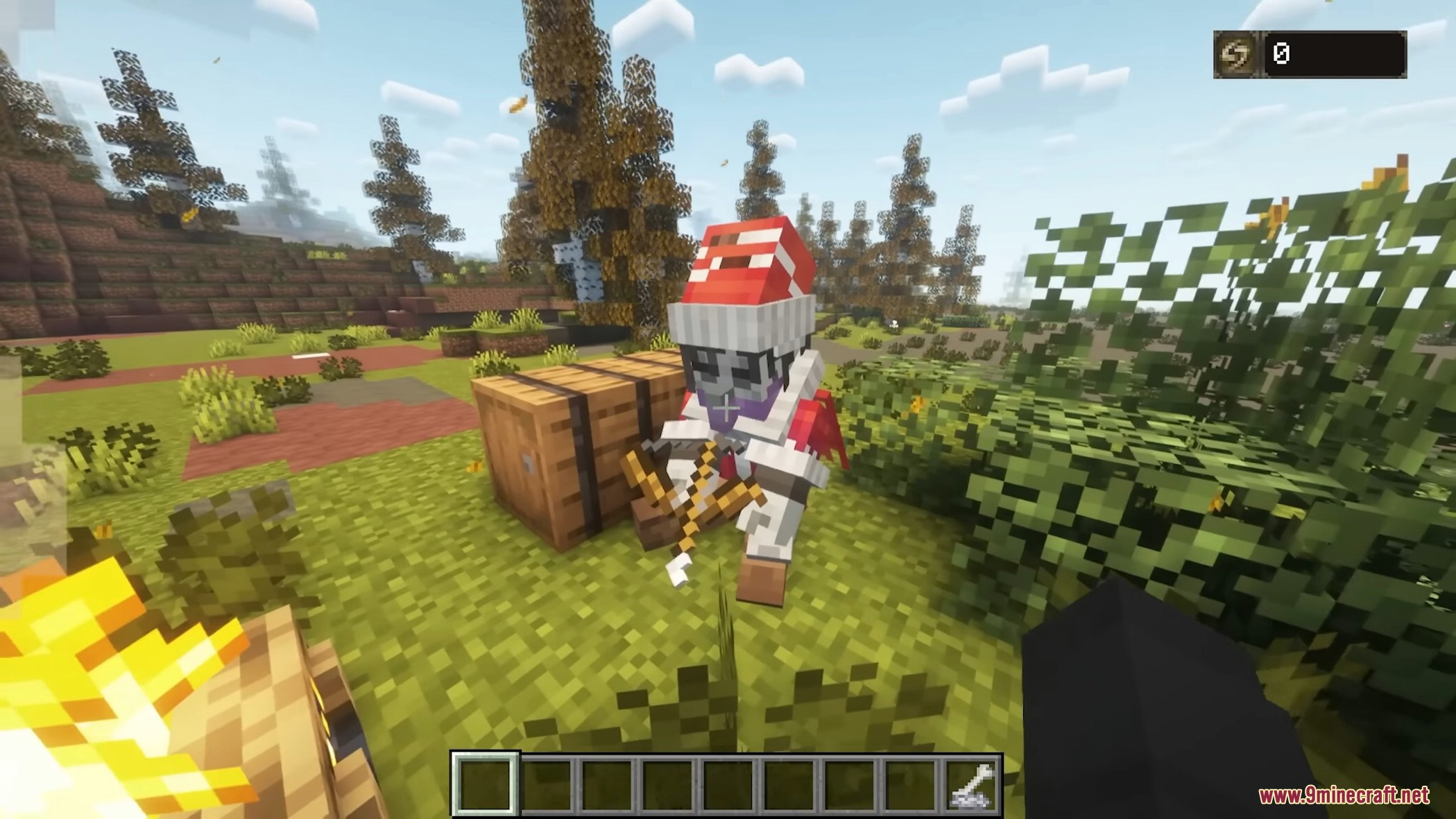
Dark Souls Expansion Mod is a Minecraft mod that transforms the game to capture the look and feel of From Software games while keeping the Vanilla Minecraft essence. The mod adds a new dimension called Lordran, filled with weapons, armor, enemies, dungeons, and structures, allowing players to explore, fight bosses, and upgrade equipment, spells, and armor.
Features:
- New dimension: Lordran
- Undead-themed dungeons and structures
- Undead Burg Dungeon
- Undead Parish Dungeon
- Sen’s Fortress
- Sanctuary Structure
- Undead Asylum Dungeon & Boss
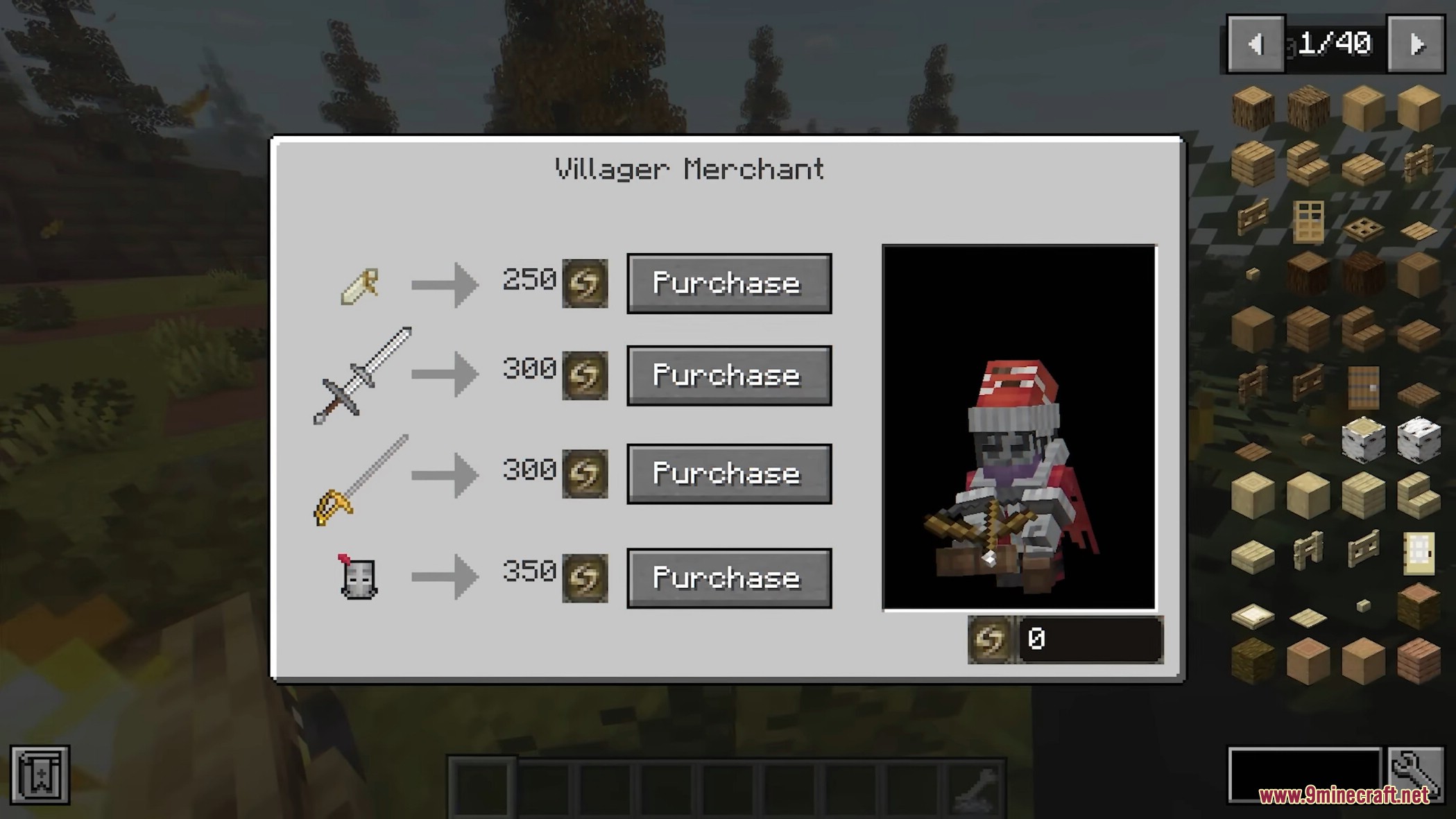
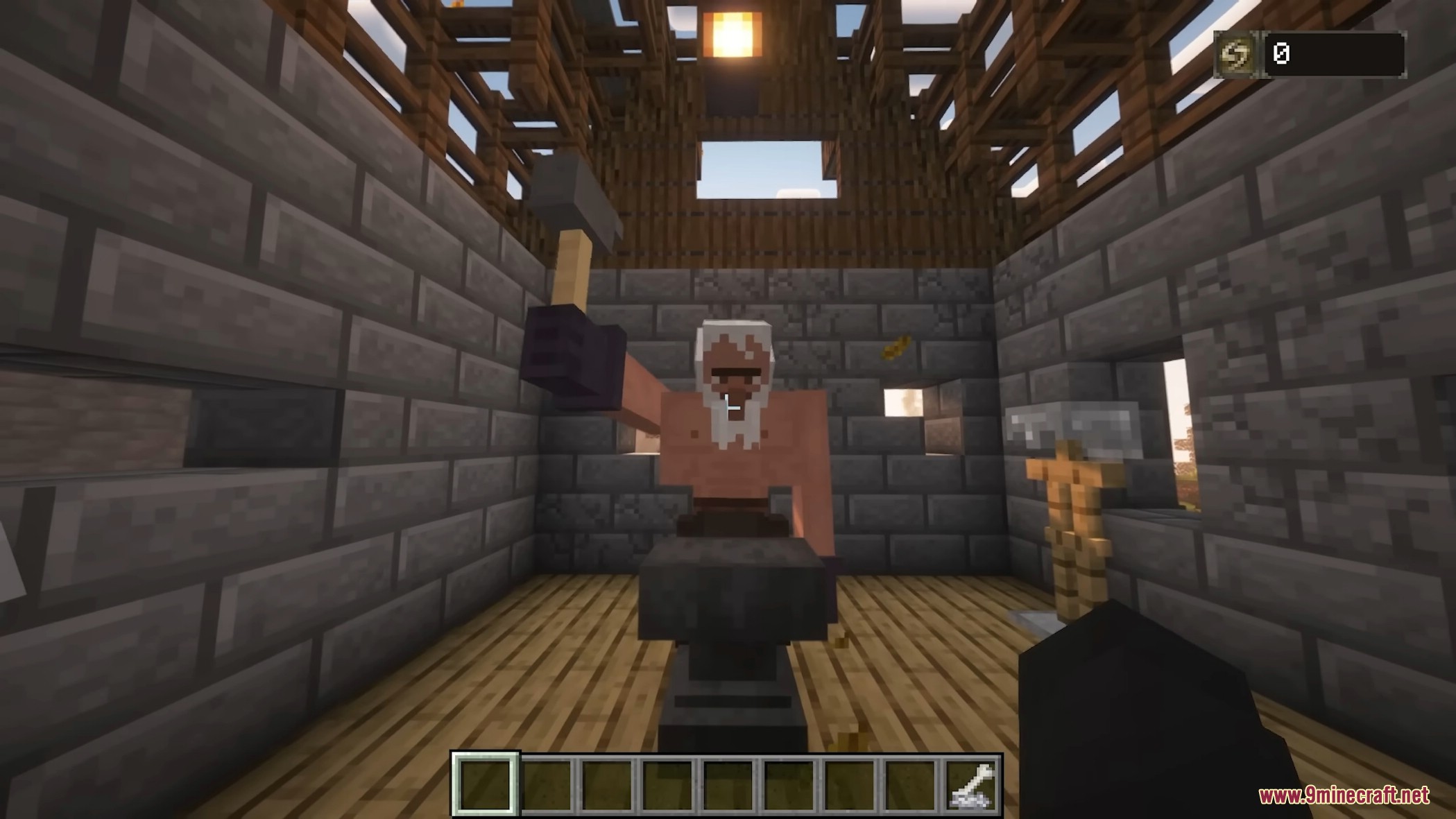
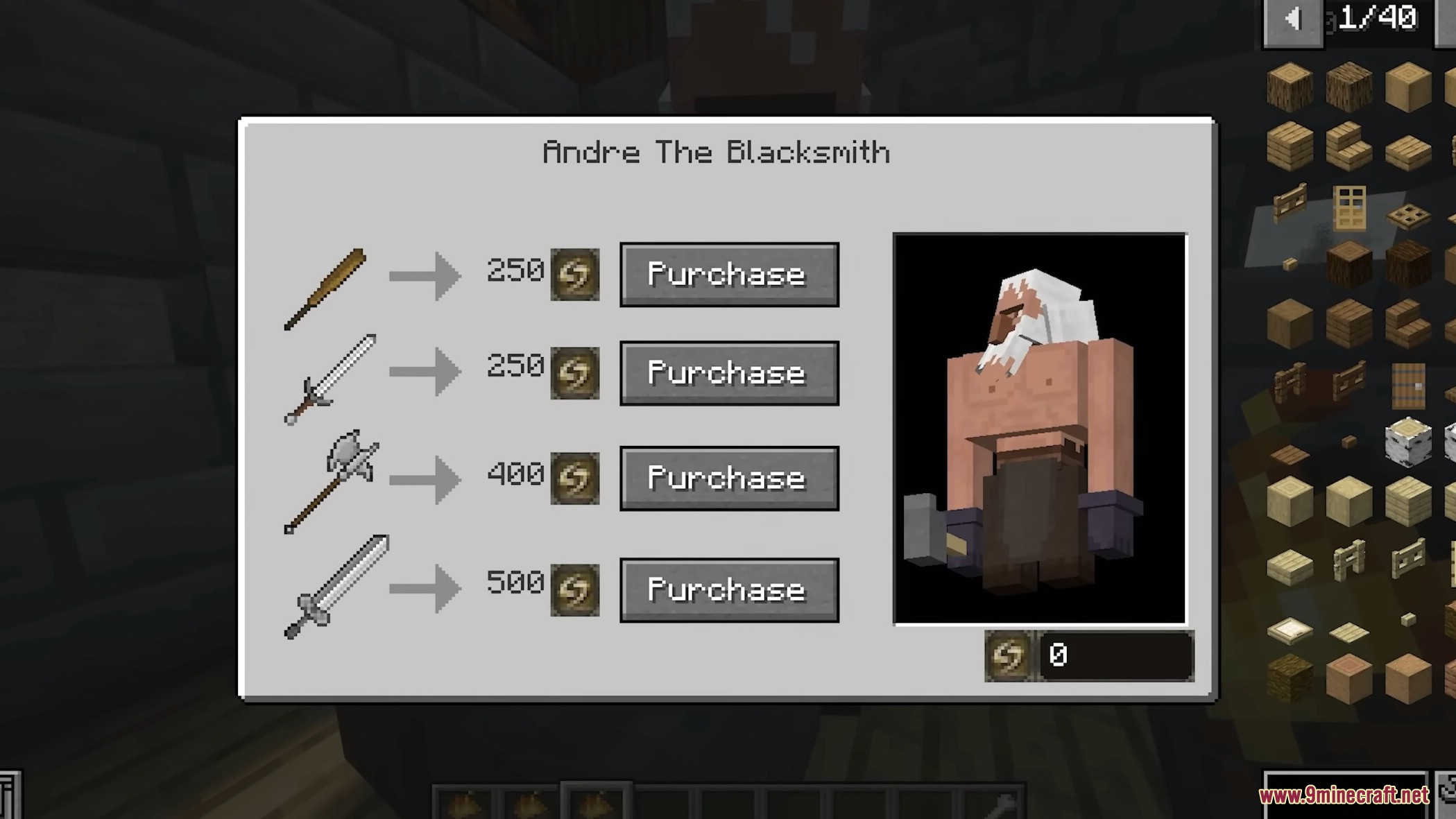
- Blacksmith Andre Station and new soul trading system
- Over 45 new weapons with animations
- More than 15 armor sets inspired by Dark Souls
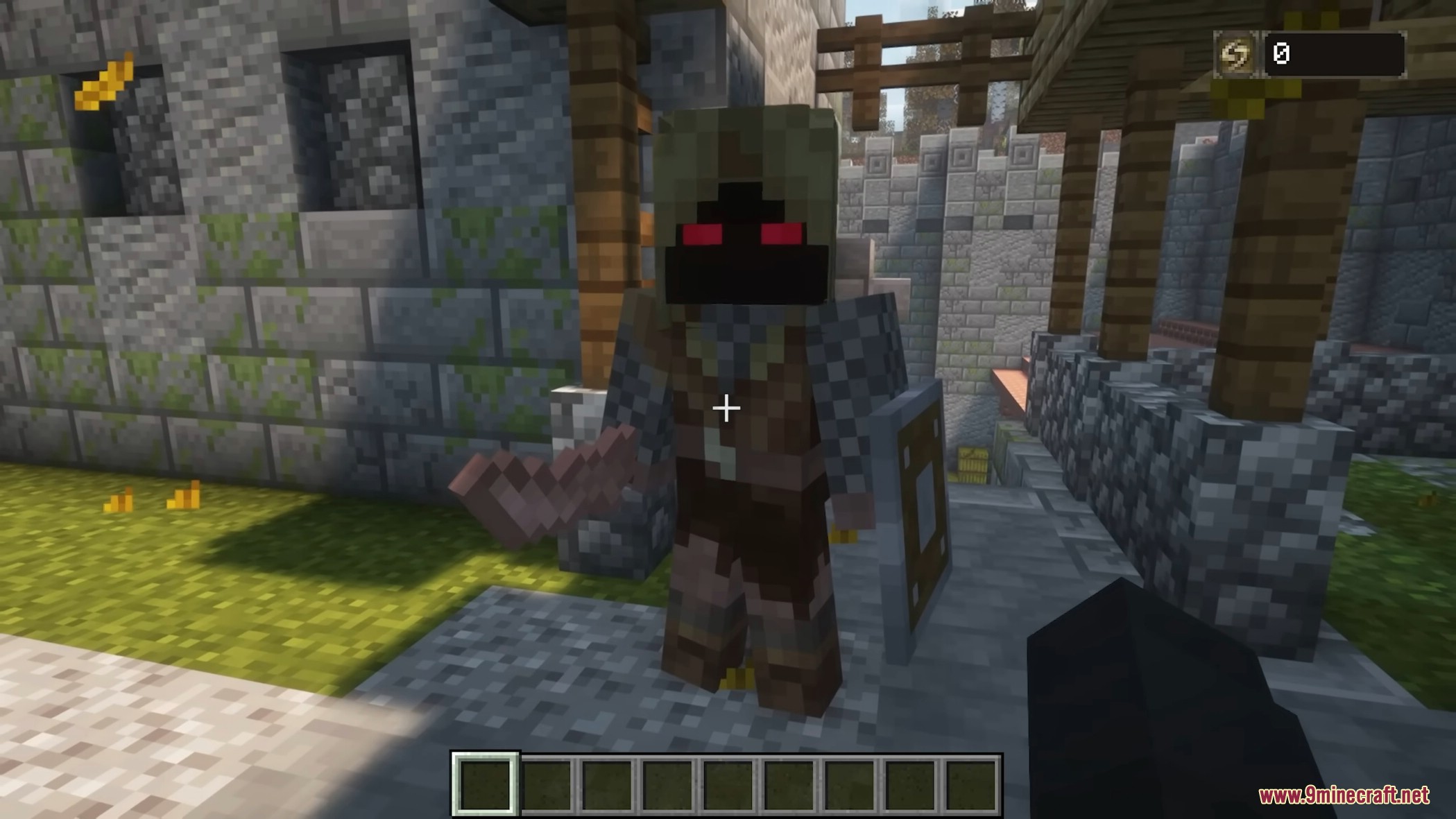
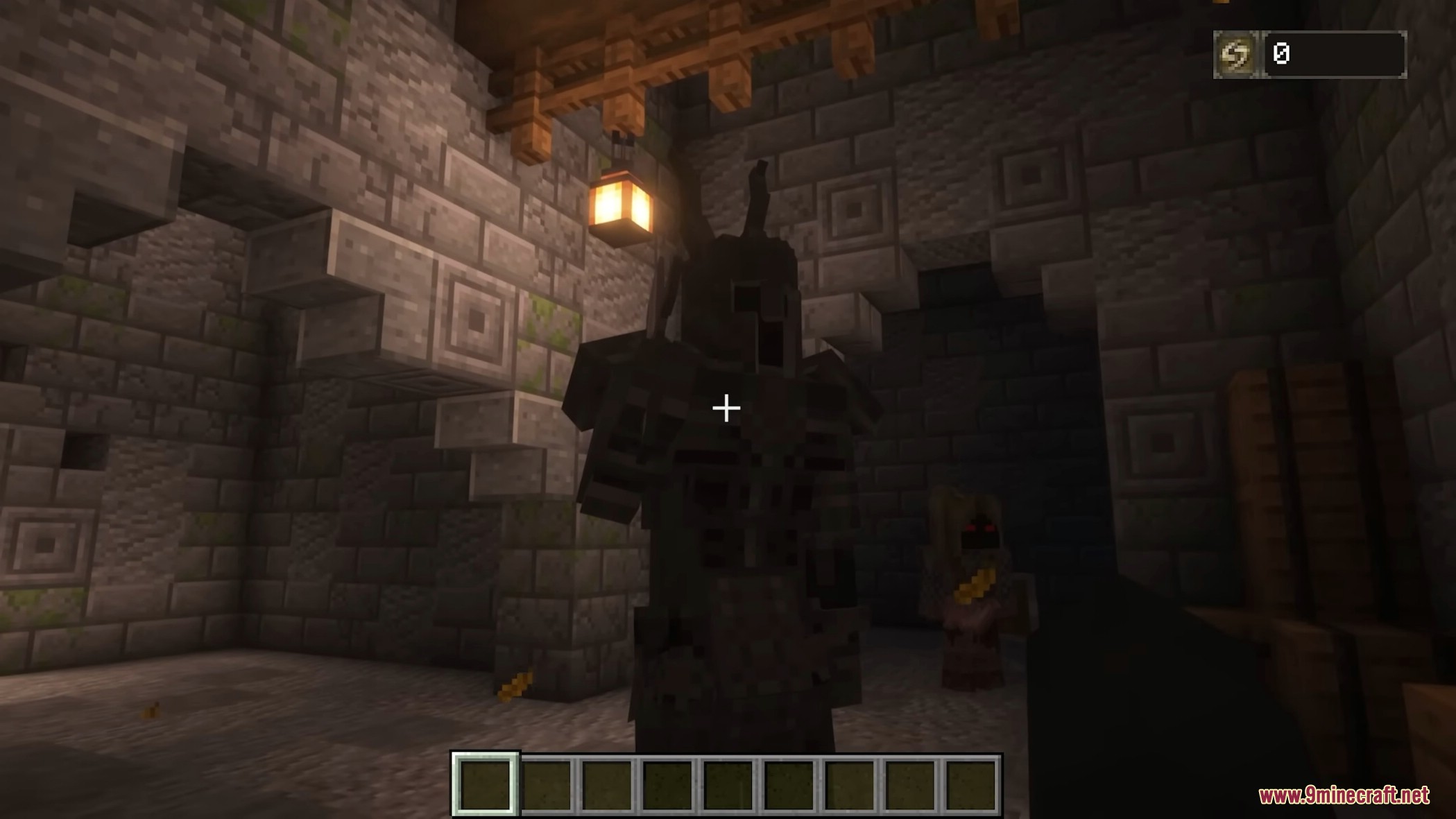
- Over 20 new creatures and enemies
- Exploration, loot, and combat-focused gameplay
How to play:
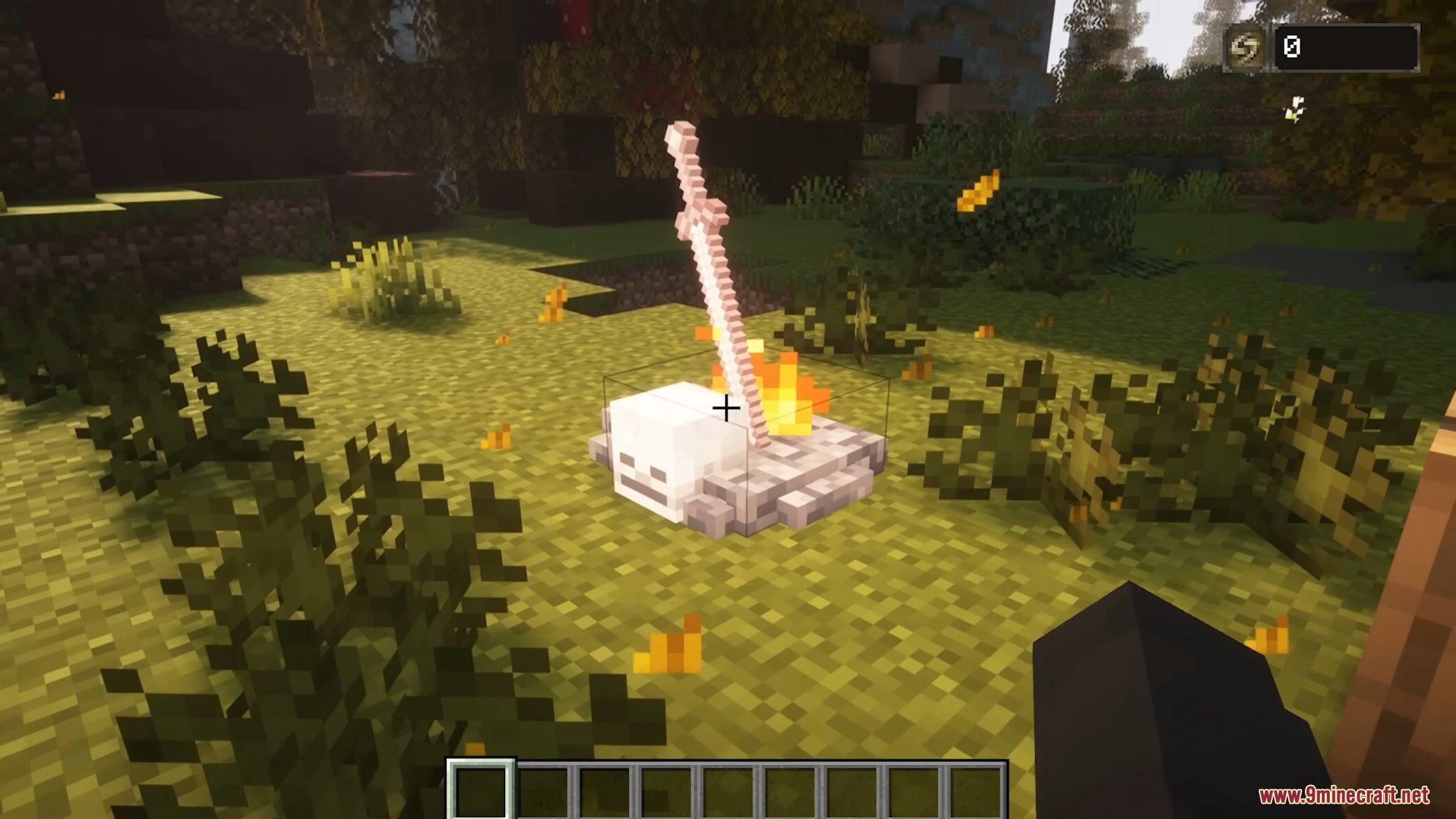
- Find eight ruin fragments in a new structure called
Gravestone Yard - Combine the fragments with a Soul of the Undead to obtain the Artorias’ Cross
- Use the Artorias’ Cross as a key in new churches to travel to Lordran
- Explore Lordran freely, finding new structures, enemies, and bosses
Lordran Structures & Gameplay
- Three major buildings to explore and fight bosses
- Forge/Blacksmith House
- Buy new weapons and items from the blacksmith
- Requires giving the blacksmith Great Amber to unlock
Screenshots:
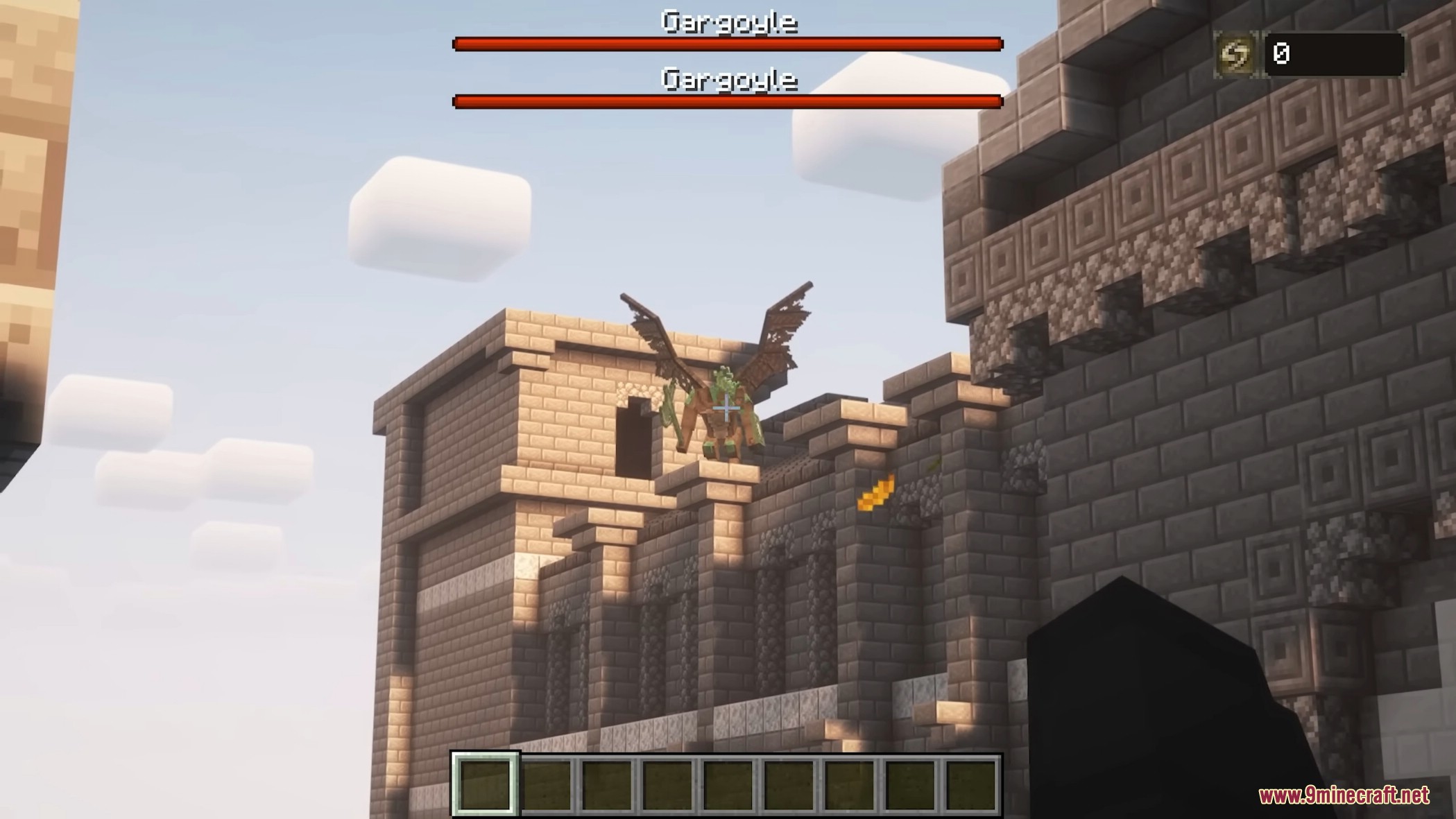
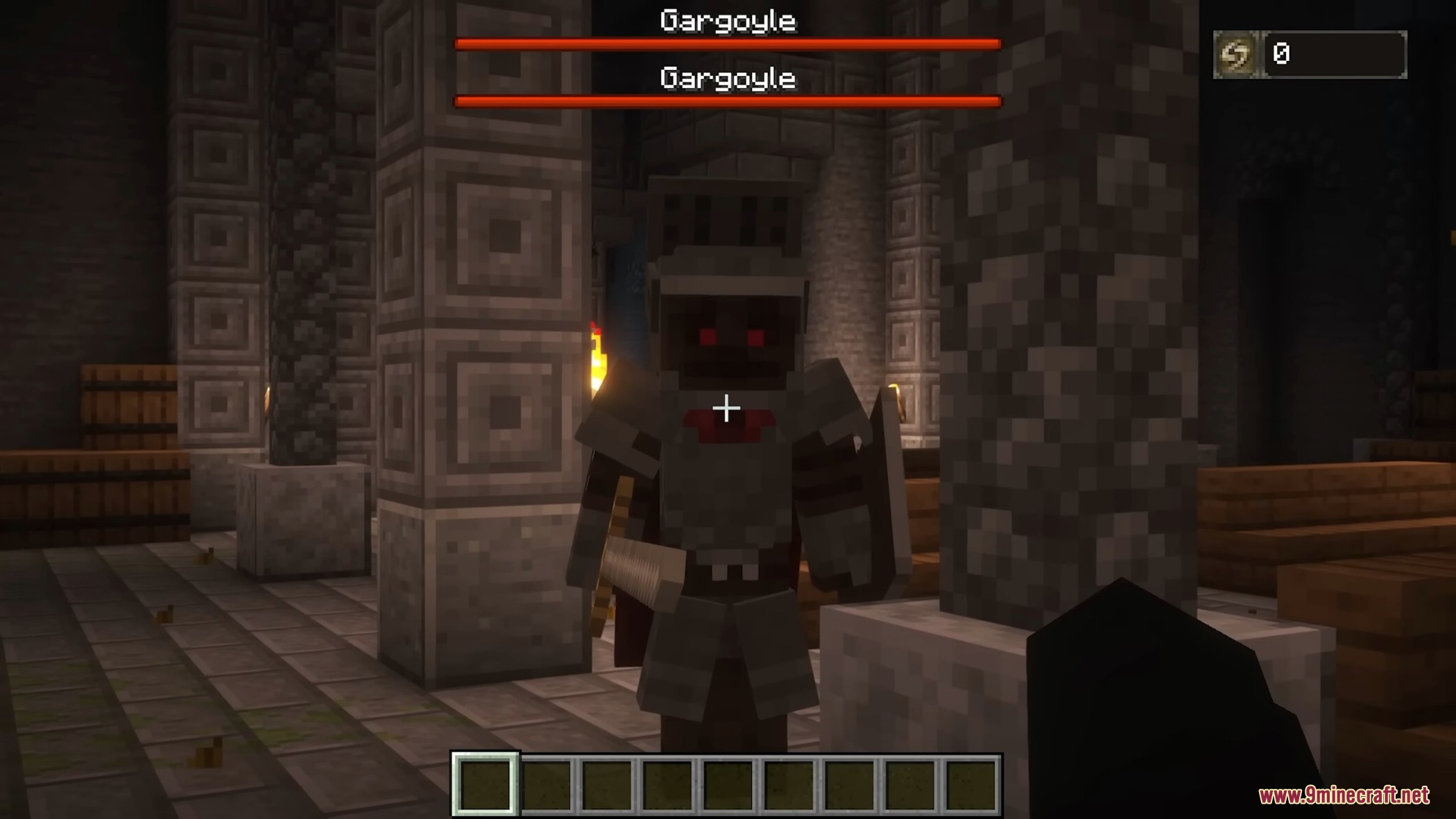
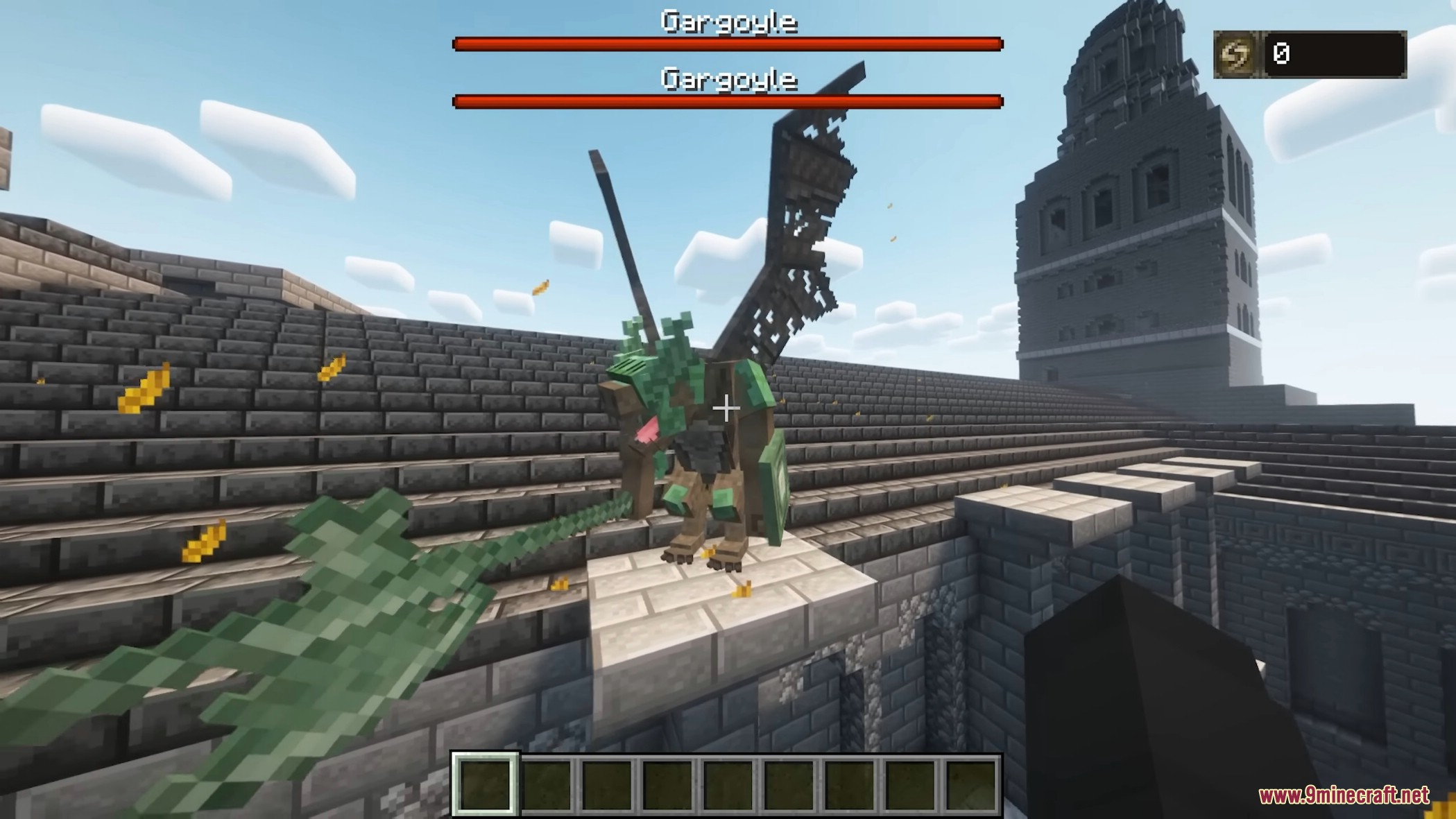
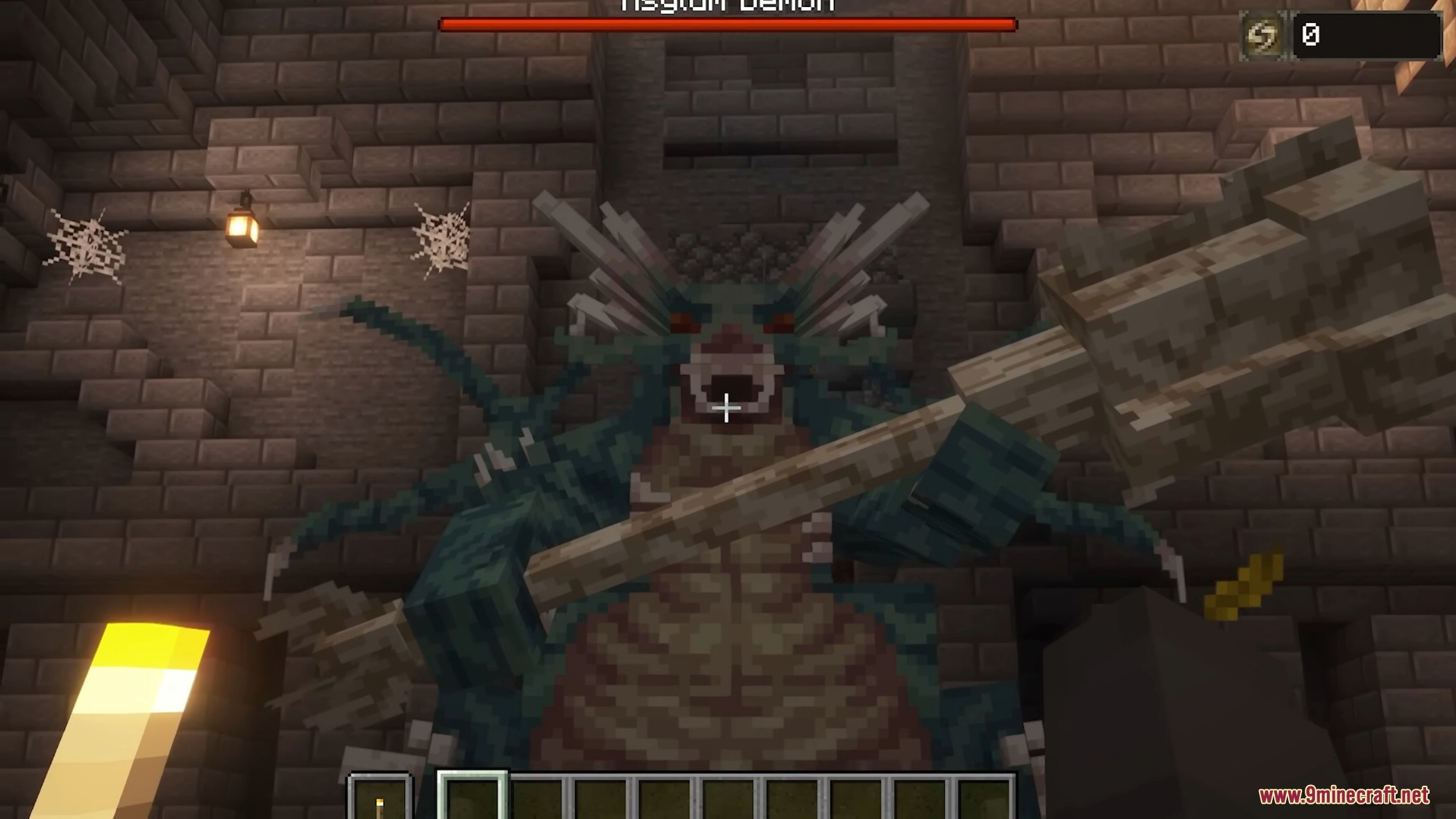
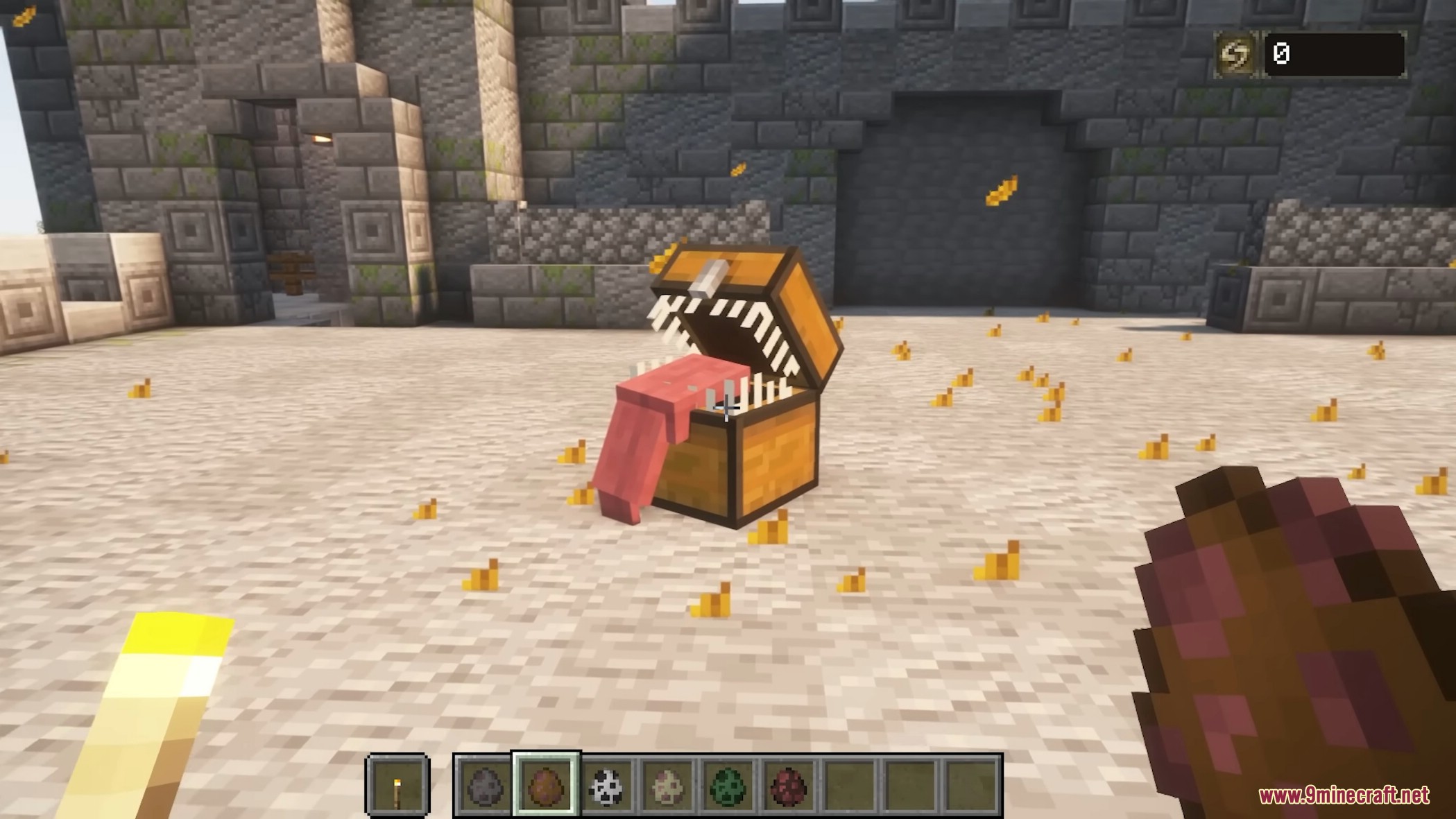
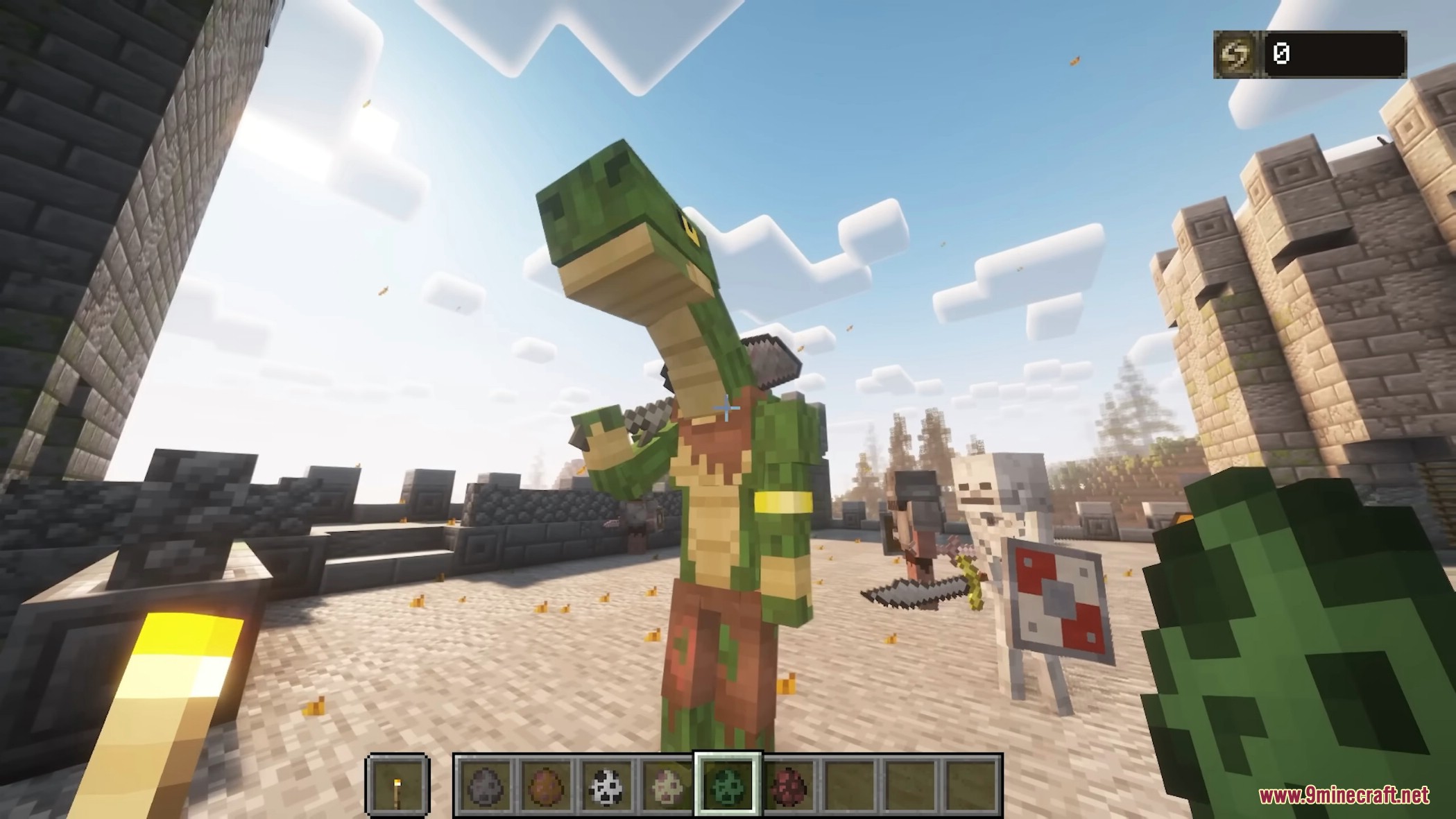
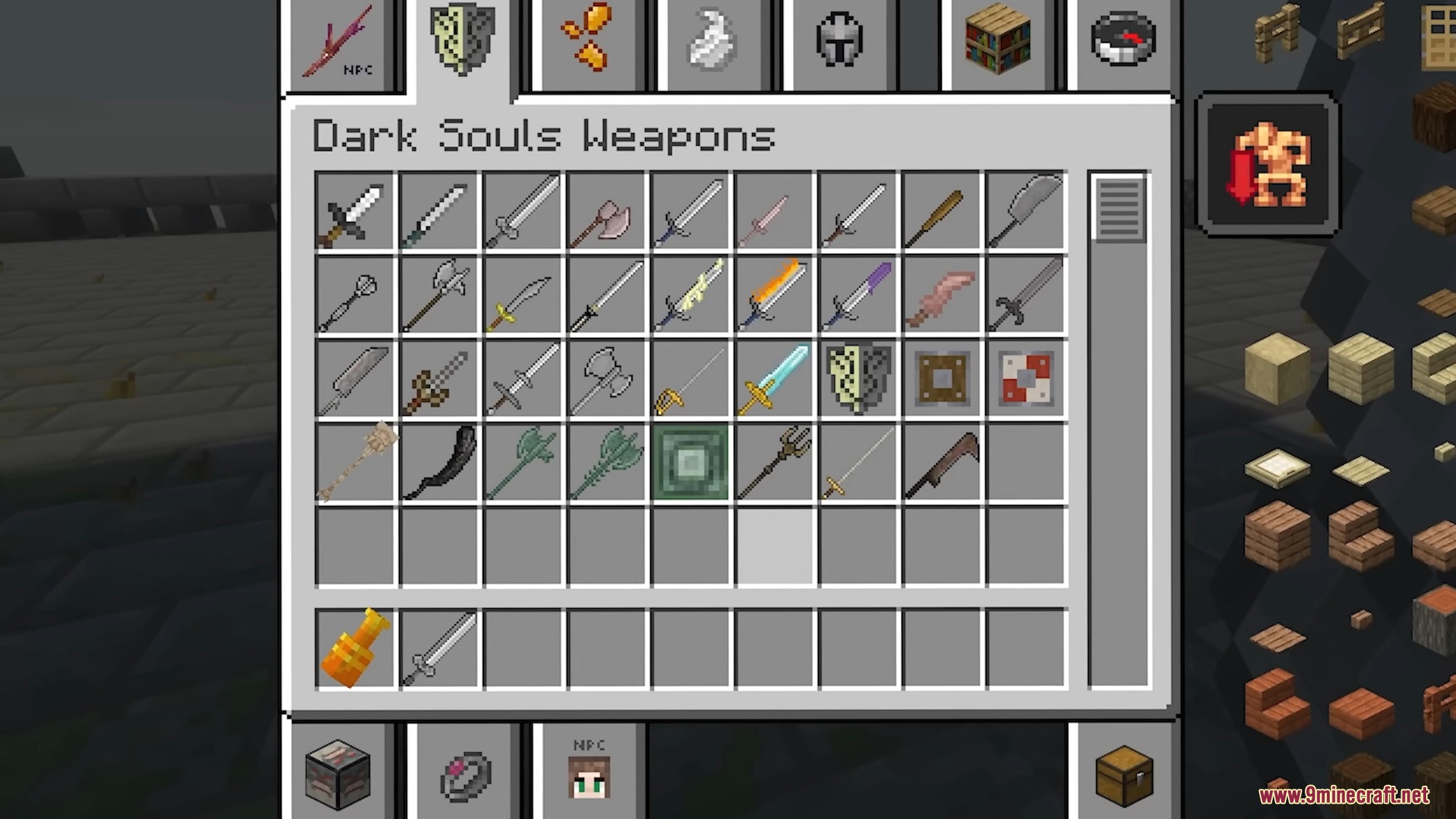
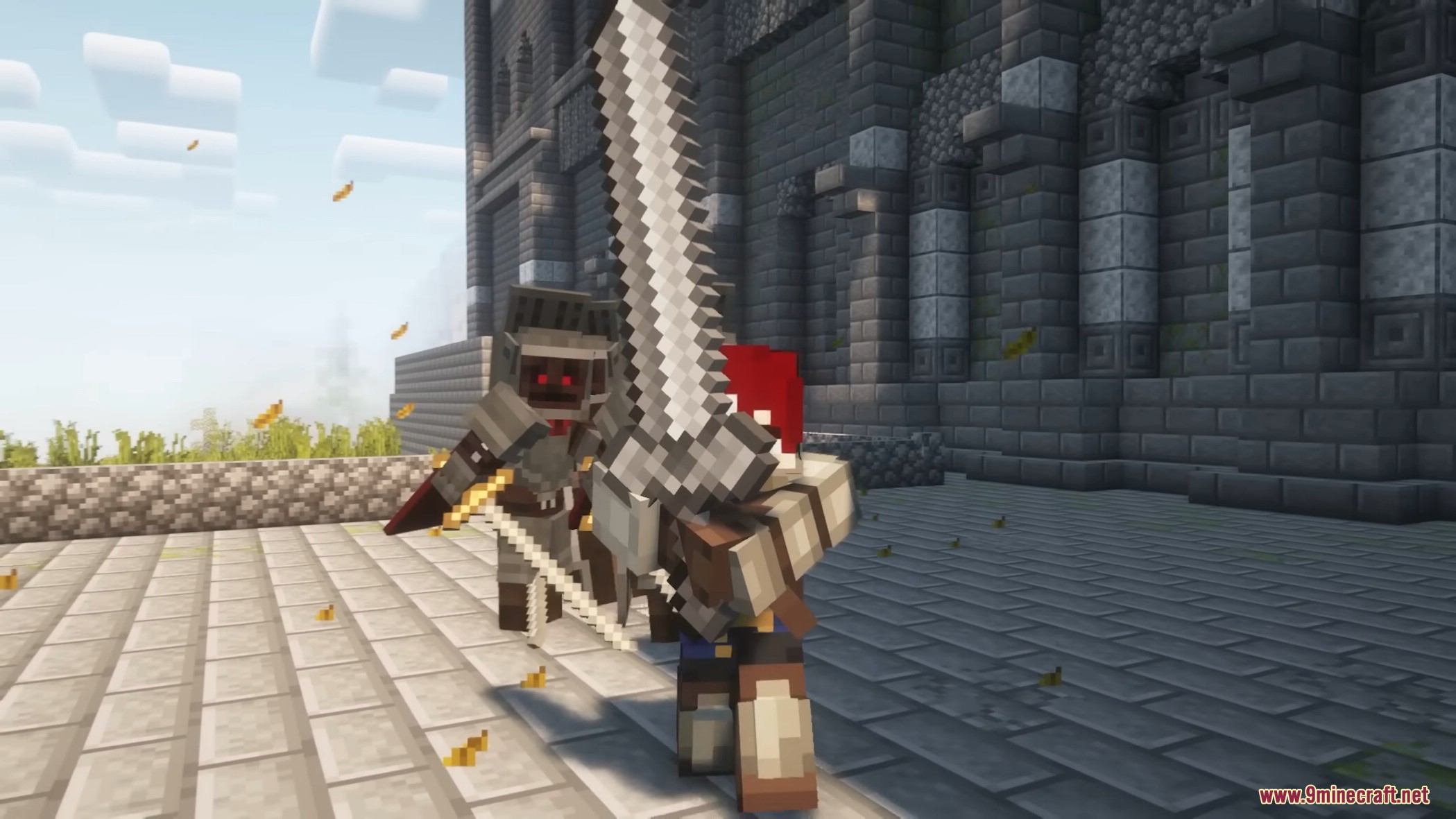
Dark Souls Expansion Mod Download Links
For Minecraft 1.21.1, 1.21
NeoForge version: Download from Server 1 – Download from Server 2
For Minecraft 1.20.6
NeoForge version: Download from Server 1
For Minecraft 1.20.1, 1.20
Forge version: Download from Server 1 – Download from Server 2
For Minecraft 1.19.4
Forge version: Download from Server 1
- Edition: Minecraft Java
- File type: .jar
- Minecraft versions listed: 1.21.1, 1.20.1
- How to install: Install the matching mod loader (Forge, Fabric or NeoForge) for your Minecraft version. → Download the .jar. → Put it in the .minecraft/mods folder and launch that loader profile.
- Where to get it: In MC Java Mods, or directly above on this page.
Install steps are the general flow for this file type — How to install Minecraft Java mods & modpacks walks through it step by step.
- Downloads as 175456.mcaddon
- Download size: 10.5 MB
- Download link checked 29 Jul 2026 — working
- Mirrored on our own servers — the download does not depend on the original host
These come from our own check of the pack file, not from the source page.