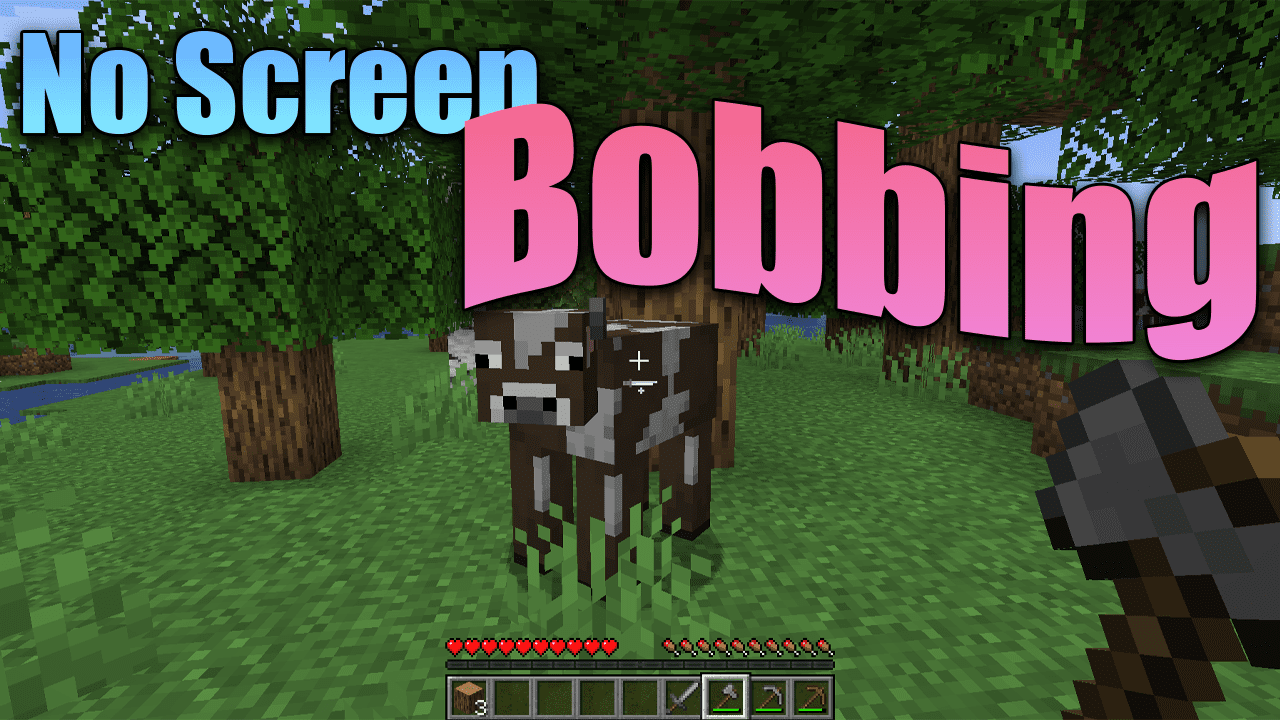
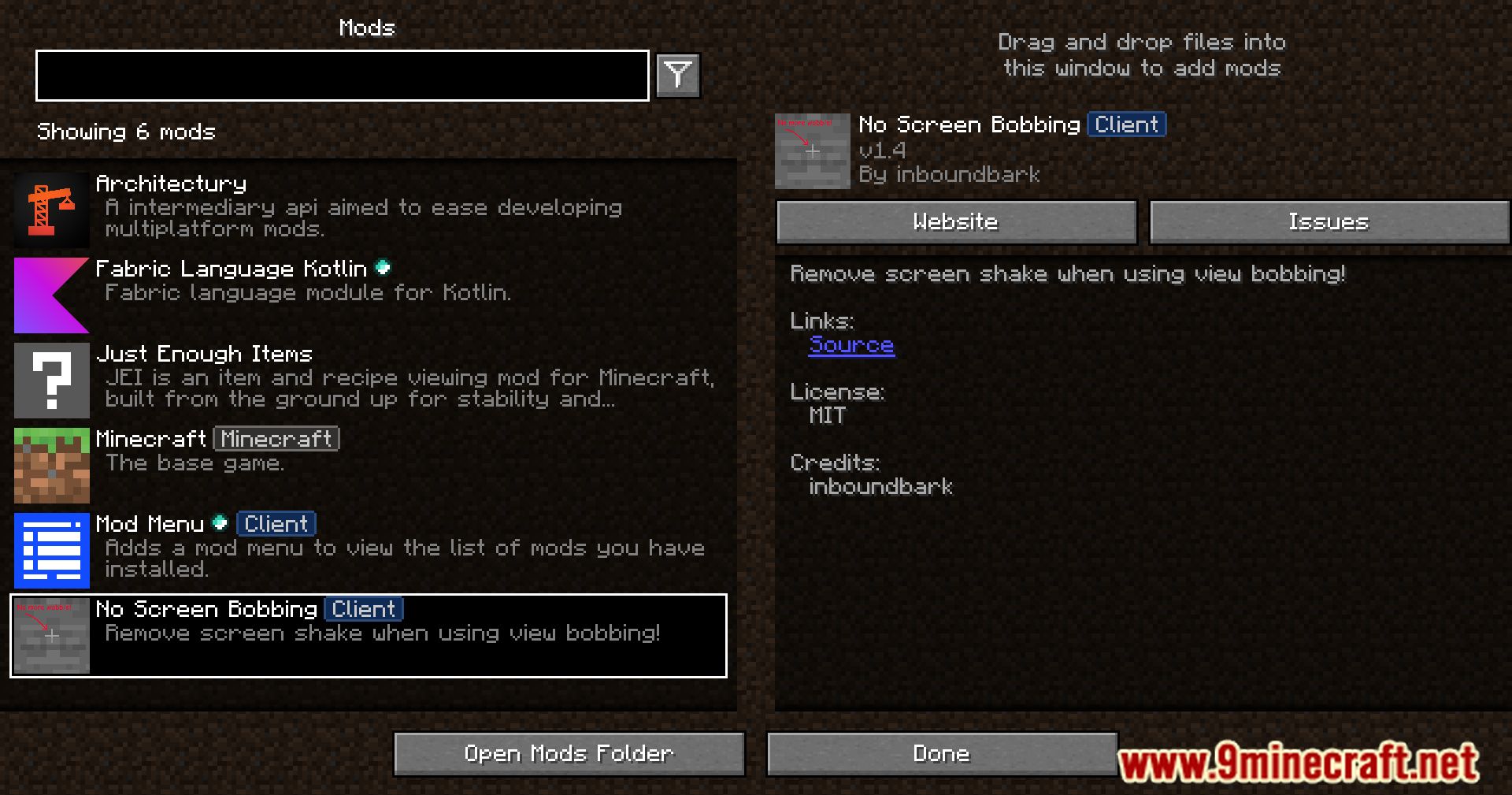
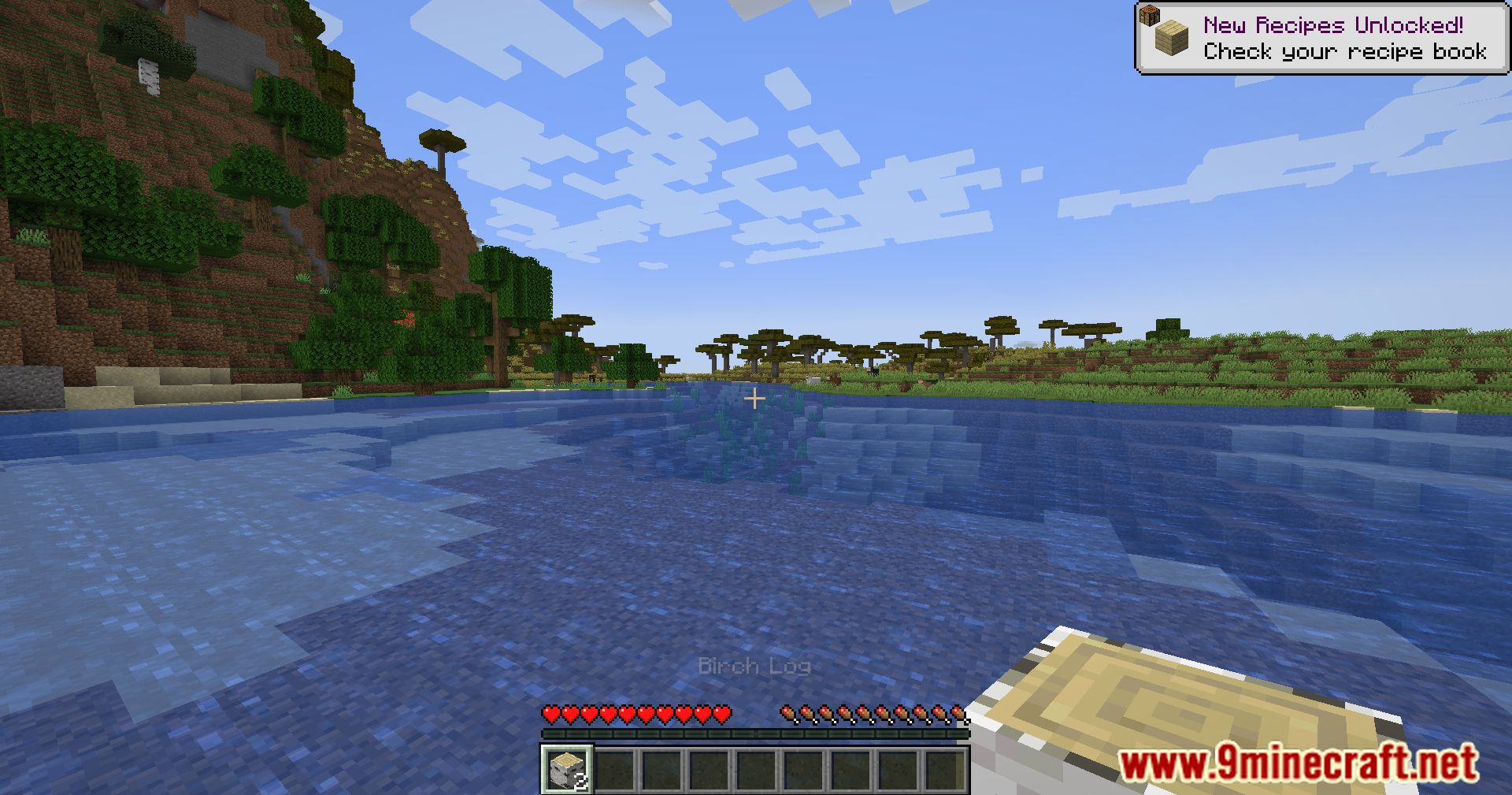
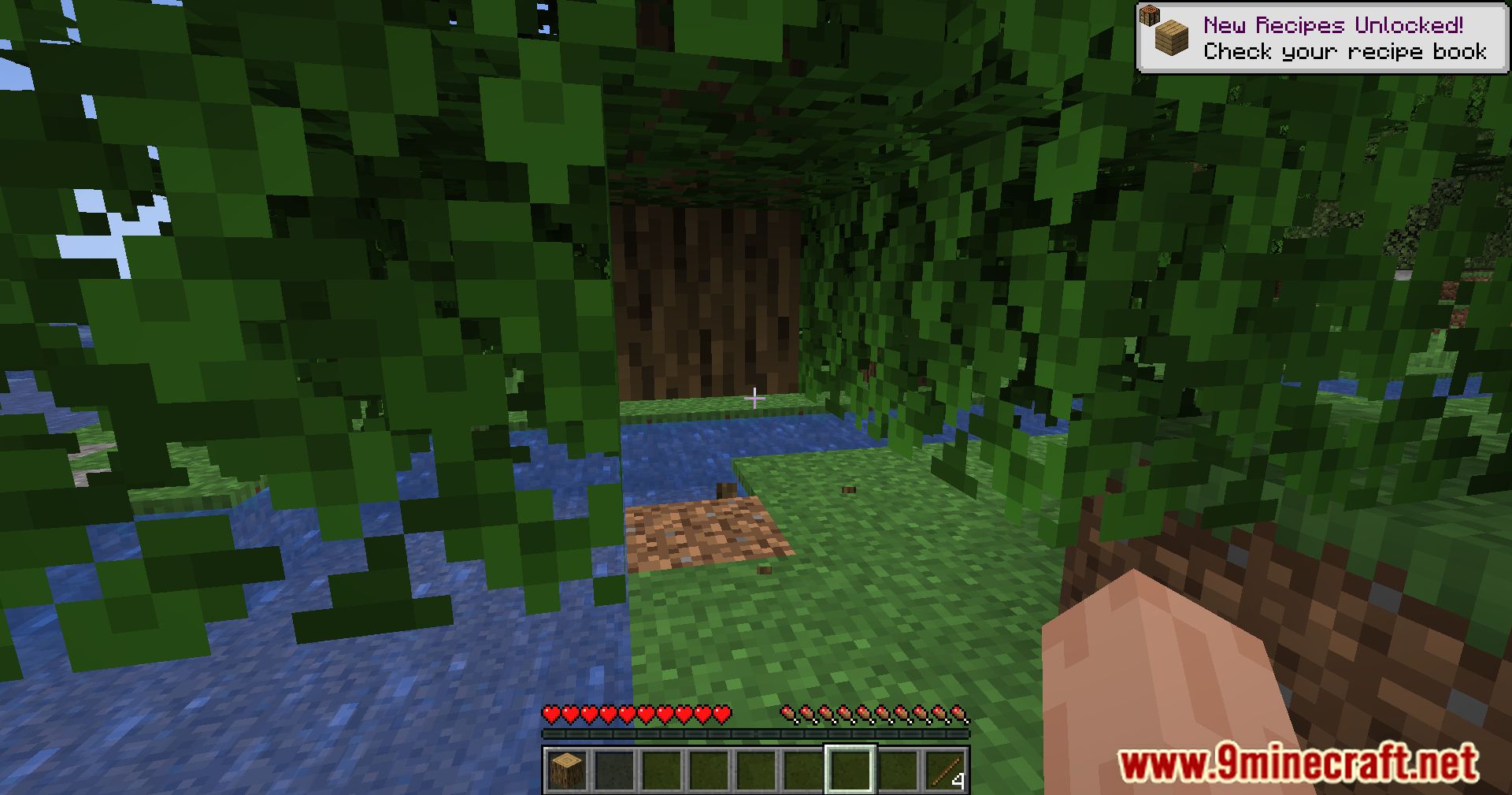
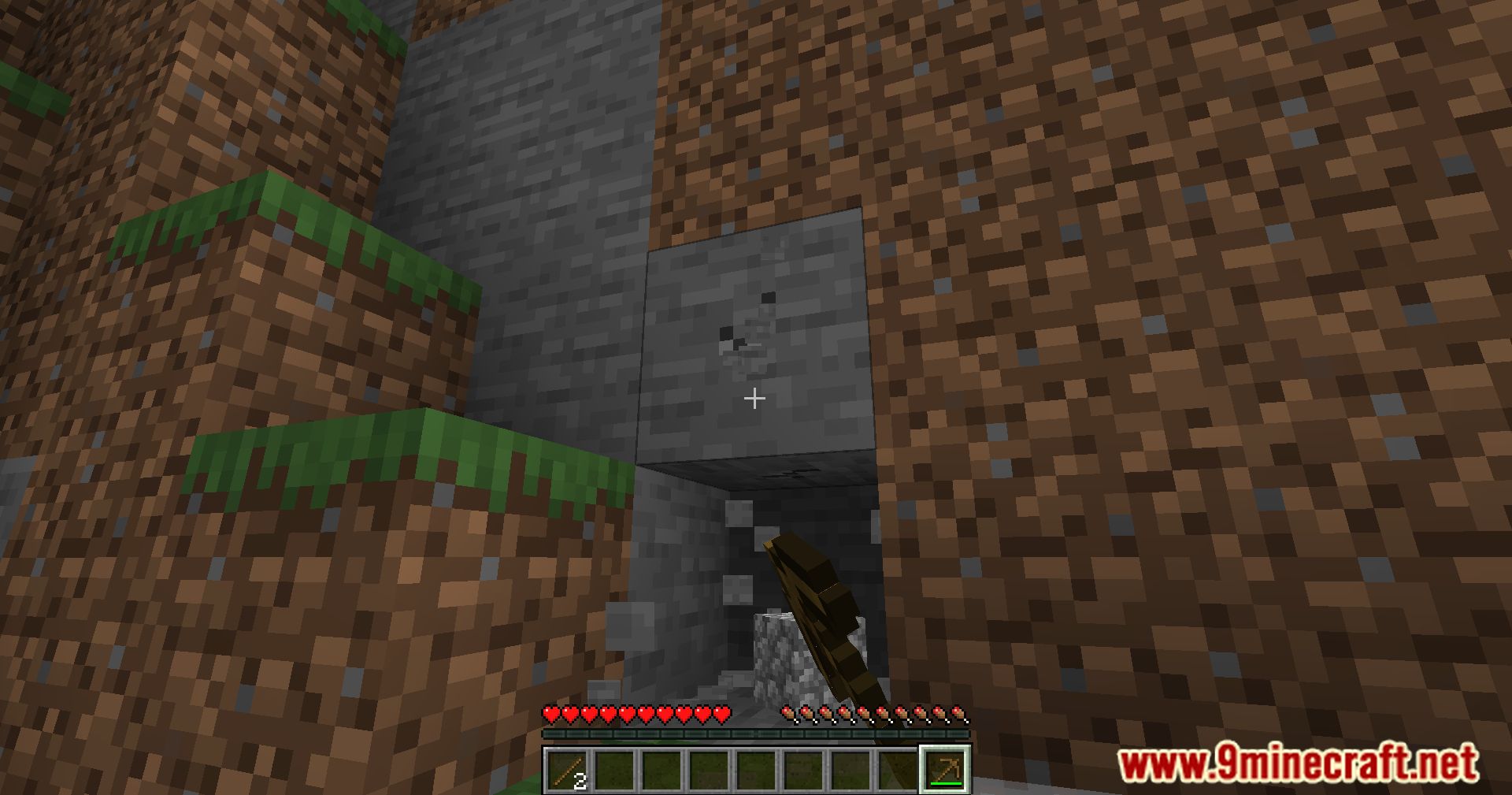
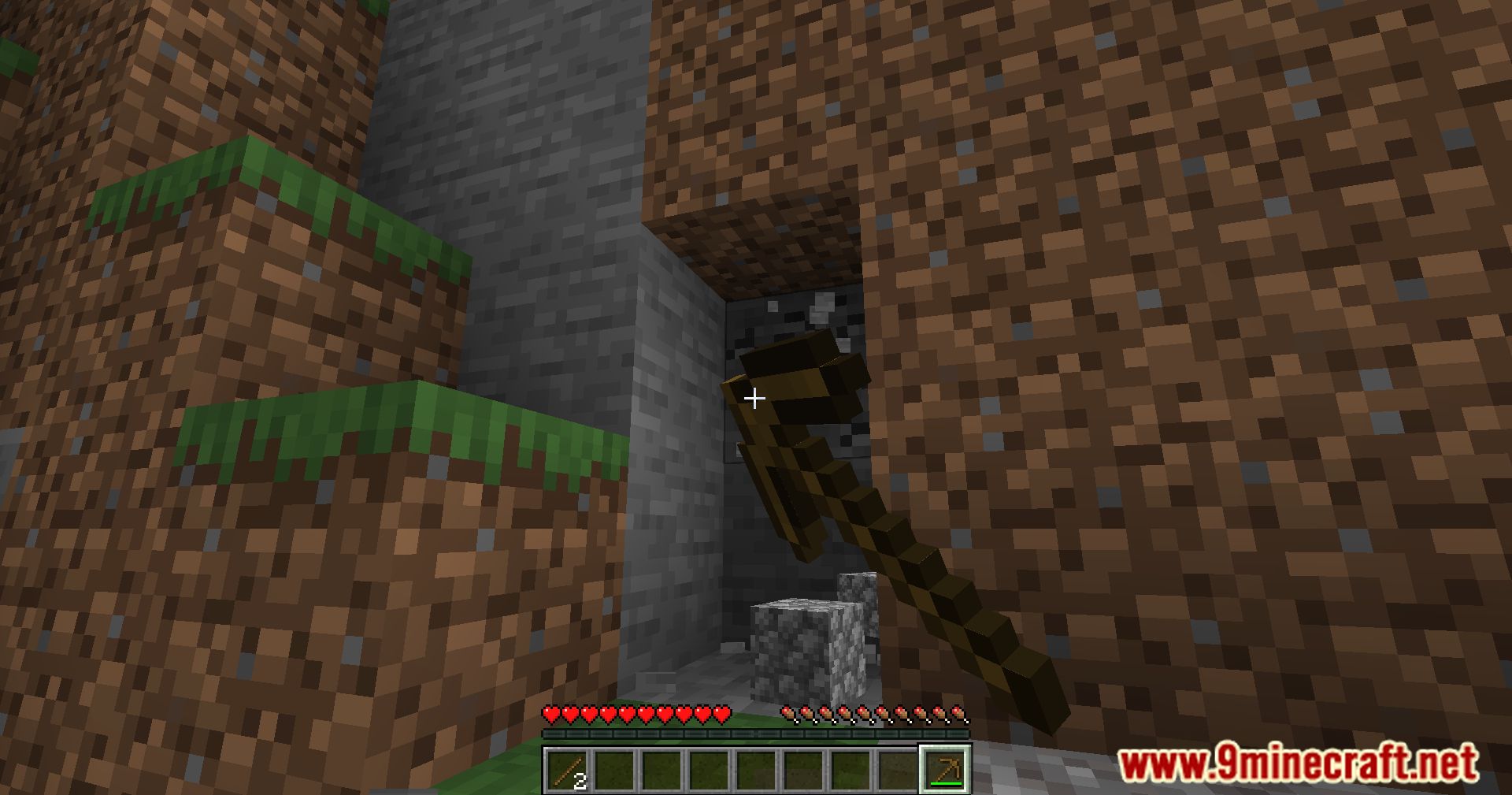
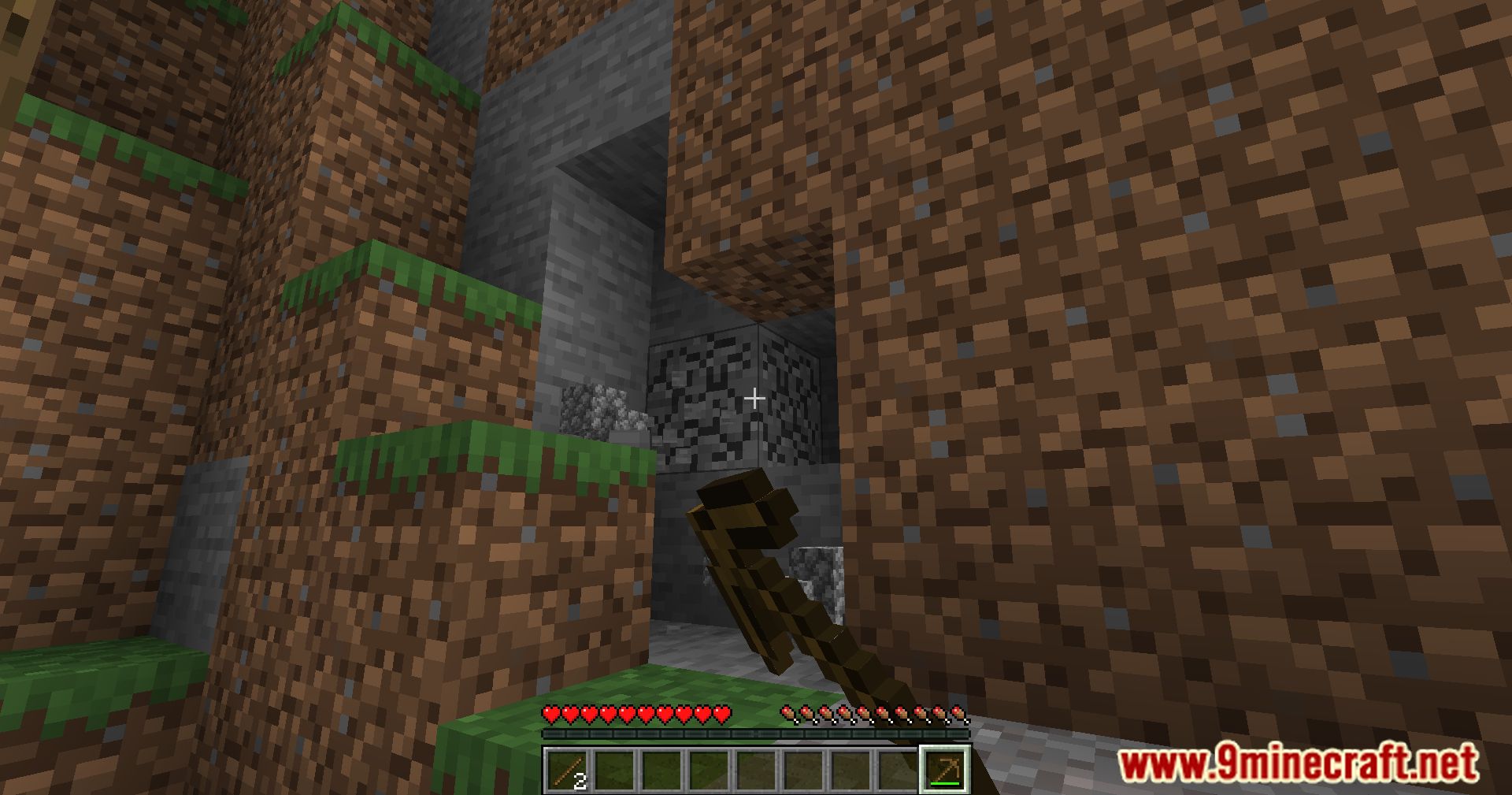
No Screen Bobbing Mod is a lightweight client-side mod that removes the default screen bobbing effect when walking or sprinting. This provides a smoother and more stable camera movement, reducing motion sickness for some players.
Features:
- Disables screen bobbing without affecting gameplay.
- Improves stability for players sensitive to camera motion.
- Lightweight and performance-friendly modification.
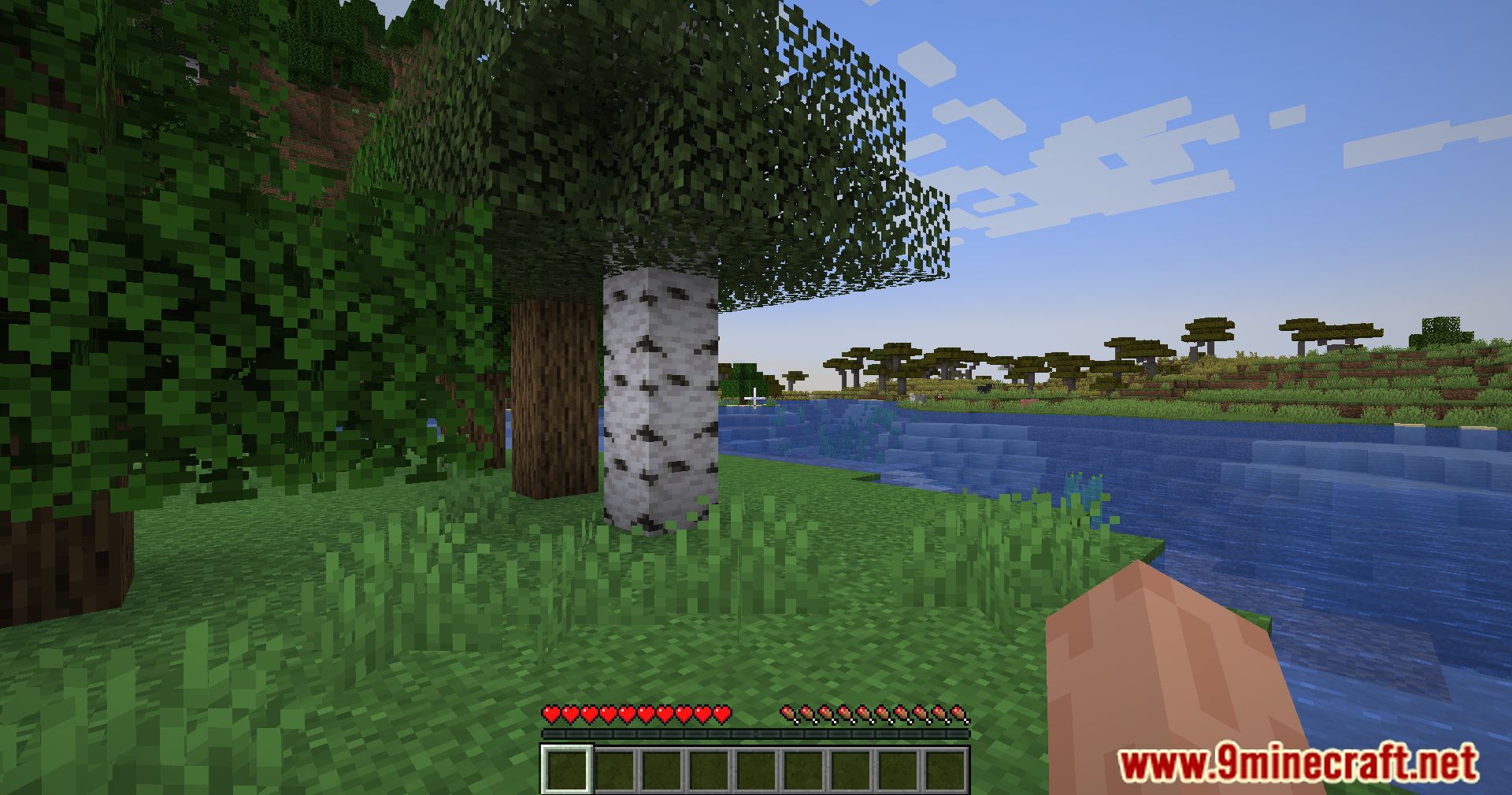
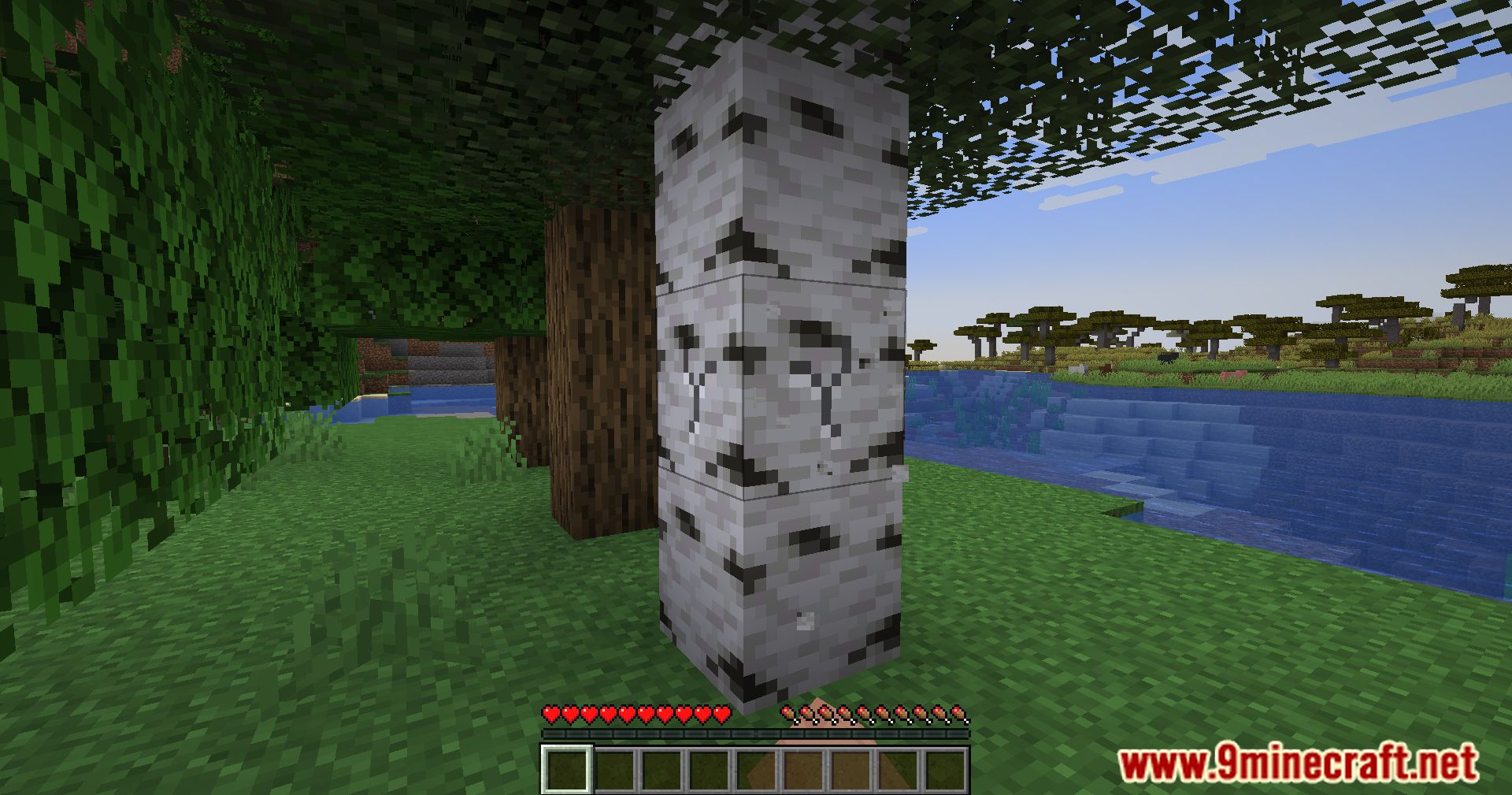
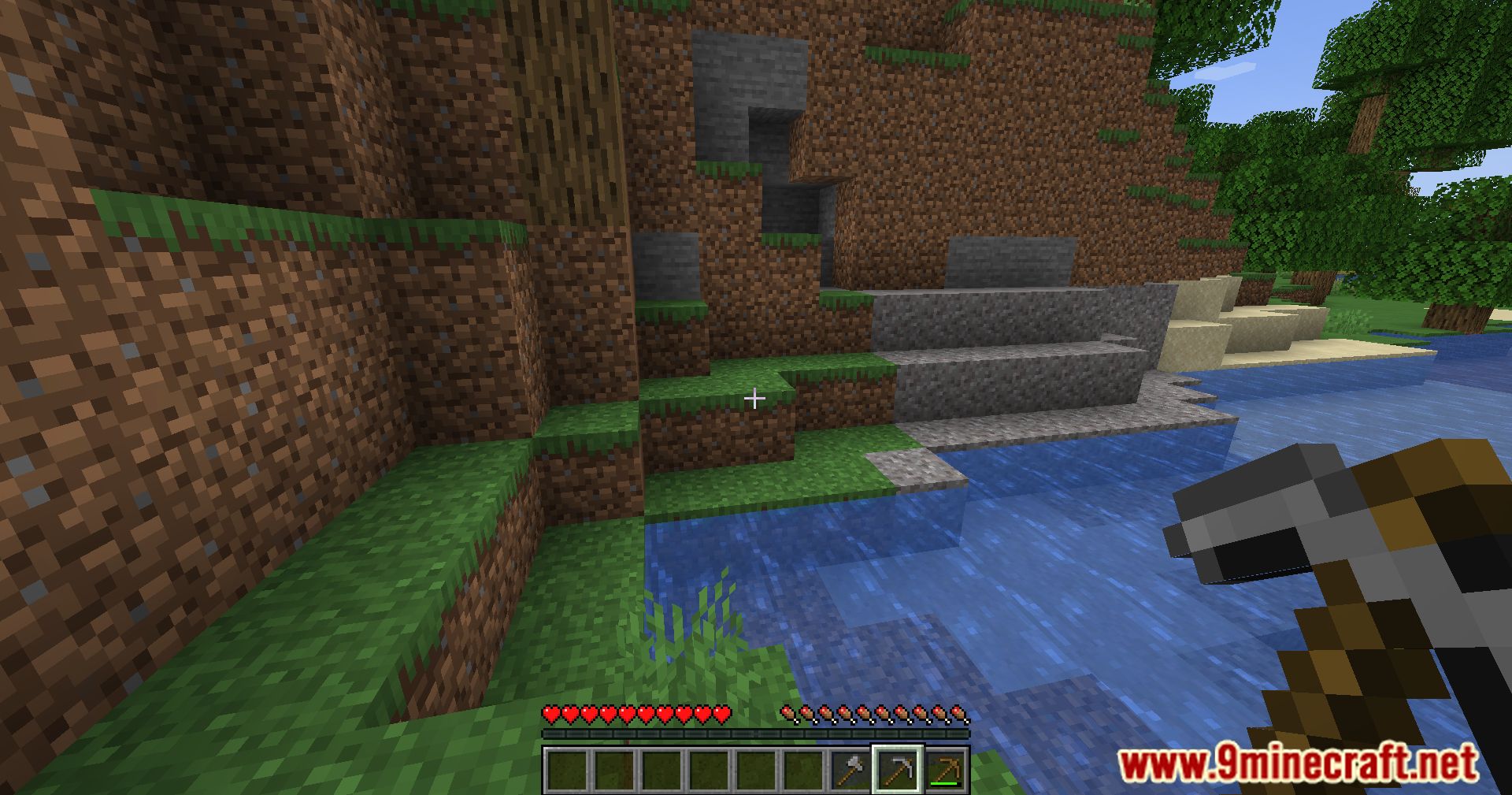
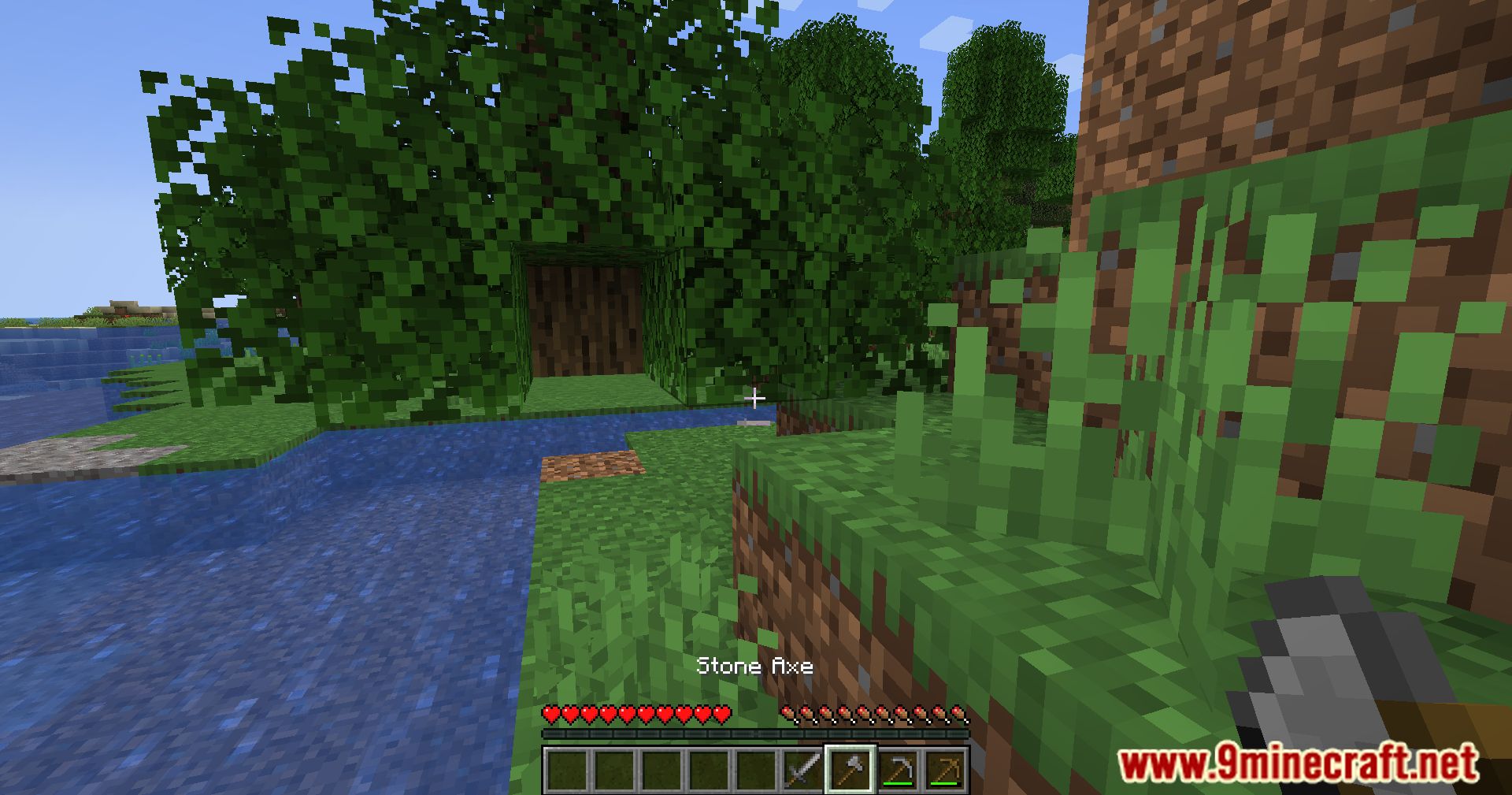
Screenshots:
No Screen Bobbing Mod Download Links
For All Versions from Minecraft 1.15.2 to Minecraft 1.21.11
Fabric Version: Download from Server 1 – Download from Server 2
For Minecraft 1.21.1, 1.21
Fabric Version: Download from Server 1 – Download from Server 2
For All Versions from Minecraft 1.15.2 to Minecraft 1.20.1
Fabric Version: Download from Server 1 – Download from Server 2
For Minecraft 1.16.5
Forge Version: Download from Server 1 – Download from Server 2
- Edition: Minecraft Java
- File type: .jar
- Minecraft versions listed: 1.21.11, 1.20.1
- How to install: Install the matching mod loader (Forge, Fabric or NeoForge) for your Minecraft version. → Download the .jar. → Put it in the .minecraft/mods folder and launch that loader profile.
- Where to get it: In MC Java Mods, or directly above on this page.
Install steps are the general flow for this file type — How to install Minecraft Java mods & modpacks walks through it step by step.
No Screen Bobbing Mod (1.21.11, 1.20.1) – Visual Serenity, Customize Your View!!! is a free Minecraft Java mod. Compatible with Minecraft 1.21.11, 1.20.1. Download it and open it directly in the game.