World Specific View Distance Mod (1.21.11, 1.20.1) – Dimension Specific Render Distance
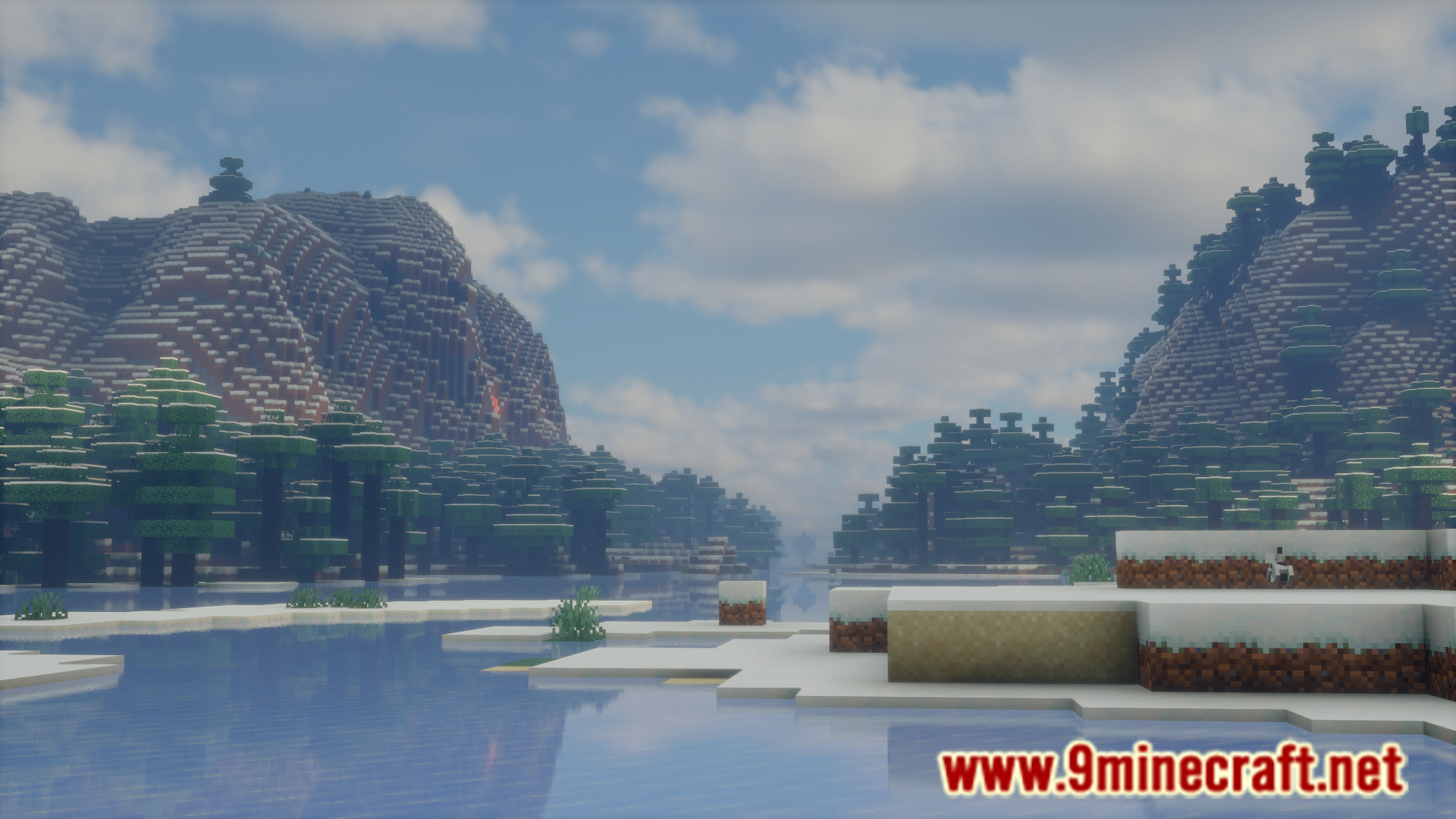
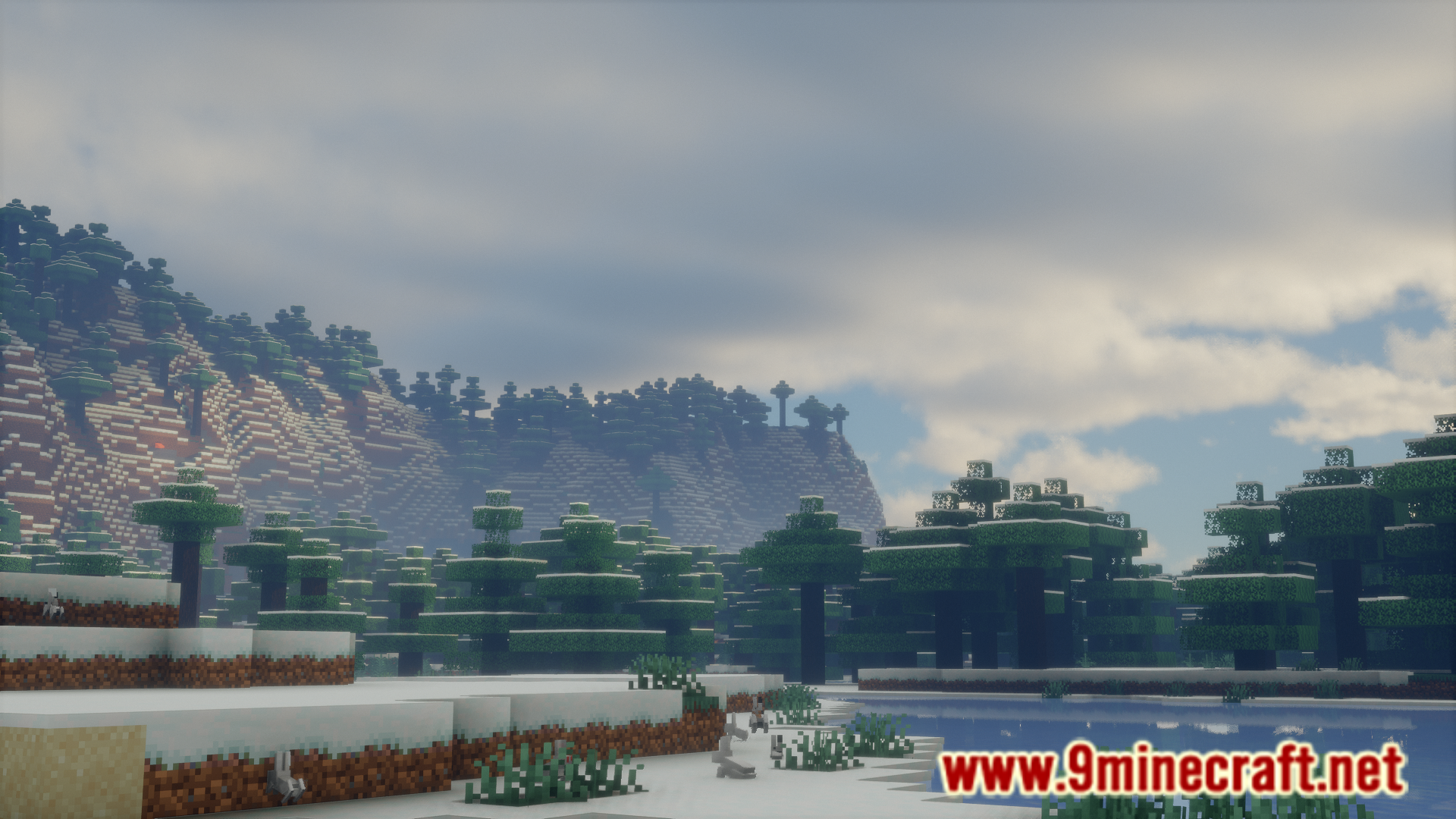
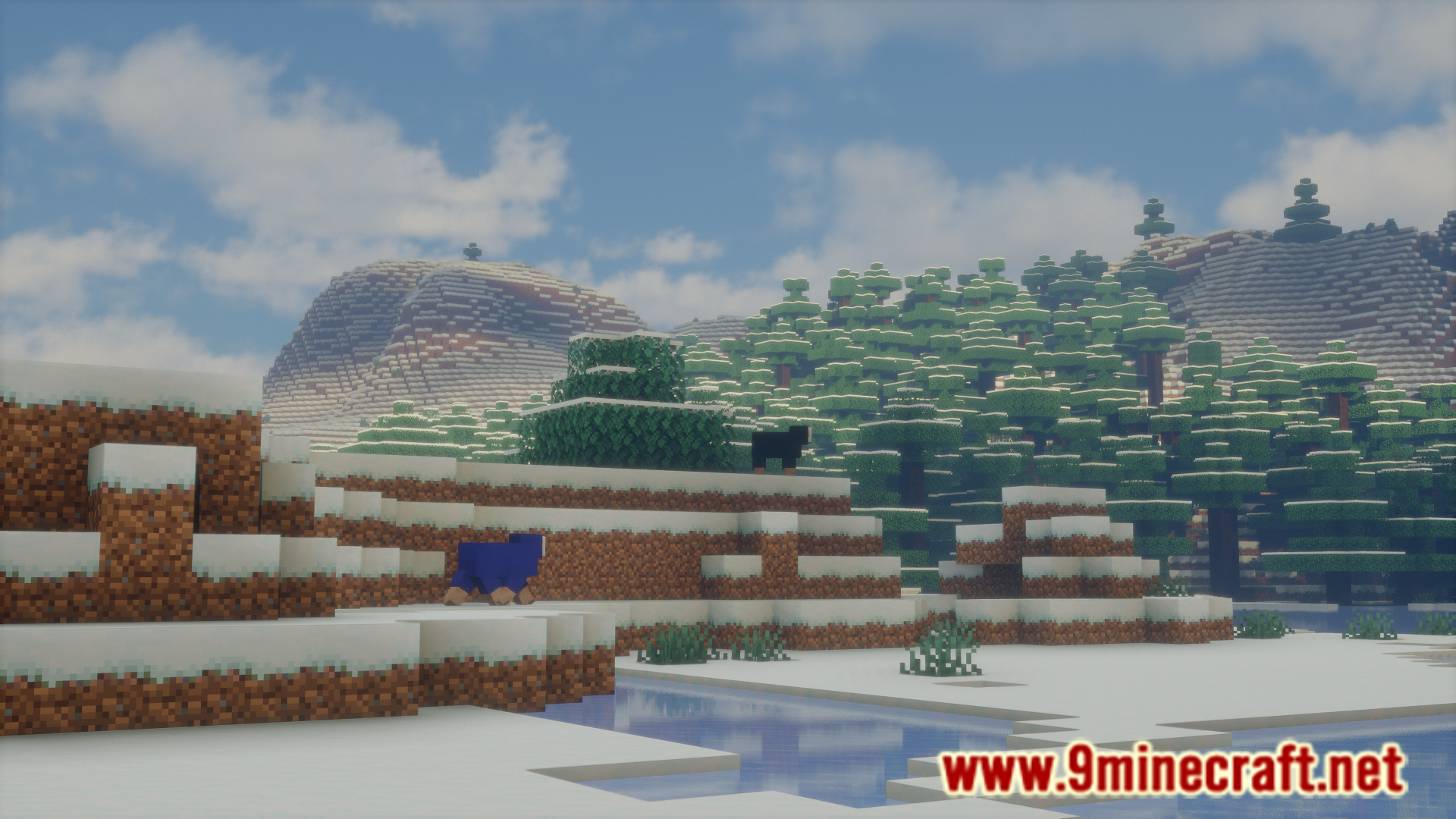
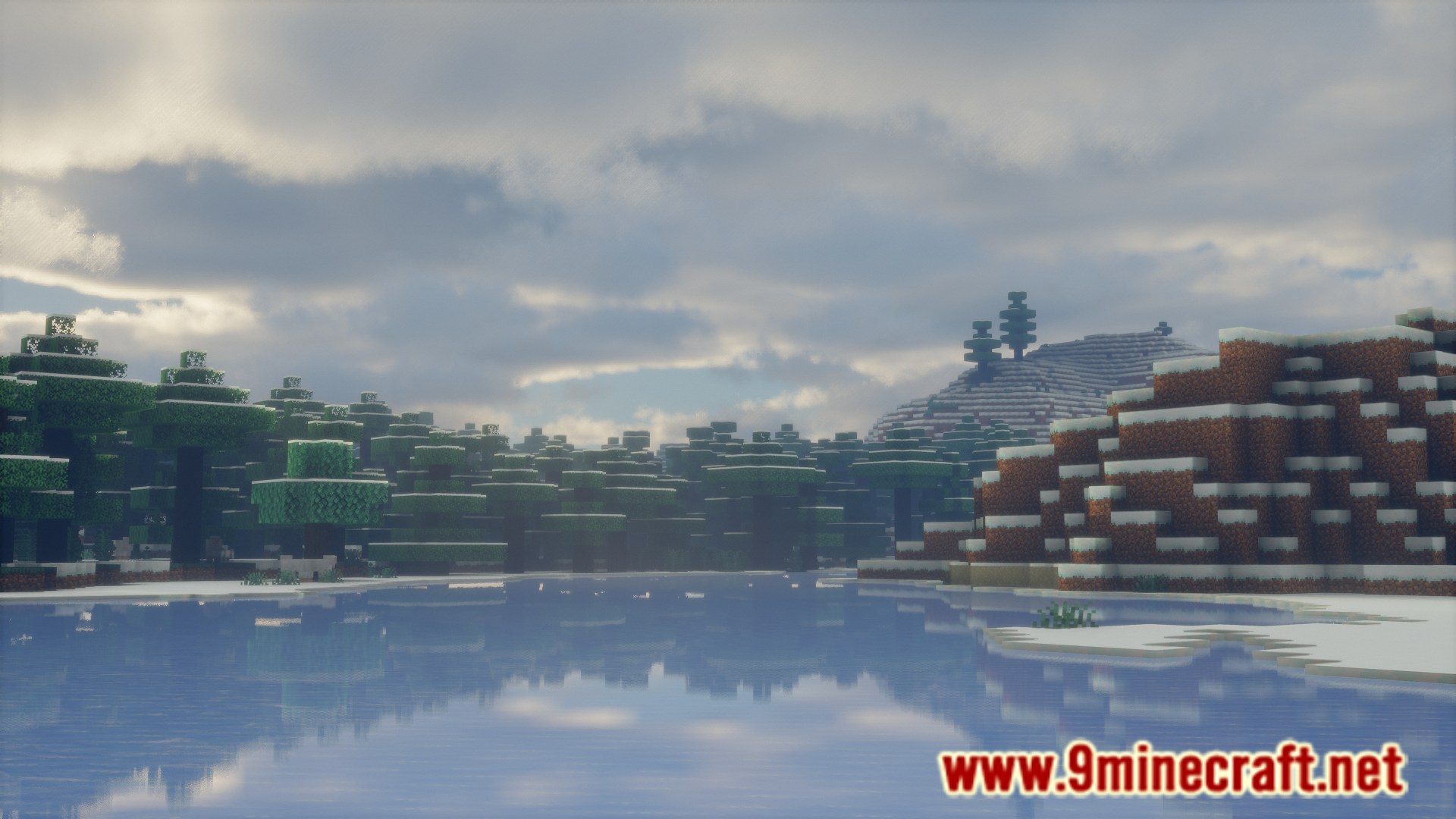
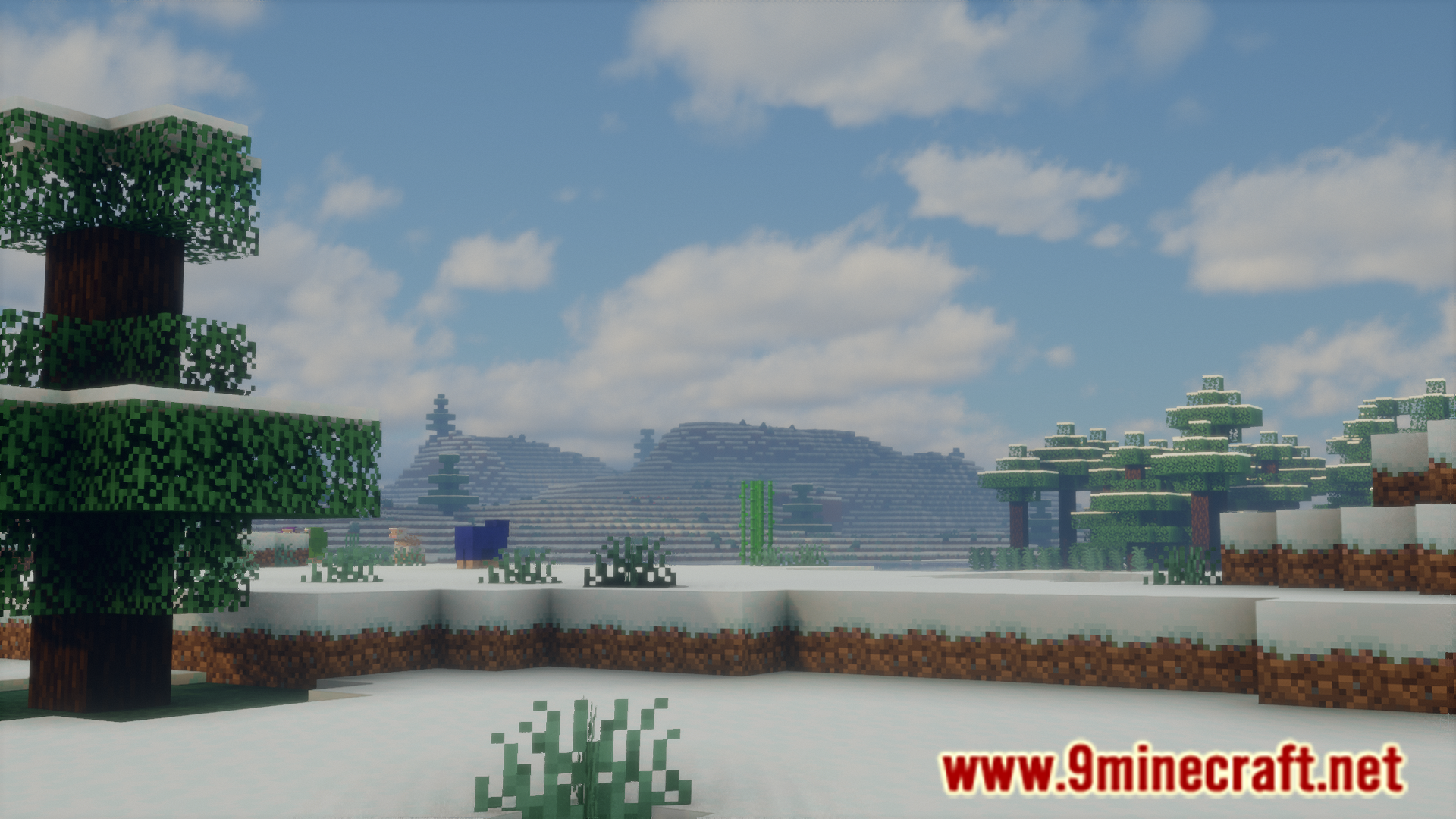
In the Minecraft overworld, when you are on the surface of the world, the majority of the items that the game has to load, like blocks and entities are below you. In the Nether, you have blocks and entities loading all around you. When it comes to the End dimension, the game only has to load a minimal amount of items. This means, loading the same render distance in different dimensions will affect your game performance in a different way. The game will need more system resources in the Nether and minimal resources in the End. This means, it would be better to have different render distances in different dimensions. World Specific View Distance Mod allows you to do just that. This is done using commands and they are listed below.
Features:
- /viewdistance set minecraft:the_nether 10 – Sets the view distance of the nether to 10.
- /viewdistance get minecraft:overworld – Gets the active view distance of the overworld.
- /viewdistance get global – Gets global view distance.
- /viewdistance set global 10 – Temporarily sets global view distance to 10 (only on dedicated servers)
Screenshots:
World Specific View Distance Mod Download Links
For Minecraft 1.21.11
Fabric version: Download from Server 1 – Download from Server 2
For Minecraft 1.21.10
Fabric version: Download from Server 1 – Download from Server 2
For Minecraft 1.21.4
Fabric version: Download from Server 1 – Download from Server 2
For Minecraft 1.21.1, 1.21
Fabric version: Download from Server 1 – Download from Server 2
For Minecraft 1.20.6
Fabric version: Download from Server 1 – Download from Server 2
For Minecraft 1.20.4
Fabric version: Download from Server 1 – Download from Server 2
For Minecraft 1.20.2
Fabric/Quilt version: Download from Server 1 – Download from Server 2
For Minecraft 1.20.1
Fabric/Quilt version: Download from Server 1 – Download from Server 2
For Minecraft 1.19.3
Fabric/Quilt version: Download from Server 1 – Download from Server 2
For Minecraft 1.18.2
Fabric version: Download from Server 1 – Download from Server 2
For Minecraft 1.16.5
Fabric version: Download from Server 1 – Download from Server 2
- Edition: Minecraft Java
- File type: .jar
- Minecraft versions listed: 1.21.11, 1.20.1
- How to install: Install the matching mod loader (Forge, Fabric or NeoForge) for your Minecraft version. → Download the .jar. → Put it in the .minecraft/mods folder and launch that loader profile.
- Where to get it: In MC Java Mods, or directly above on this page.
Install steps are the general flow for this file type — How to install Minecraft Java mods & modpacks walks through it step by step.
World Specific View Distance Mod (1.21.11, 1.20.1) – Dimension Specific Render Distance is a free Minecraft Java mod. Compatible with Minecraft 1.21.11, 1.20.1. Download it and open it directly in the game.