
ModsJava
Faewulf's Lib Mod (26.2, 1.20.1) – Provides Core Functions and Tools
Faewulf's Lib Mod adds shared utility functions and methods used across all mods created by Faewulf. It helps other mods work smoothly but doesn’t add new…
⬇ Download

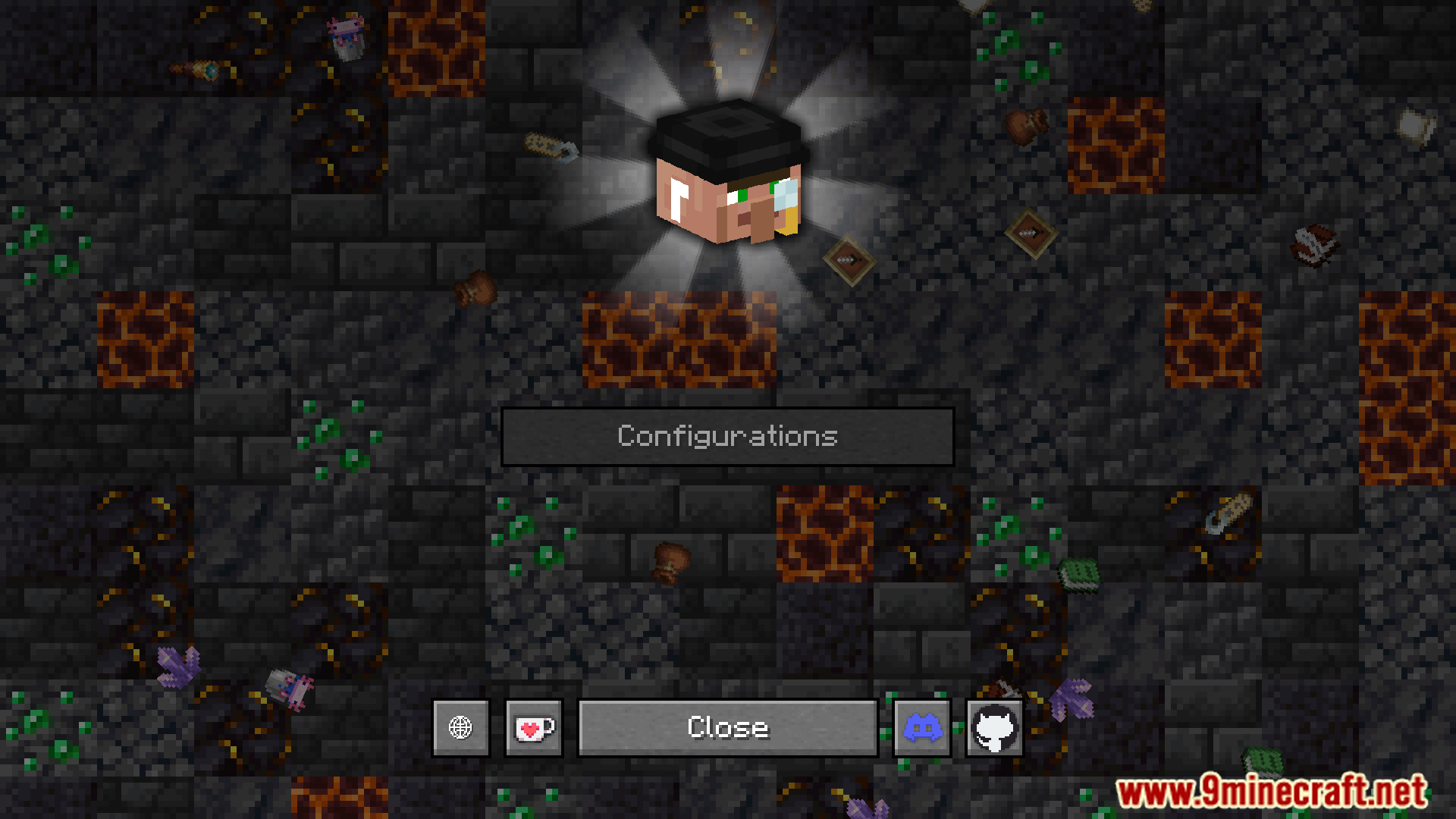
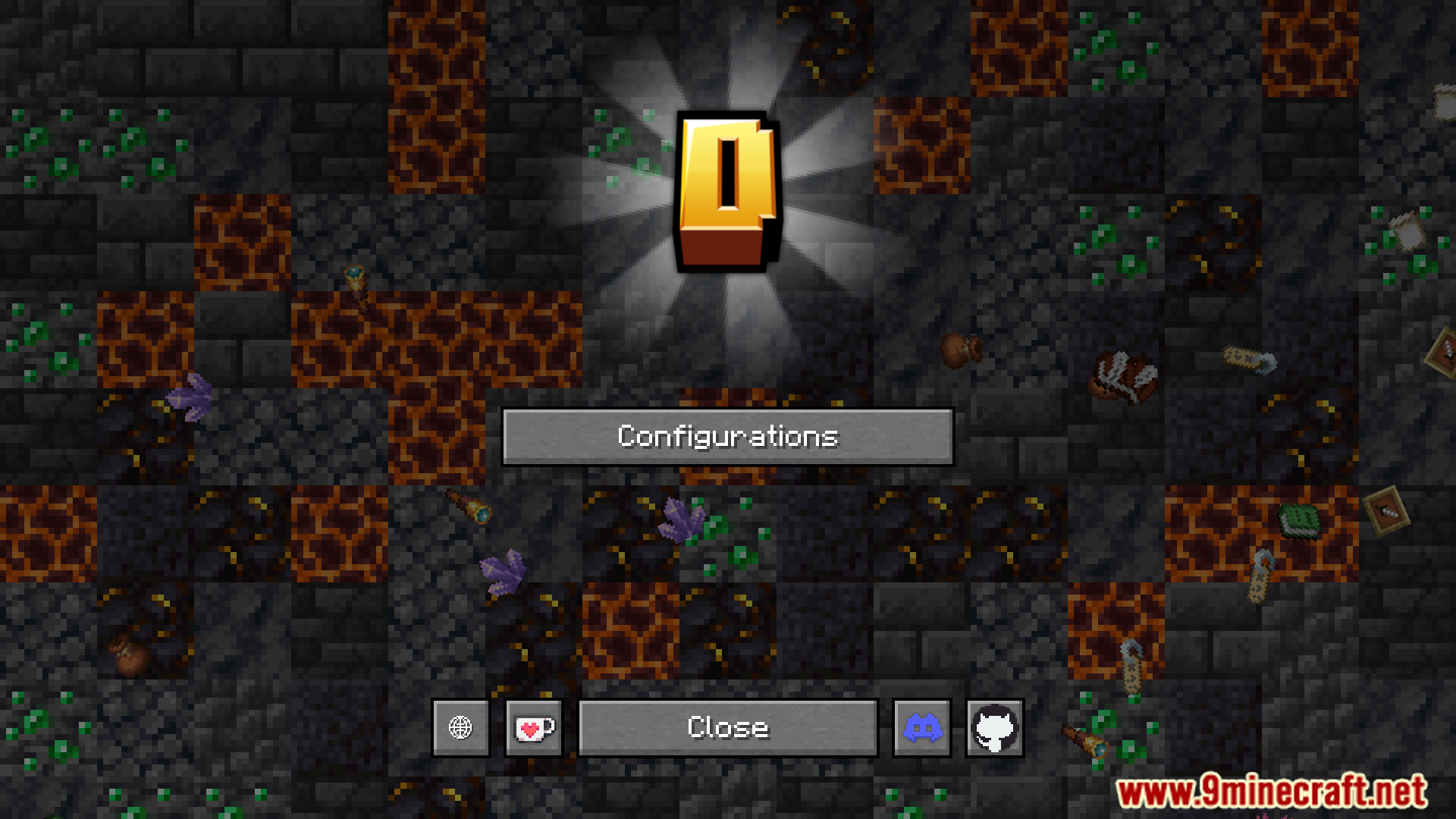
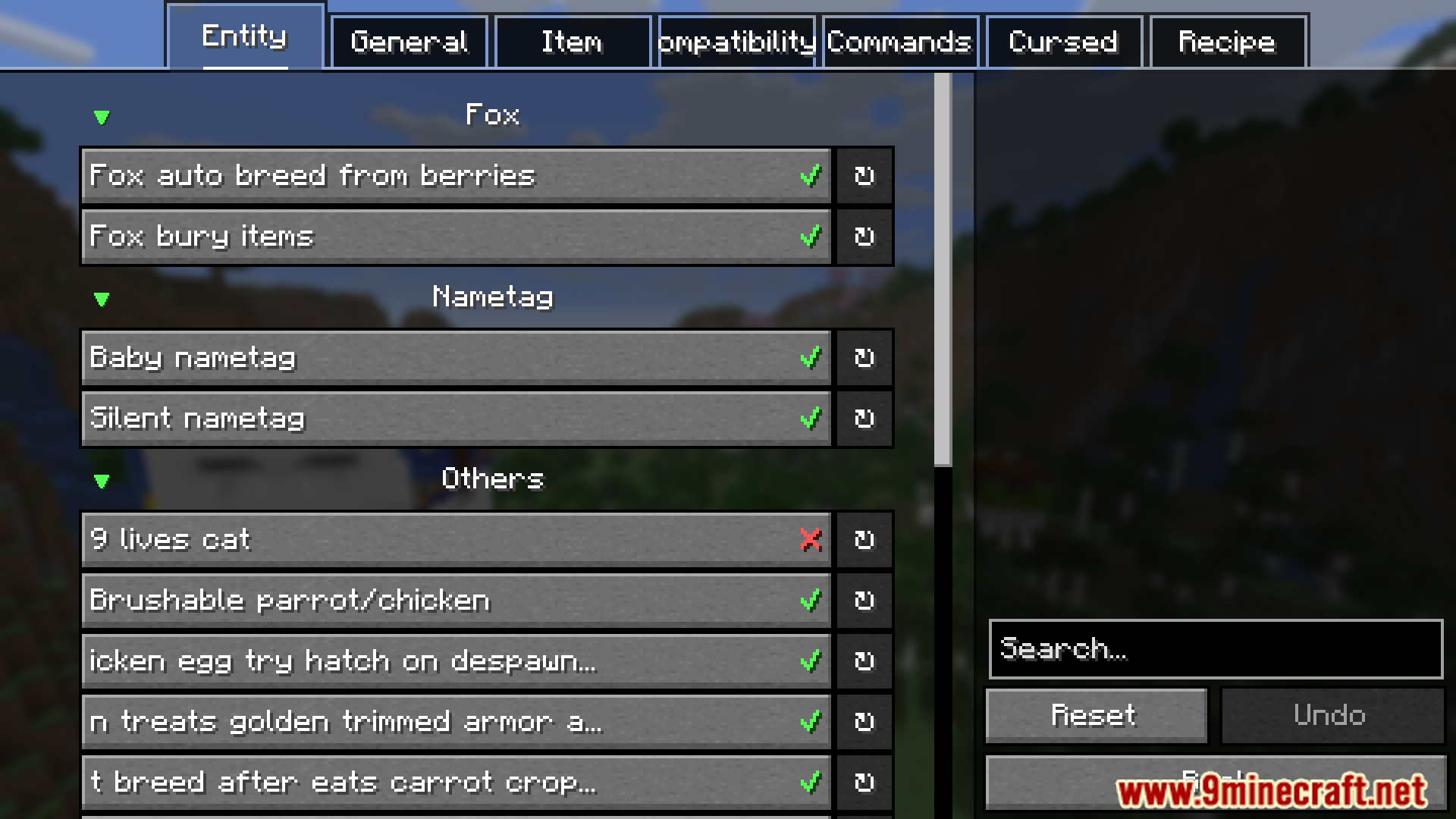
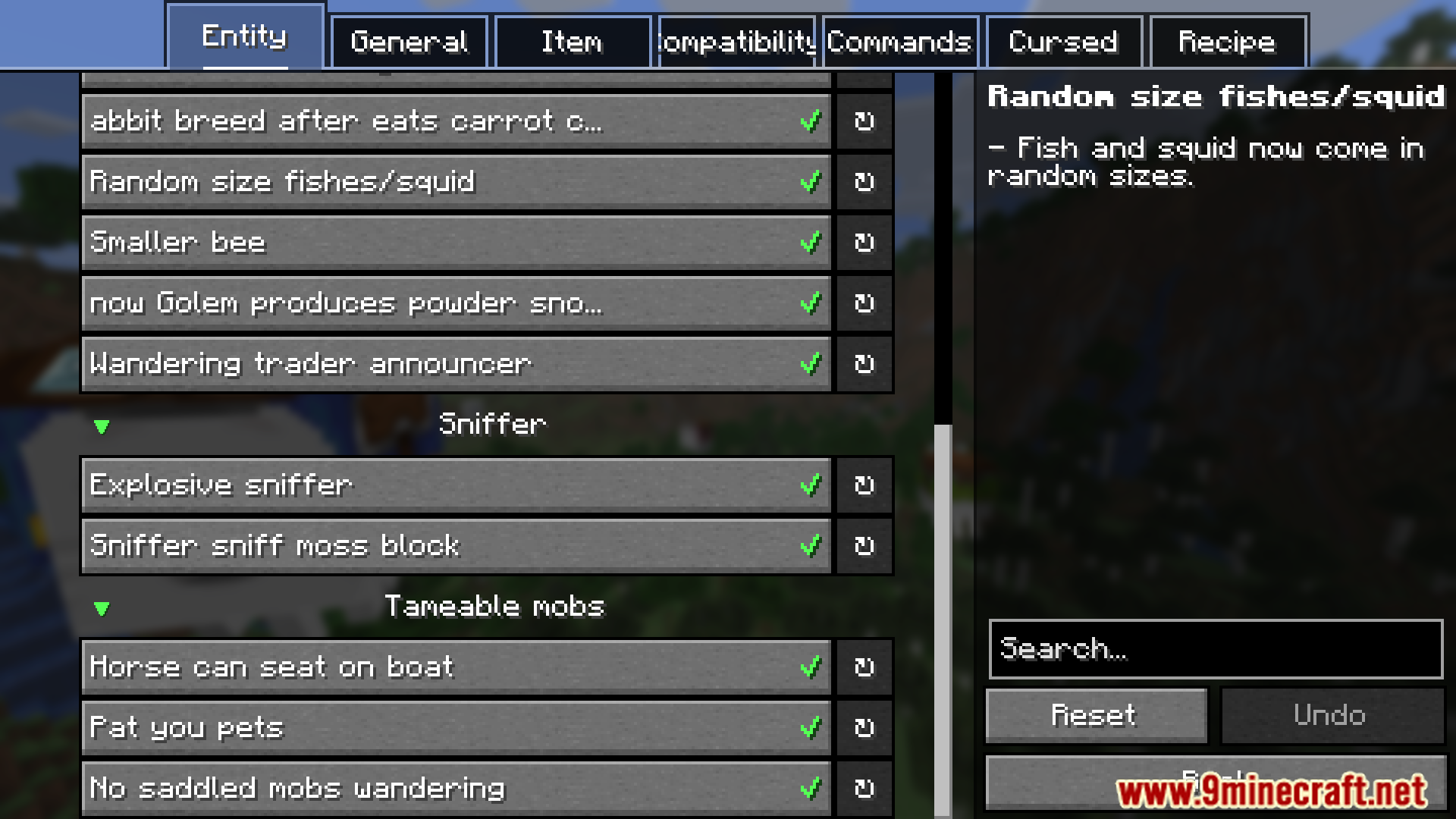
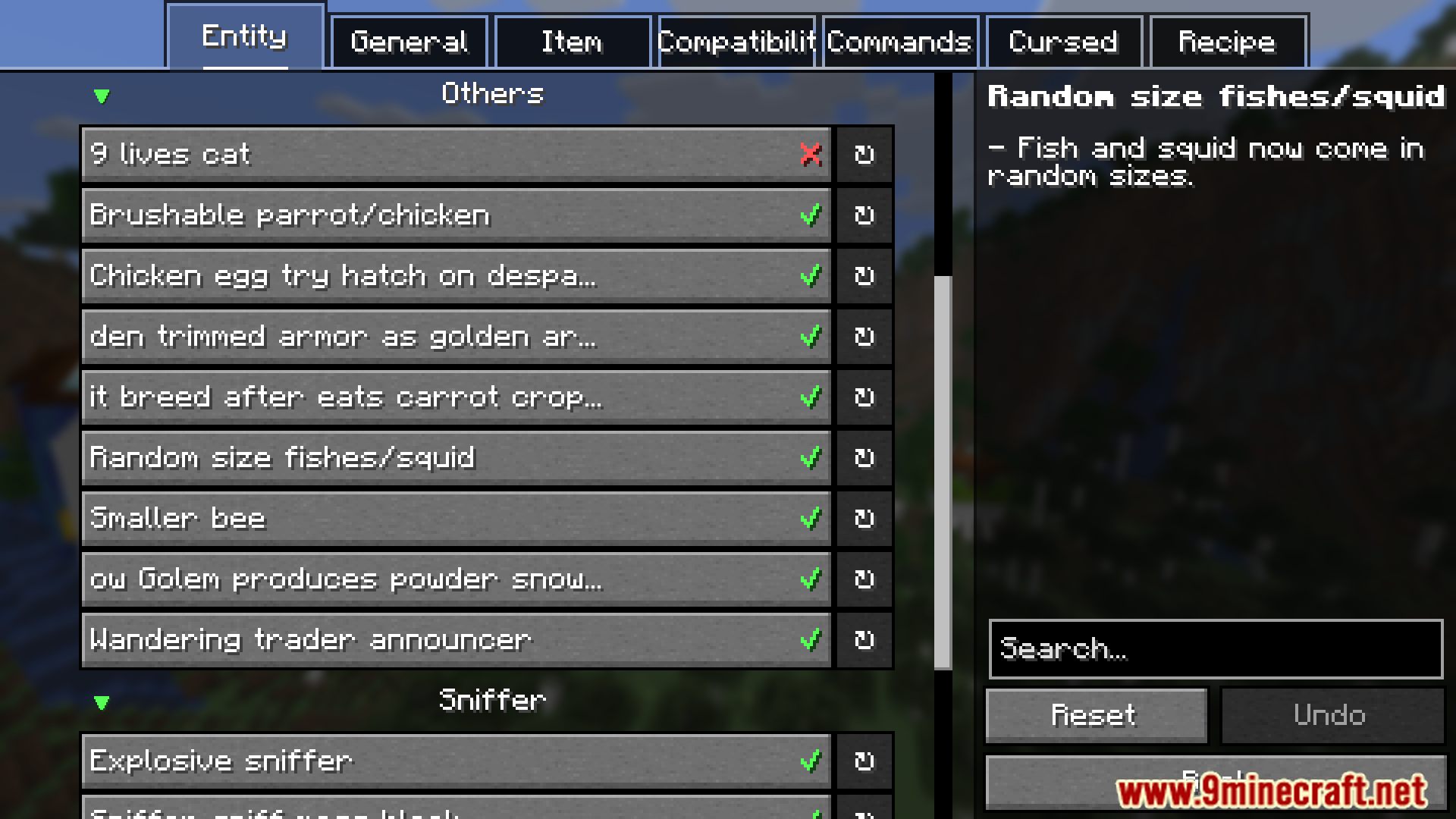
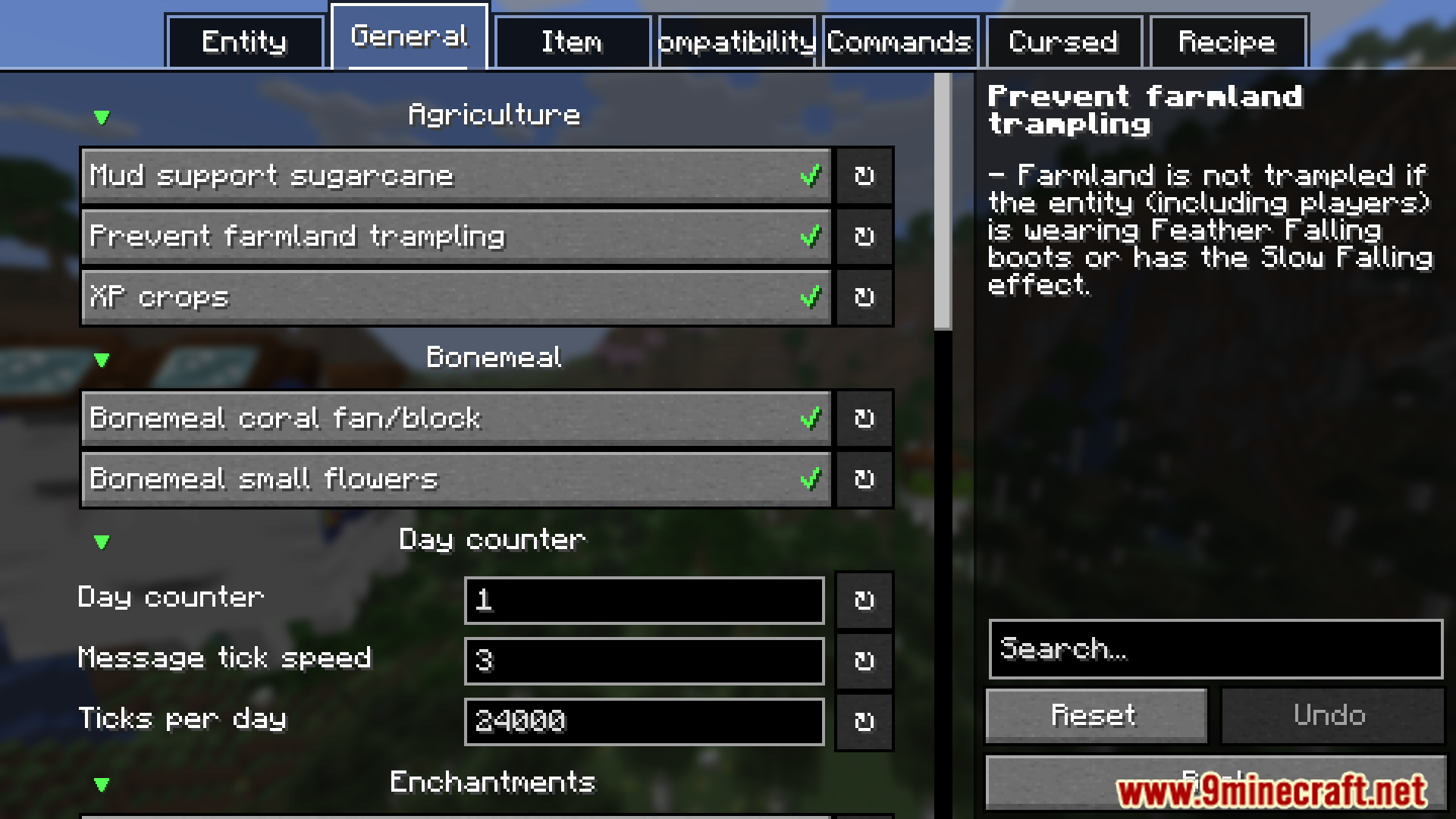
Faewulf’s Lib Mod adds shared utility functions and methods used across all mods created by Faewulf. It helps other mods work smoothly but doesn’t add new gameplay on its own.
Features:
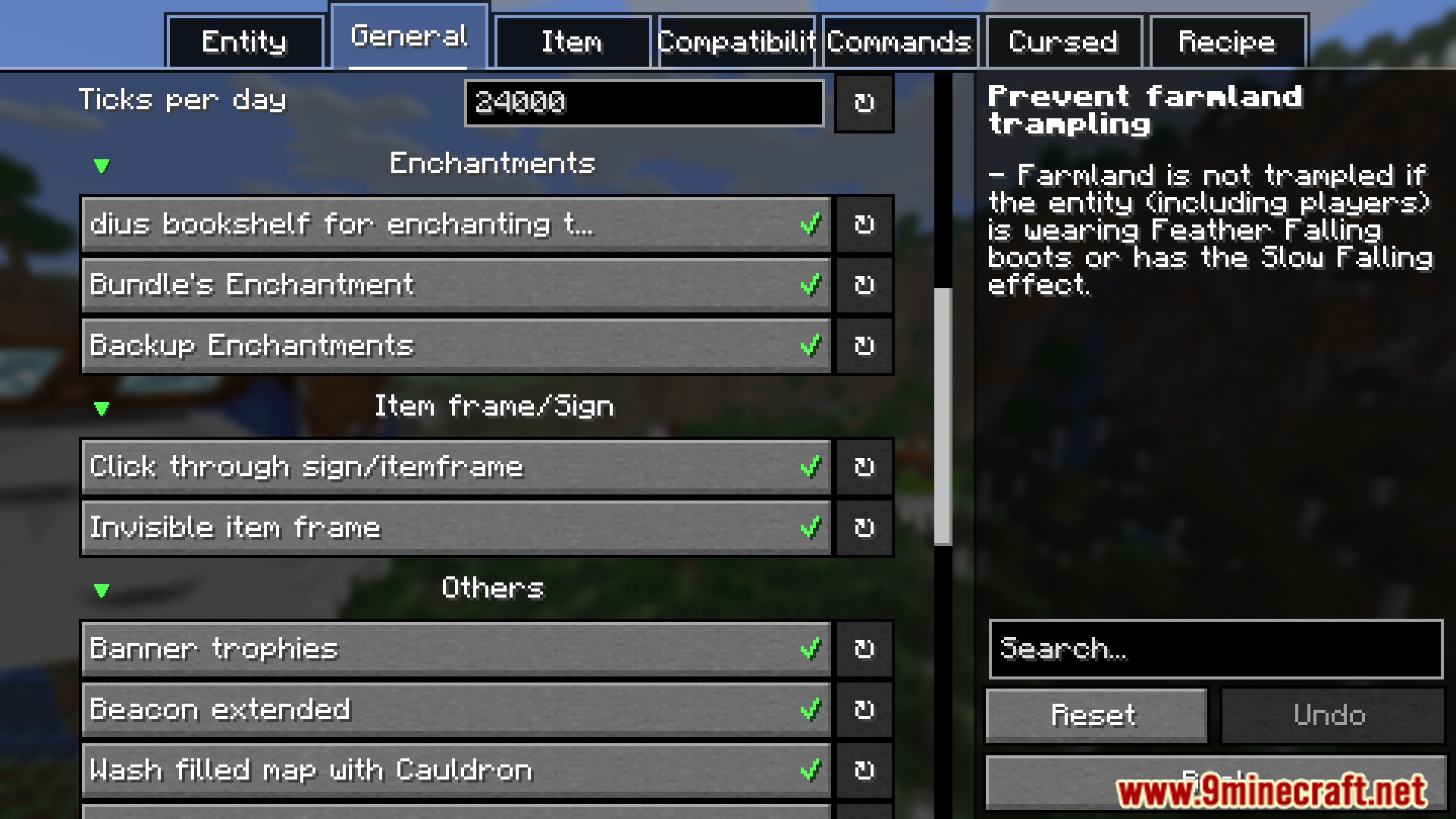
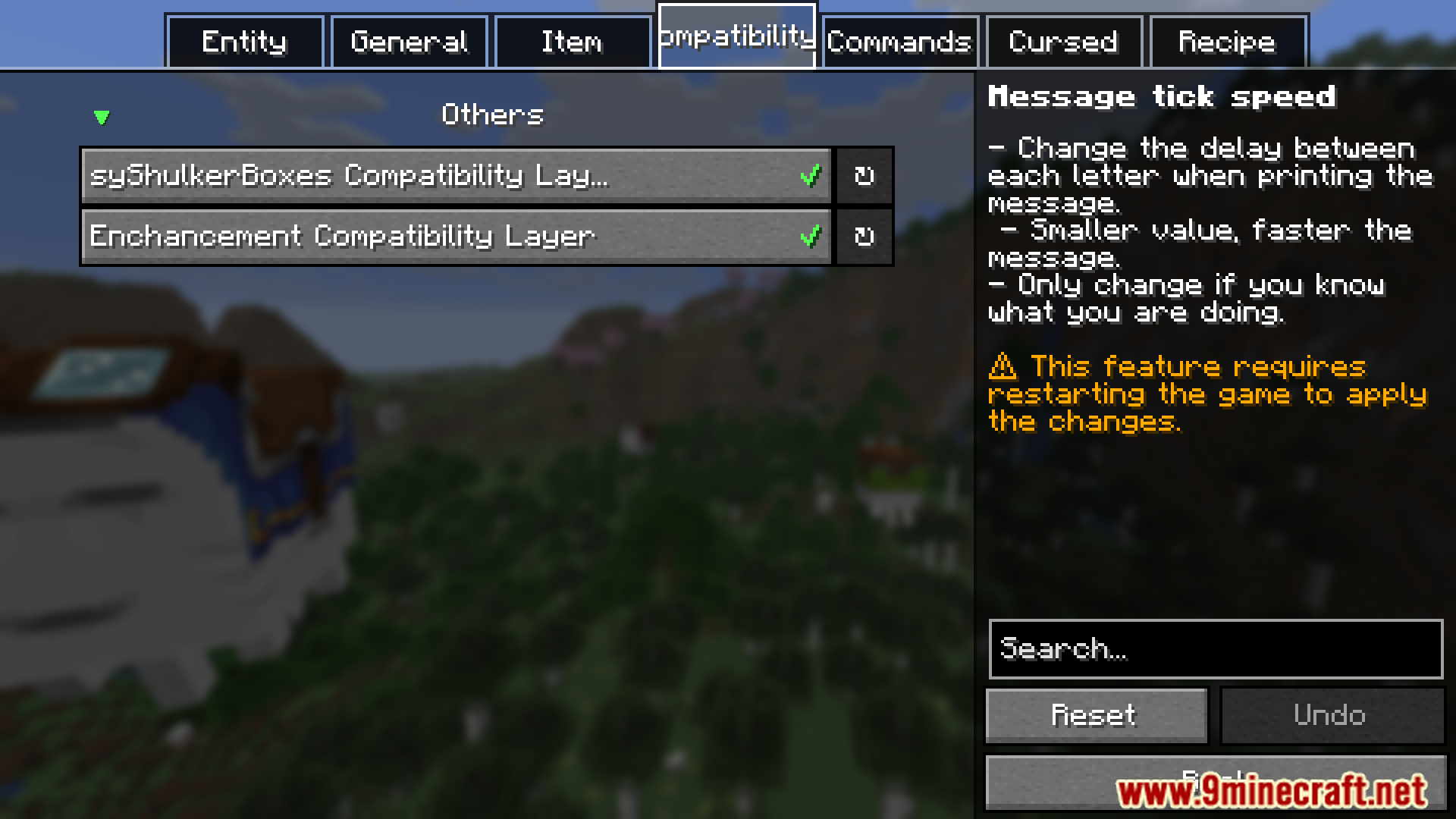
- Provides core functions and tools for Faewulf’s mods.
- Supports multiple mods with shared code.
Screenshots:
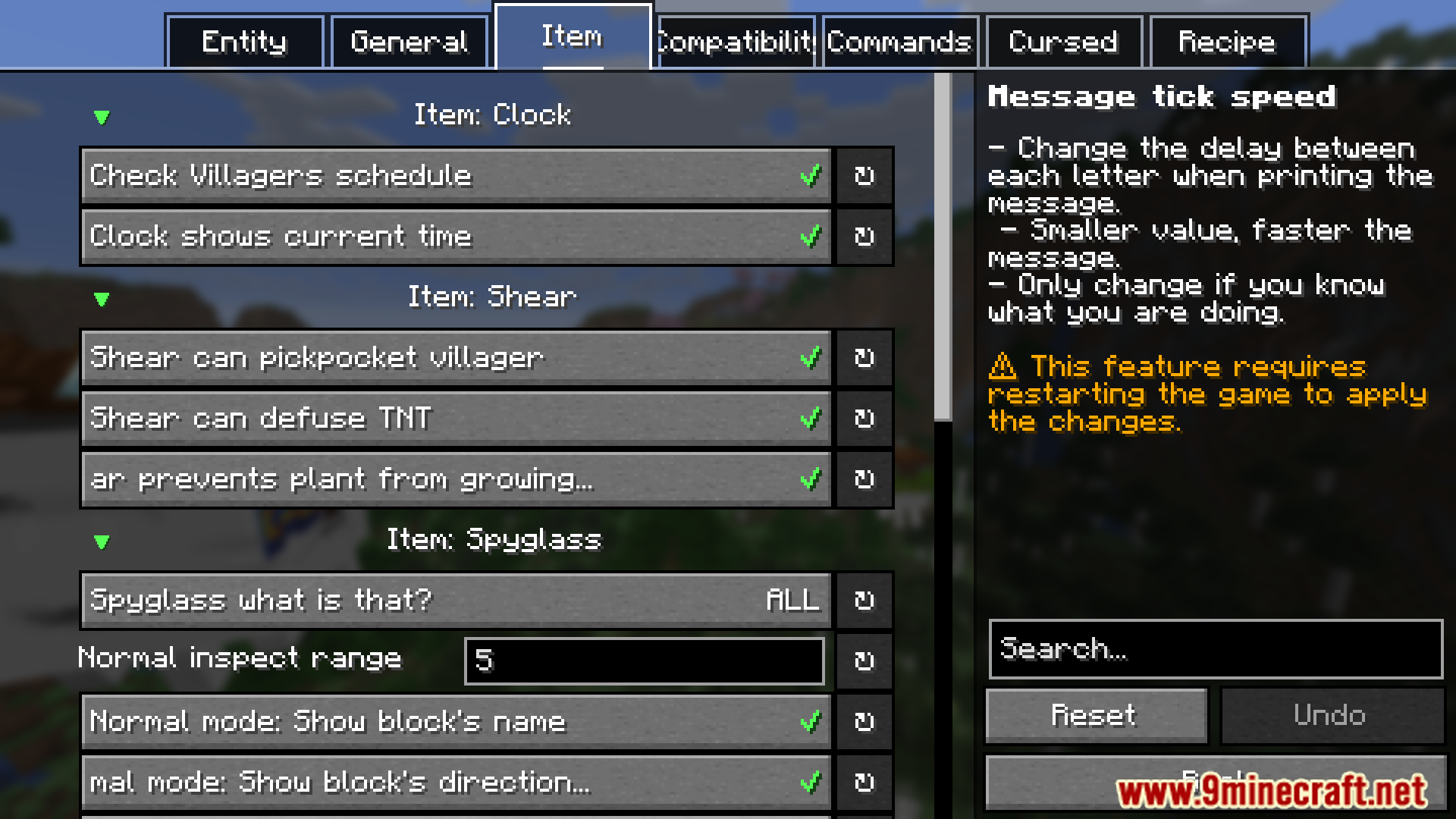
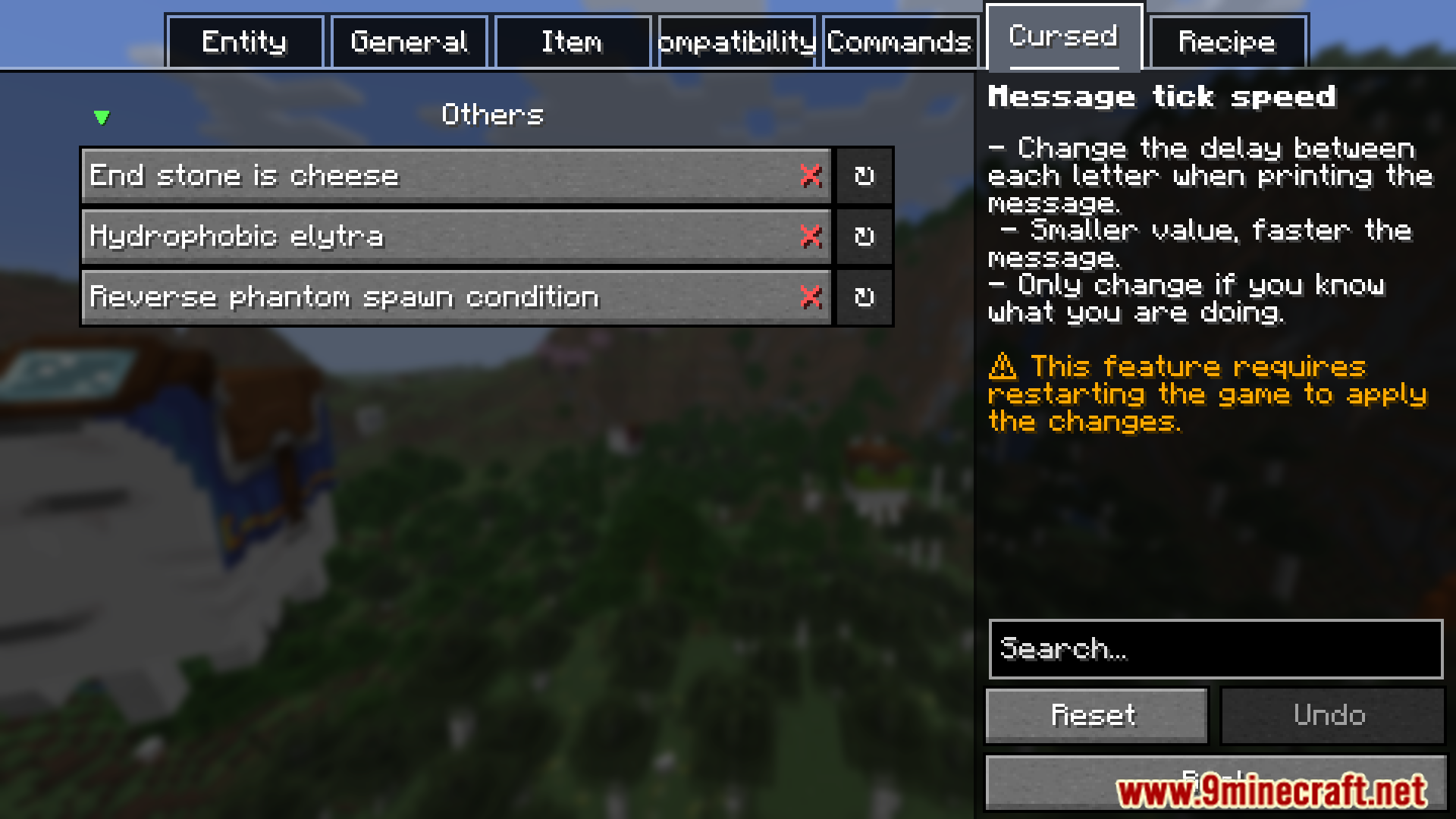
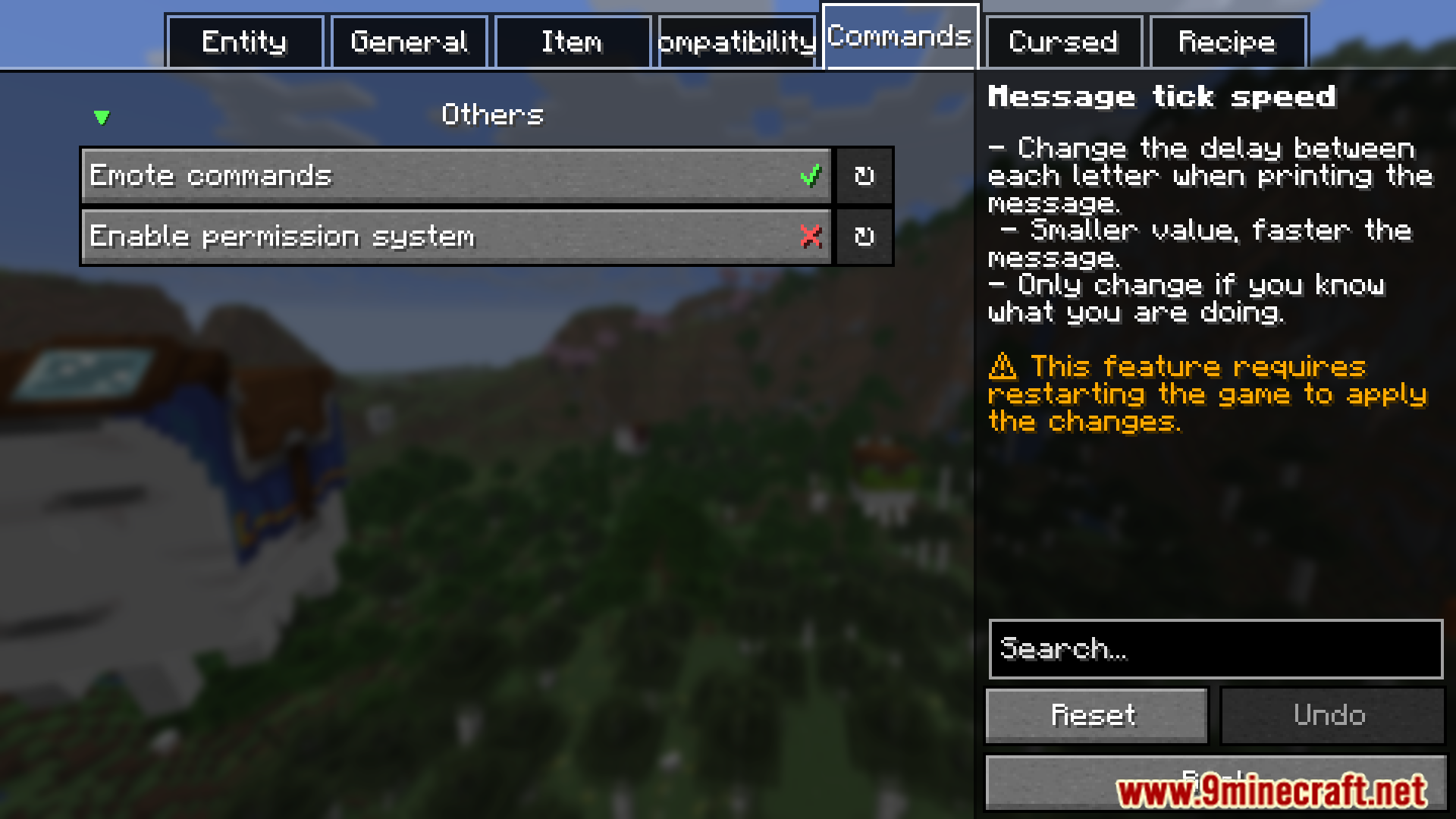
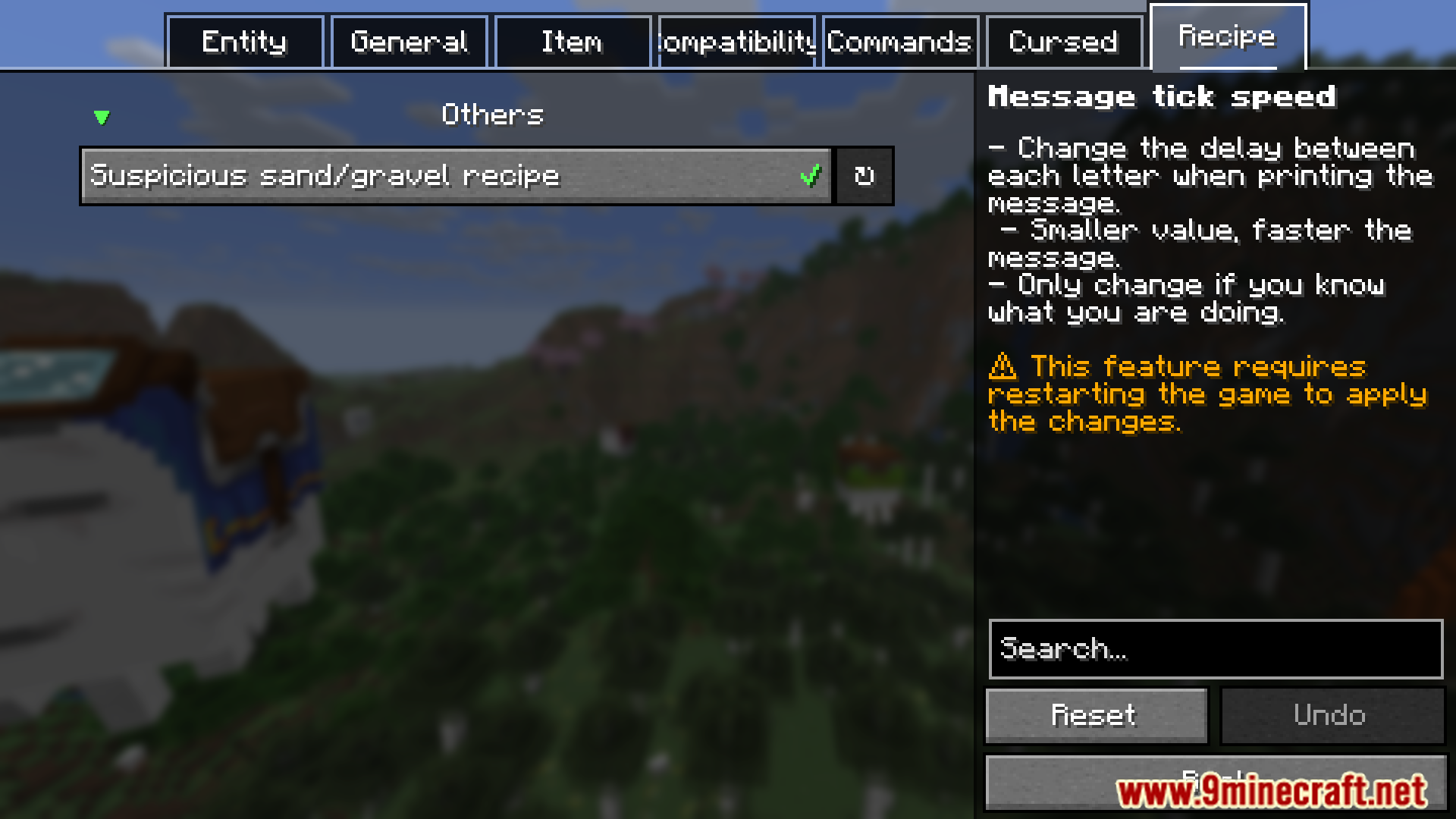

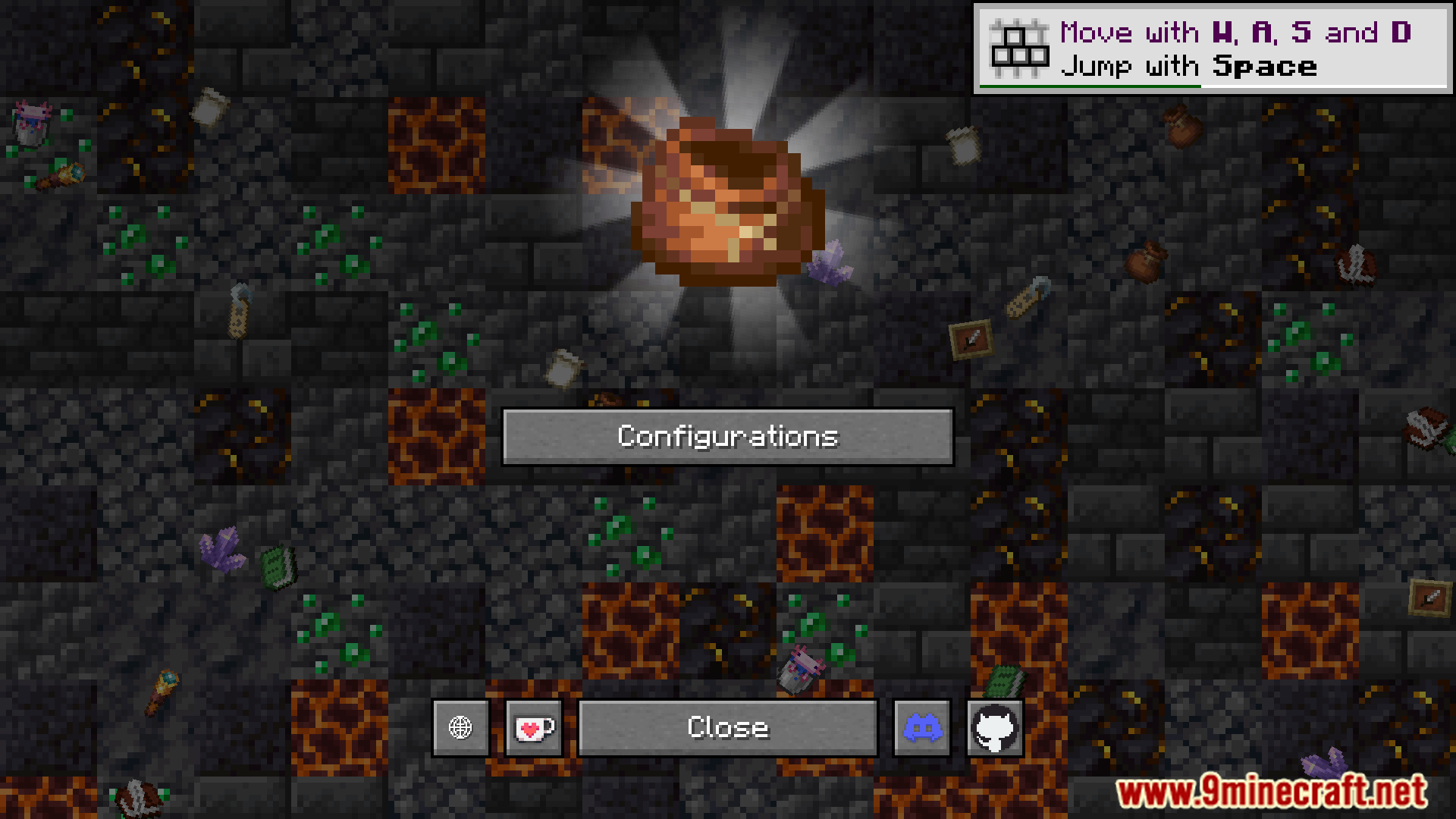
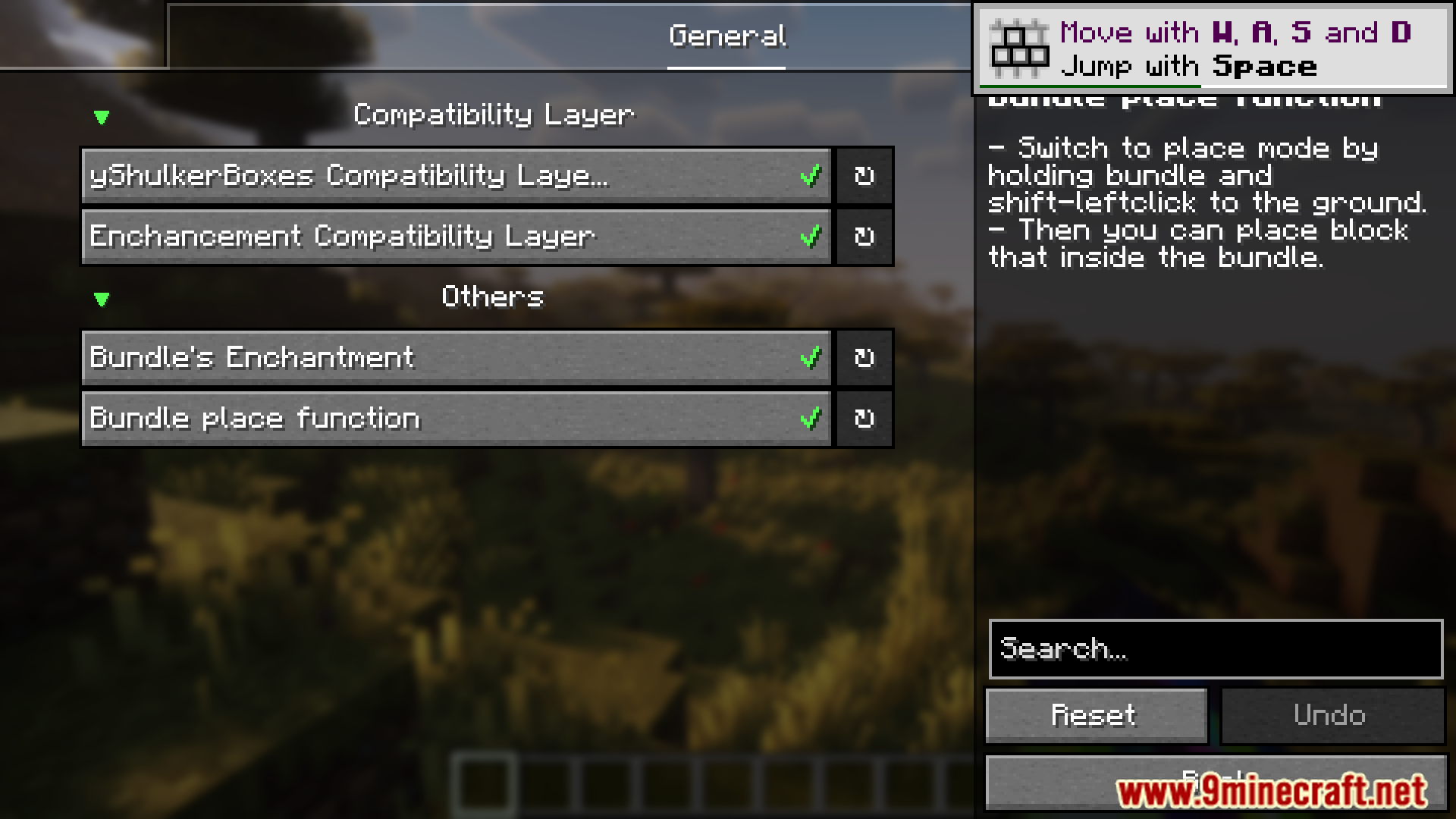
Faewulf’s Lib Mod Download Links
Quick facts
- Edition: Minecraft Java
- File type: .jar
- Minecraft version listed: 1.20.1
- How to install: Install the matching mod loader (Forge, Fabric or NeoForge) for your Minecraft version. → Download the .jar. → Put it in the .minecraft/mods folder and launch that loader profile.
- Where to get it: In MC Java Mods, or directly above on this page.
Install steps are the general flow for this file type — How to install Minecraft Java mods & modpacks walks through it step by step.
Faewulf's Lib Mod (26.2, 1.20.1) – Provides Core Functions and Tools is a free Minecraft Java mod. Compatible with Minecraft 1.20.1. Download it and open it directly in the game.