Home›Java›Mods›Pcal43 Splitscreen Support Mod (26.2, 1.20.1) – Easy Window Positioning For Local Multiplayer
ModsJava
Pcal43 Splitscreen Support Mod (26.2, 1.20.1) – Easy Window Positioning For Local Multiplayer
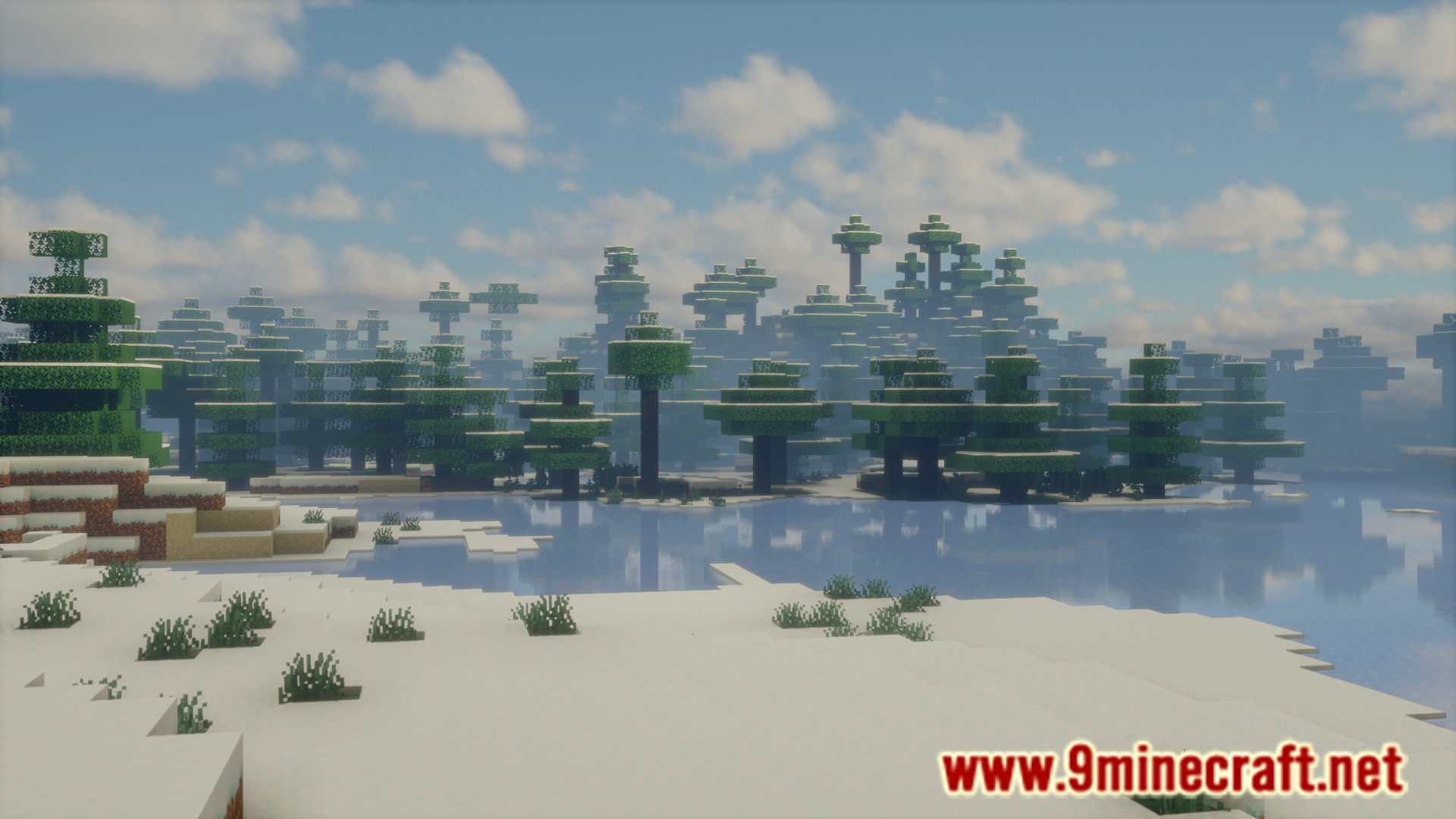
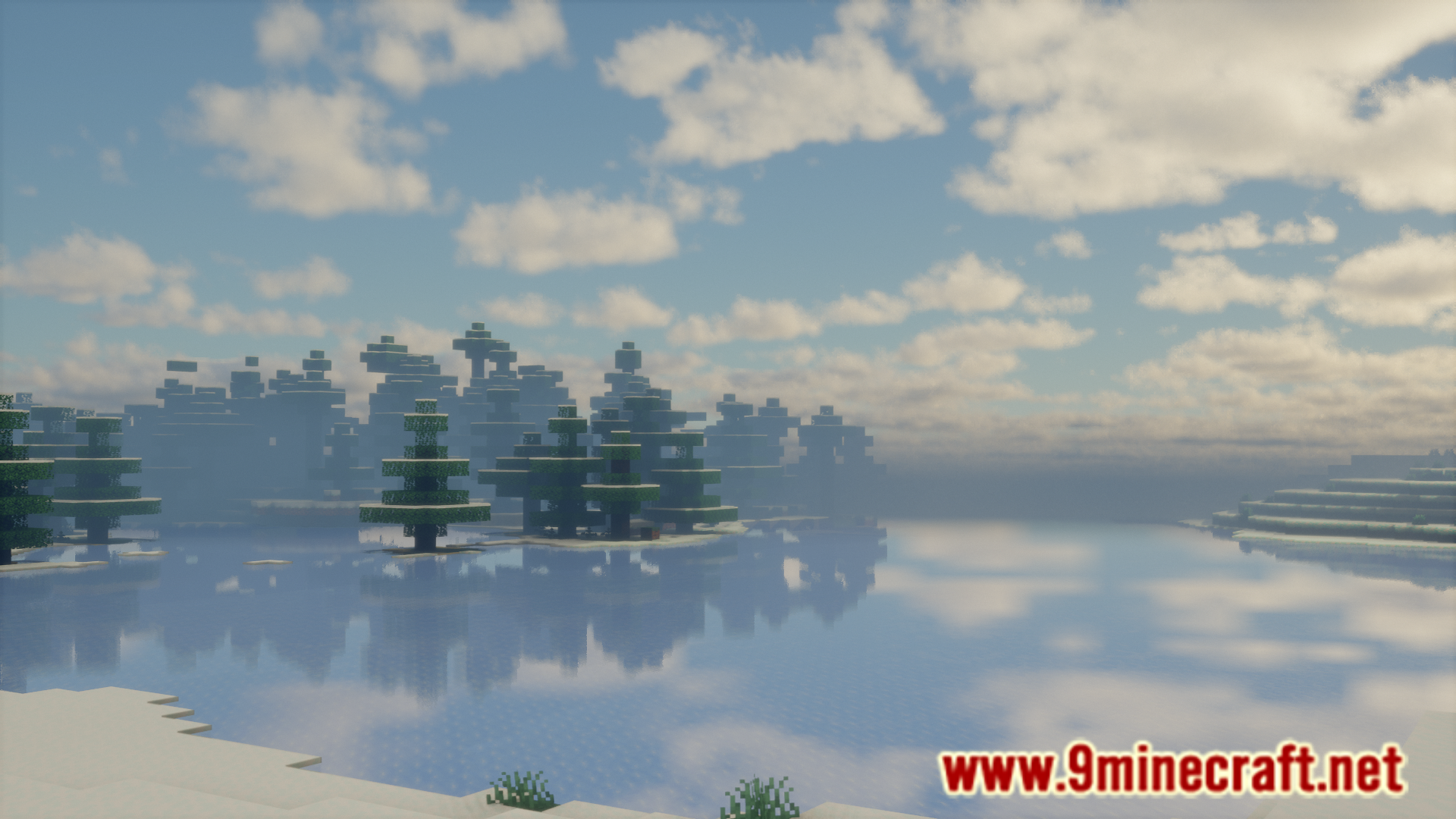
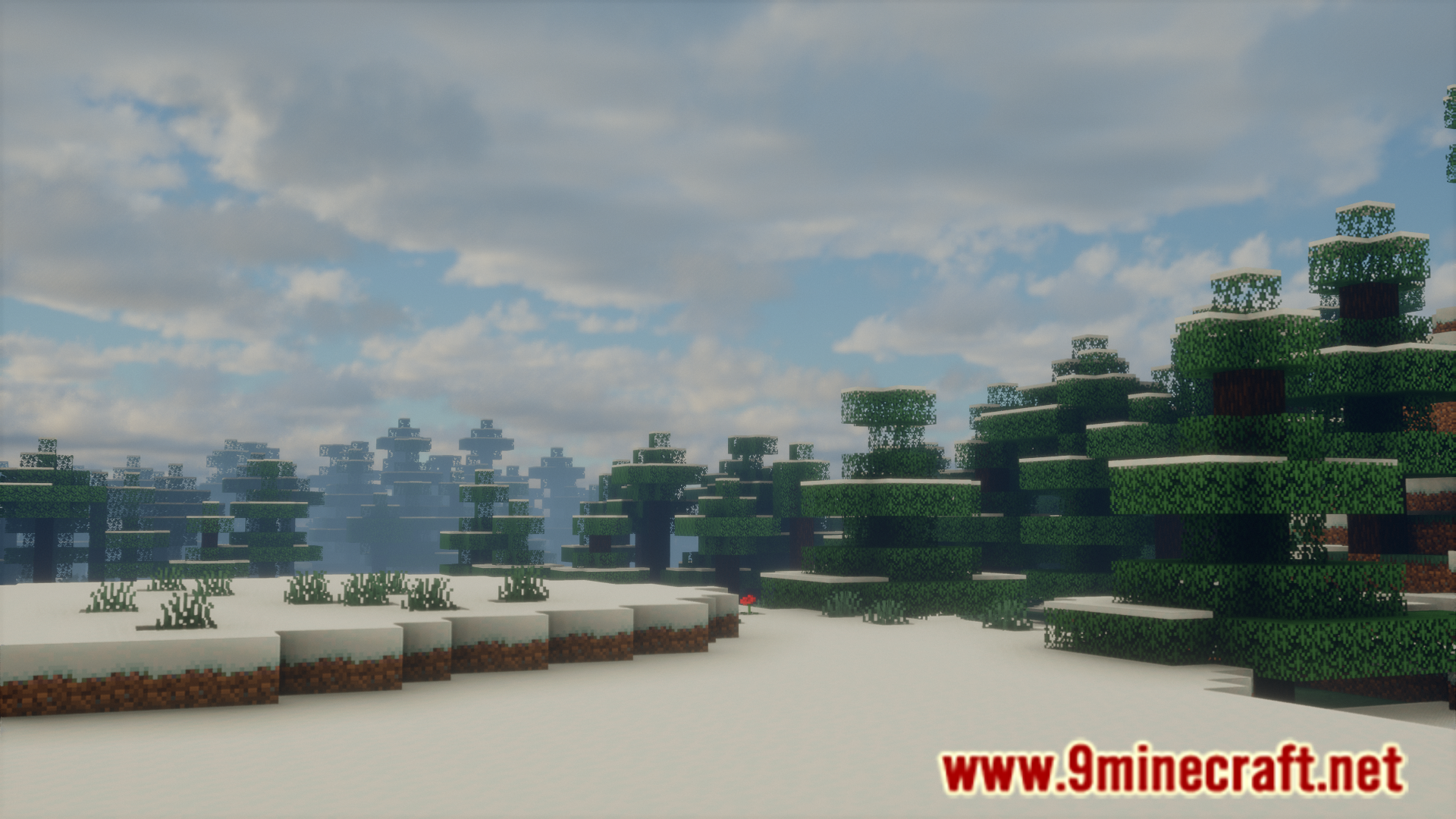

If you have multiple Minecraft accounts, you will be able to open multiple game instances on the same screen. There are many reasons for doing this. Maybe you and a friend want to play together, but only one screen is available. In this case, it will be useful to open two instances of the game and place the game windows side by side and have different controllers for each. This is something that gamers used to do in the past. Pcal43 Splitscreen Support Mod is here to help you do the same with Minecraft.
Features:
- Allows you to play two instances of the game on the same screen.
- Username is displayed in the upper-left corner of the main menu for identification.
Screenshots:
Pcal43 Splitscreen Support Mod Download Links
Quick facts
- Edition: Minecraft Java
- File type: .jar
- Minecraft version listed: 1.20.1
- How to install: Install the matching mod loader (Forge, Fabric or NeoForge) for your Minecraft version. → Download the .jar. → Put it in the .minecraft/mods folder and launch that loader profile.
- Where to get it: In MC Java Mods, or directly above on this page.
Install steps are the general flow for this file type — How to install Minecraft Java mods & modpacks walks through it step by step.
Verified by MCModsHub
- Downloads as 175521.mcaddon
- Download size: 19 KB
- Download link checked 24 Sept 2026 — working
- Mirrored on our own servers — the download does not depend on the original host
These come from our own check of the pack file, not from the source page.