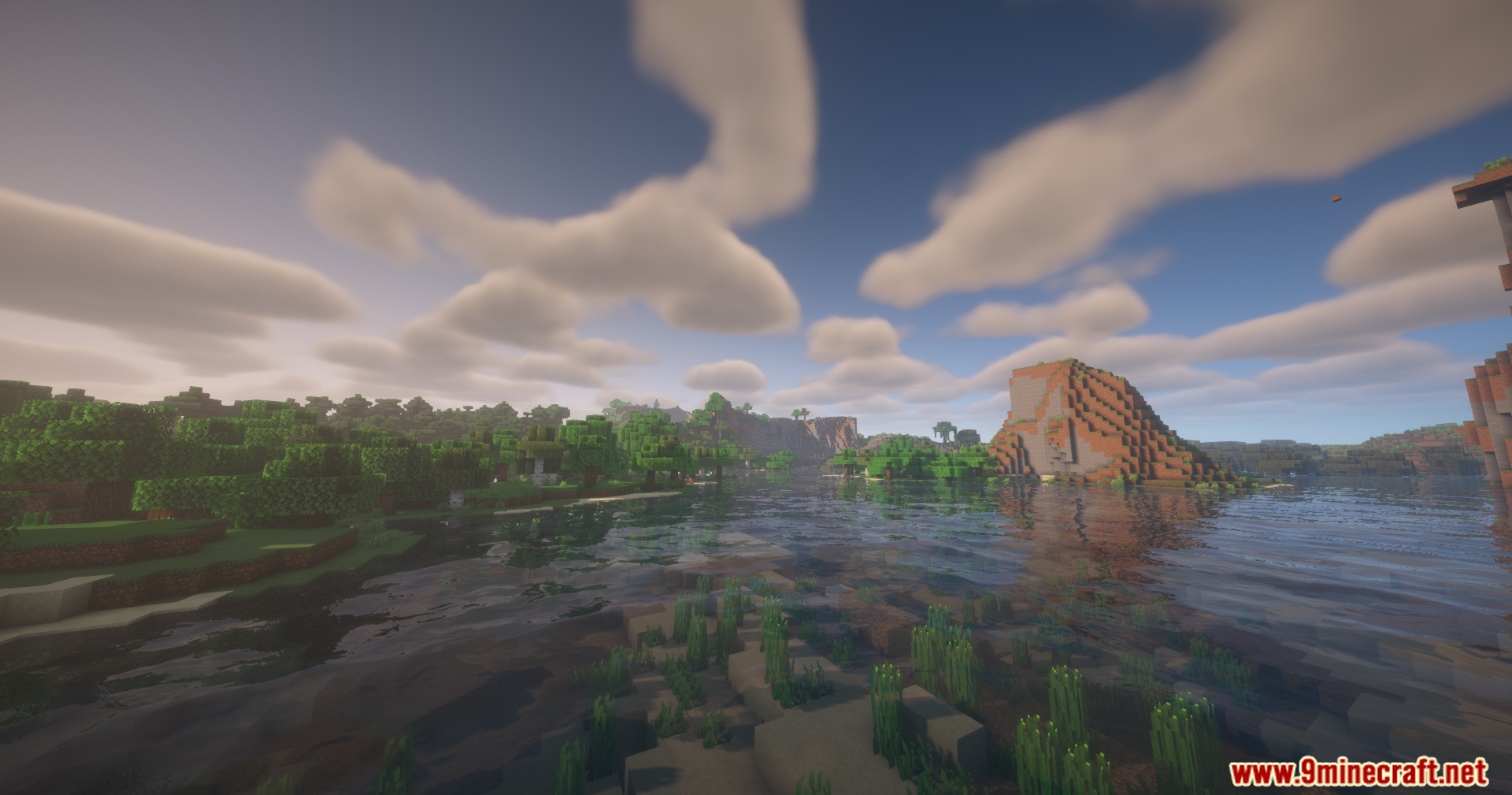
RenderJS Mod extends KubeJS with new visual tools. It gives you ways to draw custom graphics on your screen and add extra details to items in your inventory. The mod also lets you show special blocks and items right in the world. You can set up all these new visuals using simple events.
Features:
- Custom Screen Displays: The RenderJS Mod lets you draw new info right on your game screen using KubeJS.
- Special Item Details: It adds extra pictures or marks to items while you look at them in your inventory.
- Shows custom blocks and items sitting directly in the normal game world.
- Brings special visual effects to blocks, like adding a burning fire look to a custom block.
- Uses a simple event system to change how the game looks without hard coding.
- Works quietly in the background as a helpful tool for building big modpacks.
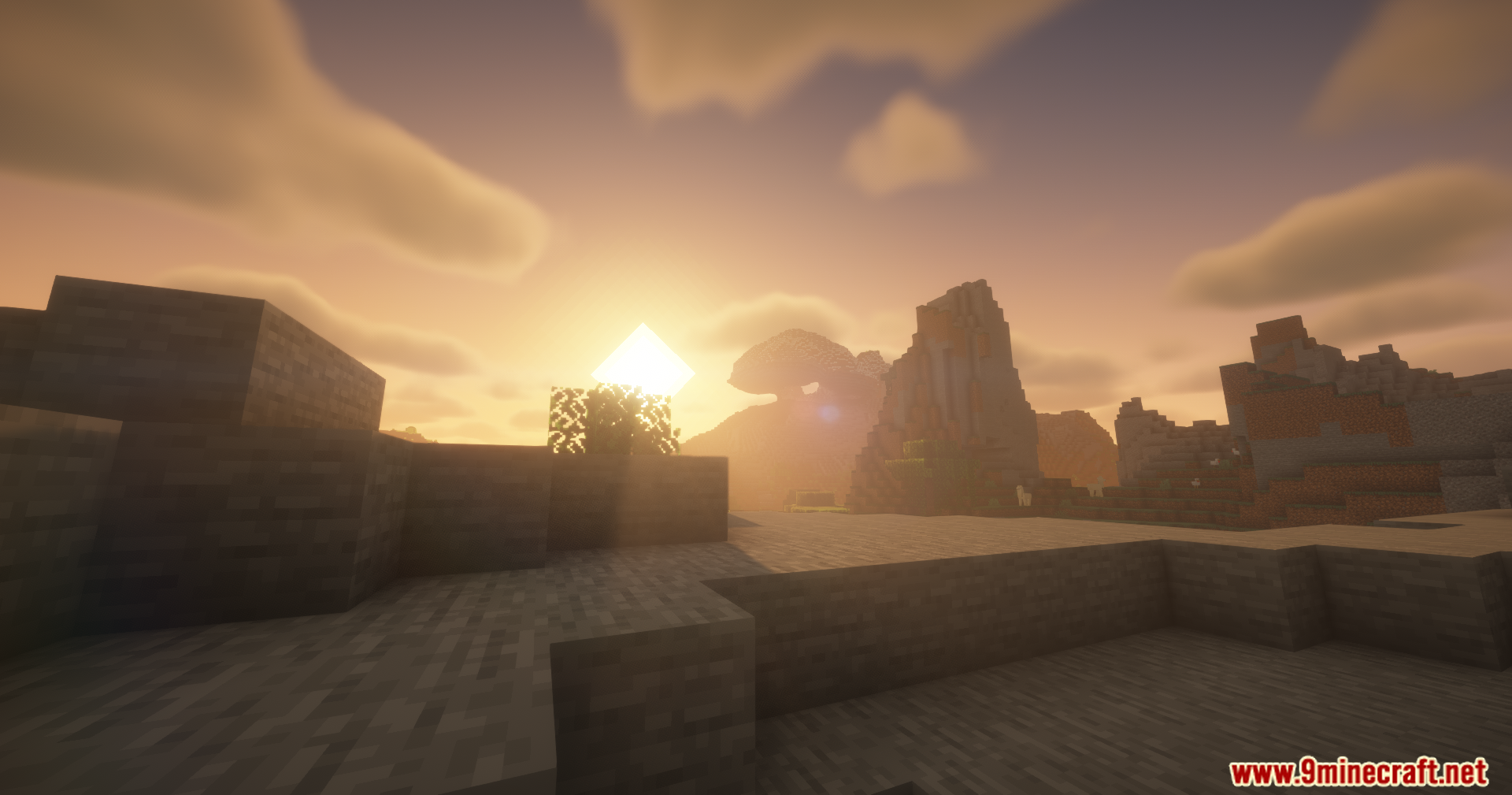
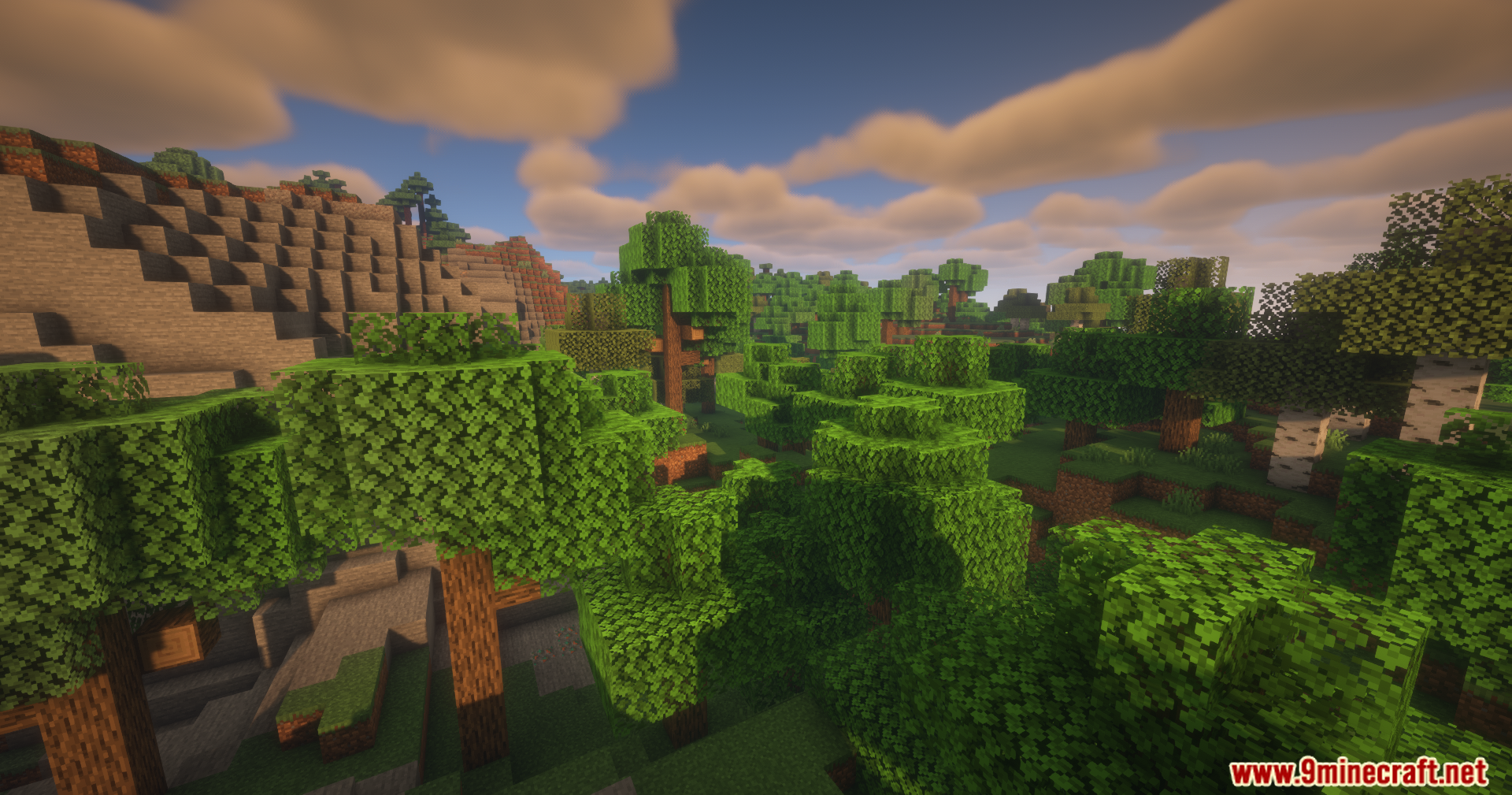
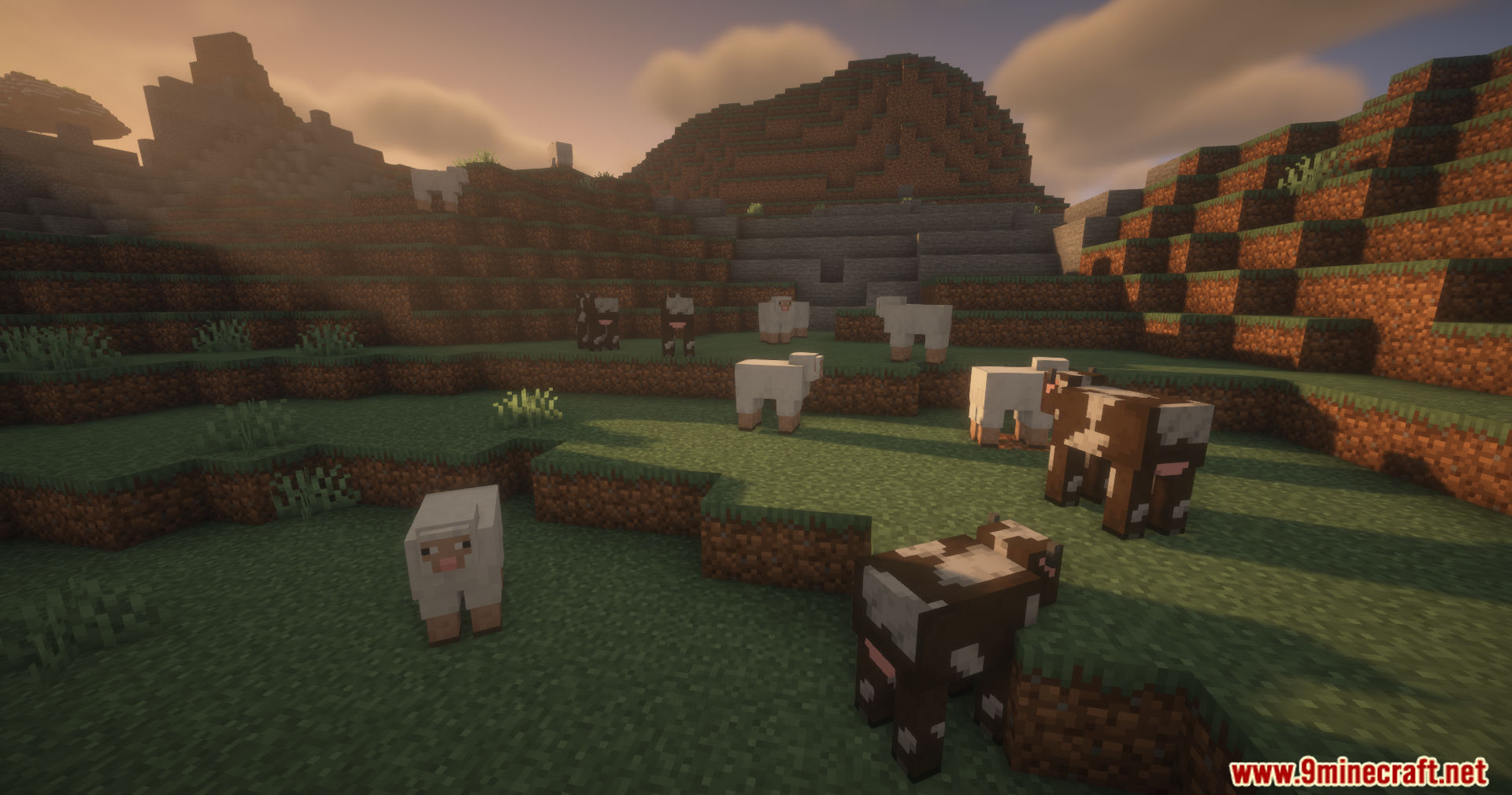
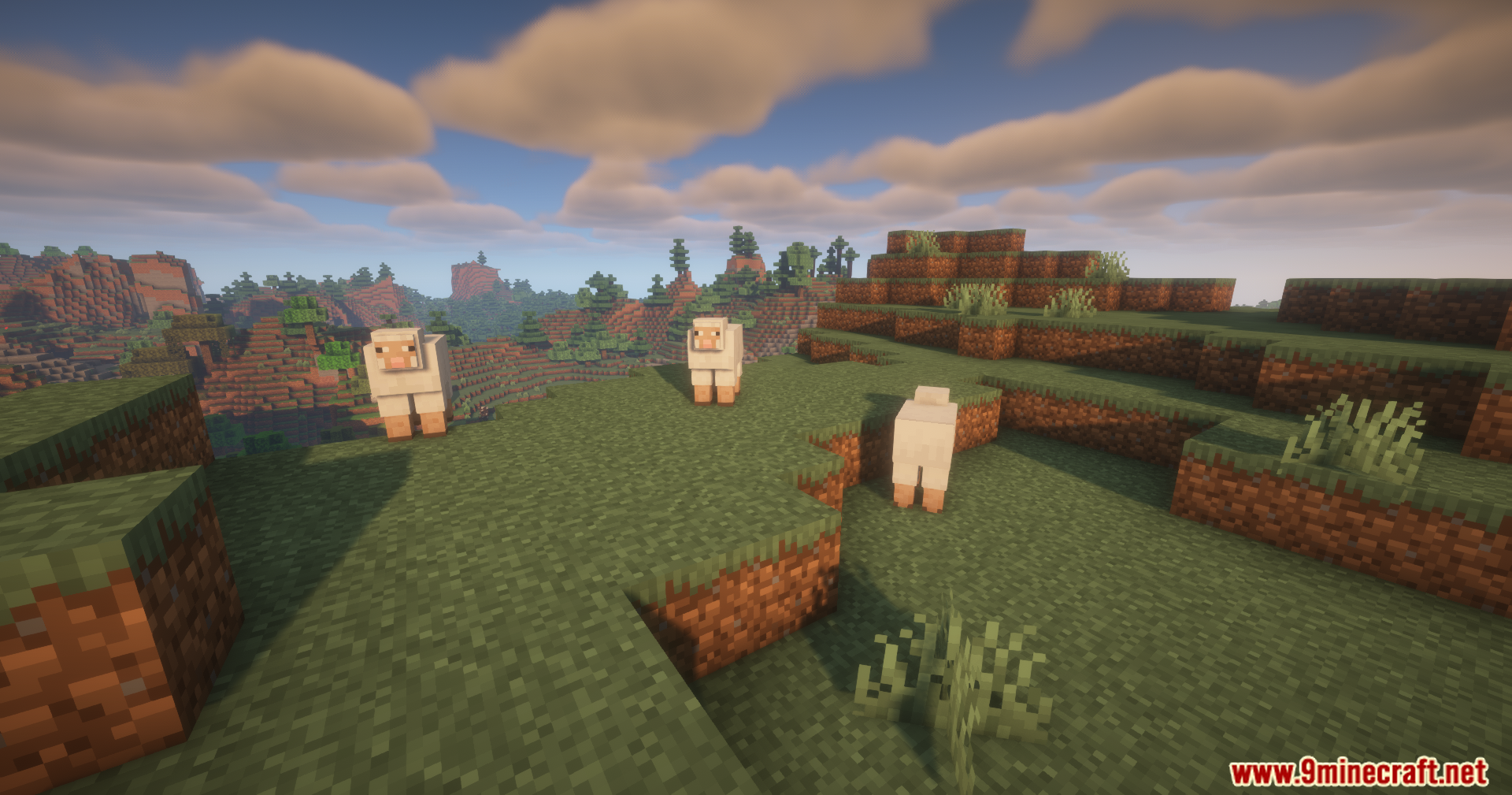
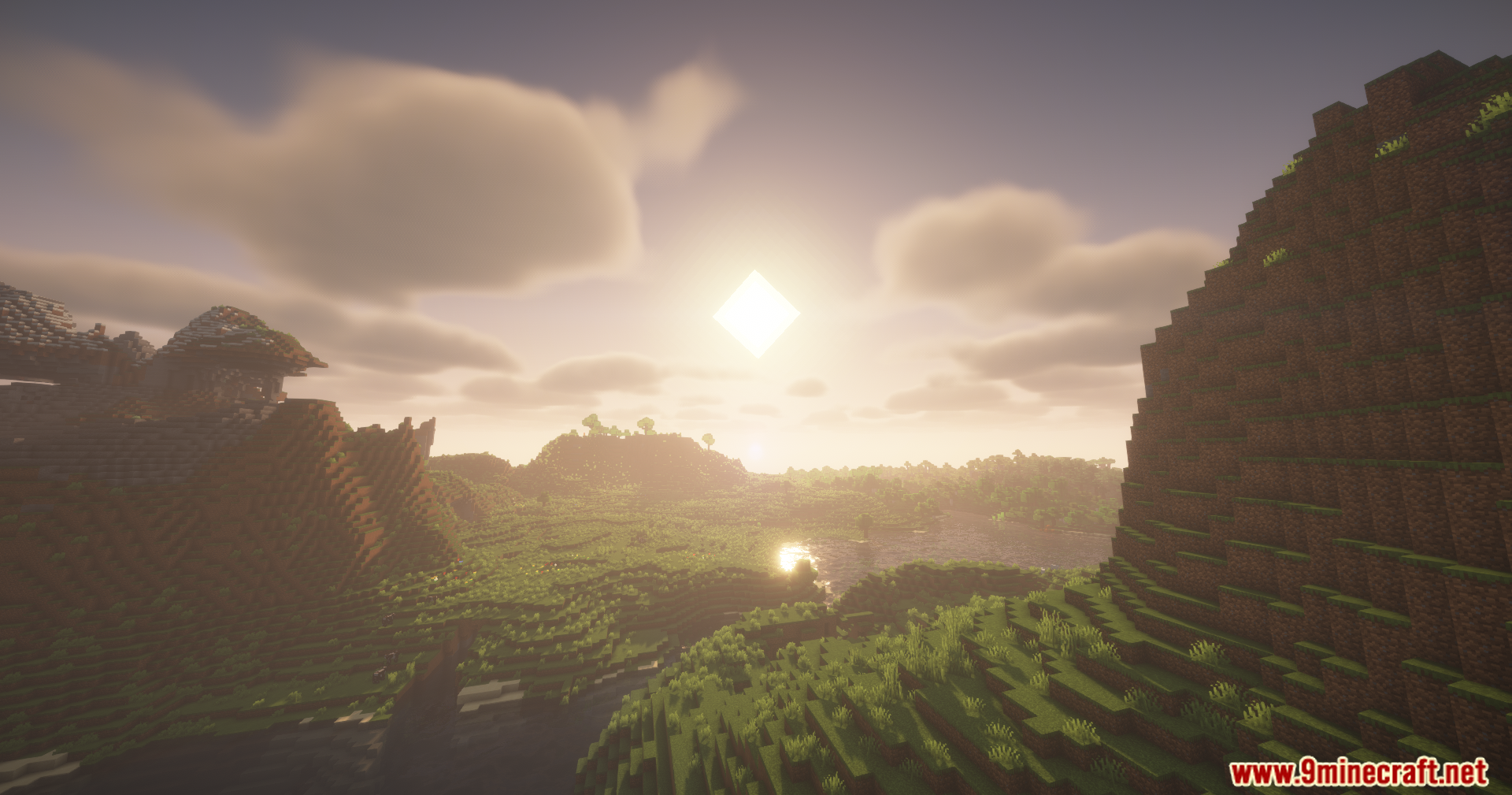
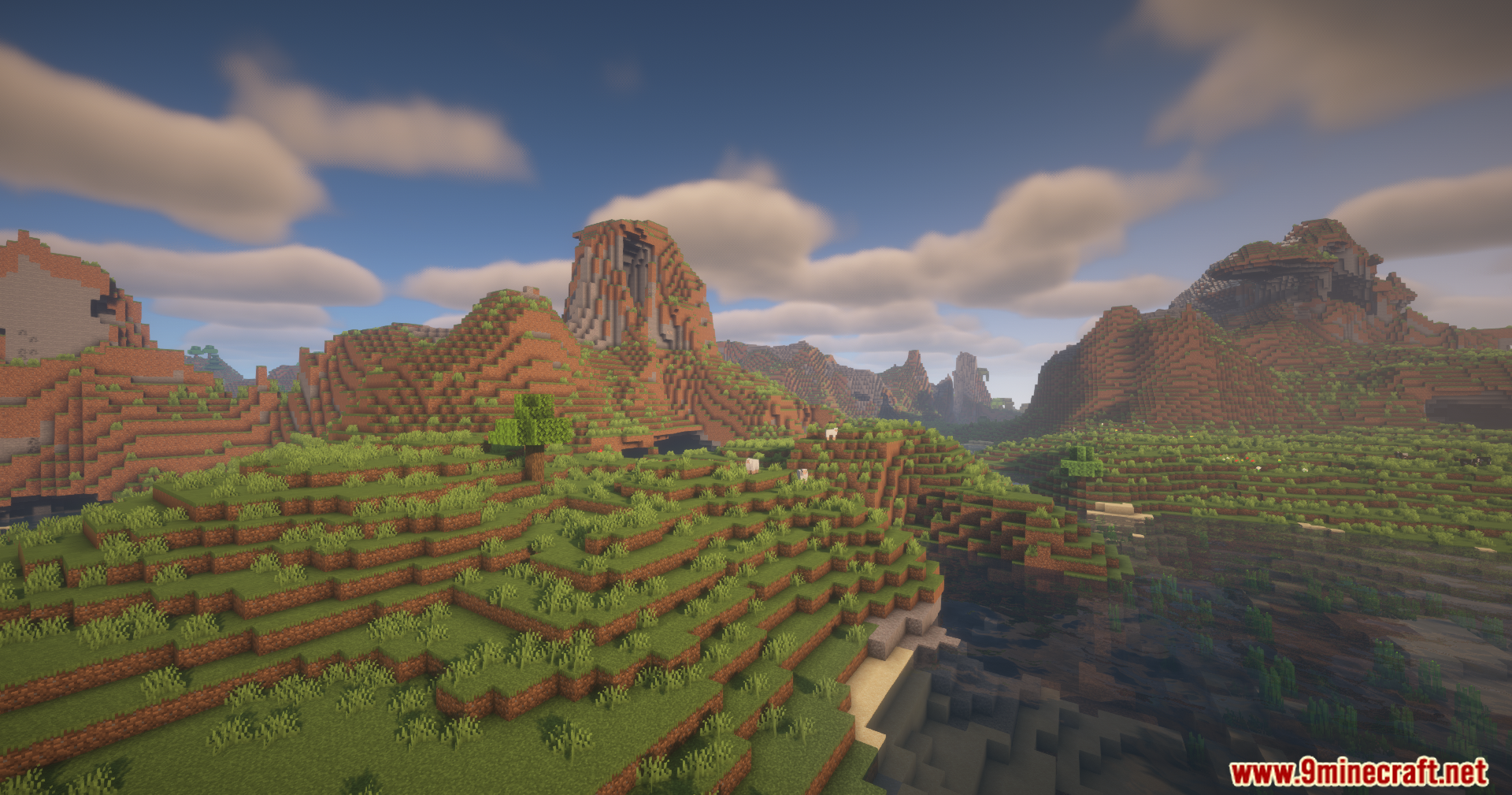
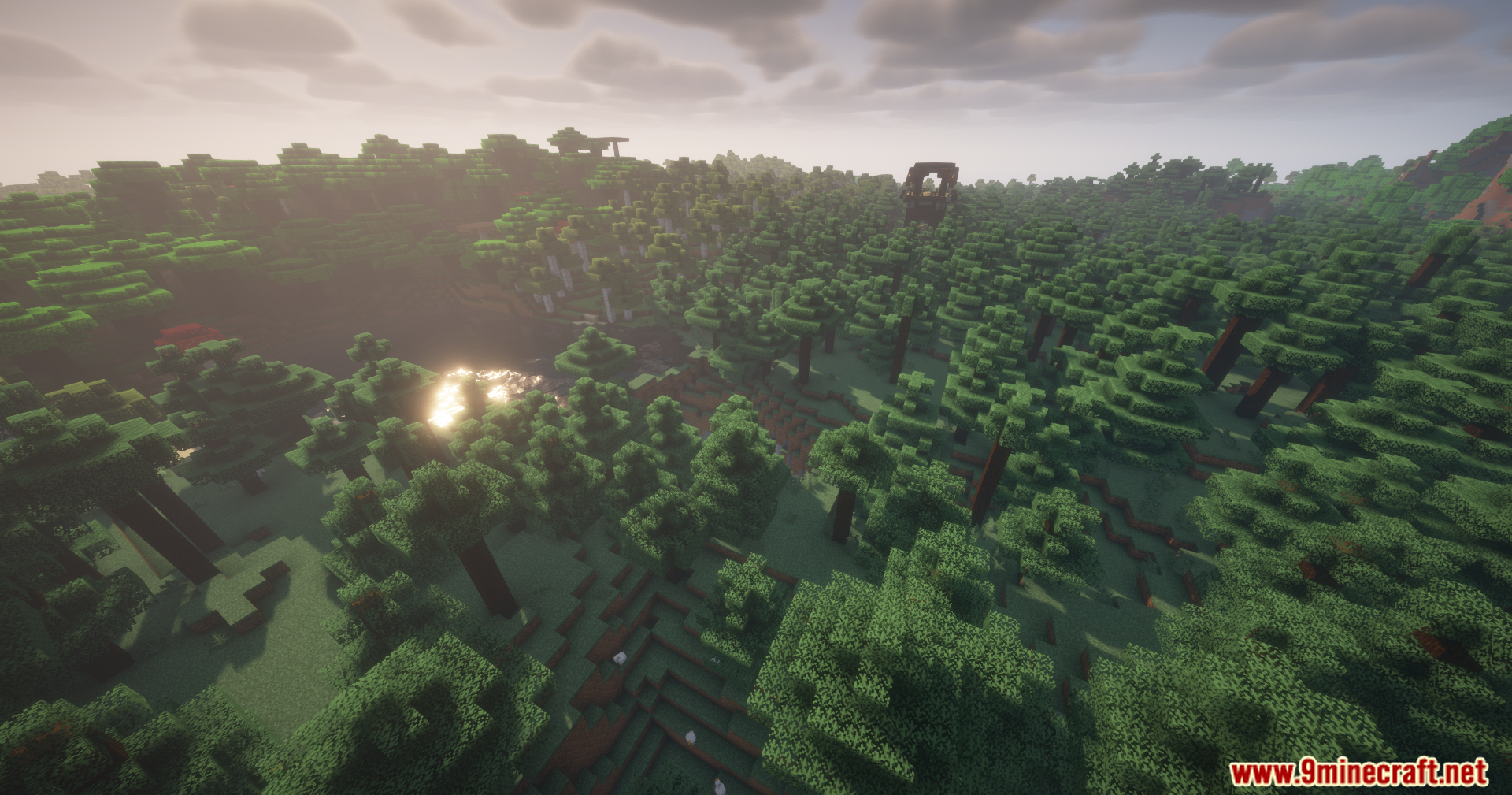
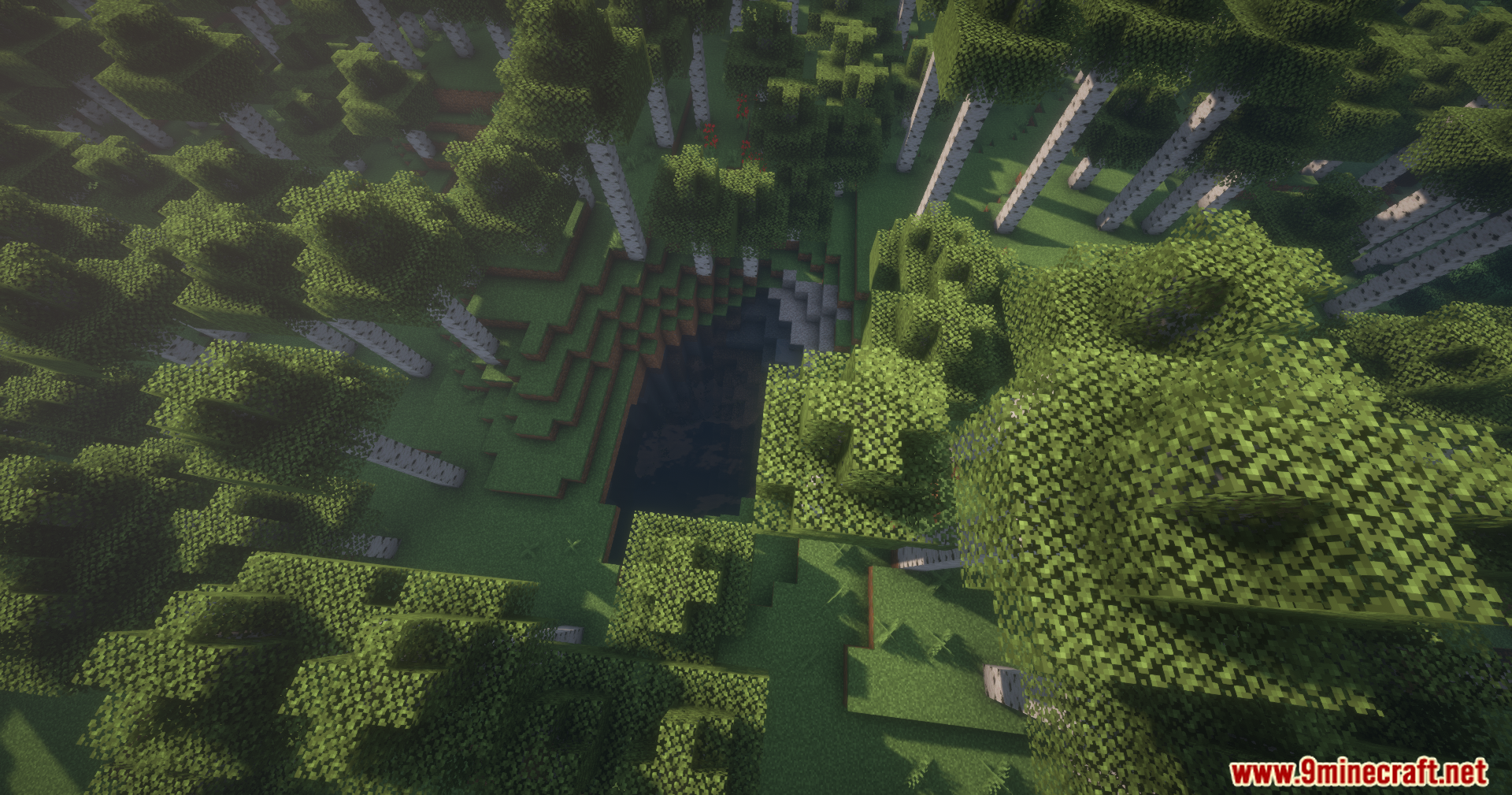
Screenshots:
RenderJS Mod Download Links
For Minecraft 1.21.1, 1.21
NeoForge Version: Download from Server 1 – Download from Server 2
For Minecraft 1.20.1, 1.20
Forge Version: Download from Server 1 – Download from Server 2
For Minecraft 1.19.2
Forge Version: Download from Server 1 – Download from Server 2
- Edition: Minecraft Java
- File type: .jar
- Minecraft versions listed: 1.21.1, 1.20.1
- How to install: Install the matching mod loader (Forge, Fabric or NeoForge) for your Minecraft version. → Download the .jar. → Put it in the .minecraft/mods folder and launch that loader profile.
- Where to get it: In MC Java Mods, or directly above on this page.
Install steps are the general flow for this file type — How to install Minecraft Java mods & modpacks walks through it step by step.
RenderJS Mod (1.21.1, 1.20.1) – Script Custom Visuals Without Java is a free Minecraft Java mod. Compatible with Minecraft 1.21.1, 1.20.1. Download it and open it directly in the game.