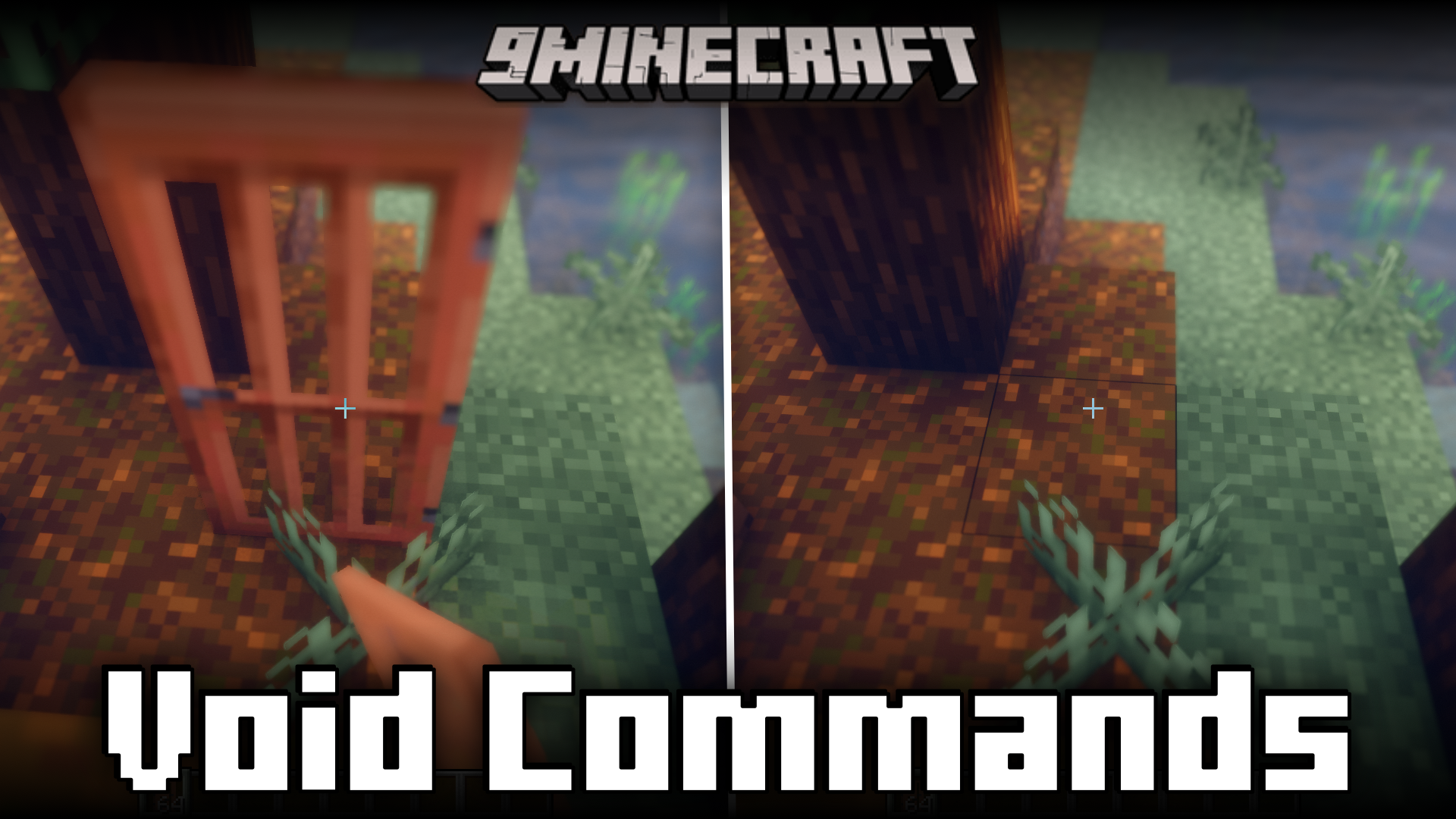
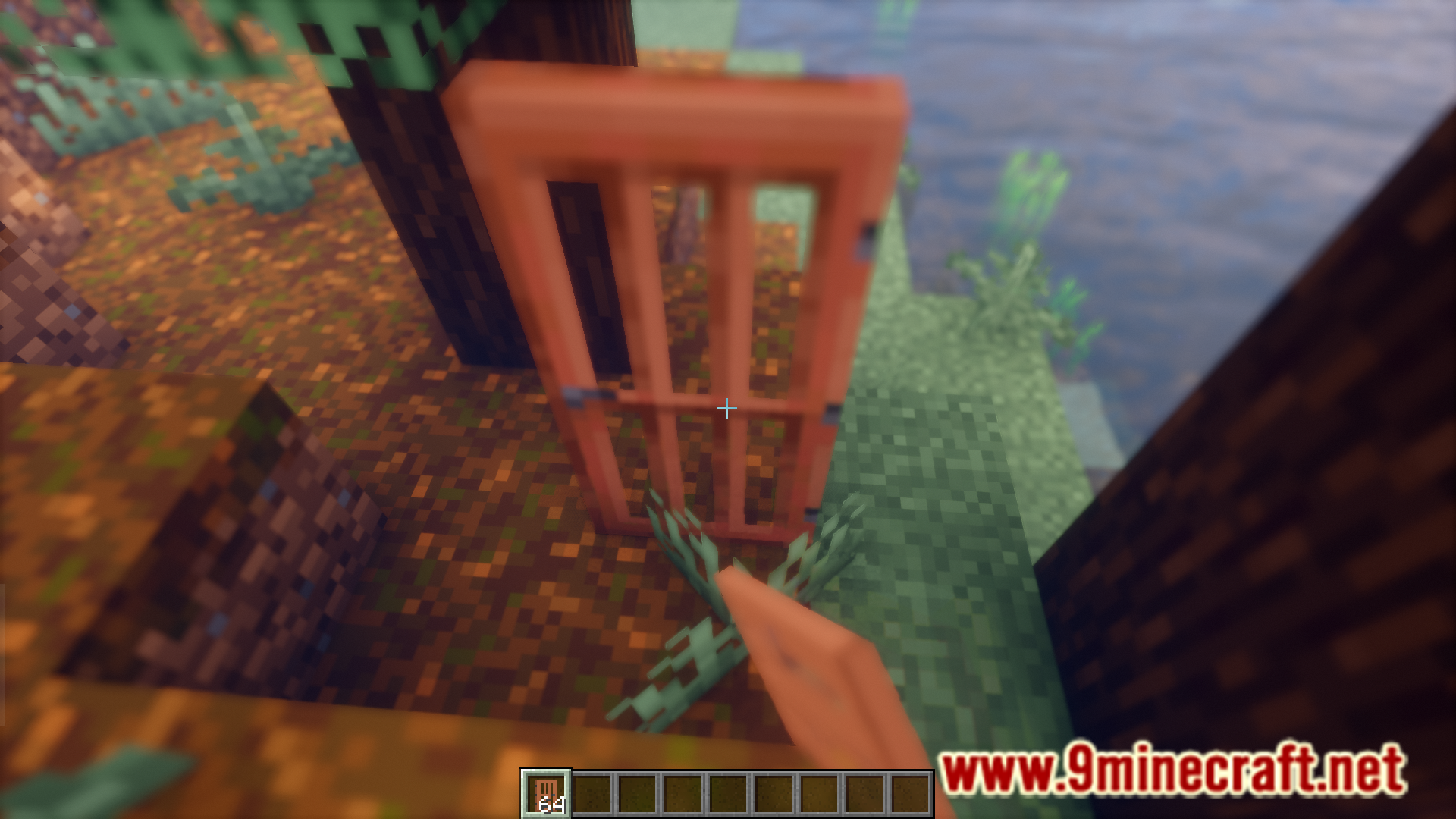
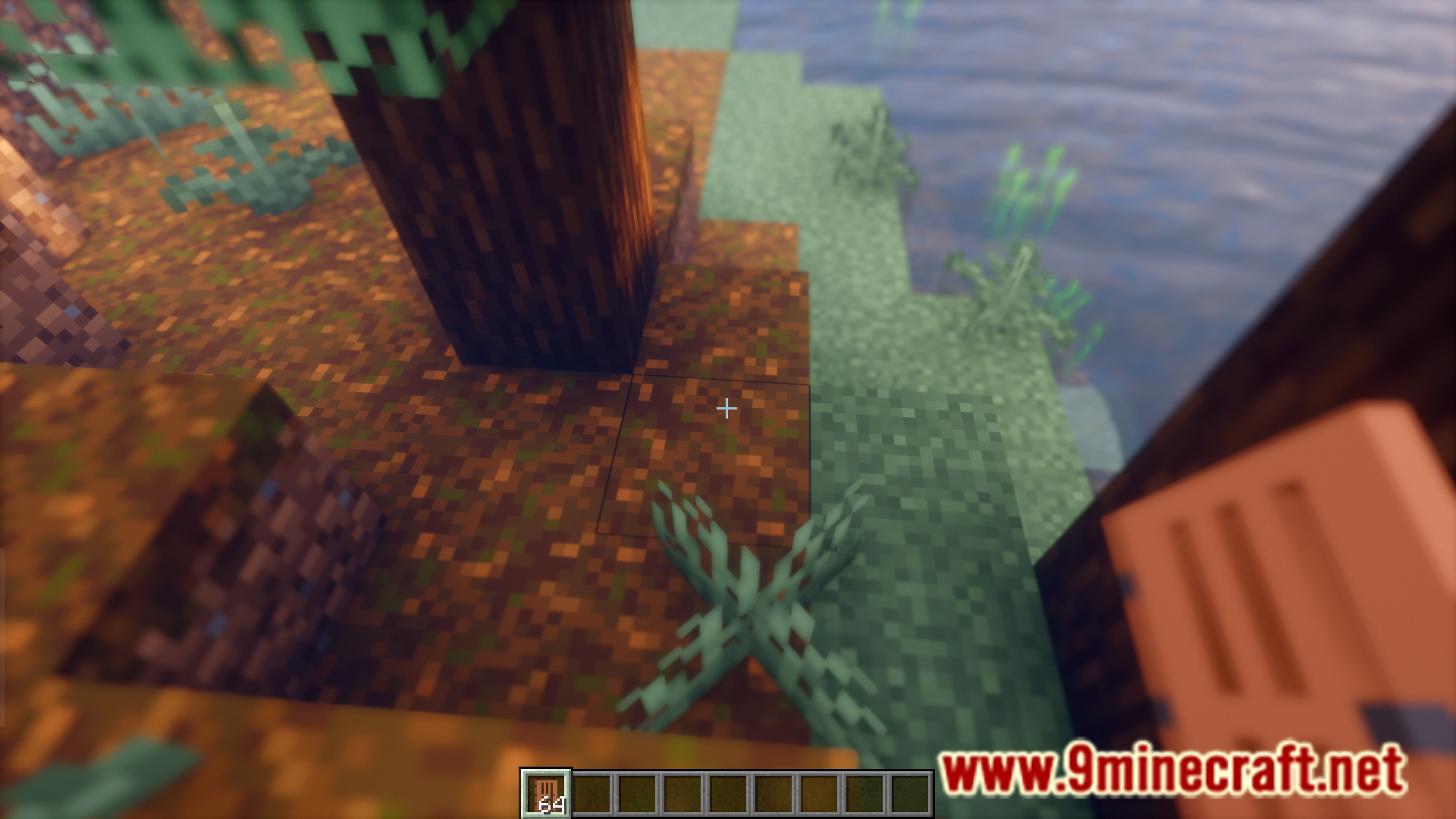
Void Commands Mod introduces a collection of new commands into the game. These are client side commands that will only make changes on the player’s system and will not affect any other player when used on a server. A list of commands and their use as noted by the developer is listed below.
Features:
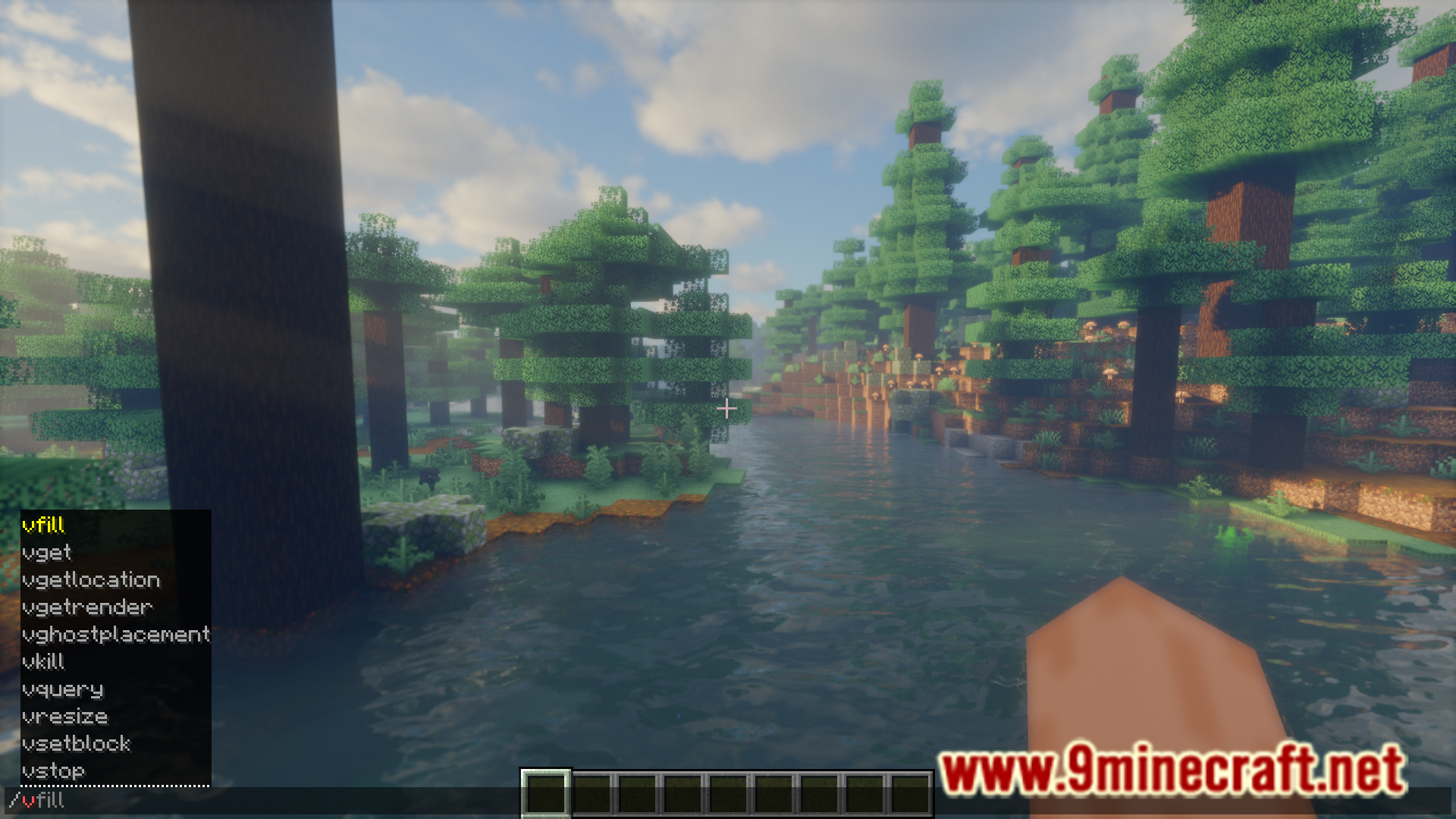
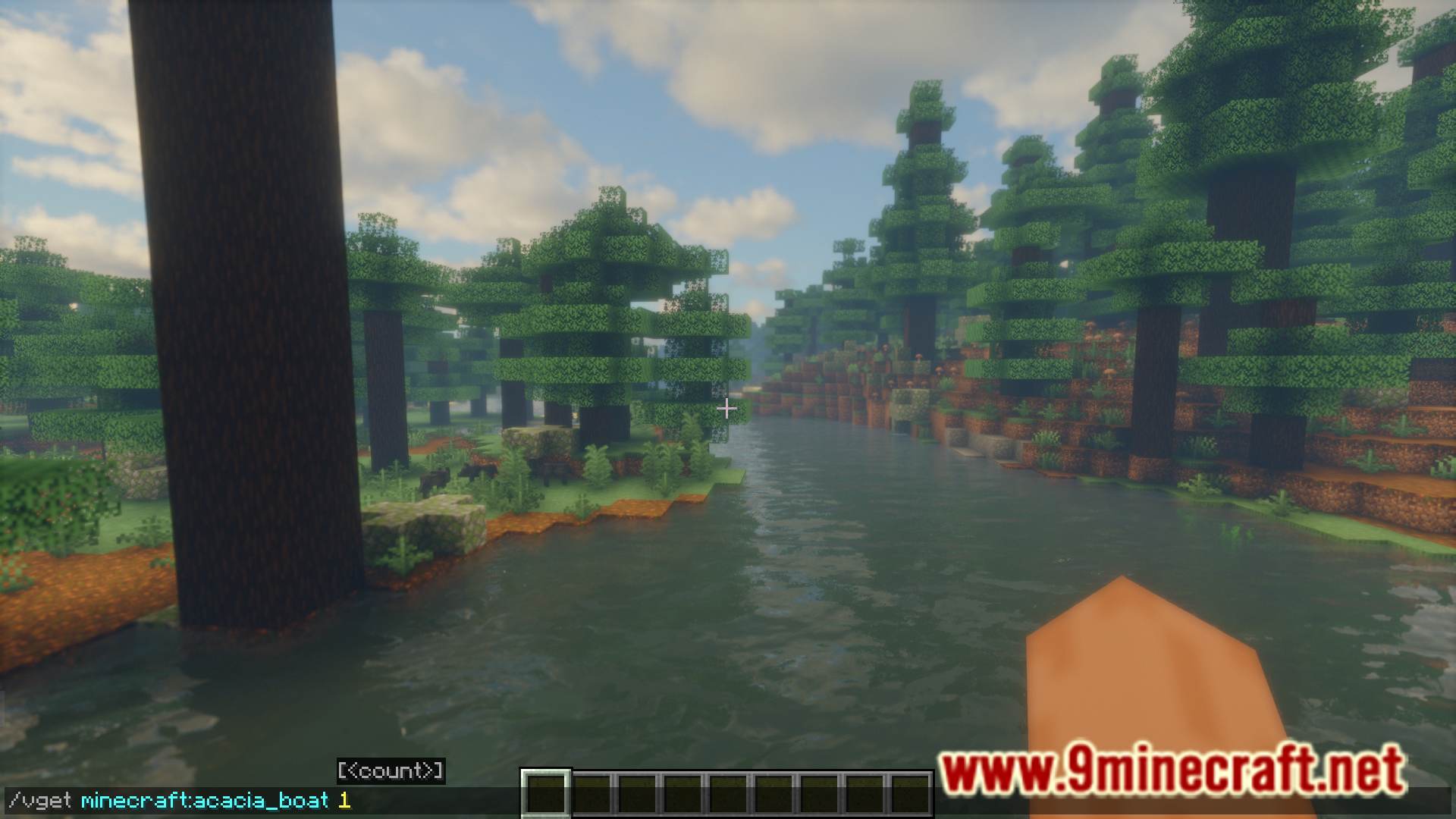
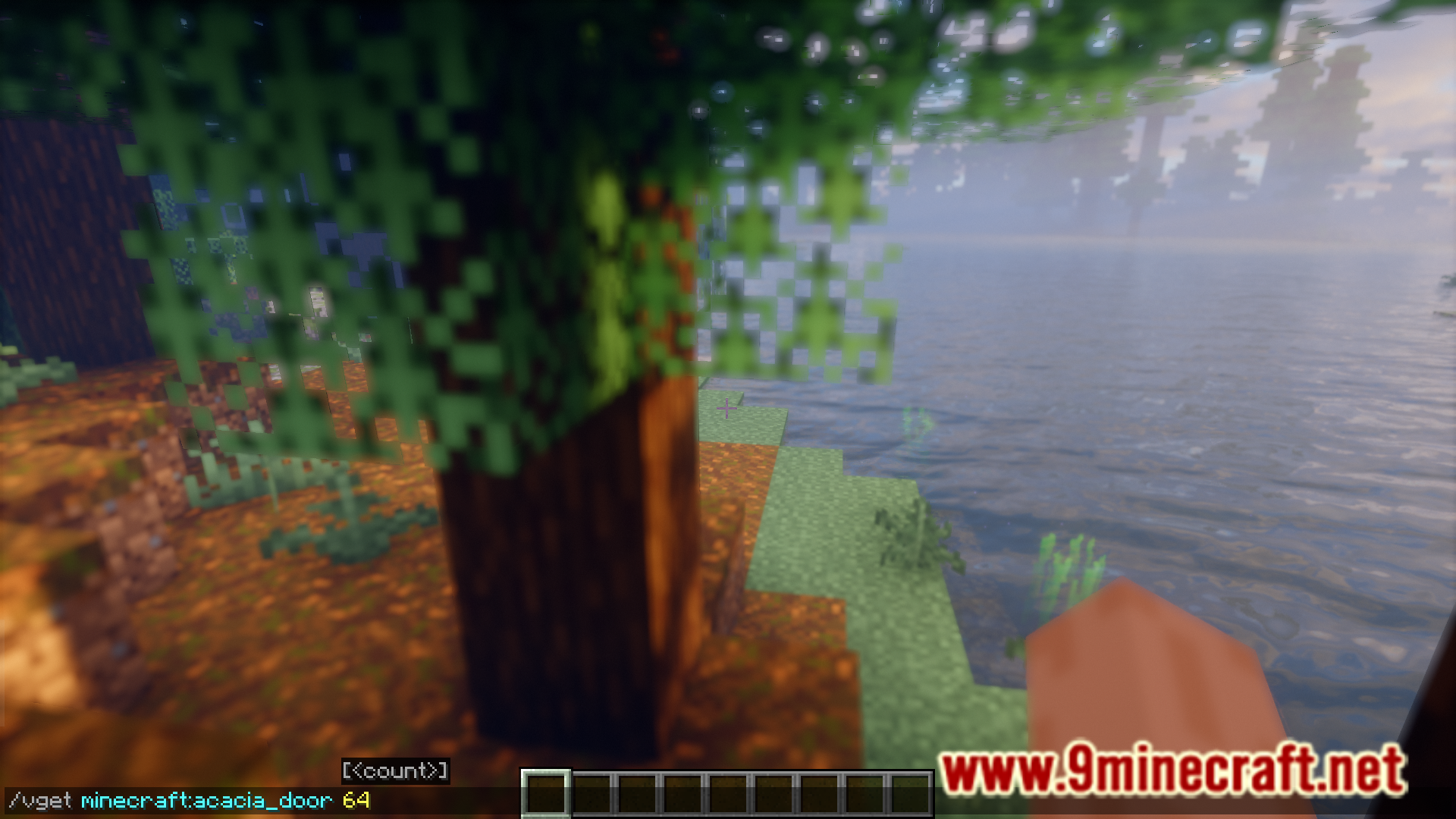
- /vget – Give yourself a ghost item. In Creative it will be a ghost, until you use it.
- /vsetblock – Sets the block at to the block .
- /vghostplacement – Toggles if interacting with blocks sends a packet. This includes placing blocks, using buttons, etc.
- /vgetrender – Prints simulation/view distance in chat.
- /vgetlocation – Prints current coordinates, and dimension in chat.
- /vsummon – Summons an entity client-side (you can be nudged by client side entities).
- /vkill – Removes entities from the client world.
- /vquery [blocks|entities] <block|entity> – Prints the amount of entities/blocks loaded within chunks. Default distance is your render distance.
- /vfill [hollow|keep|outline|replace] [block] – Fills an area with blocks (client-side). Use vanilla /fill syntax.
- /vstop – Stops the Minecraft client.
- /vresize – Resizes the Minecraft client’s window.
Screenshots:
Void Commands Mod Download Links
For Minecraft 1.21.11
Fabric version: Download from Server 1 – Download from Server 2
For Minecraft 1.21.10
Fabric version: Download from Server 1 – Download from Server 2
For Minecraft 1.21.8, 1.21.7
Fabric version: Download from Server 1 – Download from Server 2
For Minecraft 1.21.8, 1.21.7, 1.21.6
Fabric version: Download from Server 1 – Download from Server 2
For Minecraft 1.21.5
Fabric version: Download from Server 1 – Download from Server 2
For Minecraft 1.21.4
Fabric version: Download from Server 1 – Download from Server 2
For Minecraft 1.21.1, 1.21
Fabric version: Download from Server 1 – Download from Server 2
For Minecraft 1.20.6
Fabric version: Download from Server 1 – Download from Server 2
For Minecraft 1.20.4
Fabric version: Download from Server 1 – Download from Server 2
- Edition: Minecraft Java
- File type: .jar
- Minecraft versions listed: 1.21.11, 1.20.6
- How to install: Install the matching mod loader (Forge, Fabric or NeoForge) for your Minecraft version. → Download the .jar. → Put it in the .minecraft/mods folder and launch that loader profile.
- Where to get it: In MC Java Mods, or directly above on this page.
Install steps are the general flow for this file type — How to install Minecraft Java mods & modpacks walks through it step by step.
Void Commands Mod (1.21.11, 1.20.6) – Adds Various Client Side Commands is a free Minecraft Java mod. Compatible with Minecraft 1.21.11, 1.20.6. Download it and open it directly in the game.