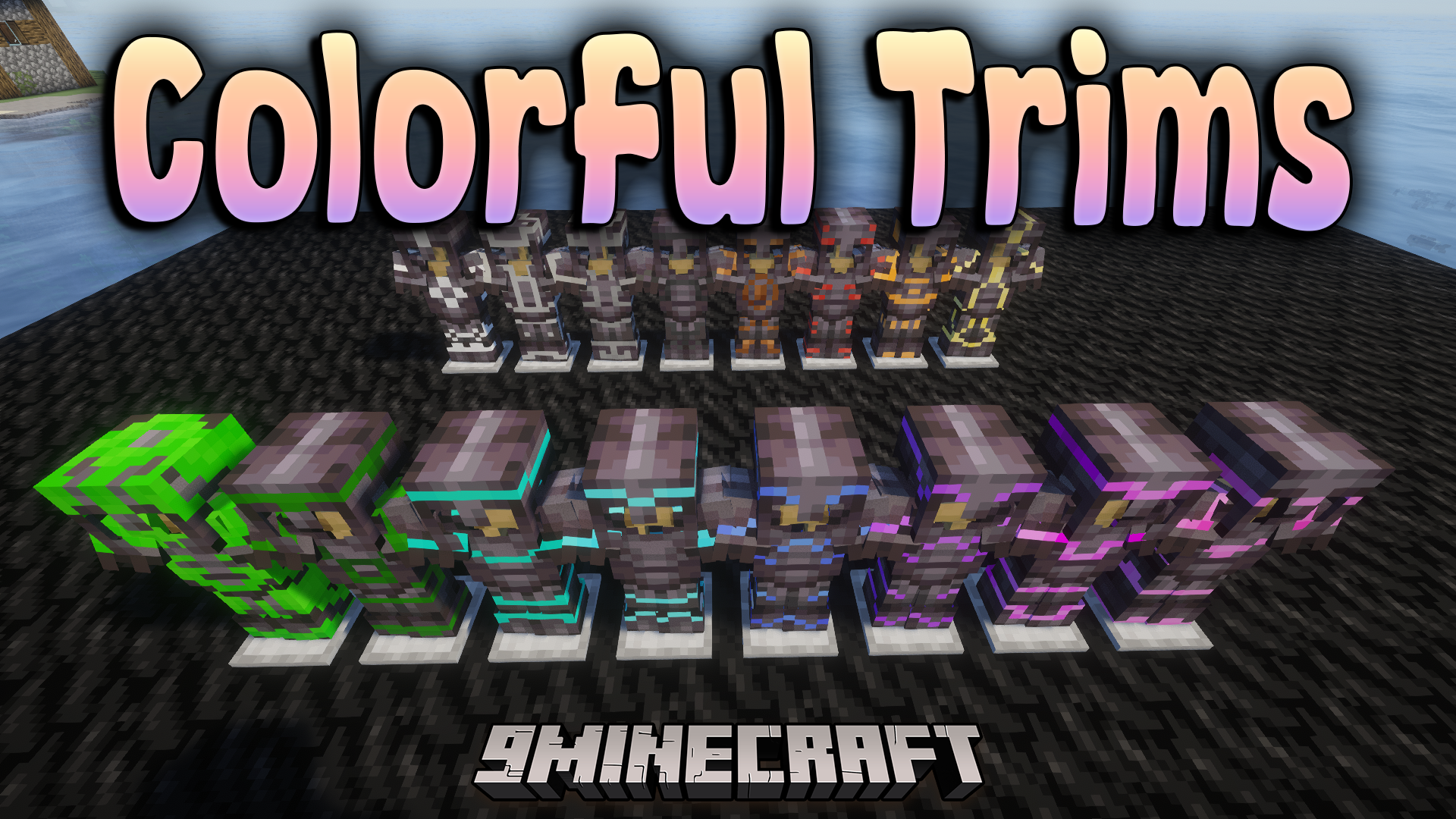
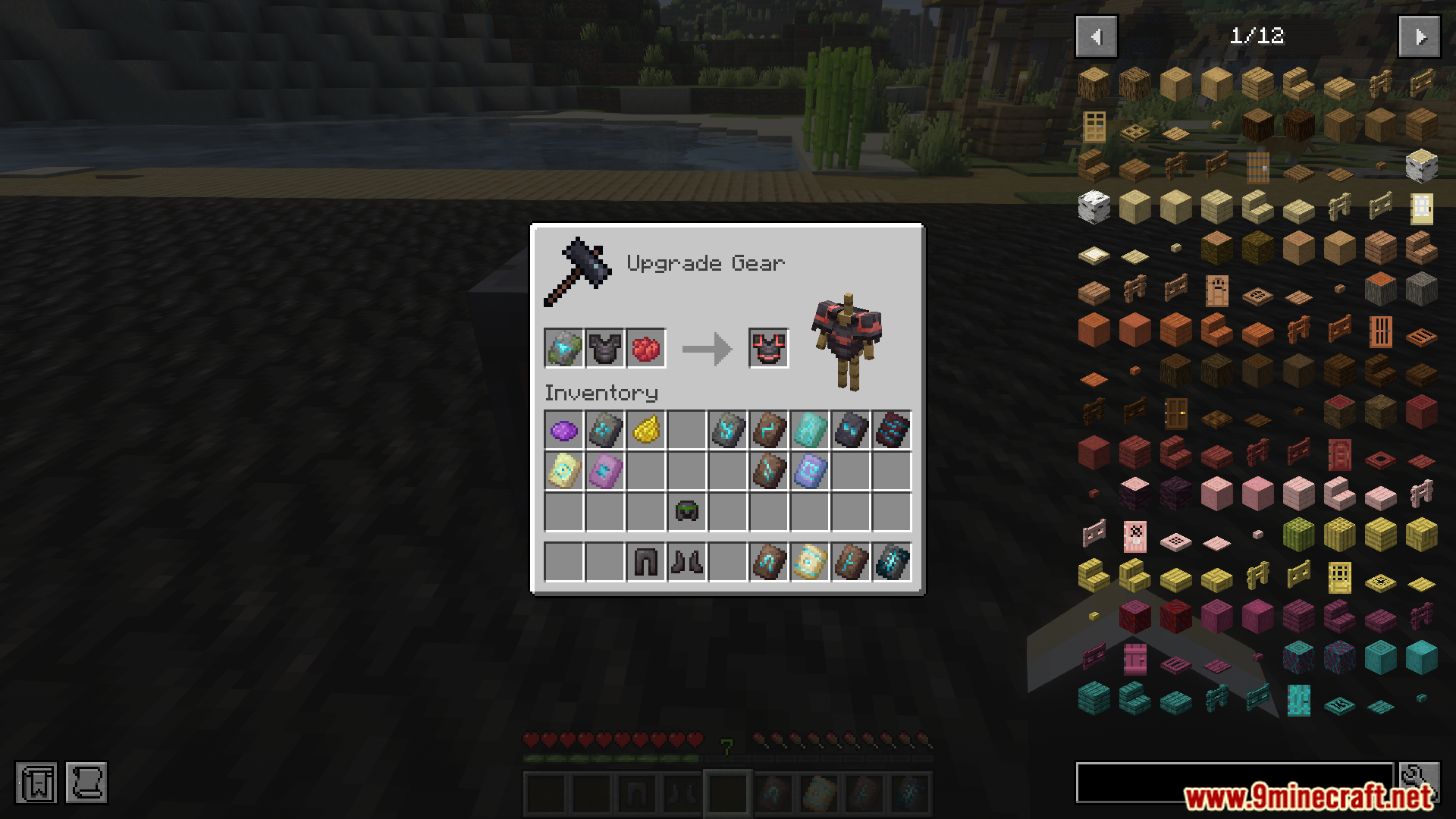
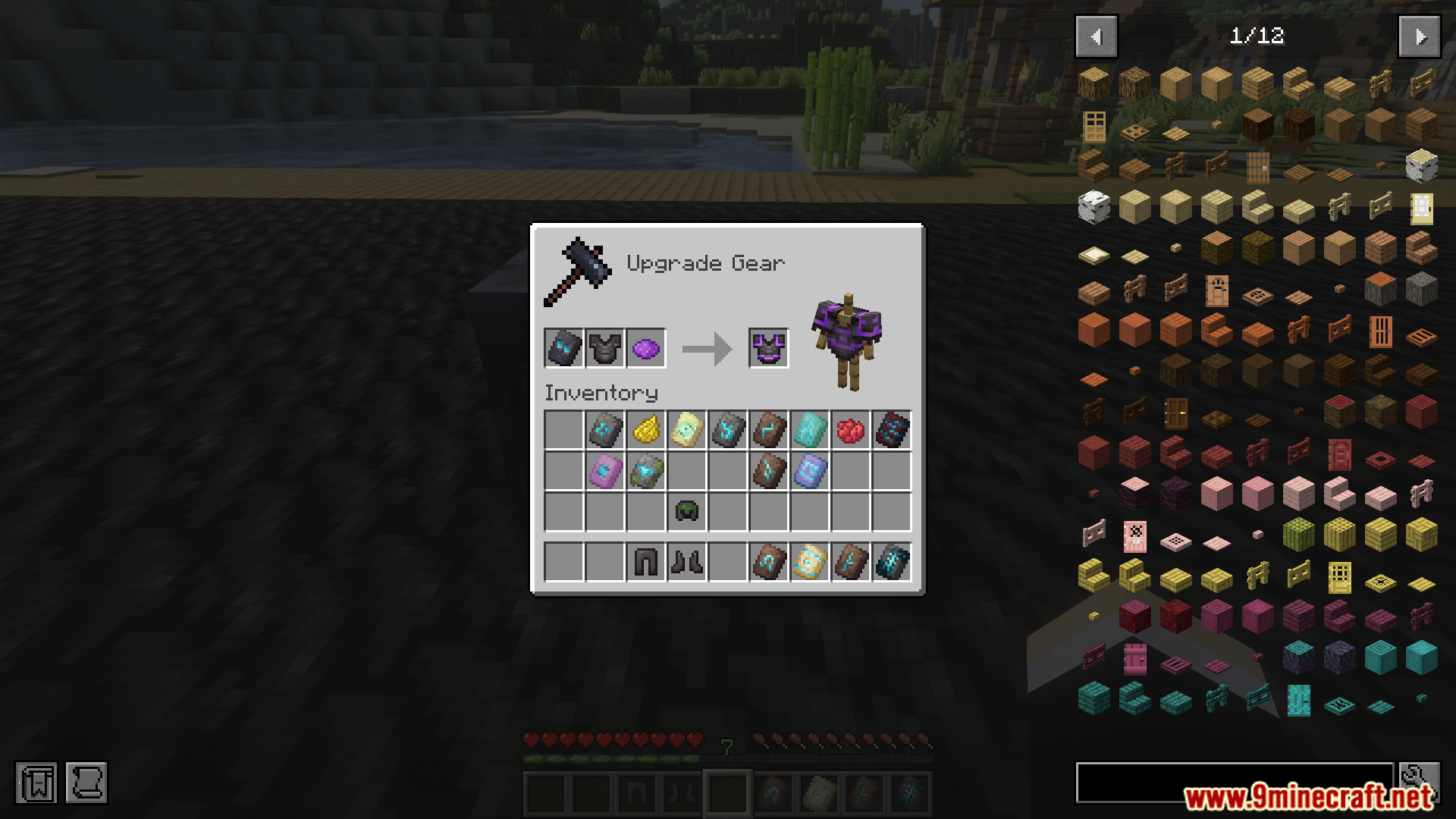
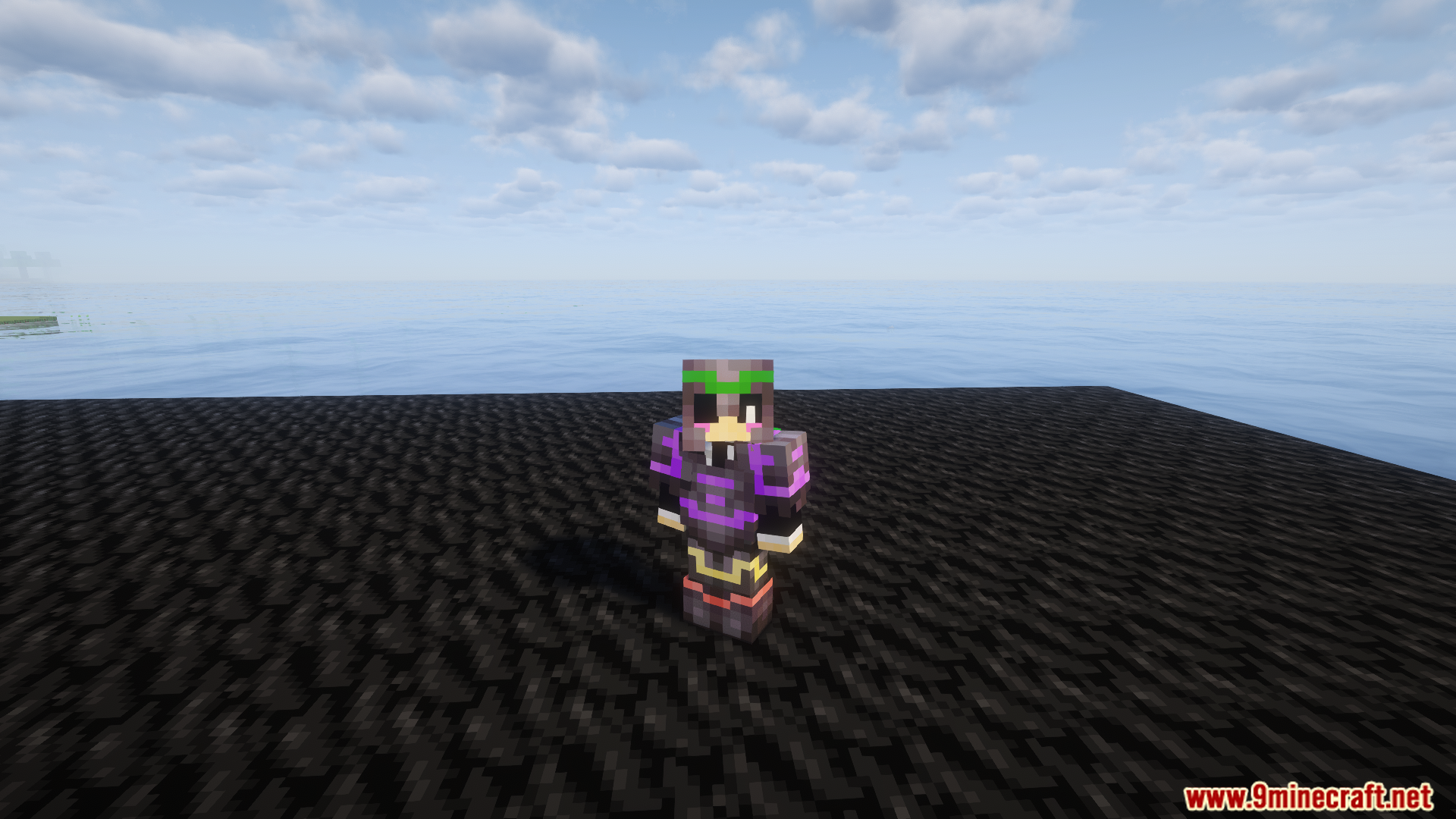
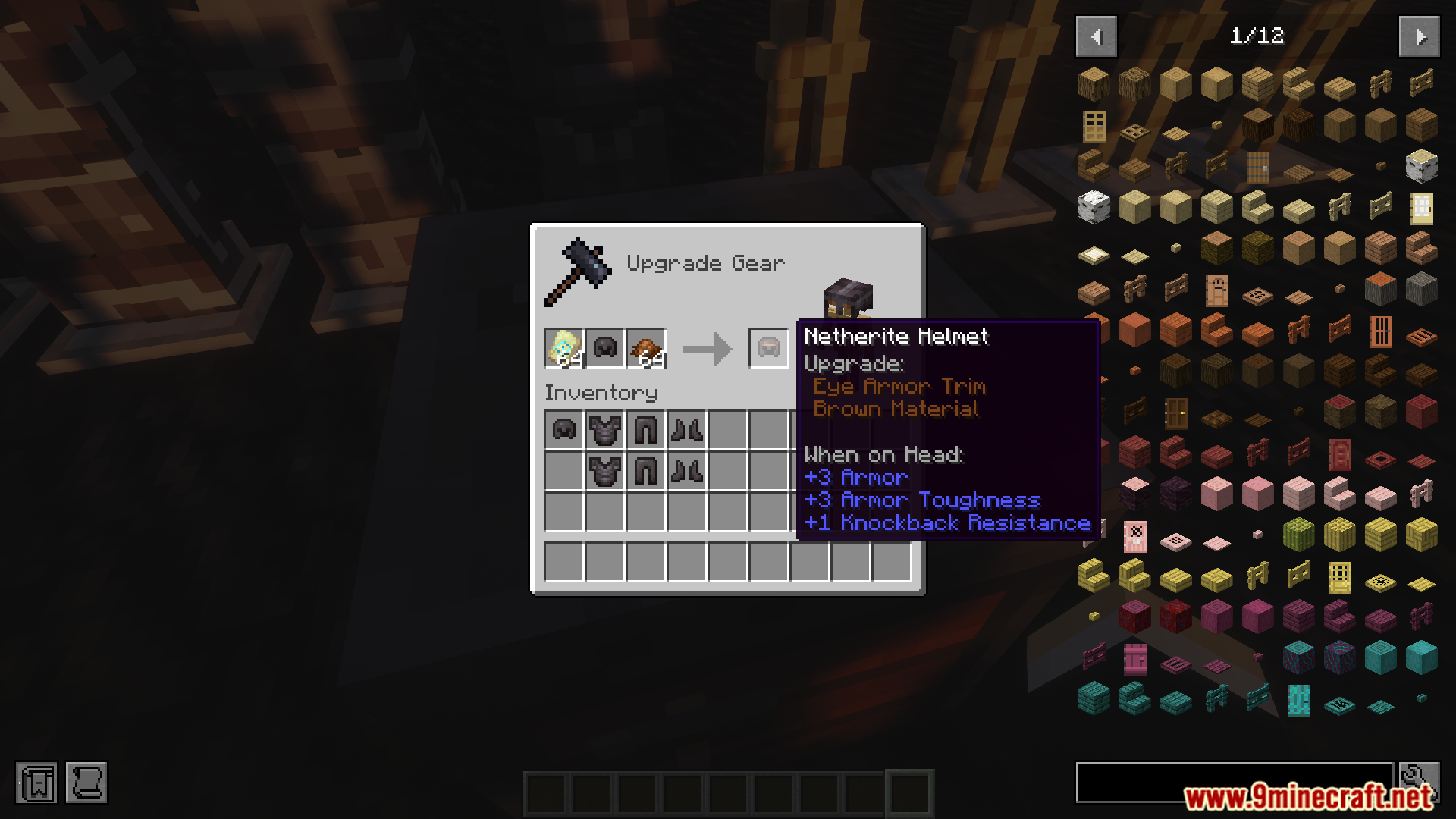
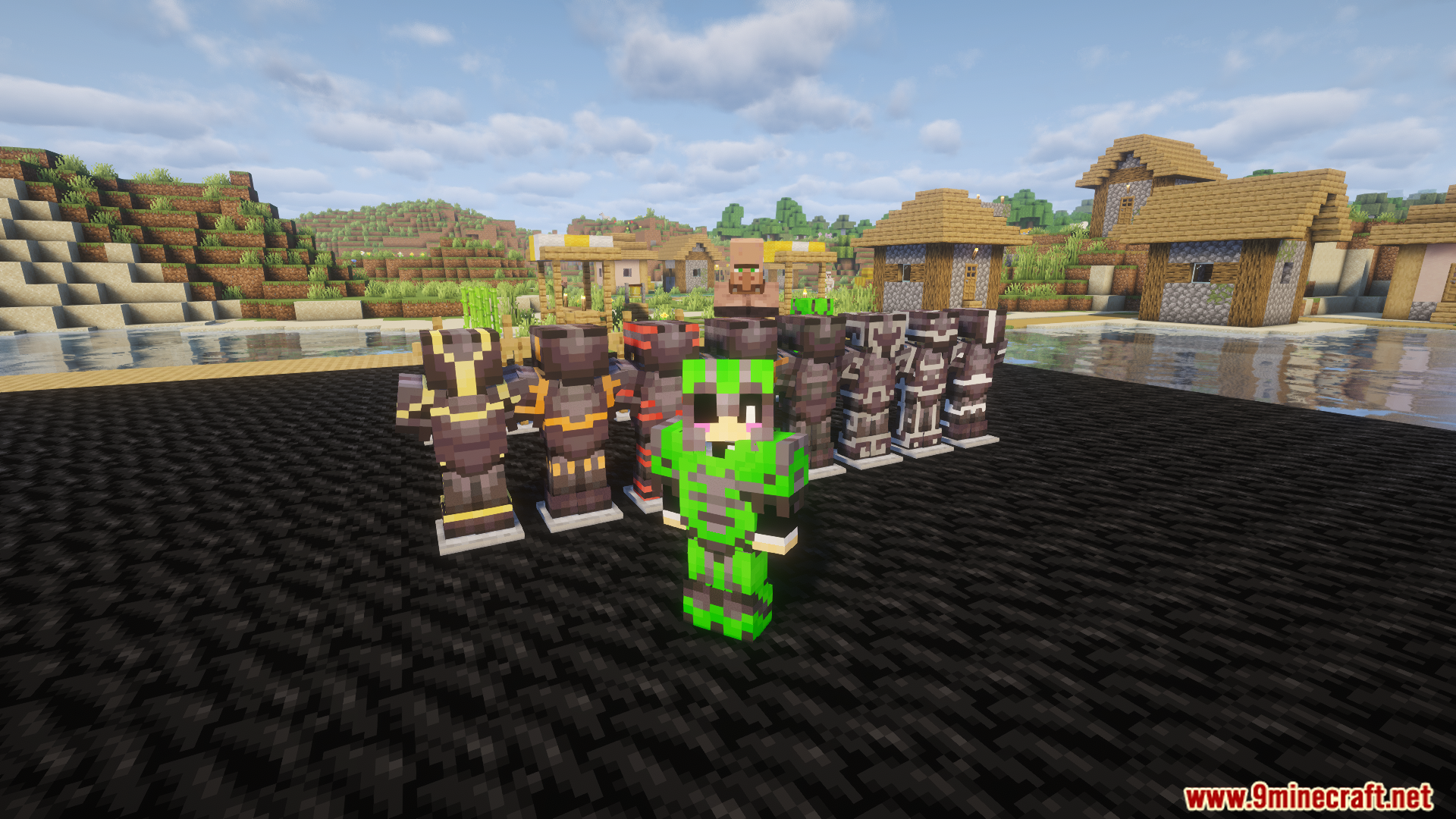
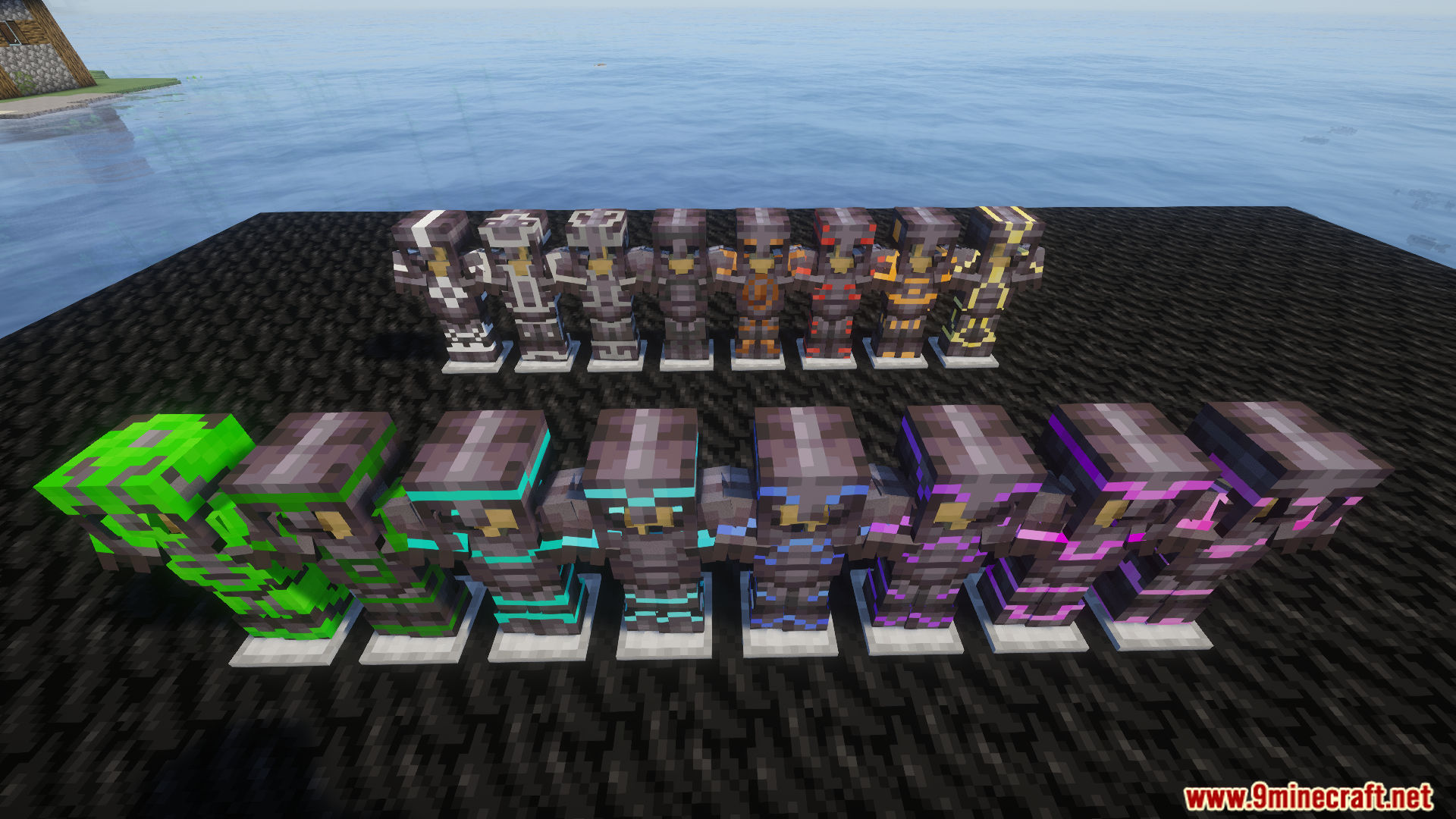
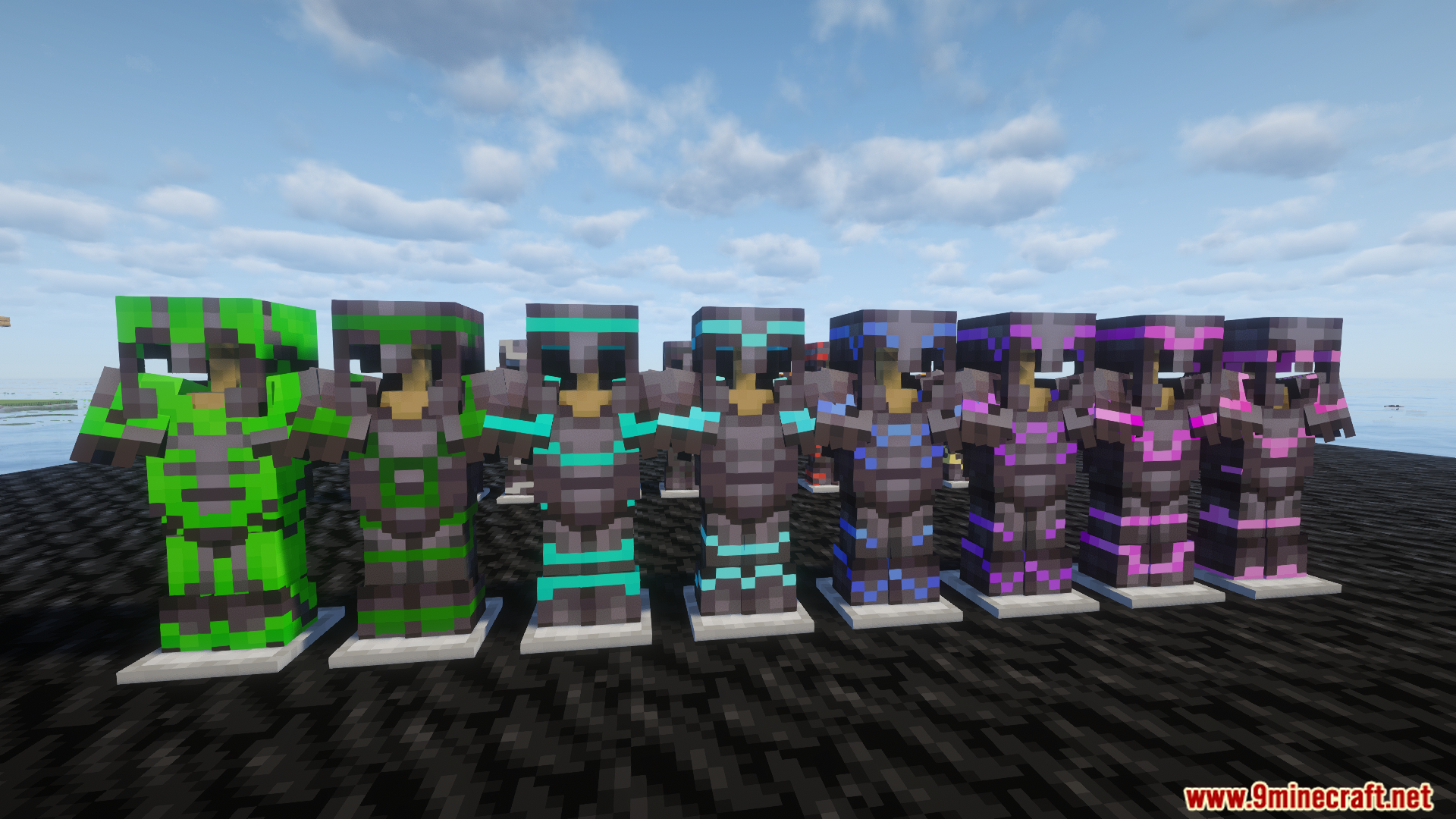
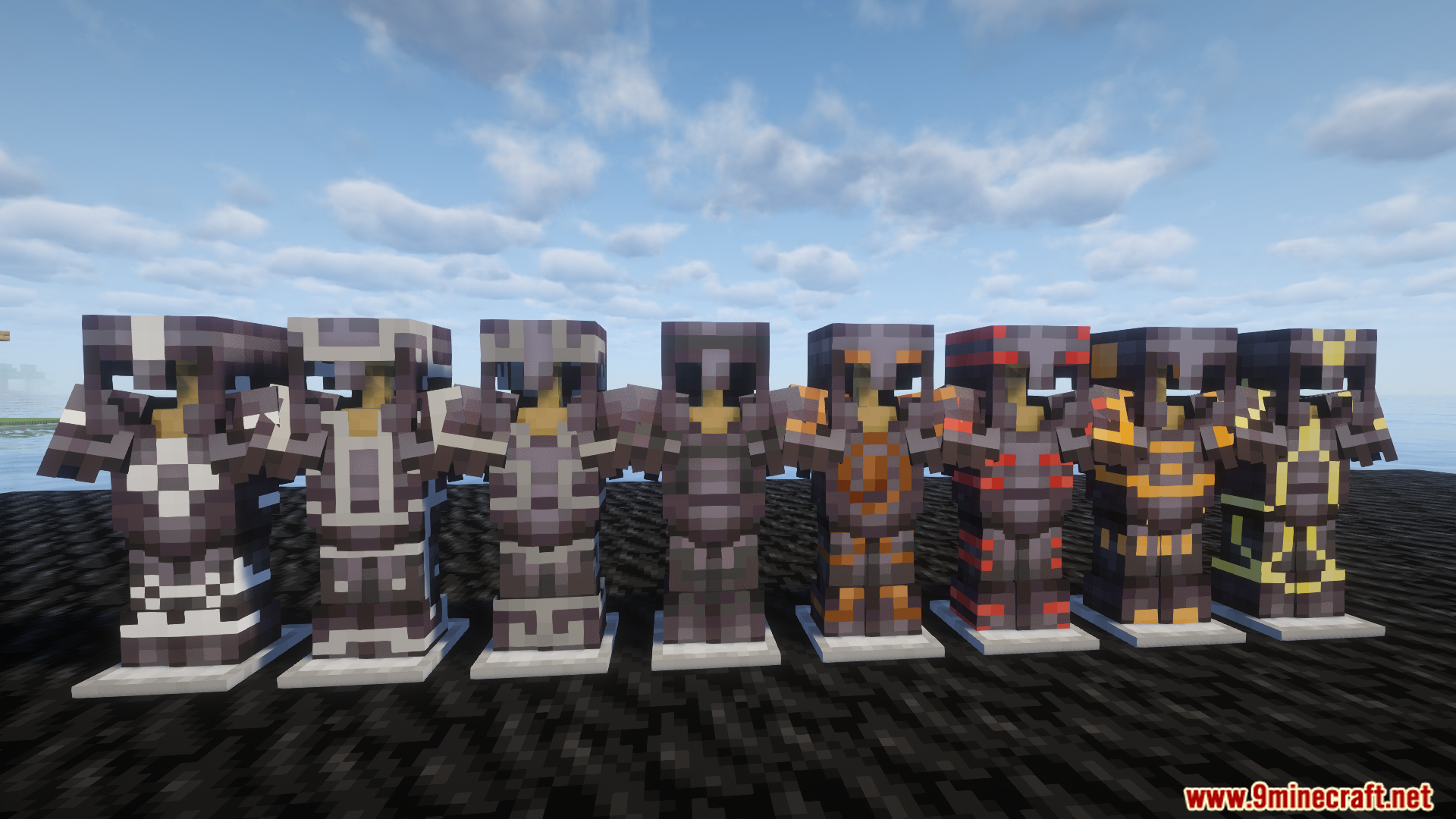
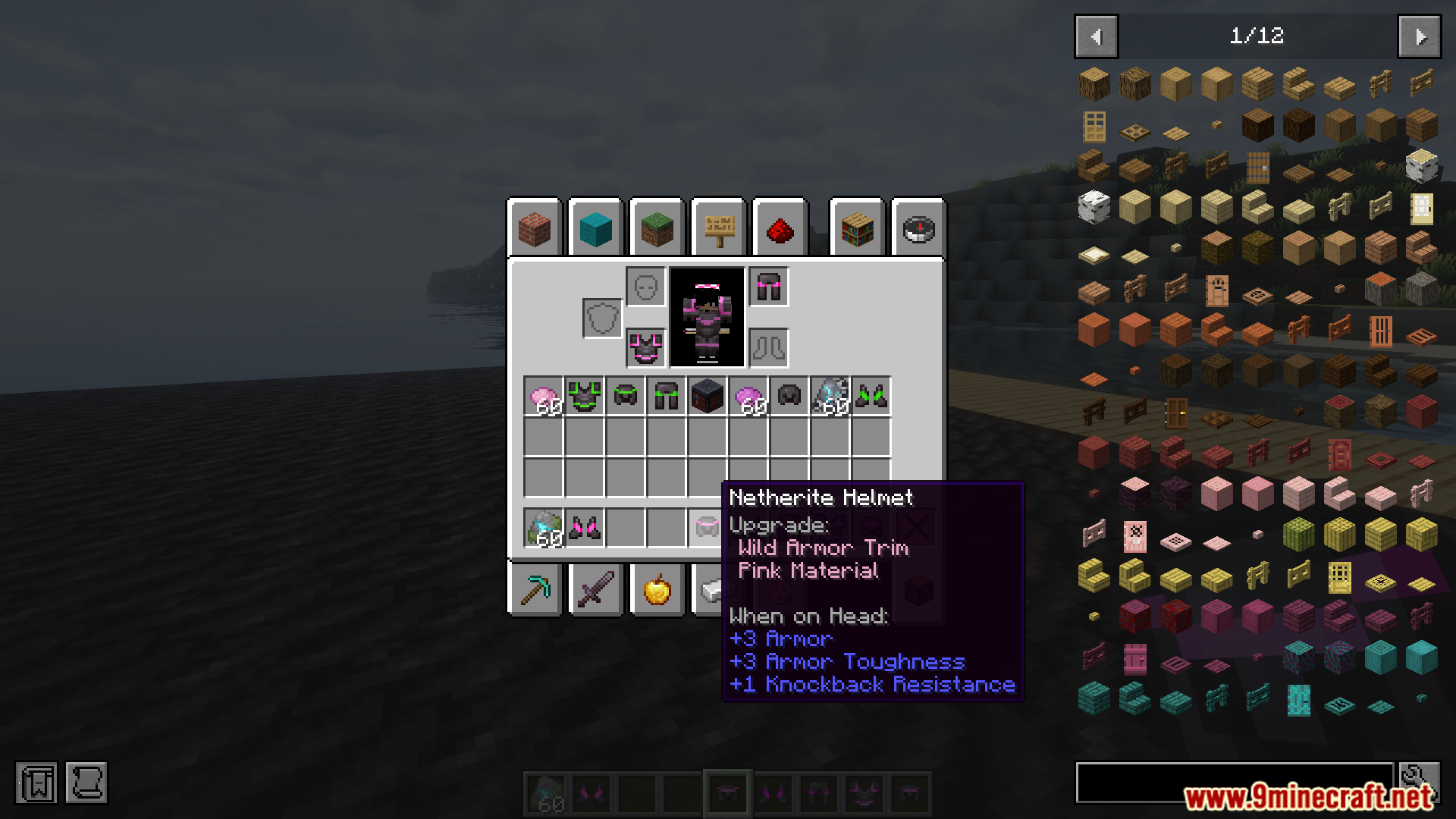
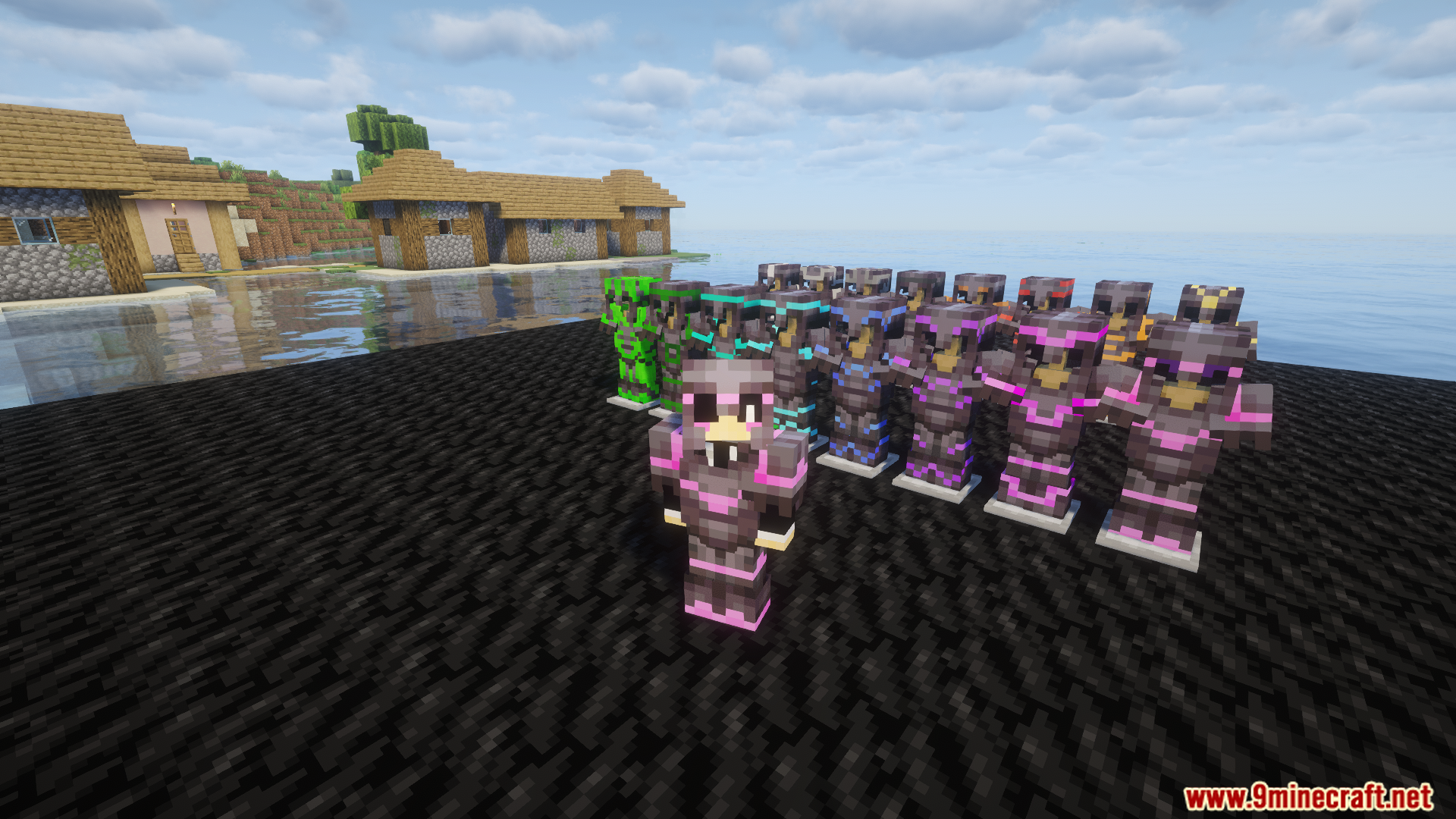
Colorful Trims Mod expands the armor trim system by adding new vibrant color variations. Instead of being limited to the default trim palette, players can craft and apply trims in a wide range of hues, making armor more customizable and expressive.
Features:
- Adds colorful variations to existing armor trims.
- Expands customization options for armor appearance.
- Integrates naturally with vanilla crafting and trim mechanics.
- Ideal for builders, roleplayers, and players who enjoy cosmetic flair.
Screenshots:
Colorful Trims Mod Download Links
For Minecraft 1.21.11
Forge/Fabric/NeoForge/Quilt version: Download from Server 1 – Download from Server 2
For Minecraft 1.21.10, 1.21.9
Forge/Fabric/NeoForge/Quilt version: Download from Server 1 – Download from Server 2
For Minecraft 1.21.8, 1.21.7, 1.21.6, 1.21.5
Forge/Fabric/NeoForge/Quilt version: Download from Server 1 – Download from Server 2
For Minecraft 1.21.4
Forge/Fabric/NeoForge/Quilt version: Download from Server 1 – Download from Server 2
For Minecraft 1.21.3, 1.21.2
Forge/Fabric/NeoForge/Quilt version: Download from Server 1 – Download from Server 2
For Minecraft 1.21.1, 1.21, 1.20.6, 1.20.4, 1.20.2, 1.20.1, 1.20
Forge/Fabric/Quilt version: Download from Server 1 – Download from Server 2
- Edition: Minecraft Java
- File type: .jar
- Minecraft versions listed: 1.21.11, 1.20.1
- How to install: Install the matching mod loader (Forge, Fabric or NeoForge) for your Minecraft version. → Download the .jar. → Put it in the .minecraft/mods folder and launch that loader profile.
- Where to get it: In MC Java Mods, or directly above on this page.
Install steps are the general flow for this file type — How to install Minecraft Java mods & modpacks walks through it step by step.
Colorful Trims Mod (1.21.11, 1.20.1) – Vibrant Armor Customization is a free Minecraft Java mod. Compatible with Minecraft 1.21.11, 1.20.1. Download it and open it directly in the game.