Bedrockoid Mod brings gameplay features from Minecraft Bedrock Edition into the Java Edition. This mod focuses on adding game mechanics instead of changing how things look. It helps make the two versions of the game feel more consistent to play.
Features:
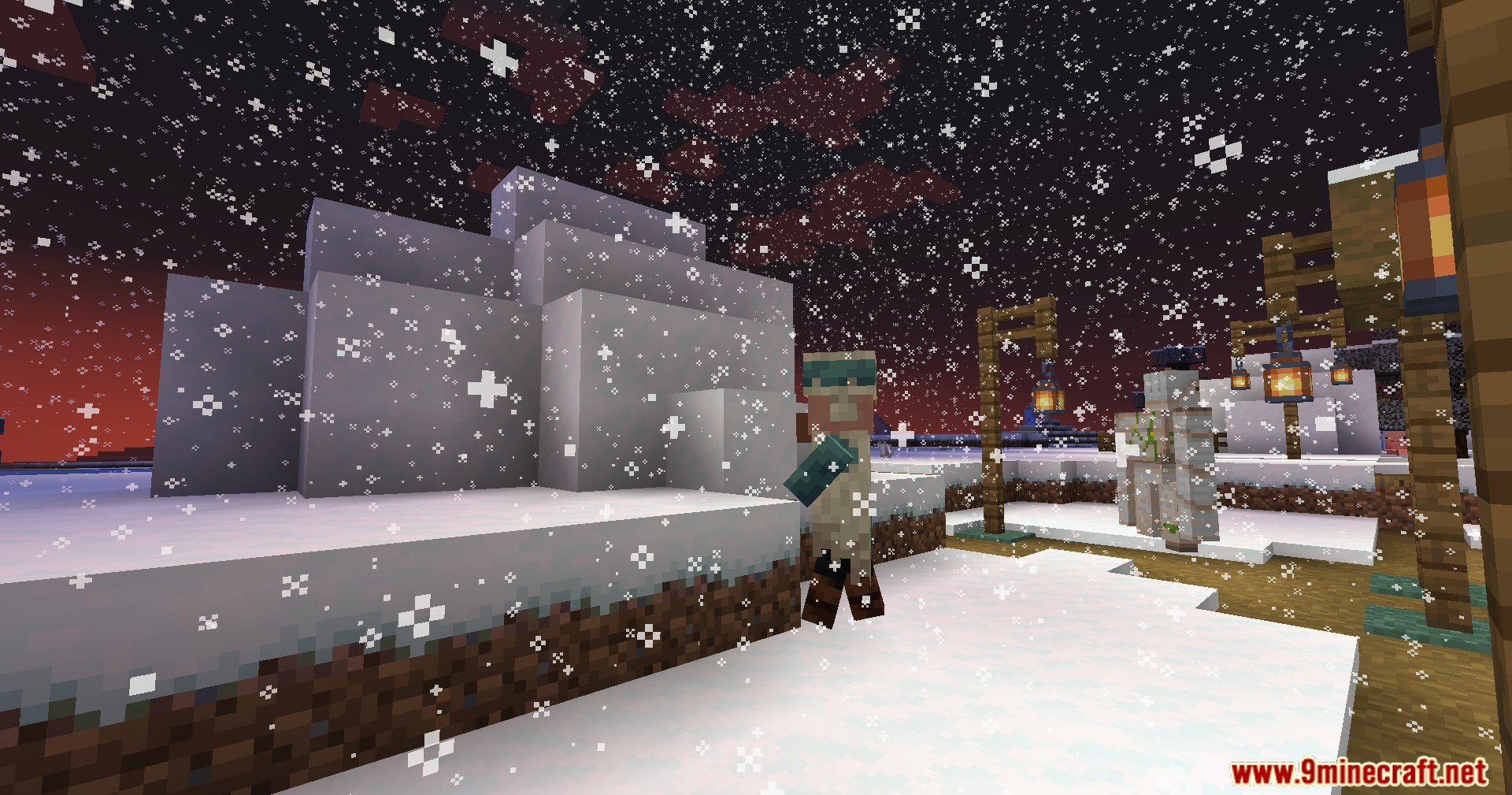
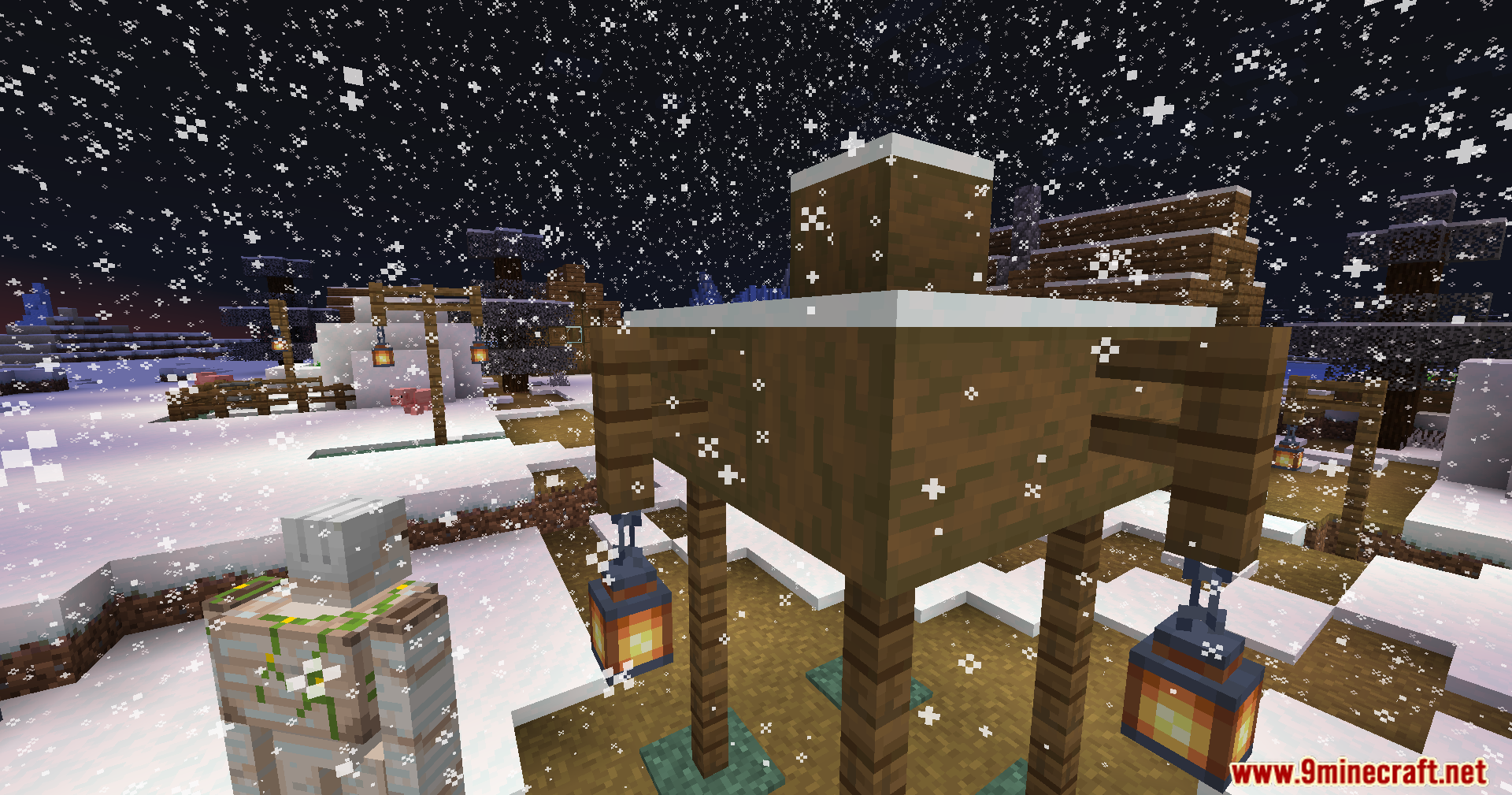
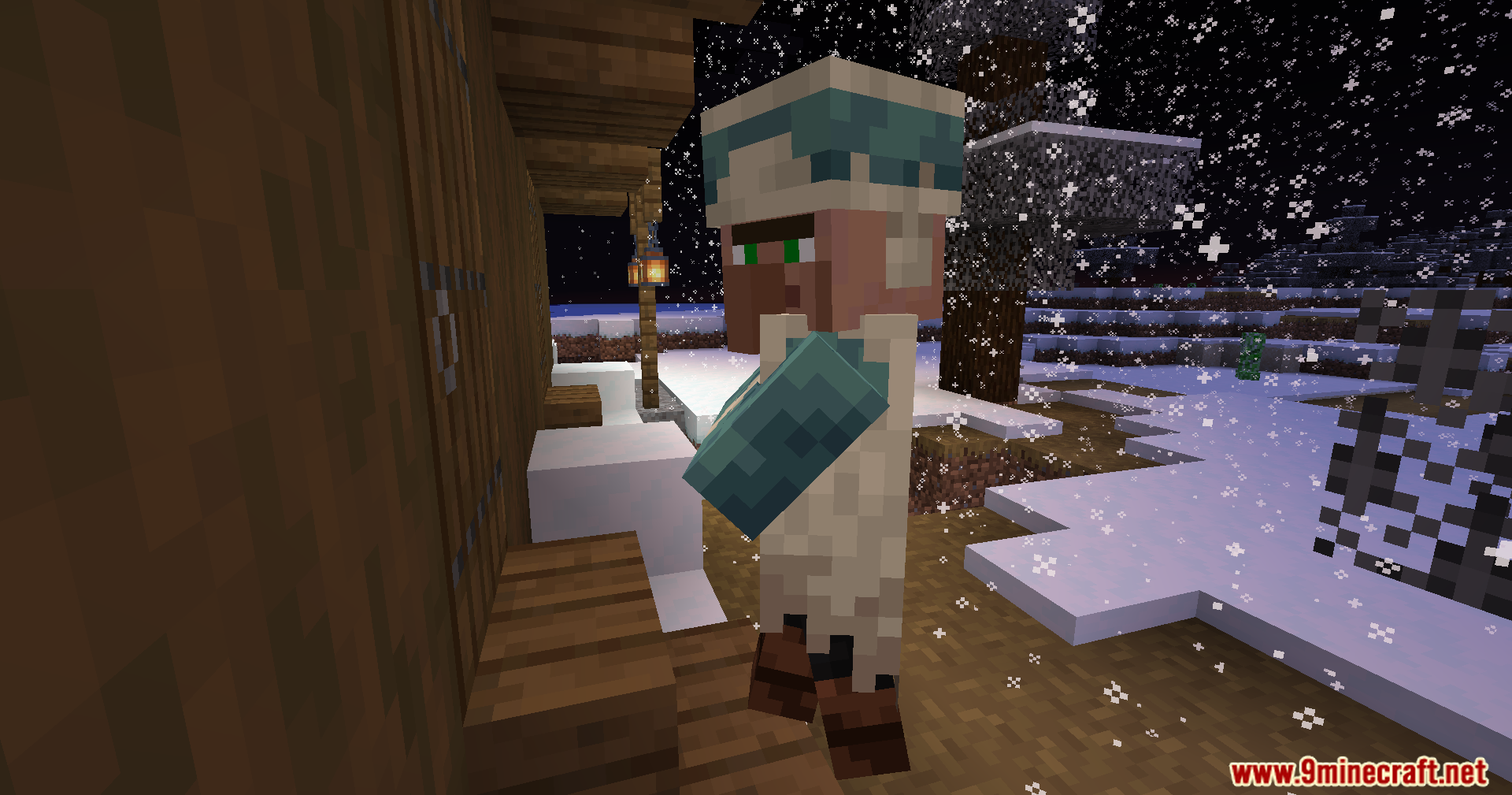
- Leaves change color when covered in snow, and snow can generate under trees.
- The Fire Aspect enchantment can be used to light TNT, candles, and campfires.
- Any mob that is on fire can also light candles and campfires by walking into them.
- You can dye living shulkers to change their shell color.
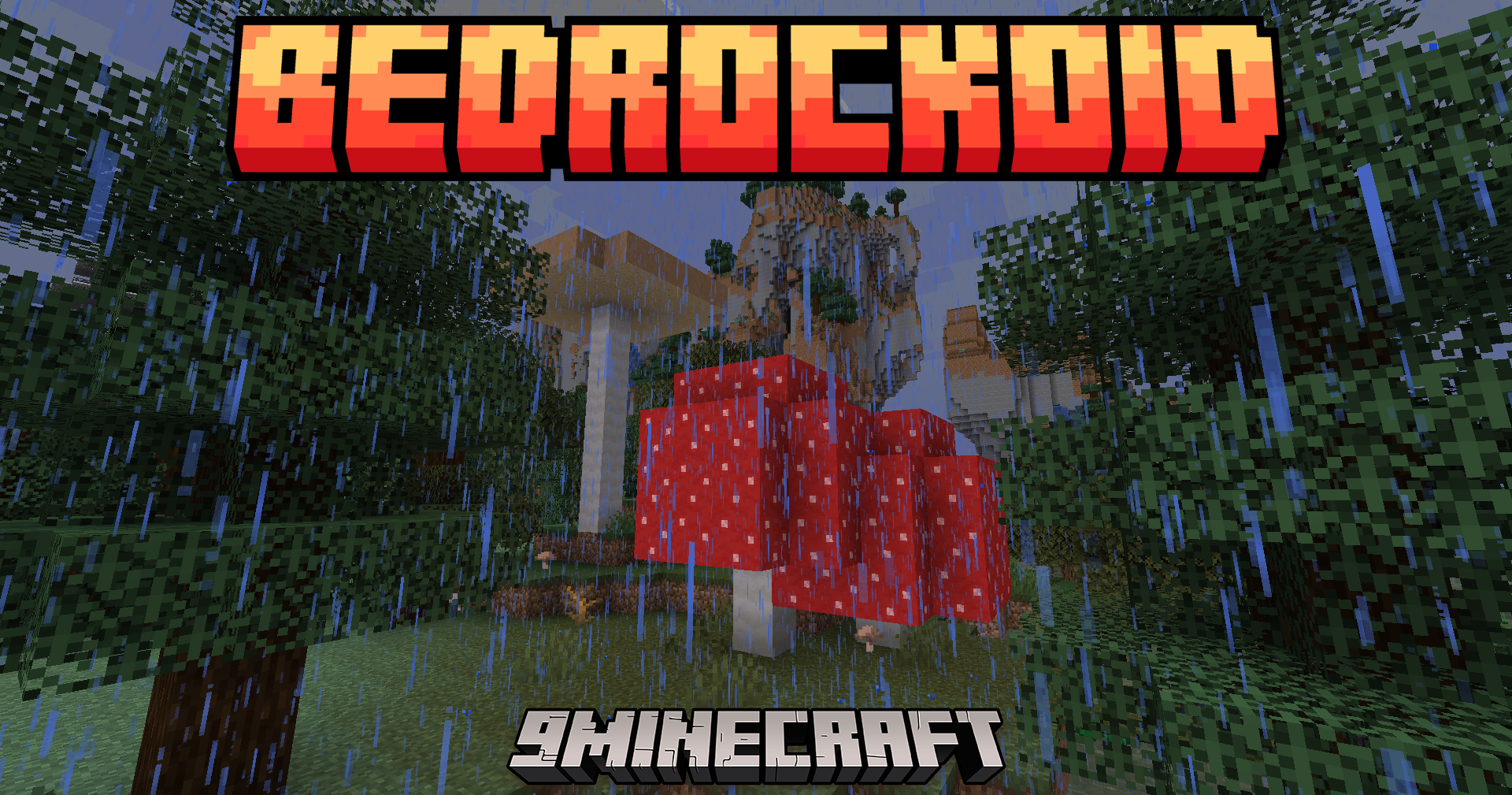
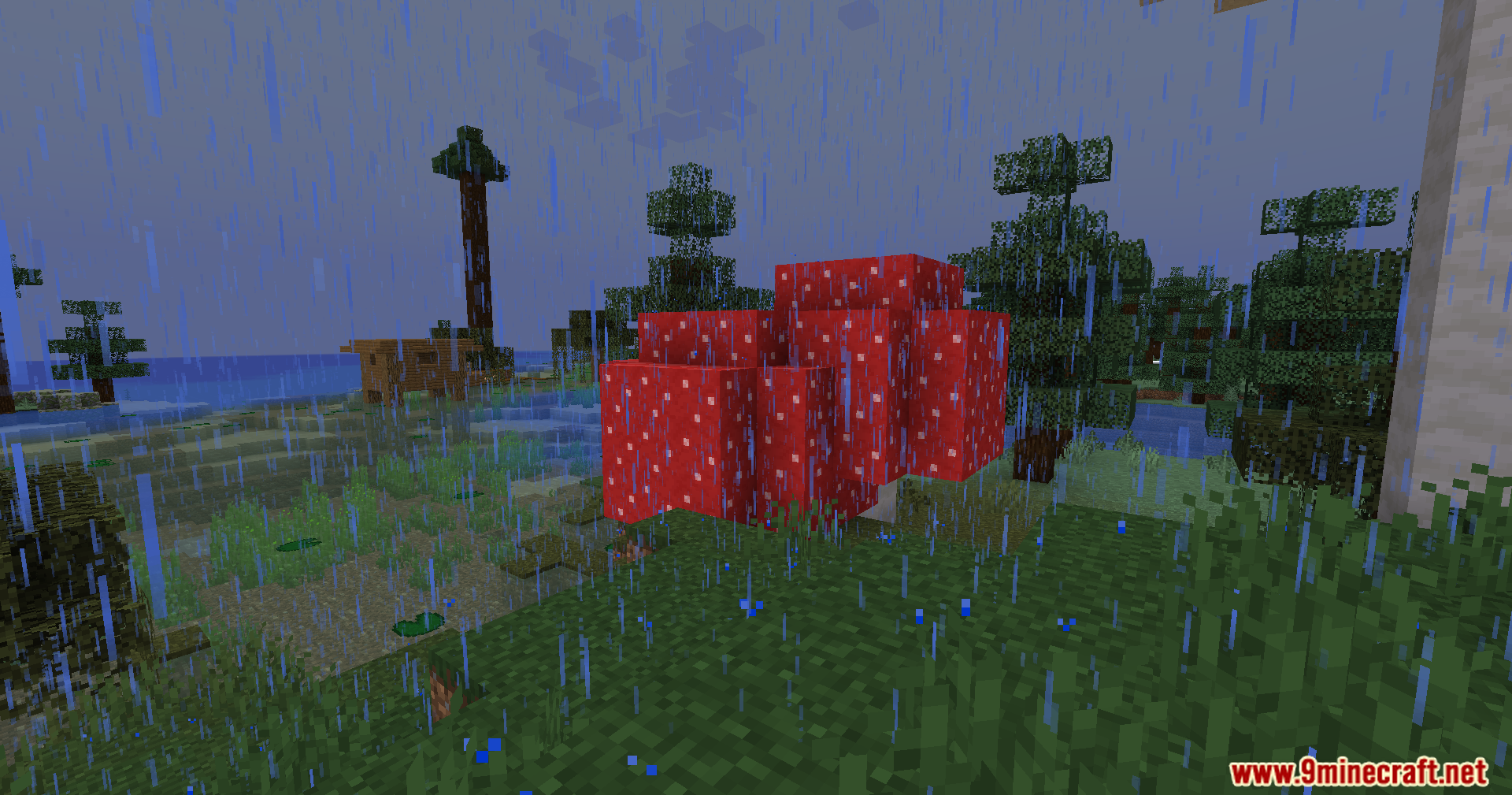
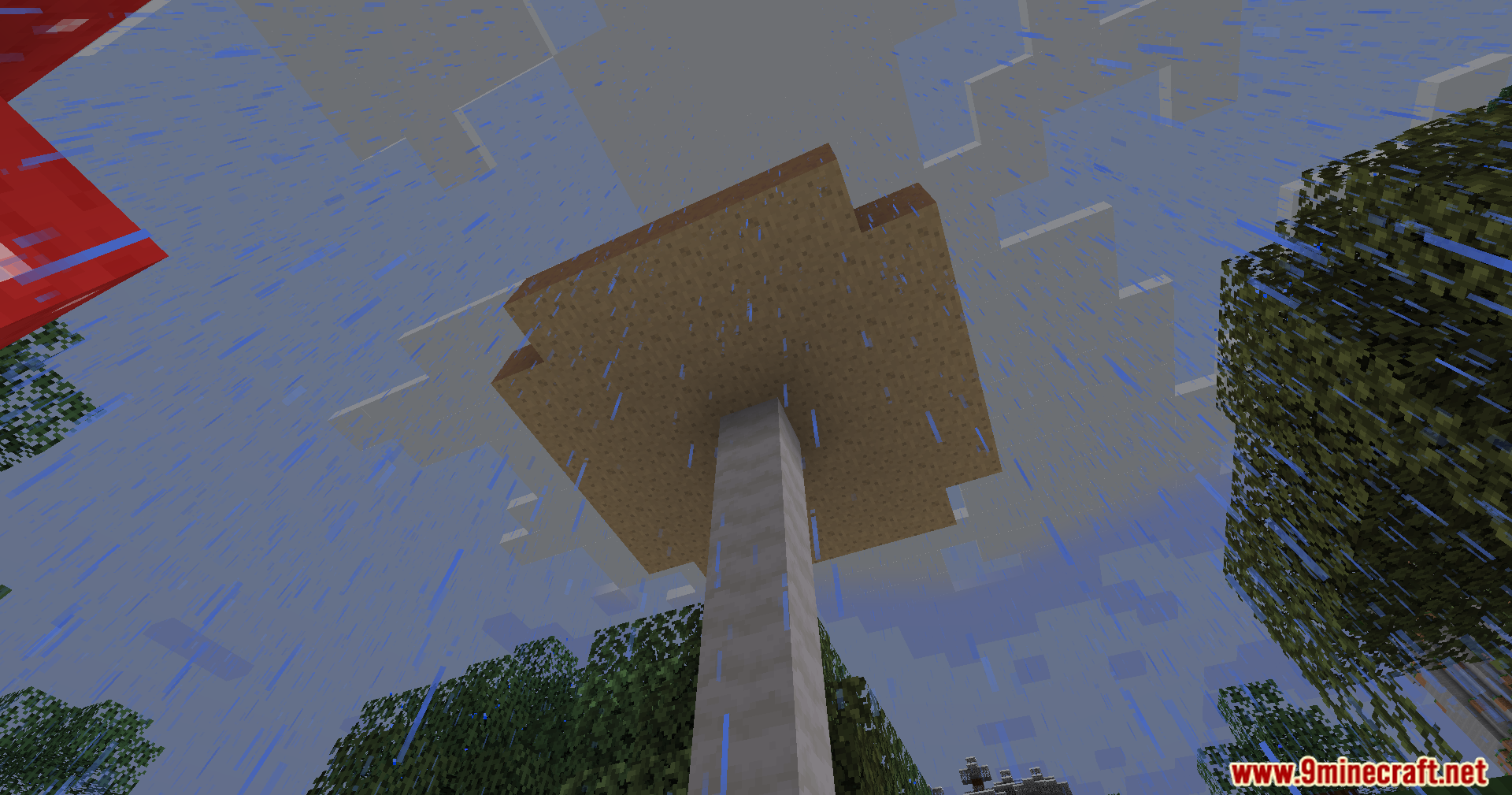
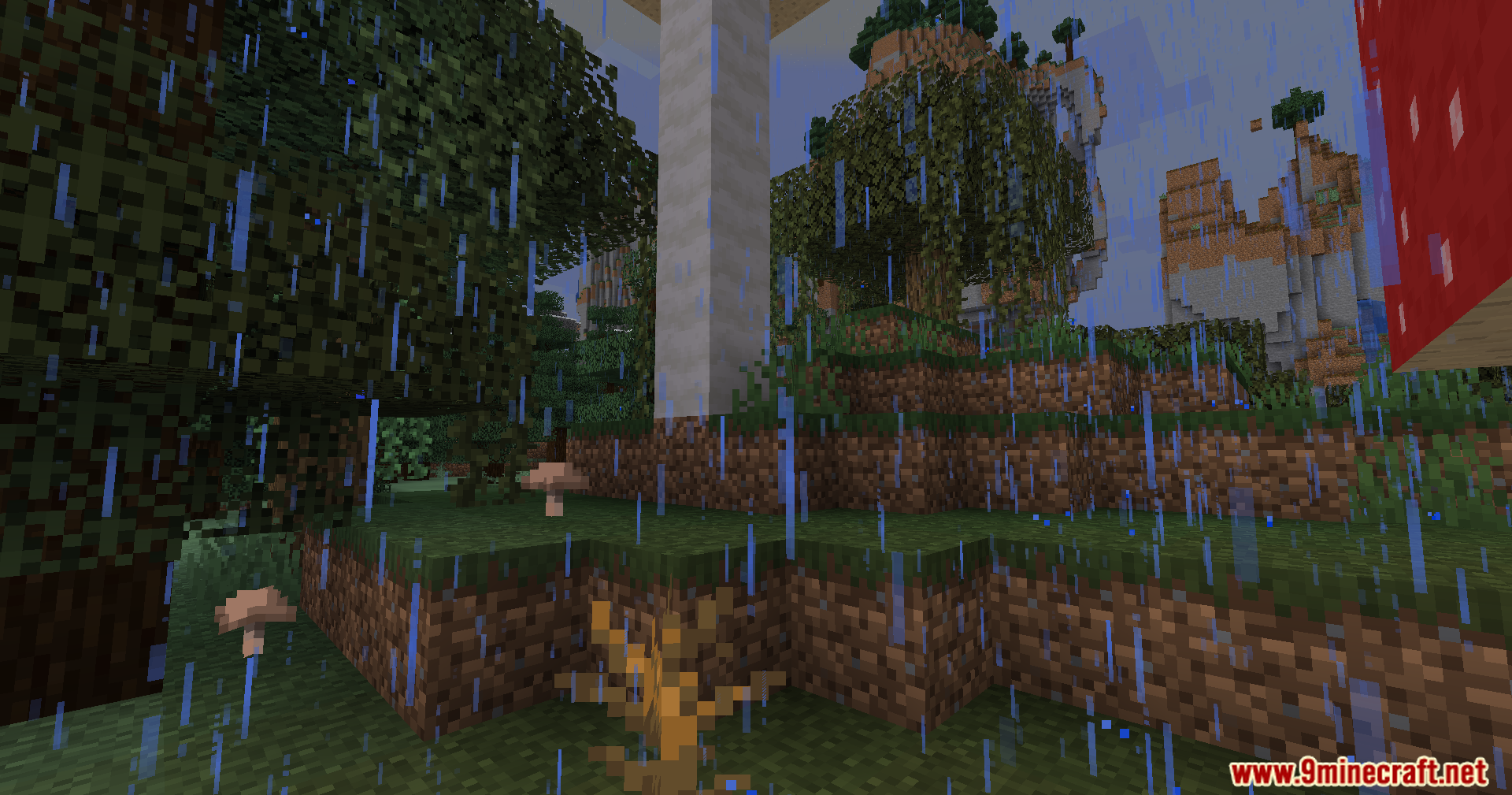
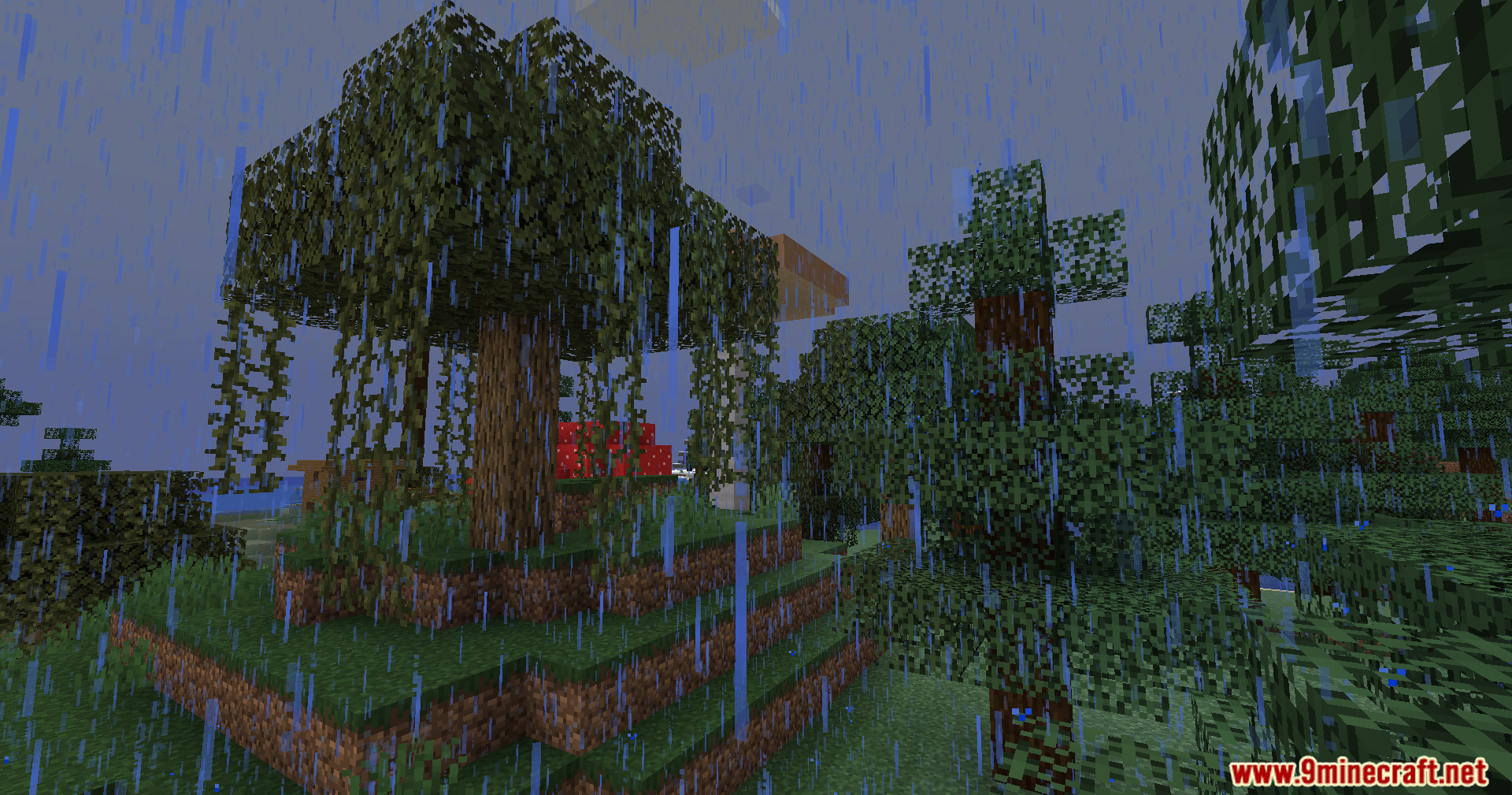
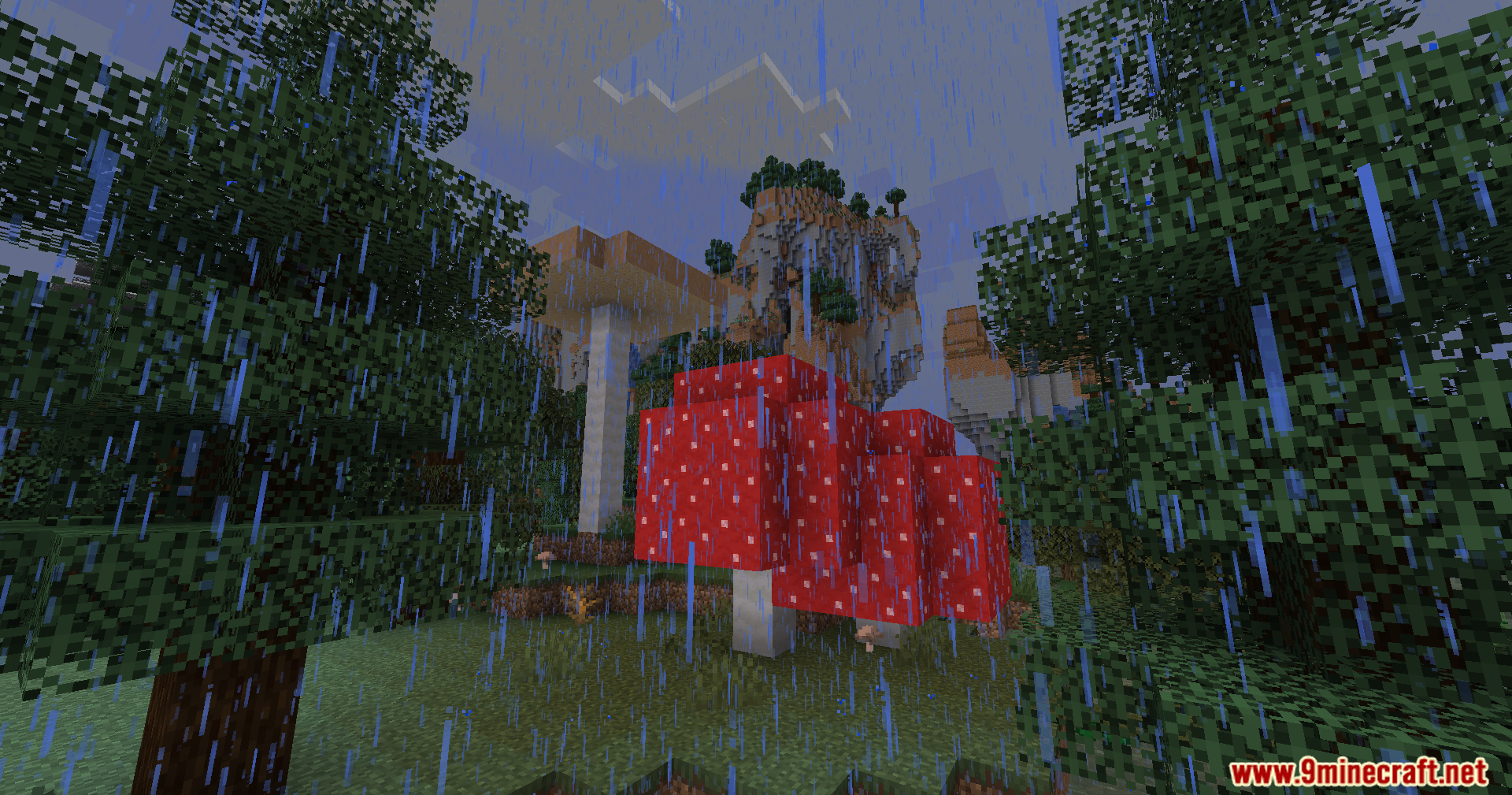
- Large mushroom trees now spawn in swamp biomes.
- The Frost Walker enchantment has a larger radius, just like in Bedrock Edition.
- When you dye a sheep, its entire coat of wool changes color.
- You can place blocks around corners, a feature known as reach-around placement.
- Wet sponges will dry out on their own when placed in a dry biome.
- You can stop flying with an elytra by pressing the spacebar in mid-air.
- Cauldrons will fill up if a source of water or lava is directly above them.
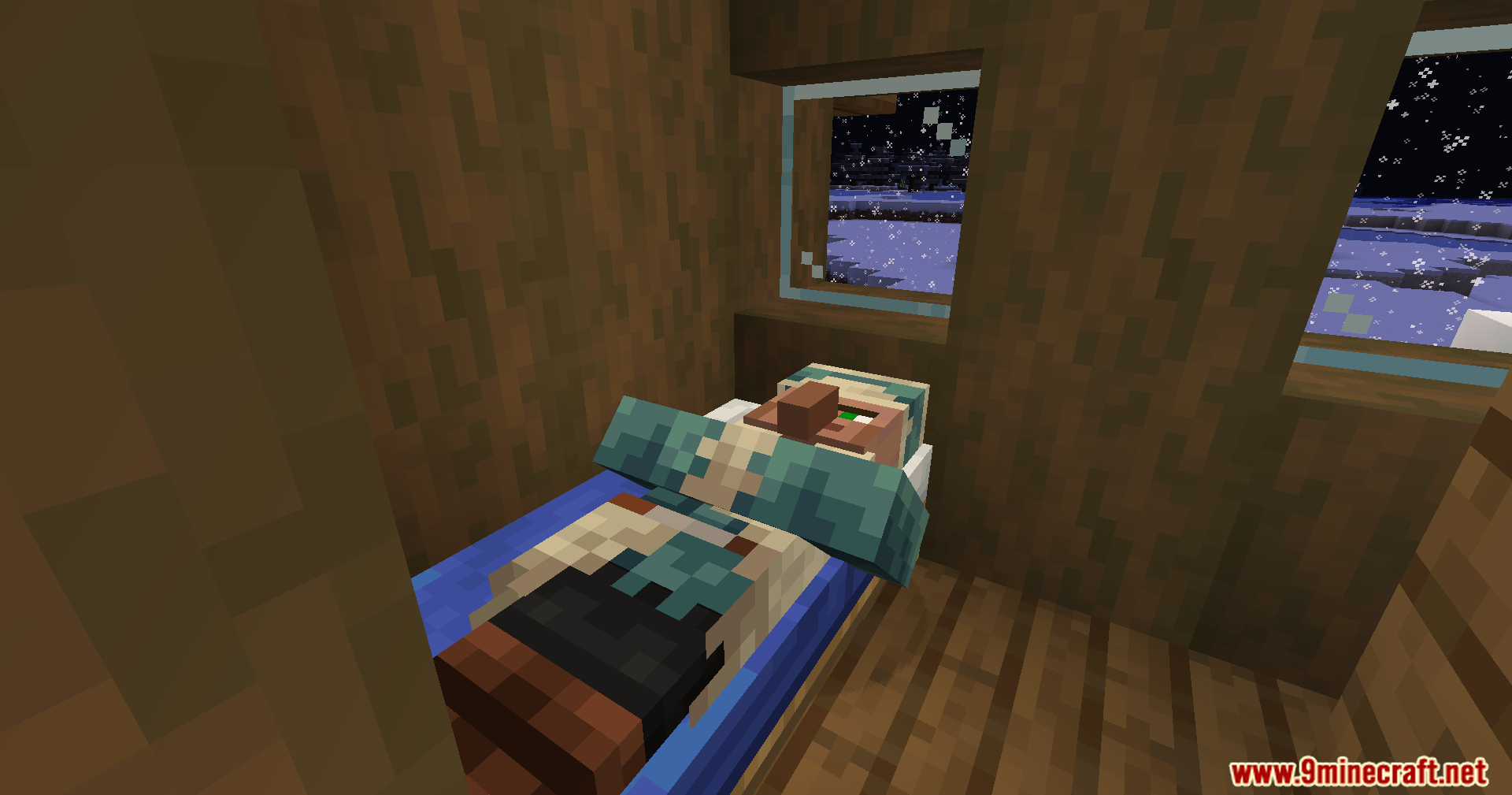
- Many blocks can now be waterlogged, including anvils, beds, and hoppers.
- Redstone dust can connect directly to pistons.
- Armor stands are created with arms by default.
Screenshots:
Bedrockoid Mod Download Links
For Minecraft 1.20.1, 1.20
Forge Version: Download from Server 1 – Download from Server 2
Fabric Version: Download from Server 1 – Download from Server 2
For Minecraft 1.21.1, 1.21
Fabric Version: Download from Server 1 – Download from Server 2
NeoForge Version: Download from Server 1 – Download from Server 2
For Minecraft 1.21.4
Fabric Version: Download from Server 1 – Download from Server 2
For Minecraft 1.21.4
Fabric Version: Download from Server 1 – Download from Server 2
NeoForge Version: Download from Server 1 – Download from Server 2
For Minecraft 1.21.4
NeoForge Version: Download from Server 1 – Download from Server 2
- Edition: Minecraft Java
- File type: .jar
- Minecraft versions listed: 1.21.11, 1.20.1
- How to install: Install the matching mod loader (Forge, Fabric or NeoForge) for your Minecraft version. → Download the .jar. → Put it in the .minecraft/mods folder and launch that loader profile.
- Where to get it: In MC Java Mods, or directly above on this page.
Install steps are the general flow for this file type — How to install Minecraft Java mods & modpacks walks through it step by step.
Bedrockoid Mod (1.21.11, 1.20.1) – Play Java Like It's Bedrock is a free Minecraft Java mod. Compatible with Minecraft 1.21.11, 1.20.1. Download it and open it directly in the game.