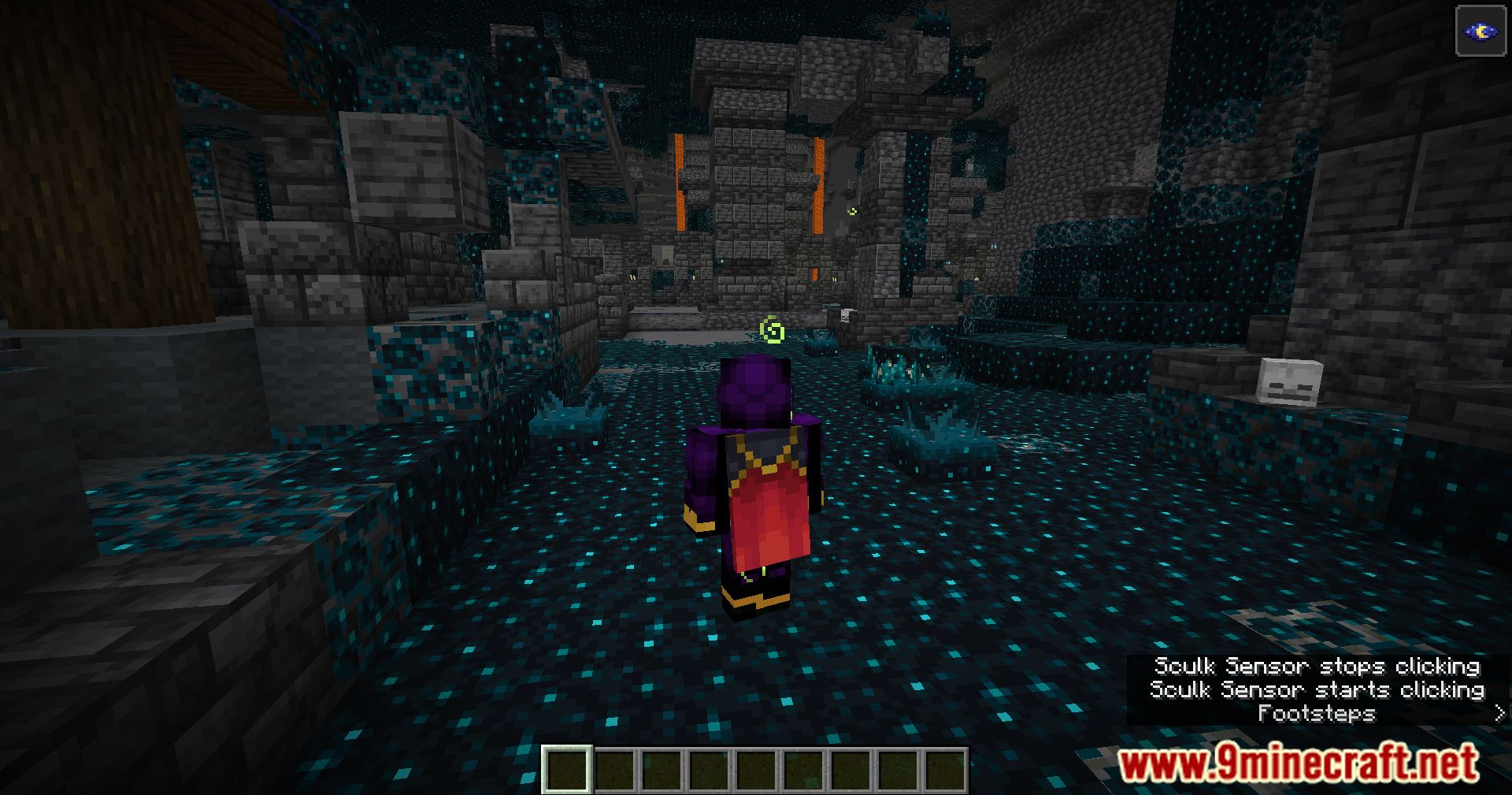
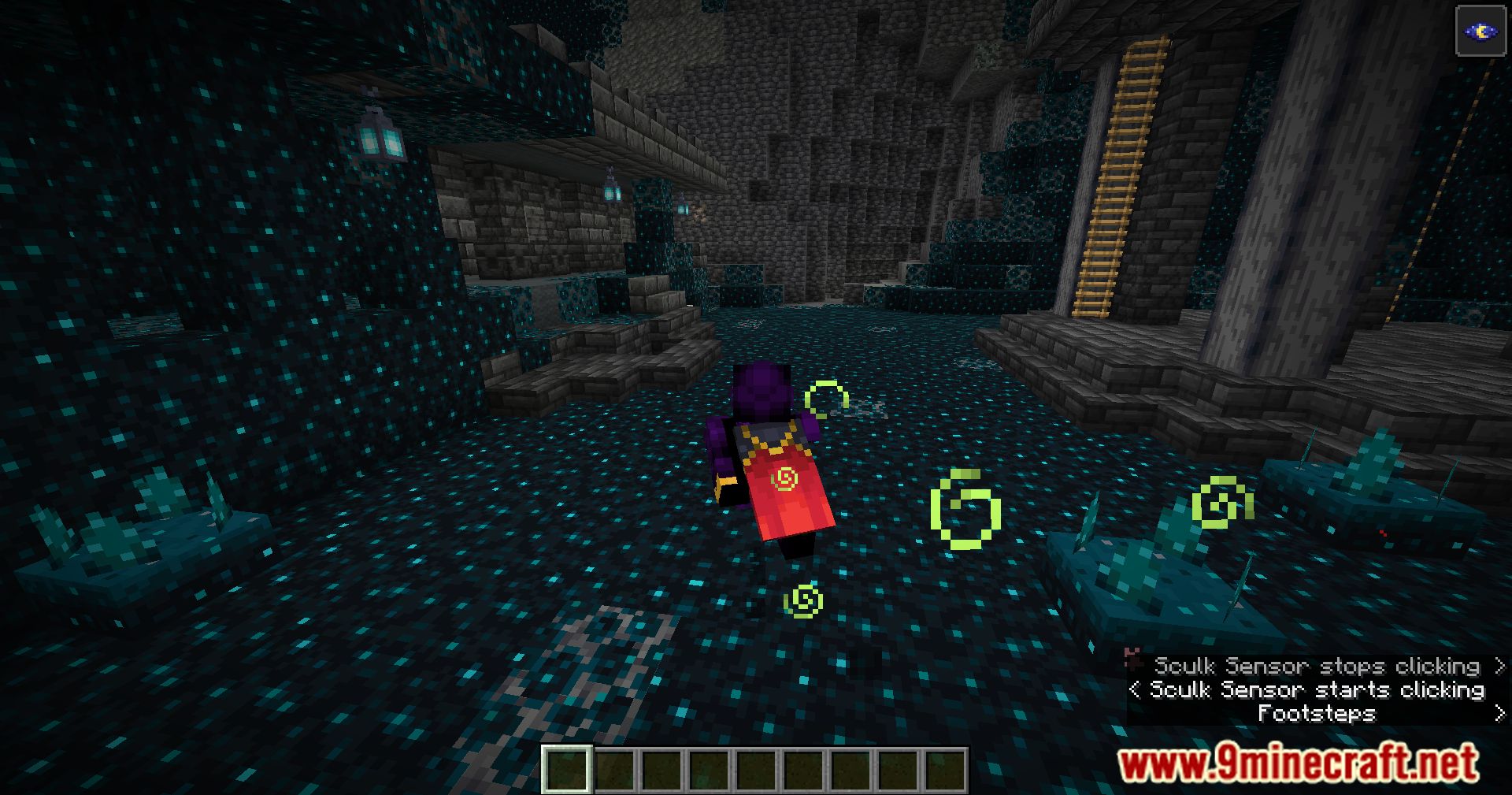
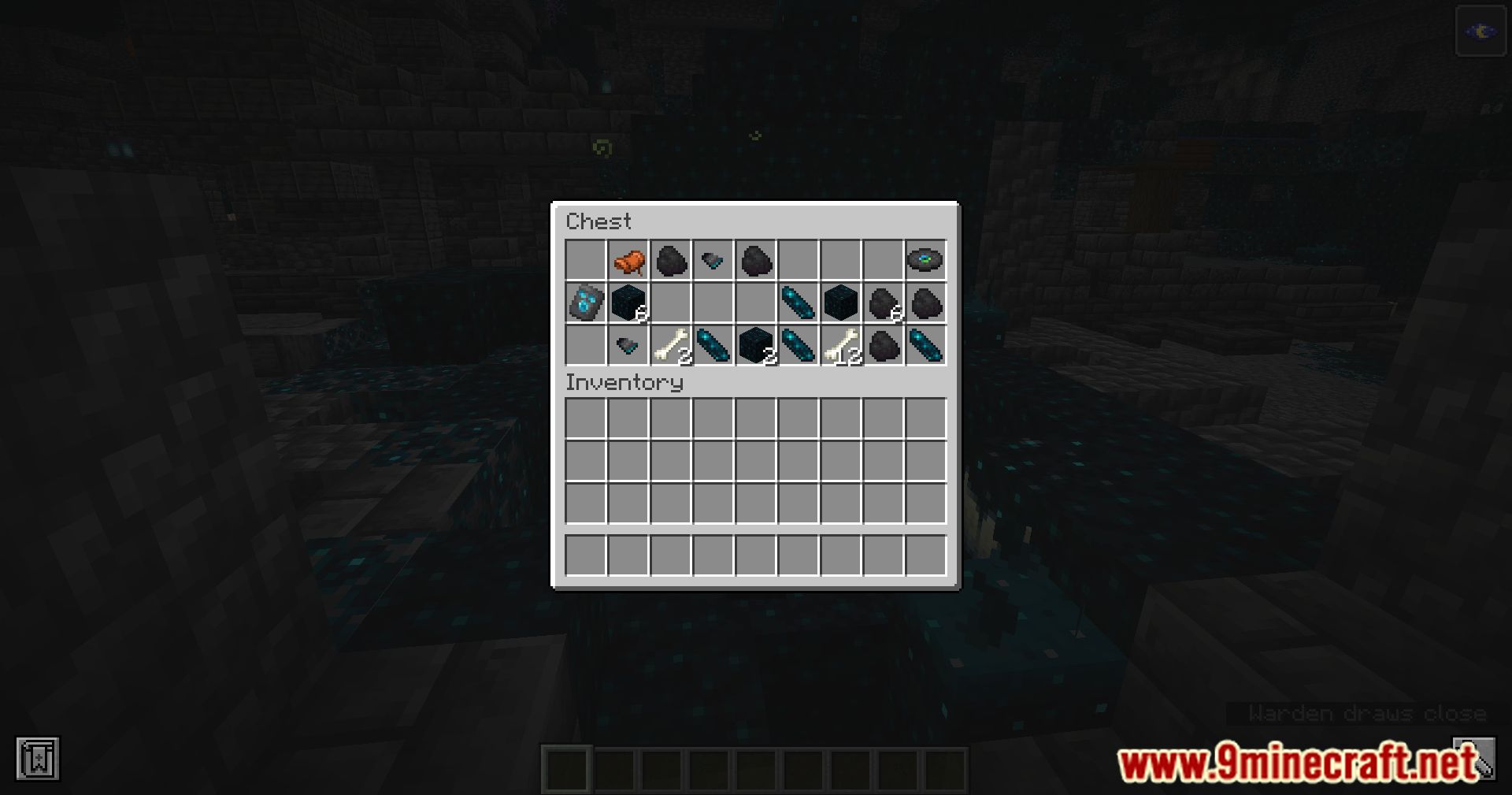
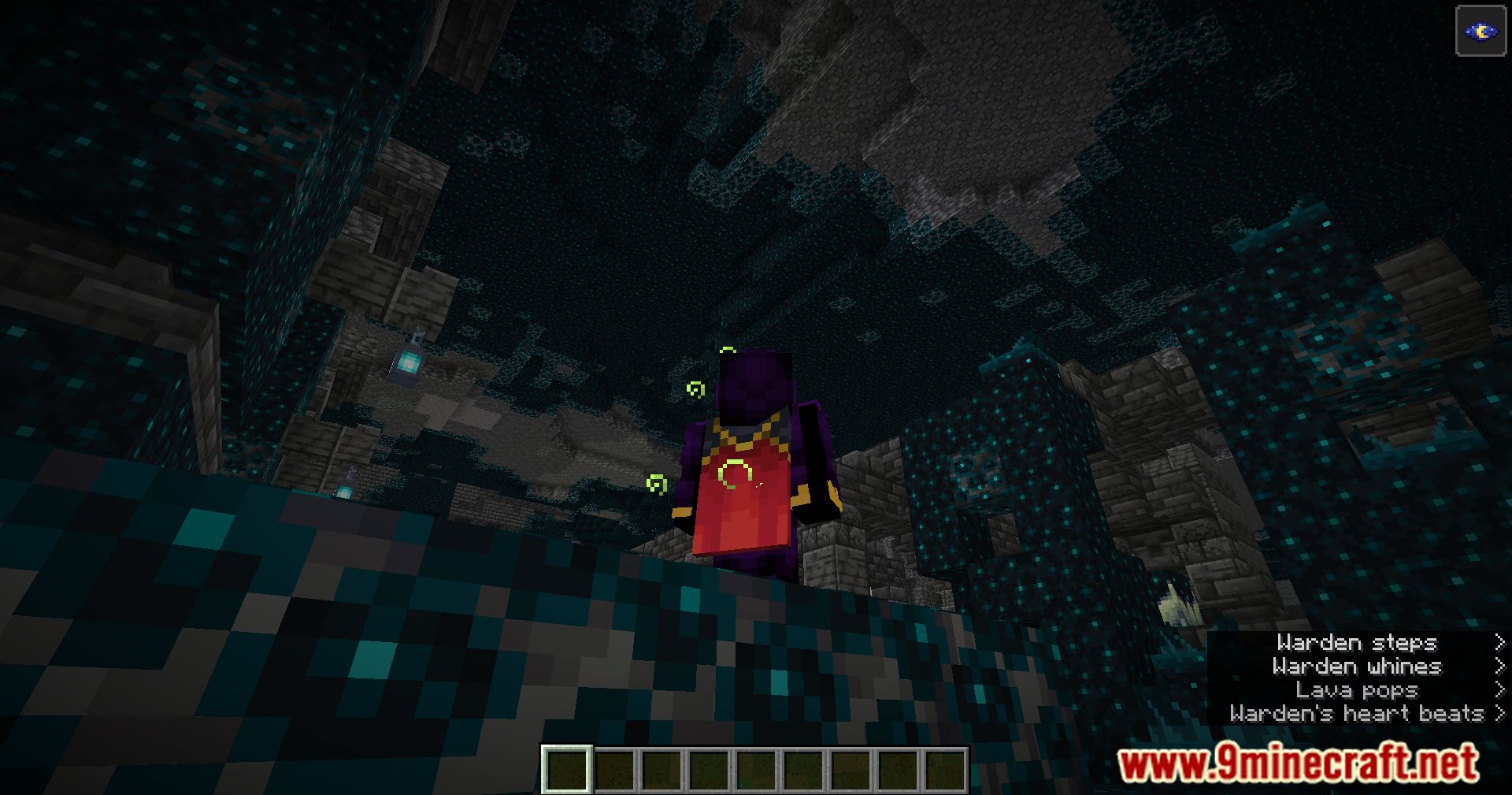
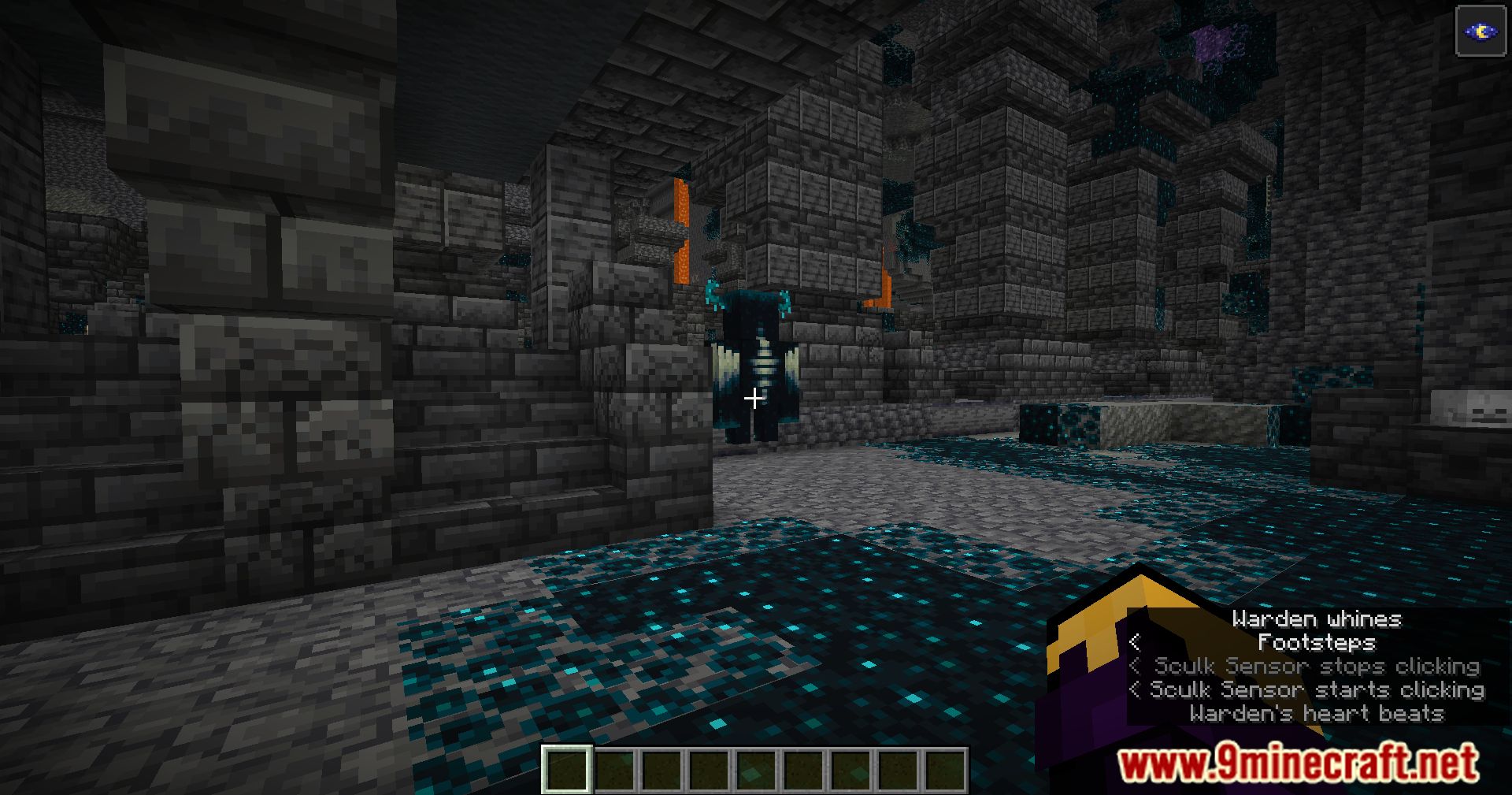
Auto Warden Subtitles Mod is a convenient Minecraft mod designed to enhance your exploration experience in the Deep Dark biome. With this mod, players gain an extra layer of awareness by automatically enabling subtitles upon entering this treacherous biome. This feature proves invaluable in detecting the presence of Wardens, formidable adversaries known for their stealthy movements and powerful attacks. Whether you’re delving into the depths of the Deep Dark for resources or embarking on an adventure, this mod provides an essential tool for navigating the biome safely and effectively.
Features:
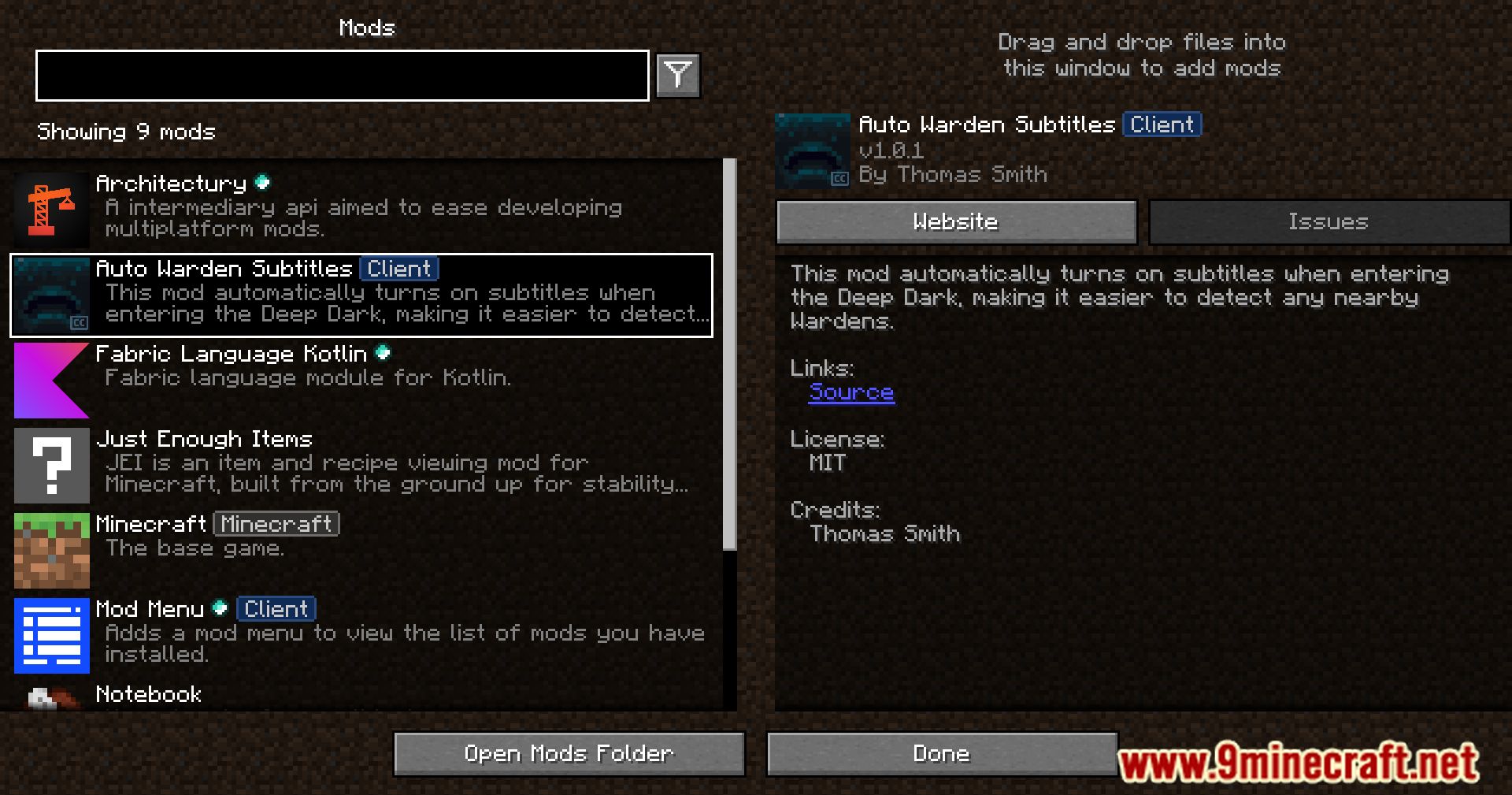
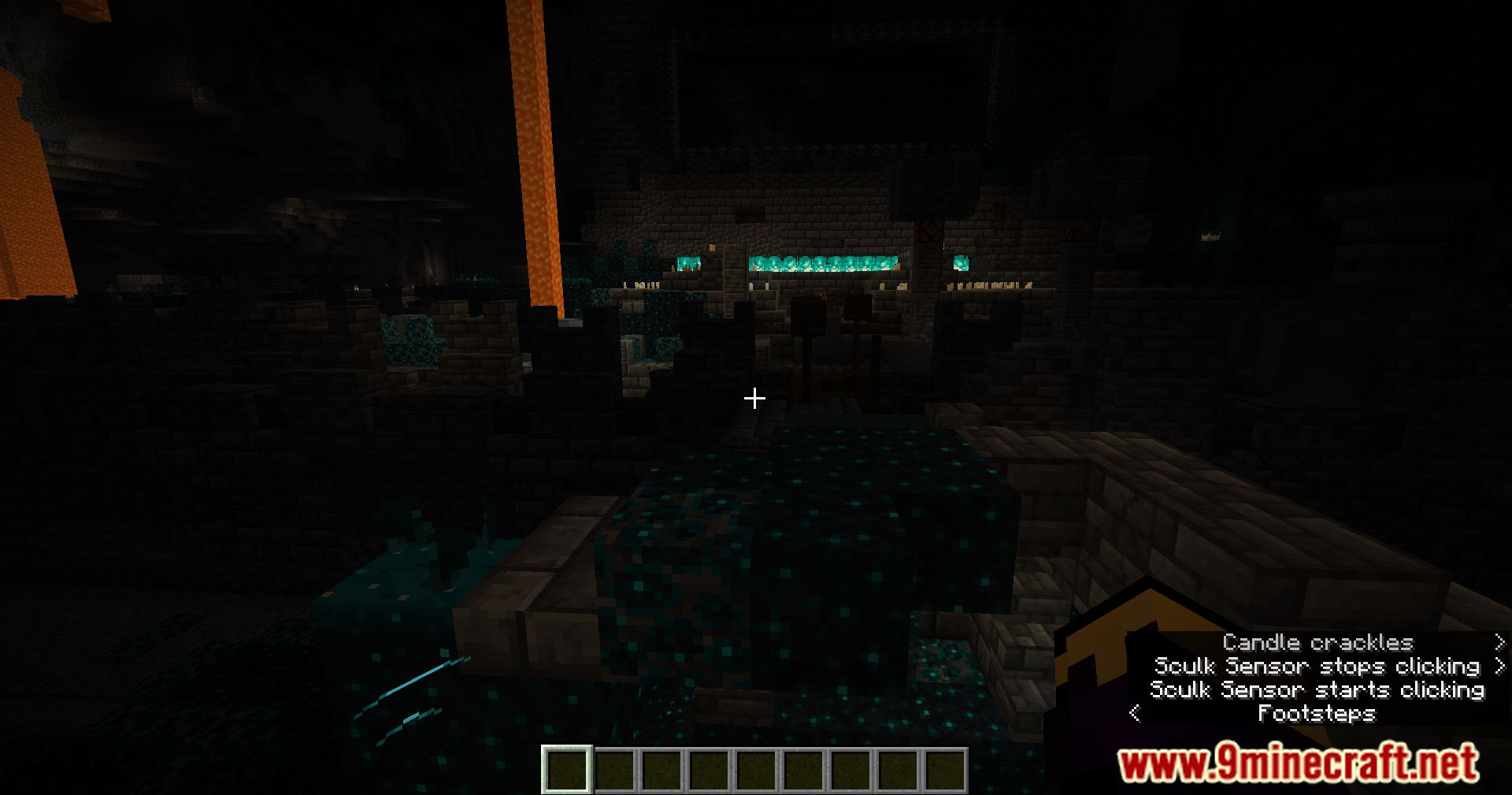
- Automatically enables subtitles upon entering the Deep Dark biome
- Disables subtitles when leaving the biome
- Helps detect nearby Wardens and monitor Sculk Shrieker activity
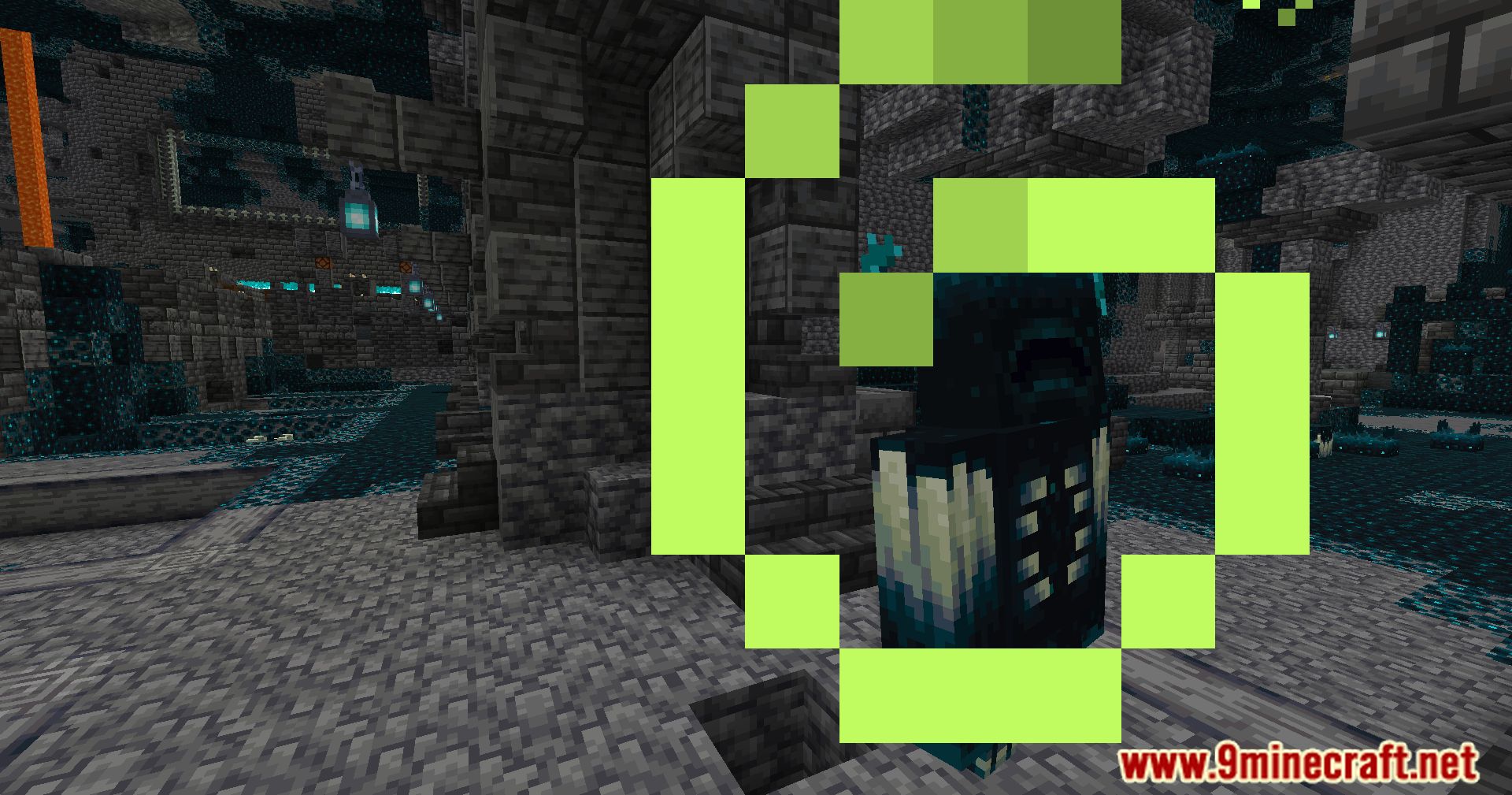
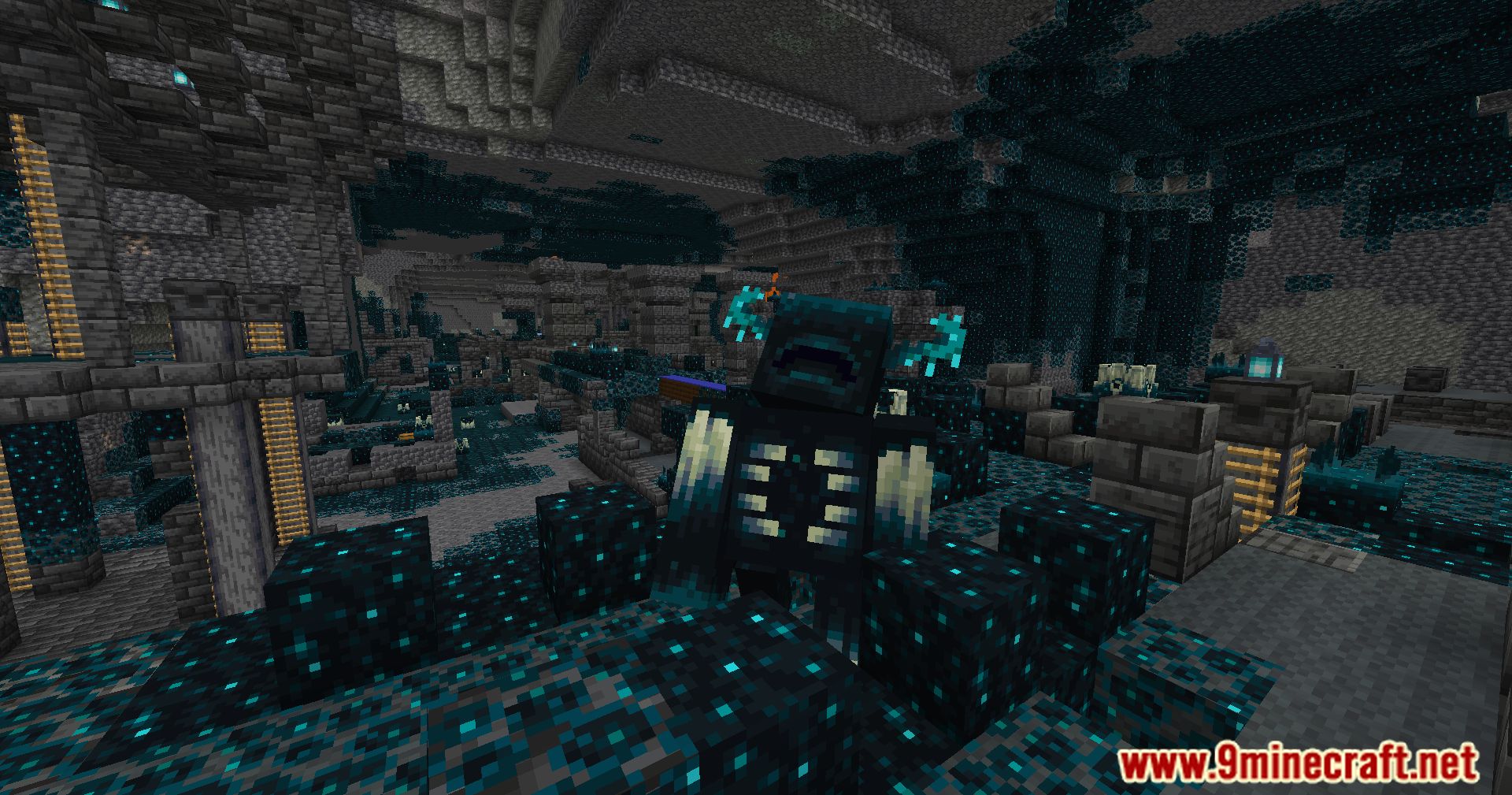
Screenshots:
Auto Warden Subtitles Mod Download Links
For Minecraft 1.21.11
Fabric Version: Download from Server 1 – Download from Server 2
For Minecraft 1.21.10
Fabric Version: Download from Server 1 – Download from Server 2
For Minecraft 1.21.8, 1.21.7, 1.21.6
NeoForge Version: Download from Server 1 – Download from Server 2
Fabric Version: Download from Server 1 – Download from Server 2
For Minecraft 1.21.5
Fabric Version: Download from Server 1 – Download from Server 2
For Minecraft 1.21.3, 1.21.2
Fabric Version: Download from Server 1 – Download from Server 2
For Minecraft 1.21.1, 1.21
Fabric Version: Download from Server 1 – Download from Server 2
NeoForge Version: Download from Server 1 – Download from Server 2
For Minecraft 1.20.6
Fabric Version: Download from Server 1 – Download from Server 2
NeoForge Version: Download from Server 1 – Download from Server 2
For Minecraft 1.20.4
Forge Version: Download from Server 1 – Download from Server 2
Fabric Version: Download from Server 1 – Download from Server 2
For Minecraft 1.20.3
Fabric Version: Download from Server 1 – Download from Server 2
For Minecraft 1.20.2, 1.20.1, 1.20
Fabric Version: Download from Server 1 – Download from Server 2
- Edition: Minecraft Java
- File type: .jar
- Minecraft versions listed: 1.21.11, 1.20.1
- How to install: Install the matching mod loader (Forge, Fabric or NeoForge) for your Minecraft version. → Download the .jar. → Put it in the .minecraft/mods folder and launch that loader profile.
- Where to get it: In MC Java Mods, or directly above on this page.
Install steps are the general flow for this file type — How to install Minecraft Java mods & modpacks walks through it step by step.
Auto Warden Subtitles Mod (1.21.11, 1.20.1) – Stay Alert In The Deep Dark is a free Minecraft Java mod. Compatible with Minecraft 1.21.11, 1.20.1. Download it and open it directly in the game.