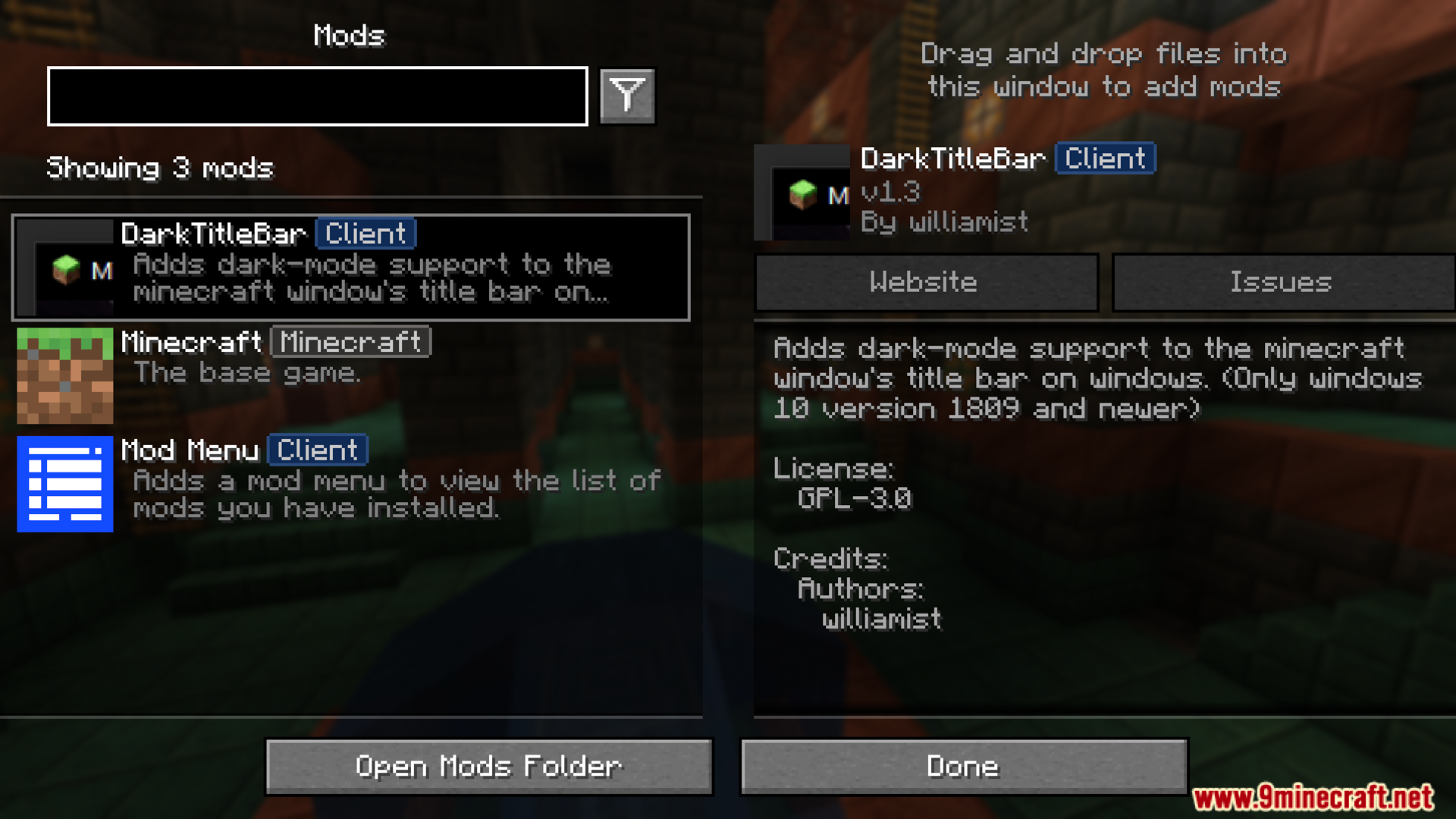
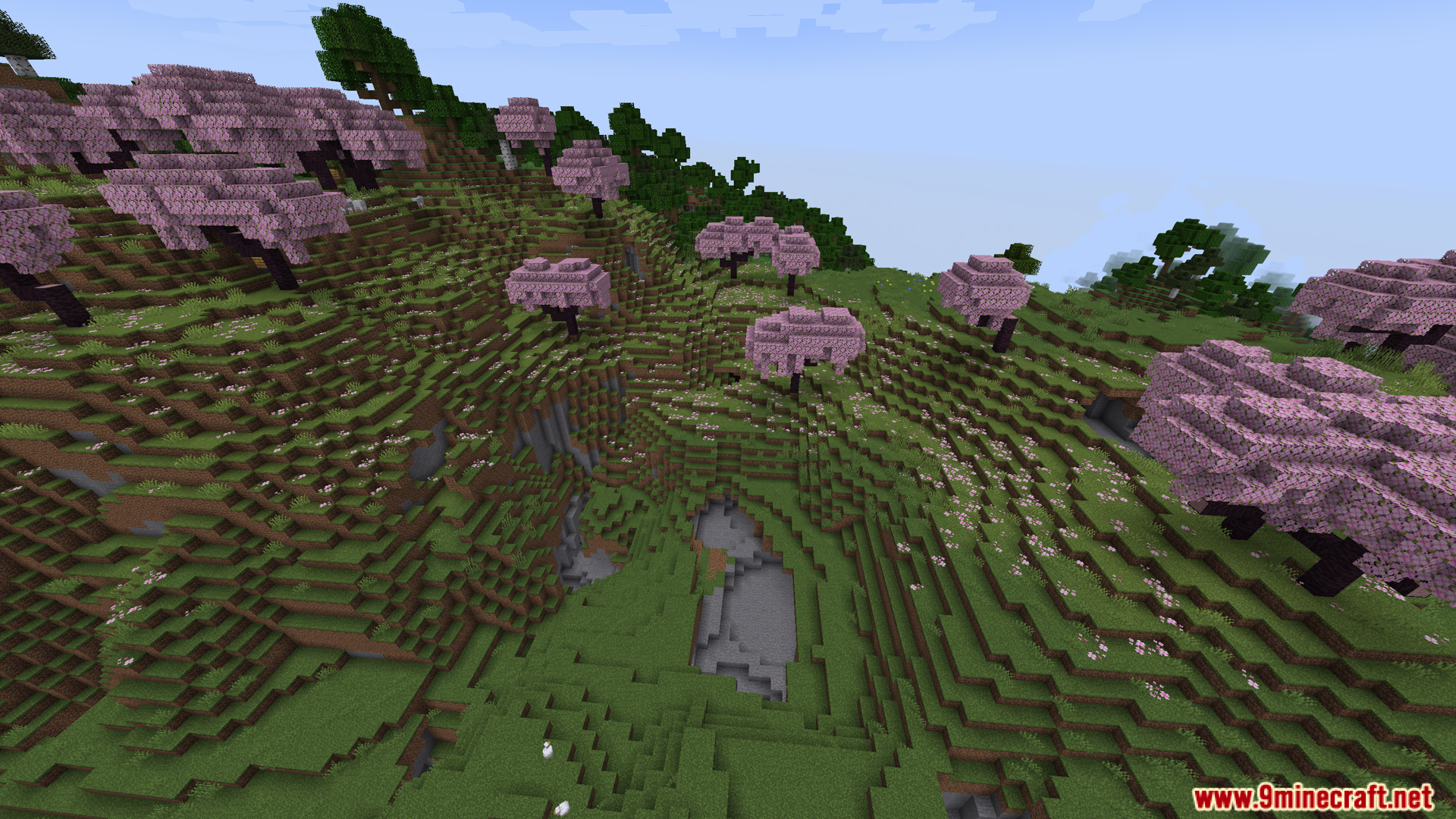
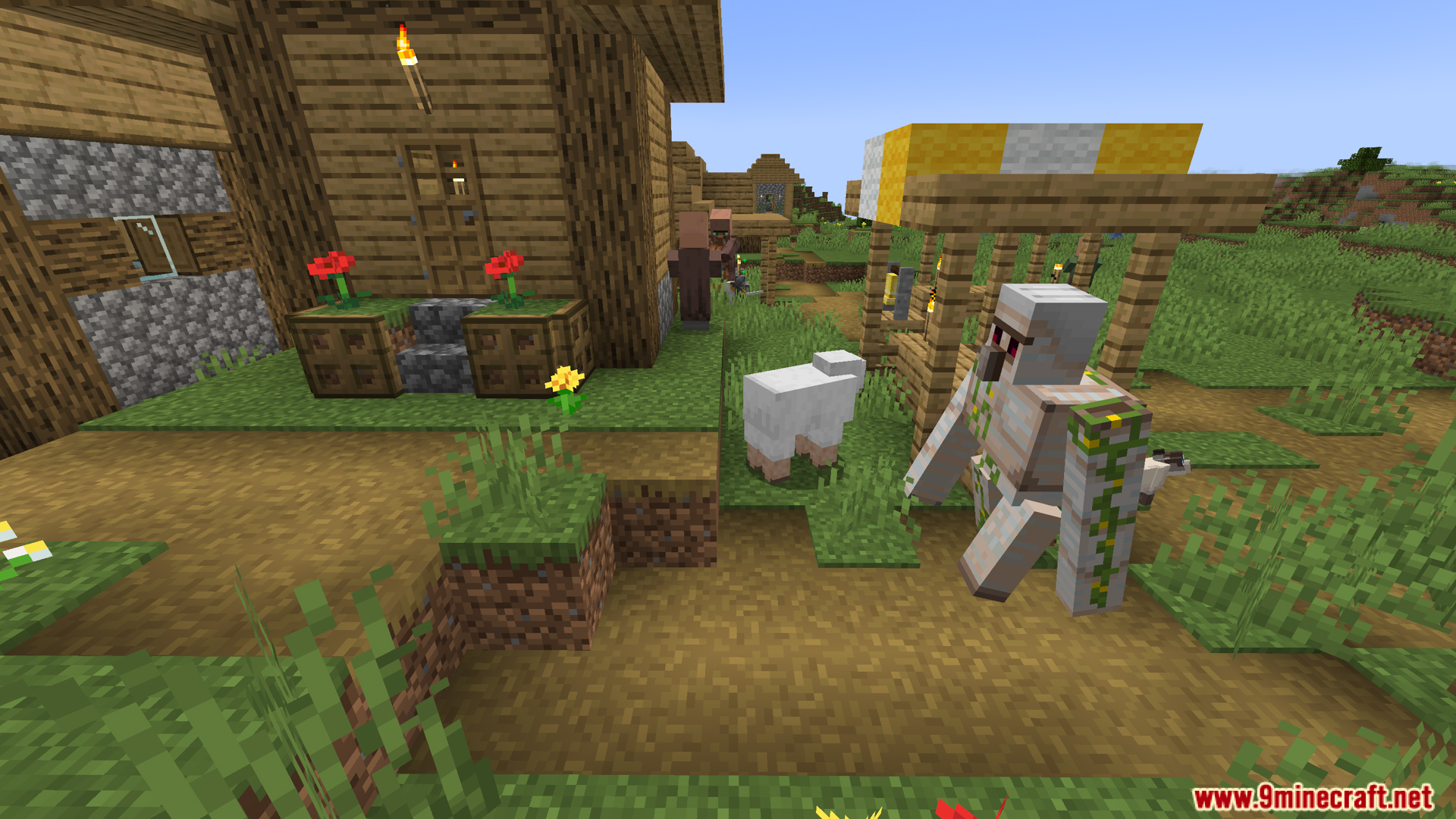
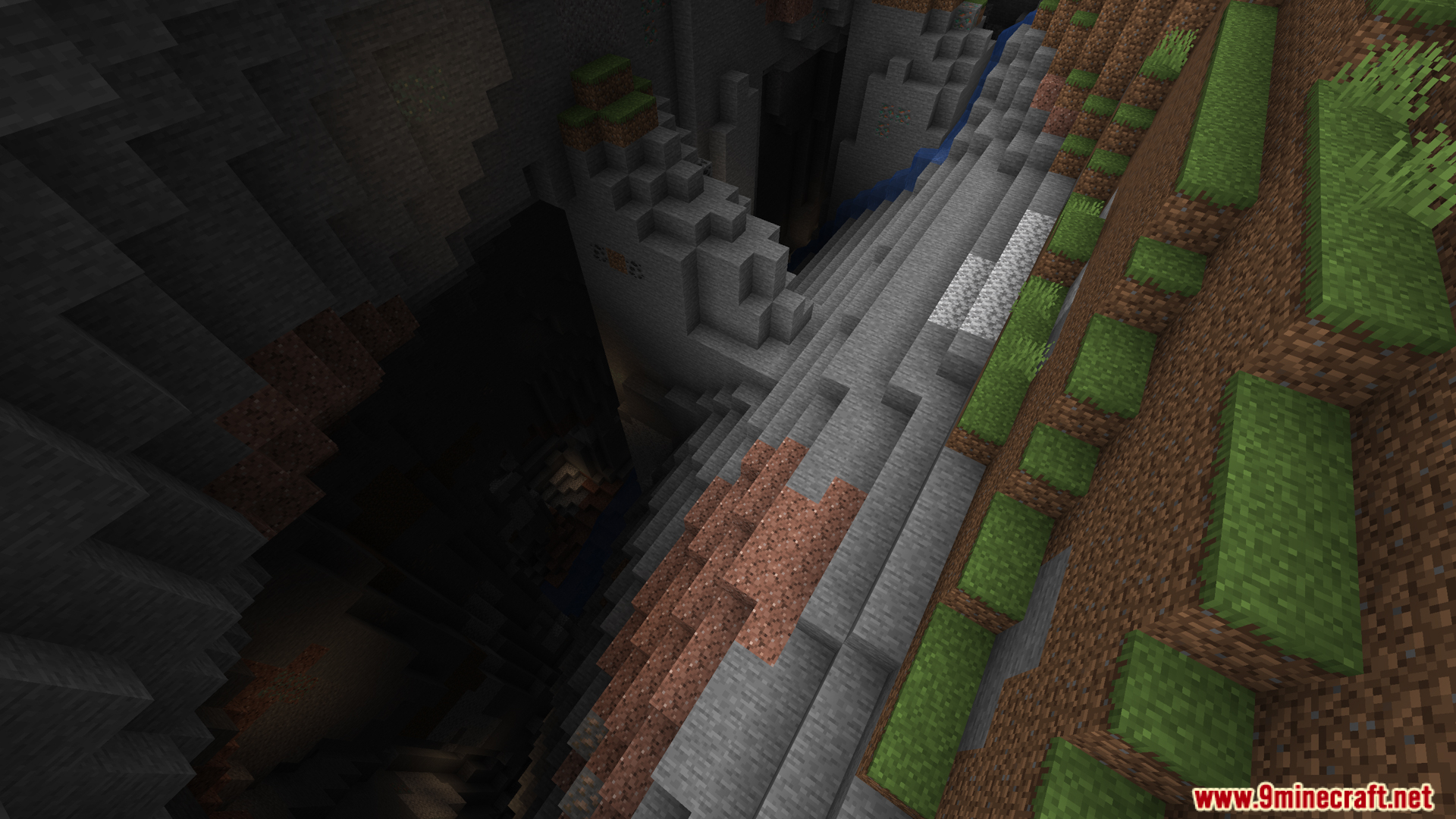
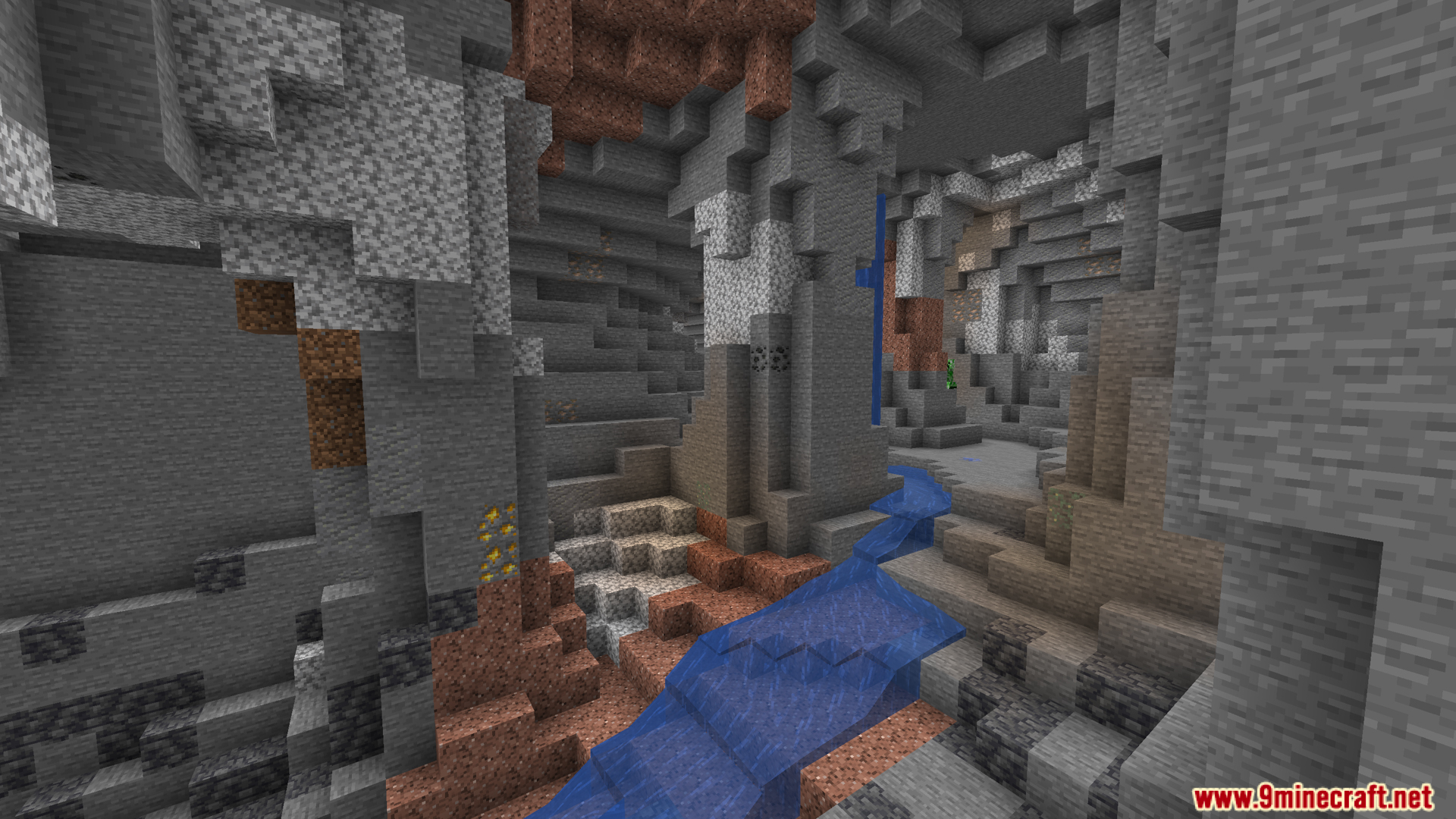
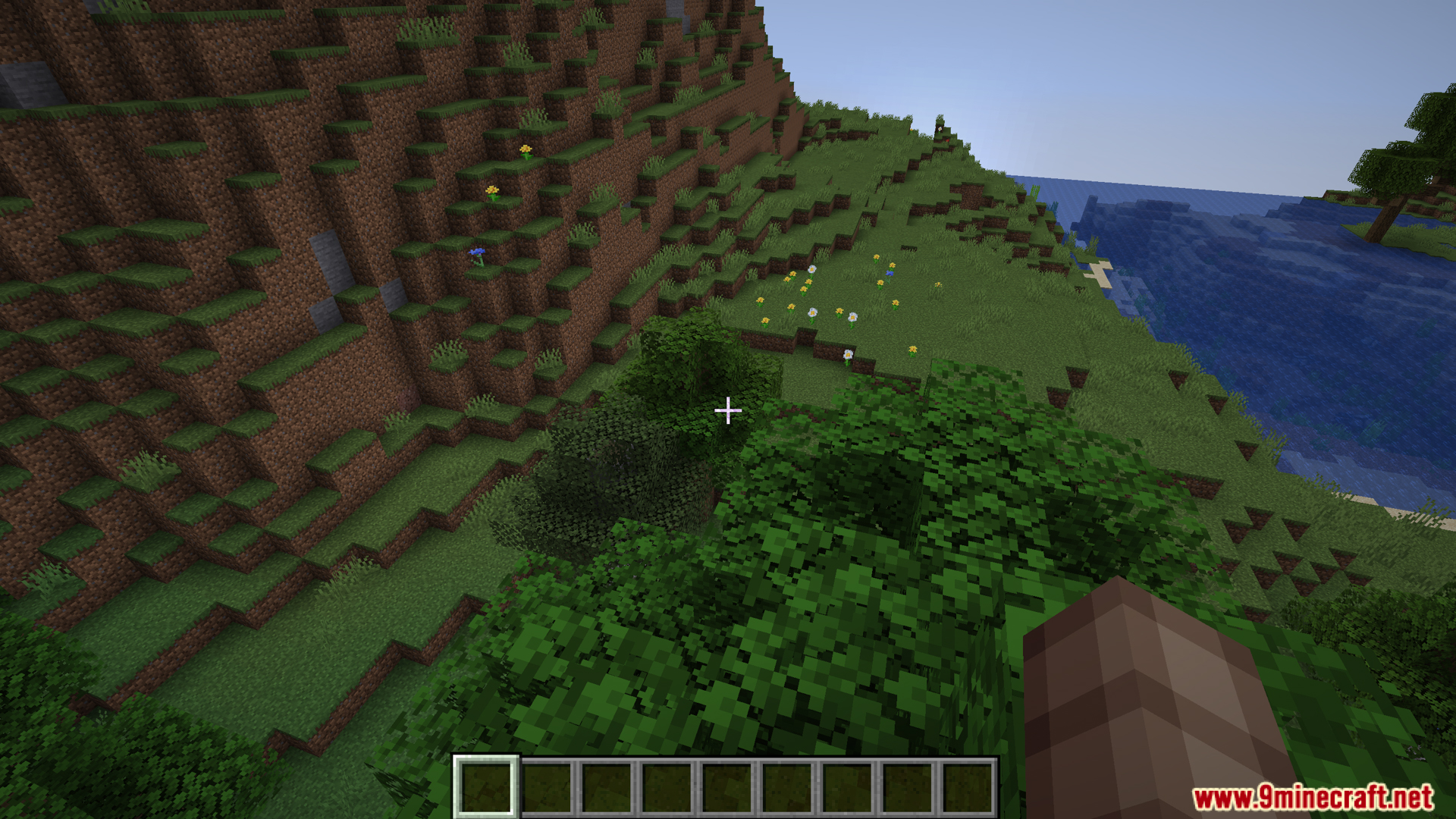
DarkTitleBar Mod changes the top border of your Minecraft window to match your dark mode setting. If you play on Windows 10 or newer with dark mode turned on, this mod replaces the bright white title bar with a dark one. It makes the game blend in nicely with the rest of your screen. As you can see in our screenshots, this small visual tweak keeps the window looking clean whether you are standing in a cherry grove or exploring a deep ravine.
Features:
- The DarkTitleBar Mod changes the top border of your Minecraft window from bright white to a dark color.
- Turns on automatically when your Windows system is already set to dark mode.
- Requires a computer running Windows 10 (version 1809) or a newer update to work.
- Runs perfectly on its own without needing the extra Fabric API file.
- Makes the game window match the rest of your dark computer screen.
Screenshots:
DarkTitleBar Mod Download Links
For Minecraft 1.21.5, 1.21.4, 1.21.3, 1.21.1, 1.21
Fabric version: Download from Server 1 – Download from Server 2
For Minecraft 1.20.4, 1.20.2, 1.20.1, 1.20
Fabric version: Download from Server 1 – Download from Server 2
- Edition: Minecraft Java
- File type: .jar
- Minecraft versions listed: 1.21.5, 1.20.1
- How to install: Install the matching mod loader (Forge, Fabric or NeoForge) for your Minecraft version. → Download the .jar. → Put it in the .minecraft/mods folder and launch that loader profile.
- Where to get it: In MC Java Mods, or directly above on this page.
Install steps are the general flow for this file type — How to install Minecraft Java mods & modpacks walks through it step by step.
- Downloads as 175563.mcaddon
- Download size: 20 KB
- Download link checked 25 Jul 2026 — working
- Mirrored on our own servers — the download does not depend on the original host
These come from our own check of the pack file, not from the source page.