ModsJava
Plasmo Voice Addon Group Mod (1.21.11, 1.20.1) – Voice Chat Groups For Plasmo Voice
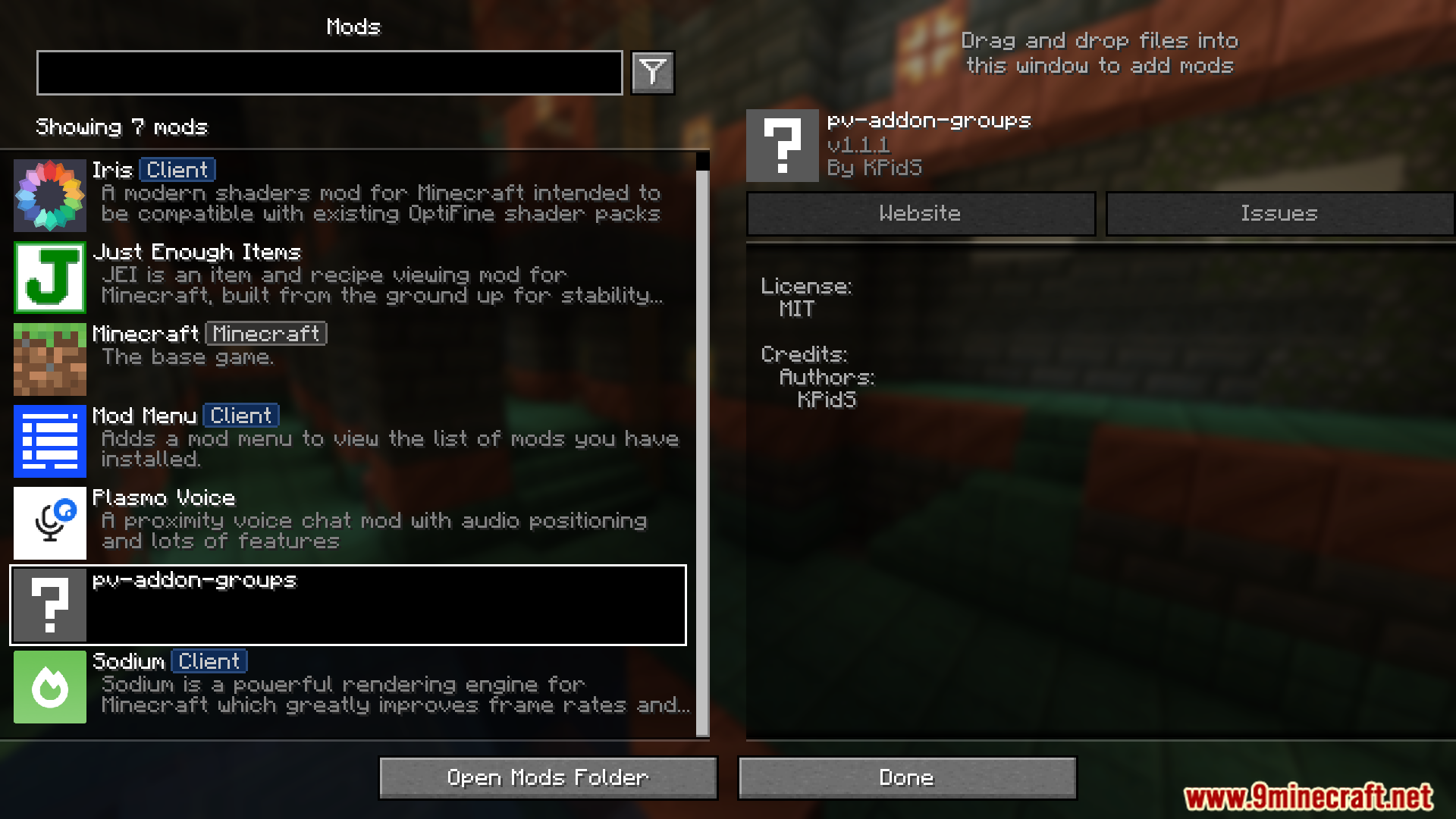
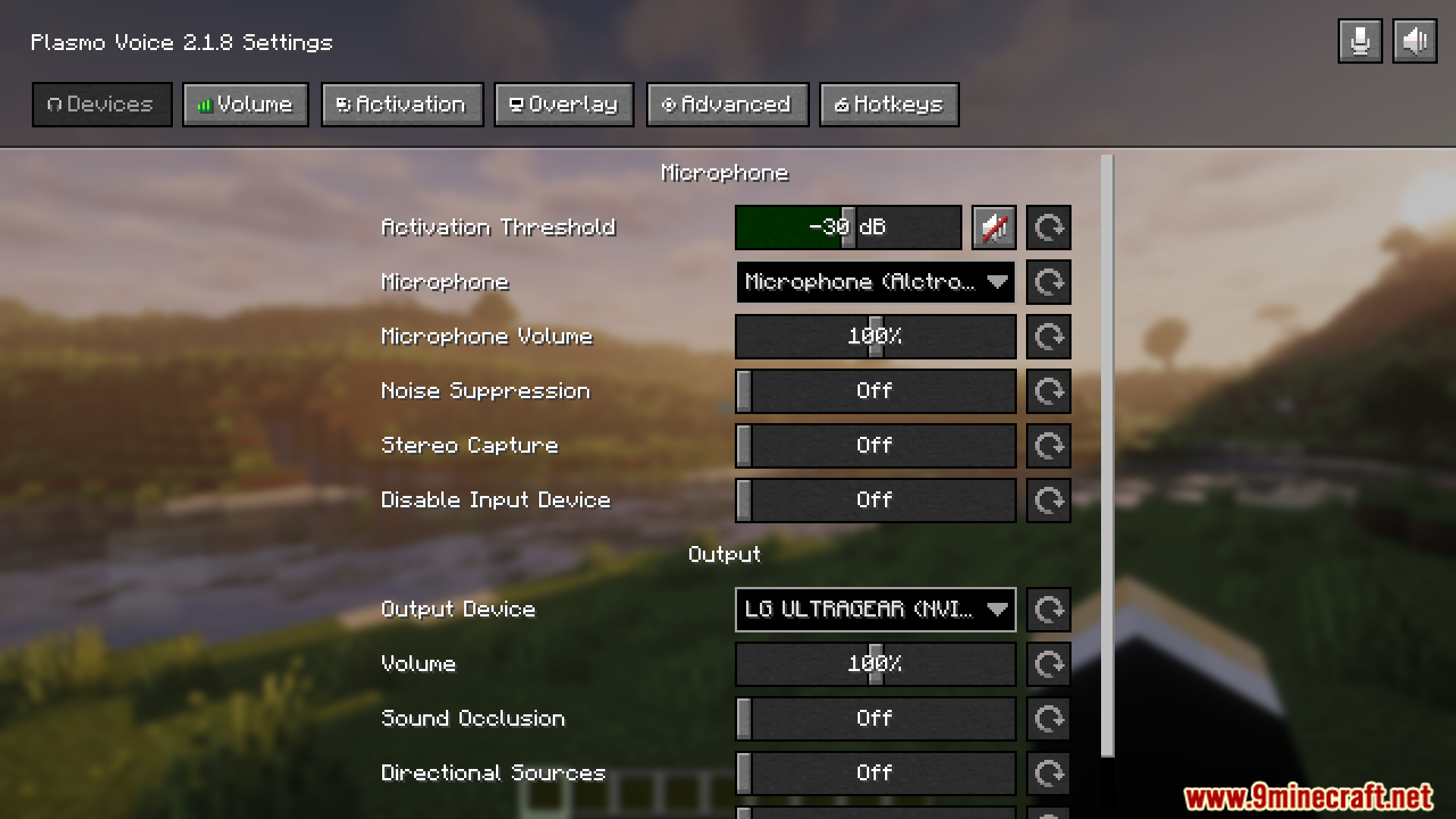
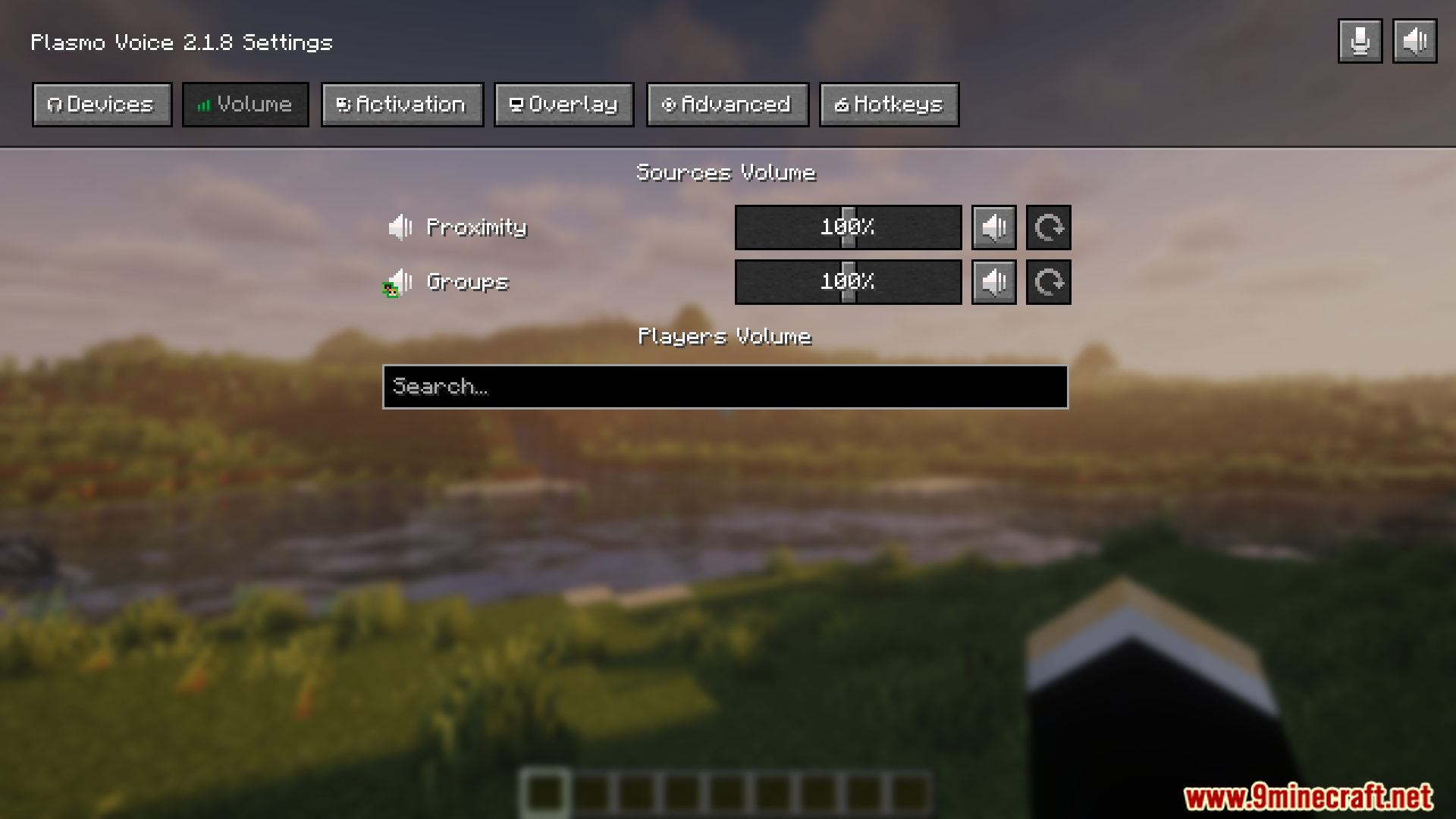
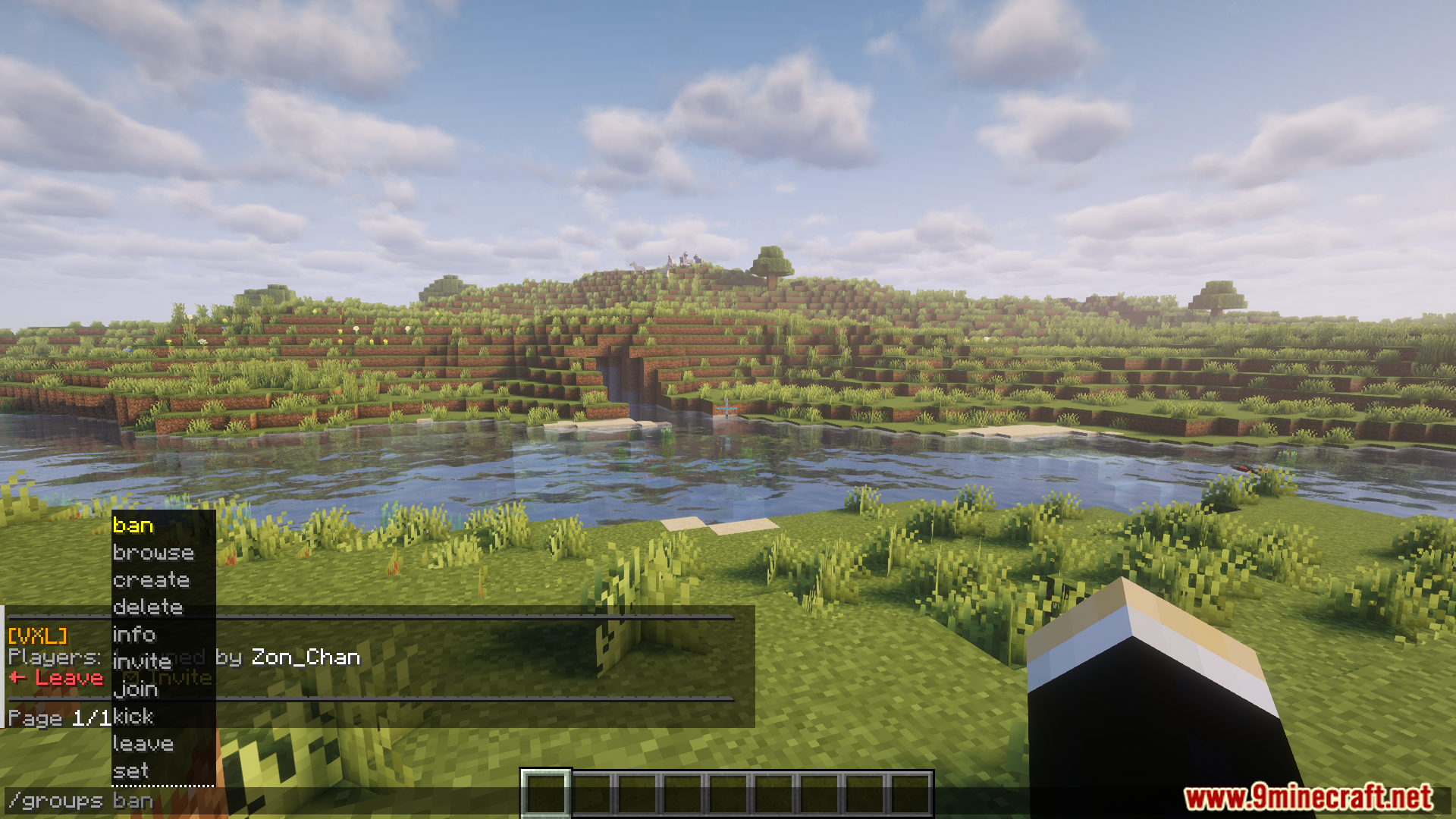
Plasmo Voice Addon Group Mod designed to extend the functionality of Plasmo Voice, a popular proximity voice chat system for Minecraft. With this addon, players can create and manage voice chat groups, allowing private conversations separate from the global proximity chat.
Features:
- Allows players to create and join private voice chat groups.
- Supports multiple groups running simultaneously on the same server.
- Integrates with Plasmo Voice for proximity and group chat switching.
- Lightweight and easy to configure for server admins.
- Useful for teamwork, roleplay, and event coordination.
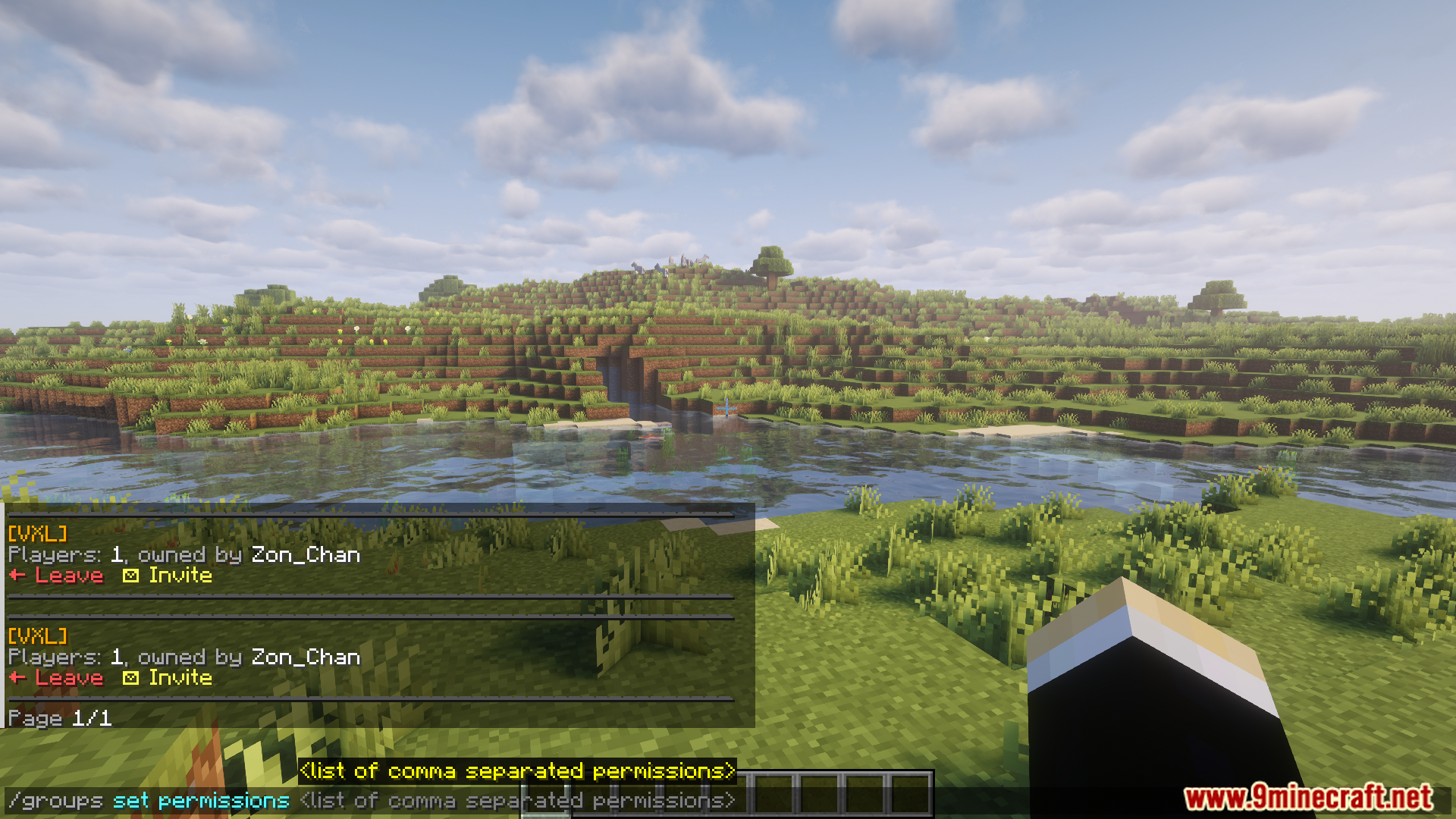
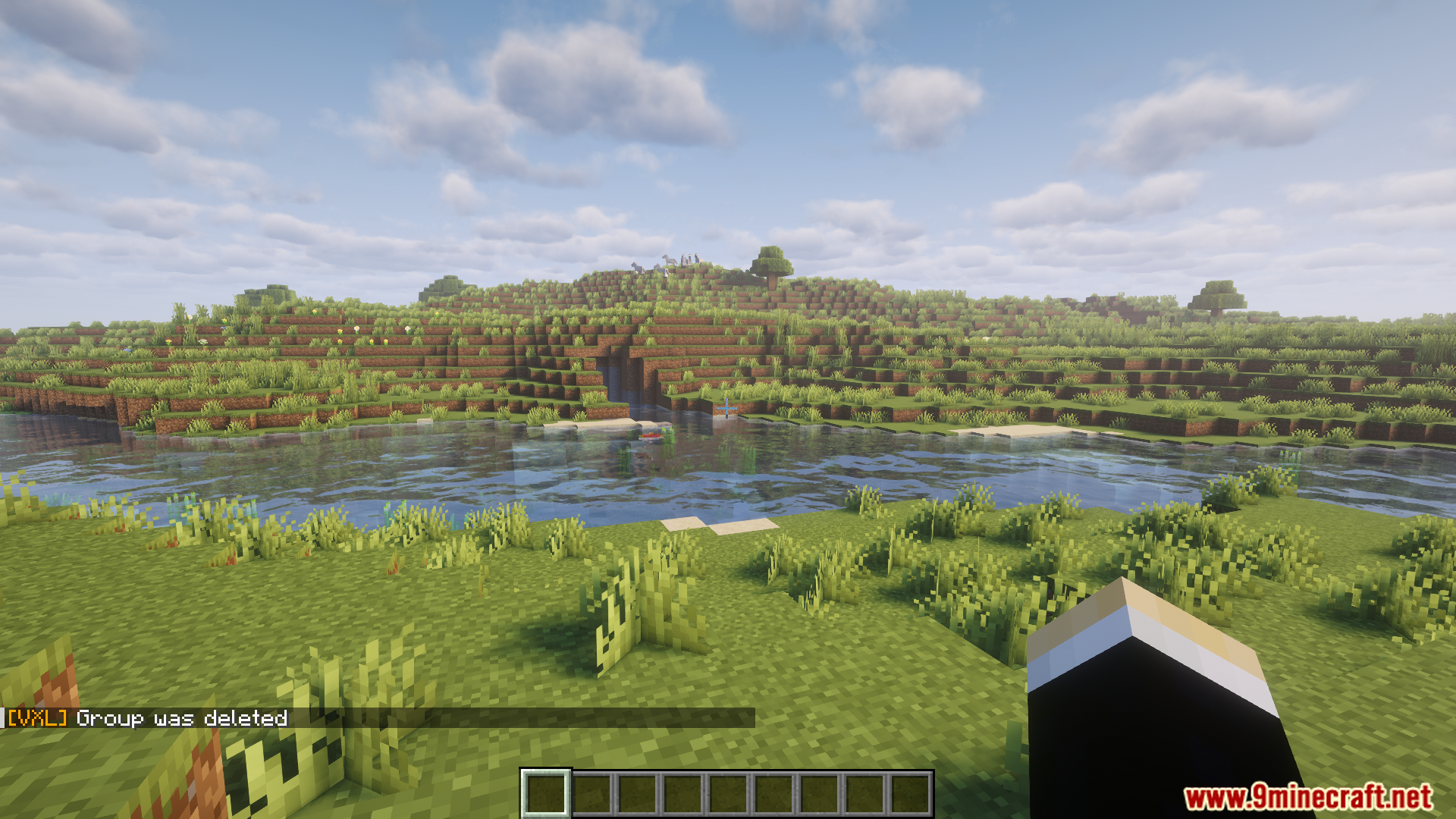
Screenshots:
How To Use:
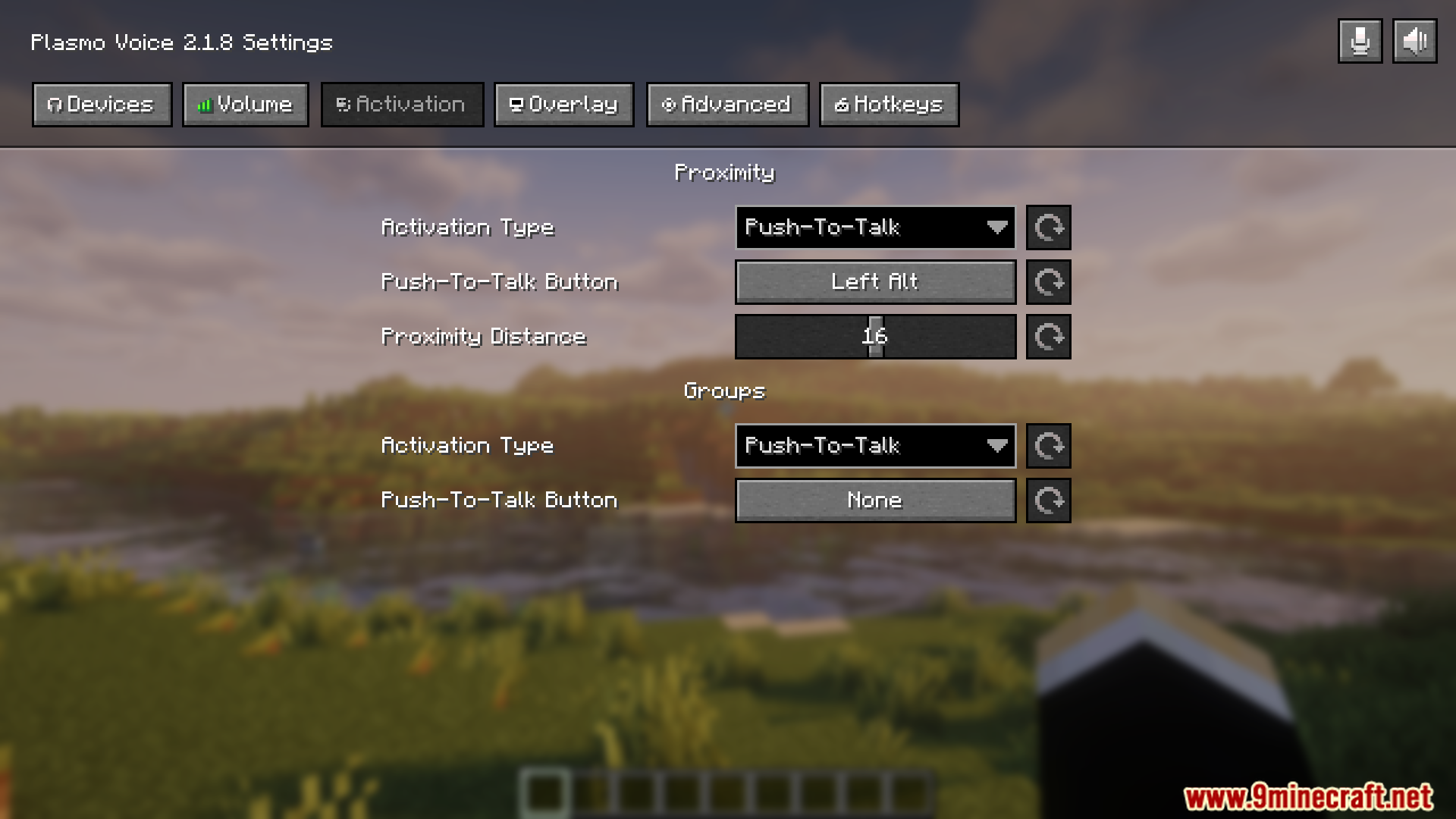
- Open Plasmo Voice menu V (by default), go to the Activation tab and configure the Groups activation.
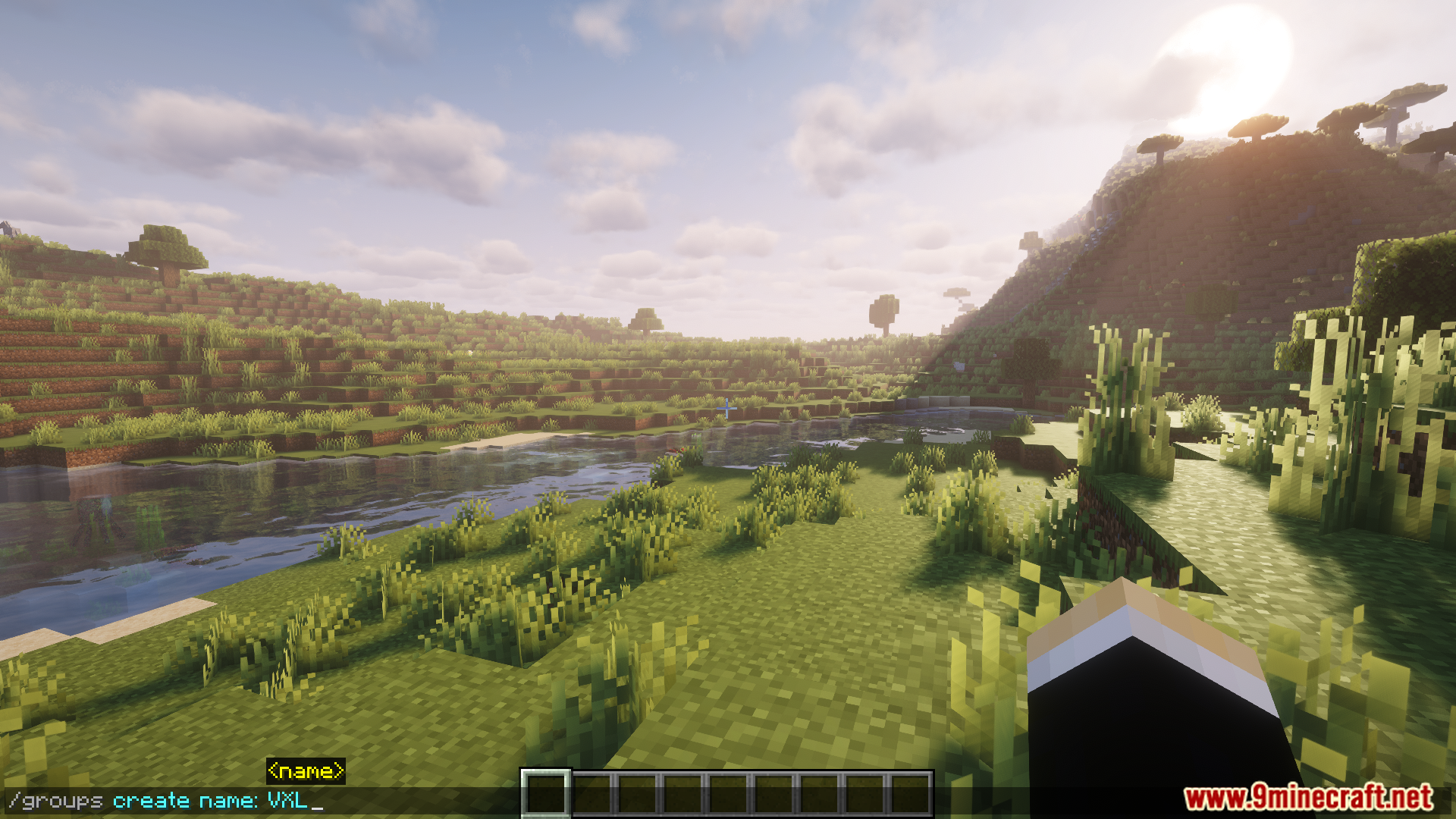
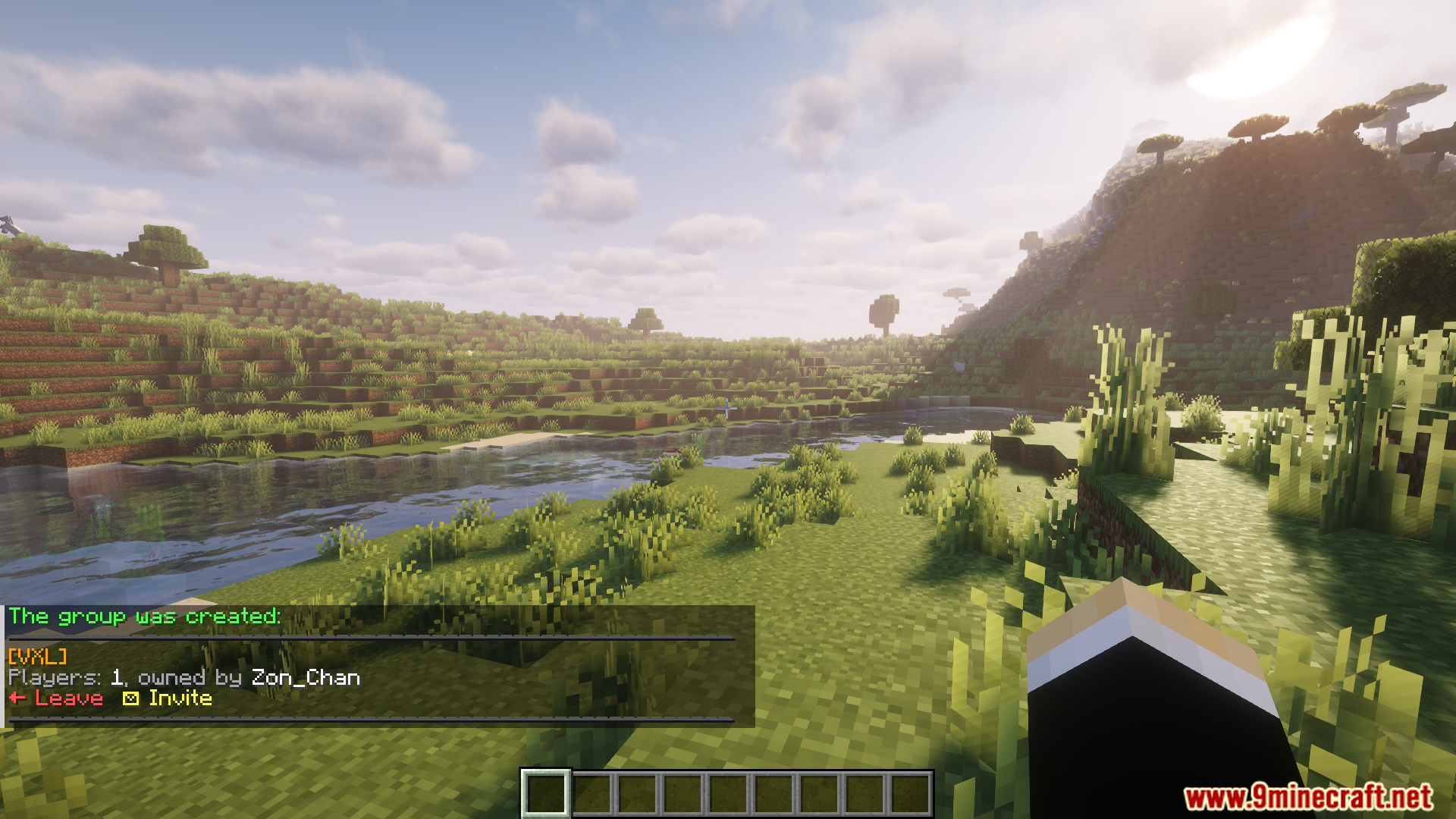
- Use a command to create a group /groups create […flags]
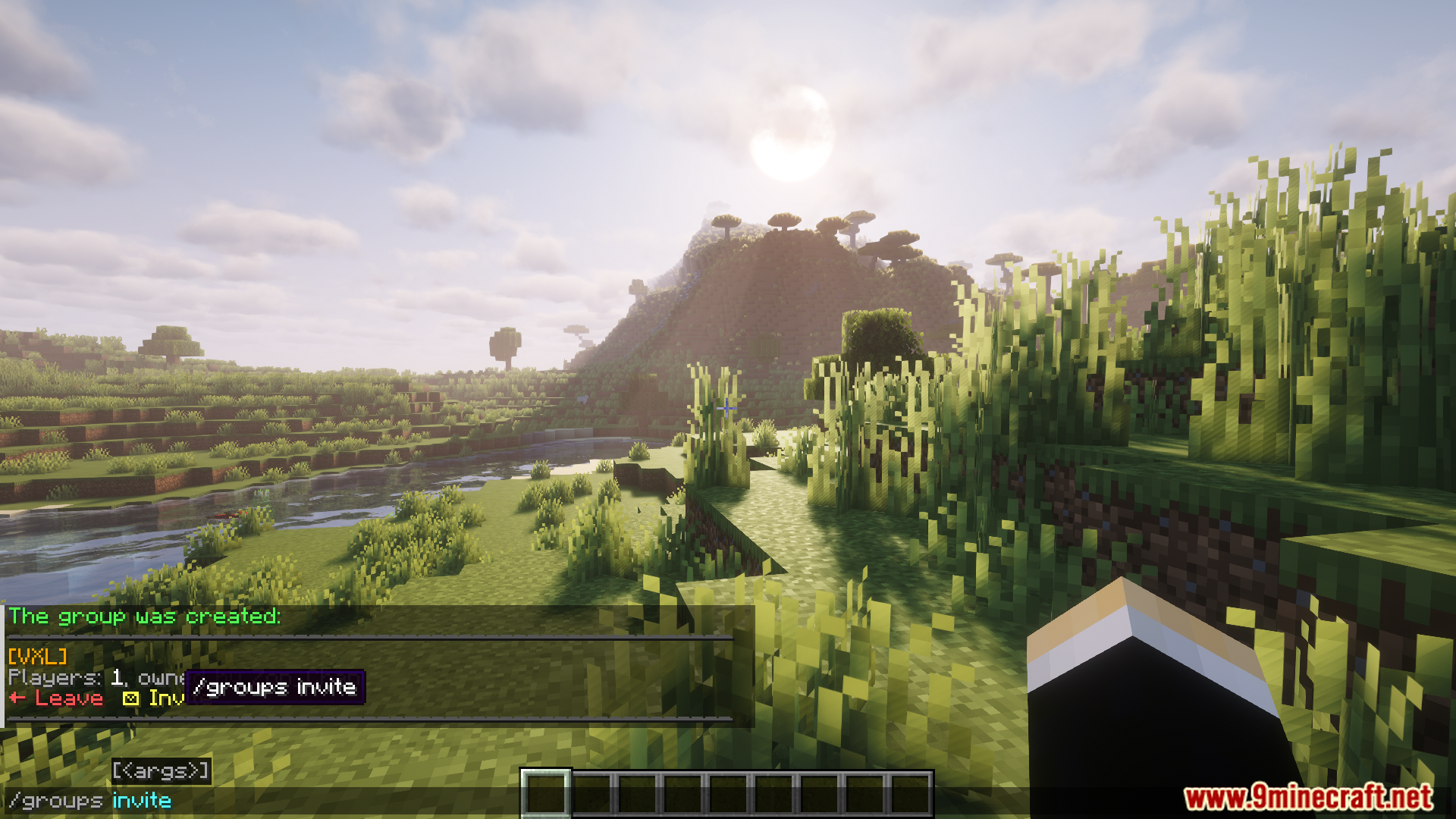
- Invite players to the group /groups invite Use the activation to talk in the group.
Commands:
/groupsor/groups browse [page]– Browse groups./groups create [...flags]– Create a group./groups invite [player]– Invite a player to the group./groups join [group UUID] [password]– Join the group. Not recommended to use manually. Used from browse or invite./groups info– Show info about the current group./groups leave– Leave the current group./groups set [flag] [value]– Set a flag value for a current group./groups unset [flag]– Set flag to a default value./groups delete– Delete the current group./groups transfer [player]– Transfer the ownership of the group to a different player./groups kick [player]– Kick a player from the group./groups ban [player]– Ban a player from the group./groups unban [player]– Unban a player from the group.
Plasmo Voice Addon Group Mod Download Links
For All Versions from Minecraft 1.16.5 to Minecraft 1.21.11, 1.21.10
Forge/Fabric/NeoForge version: Download from Server 1 – Download from Server 2
Quick facts
- Edition: Minecraft Java
- File type: .jar
- Minecraft versions listed: 1.21.11, 1.20.1
- How to install: Install the matching mod loader (Forge, Fabric or NeoForge) for your Minecraft version. → Download the .jar. → Put it in the .minecraft/mods folder and launch that loader profile.
- Where to get it: In MC Java Mods, or directly above on this page.
Install steps are the general flow for this file type — How to install Minecraft Java mods & modpacks walks through it step by step.
Verified by MCModsHub
- Downloads as 175576.mcaddon
- Download size: 161 KB
- Download link checked 25 Jul 2026 — working
- Mirrored on our own servers — the download does not depend on the original host
These come from our own check of the pack file, not from the source page.