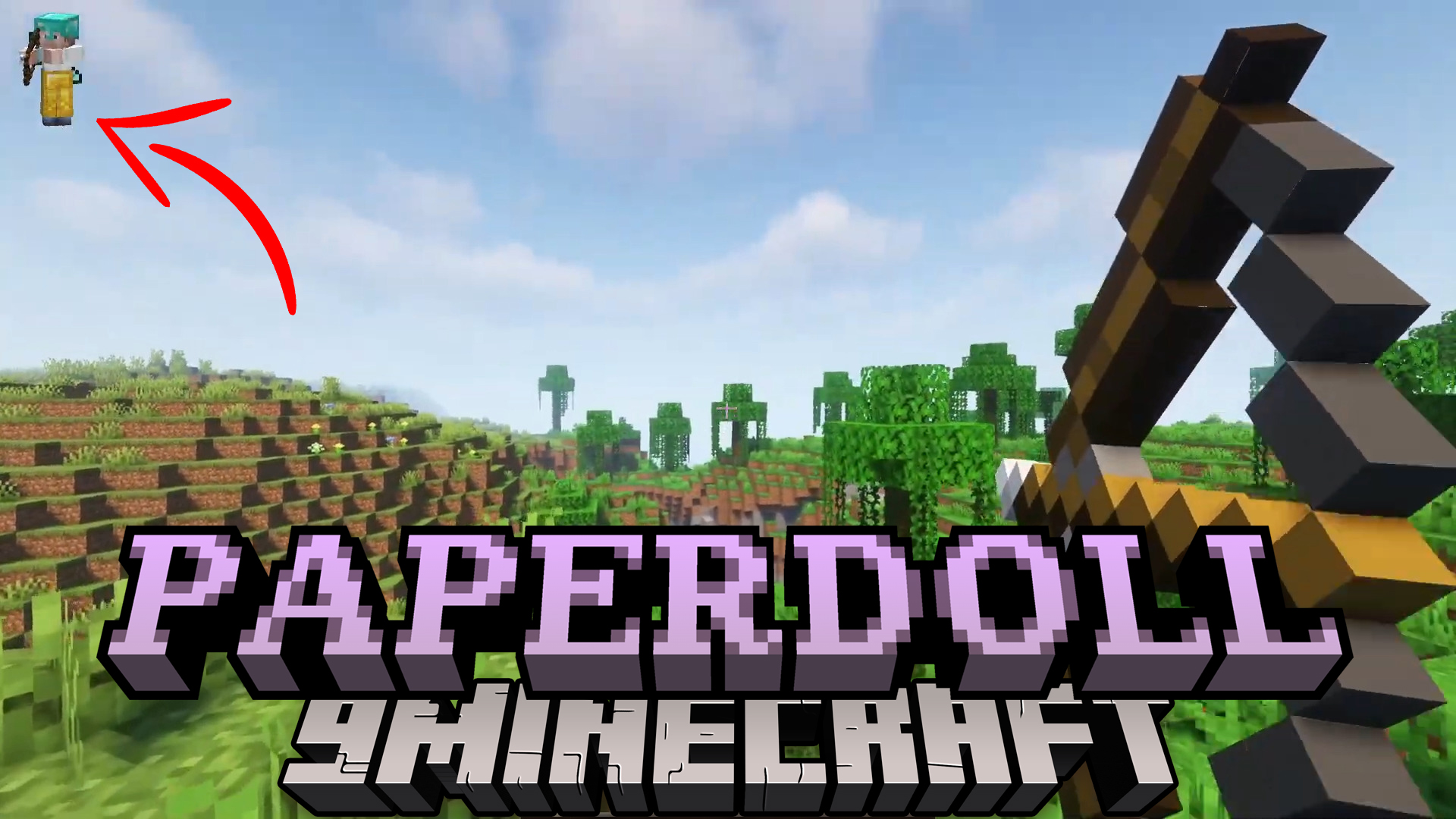
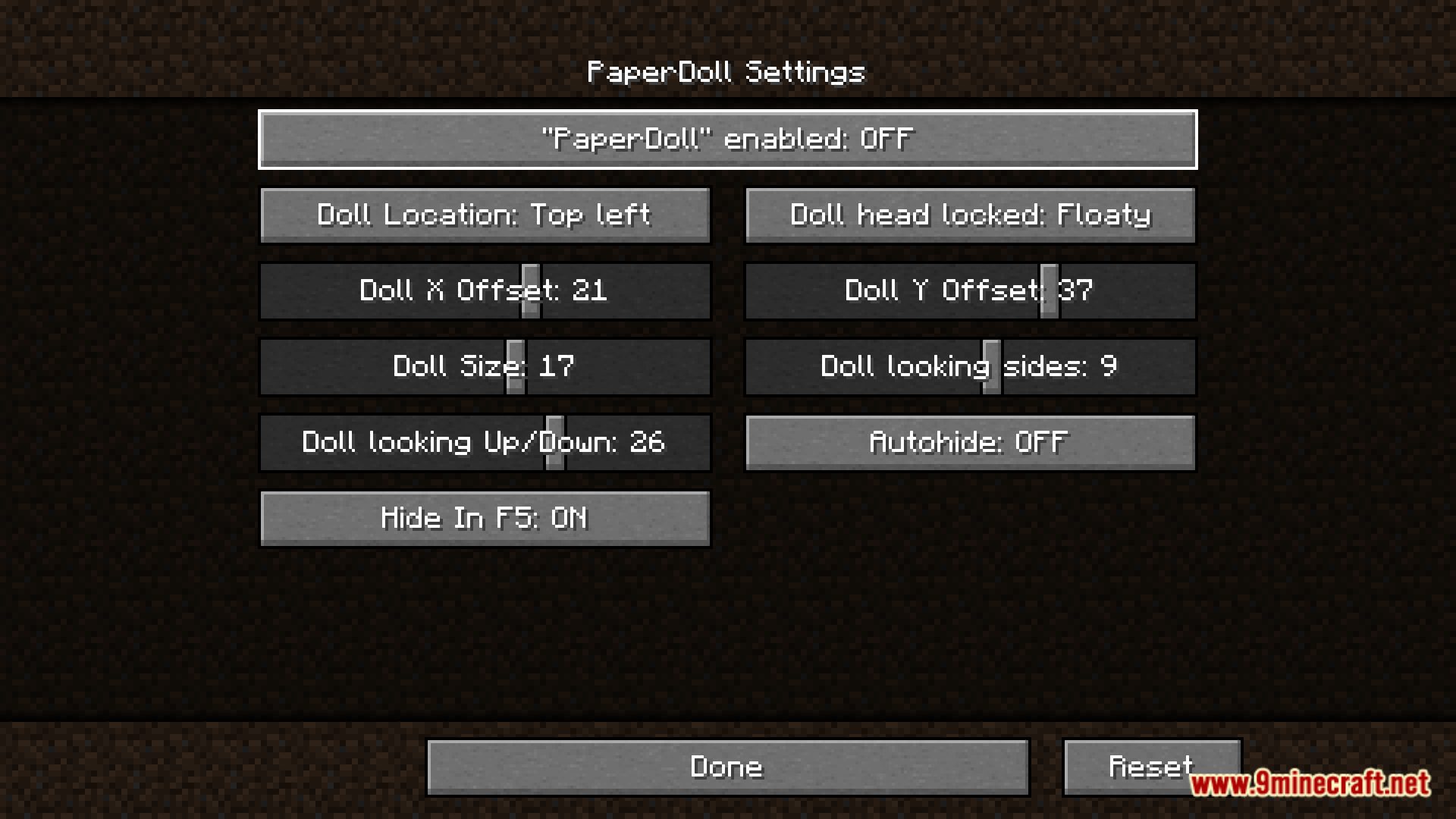
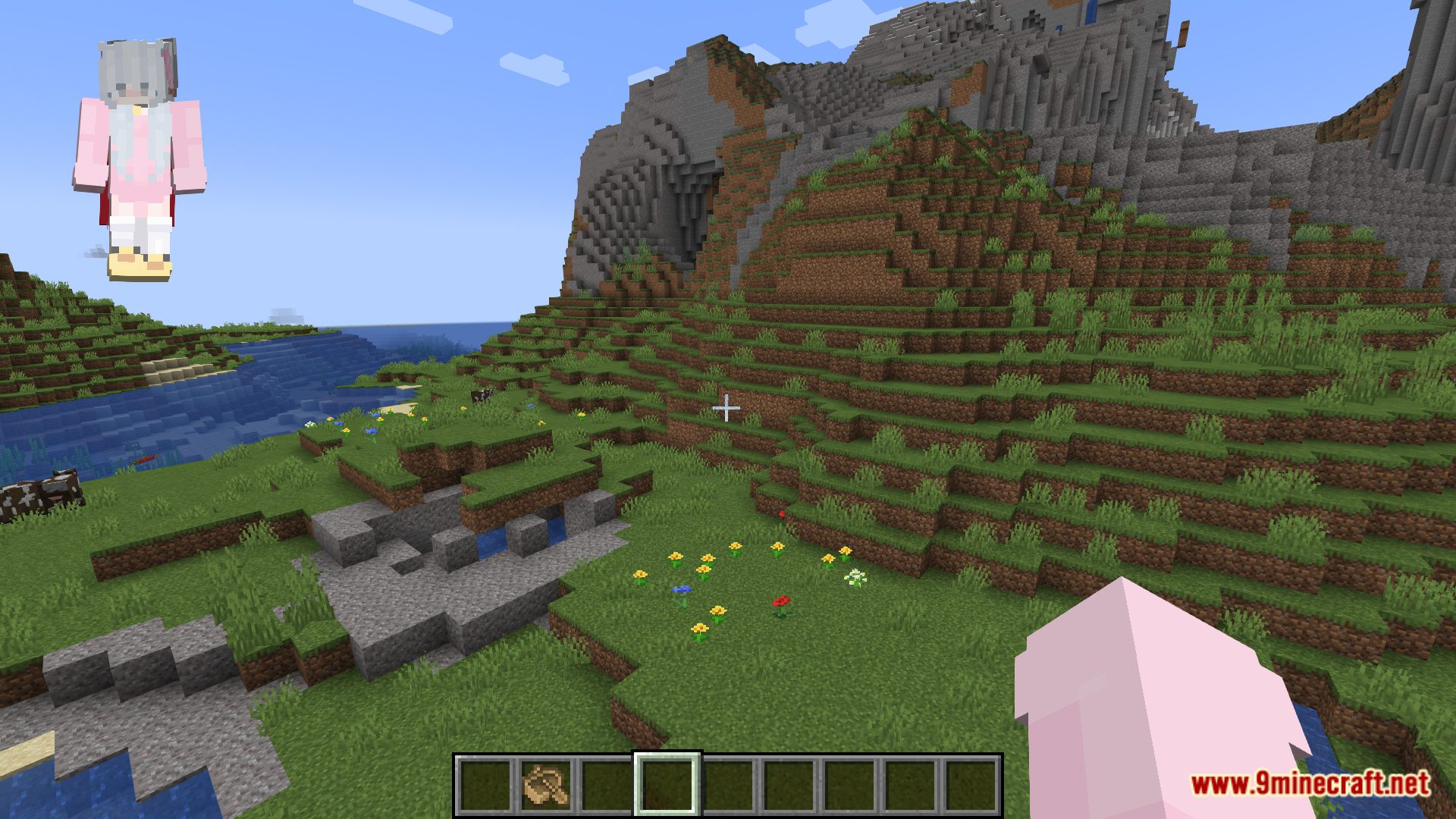
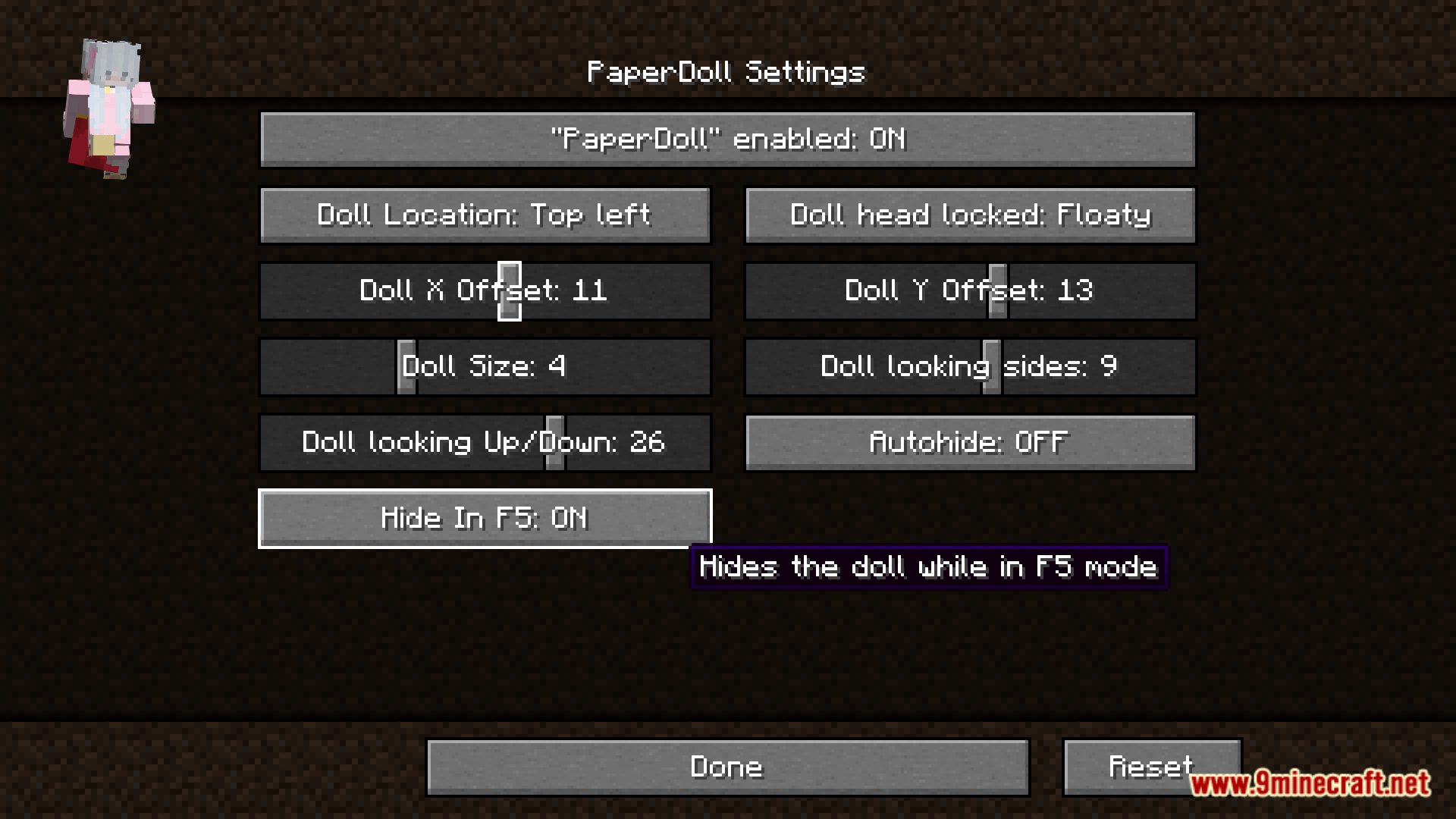
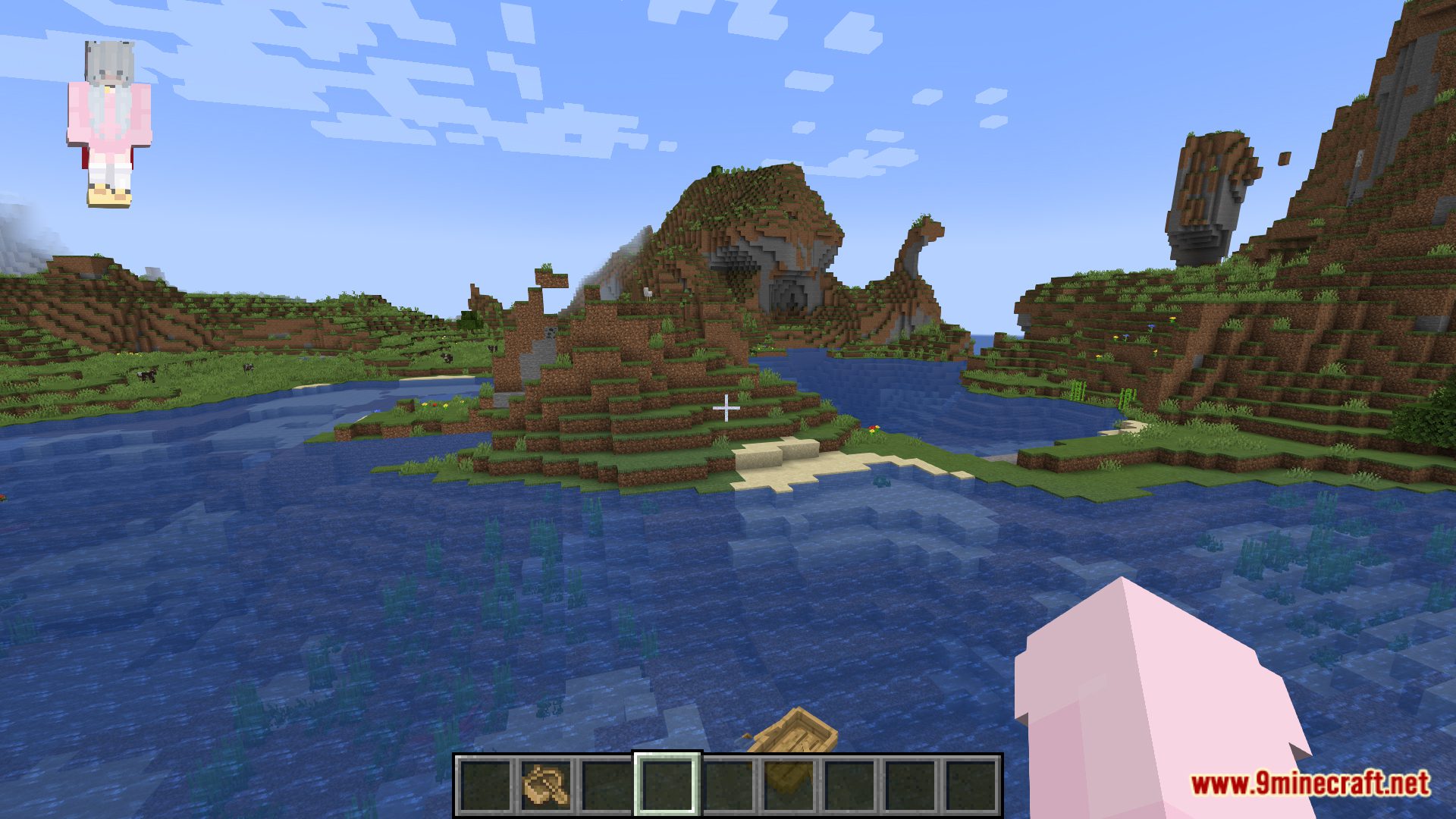
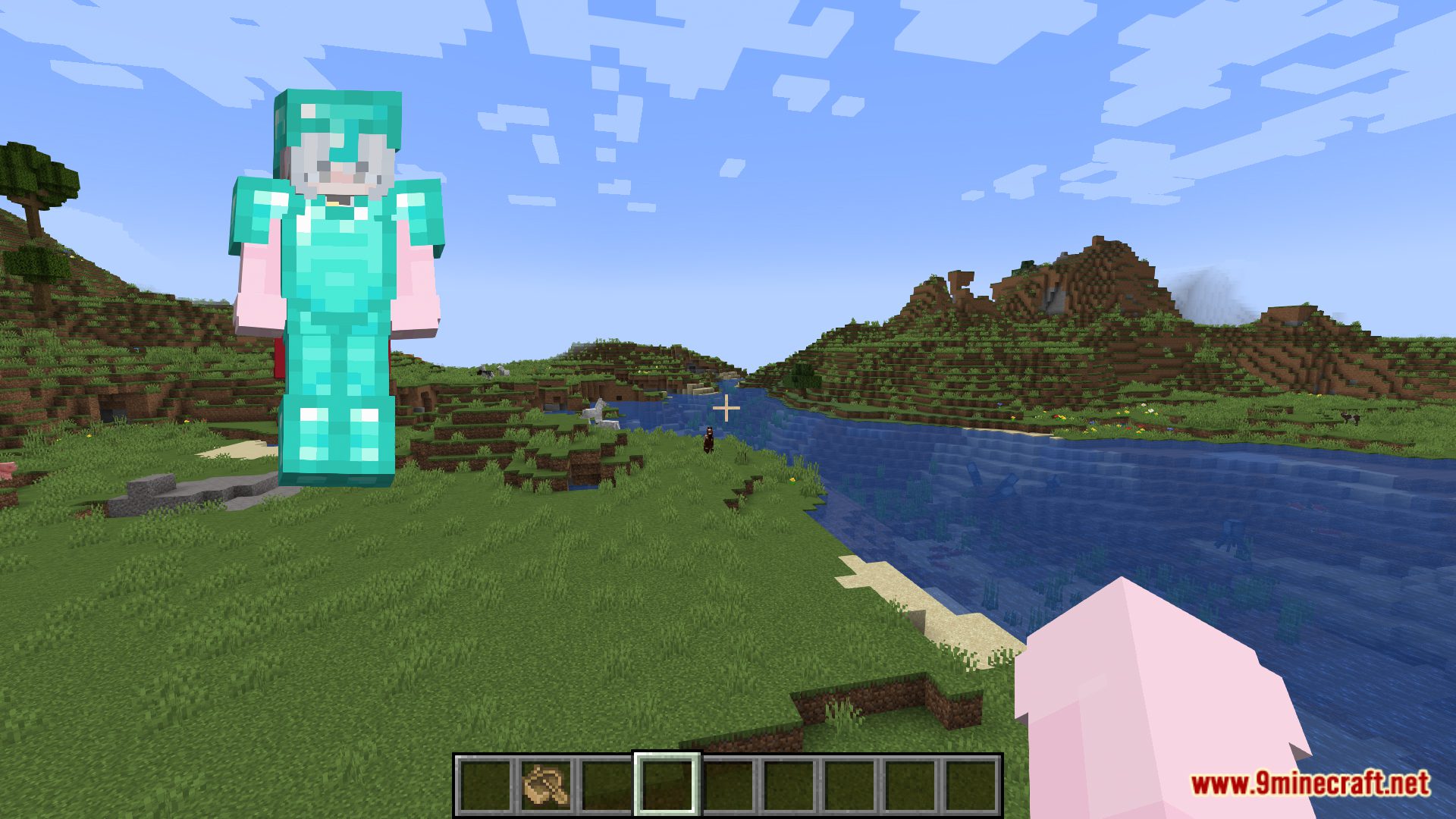
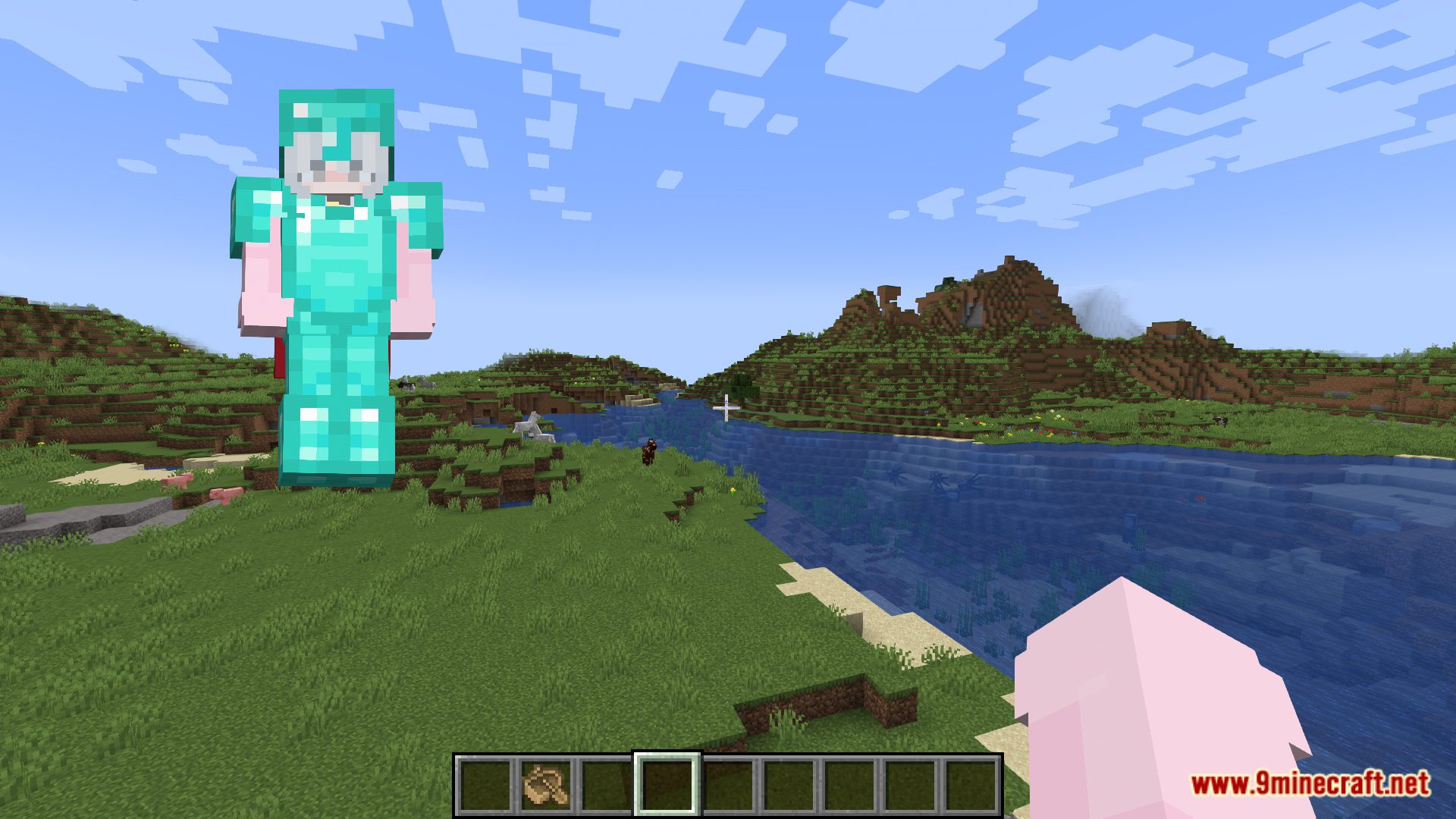
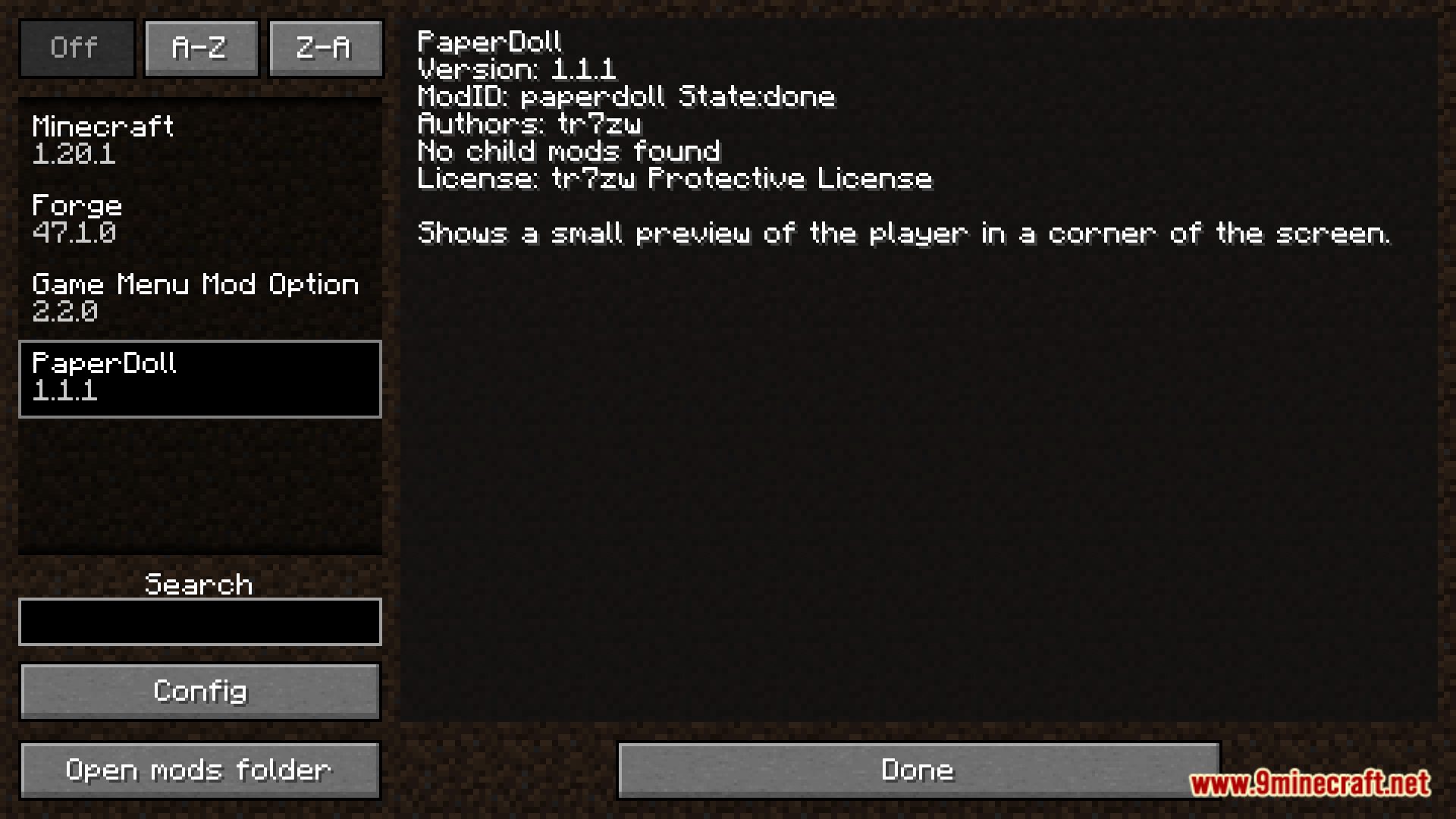
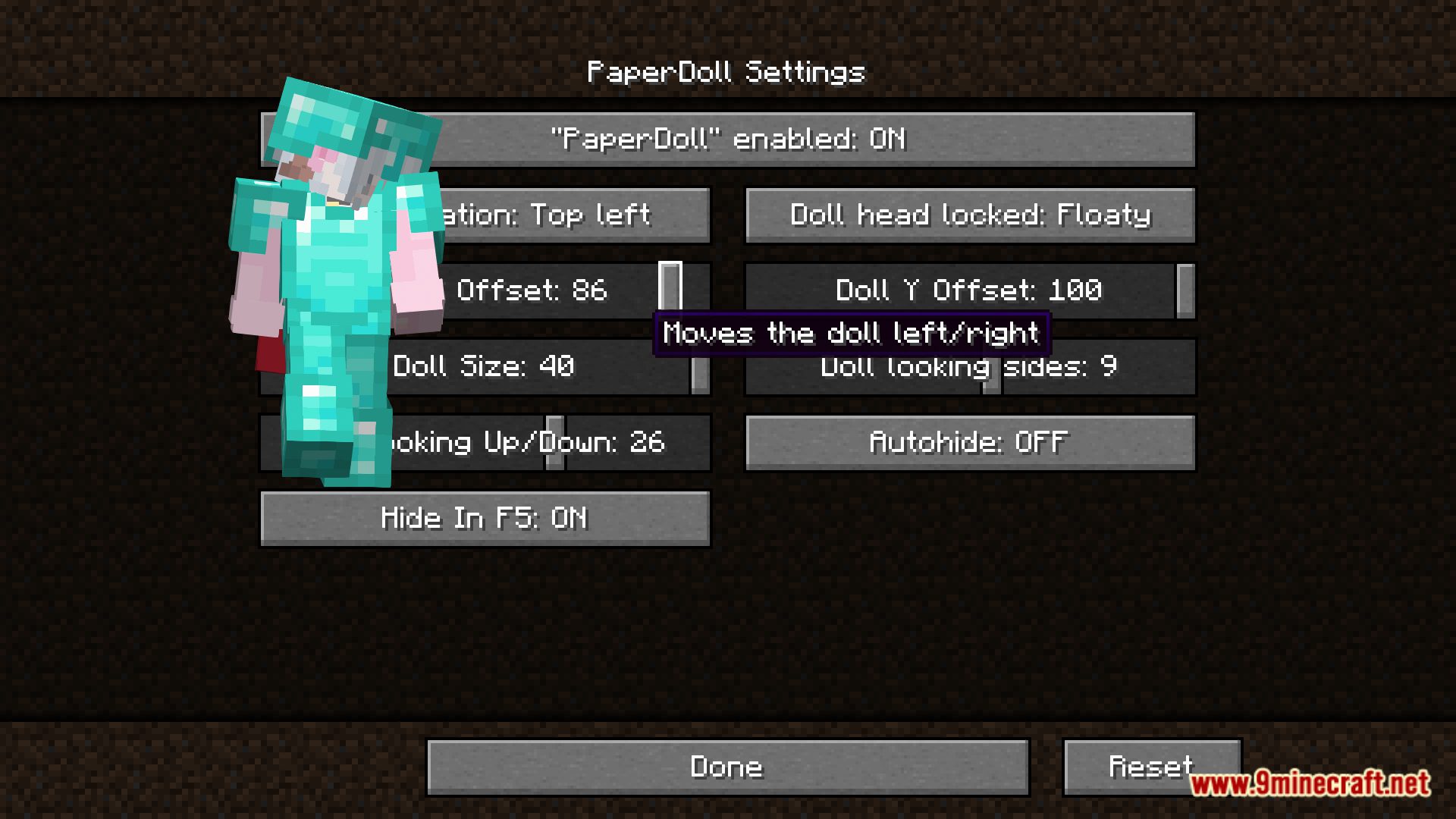
PaperDoll Mod adds a doll to the corner of the screen that precisely mirrors the main character’s movements. This feature is taken from the console versions, where this cool little thing has been around for a while. The doll also displays the character’s equipped clothing and the weapon they’re holding, and overall looks really good. In the mod’s config, you can change the position and size of the displayed model.
Features:
- Shows a mini version of your character performing actions like sprinting, swimming, flying, crouching, and crawling.
- Displays your current armor and held items in real time.
- The doll changes to match the entity you’re viewing.
- Shows your character riding entities like horses or boats.
- Customization & Configs:
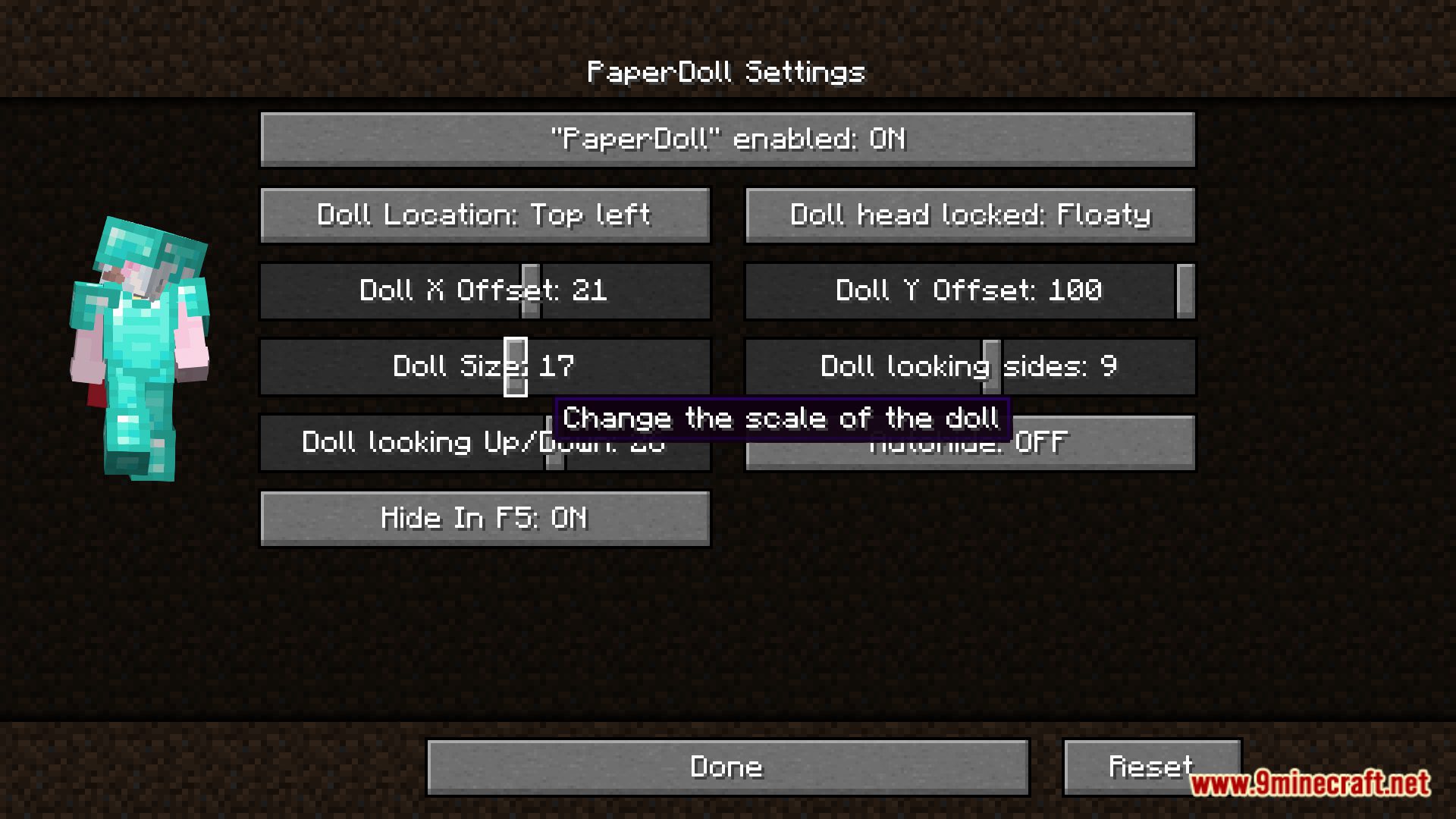
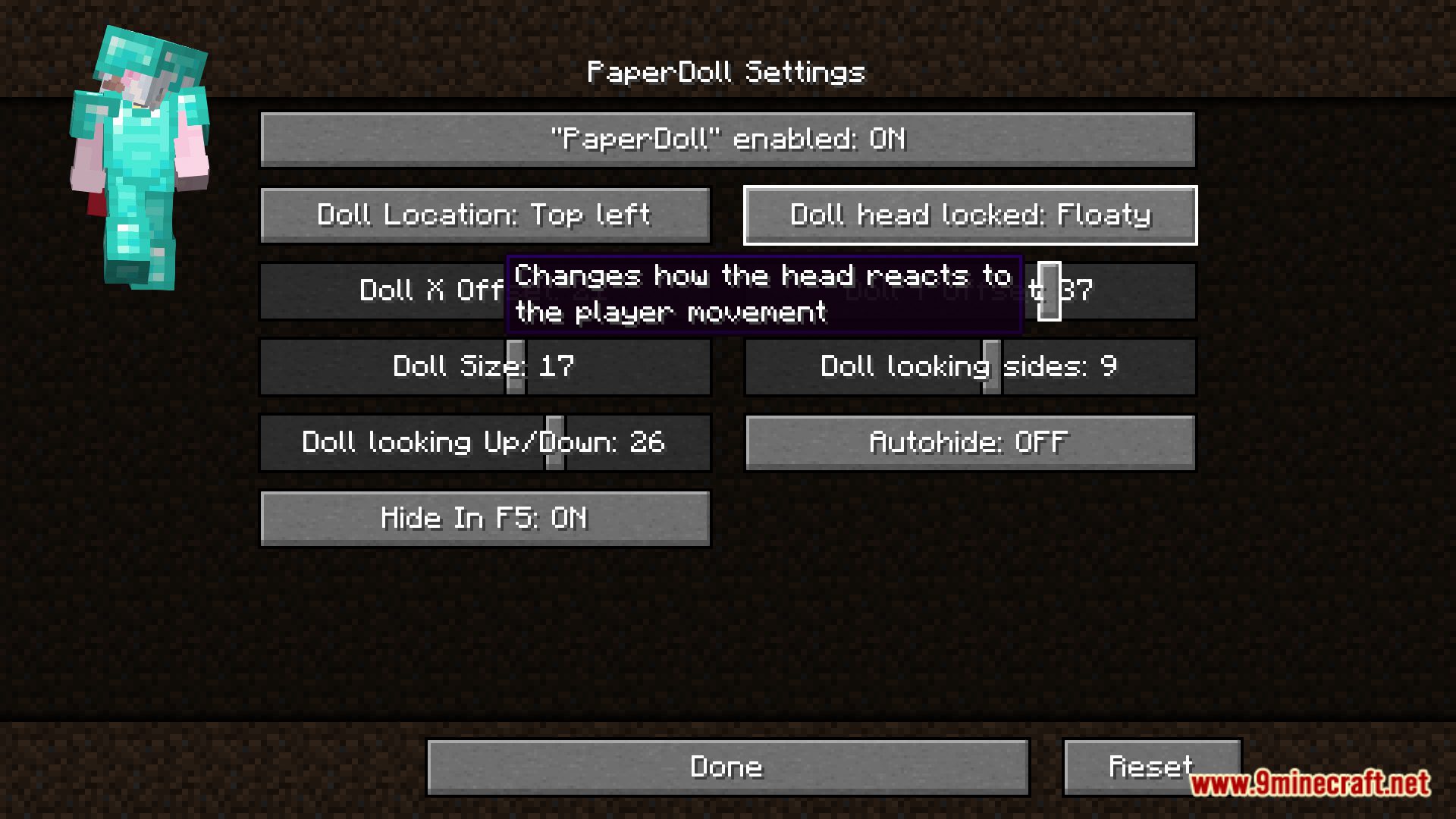
- Adjust position, scale, rotation, lighting, and visibility logic.
- Some versions offer an in-game GUI for easy tweaking.
- Toggle visibility or open config screen with customizable hotkeys (e.g. F8)
Screenshots:
PaperDoll Mod Download Links
Quick facts
- Edition: Minecraft Java
- File type: .jar
- Minecraft version listed: 1.20.1
- How to install: Install the matching mod loader (Forge, Fabric or NeoForge) for your Minecraft version. → Download the .jar. → Put it in the .minecraft/mods folder and launch that loader profile.
- Where to get it: In MC Java Mods, or directly above on this page.
Install steps are the general flow for this file type — How to install Minecraft Java mods & modpacks walks through it step by step.
PaperDoll Mod (26.2, 1.20.1) – Doll in the Corner is a free Minecraft Java mod. Compatible with Minecraft 1.20.1. Download it and open it directly in the game.