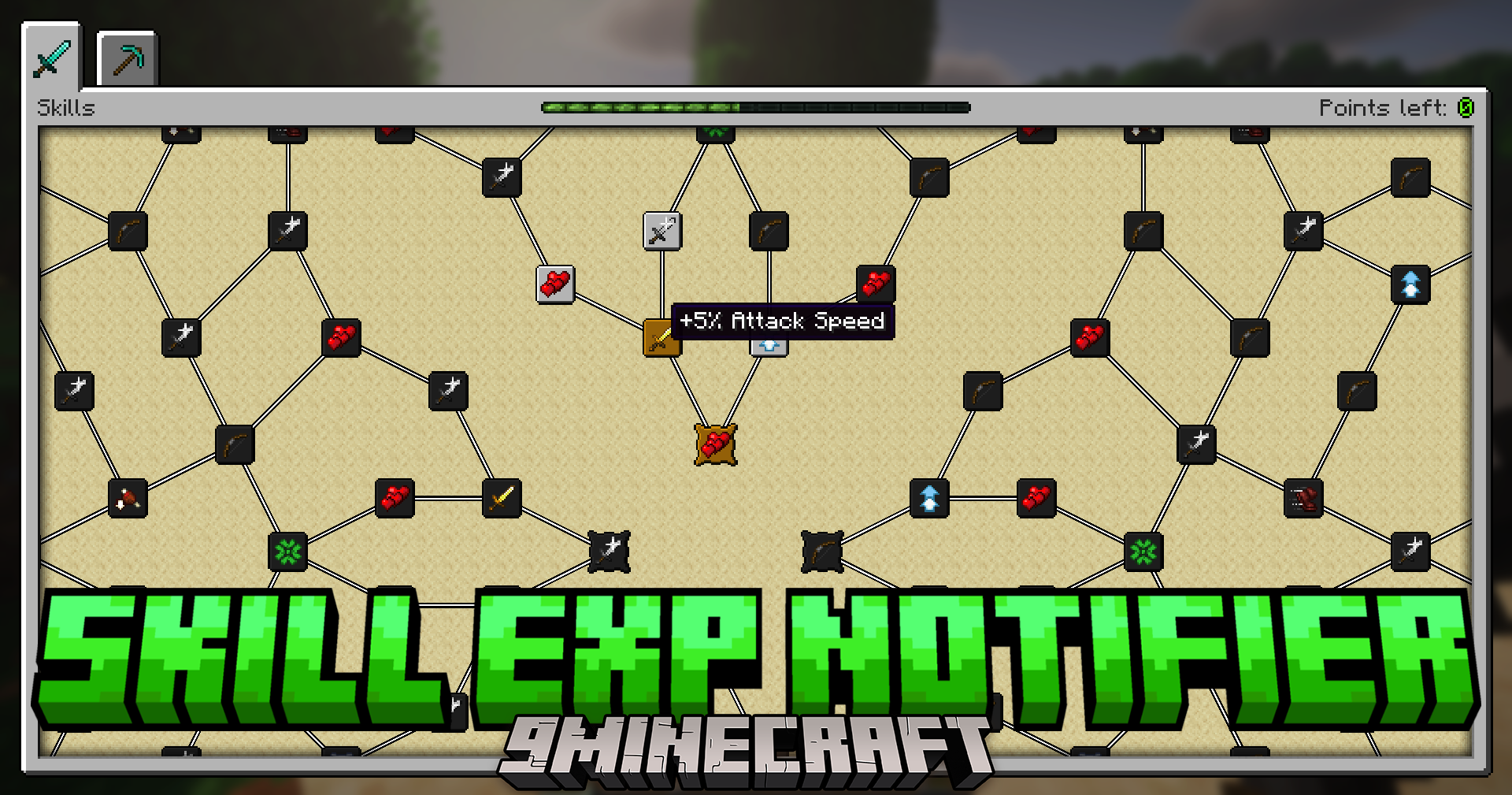
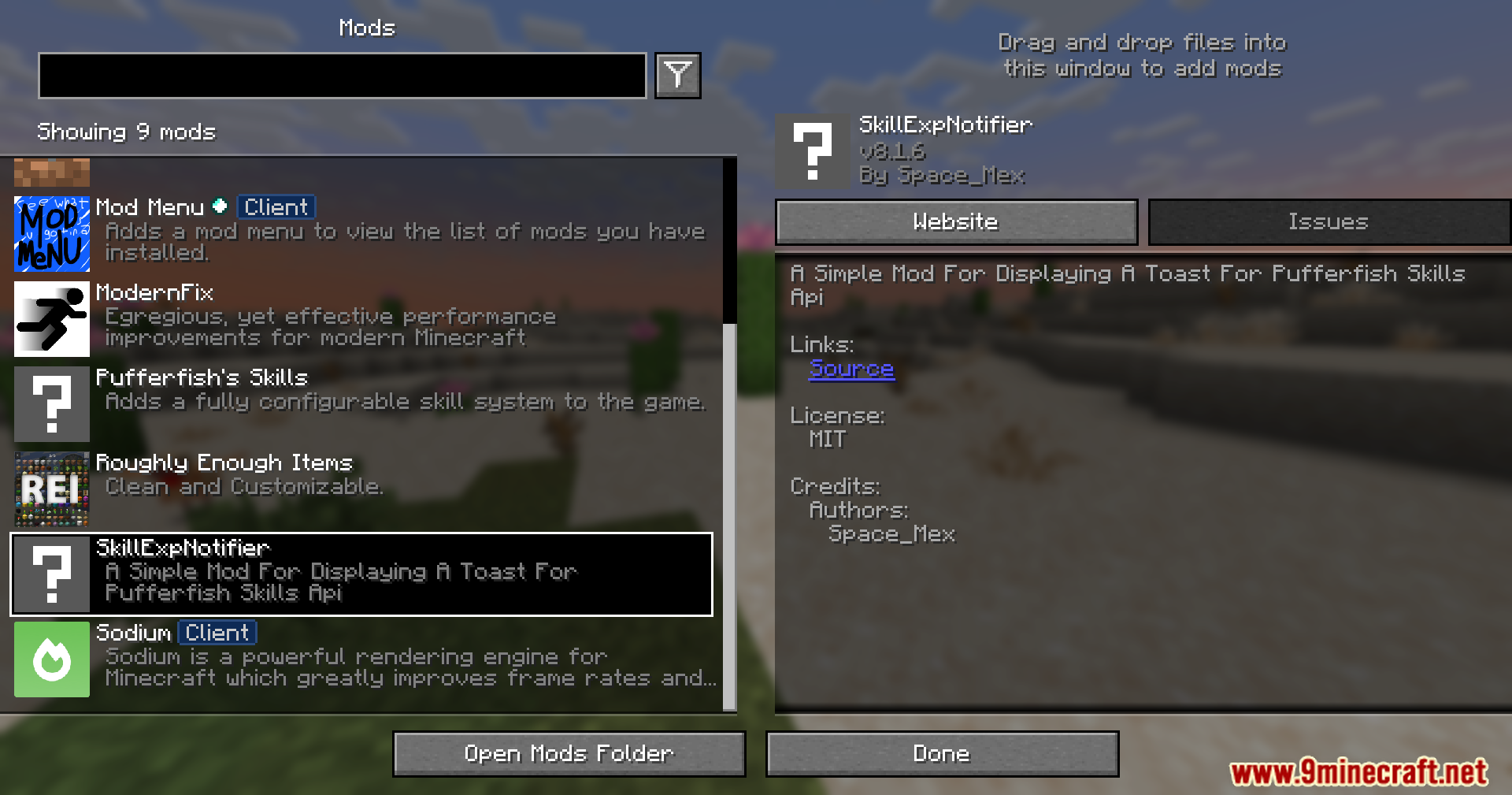
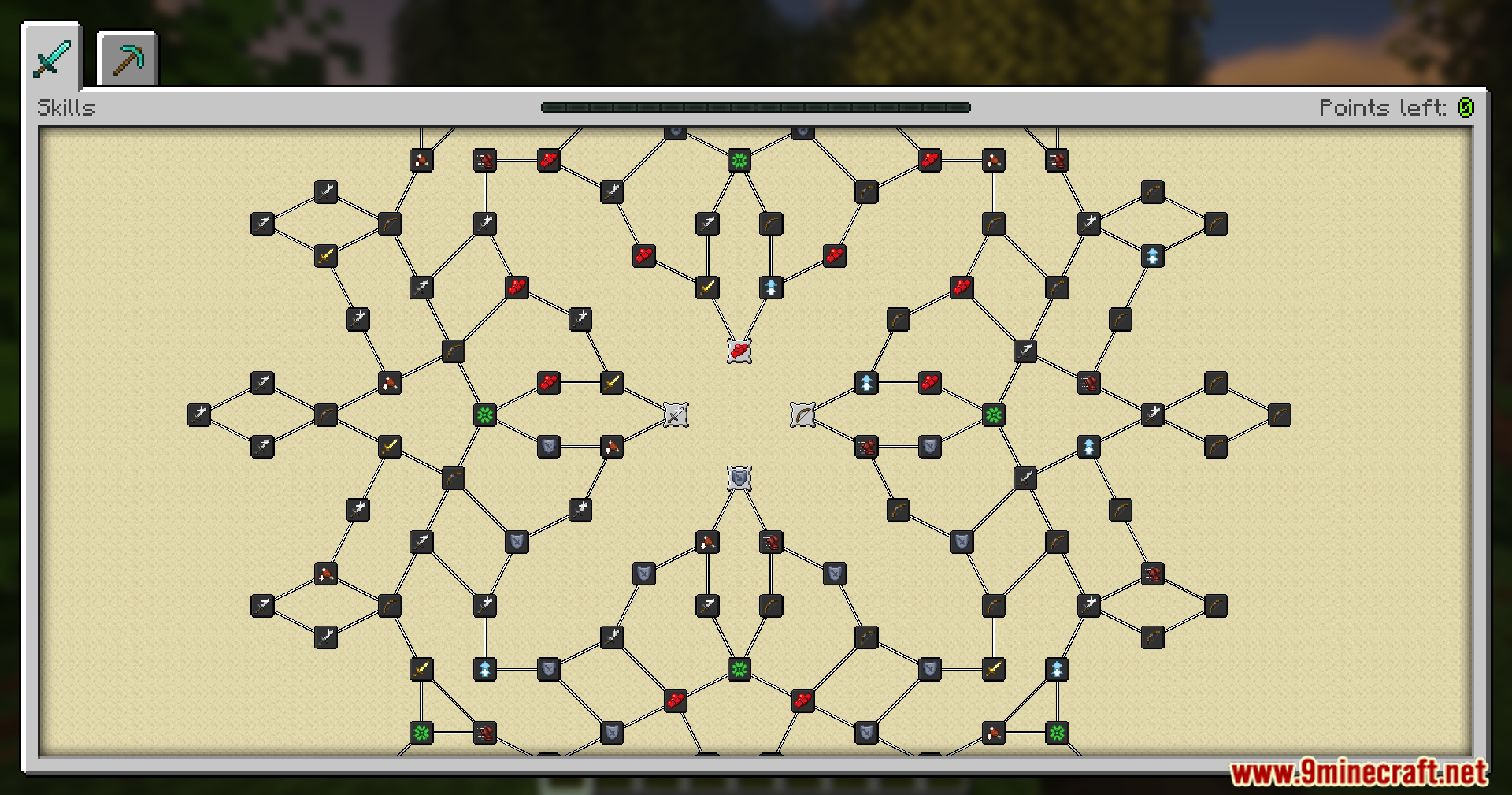
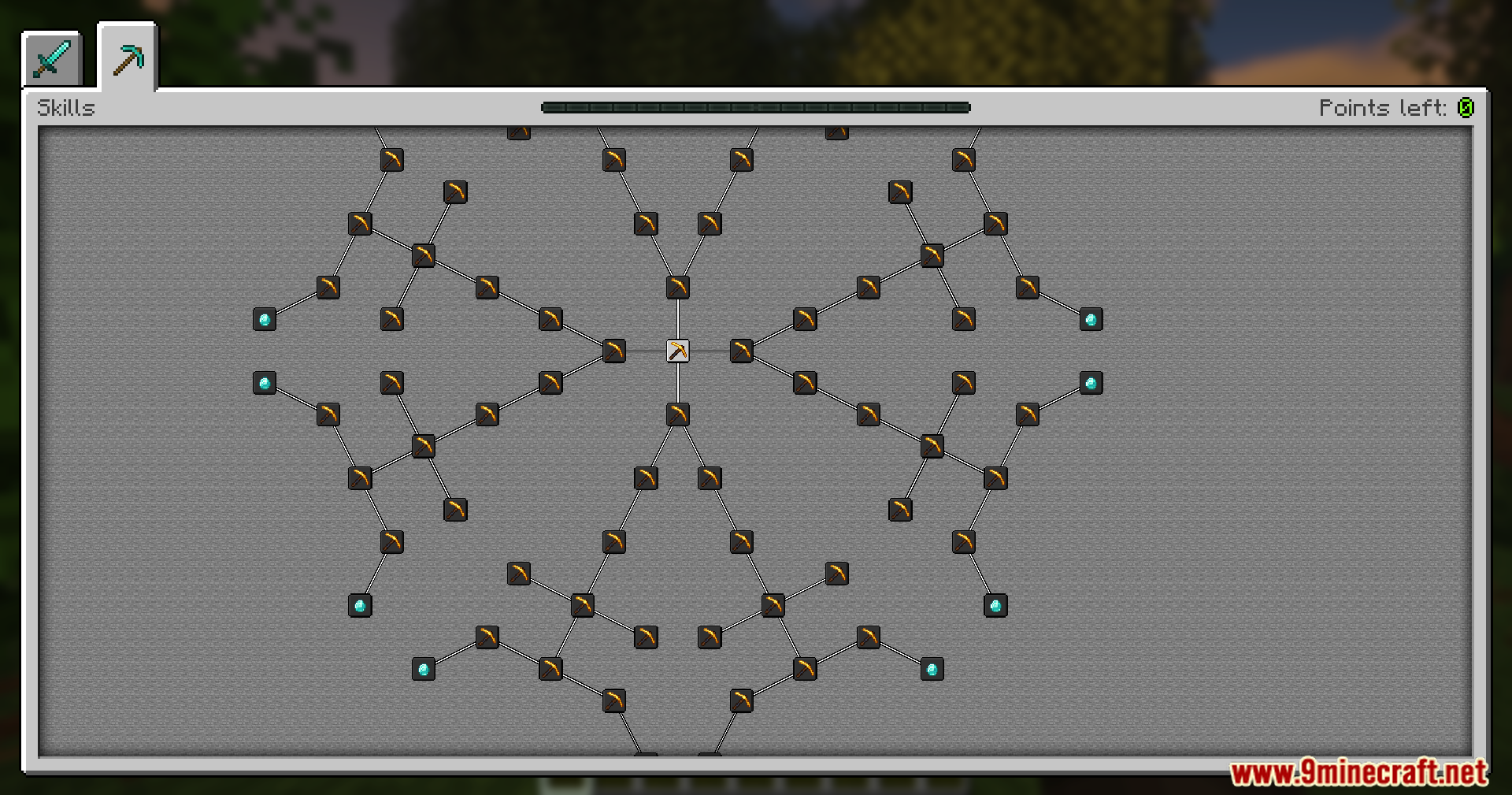
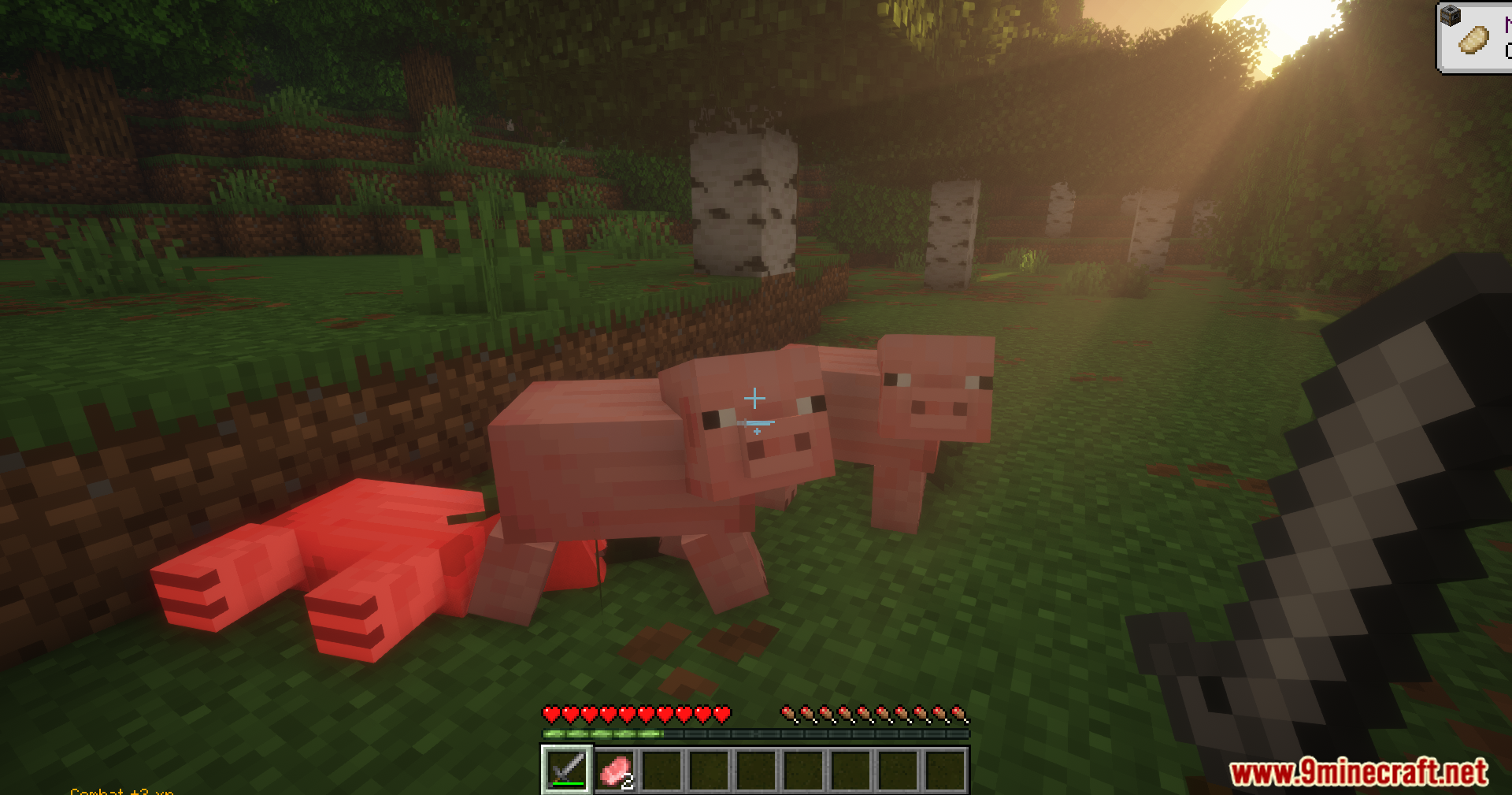
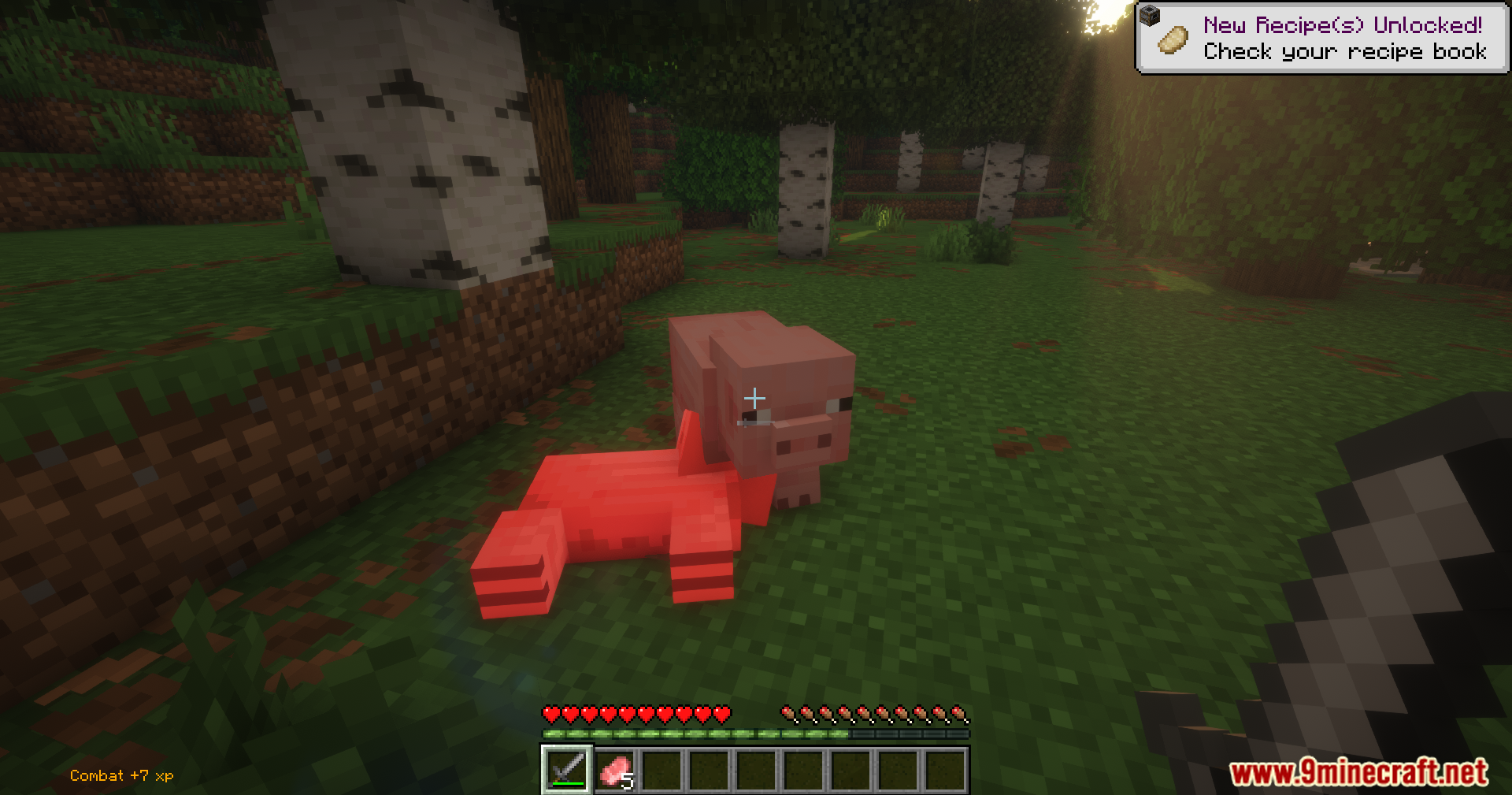
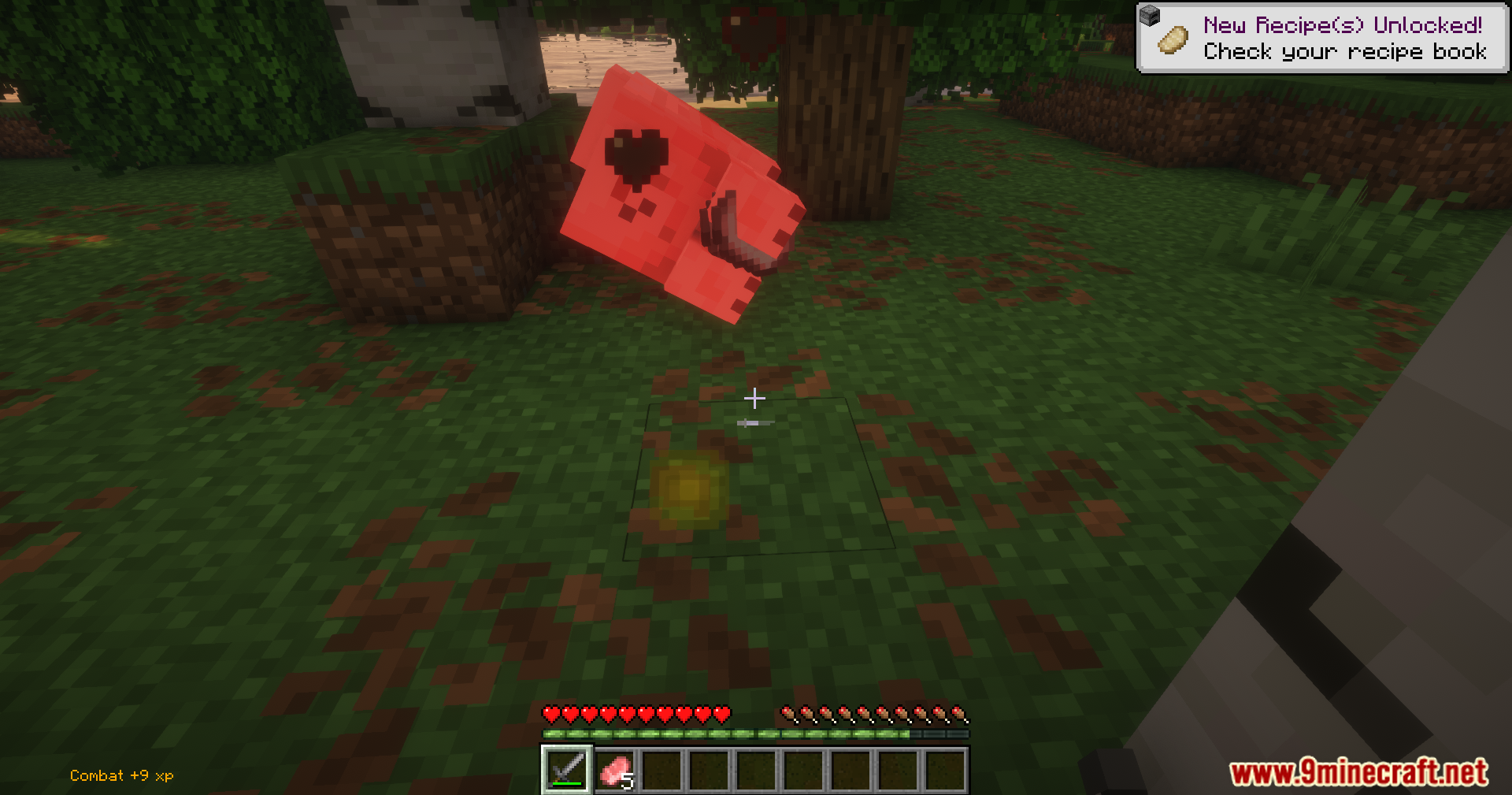
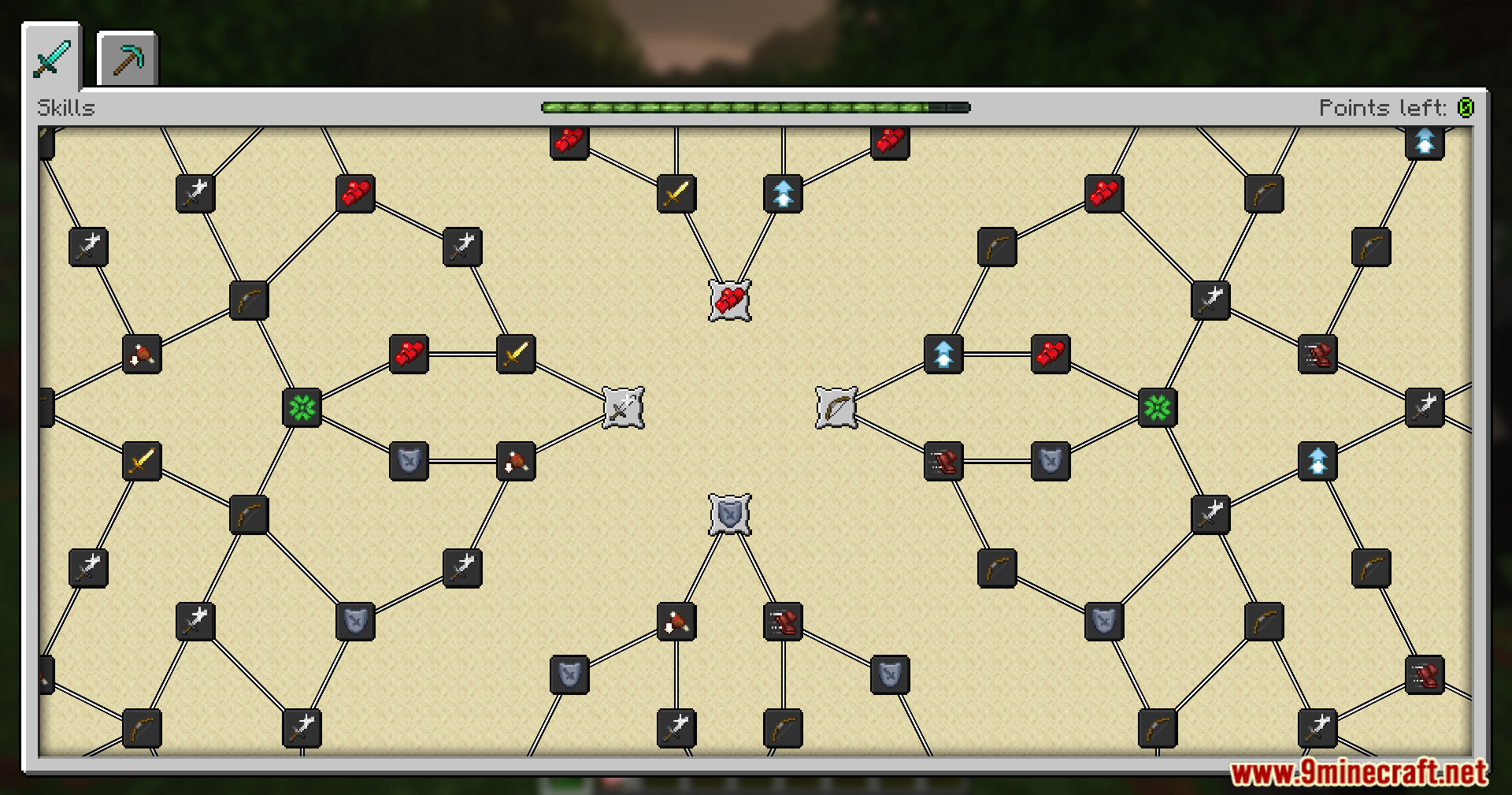
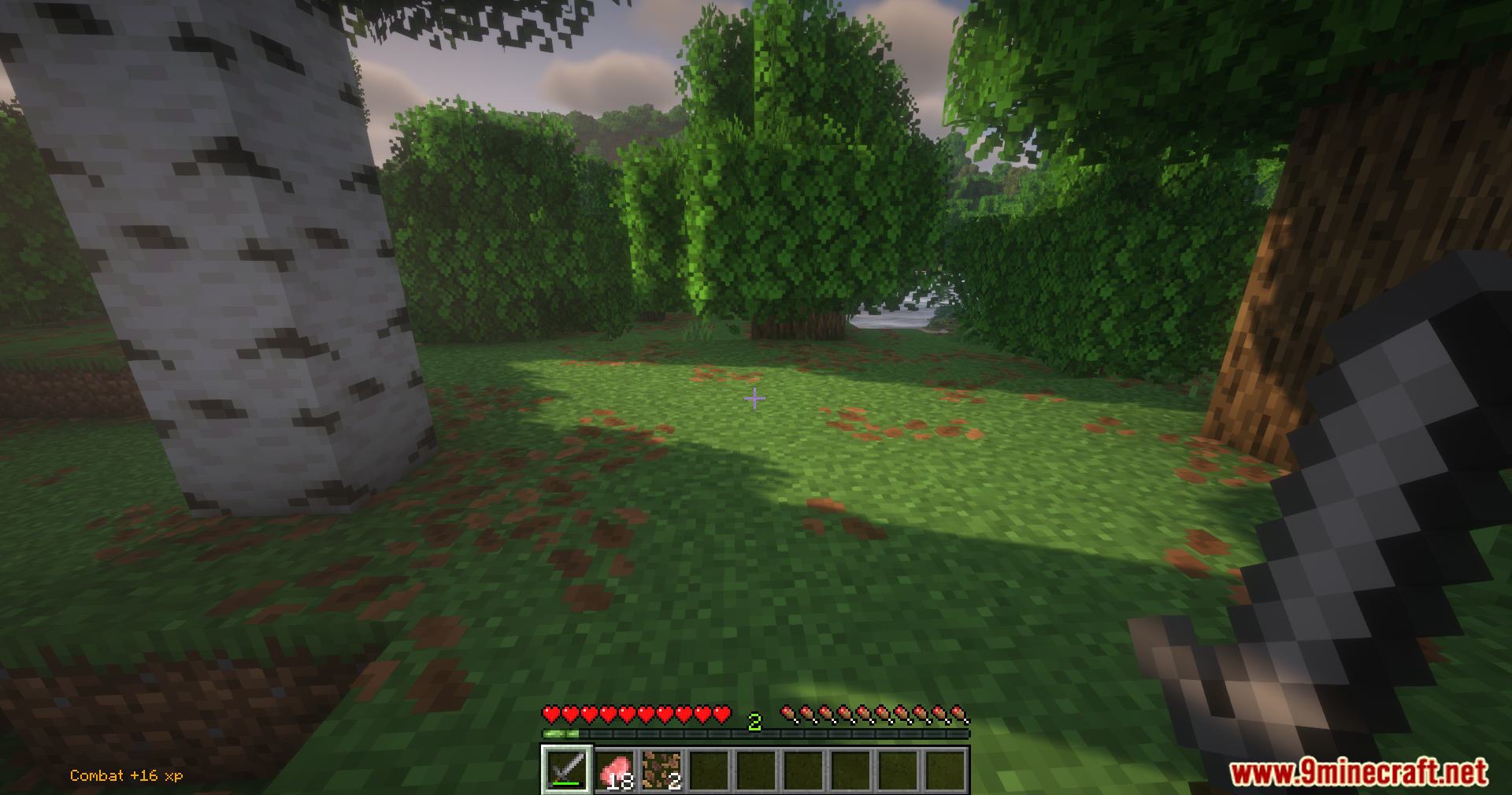
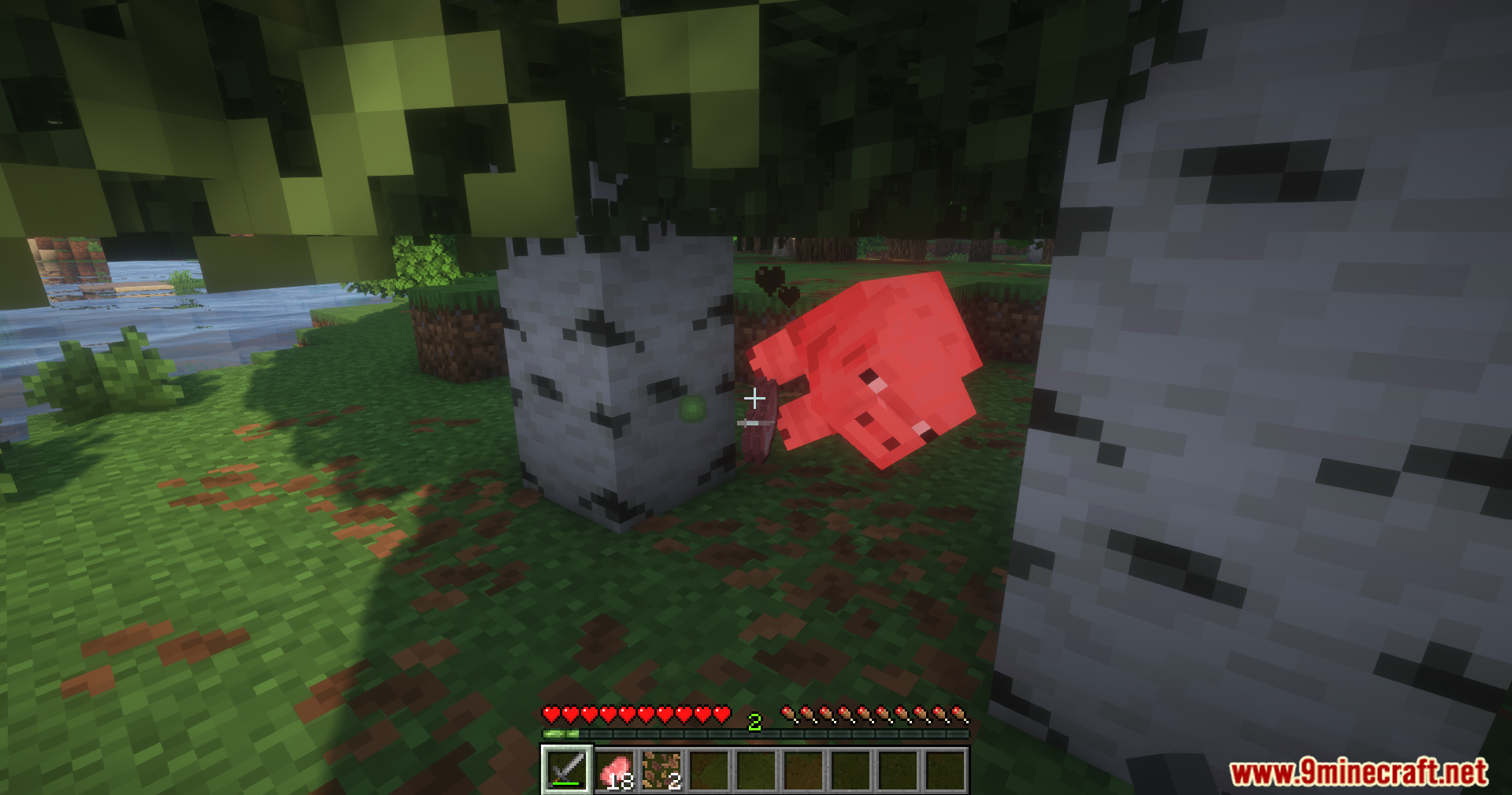
Skill Exp Notifier Mod is a mod that displays skill names, experience gained, and icons after actions using toast-style notifications. The system is fully configurable and designed to provide clear feedback without interrupting gameplay.
Features:
- Displays skill name, XP gained, and icon after actions.
- Fully configurable toast position and layout.
- Customizable title text and XP message formatting.
- Animation options for toast entry and exit.
- Built-in file reloader to prevent inconsistent reload behavior.
- Resource pack compatible toast visuals.
- Optional custom sound effects for notifications.
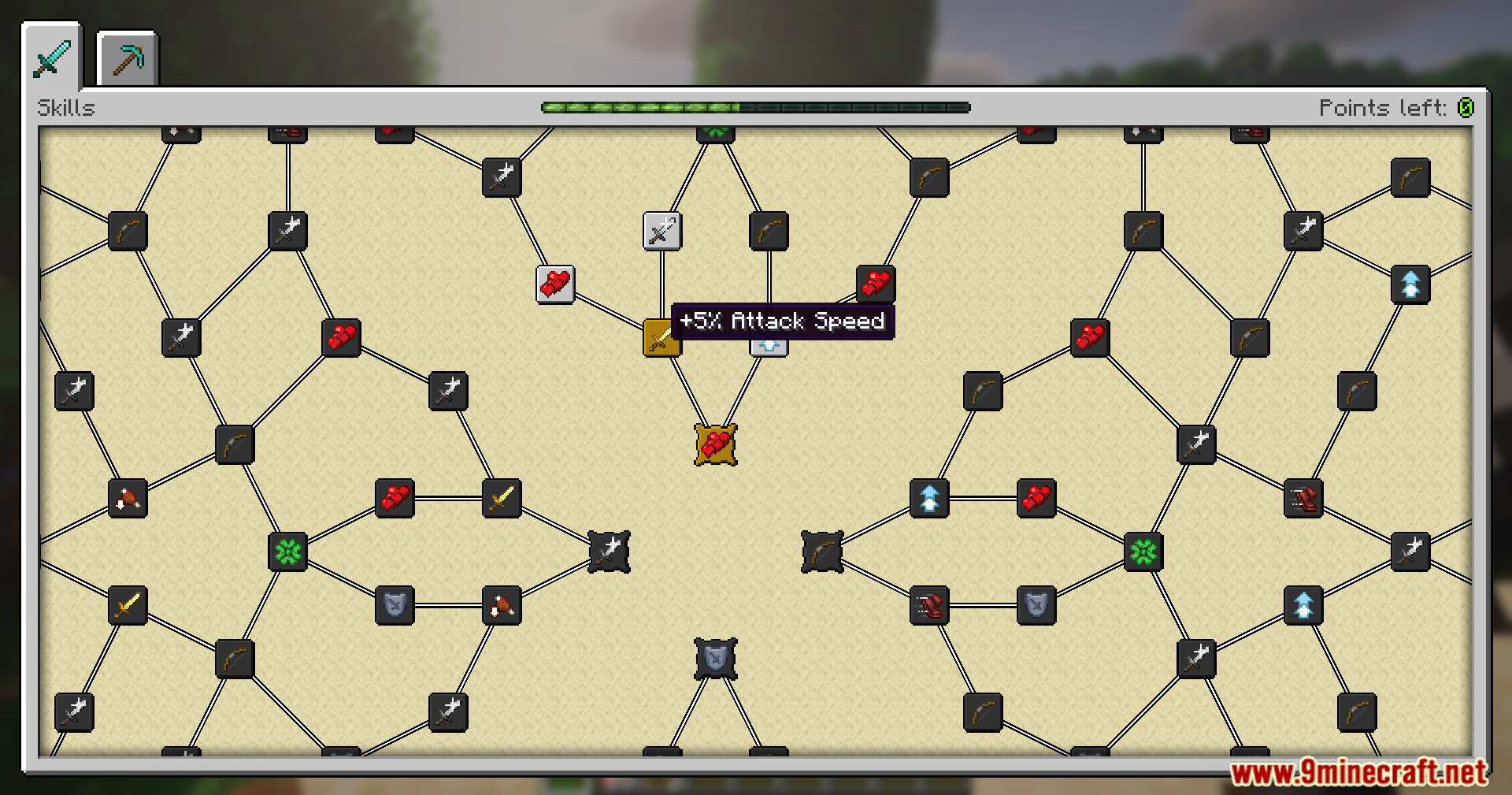
Screenshots:
Skill Exp Notifier Mod Download Links
For Minecraft 1.20.1, 1.20
Forge Version: Download from Server 1 – Download from Server 2
Fabric Version: Download from Server 1 – Download from Server 2
For Minecraft 1.20.2
Forge Version: Download from Server 1 – Download from Server 2
Fabric Version: Download from Server 1 – Download from Server 2
For Minecraft 1.20.4
Fabric Version: Download from Server 1 – Download from Server 2
NeoForge Version: Download from Server 1 – Download from Server 2
For Minecraft 1.21.1, 1.21
Fabric Version: Download from Server 1 – Download from Server 2
NeoForge Version: Download from Server 1 – Download from Server 2
For Minecraft 1.21.5, 1.21.4, 1.21.3
Fabric Version: Download from Server 1 – Download from Server 2
NeoForge Version: Download from Server 1 – Download from Server 2
For Minecraft 1.21.8, 1.21.7, 1.21.6, 21.1.6
NeoForge Version: Download from Server 1 – Download from Server 2
For Minecraft 1.21.8, 1.21.7, 1.21.6, 1.21.10, 1.21.9
Fabric Version: Download from Server 1 – Download from Server 2
For Minecraft 1.21.10
NeoForge Version: Download from Server 1 – Download from Server 2
For Minecraft 1.21.11
Fabric Version: Download from Server 1 – Download from Server 2
NeoForge Version: Download from Server 1 – Download from Server 2
- Edition: Minecraft Java
- File type: .jar
- Minecraft versions listed: 1.21.11, 1.20.1
- How to install: Install the matching mod loader (Forge, Fabric or NeoForge) for your Minecraft version. → Download the .jar. → Put it in the .minecraft/mods folder and launch that loader profile.
- Where to get it: In MC Java Mods, or directly above on this page.
Install steps are the general flow for this file type — How to install Minecraft Java mods & modpacks walks through it step by step.
- Downloads as 175629.mcaddon
- Download size: 832 KB
- Download link checked 25 Jul 2026 — working
- Mirrored on our own servers — the download does not depend on the original host
These come from our own check of the pack file, not from the source page.