ModsJava
BackSlot Mod (26.3, 1.20.1) – Carry Extra Weapons and Tools on Your Back
Java mod listed for Minecraft 1.20–26.x. File opened and checked on 27 Oct 2026; downloads from the MC Java Mods app on Android.
⬇ Download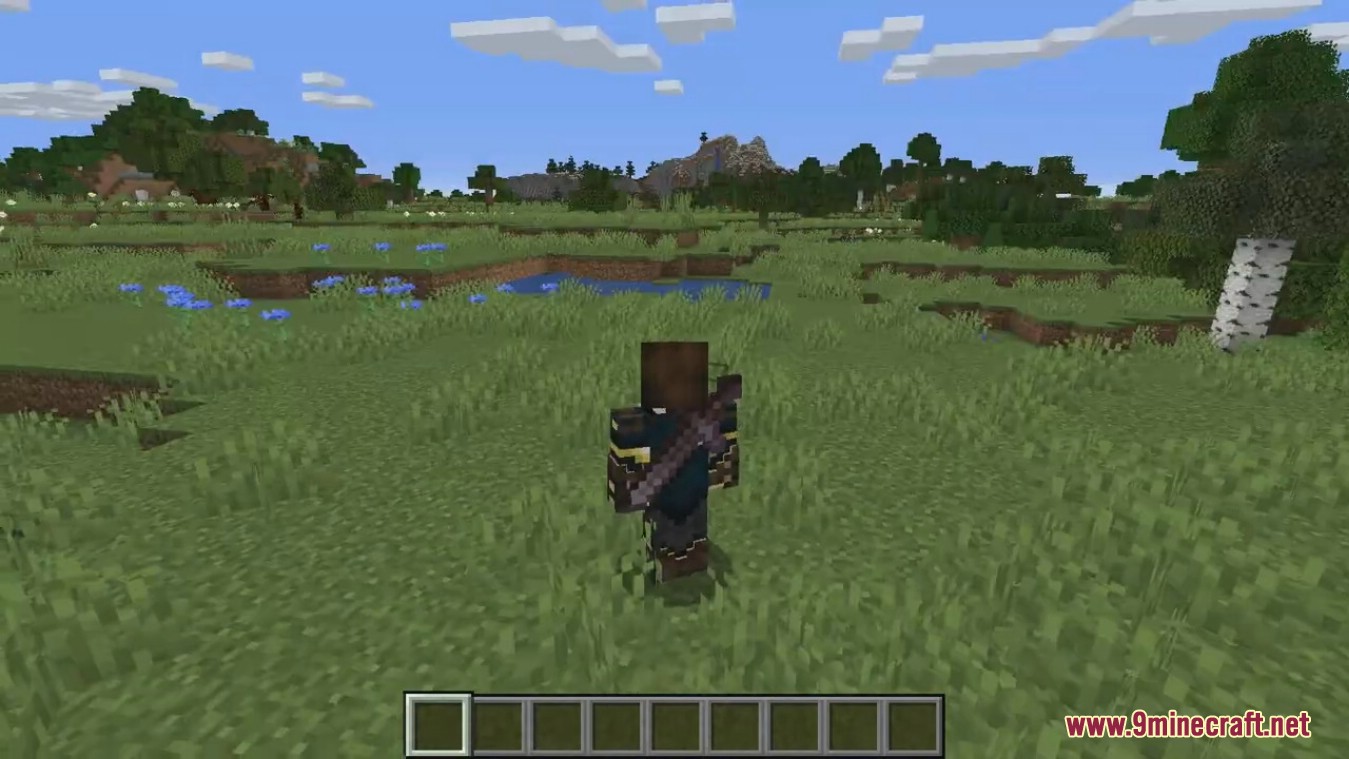
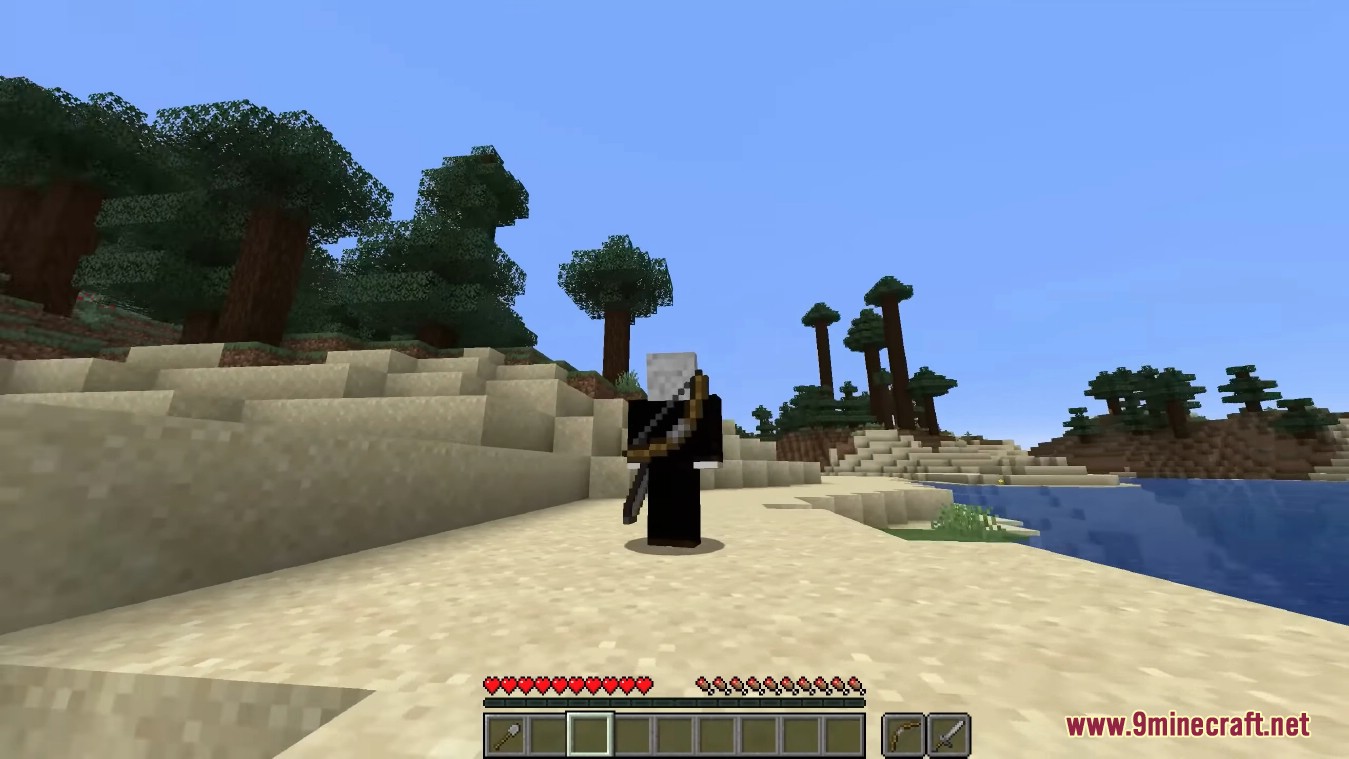
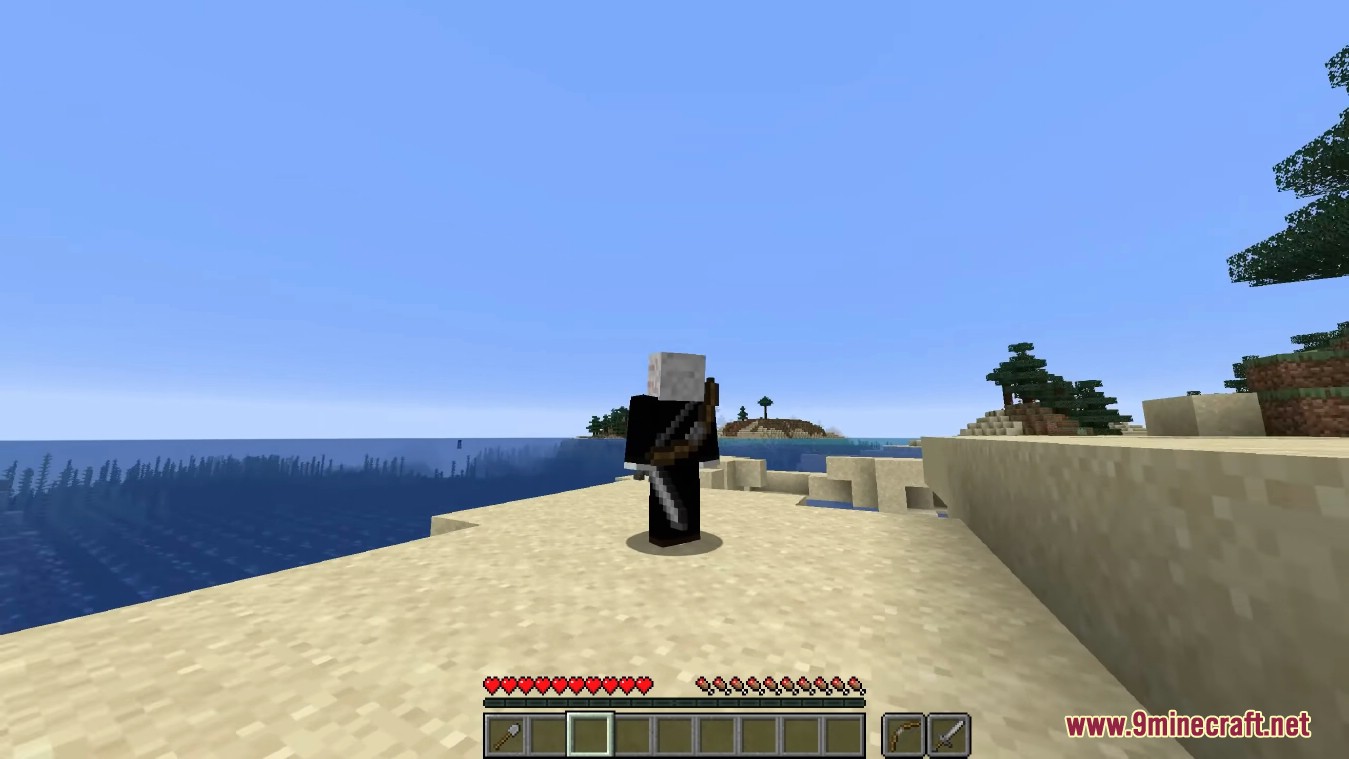
BackSlot Mod lets you keep your weapons and tools ready for action at a moment’s notice. It adds two special slots to your inventory so you can carry extra items and quickly reach your gear during sudden fights.
Features:
- Adds two new slots to the inventory screen located right above the off-hand slot next to the small crafting grid.
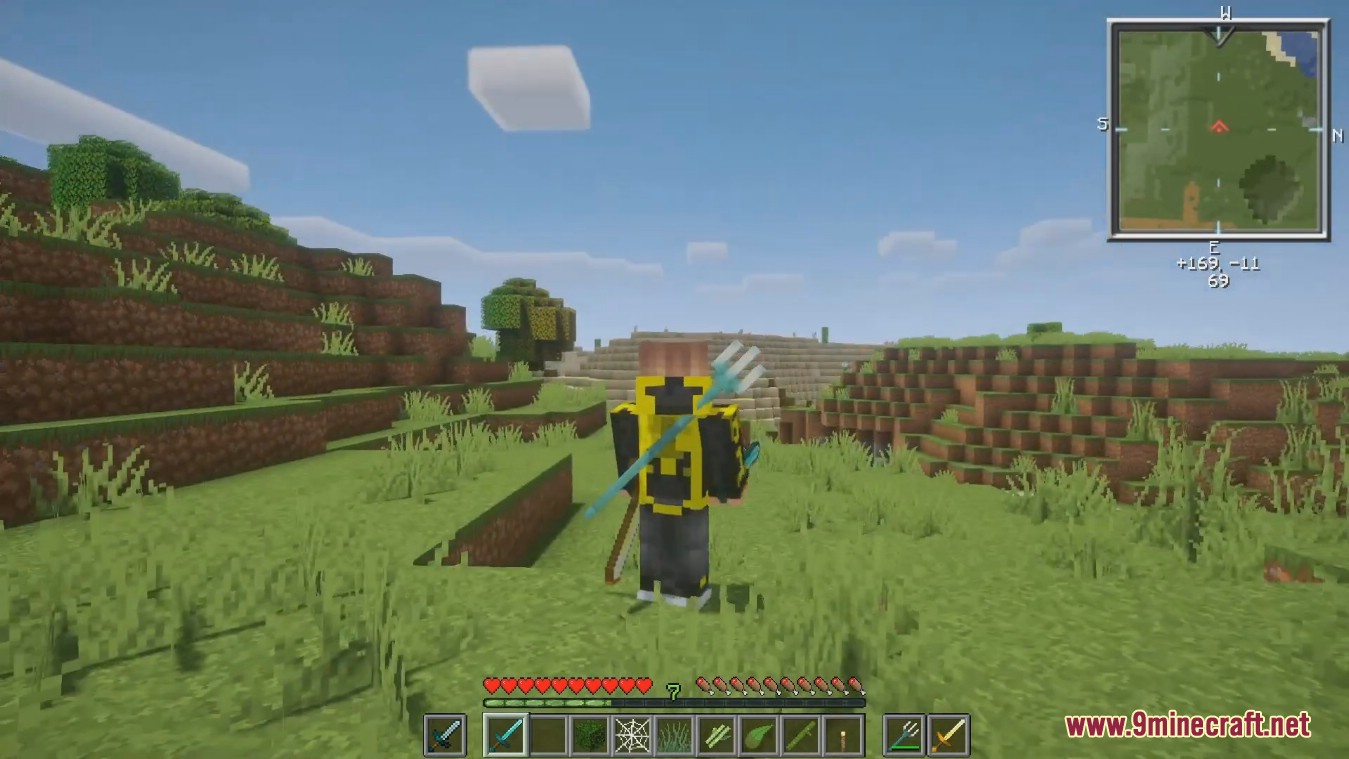
- Back Slot: Holds tools, swords, tridents, ranged weapons, and fishing rods.
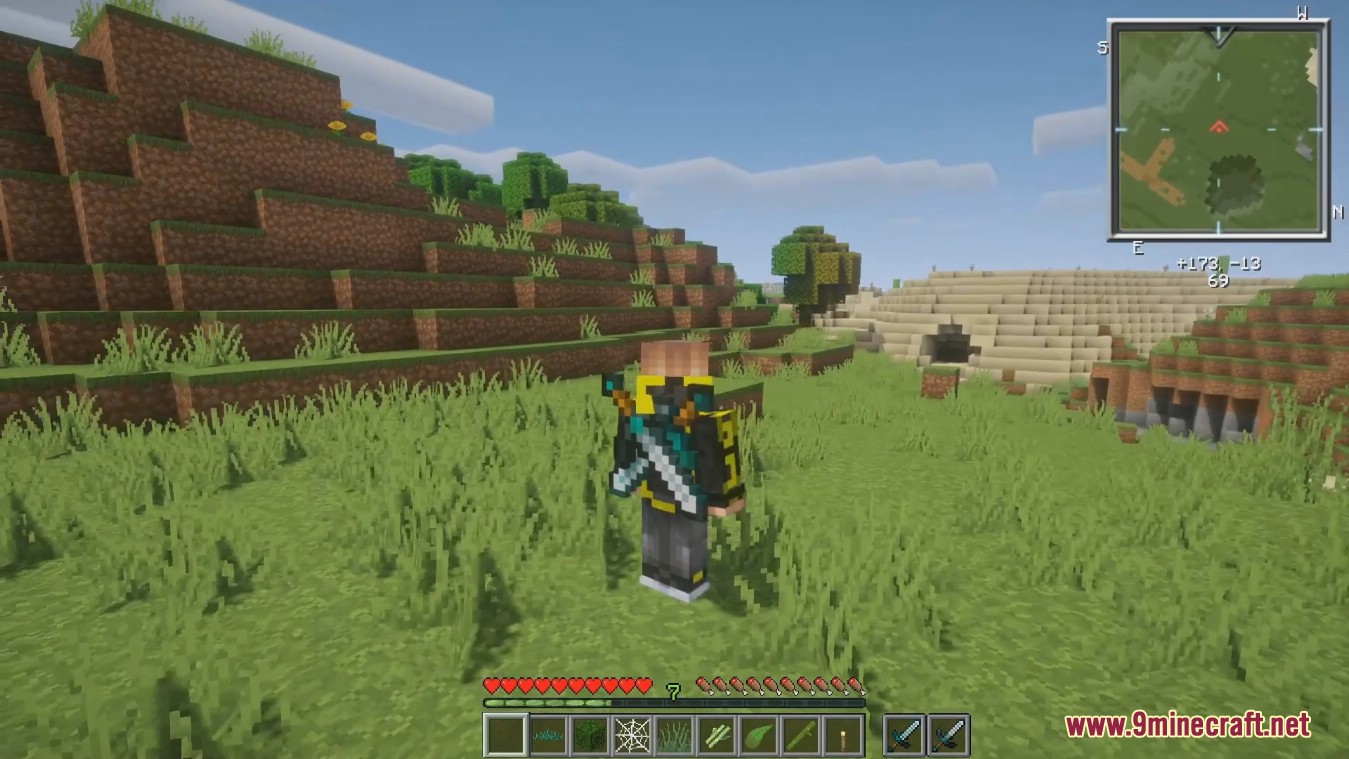
- Belt Slot: Holds tools, swords, flint and steel, and shears.
- Press the G key to place items like tridents on your back.
- Press Shift + G to add swords and other gear to your belt.
- Features a sword symbol representing the belt slot and a bow symbol representing the back slot.
How to Use:
- Open your inventory screen to see the two new slots near the crafting grid.
- Press the G key to put a weapon or tool into the back slot.
- Press Shift + G to place an item into the belt slot.
Screenshots:
BackSlot Mod Download Links
Quick facts
- Edition: Minecraft Java
- File type: .jar
- Minecraft versions listed: 26.3, 1.20.1
- How to install: Install the matching mod loader (Forge, Fabric or NeoForge) for your Minecraft version. → Download the .jar. → Put it in the .minecraft/mods folder and launch that loader profile.
- Where to get it: In MC Java Mods, or directly above on this page.
Install steps are the general flow for this file type — How to install Minecraft Java mods & modpacks walks through it step by step.
File checked by MCModsHub
- Download size: 197 KB
- Download link checked 25 Jul 2026 — working
- Mirrored on our own servers — the download does not depend on the original host
These come from our own check of the pack file, not from the source page.