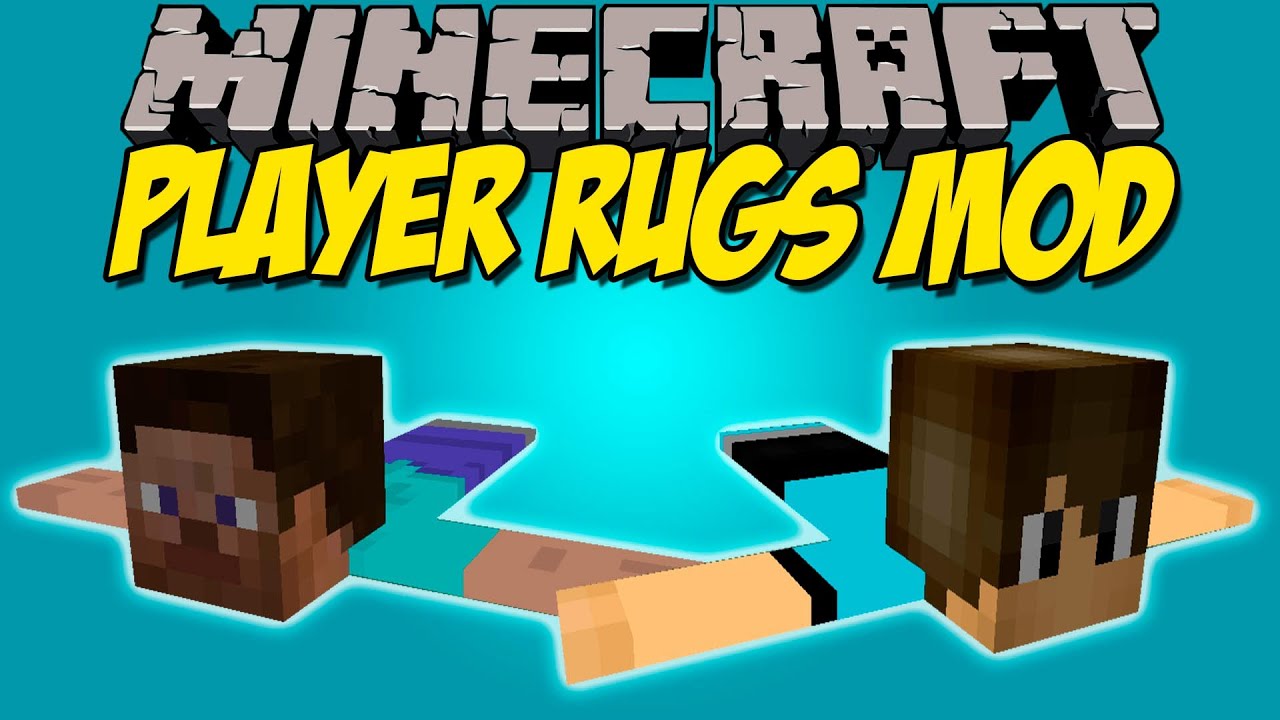
Player Rugs Mod (1.21.11, 1.20.1) – Decorate Your House with Friends Heads
Java mod listed for Minecraft 1.20–1.21. Downloads from the MC Java Mods app on Android.
⬇ Download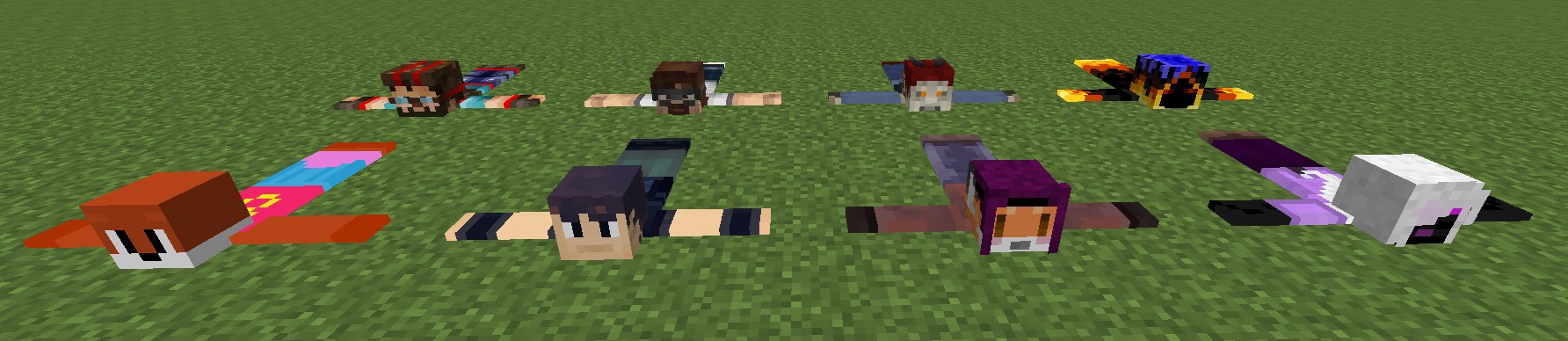
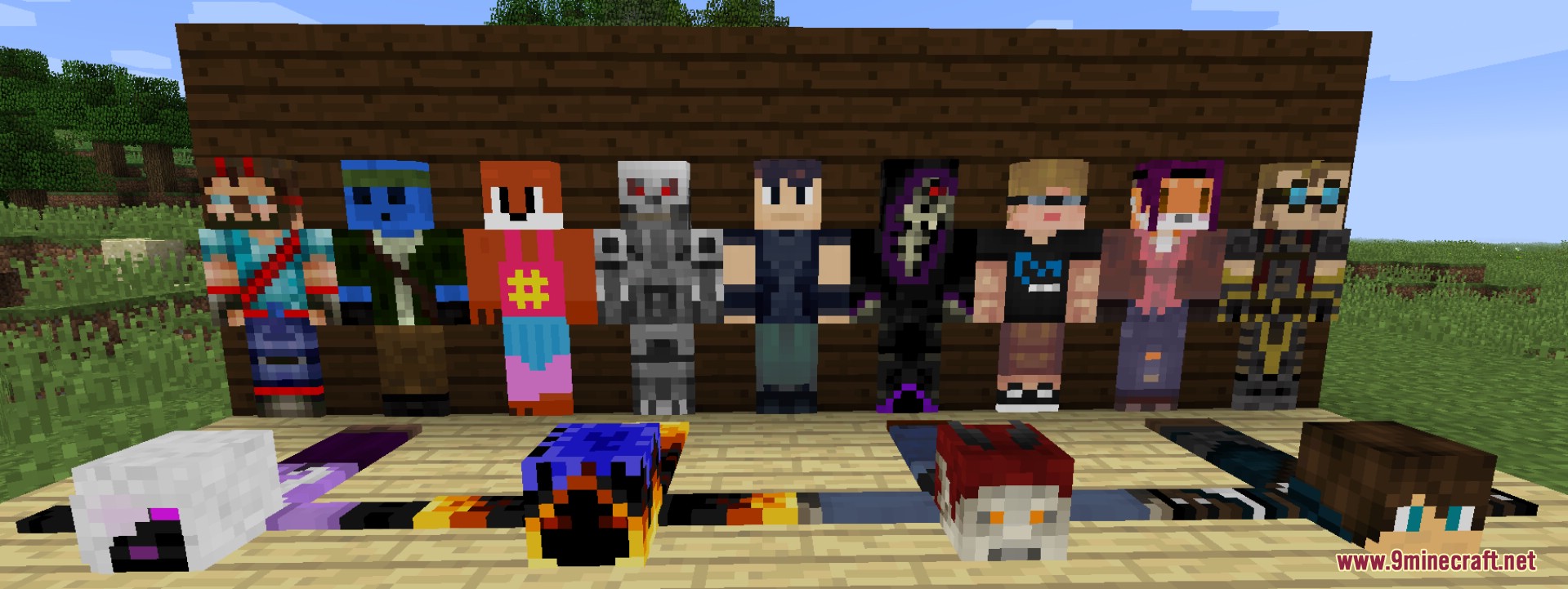
Player Rugs Mod allows you to have players as decorative rugs in your world, complete with skins and head. They serve no real purpose but you can use it as proof of who you may have slain or you just want something a bit wacky.
Features:
- Allows players to obtain a carpet version of another player’s skin.
- Uses a simple mechanic based on dropping a
minecraft:anvilonto a player. - Automatically generates a skin-accurate carpet when a player is crushed.
- Each carpet visually matches the exact appearance of the affected player.
- Carpets can be placed like normal carpets for decoration.
- Designed mainly for creative, decorative, and humorous gameplay.
- Works in multiplayer environments for player interaction and fun.
Screenshots:
Crafting Recipes:
Two ways to do it:
- Crafting a cross of leather in a 3×3 crafting grid but replace top middle leather with the players skull.
- Crush the player with an anvil.
- (Disabled by default, can be enabled in config) After acquiring a rug, the skin can be changed by renaming in an anvil
Player Rugs Mod Download Links
For Minecraft 1.21.11
NeoForge version: Download from Server 1 – Download from Server 2
For Minecraft 1.21.1, 1.21
NeoForge version: Download from Server 1 – Download from Server 2
For Minecraft 1.20.1, 1.20
Forge/NeoForge version: Download from Server 1 – Download from Server 2
For Minecraft 1.10.2, 1.9.4
Forge version: Download from Server 1
For Minecraft 1.8.9
Forge version: Download from Server 1 – Download from Server 2
For Minecraft 1.7.10
Forge version: Download from Server 1 – Download from Server 2
- Edition: Minecraft Java
- File type: .jar
- Minecraft versions listed: 1.21.11, 1.20.1
- How to install: Install the matching mod loader (Forge, Fabric or NeoForge) for your Minecraft version. → Download the .jar. → Put it in the .minecraft/mods folder and launch that loader profile.
- Where to get it: In MC Java Mods, or directly above on this page.
Install steps are the general flow for this file type — How to install Minecraft Java mods & modpacks walks through it step by step.
Player Rugs Mod (1.21.11, 1.20.1) – Decorate Your House with Friends Heads is a free Minecraft Java mod. Compatible with Minecraft 1.21.11, 1.20.1. Download it and open it directly in the game.