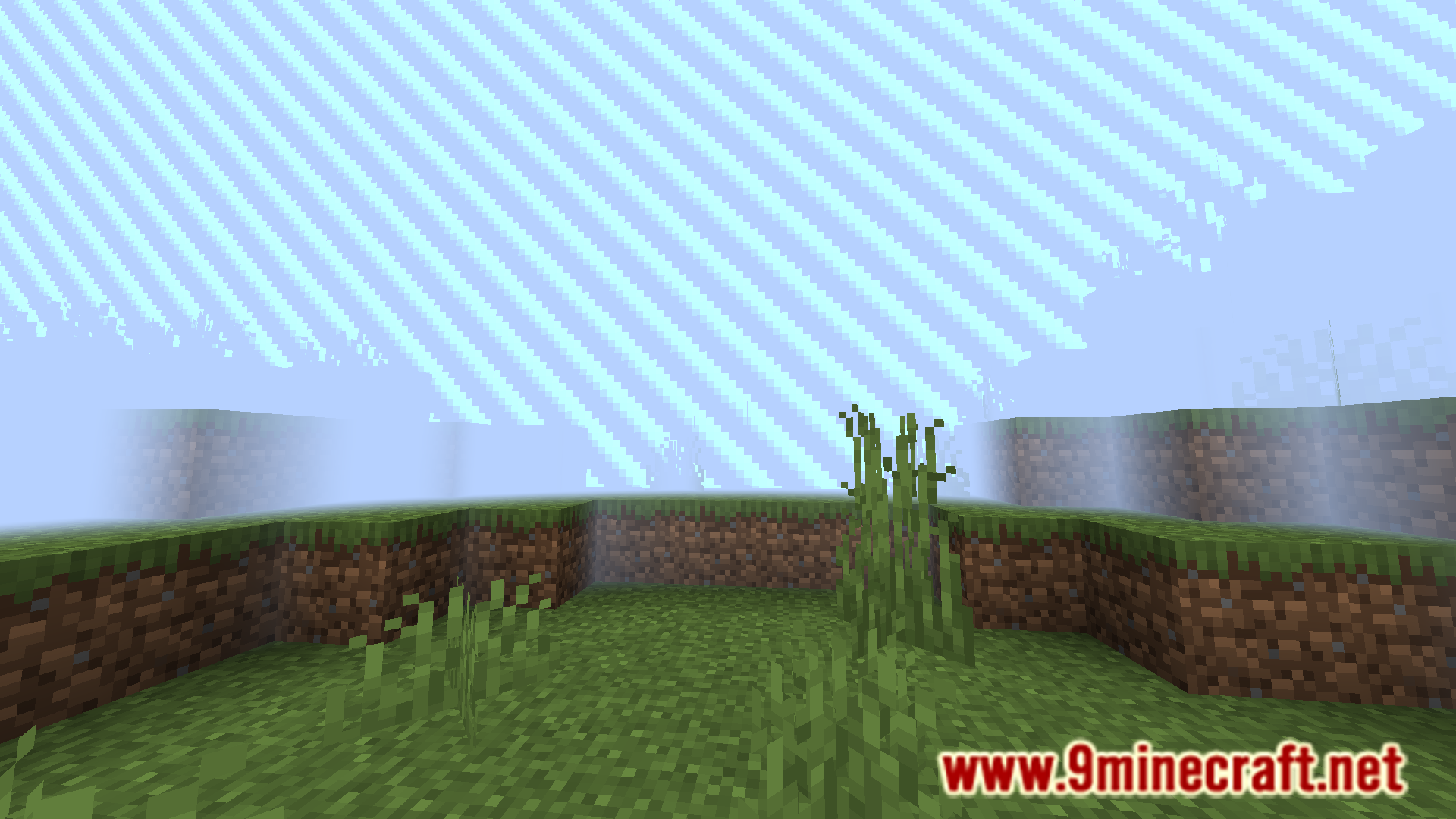
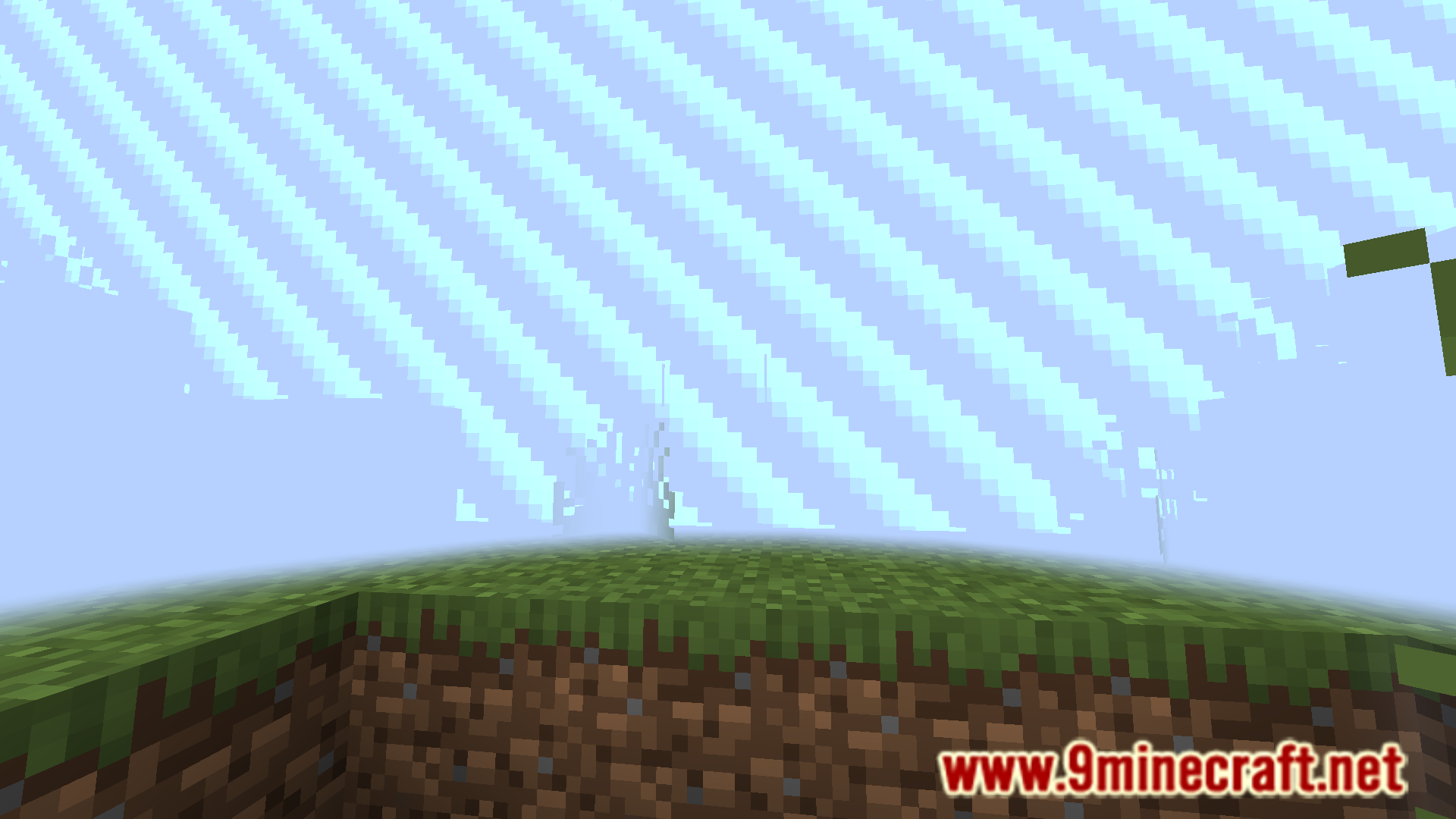
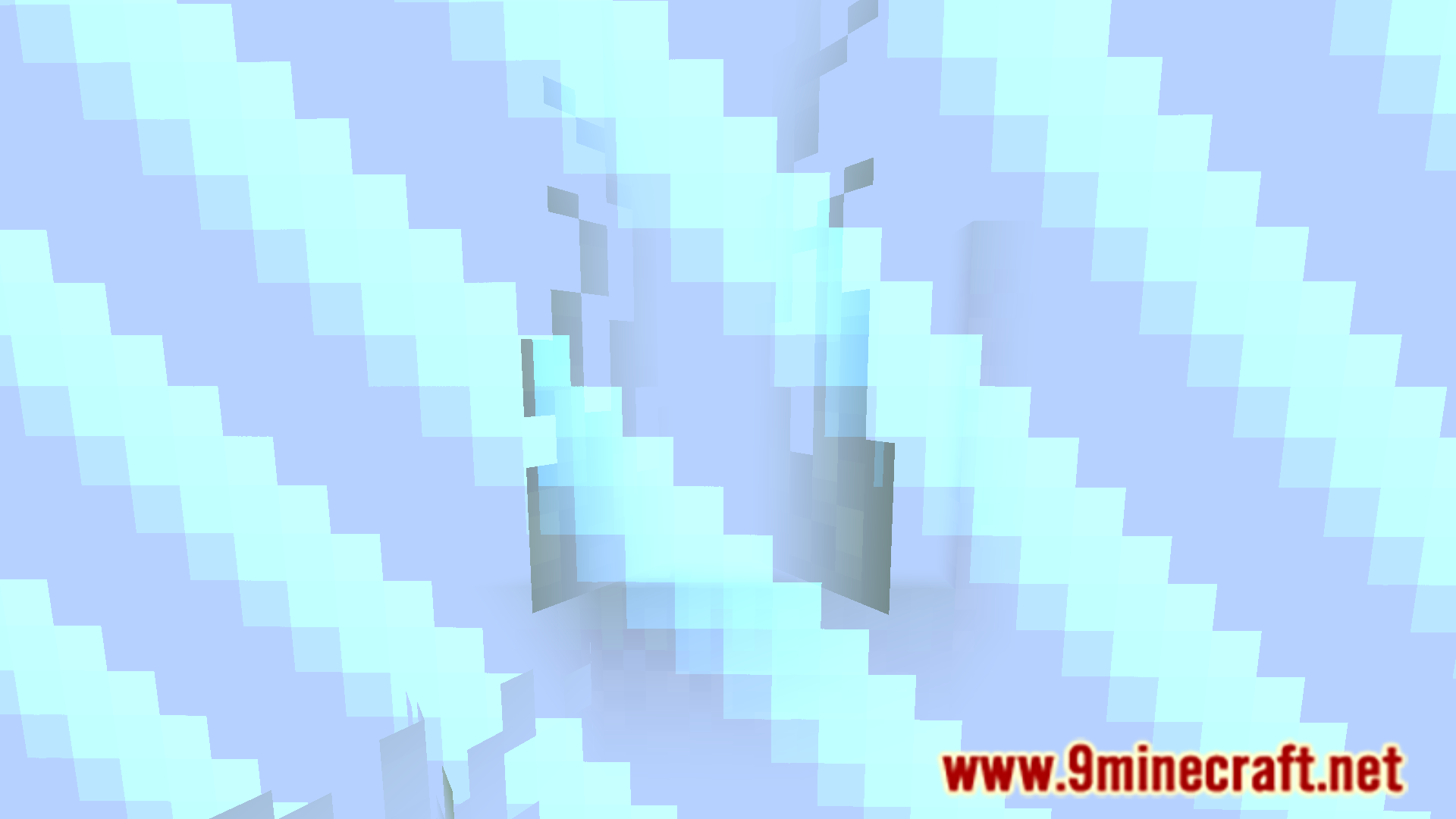
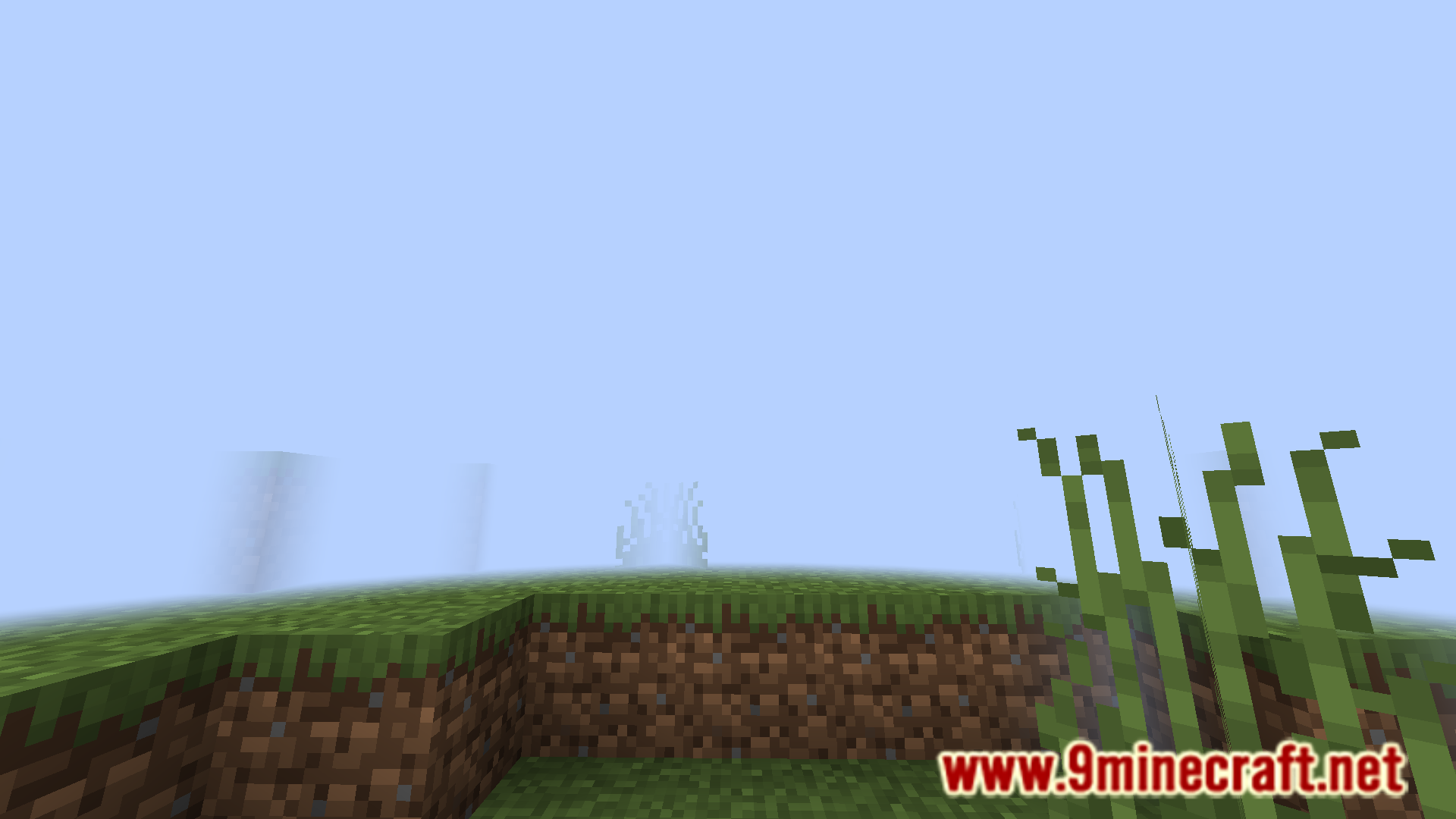
Foggy Border Mod is a simple, light-weight mod that helps make the game more immersive. As the name suggests, this mod makes your world border appear as a thick fog instead of the vanilla striped translucent border. As you get closer and closer to the world border, the fog slowly begins to creep upon you. This will especially be useful on servers and mini-games where the world border is closer to you.
Features:
- Changes the world border to make it more immersive.
- Adds a dense fog that becomes thicker as you approach the border.
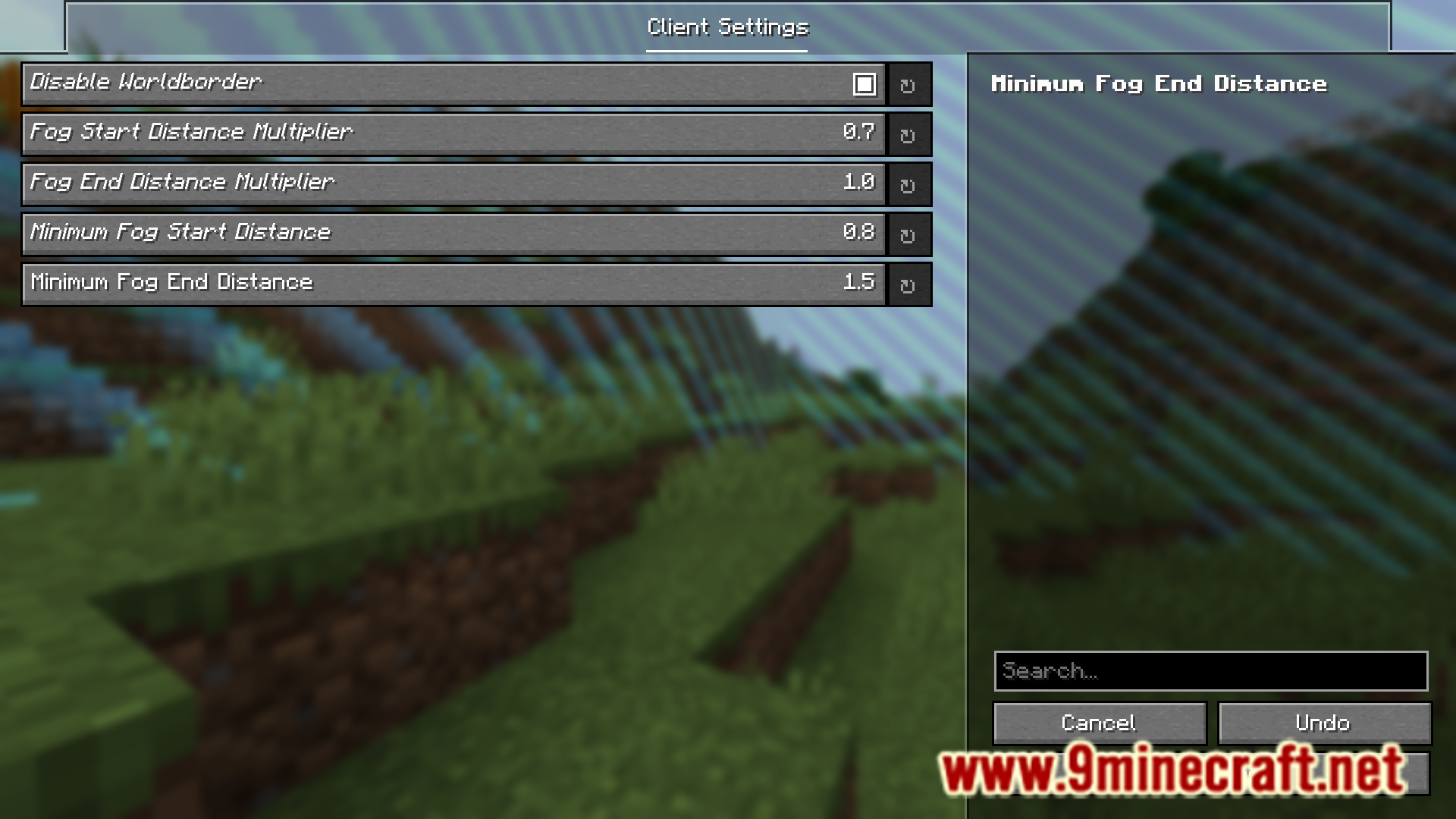
- The fog is highly configurable.
Screenshots:
Foggy Border Mod Download Links
For Minecraft 1.21.11, 1.21.10, 1.21.9
Fabric version: Download from Server 1 – Download from Server 2
For Minecraft 1.21.8, 1.21.7, 1.21.6
Fabric version: Download from Server 1 – Download from Server 2
For Minecraft 1.21.5
Fabric version: Download from Server 1 – Download from Server 2
For Minecraft 1.21.4
Fabric version: Download from Server 1 – Download from Server 2
For Minecraft 1.21.3, 1.21.2
Fabric version: Download from Server 1 – Download from Server 2
For Minecraft 1.21.1, 1.21
Fabric version: Download from Server 1 – Download from Server 2
For Minecraft 1.20.4, 1.20.1
Fabric version: Download from Server 1 – Download from Server 2
- Edition: Minecraft Java
- File type: .jar
- Minecraft versions listed: 1.21.11, 1.20.1
- How to install: Install the matching mod loader (Forge, Fabric or NeoForge) for your Minecraft version. → Download the .jar. → Put it in the .minecraft/mods folder and launch that loader profile.
- Where to get it: In MC Java Mods, or directly above on this page.
Install steps are the general flow for this file type — How to install Minecraft Java mods & modpacks walks through it step by step.
Foggy Border Mod (1.21.11, 1.20.1) – More Immersive World Border is a free Minecraft Java mod. Compatible with Minecraft 1.21.11, 1.20.1. Download it and open it directly in the game.