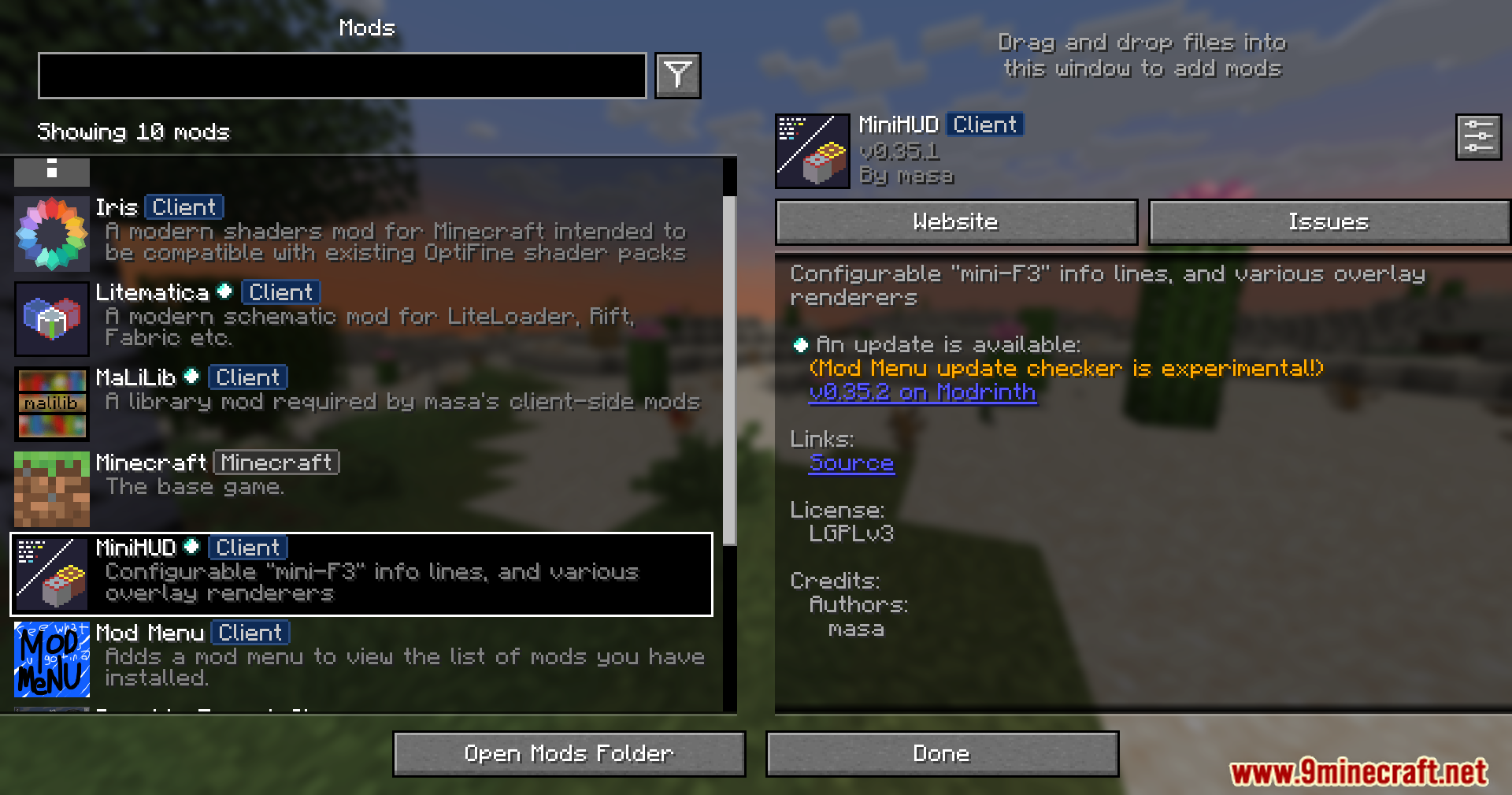
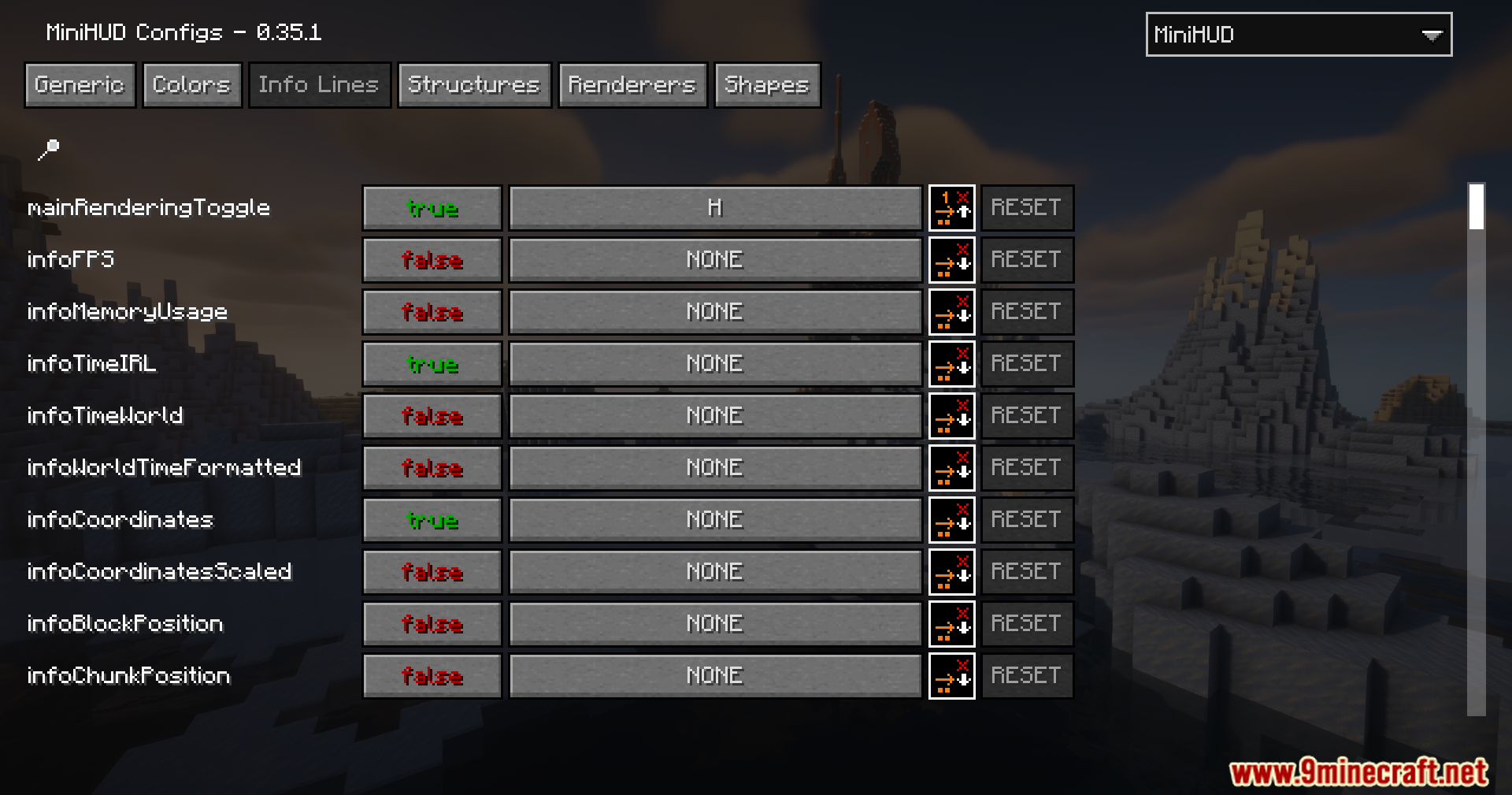
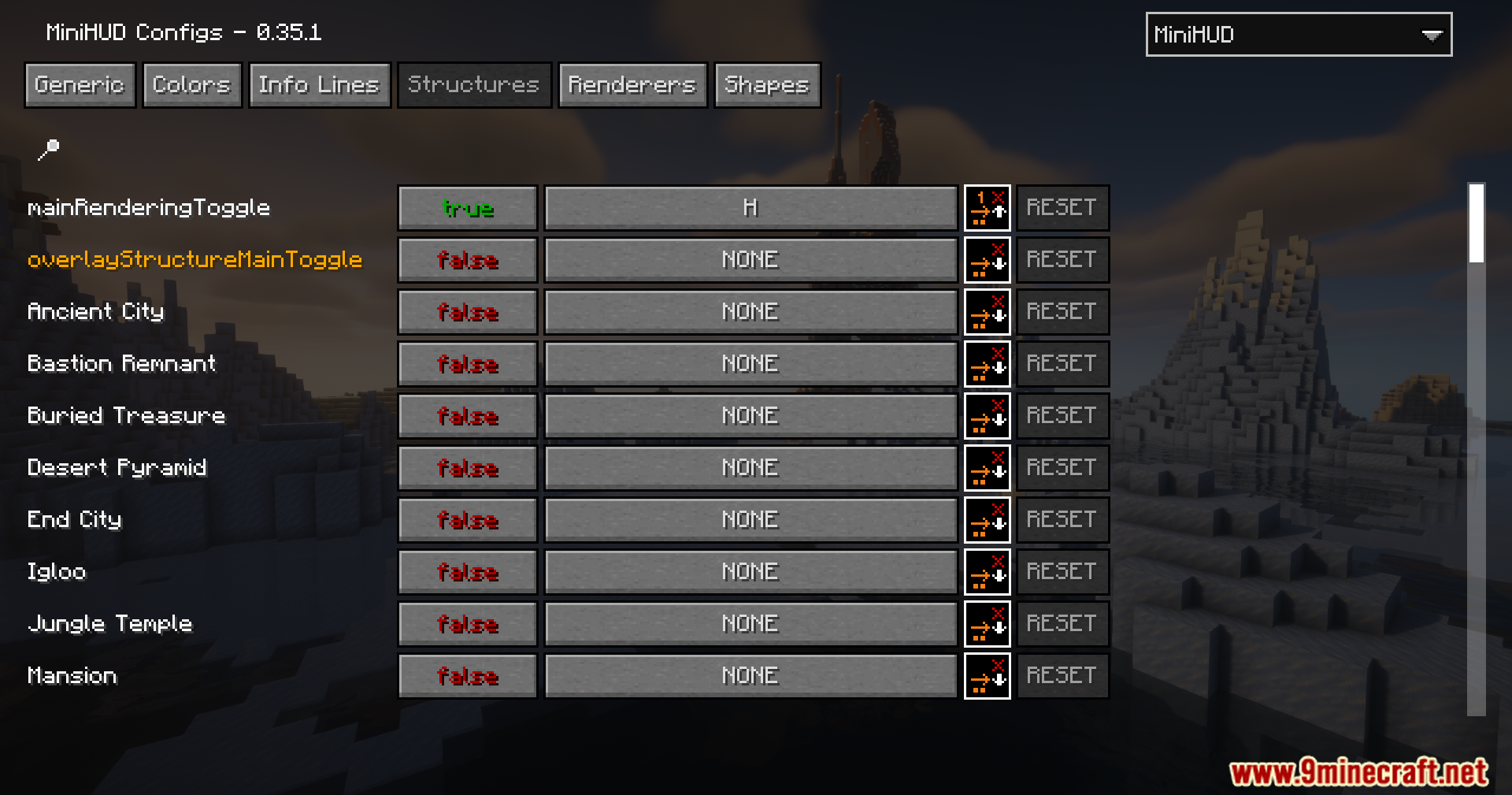
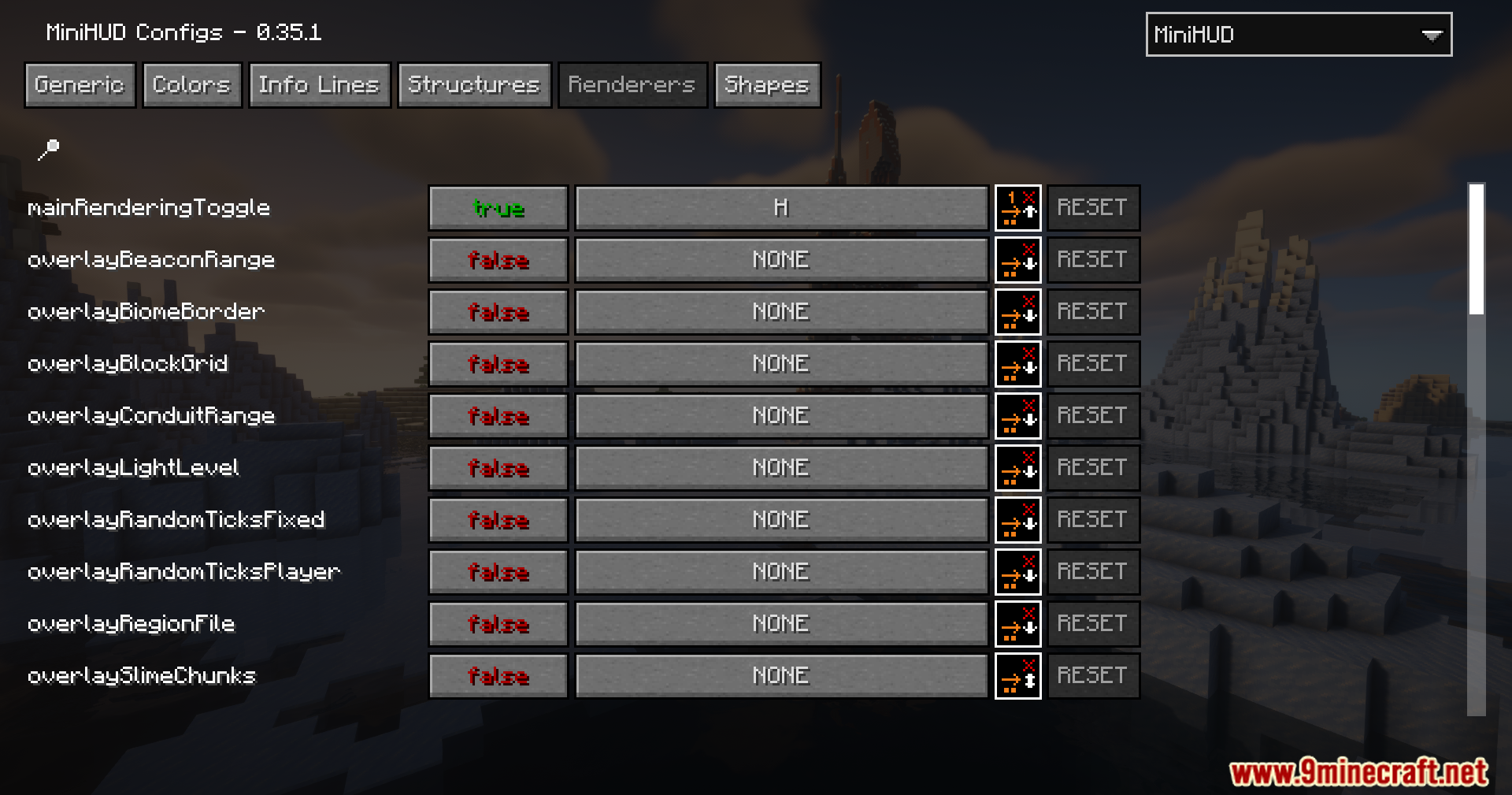
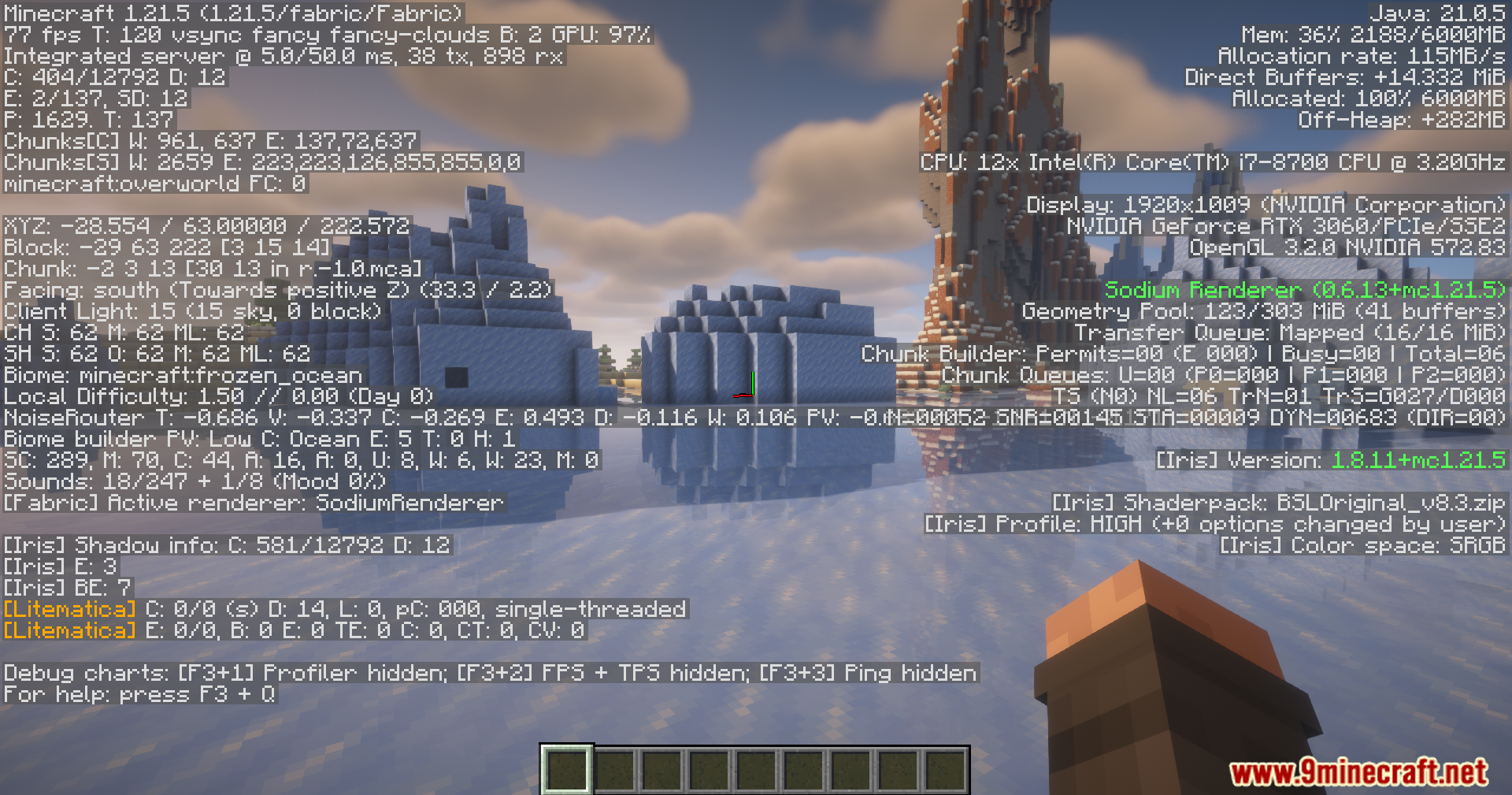
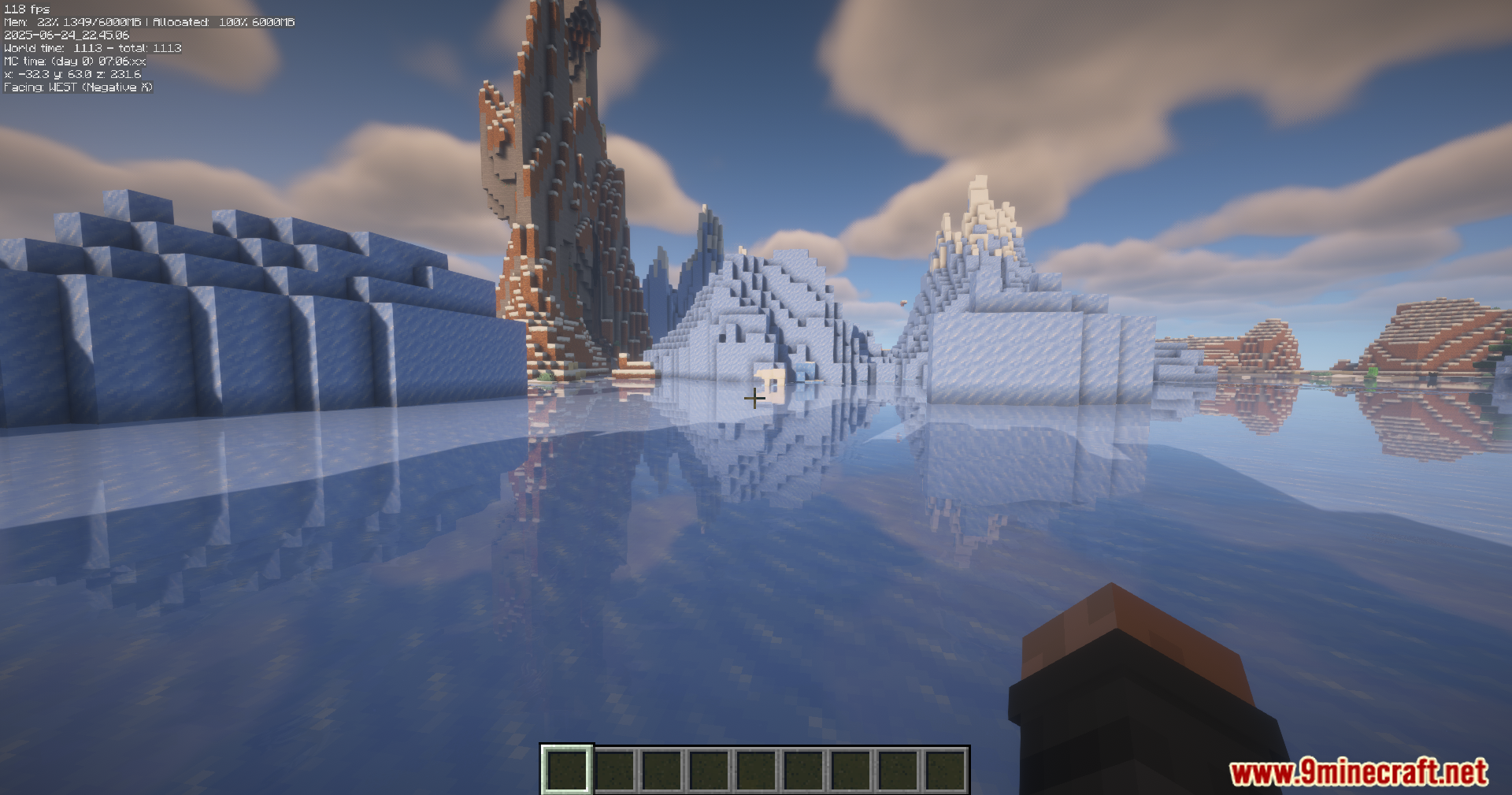
MiniHUD Update Port Mod displays compact, customizable debug information and overlay renderers in-game, like a mini F3 screen with extra features.
Features:
- Displays light levels, slime chunks, spawn areas, and more.
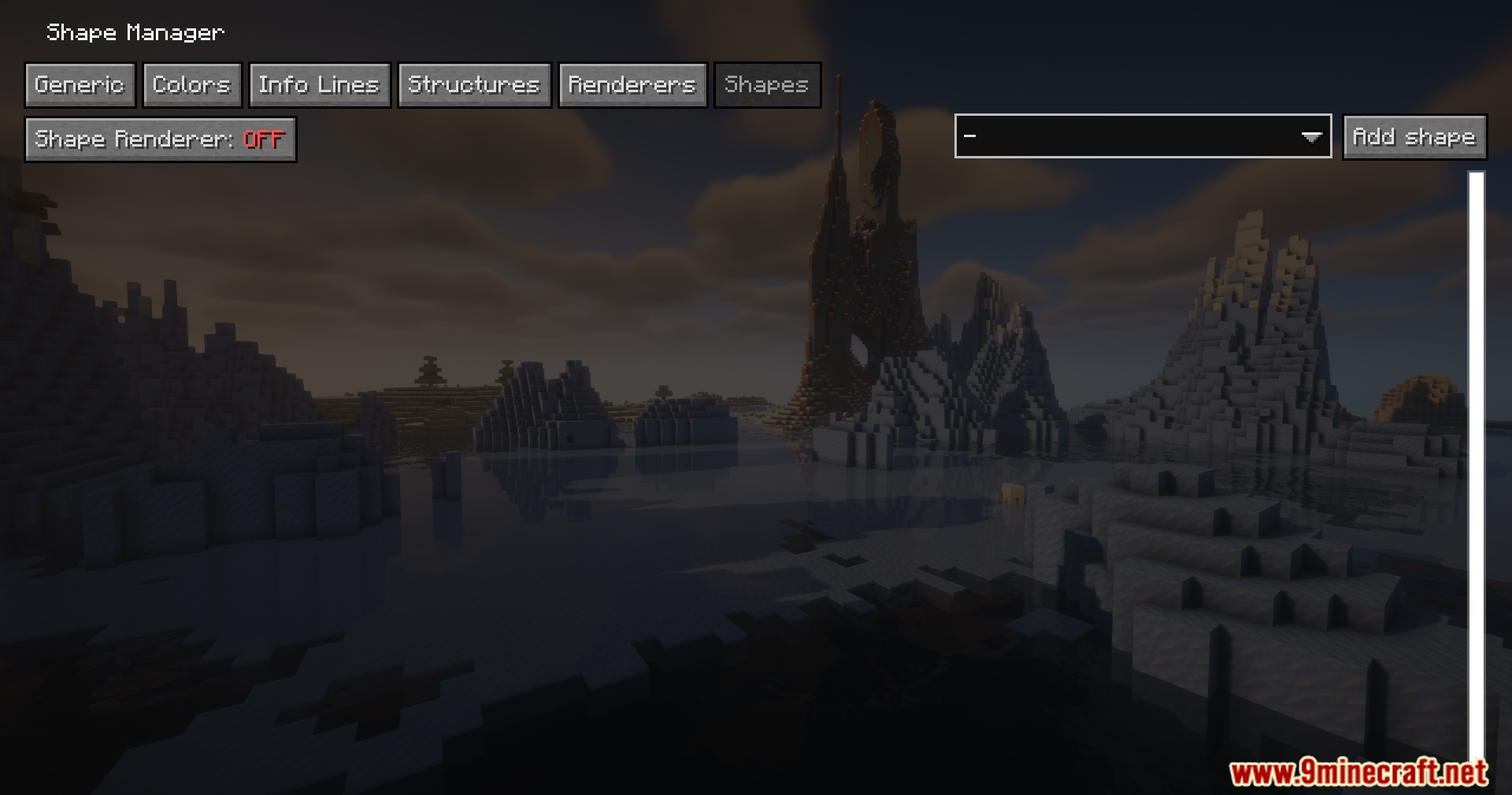
- Visual overlays for bounding boxes, shapes (circles, spheres), and region files.
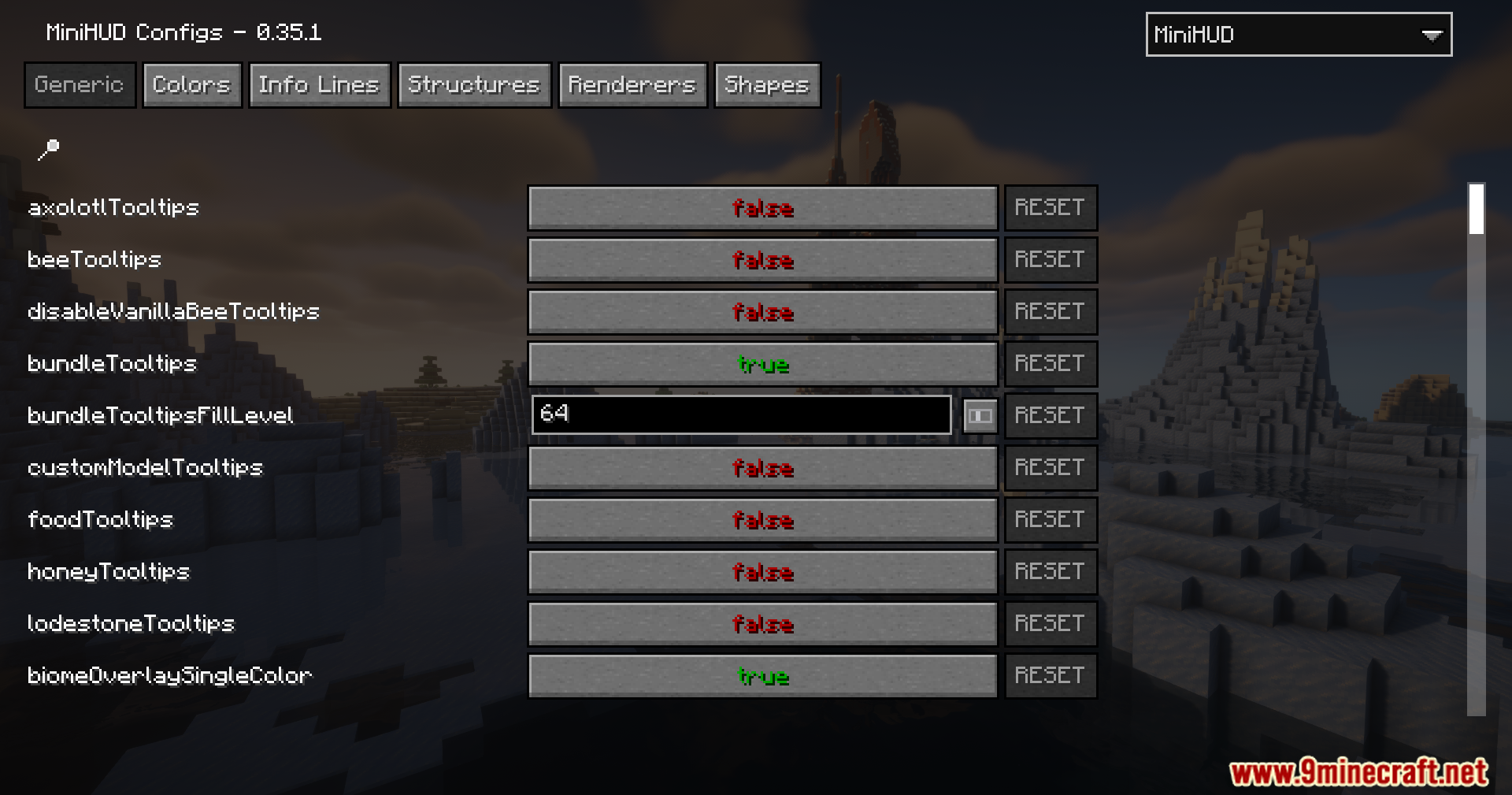
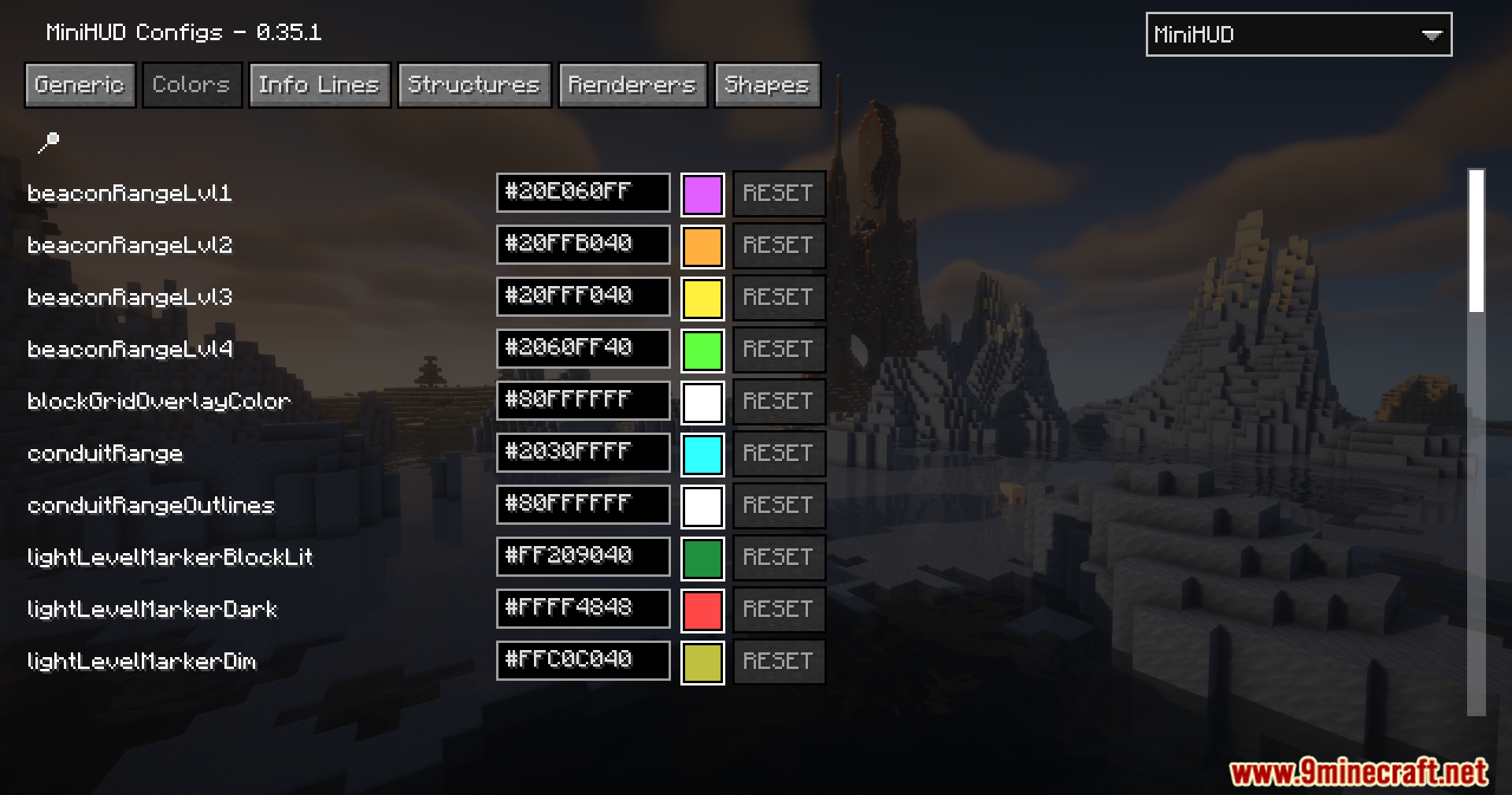
- Highly customizable and toggleable in-game.
- Default hotkeys:
- H – Toggle all rendering
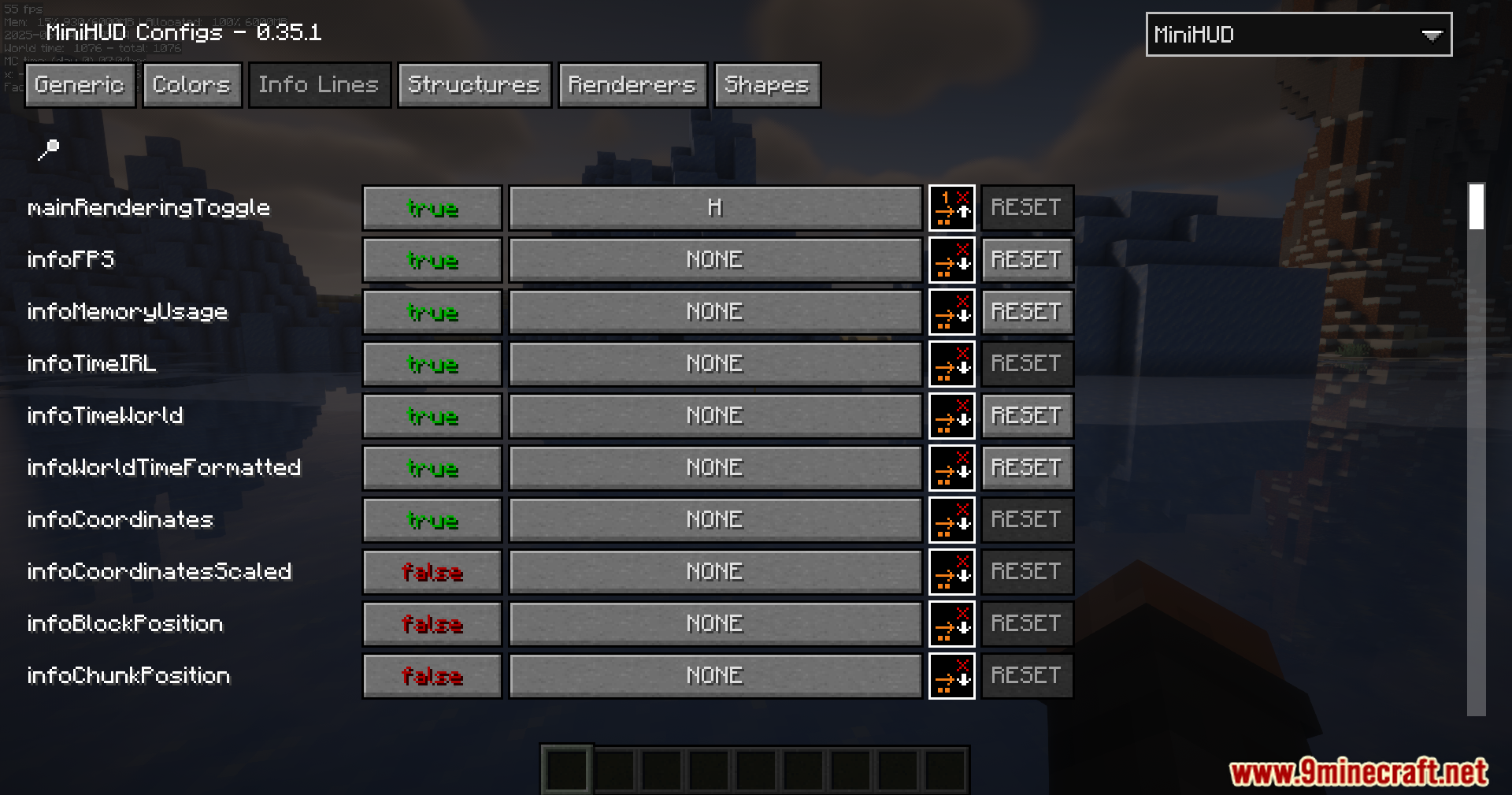
- H + C – Open in-game config
Screenshots:
MiniHUD Update Port Mod Download Links
For Minecraft 1.21.11
Fabric version: Download from Server 1 – Download from Server 2
For Minecraft 1.21.10, 1.21.9
Fabric version: Download from Server 1 – Download from Server 2
For Minecraft 1.21.8, 1.21.7
Fabric version: Download from Server 1 – Download from Server 2
For Minecraft 1.21.8, 1.21.7, 1.21.6
Fabric version: Download from Server 1 – Download from Server 2
For Minecraft 1.21.5
Fabric version: Download from Server 1 – Download from Server 2
For Minecraft 1.21.4
Fabric version: Download from Server 1 – Download from Server 2
For Minecraft 1.21.3, 1.21.2
Fabric version: Download from Server 1 – Download from Server 2
For Minecraft 1.21.1, 1.21
Fabric version: Download from Server 1 – Download from Server 2
- Edition: Minecraft Java
- File type: .jar
- Minecraft versions listed: 1.21.11, 1.21.1
- How to install: Install the matching mod loader (Forge, Fabric or NeoForge) for your Minecraft version. → Download the .jar. → Put it in the .minecraft/mods folder and launch that loader profile.
- Where to get it: In MC Java Mods, or directly above on this page.
Install steps are the general flow for this file type — How to install Minecraft Java mods & modpacks walks through it step by step.
MiniHUD Update Port Mod (1.21.11, 1.21.1) – Overlays For Everything is a free Minecraft Java mod. Compatible with Minecraft 1.21.11, 1.21.1. Download it and open it directly in the game.