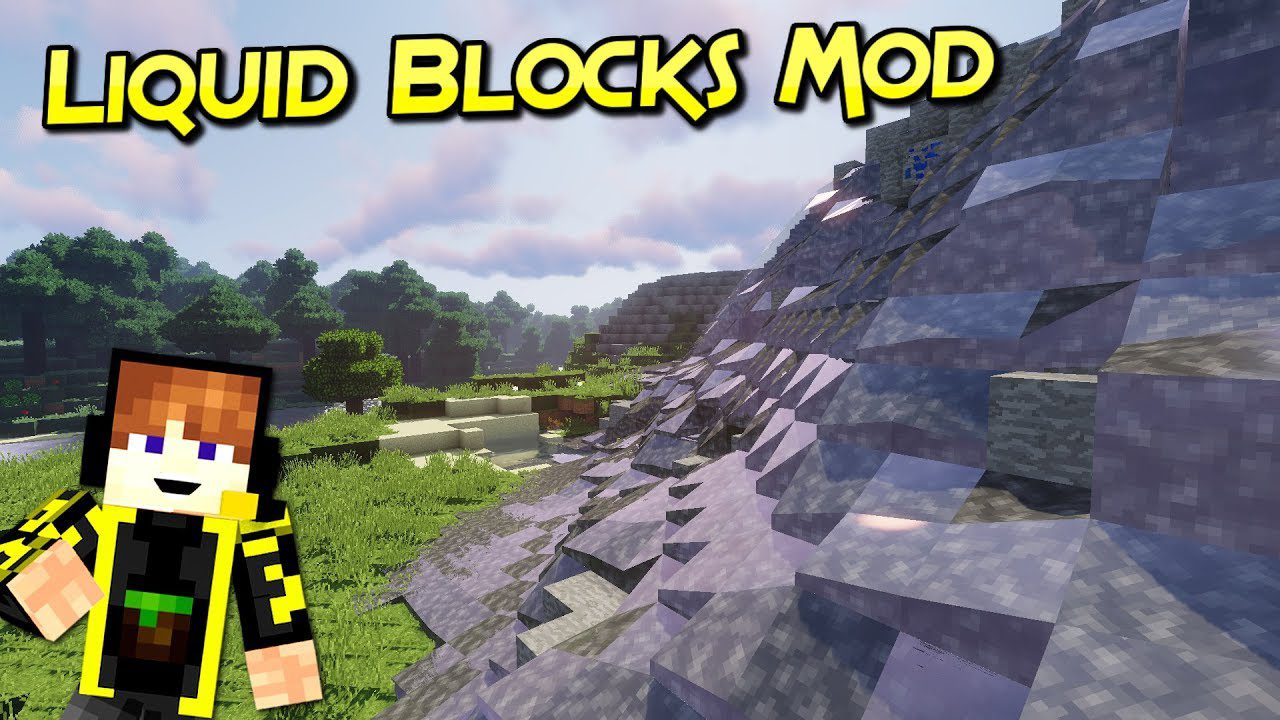
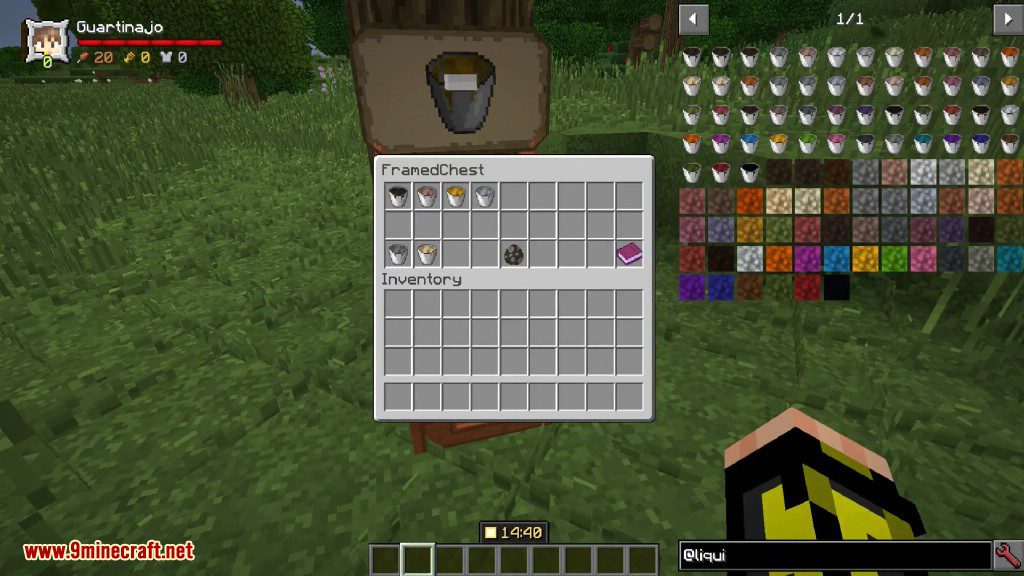
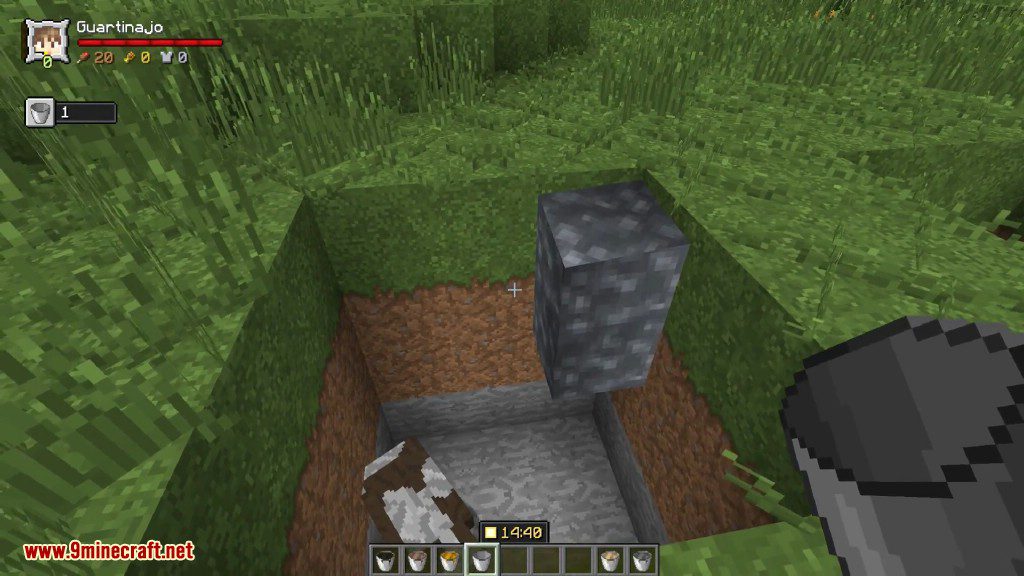
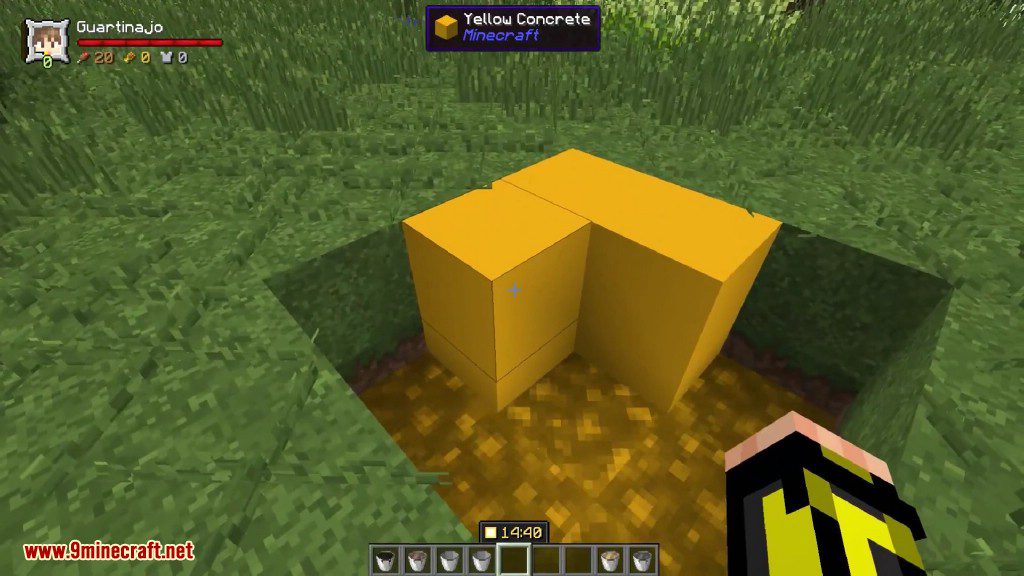
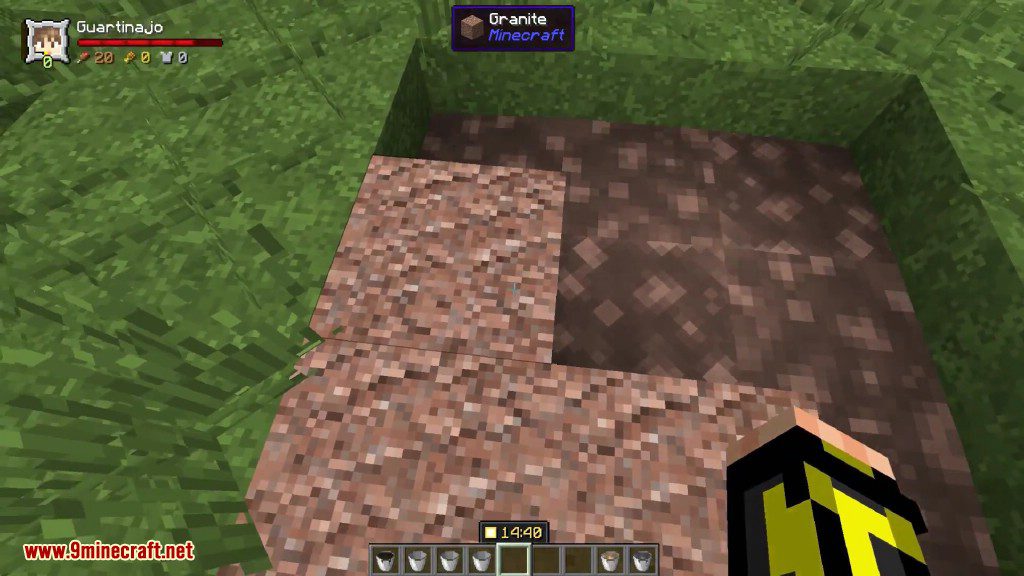
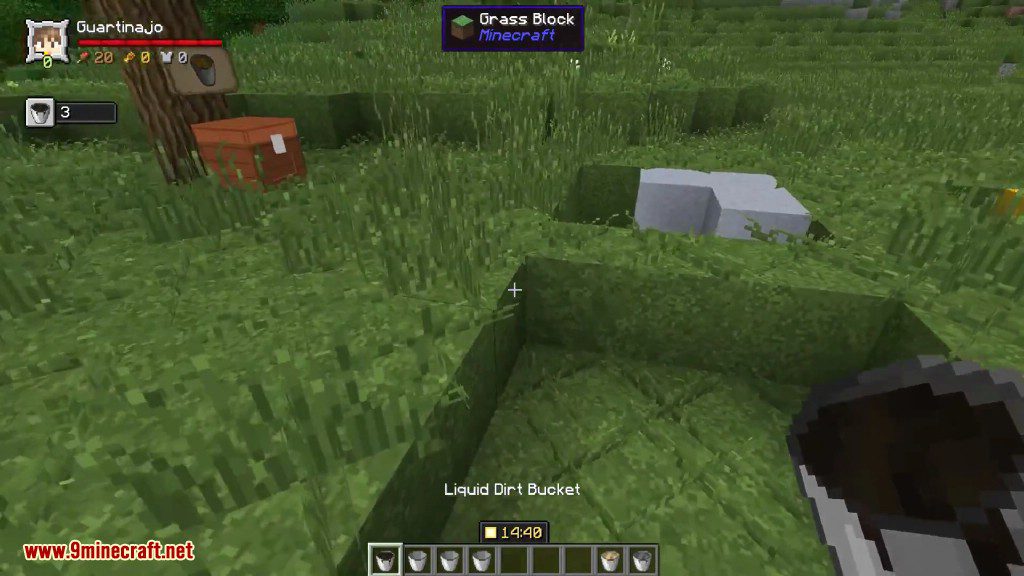
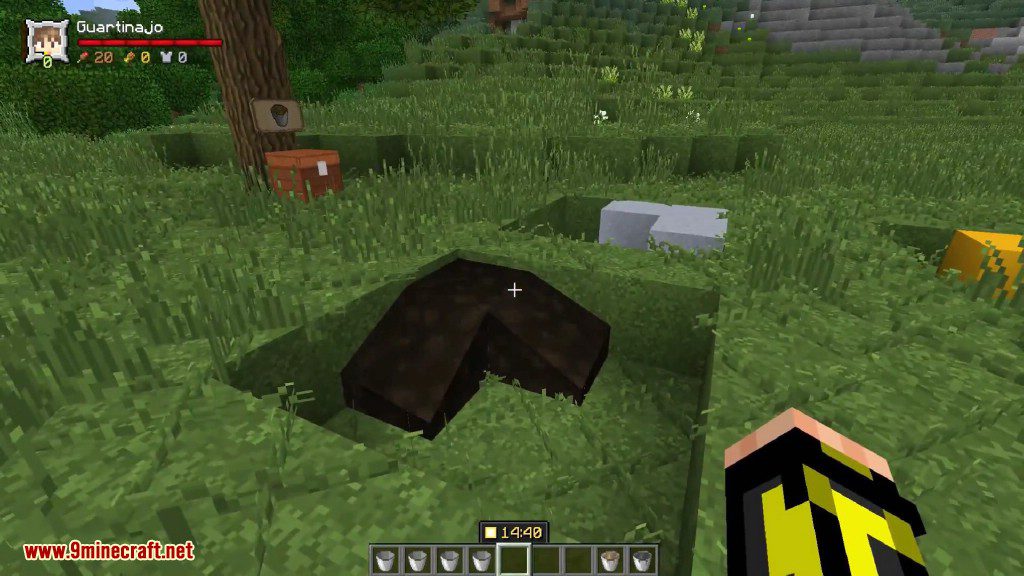
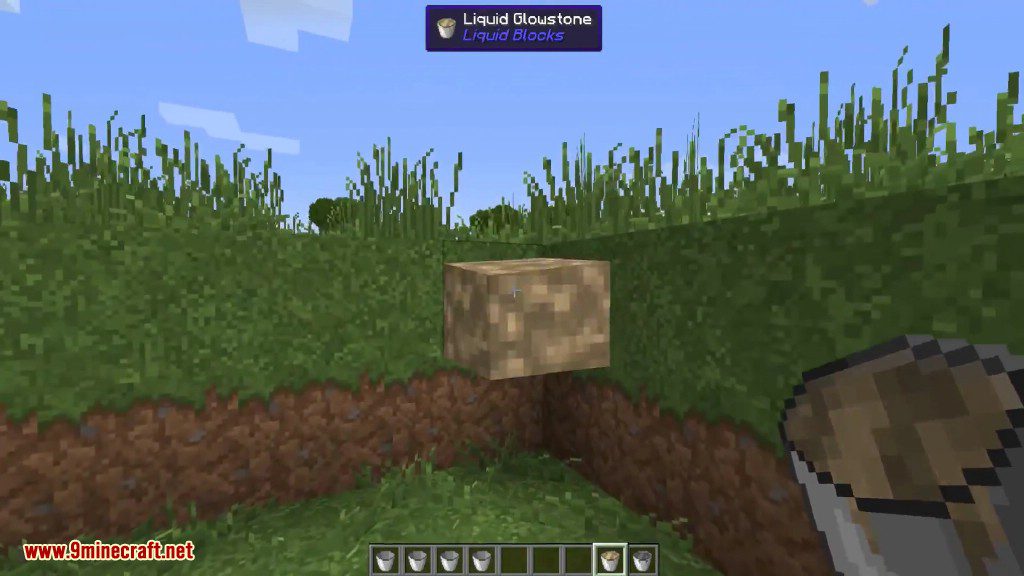
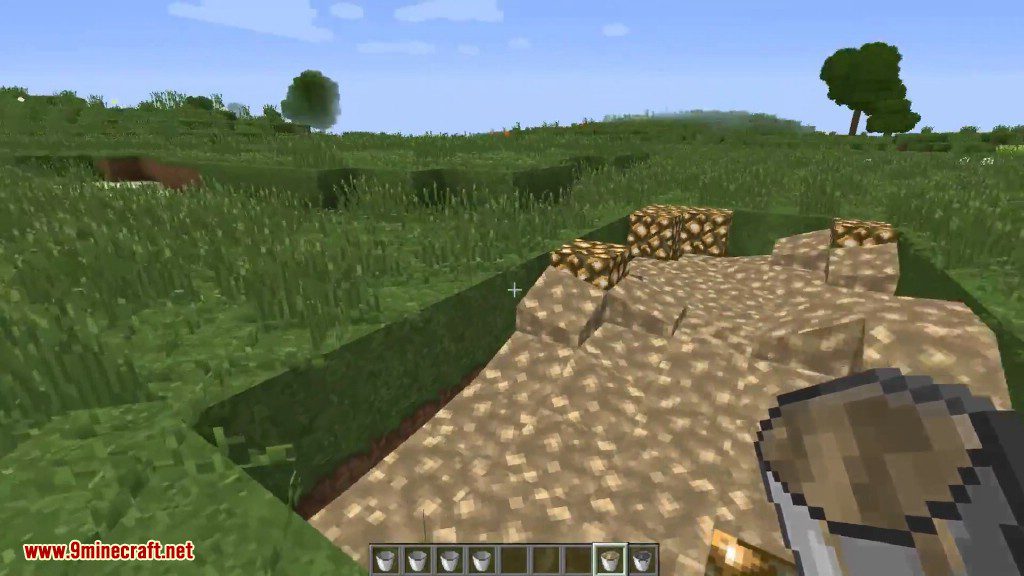
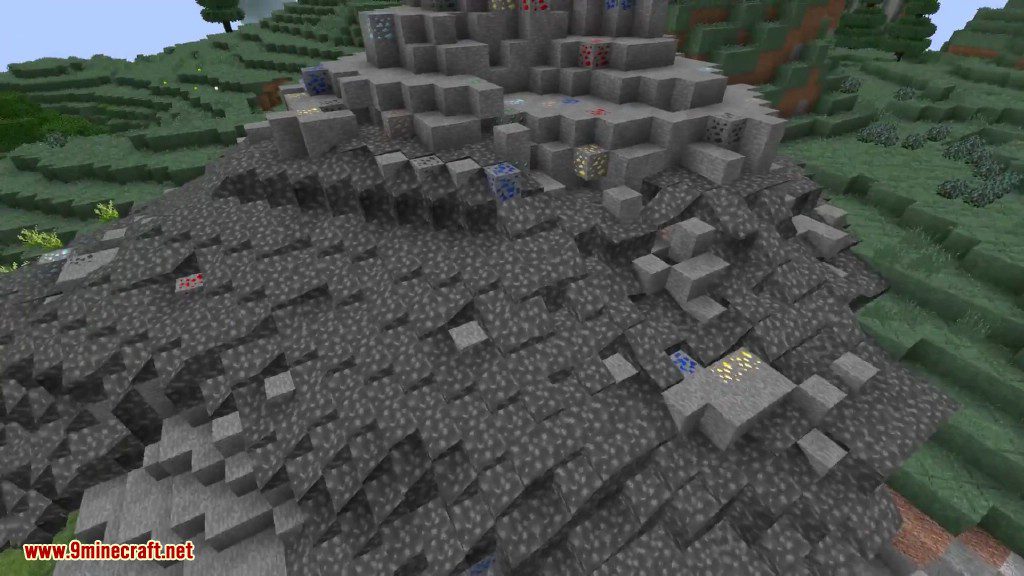
Liquid Blocks Mod adds liquid versions of earth, stone, ore and other blocks. Need to fill spots fast? This mod is for you. Just craft the bucket of the fluid, place it down and watch as it solidifies after the specified time in the config (200 ticks by default). That’s pretty much it. It’s liquid blocks that you can use like cement to fill in areas.
Features:
This mod adds liquid versions of many common blocks, allowing them to be placed as fluids and then solidify into normal blocks.
Available liquid blocks:
- Dirt
- Coarse Dirt
- Podzol
- Stone
- Granite
- Andesite
- Diorite
- Sandstone (including Red Sandstone)
- Sand (including Red Sand)
- Soul Sand and Netherrack
- Clay
- Terracotta and Stained Terracotta (all colors)
- Concrete (all colors)
- Gravel
- Glowstone
- Magma Block
How it works:
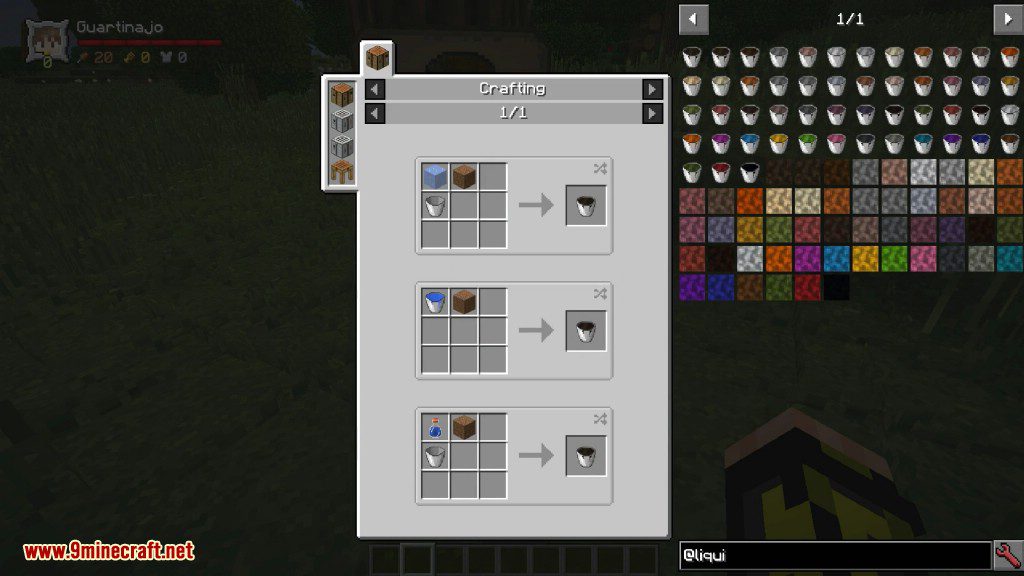
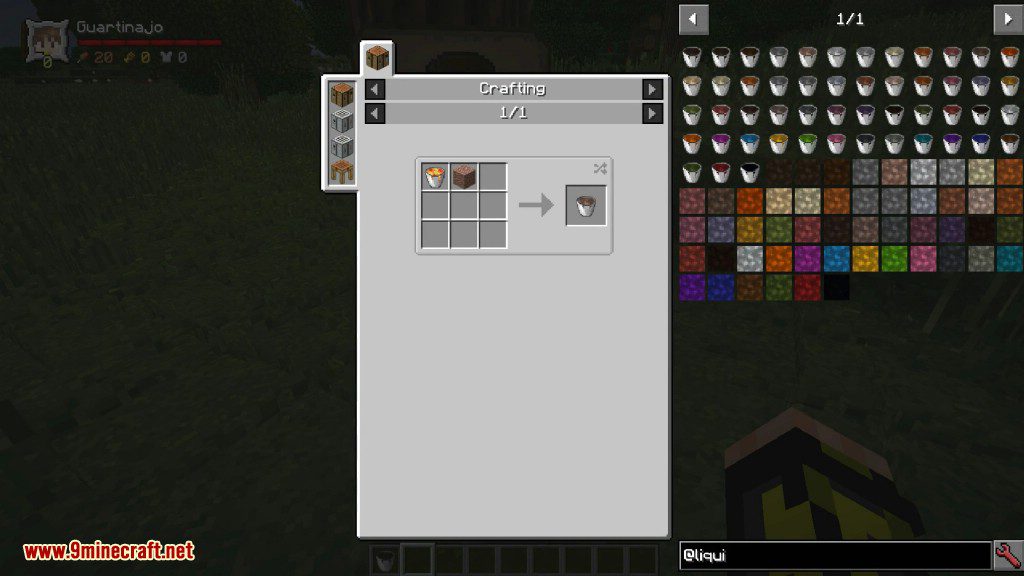
- Craft a bucket of the desired liquid block.
- Place it like a normal fluid.
- After a set time, it solidifies into its block form.
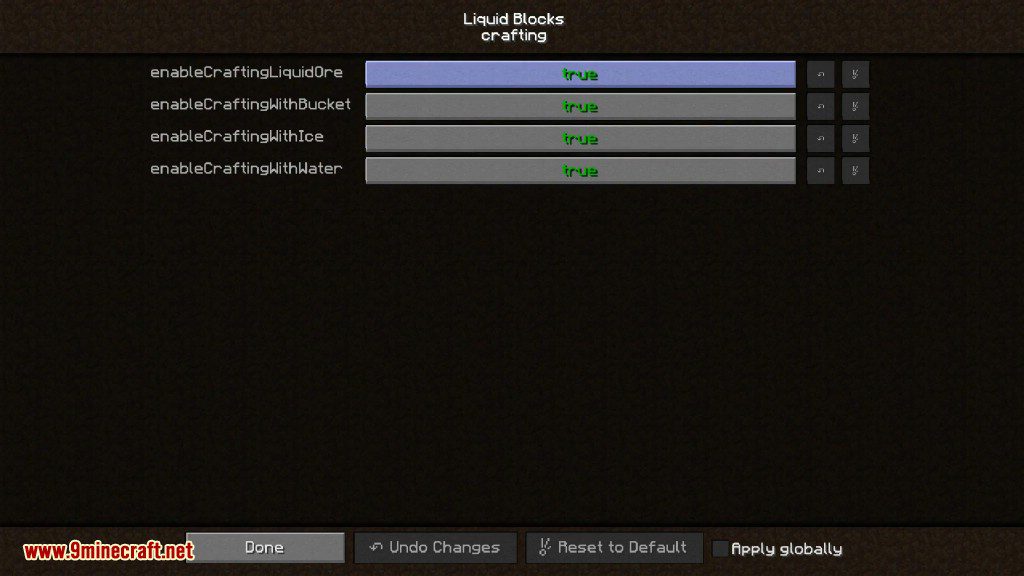
- Default solidification time is
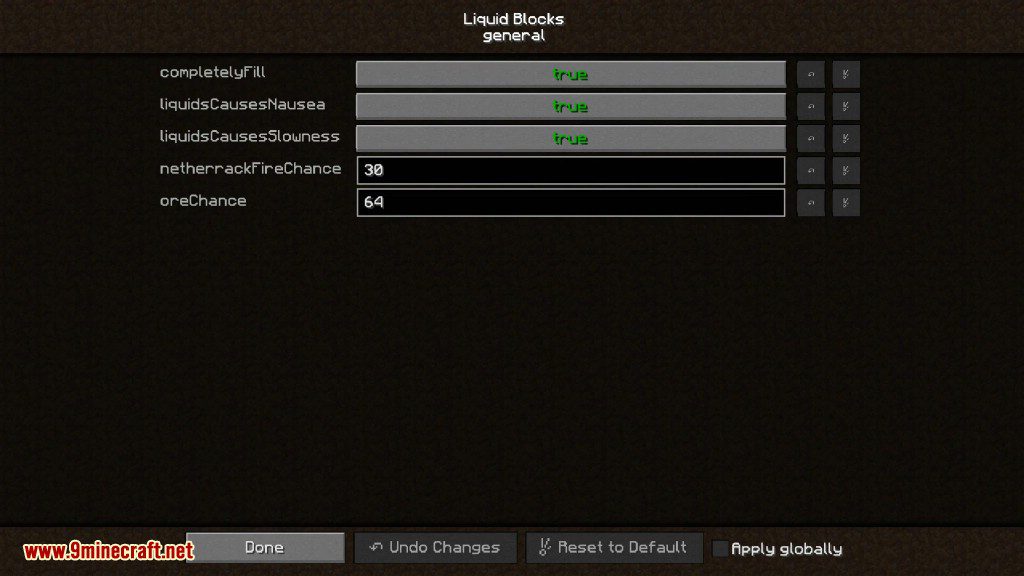
200 ticks(configurable).
Additional notes:
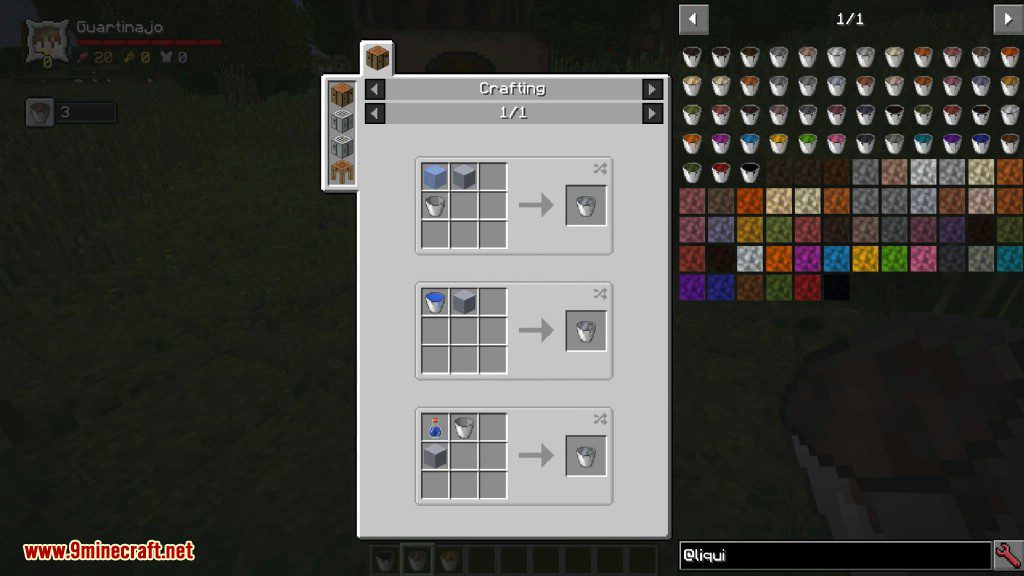
- Using JEI is recommended to view crafting recipes.
- These fluids behave like building materials, similar to cement.
- Ideal for filling gaps and shaping terrain easily.
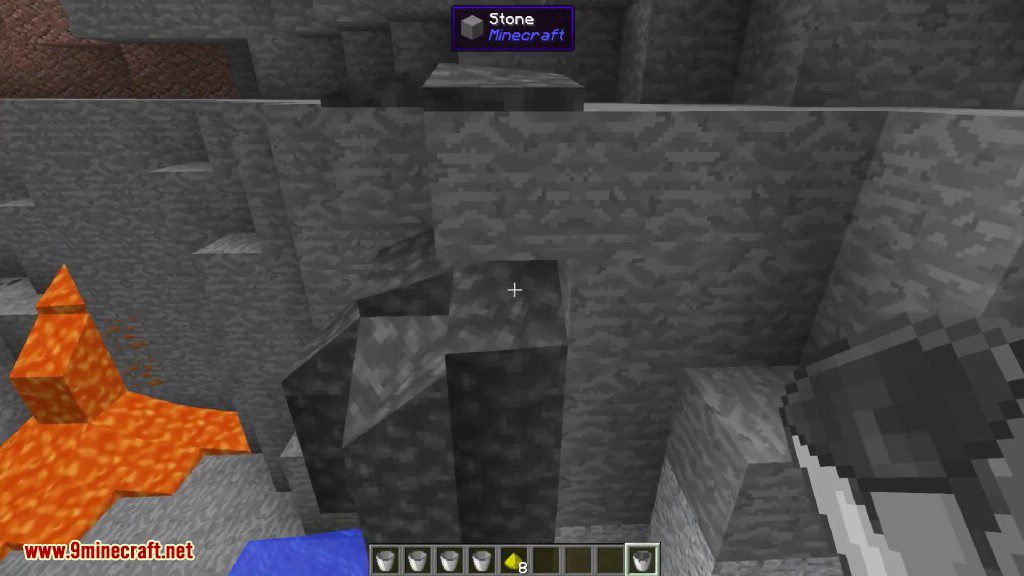
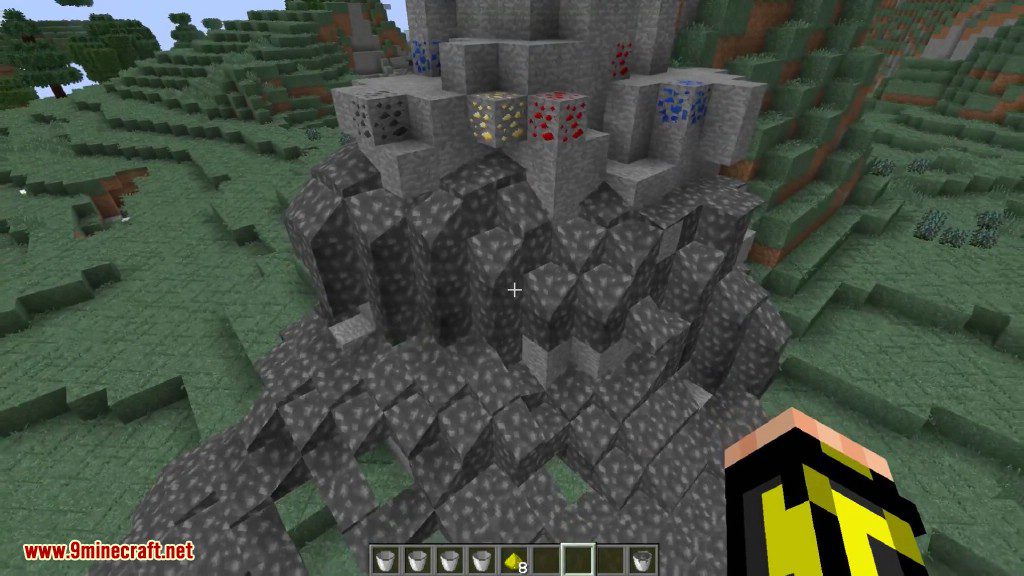
Screenshots:
Crafting Recipes:
Liquid Blocks Mod Download Links
For Minecraft 1.12.2
Forge version: Download from Server 1
For Minecraft 1.16.5
Forge version: Download from Server 1
For Minecraft 1.17.1
Forge version: Download from Server 1
For Minecraft 1.18.1
Forge version: Download from Server 1
For Minecraft 1.18.2
Forge version: Download from Server 1 – Download from Server 2
For Minecraft 1.19
Forge version: Download from Server 1
For Minecraft 1.19.1
Forge version: Download from Server 1
For Minecraft 1.19.2
Forge version: Download from Server 1 – Download from Server 2
For Minecraft 1.19.3
Forge version: Download from Server 1 – Download from Server 2
For Minecraft 1.19.4
Forge version: Download from Server 1 – Download from Server 2
For Minecraft 1.20.1, 1.20
Forge version: Download from Server 1 – Download from Server 2
For Minecraft 1.20.2
Forge version: Download from Server 1 – Download from Server 2
For Minecraft 1.20.4
NeoForge version: Download from Server 1 – Download from Server 2
For Minecraft 1.20.6
NeoForge version: Download from Server 1 – Download from Server 2
For Minecraft 1.21.1, 1.21
NeoForge version: Download from Server 1 – Download from Server 2
For Minecraft 1.21.4
NeoForge version: Download from Server 1 – Download from Server 2
For Minecraft 1.21.5
NeoForge version: Download from Server 1 – Download from Server 2
For Minecraft 1.21.8, 1.21.7, 1.21.6
NeoForge version: Download from Server 1 – Download from Server 2
For Minecraft 1.21.10, 1.21.9
NeoForge version: Download from Server 1 – Download from Server 2
For Minecraft 1.21.11
NeoForge version: Download from Server 1 – Download from Server 2
- Edition: Minecraft Java
- File type: .jar
- Minecraft versions listed: 1.21.11, 1.20.1
- How to install: Install the matching mod loader (Forge, Fabric or NeoForge) for your Minecraft version. → Download the .jar. → Put it in the .minecraft/mods folder and launch that loader profile.
- Where to get it: In MC Java Mods, or directly above on this page.
Install steps are the general flow for this file type — How to install Minecraft Java mods & modpacks walks through it step by step.
- Downloads as 175717.mcaddon
- Download size: 108 KB
- Download link checked 25 Jul 2026 — working
- Mirrored on our own servers — the download does not depend on the original host
These come from our own check of the pack file, not from the source page.