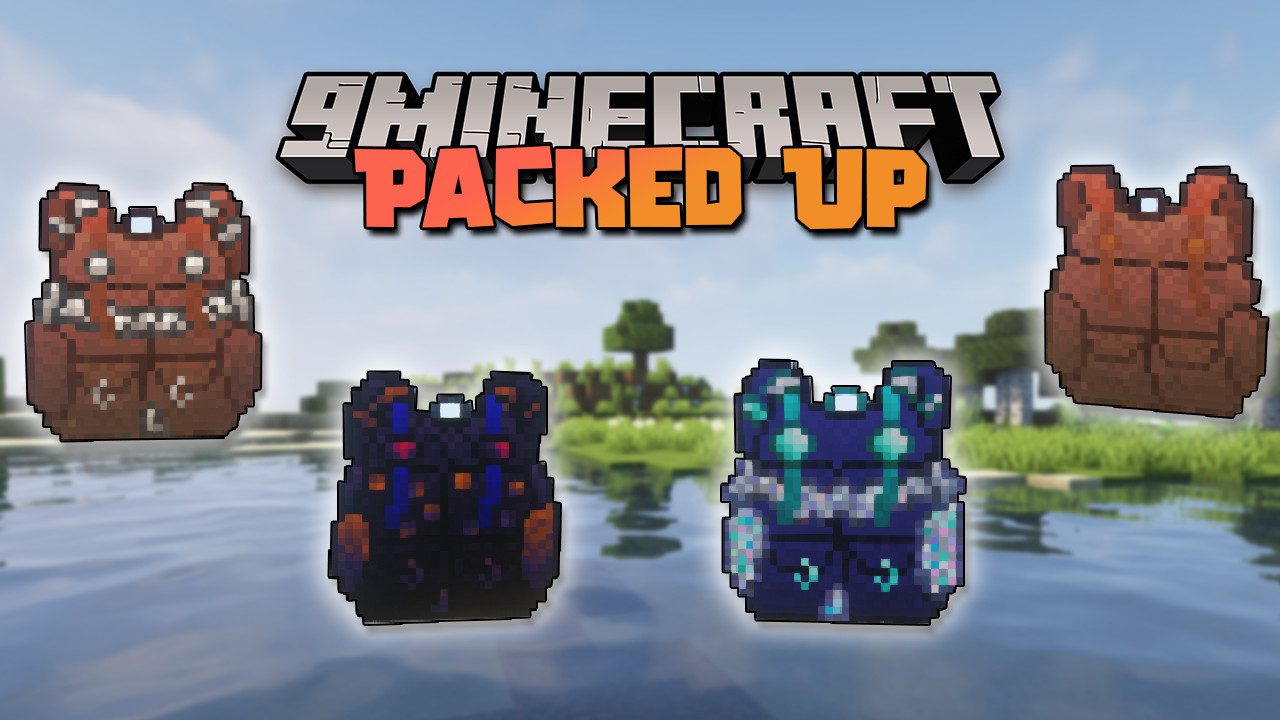
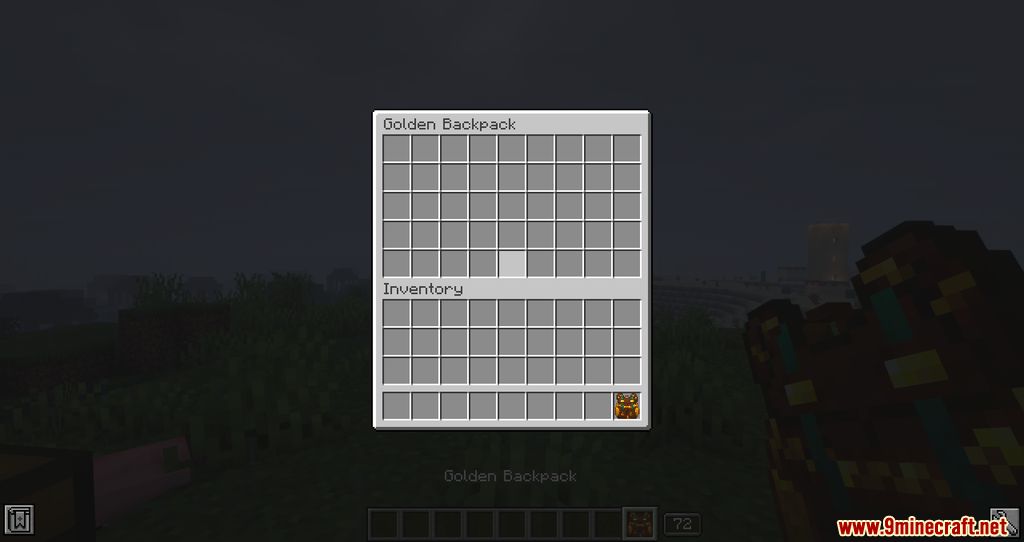
Packed Up Mod is a mod focused on giving players the ability to craft backpacks using several predefined materials. These backpacks provide players with the versatility of carrying items at all times, along with extra storage capacity.
Features:
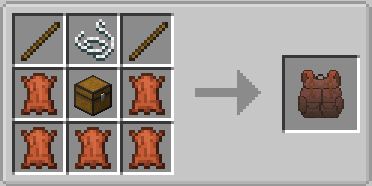
- The basic backpack is made from leather.
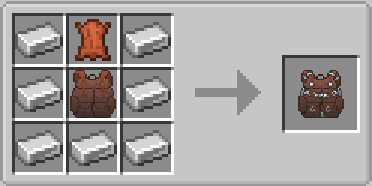
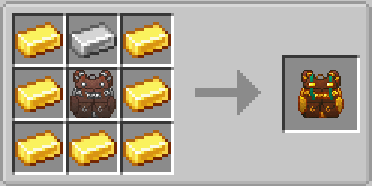
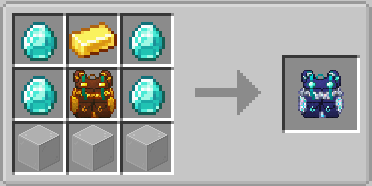
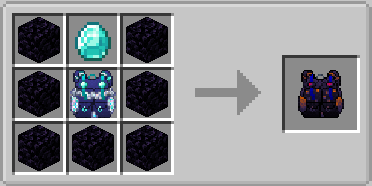
- It can be upgraded sequentially with iron, then copper, followed by gold, diamond, and finally, obsidian.
- If you have another mod that adds silver, you’ll also be able to craft a silver backpack.
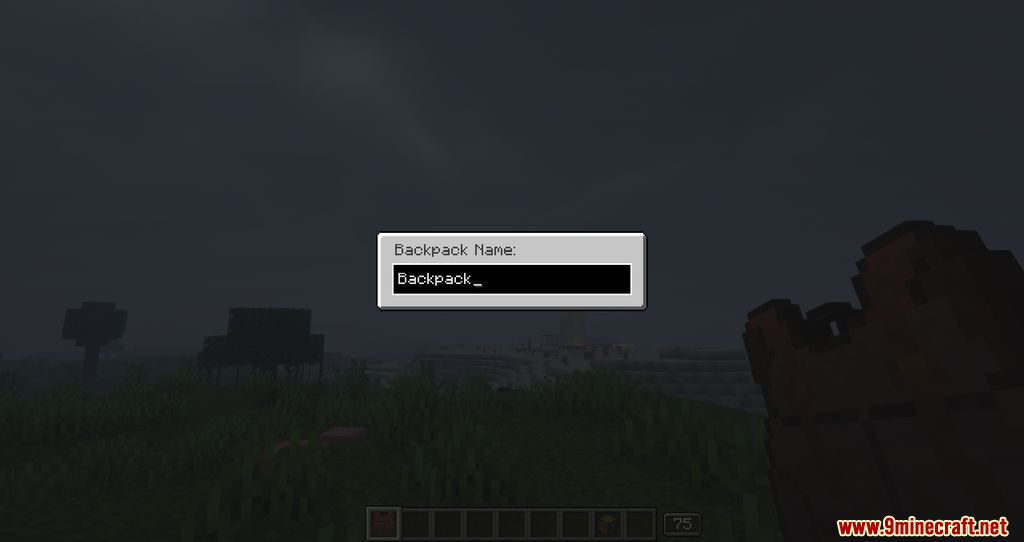
- To help distinguish one backpack from another, the mod lets you rename them however you like. You can also place one backpack inside another-and, impressively, open the inventory of a backpack that’s stored inside another without taking it out.
List of Backpacks:
Backpacks are portable storage items that provide additional inventory space.
Backpack Tiers
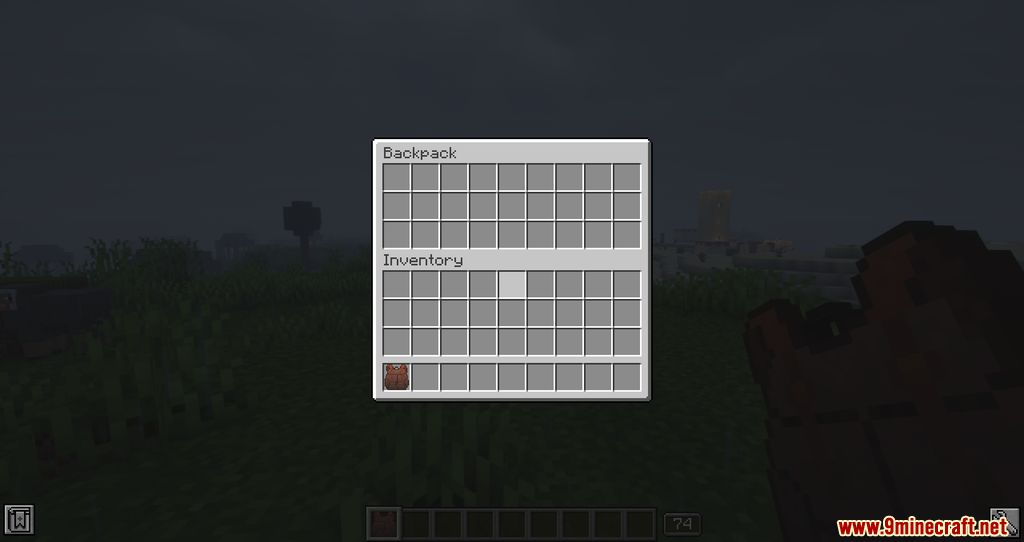
- Standard Backpack
- Provides 3 rows of storage.
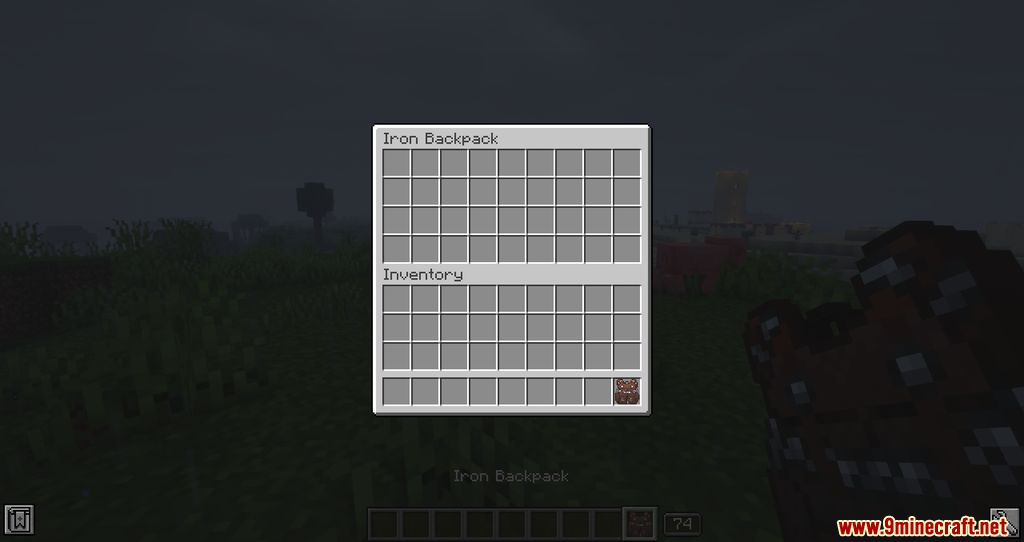
- Iron Backpack
- Upgraded from Standard Backpack.
- Provides 4 rows of storage.
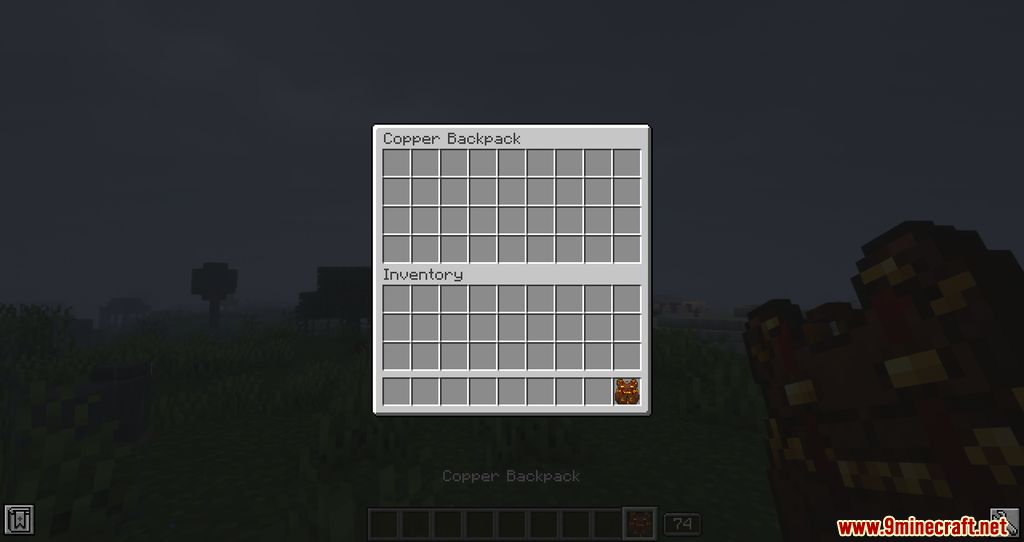
- Copper Backpack
- Upgraded from Standard Backpack.
- Provides 4 rows of storage.
- Golden Backpack
- Upgraded from Iron Backpack or Copper Backpack.
- Provides 5 rows of storage.
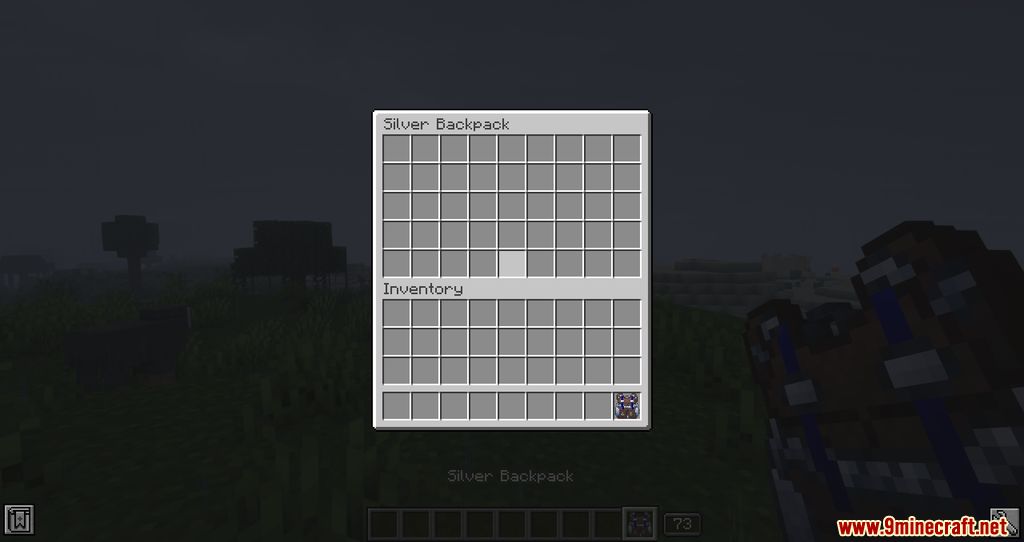
- Silver Backpack
- Upgraded from Iron Backpack or Copper Backpack.
- Provides 5 rows of storage.
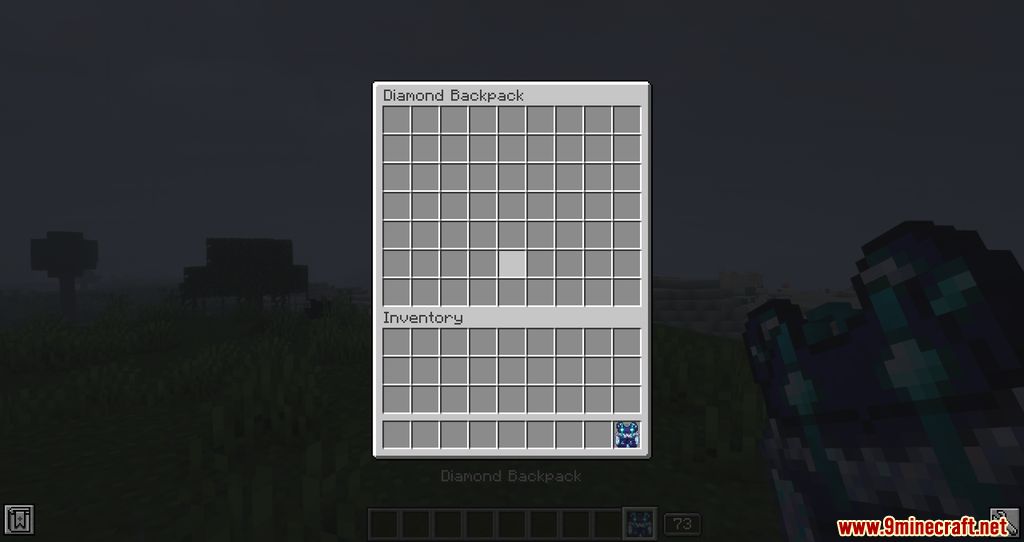
- Diamond Backpack
- Upgraded from Golden Backpack or Silver Backpack.
- Provides 7 rows of storage.
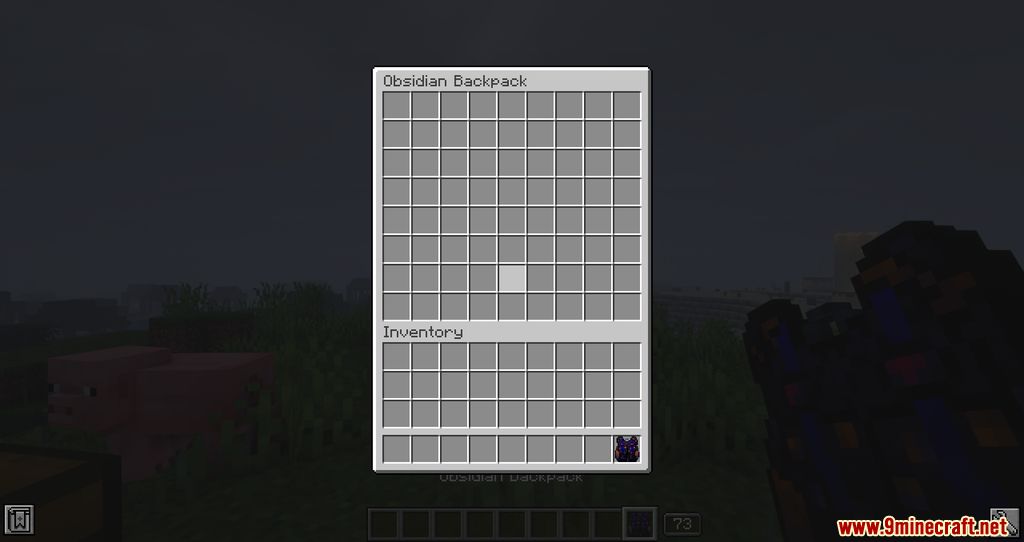
- Obsidian Backpack
- Upgraded from Diamond Backpack.
- Provides 8 rows of storage.
Backpack Customization
- Backpacks can have a custom name and a custom icon.
- To customize a backpack, hold it and press
Shift + Right Click.
Opening a Backpack Inside Another Backpack
- Right-click a backpack to open it.
- Inside the inventory, right-click another backpack to open it.
Note: Backpack upgrade paths are linear and depend on the current backpack tier.
Screenshots:
Crafting Recipes:
Packed Up Mod Download Links
Quick facts
- Edition: Minecraft Java
- File type: .jar
- Minecraft version listed: 1.20.1
- How to install: Install the matching mod loader (Forge, Fabric or NeoForge) for your Minecraft version. → Download the .jar. → Put it in the .minecraft/mods folder and launch that loader profile.
- Where to get it: In MC Java Mods, or directly above on this page.
Install steps are the general flow for this file type — How to install Minecraft Java mods & modpacks walks through it step by step.
Verified by MCModsHub
- Downloads as 175721.mcaddon
- Download size: 252 KB
- Download link checked 26 Sept 2026 — working
- Mirrored on our own servers — the download does not depend on the original host
These come from our own check of the pack file, not from the source page.