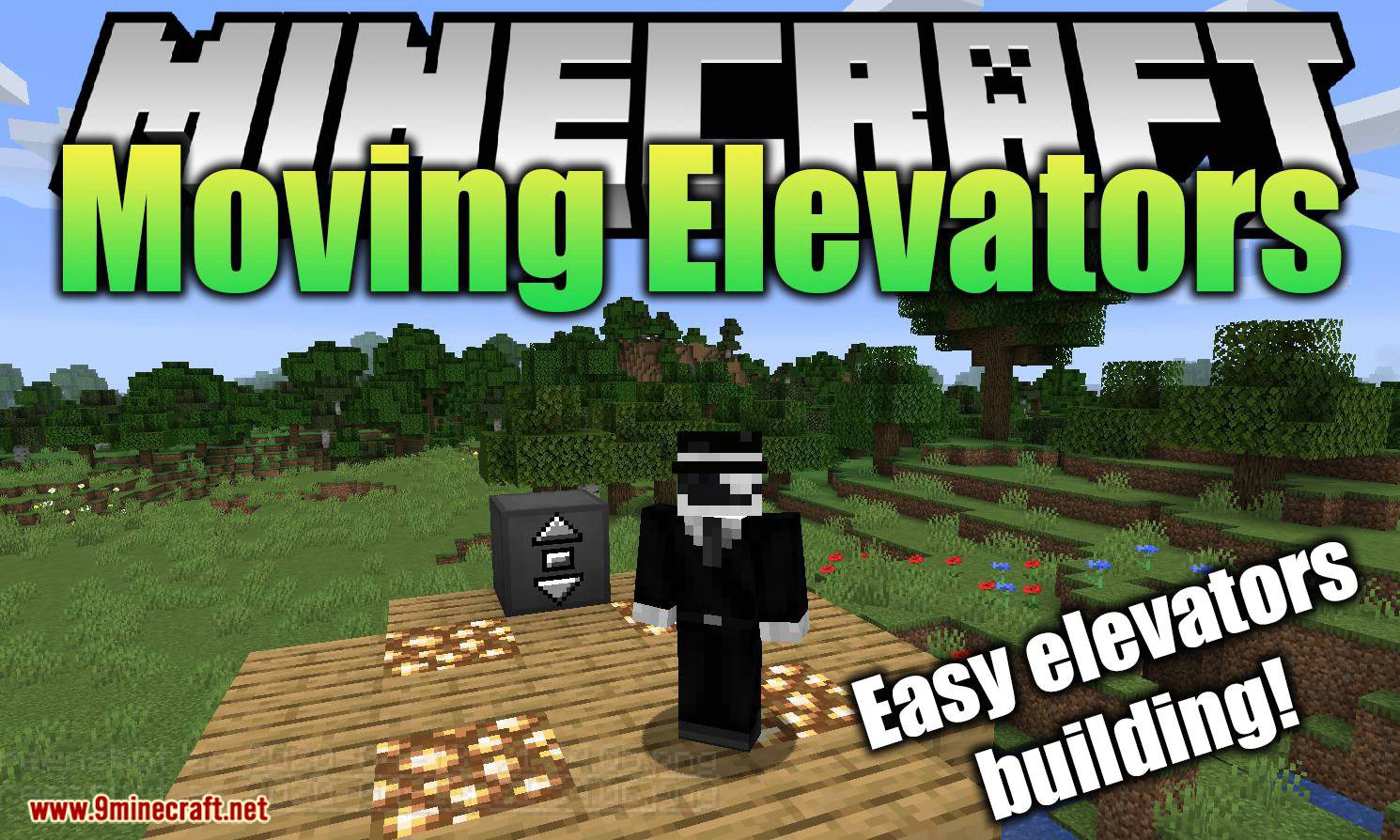
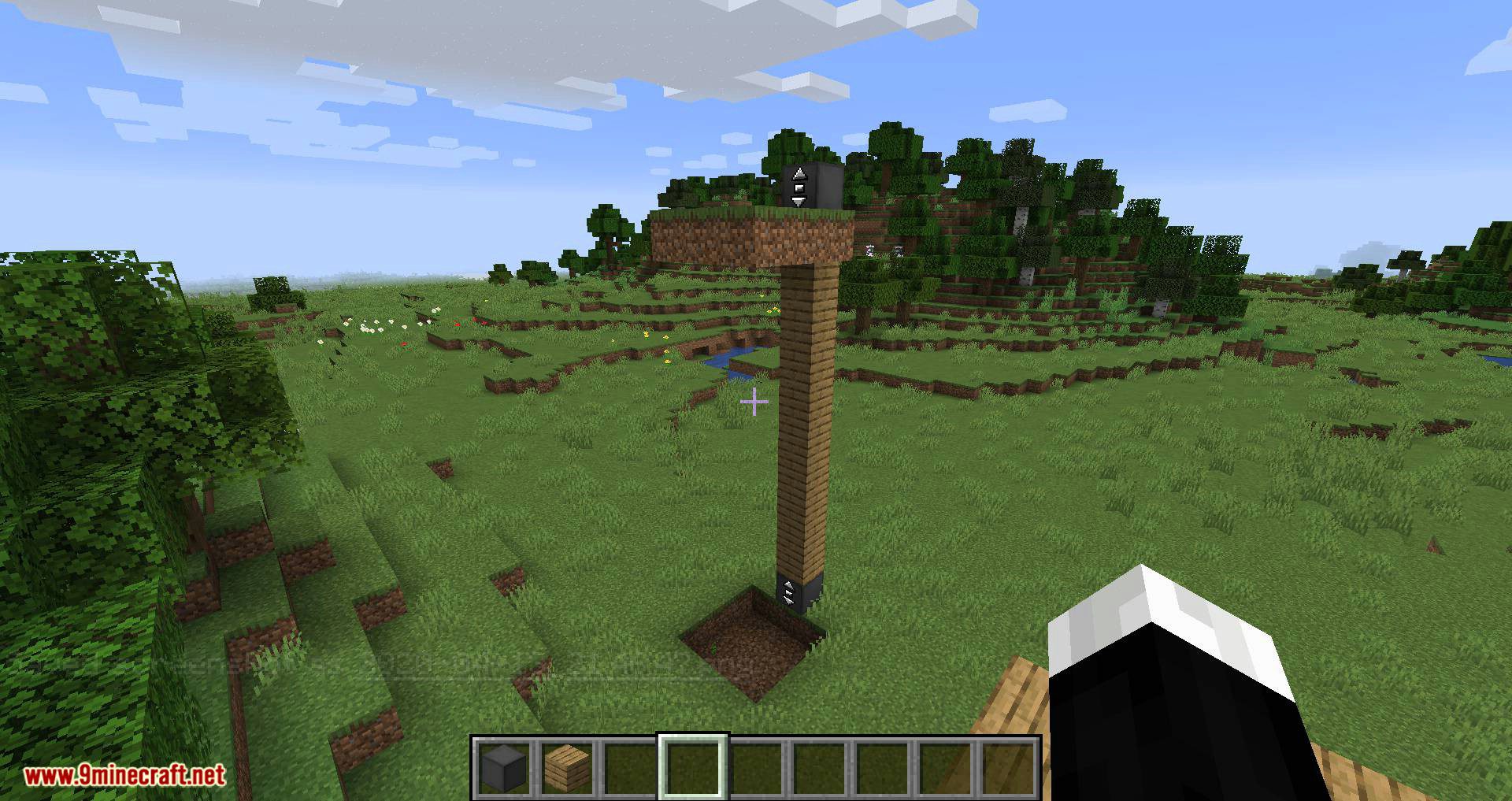
Moving Elevators Mod allows you to build real moving elevators! These elevators will move you as well as other entities on the platform to multiple floors at the press of a button! The platform can have different sizes and can move at different speeds!
Features:
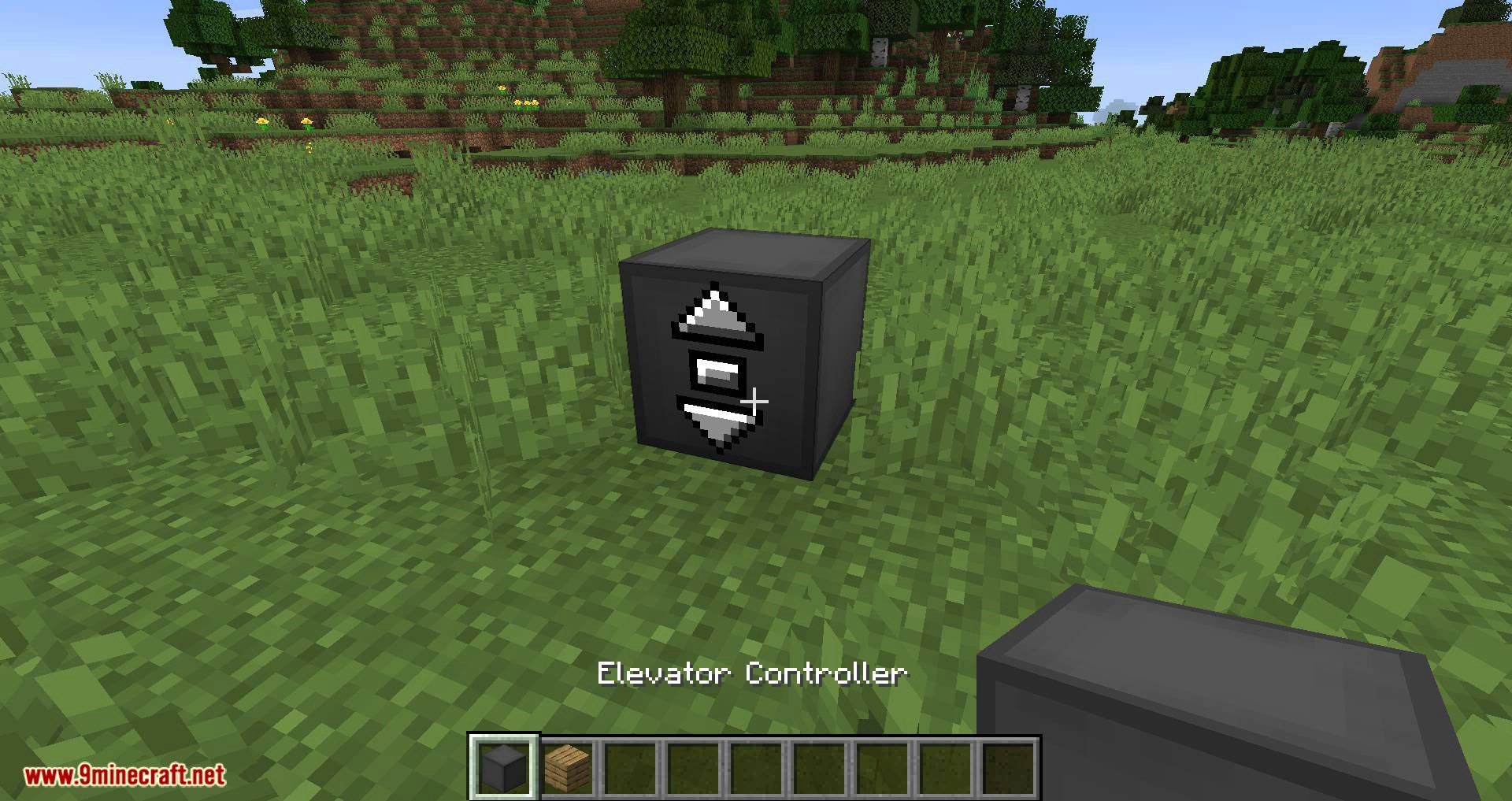
Elevator Controller:
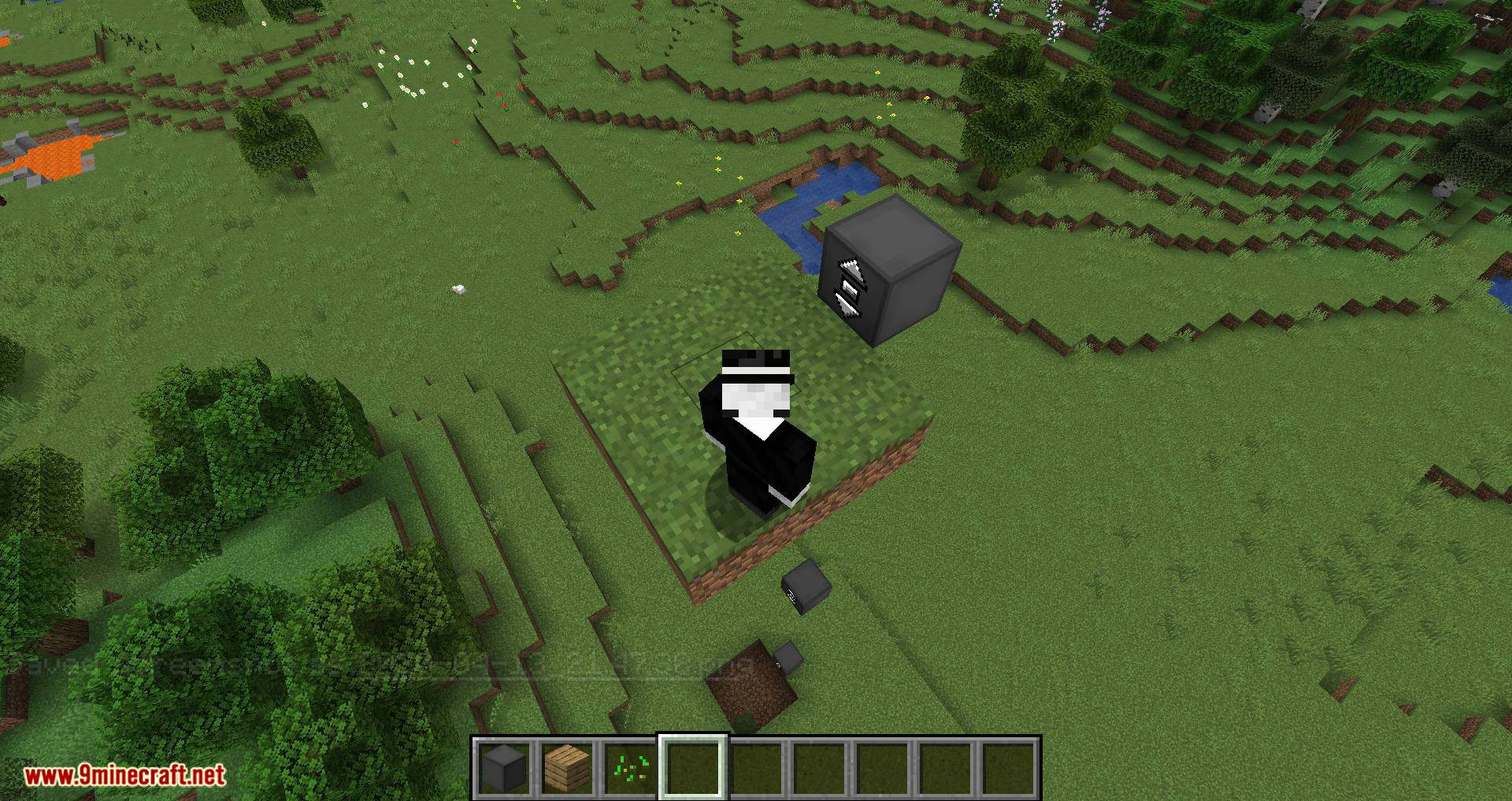
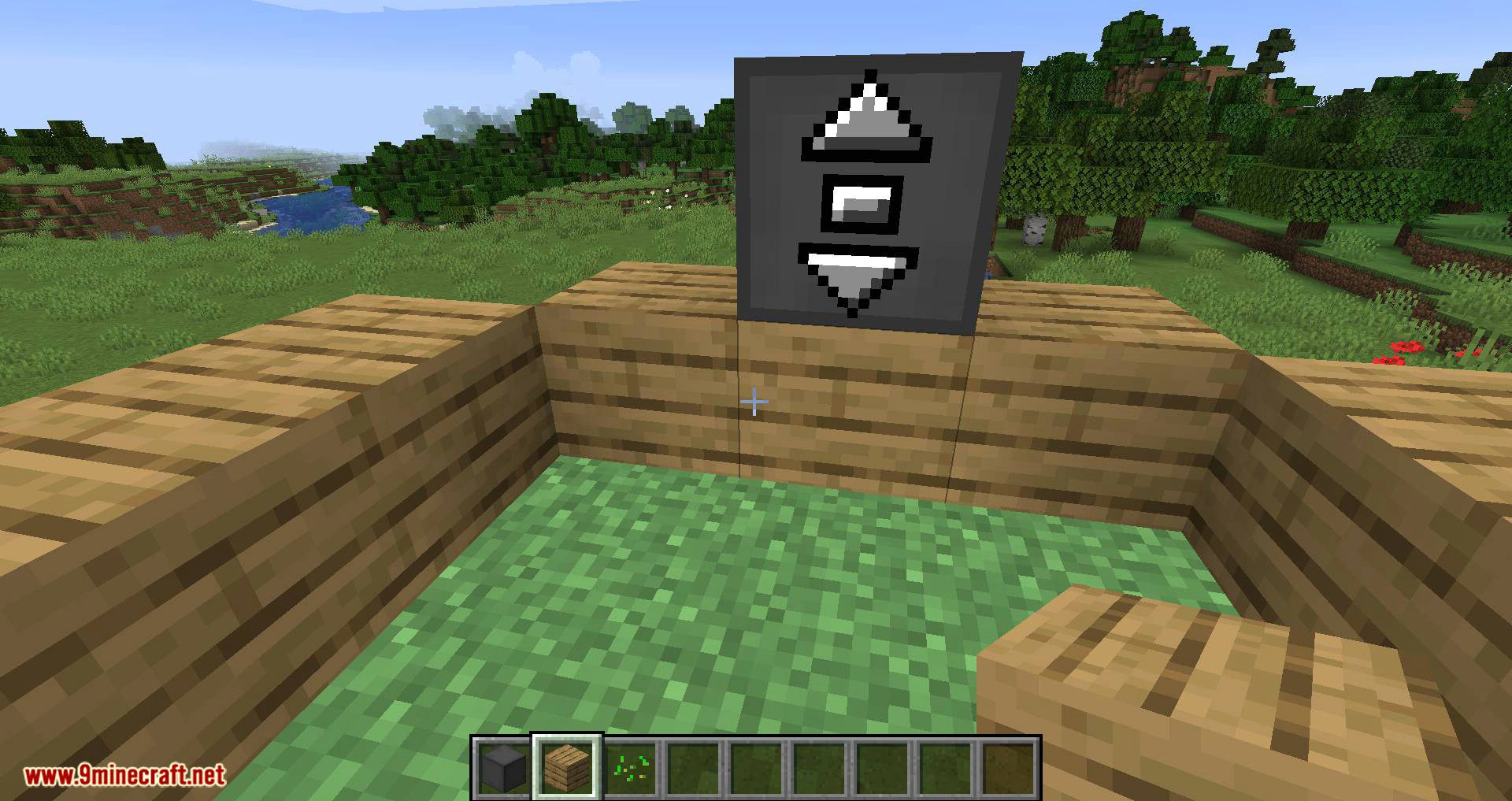
- The Elevator Controller will be your button panel at every floor!
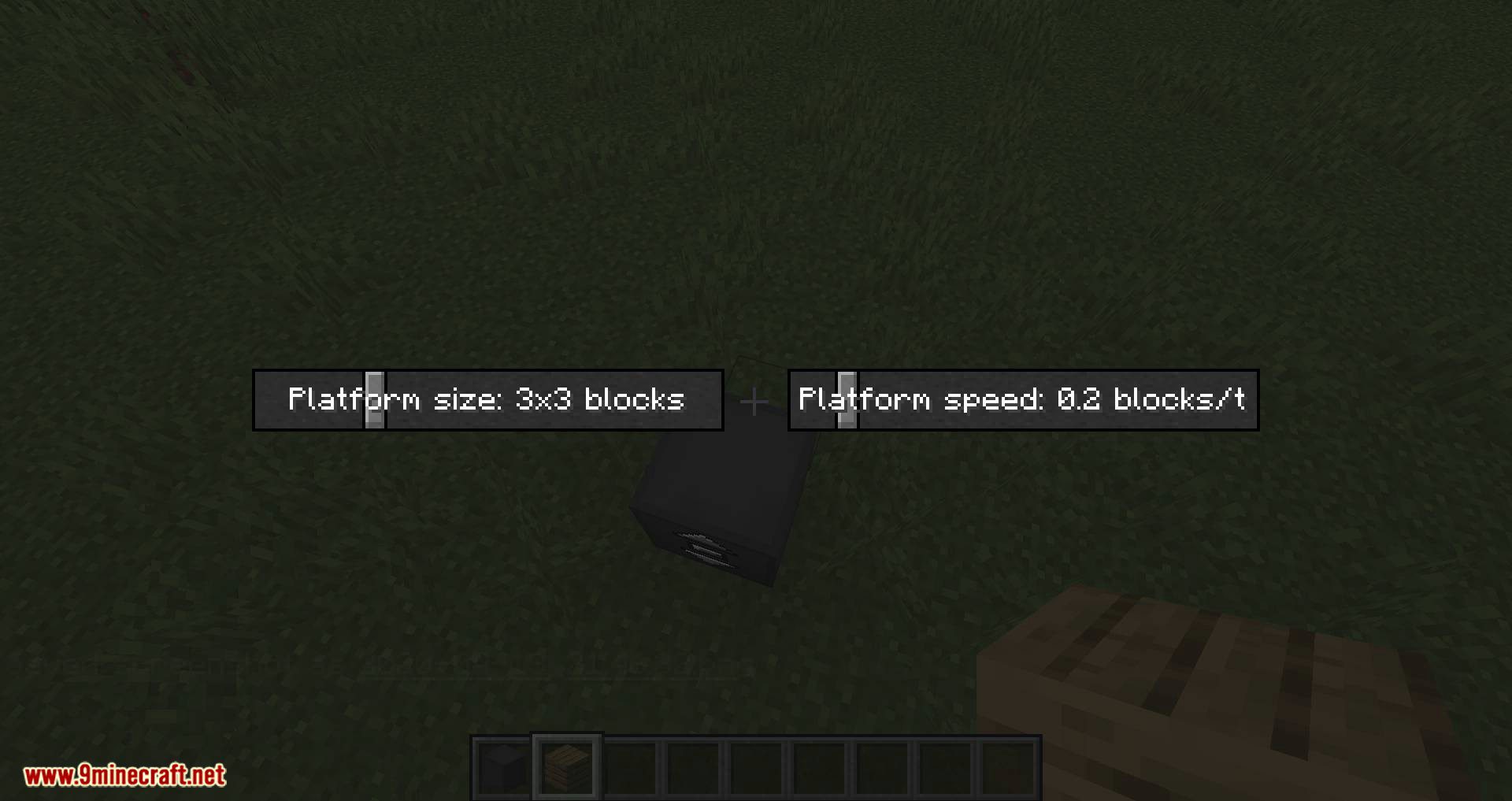
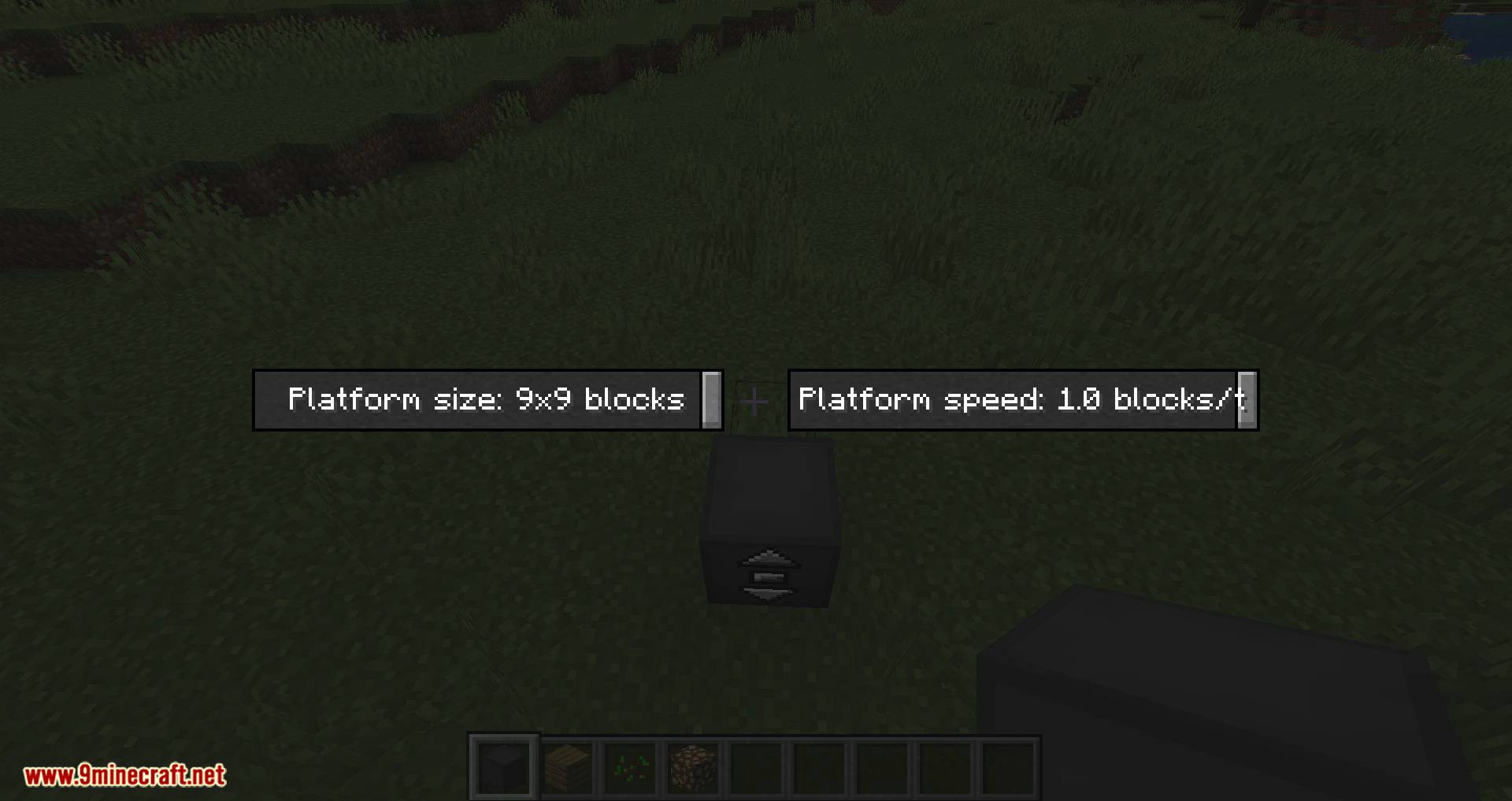
- Right-click a side without buttons to change the platform size and speed
- Right-click the middle button to request the platform and use the other two to move up and down
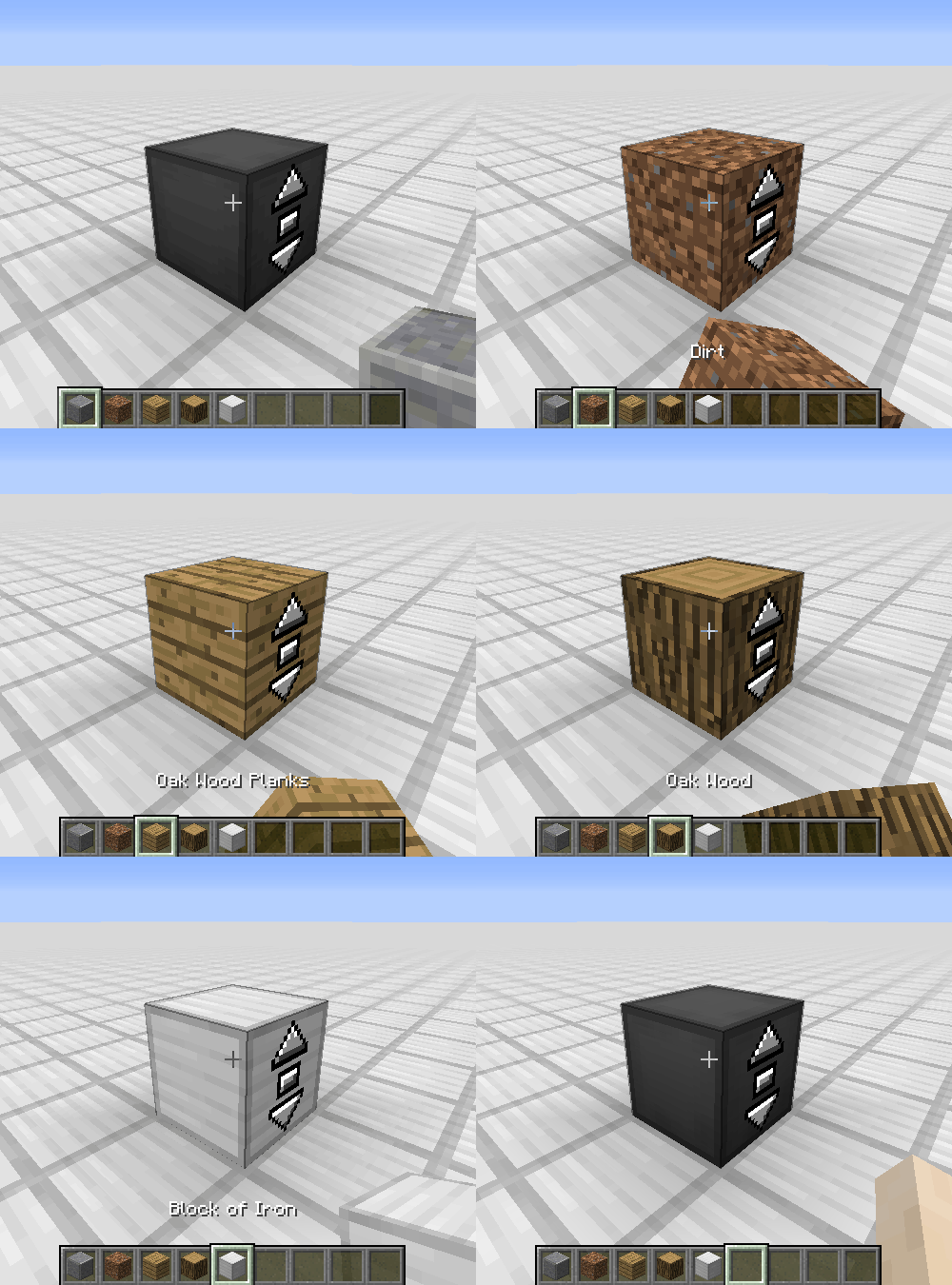
- Right-click with a block to disguise the Elevator Controller as that block
Elevator Display:
- The Elevator Display shows the different floors and current elevator position
- Right-click the current floor to request the platform and use the other buttons to go to different floors
- Right-click with a block to disguise the Elevator Display as that block
Step-by-step Guide:
Creating an Elevator:
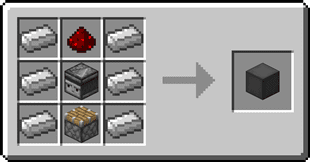
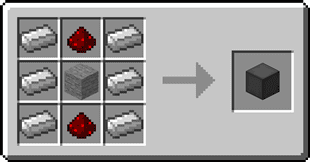
- 1. Craft at least 2 Elevator Controllers
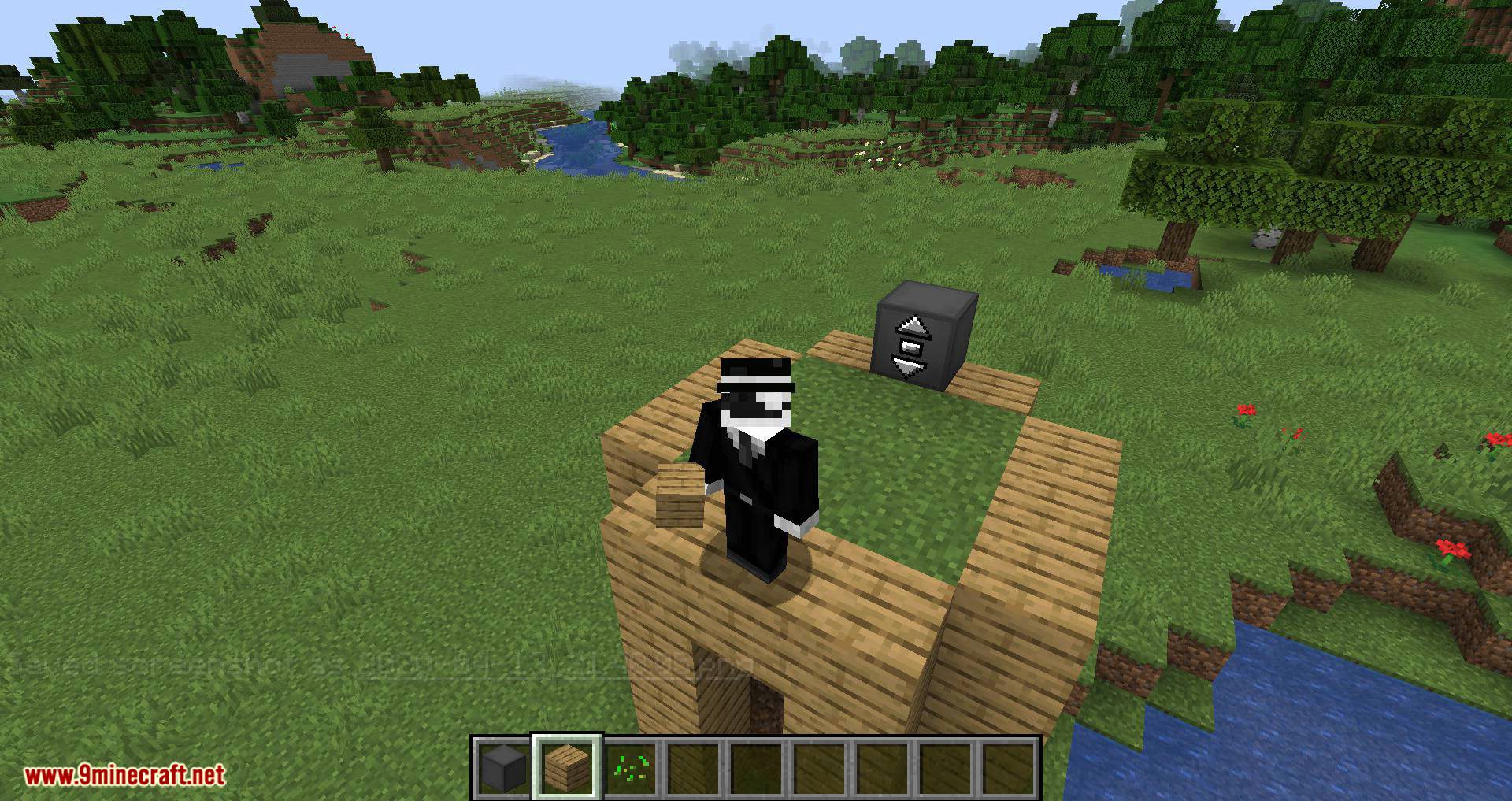
- 2. Place the first Elevator Controller where you want your elevator
- 3. Right-Click on a side of the Elevator Controller that has no buttons
- 4. Set your desired platform size and speed
- 5. Gather the blocks for your platform
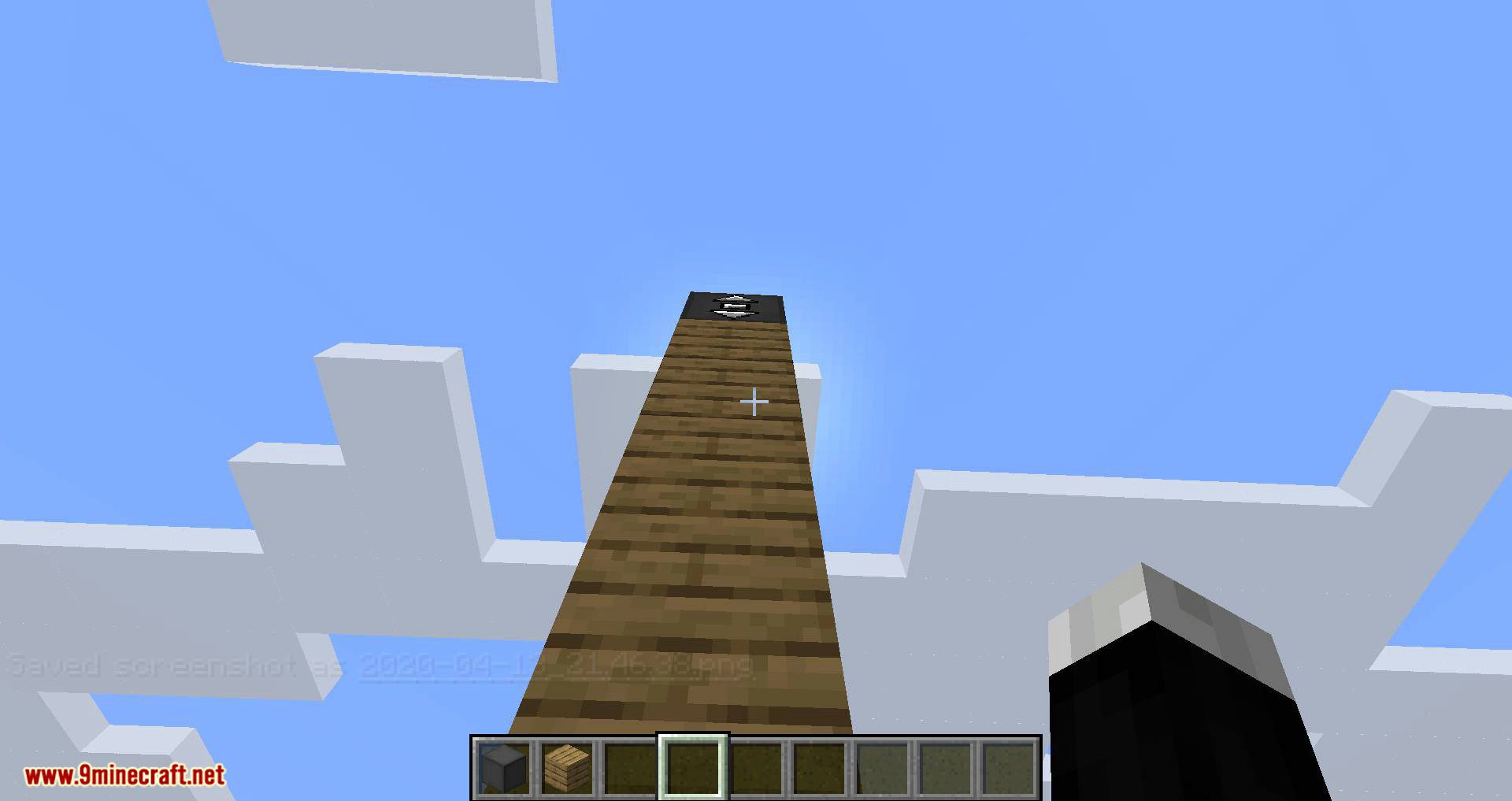
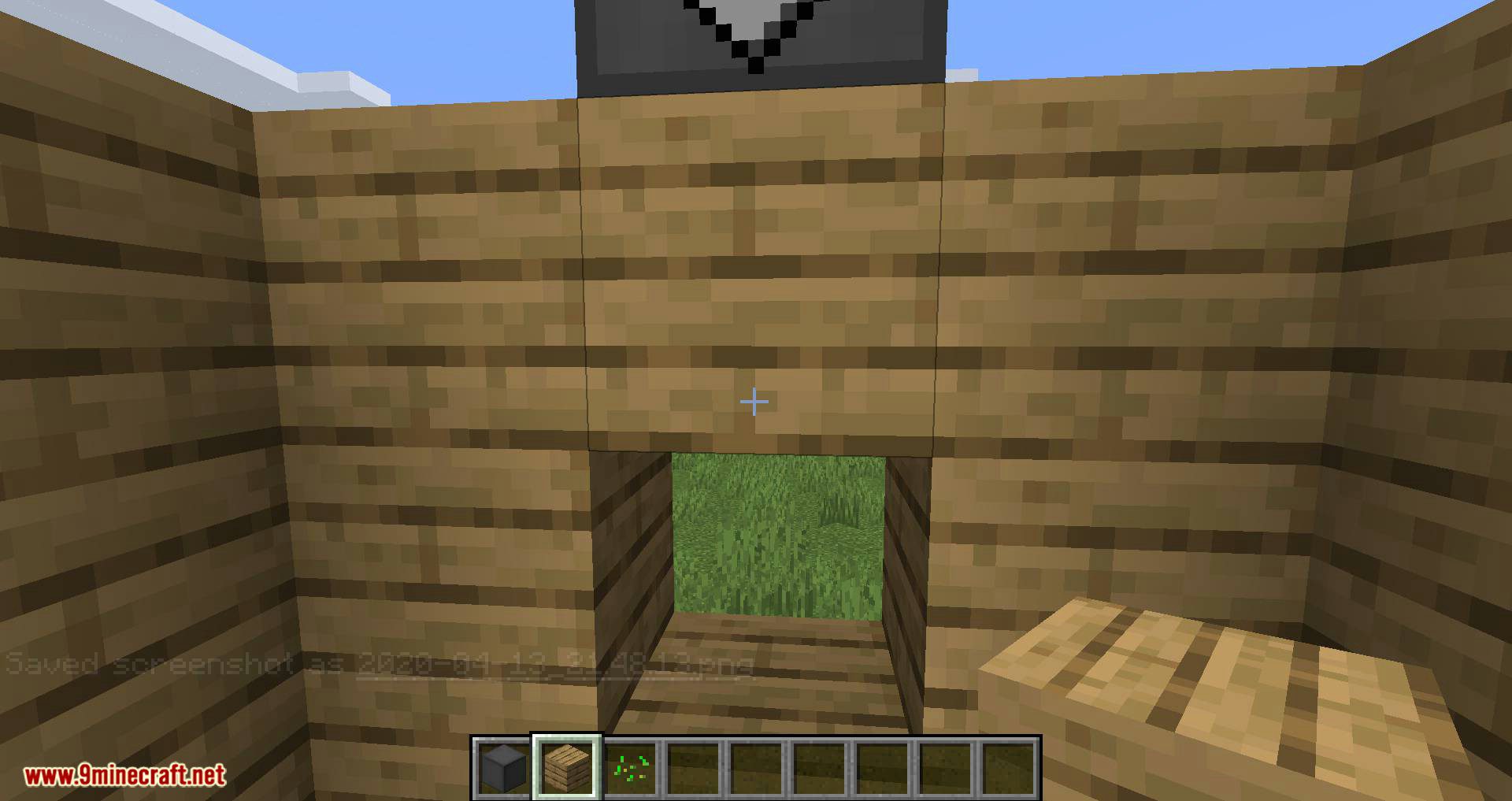
- 6. Place the blocks one block lower than the Elevator Controller in front of the side with the buttons
- 7. Place the other Elevator Controllers above or below the first one and facing the same direction
- 8. Use the middle button to request the platform and the other two to move up or down
Adding an Elevator Display:
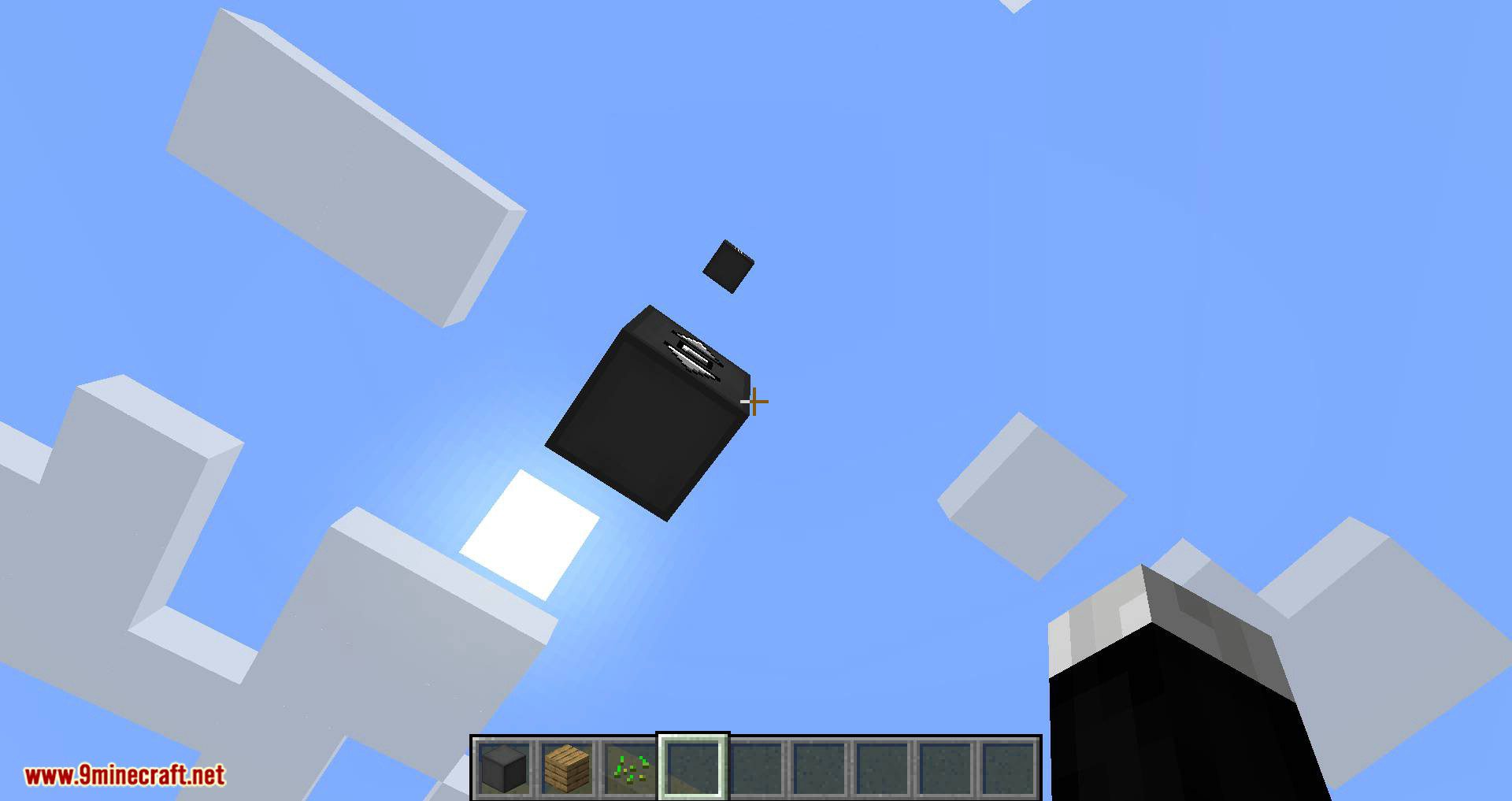
- 1. Craft 1 or 2 Elevator Displays
- 2. Place the first Elevator Display on top of an Elevator Controller
- 3. (Optional) Place the second Elevator Display on top of the first one for an extra tall display
- 4. Use the button for the current floor to request the platform and use the other buttons to go to different floors
Disguising an Elevator Controller or Elevator Display:
- 1. Hold the block you want to use as a disguise in your hand
- 2. Right-Click one of the sides of the Elevator Controller or Elevator Display without buttons
Removing the disguise from an Elevator Controller or Elevator Display
- 1. Grab an empty hand
- 2. Shift-Right-Click one of the sides of the Elevator Controller or Elevator Display without buttons
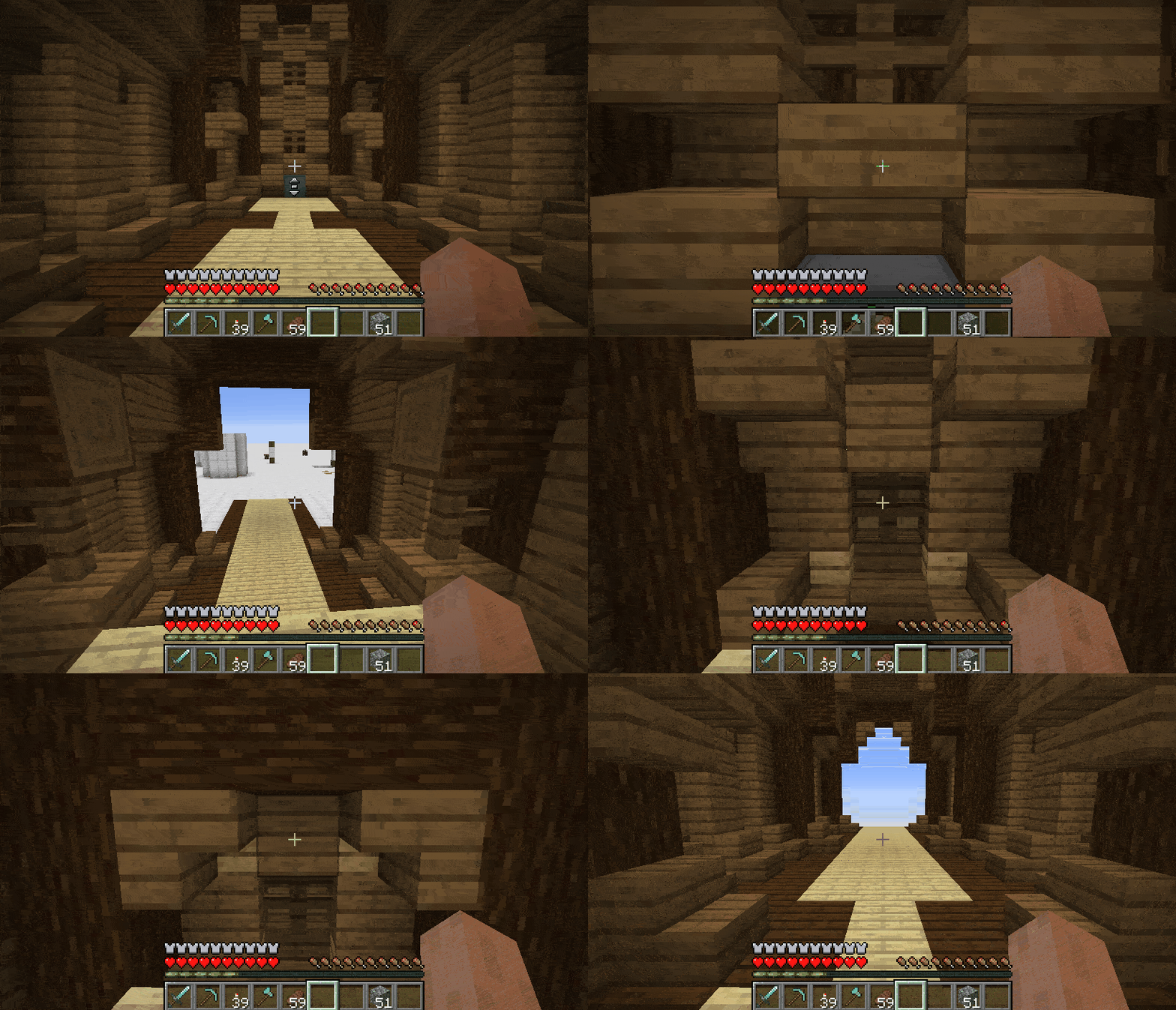
Screenshots:
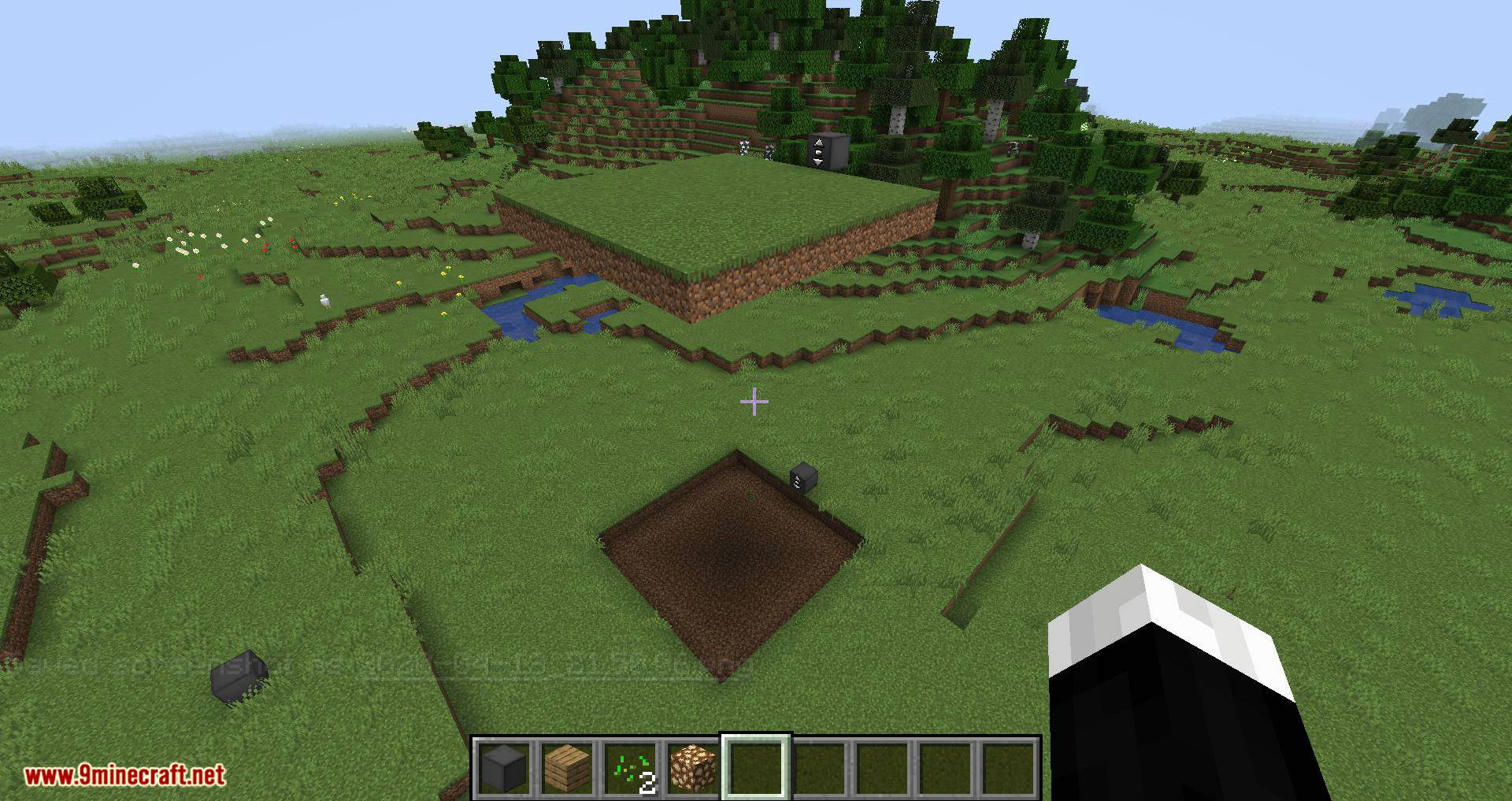
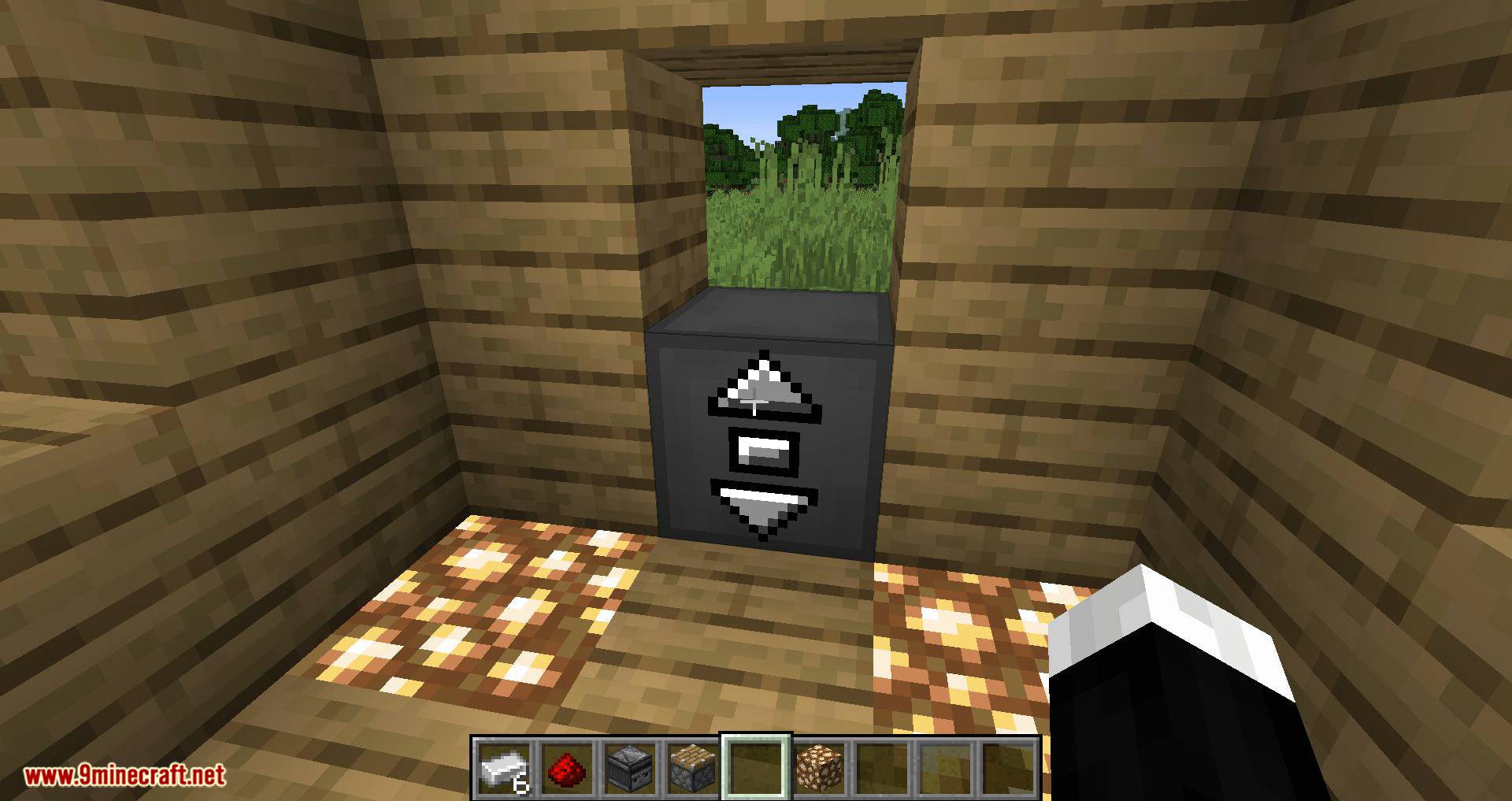
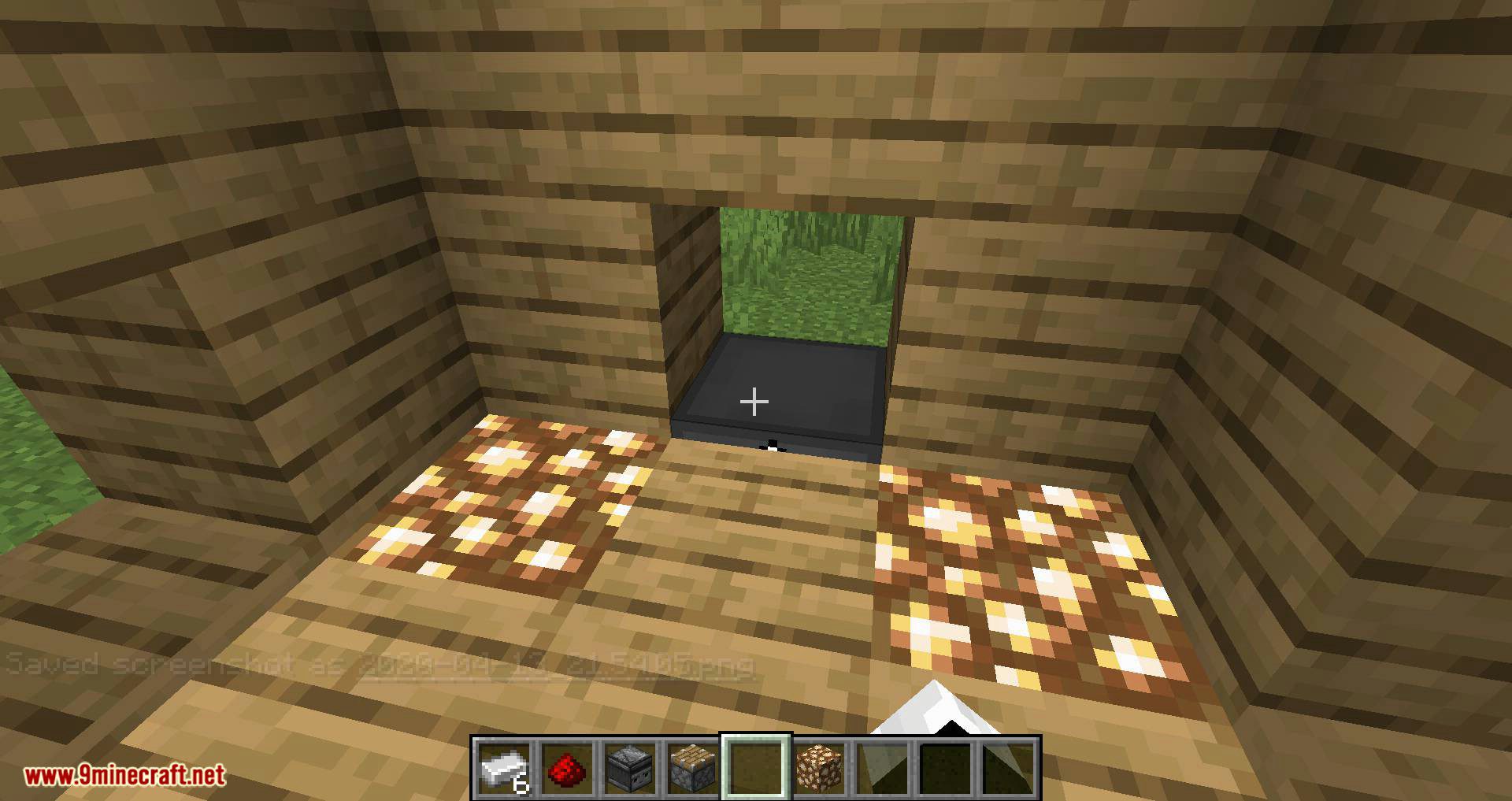
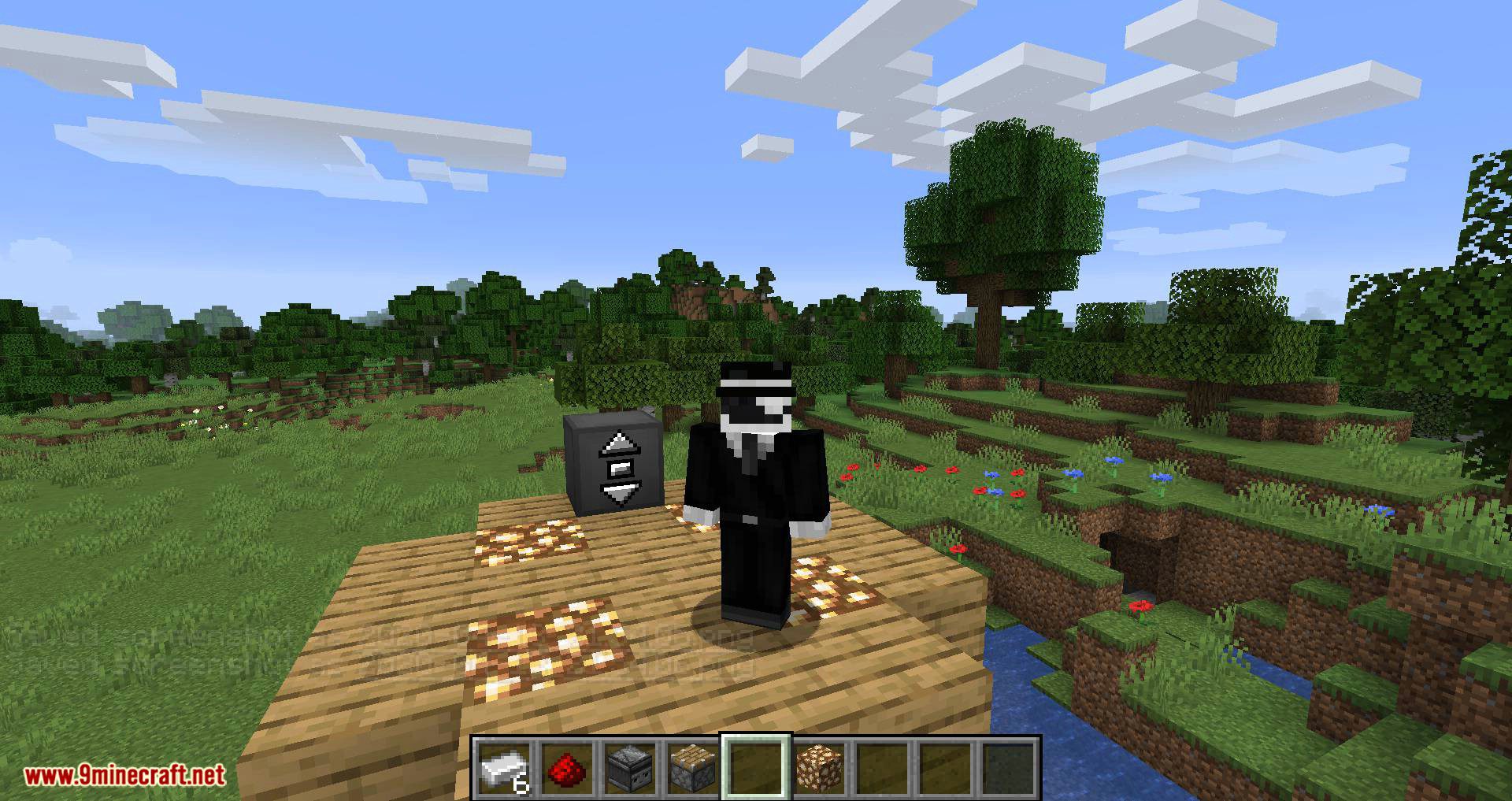
Moving Elevators Mod Download Links
Quick facts
- Edition: Minecraft Java
- File type: .jar
- Minecraft version listed: 1.20.1
- How to install: Install the matching mod loader (Forge, Fabric or NeoForge) for your Minecraft version. → Download the .jar. → Put it in the .minecraft/mods folder and launch that loader profile.
- Where to get it: In MC Java Mods, or directly above on this page.
Install steps are the general flow for this file type — How to install Minecraft Java mods & modpacks walks through it step by step.
Verified by MCModsHub
- Downloads as 175724.mcaddon
- Download size: 346 KB
- Download link checked 23 Sept 2026 — working
- Mirrored on our own servers — the download does not depend on the original host
These come from our own check of the pack file, not from the source page.