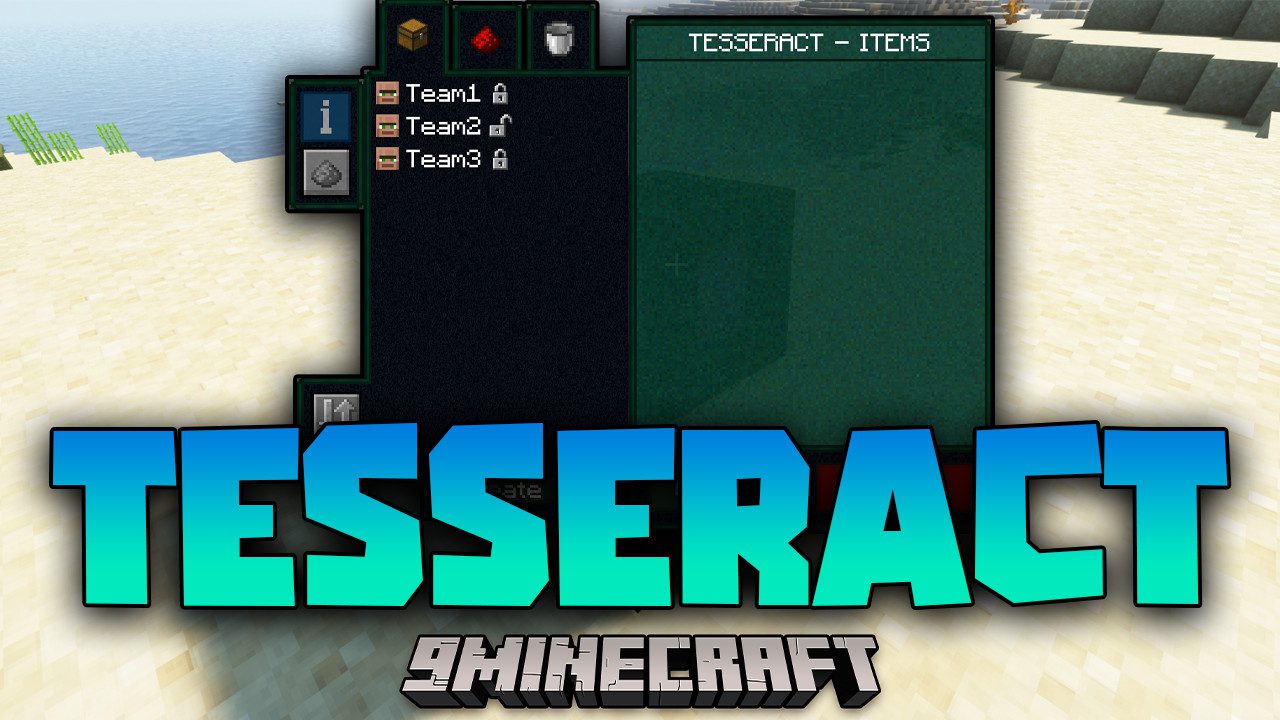
Tesseract Mod (26.2, 1.20.1) – Transporting Items Easily
Java mod listed for Minecraft 1.20. Downloads from the MC Java Mods app on Android.
⬇ Download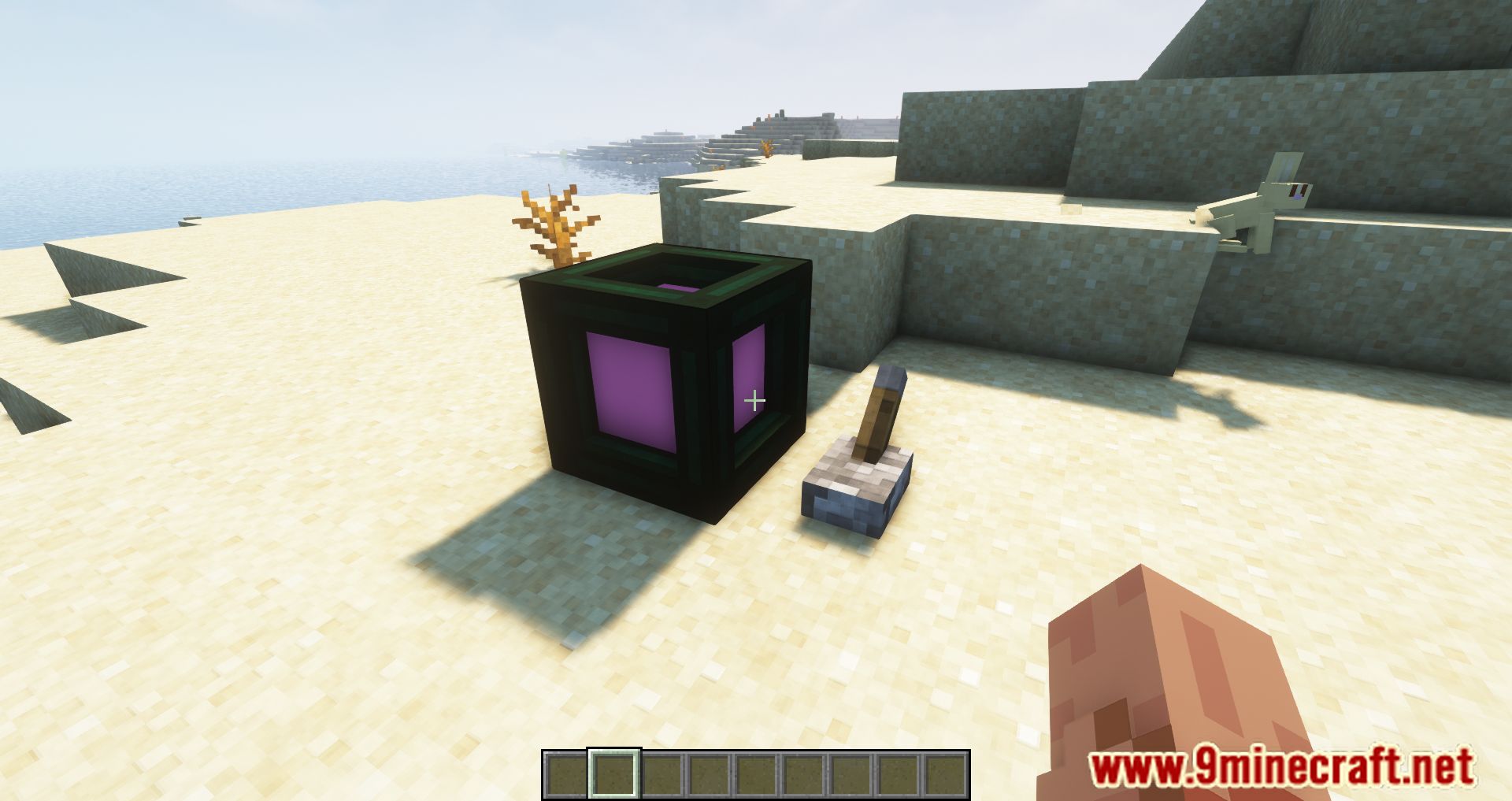
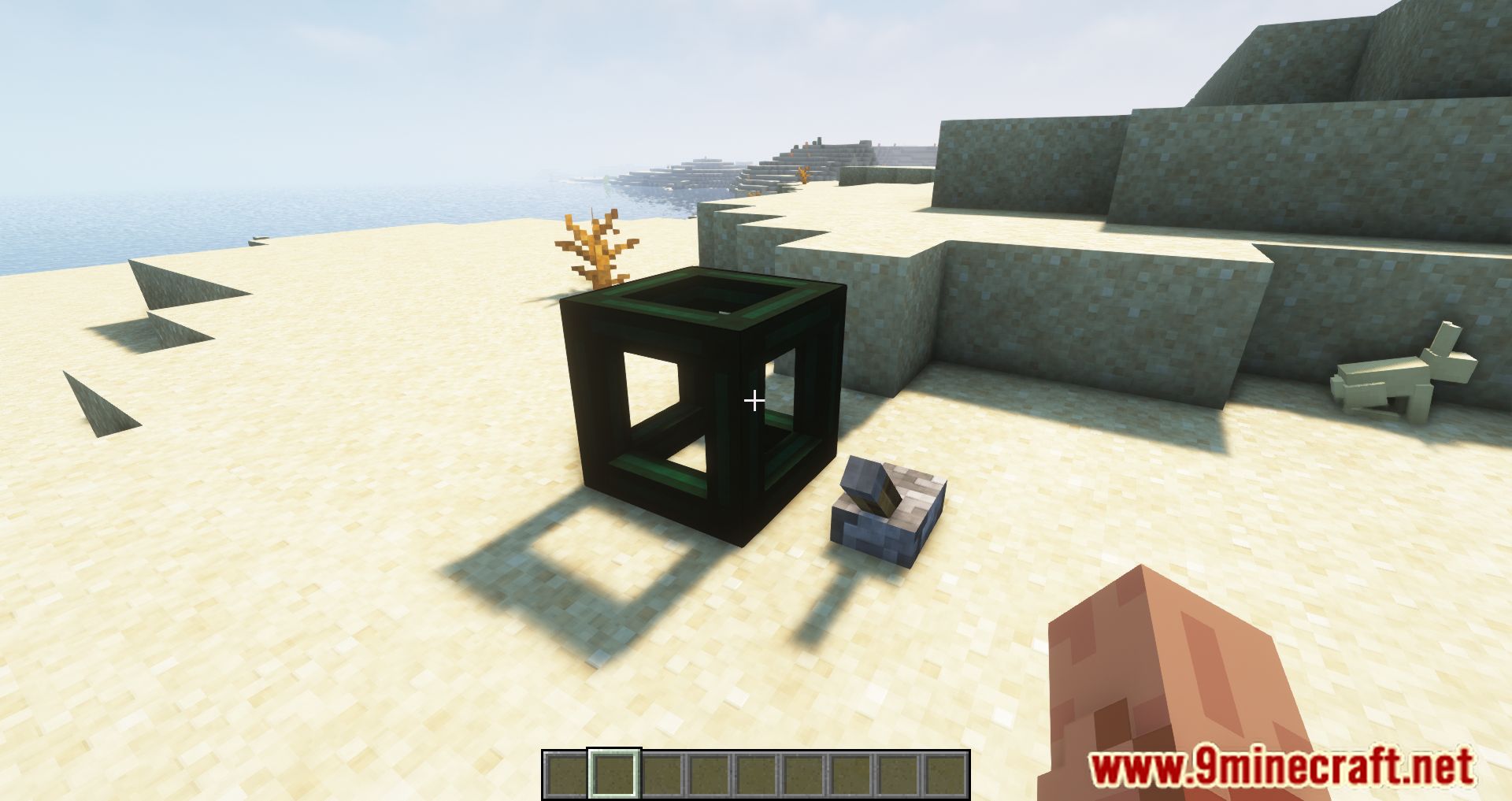
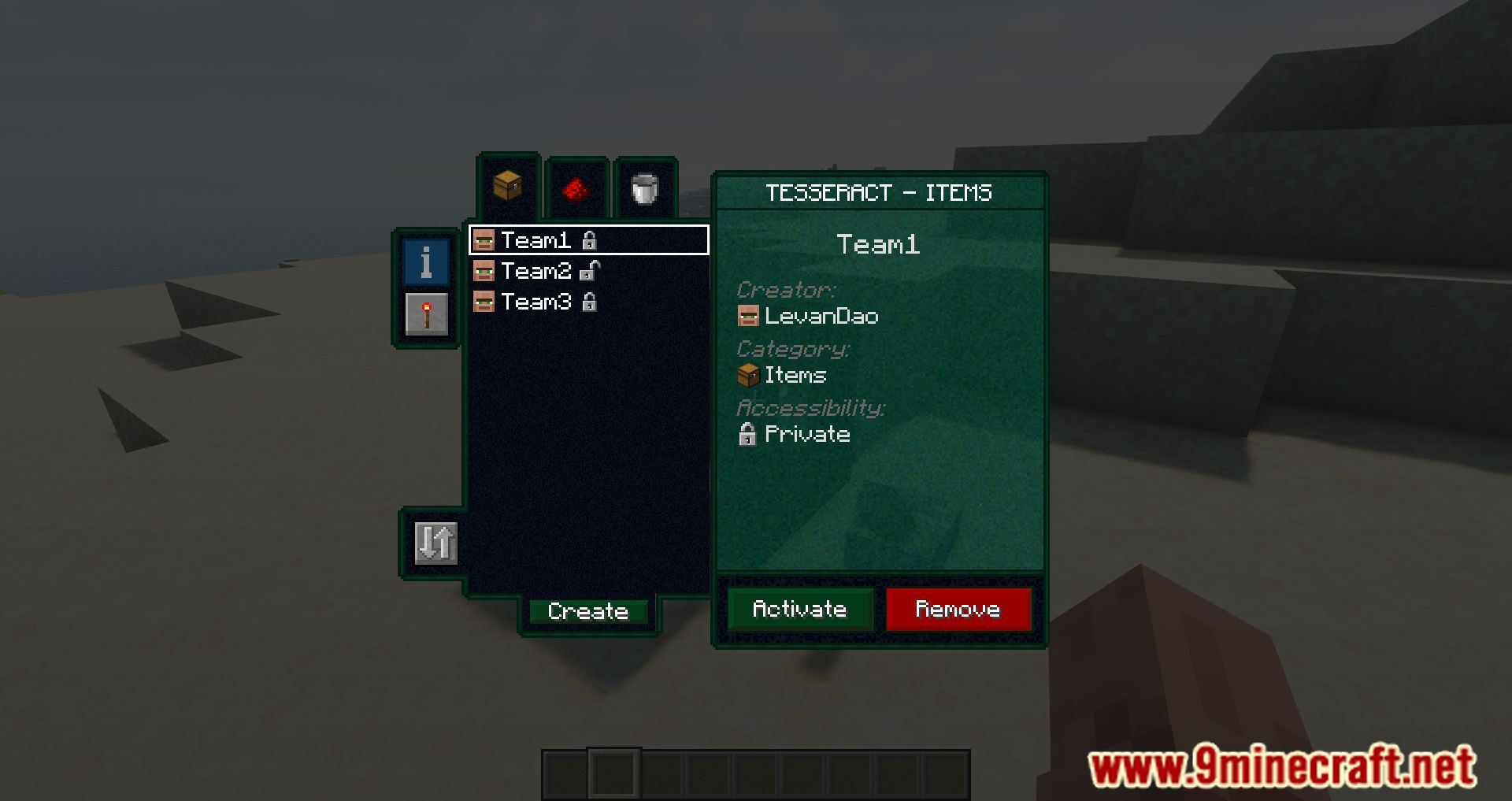
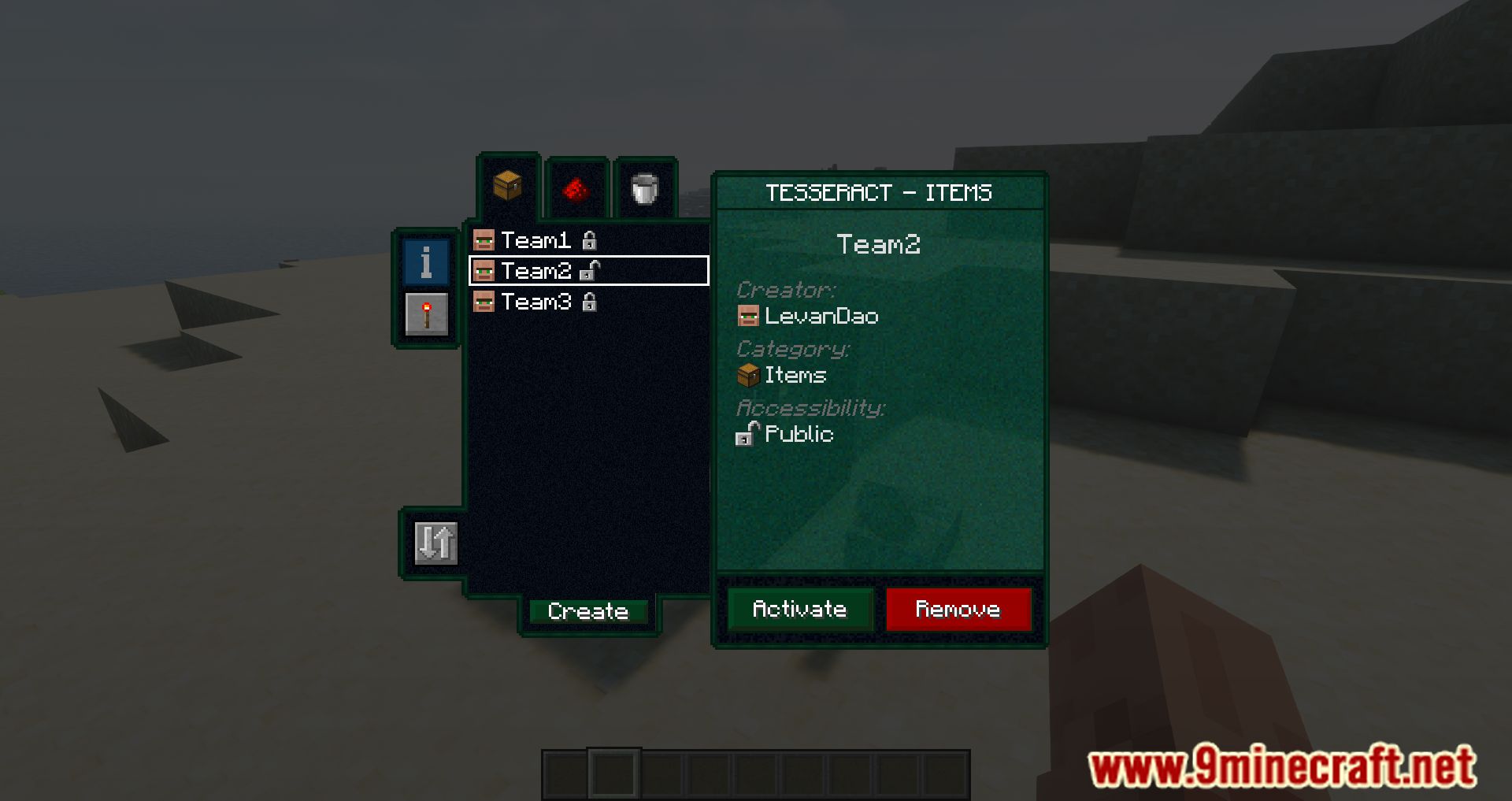
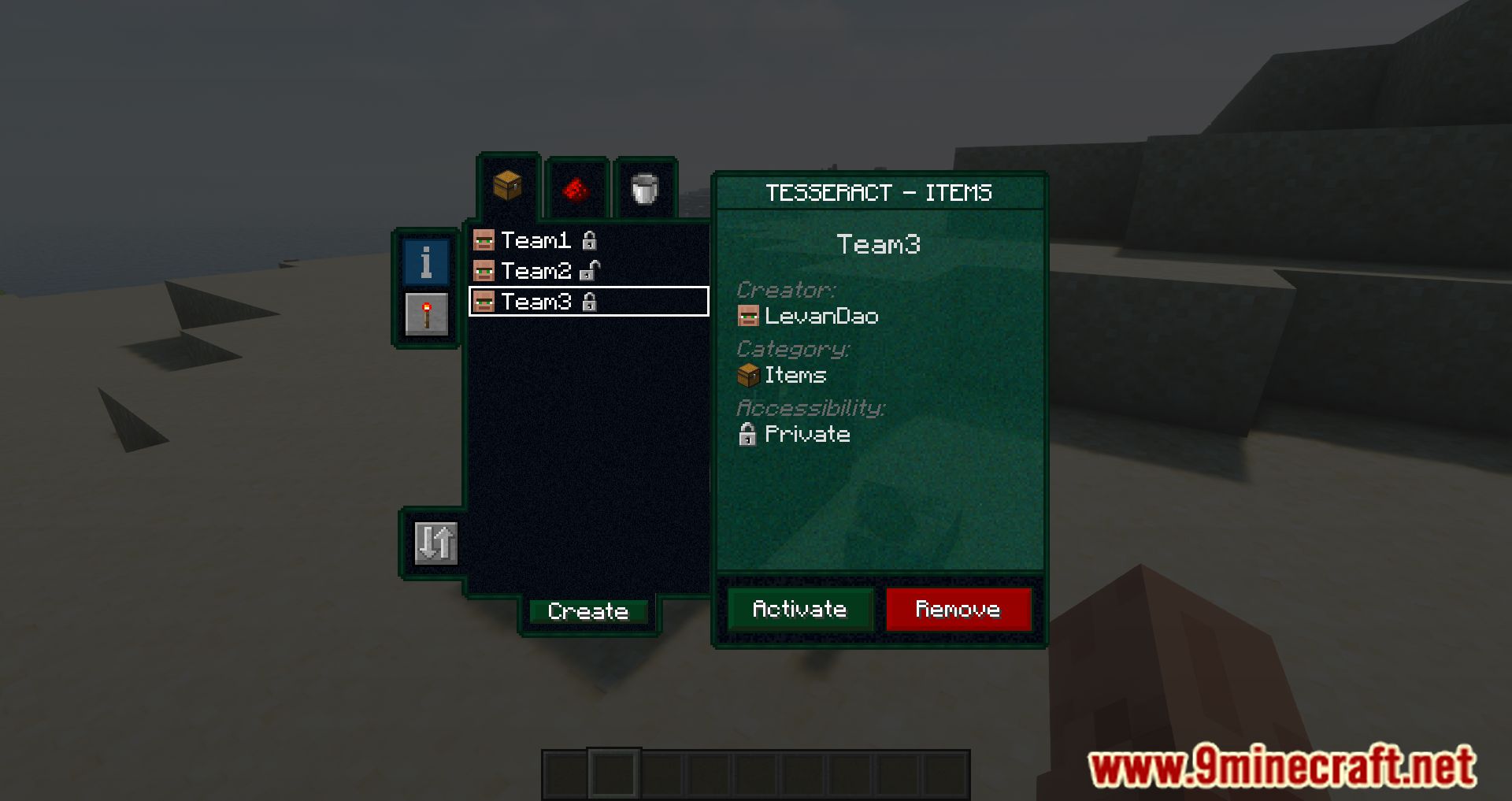
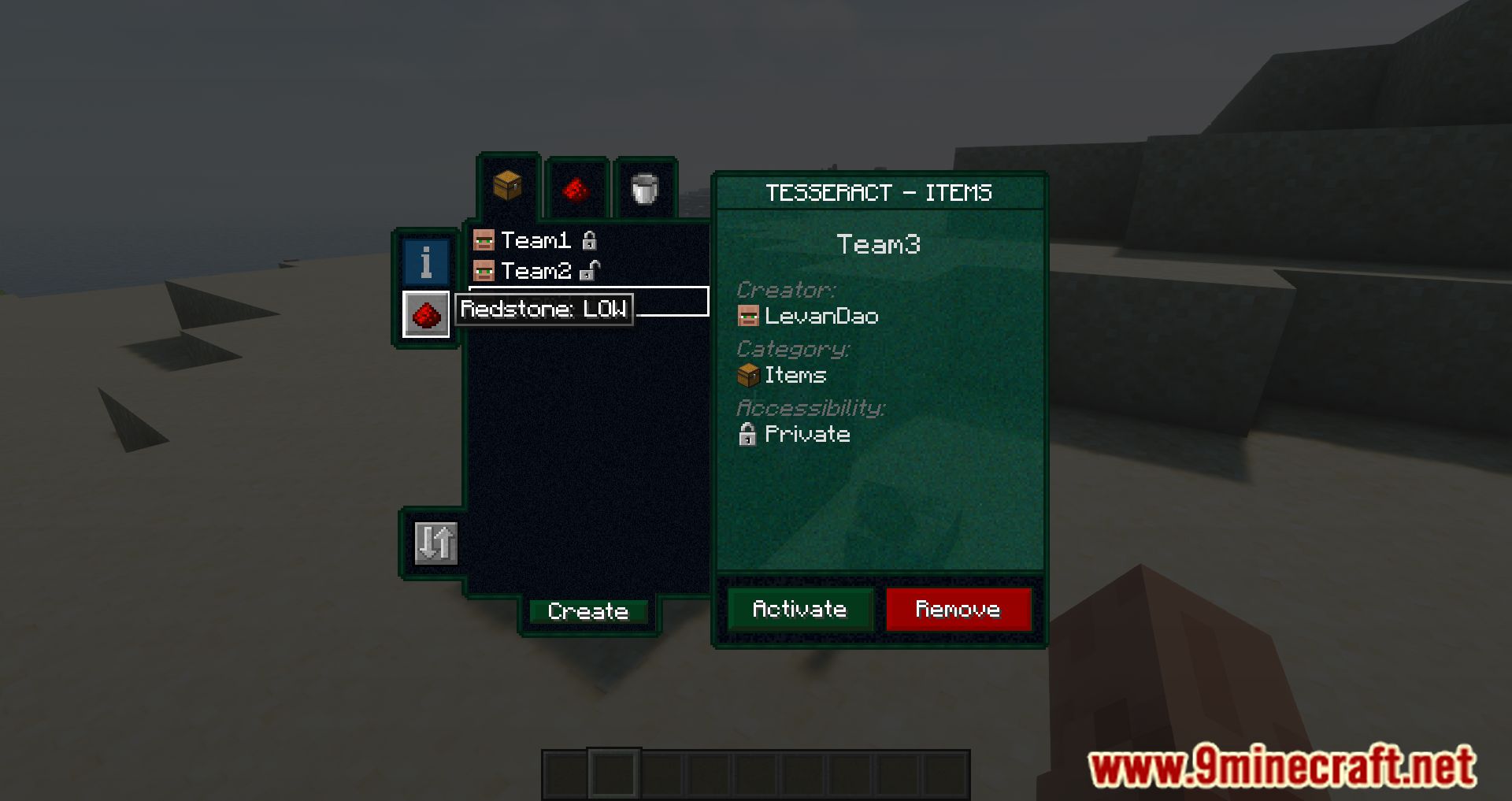
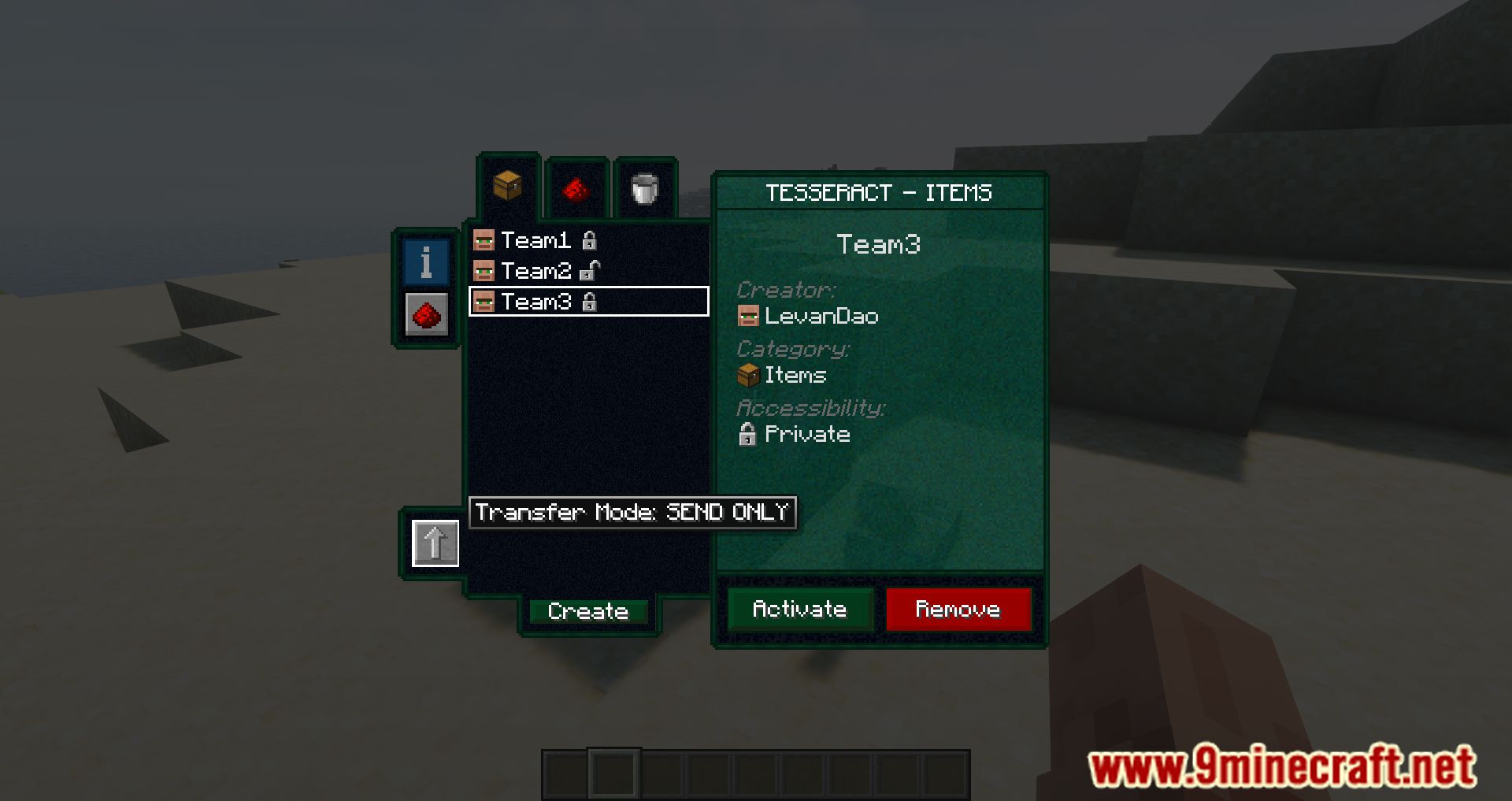
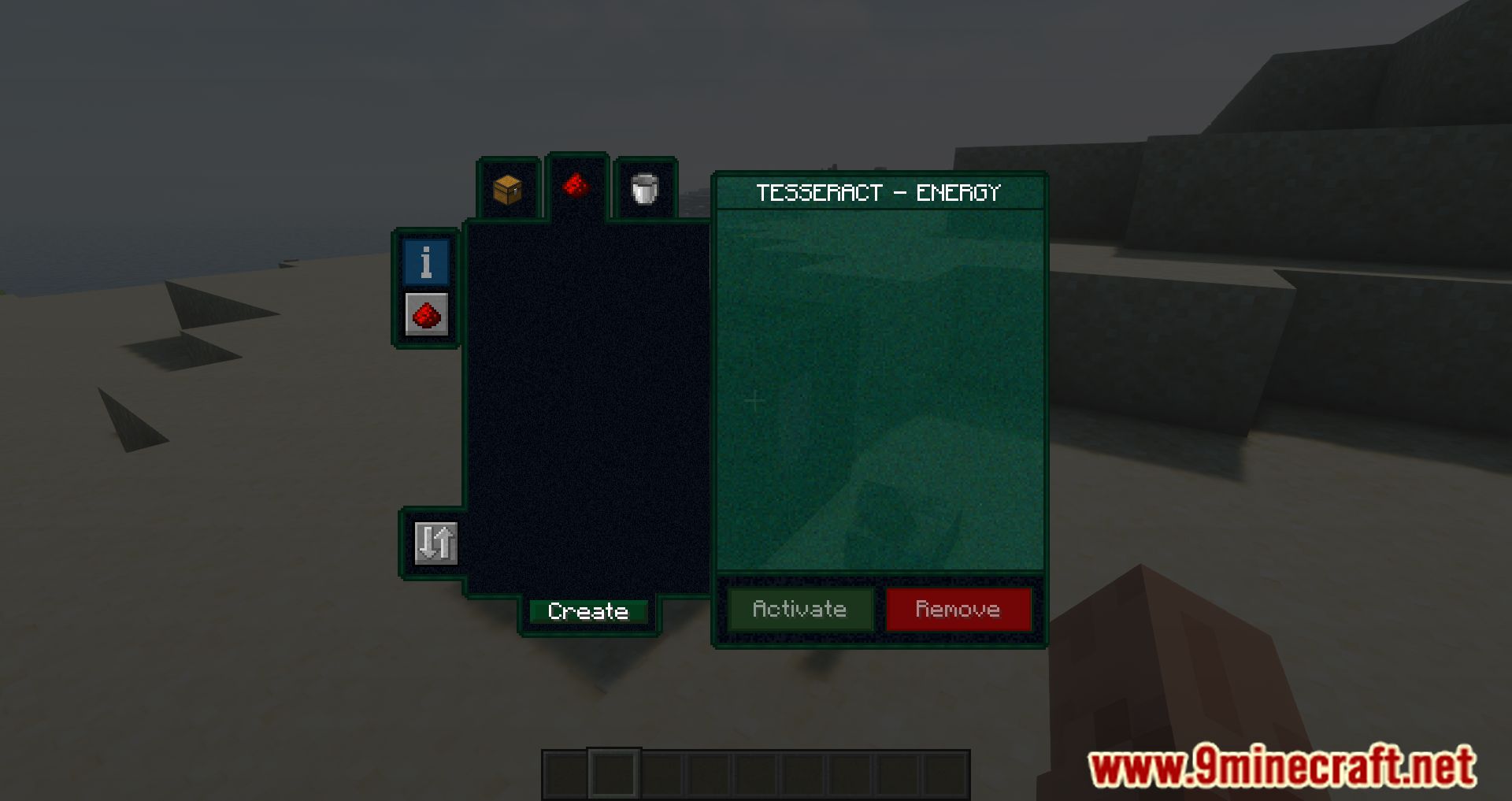
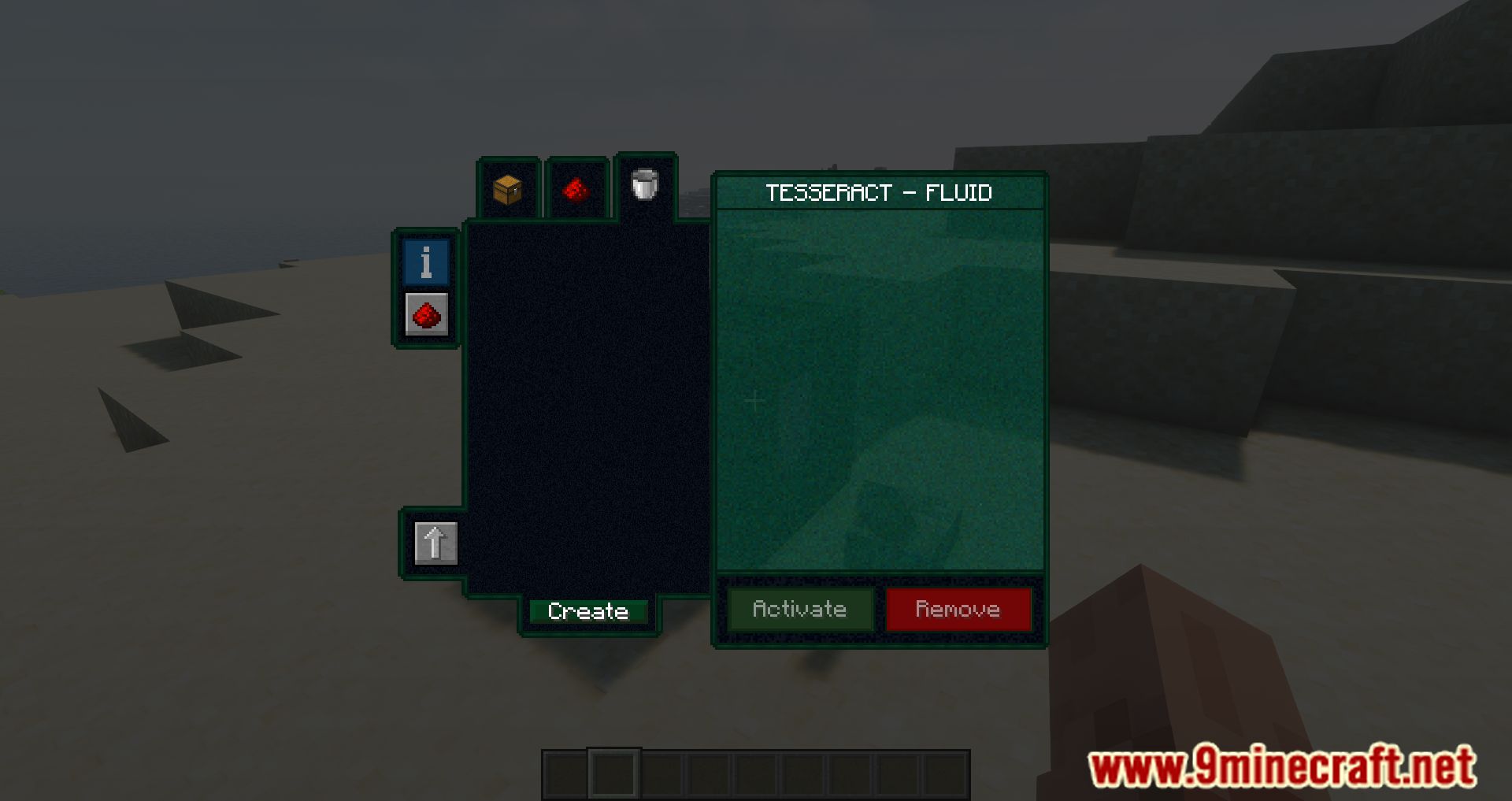
Tesseract Mod is a mod that allows players to craft a single block called the Tesseract, which facilitates the transfer of items, energy, and fluids between any two points-including different dimensions. The functionality is straightforward. A Tesseract connects to another-or multiple-Tesseracts using channels. This means a single Tesseract can have several channels linking it to different Tesseracts. In the image below, the inventory of a Tesseract is shown with two channels, but only one of them is unlocked. These channels are independent for each type of resource. That is, multiple channels can be created for energy, liquids and fluids, and items. Players can add as many channels as they want and name them however they like.
Features:
- Instantly send items, fluids, and energy between linked Tesseracts.
- Build larger Tesseracts for increased transfer rates and storage.
- Configure Tesseracts to accept or block specific items and fluids.
- Create multiple channels for different types of transfers.
- Control Tesseract connections using redstone signals.
- Compatible with most mods using Forge Energy.
How to use:
- Right-click a Tesseract to open its GUI.
- All transfers occur between Tesseracts that share the same channel.
Key Concepts
- Channel: A named connection used to link multiple Tesseracts.
- Category Tabs: Separate channels for
Items,Fluids, andEnergy. - Private / Public:
- Locked: Private channel (only you can use it).
- Unlocked: Public channel (others can use it).
Creating a Channel
- Open the Tesseract GUI.
- Select the desired category tab (
Items,Fluids, orEnergy). - Click Create.
- Enter a channel name.
- Set the lock state (private or public).
- Click Create again to confirm.
Activating a Channel
- Open the Tesseract GUI.
- Select the correct category tab.
- Choose a channel from the list.
- Click Activate.
Removing a Channel
- Open the Tesseract GUI.
- Select the category tab of the channel.
- Click the channel name.
- Click Remove.
Note: Only Tesseracts set to the same channel and same category can transfer data between each other.
Screenshots:
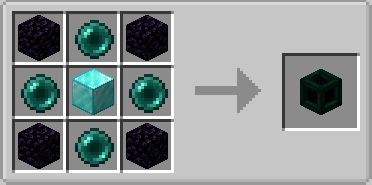
Crafting Recipes:
Tesseract Mod Download Links
- Edition: Minecraft Java
- File type: .jar
- Minecraft version listed: 1.20.1
- How to install: Install the matching mod loader (Forge, Fabric or NeoForge) for your Minecraft version. → Download the .jar. → Put it in the .minecraft/mods folder and launch that loader profile.
- Where to get it: In MC Java Mods, or directly above on this page.
Install steps are the general flow for this file type — How to install Minecraft Java mods & modpacks walks through it step by step.
- Downloads as 175731.mcaddon
- Download size: 1.2 MB
- Download link checked 26 Sept 2026 — working
- Mirrored on our own servers — the download does not depend on the original host
These come from our own check of the pack file, not from the source page.