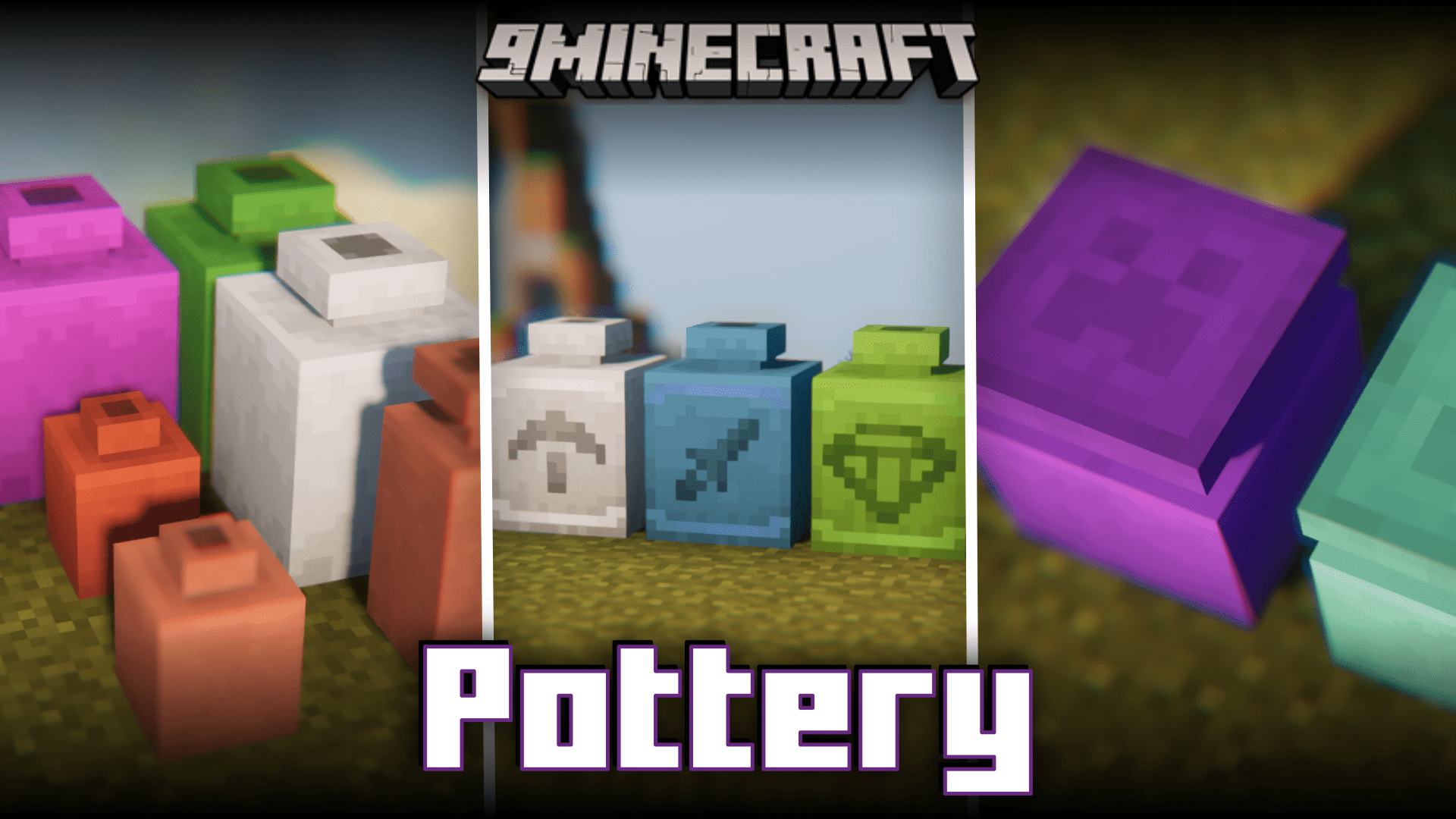
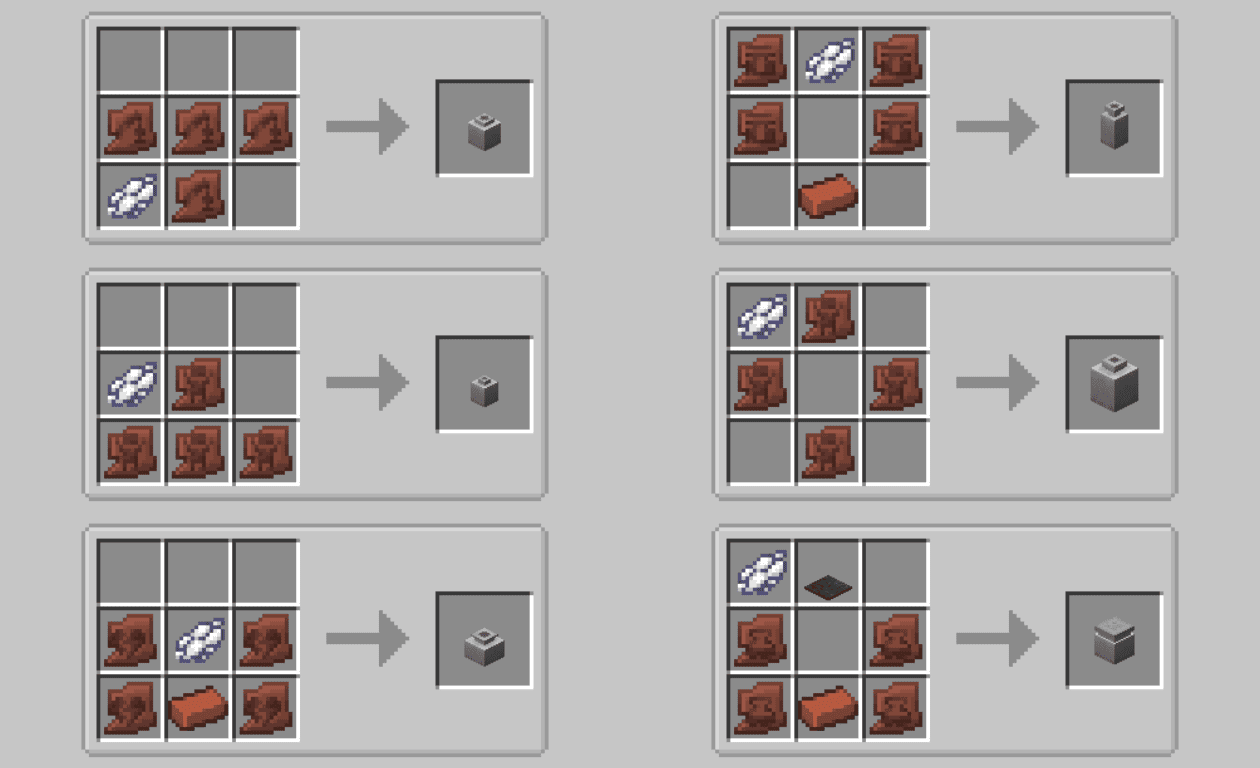
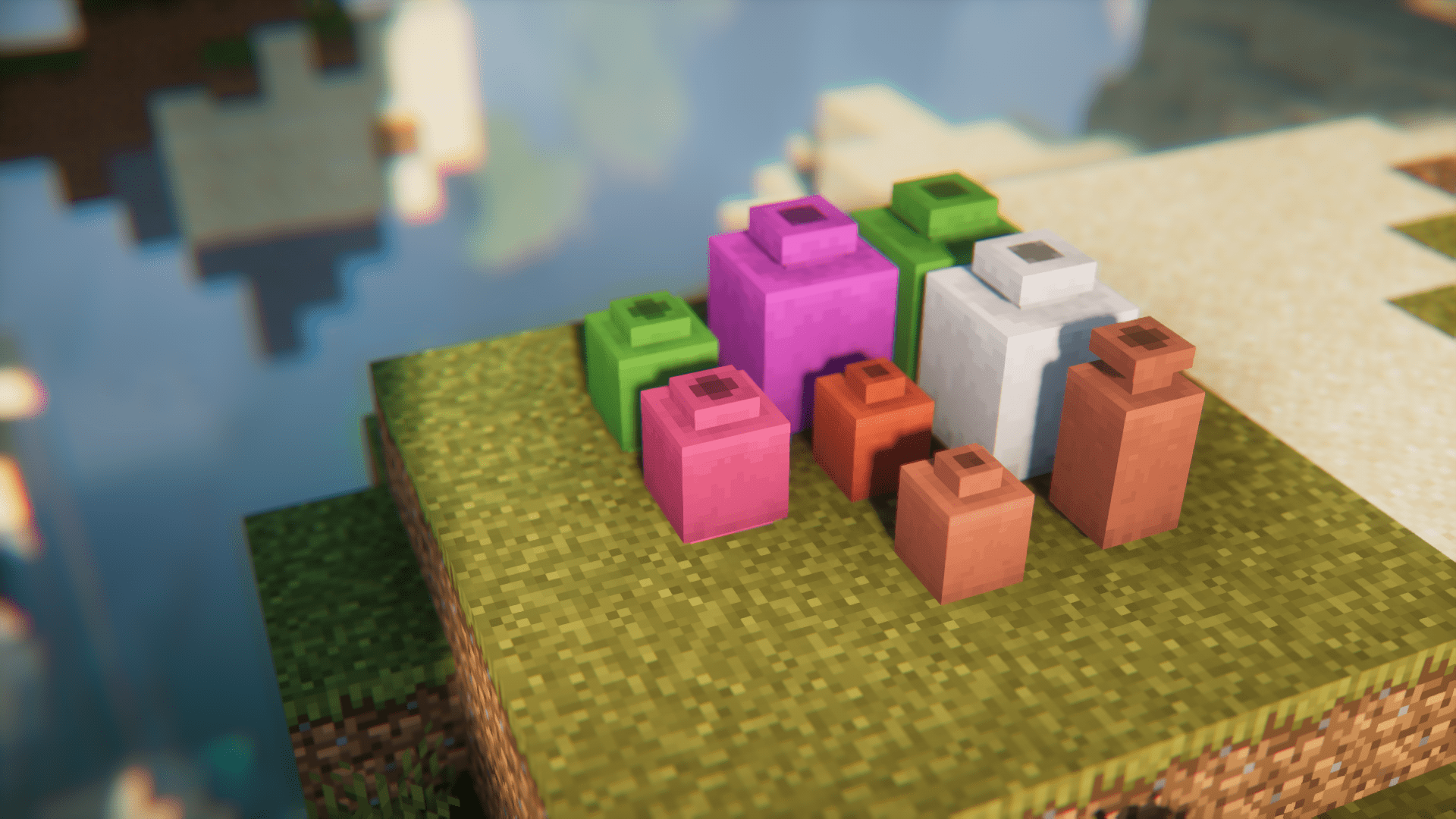
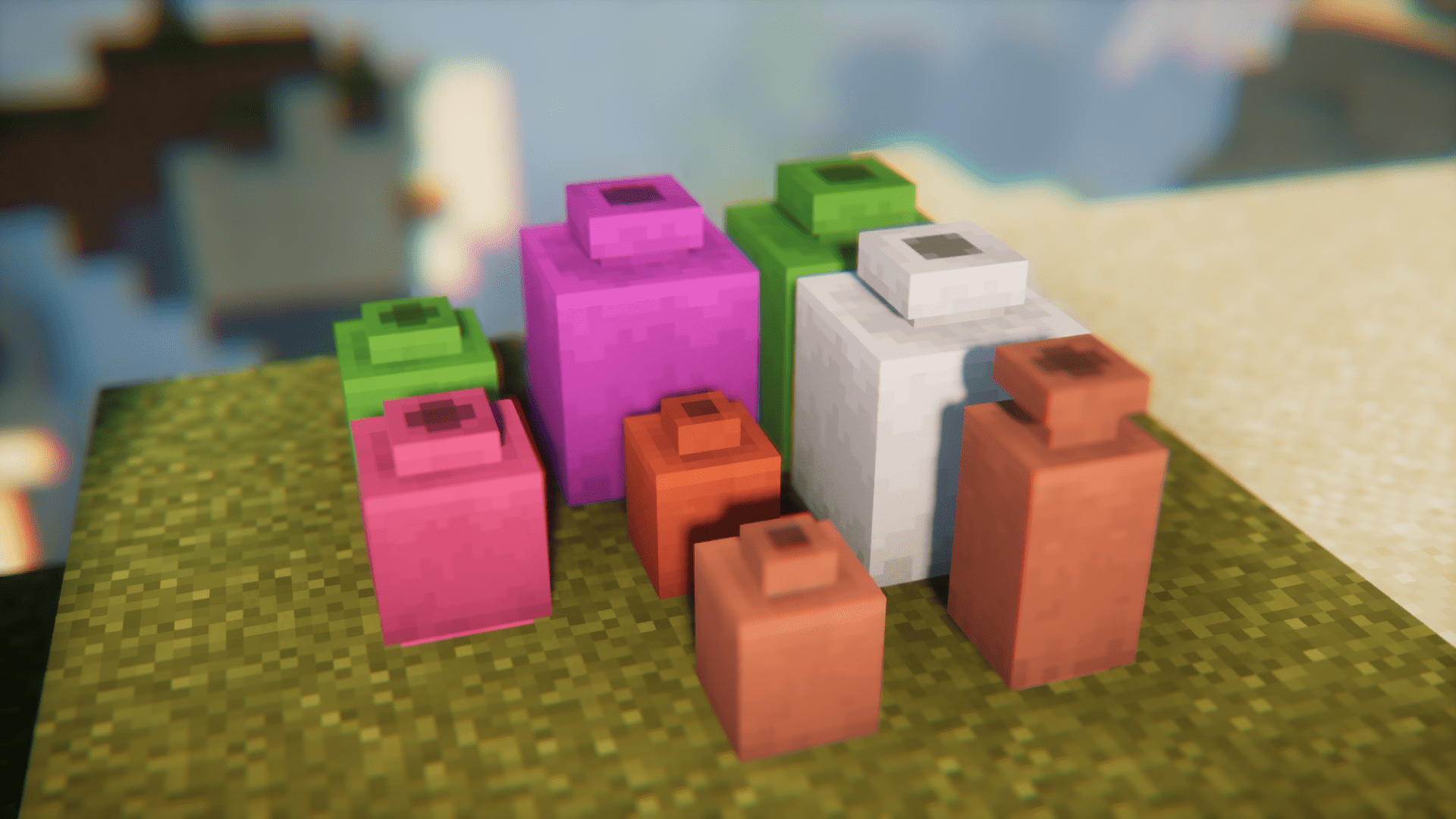
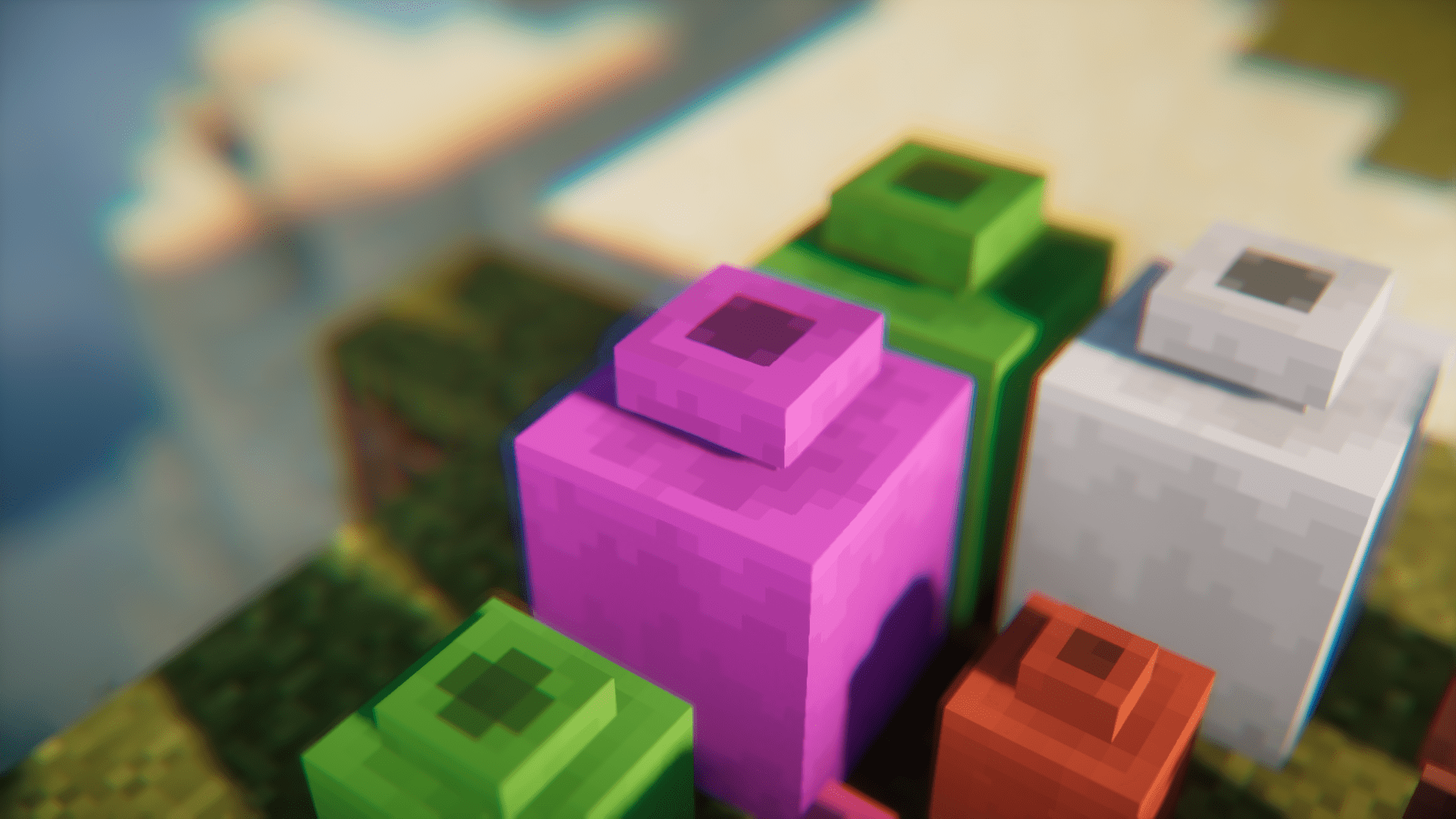
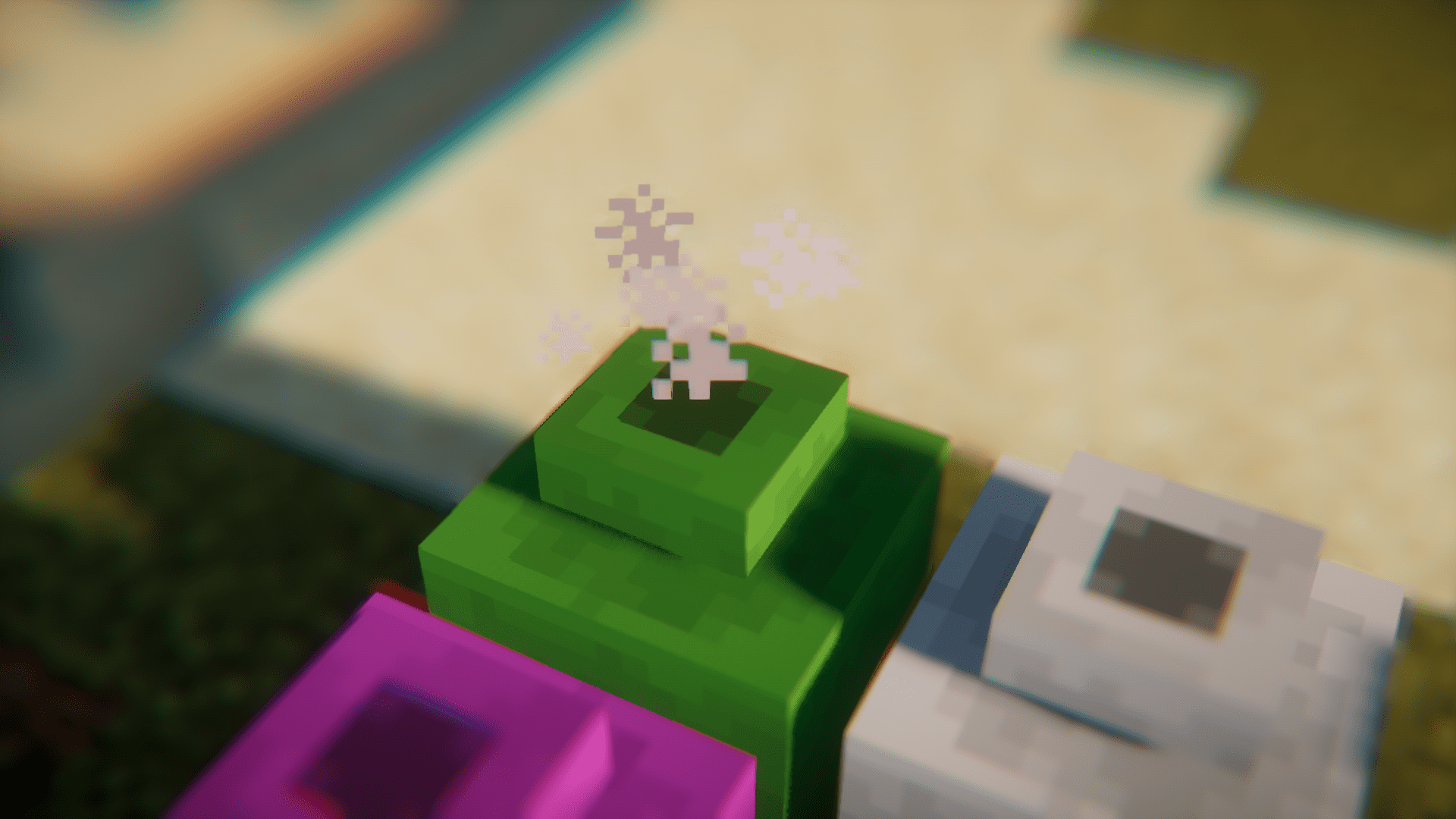
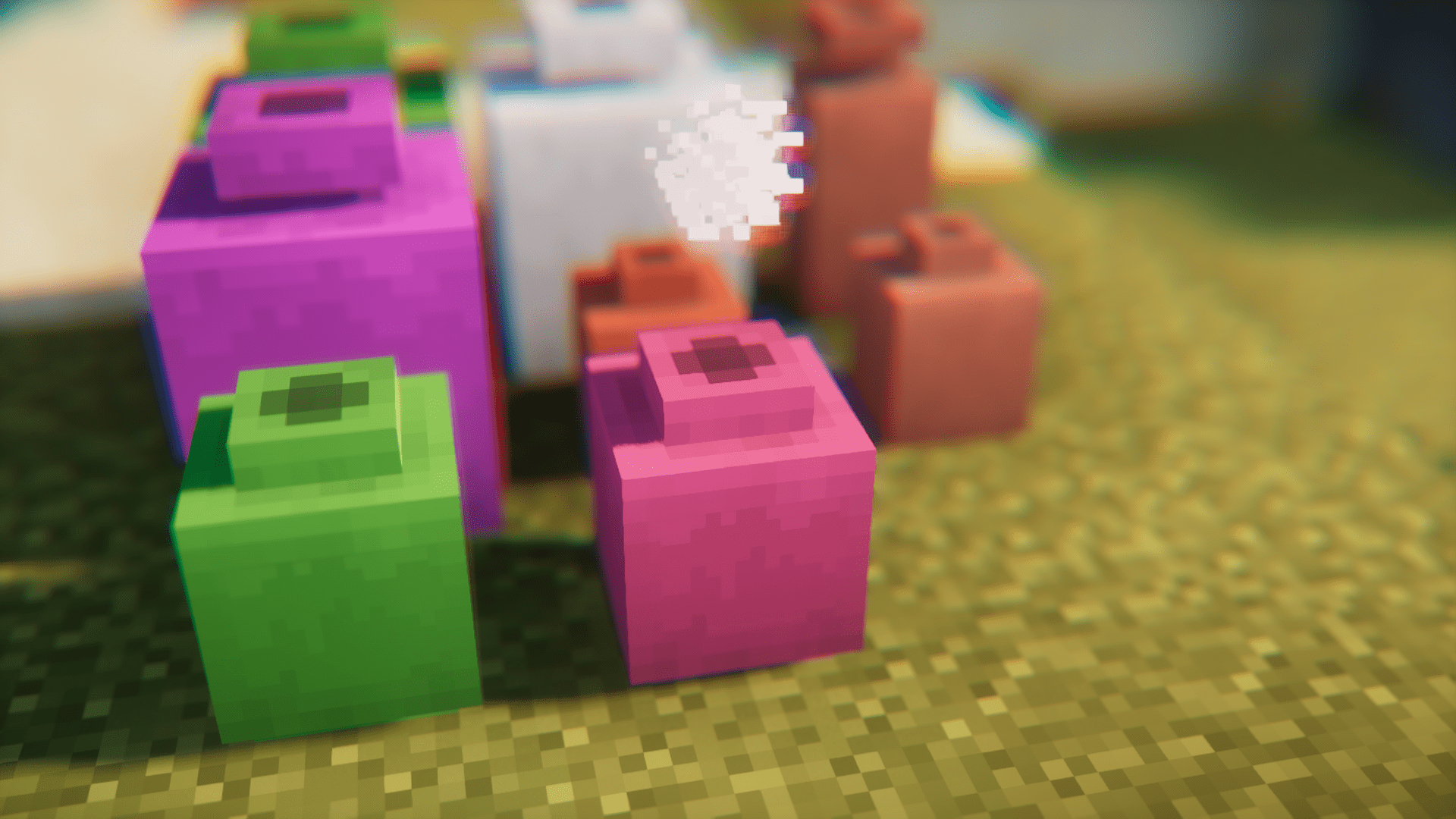
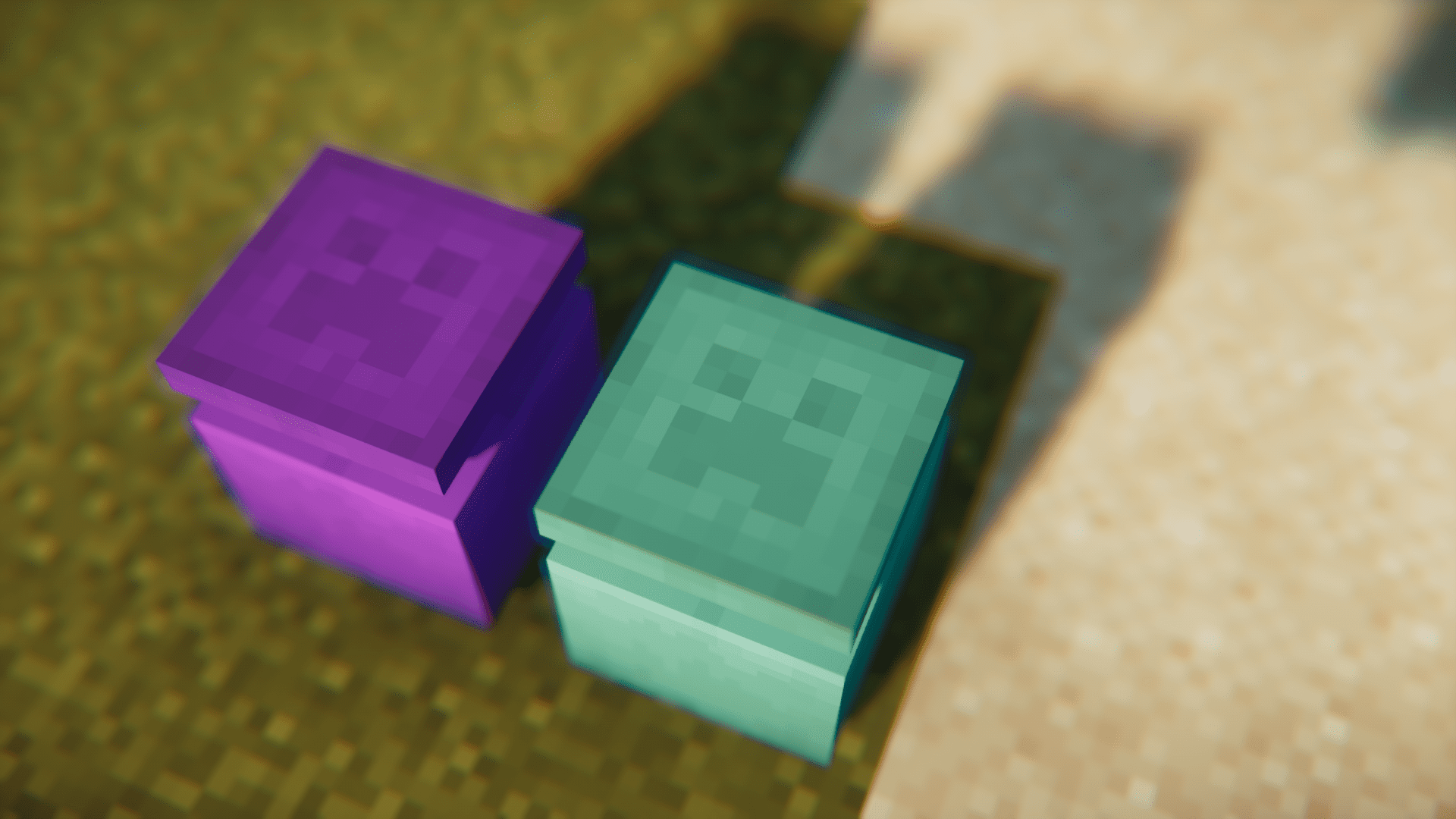
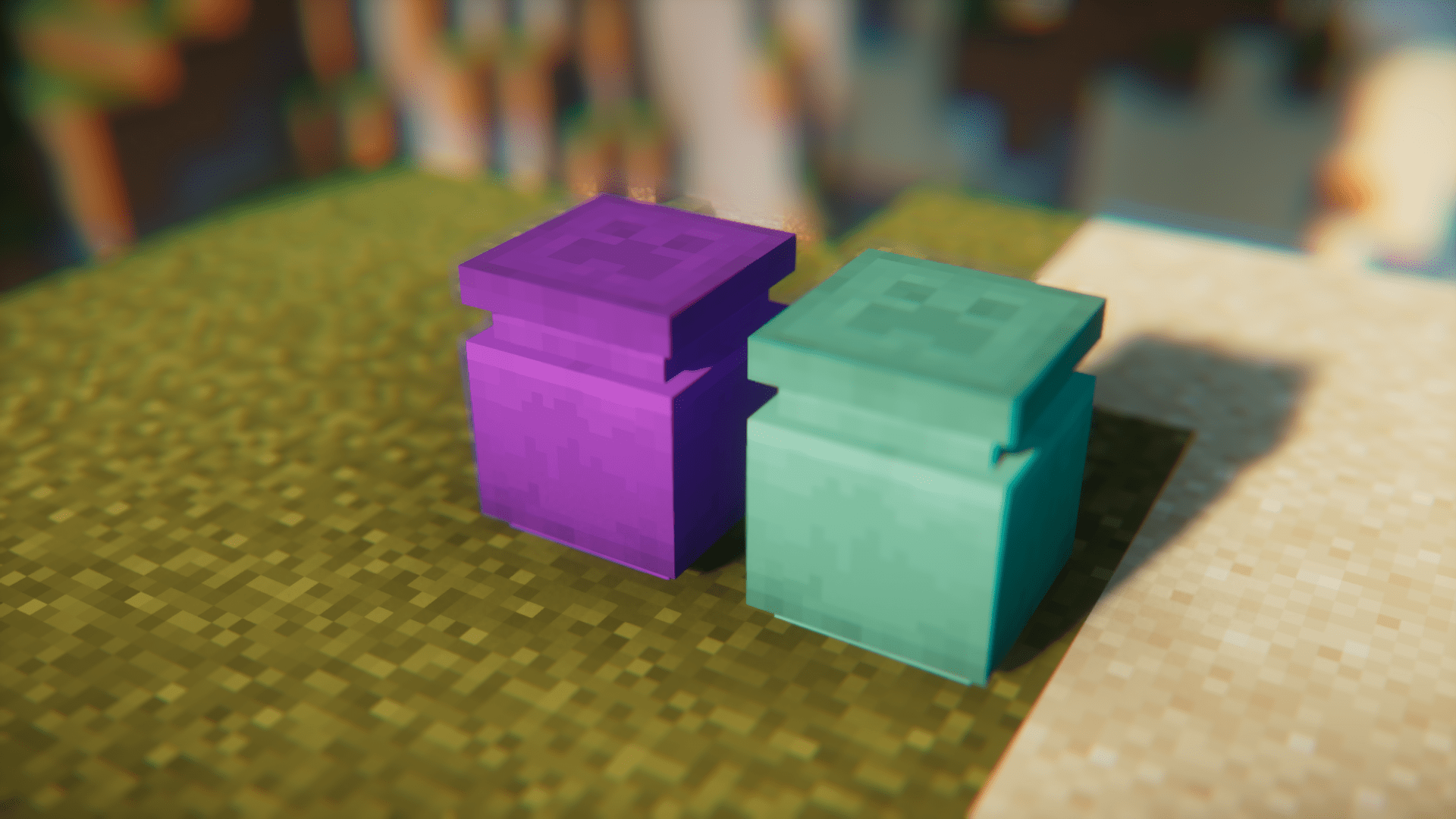
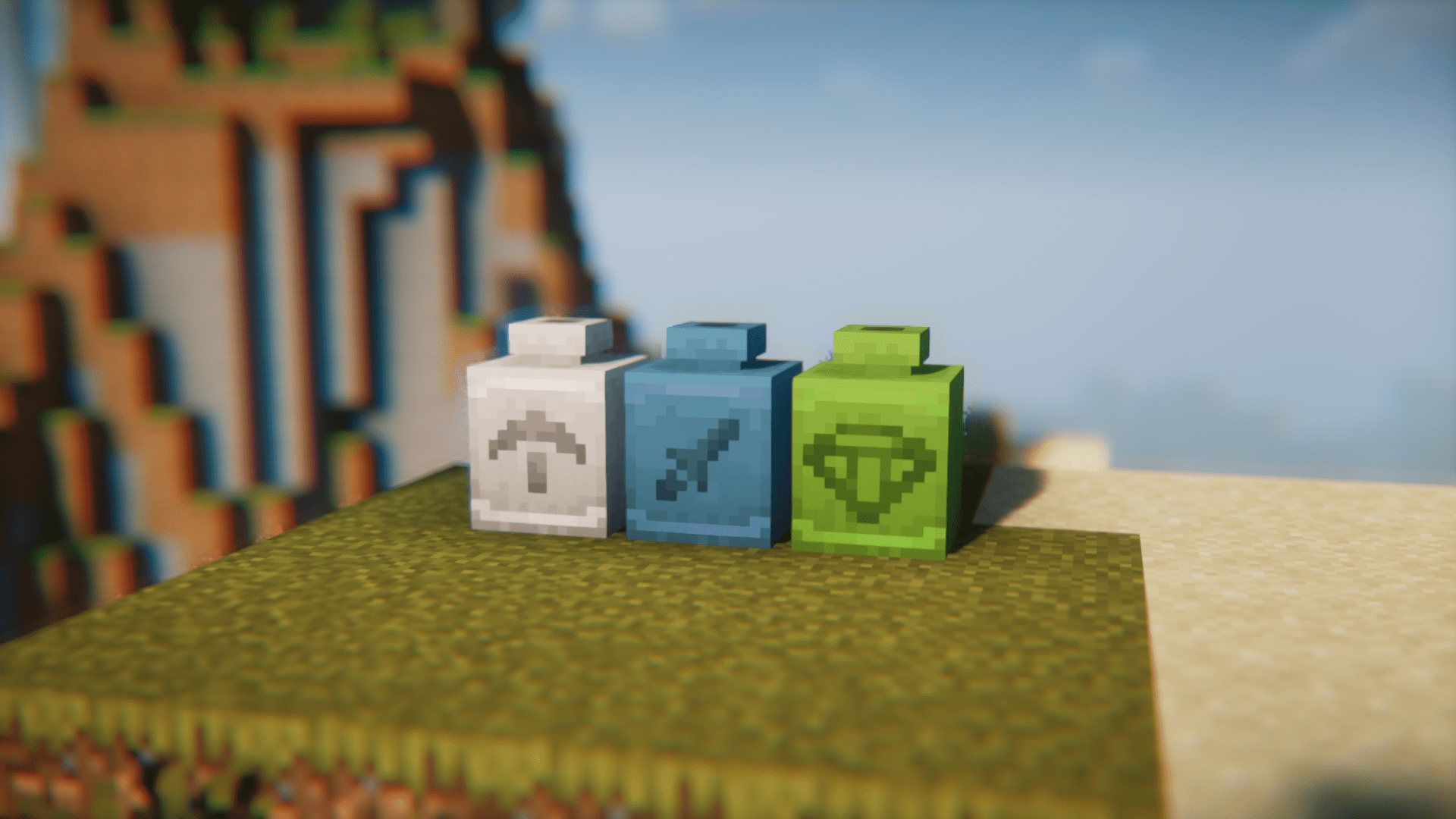
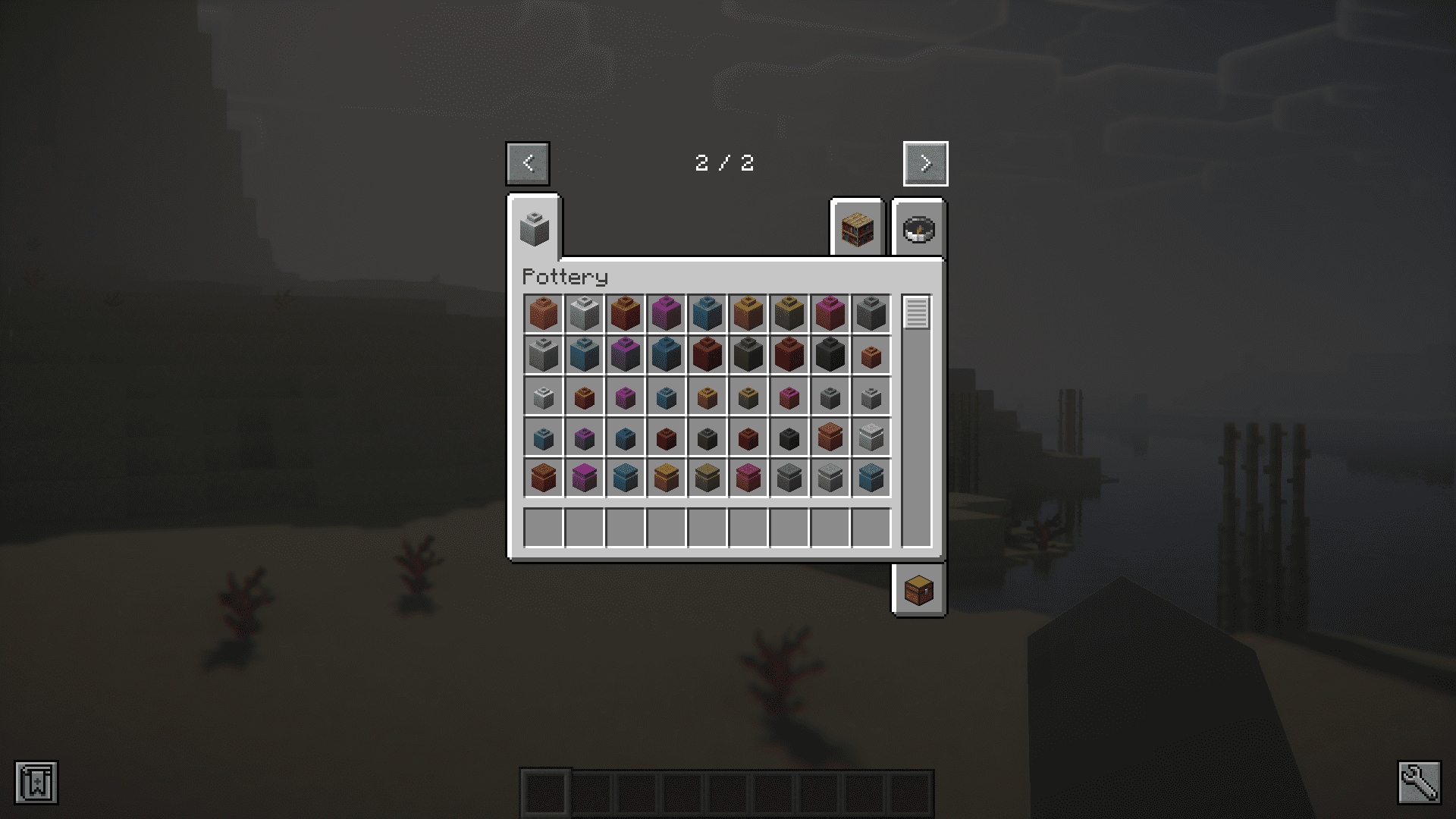
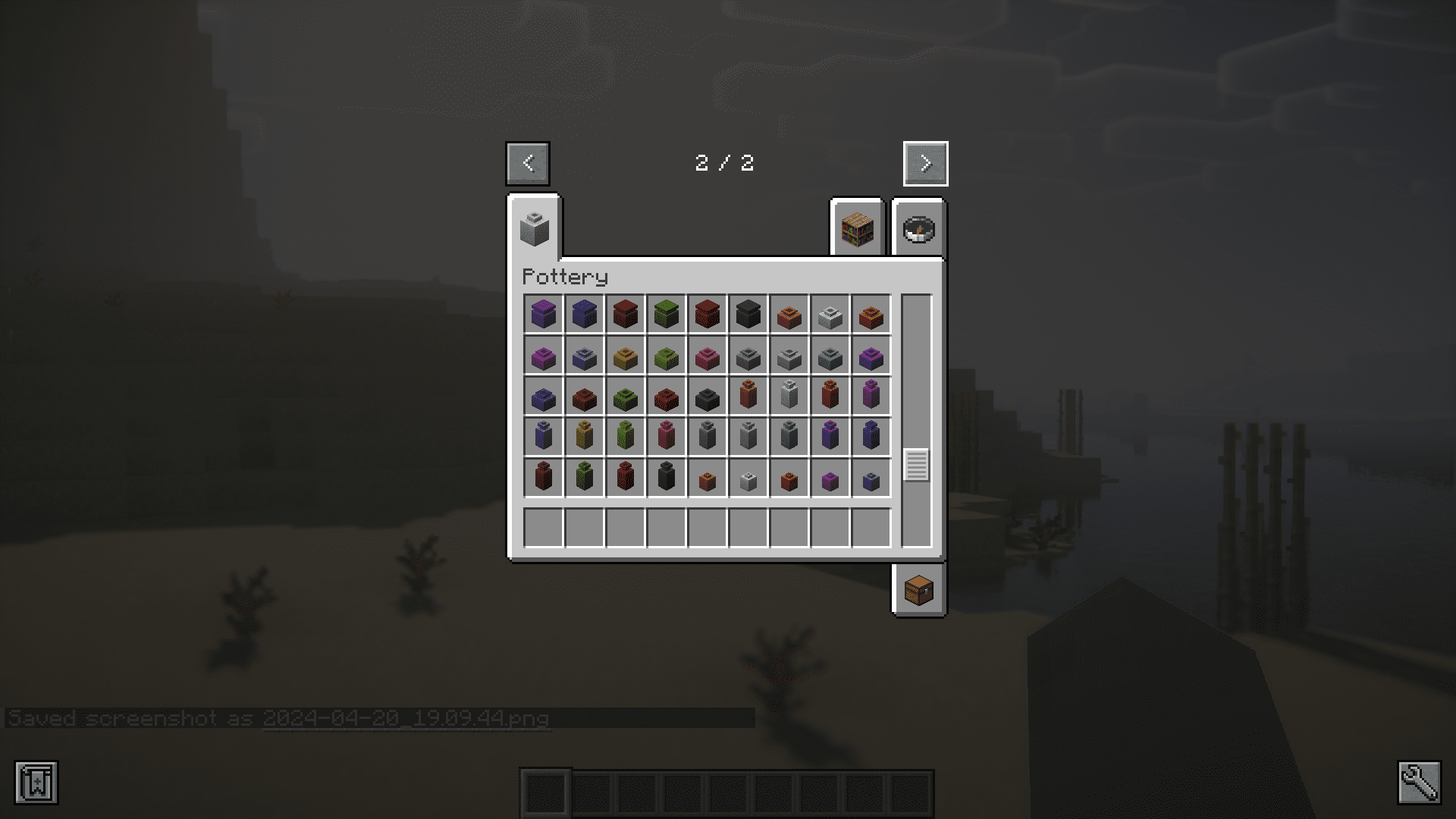
Pottery Mod introduces decorative pots into the game. They come in five different variants and seventeen different colors including the uncolored ones. That is a total of 85 pots added by this mod. You can craft them using the recipe given below. The white dye in the recipe can be replaced with any in-game dye of your choice. You can also right click a pot using a dye to color it. The color on a pot can be washed off using a cauldron. Simply right-click the pot on a cauldron filled with water. Furthermore, you can add patterns onto your pots by right clicking them with different sherds.
Features:
- Adds decorative pots into the game.
- Five variants that come in seventeen different colors.
- Right click a pot to color it or use a dye in the crafting recipe.
- Remove the color on a pot by right clicking it on a water filled furnace.
- Add patterns onto pots by right-clicking on them with a sherd.
Crafting Recipes:
Screenshots:
Pottery Mod Download Links
- Edition: Minecraft Java
- File type: .jar
- Minecraft version listed: 1.20.1
- How to install: Install the matching mod loader (Forge, Fabric or NeoForge) for your Minecraft version. → Download the .jar. → Put it in the .minecraft/mods folder and launch that loader profile.
- Where to get it: Opens on the file's original source — not every file is mirrored on our own servers.
Install steps are the general flow for this file type — How to install Minecraft Java mods & modpacks walks through it step by step.
Pottery Mod (26.2, 1.20.1) – New Decorative Pots is a free Minecraft Java mod. Compatible with Minecraft 1.20.1. Download it and open it directly in the game.